The Laniakea Supercluster - Galaxies and Gravity Streamlines in Geometry Nodes
 codesignprojects

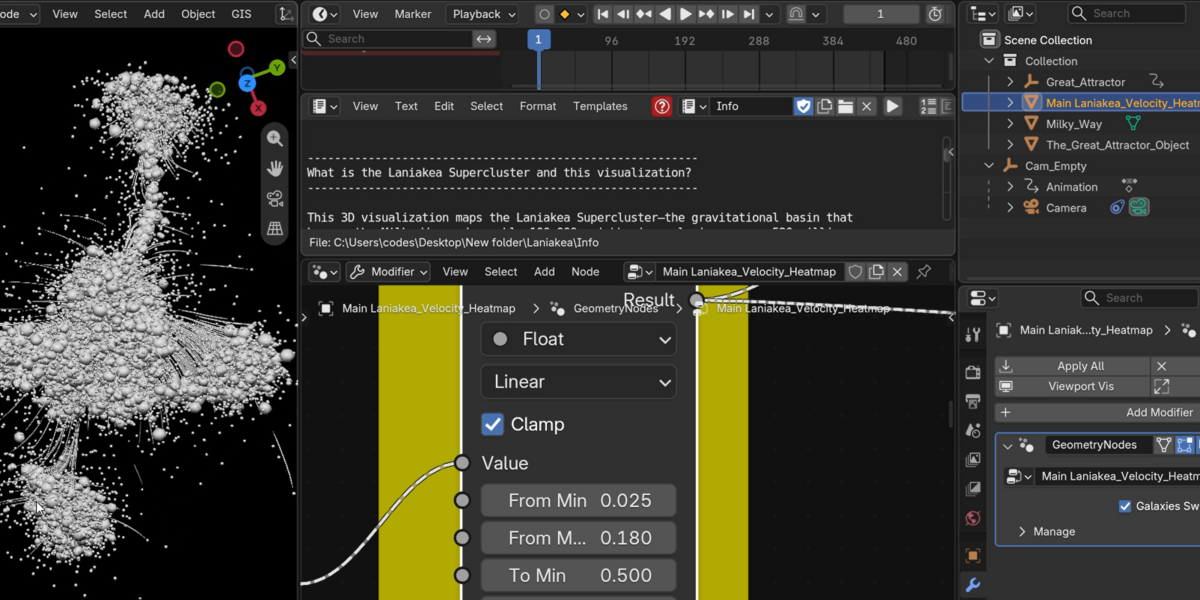
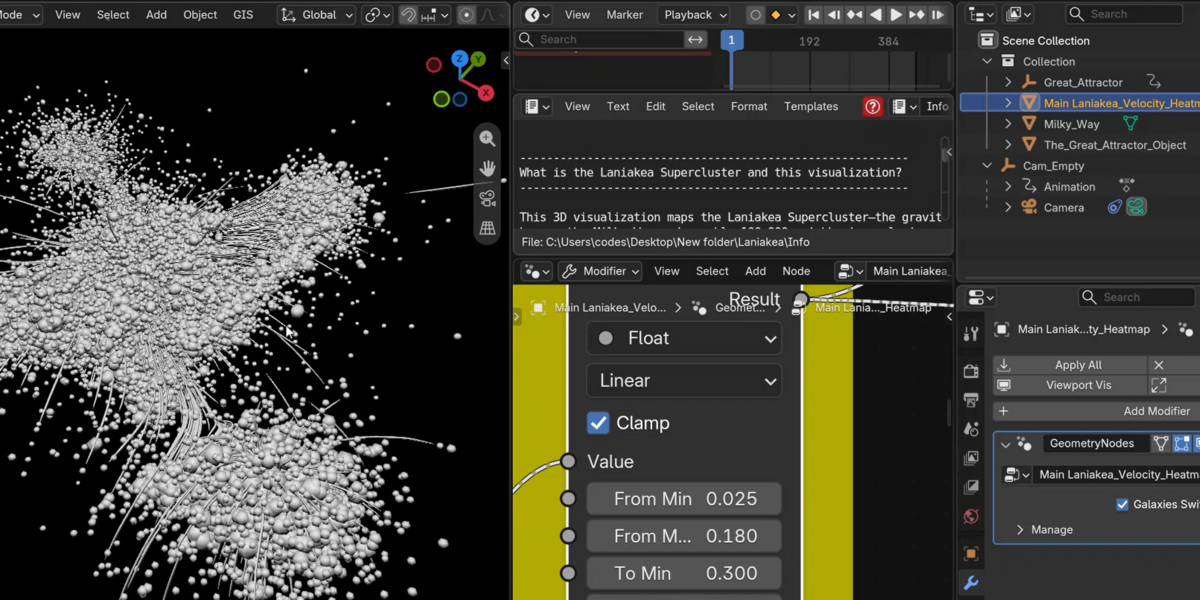
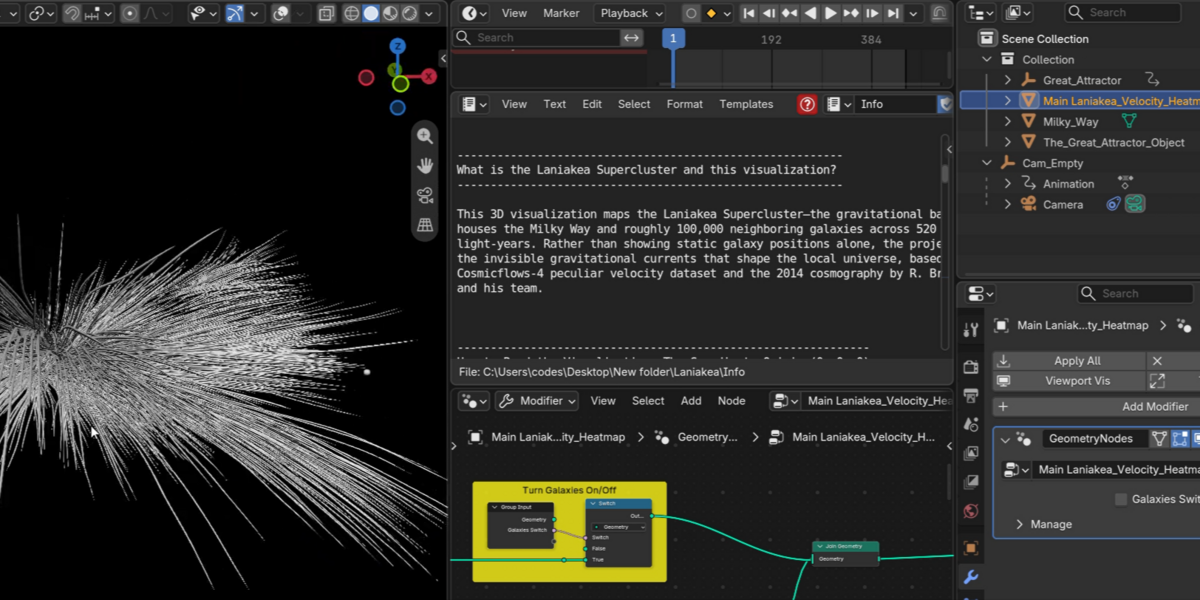
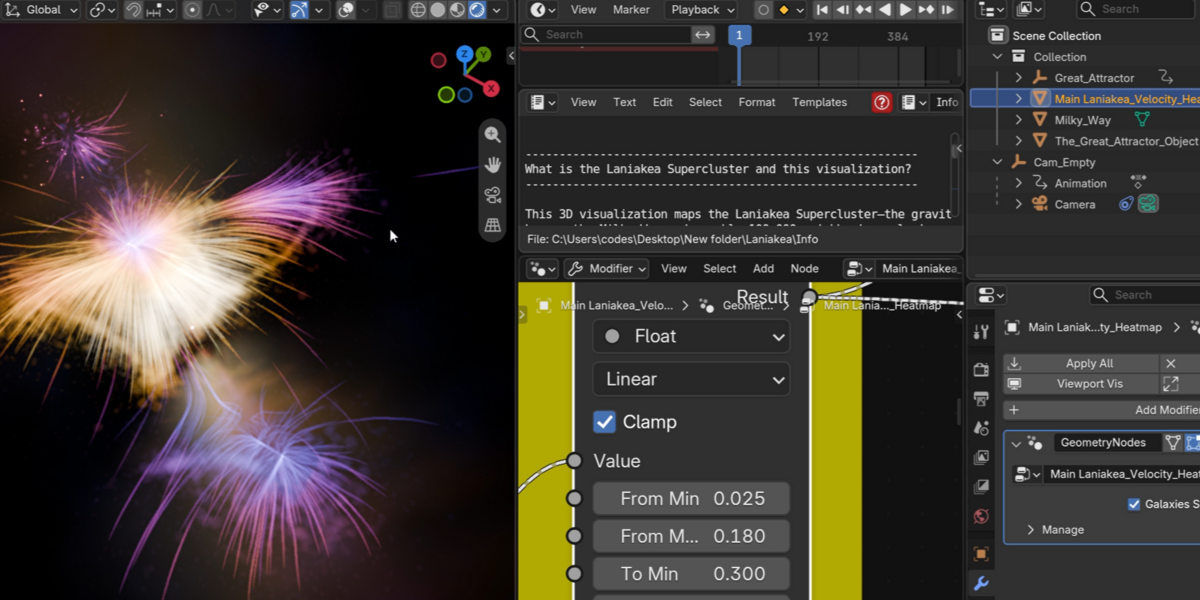

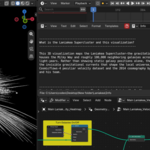
Why do the middle-right blue streamlines (Coma) sweep past Laniakea?
In the Cosmicflows-4 dataset, the Coma Supercluster (In_Laniakea = 0) is not bound to Laniakea, but is pulled toward the massive Shapley Concentration on the opposite side—so its gravitational current sweeps past Laniakea's boundary.
How do I adjust the animated pulse length, speed, and brightness in Laniakea_Main_Animation_Pulse.blend?
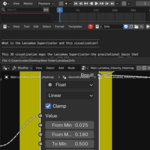
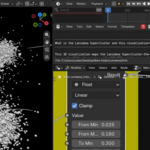
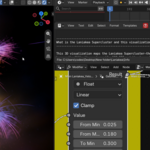
Open Streamline_Web_Pulse in the Shader Editor (Animated Pulse Wave frame):
Length & Fade: Drag the stops on the Pulse Length & Fade Color Ramp.
Count: Change Pulse Count (per curve) (default 5.0).
Speed: Change Pulse Speed (default 0.025).
Brightness: Adjust Map Range.001 (To Min = Blue brightness, To Max = Gold brightness).
How do I change streamline count or performance?
Adjust Probability in Frame 3A (0.85 = 15% of galaxies spawn streamlines; 0.93 = lighter/faster; 0.60 = denser web). For animation playback, use the Bake (Still) nodes before Trim Curve and Set Material so CSVs and the Repeat Zone aren't re-evaluated per frame.
Where should the two CSV files be located?
Where should the two CSV files be located? A: Keep Laniakea_CF4_Galaxies.csv and Laniakea_CF4_Velocity_Grid_v2.csv in the same folder as the .blend file. Both Import CSV nodes use relative paths (//). If you ever move the CSV files to a custom directory, simply re-select them inside Frame 1A and Frame 2A.
Why does the setup use two CSV files instead of one?
In real space, galaxies are clustered along dense filaments separated by vast, empty cosmic voids. If streamlines only sampled velocity vectors from galaxy locations, curves crossing empty voids would lose track of the flow. The second file (Laniakea_CF4_Velocity_Grid_v2.csv) provides a continuous 32×32×32 3D wind-tunnel lattice across the entire volume—including the voids—so streamlines curve smoothly all the way into the Great Attractor.
How do I isolate only the Laniakea Supercluster and hide the blue external clusters?
Go to Frame 1B — Laniakea Basin Filter in the Geometry Nodes tree and check the Switch box (True). Because both the galaxy spheres and the streamline seed branch read from this switch, toggling it immediately isolates Laniakea's gravitational basin (In_Laniakea = 1).
How can I adjust the number of streamlines or boost viewport FPS?
In Frame 3A — Thin Streamline Seeds, adjust the Probability Value node (0.0 to 1.0), which controls the fraction of points deleted before growing curves. At 0.85, 15% of galaxies (~3,675 seeds) spawn streamlines. Raising it to 0.92 (~1,950 seeds) makes the web lighter and even faster; lowering it to 0.60 (~9,800 seeds) creates a dense volumetric tapestry.
Does this work in both EEVEE and Cycles?
Yes! The shaders (Principled BSDF emission + alpha transparency), instanced smooth Ico Sphere galaxies, Curve to Mesh filaments, Camera Depth of Field, and Compositor Glare (Bloom) work seamlessly in both EEVEE and Cycles.
Can I plug my own custom CSV point clouds and vector fields into this setup?
Absolutely. Any numeric CSV table with position columns (Pos_X, Pos_Y, Pos_Z) and direction vectors (Vel_X_Norm, Vel_Y_Norm, Vel_Z_Norm) can be loaded into the Import CSV nodes to visualize custom fluid flows, magnetic fields, wind tunnels, or astronomical catalogs.
Have questions about this product?
Login to message
| Published | about 5 hours ago |
| Blender Version | 4.2 - 5.3 |
| Render Engine Used | Cycles, Eevee |
| License | Creative Commons |
Discover more products like this
Universe sci fi astronomy laniakea Science supercluster geometry nodes galaxy vector to curves procedural education great attractor