 CGArc
CGArc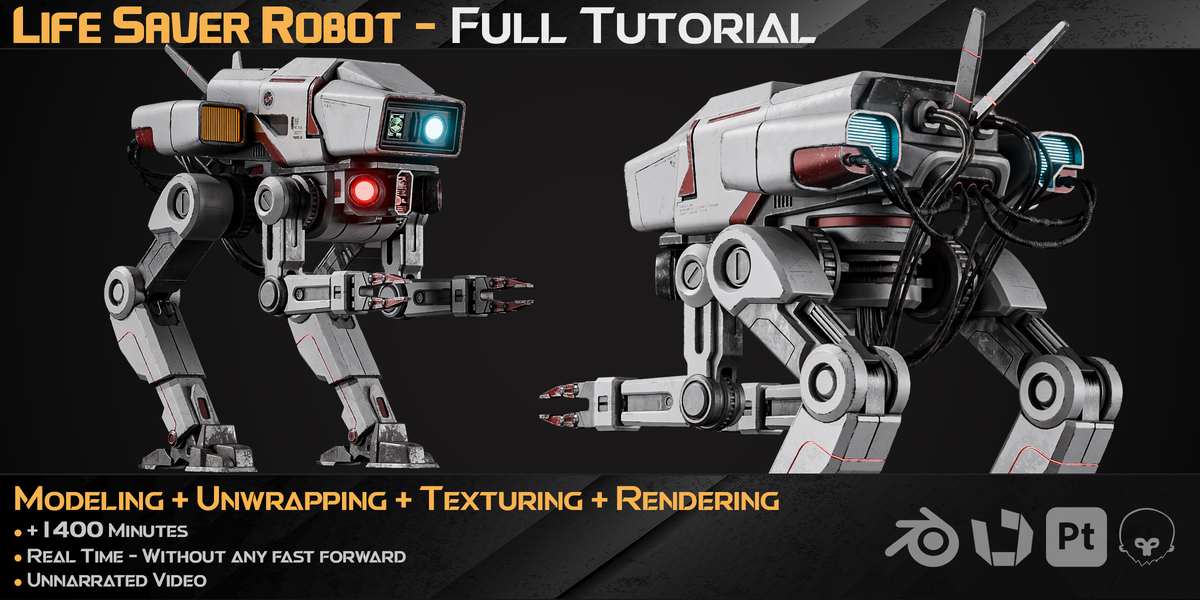
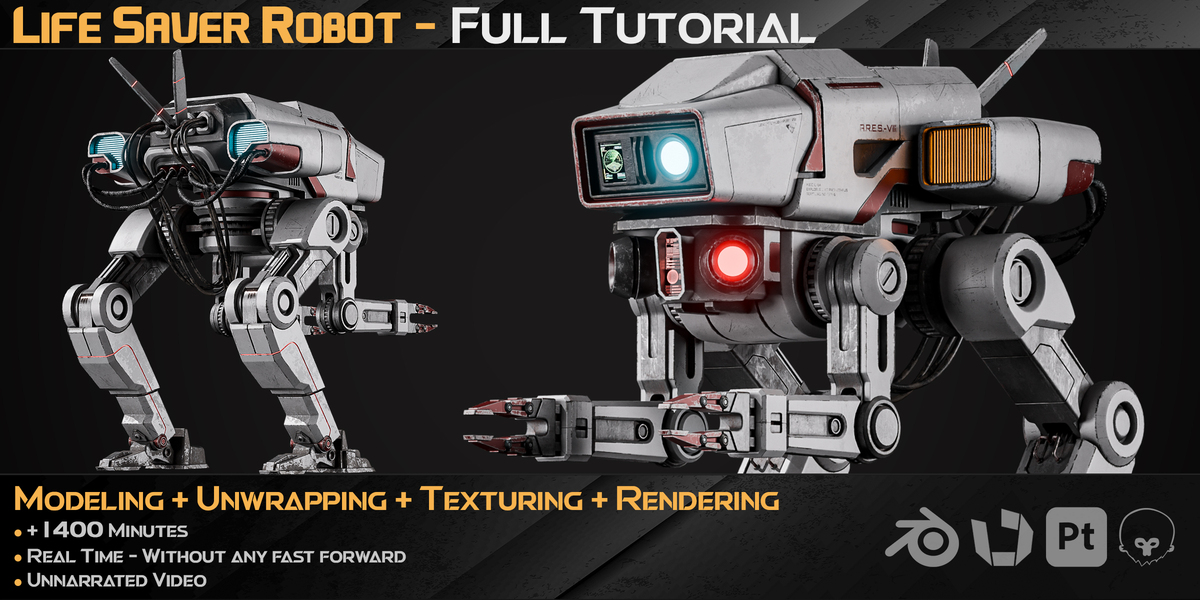
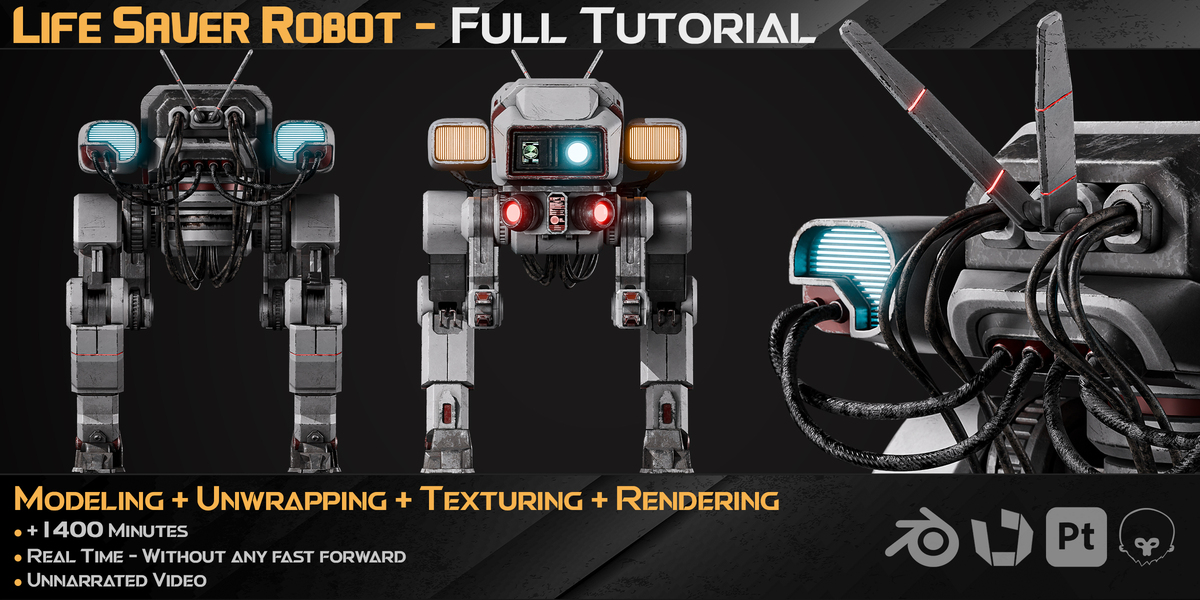
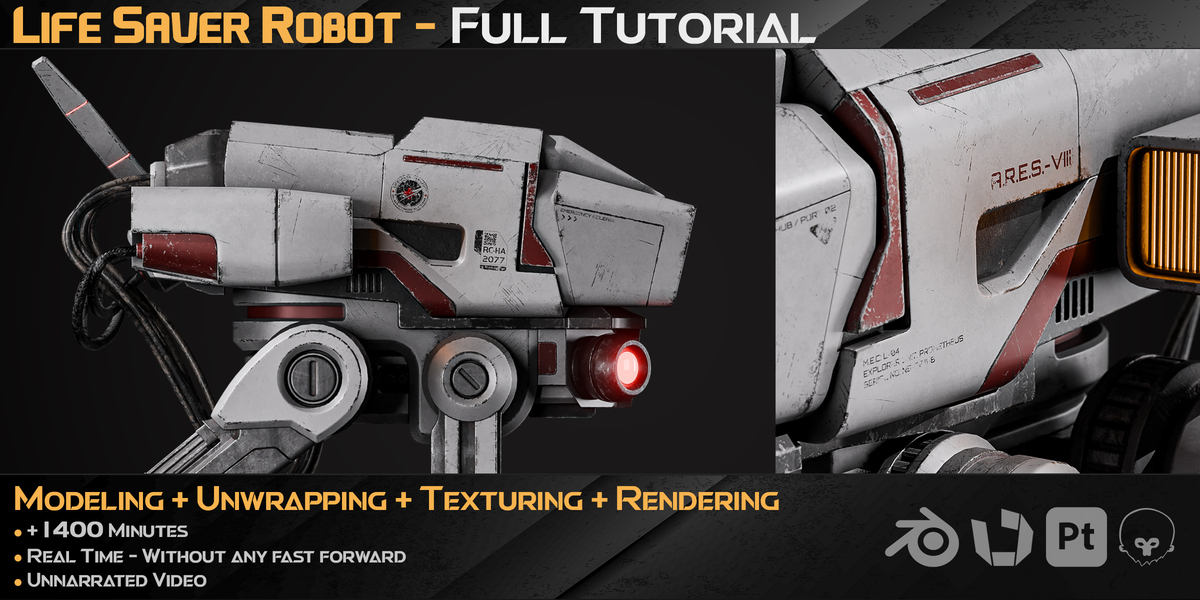
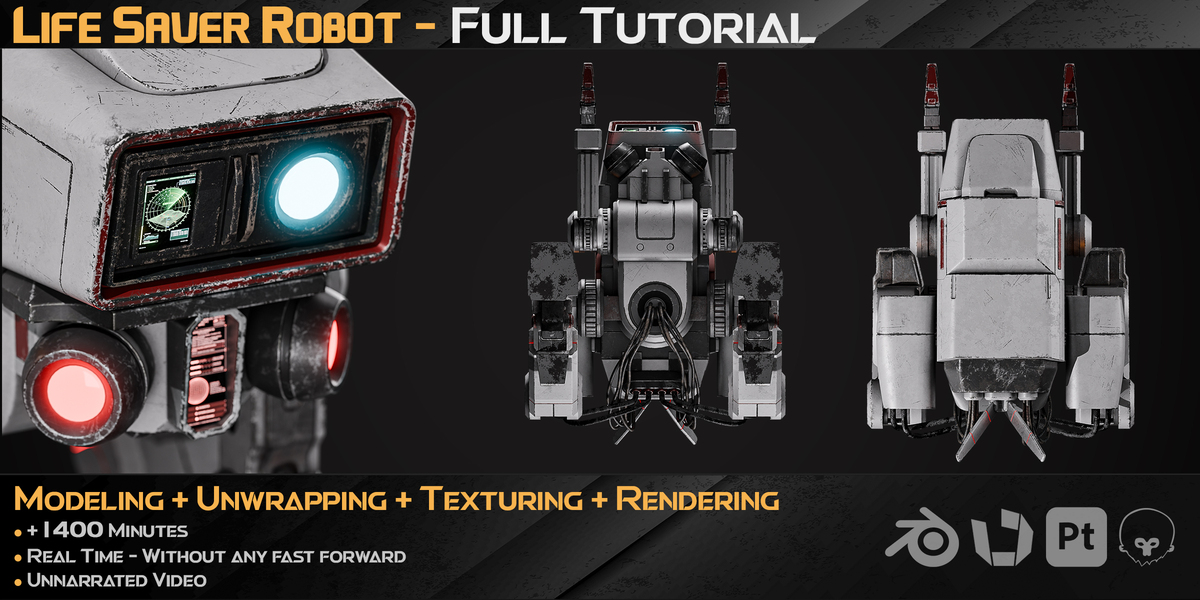
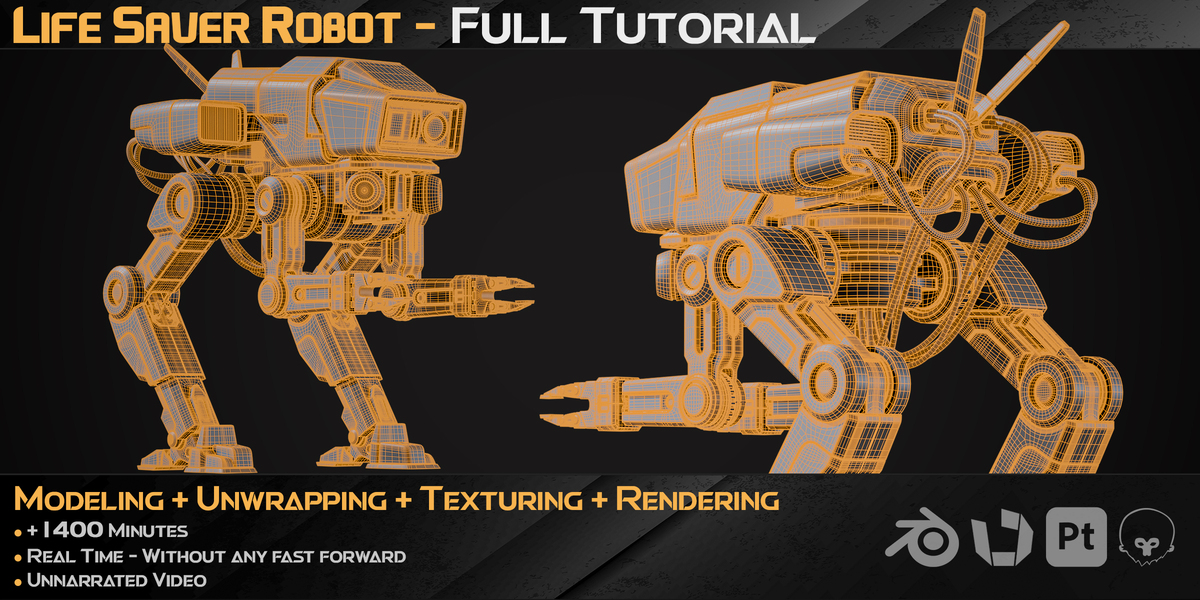
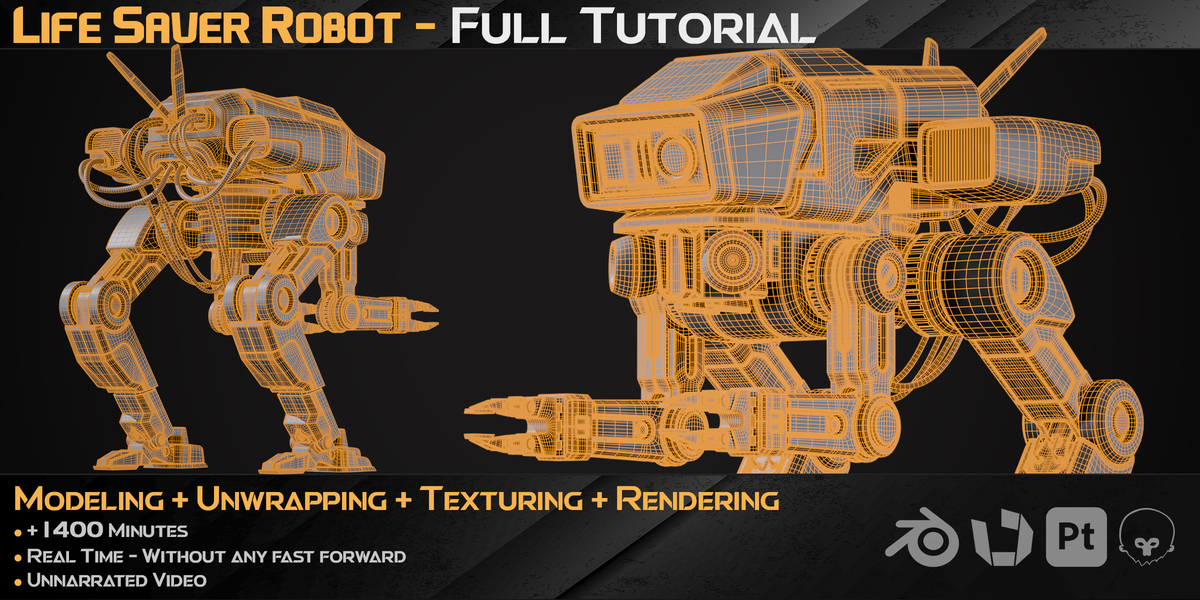
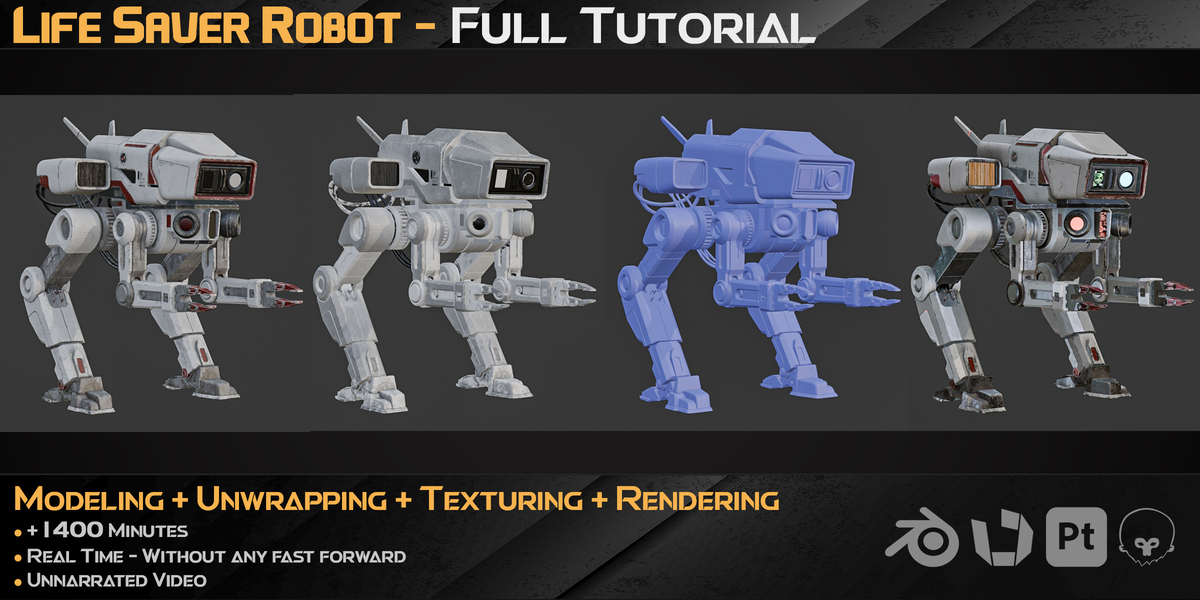
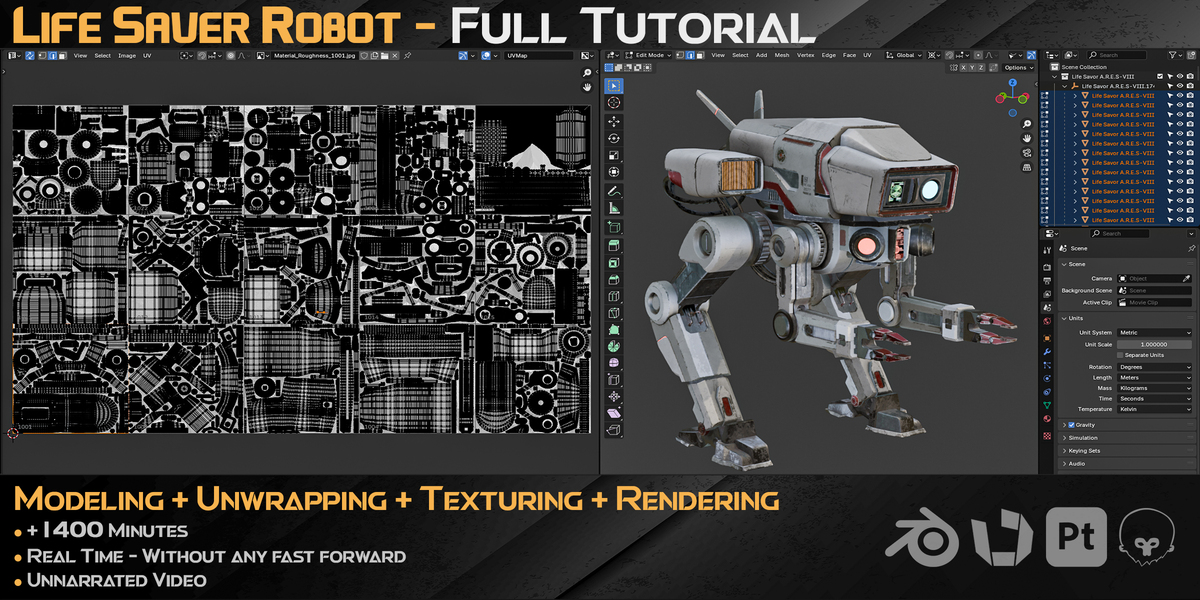
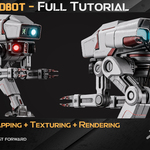
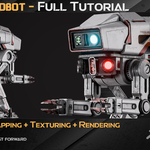
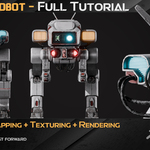
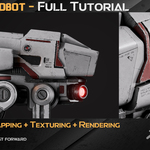
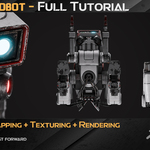
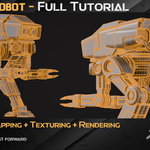
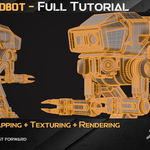
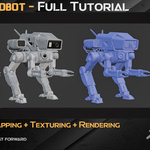
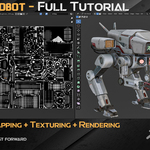
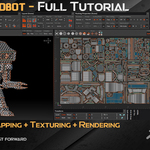
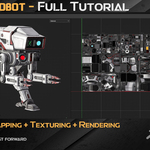
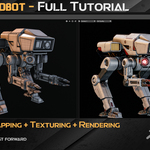
The Life Saver A.R.E.S-VIII Robot
Hard-Surface Modeling / Unwrapping / Texturing / Rendering
Ready to level up your 3D skills? This 23.5-hour, step-by-step tutorial guides you through building a high-detail hard-surface robot from scratch. Whether you want to refine your modeling workflow or master 4K texturing, this course gives you a practical, production-ready blueprint.
⚠️ Please Note Before Purchasing
This is a purely visual, real-time walkthrough. There is no voice narration or subtitles. You get full screen recordings in real time (no speed-ups) with an on-screen shortcut viewer showing every keypress.
🚀 Why Check Out This Course?
- 100% Real-Time & Transparent: Watch the entire process uninterrupted. You will see every click, edge split, and topology fix as it happens.
- Tackle Complex Industrial Shapes: Learn how to merge smooth curves with sharp mechanical parts—skills you can apply to industrial gear, tech products, or automotive designs.
- Industry-Standard Pipeline: Learn how to move smoothly between apps: Blender (Modeling) → RizomUV (Unwrapping) → Substance Painter (Texturing) → Blender & Marmoset Toolbag 5 (Rendering).
- Production-Ready Standards: Build clean quad topology and optimize your UVs for maximum texel density, matching the quality expected in real studio environments.
- Portfolio-Ready Output: By the end, you’ll have a realistic, high-detail asset ready to showcase in your portfolio.
📂 Course Breakdown
- Modeling (Blender 4.2) | 66 Lessons | ~18 Hours
Start from basic shapes and build up complex mechanical details layer by layer. Master boolean cleanup, surface curvature, and clean quad workflows.
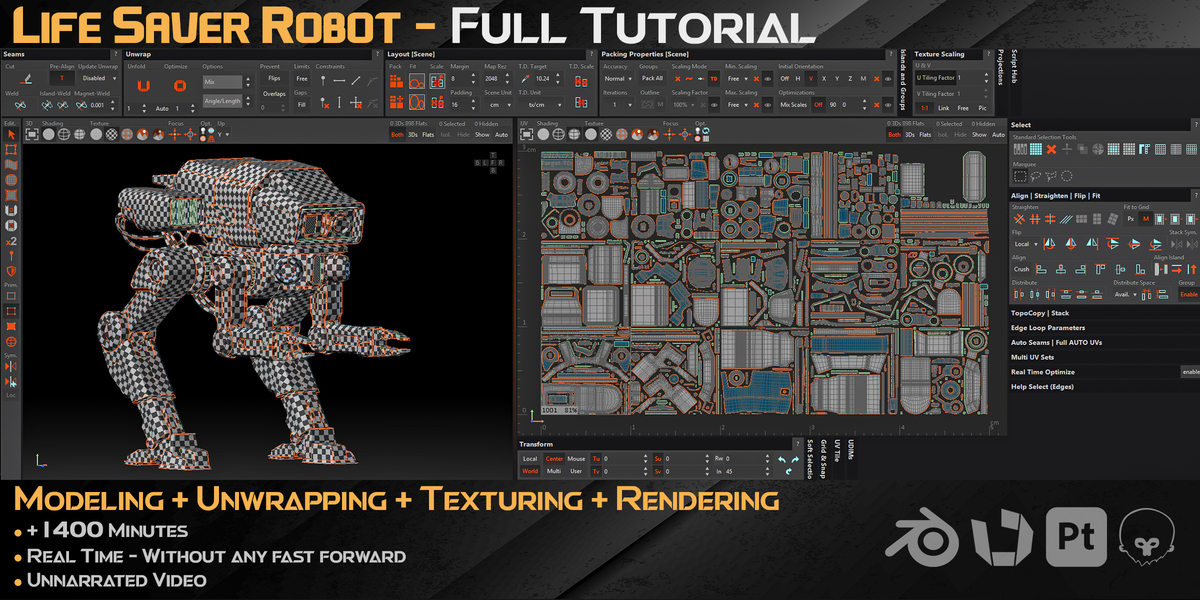
- UV Unwrapping (RizomUV) | 6 Lessons | ~2 Hours
Learn smart unwrapping for dense meshes. Use RizomUV and material linking to optimize texel density, set up UDIMs, and avoid blurry textures.
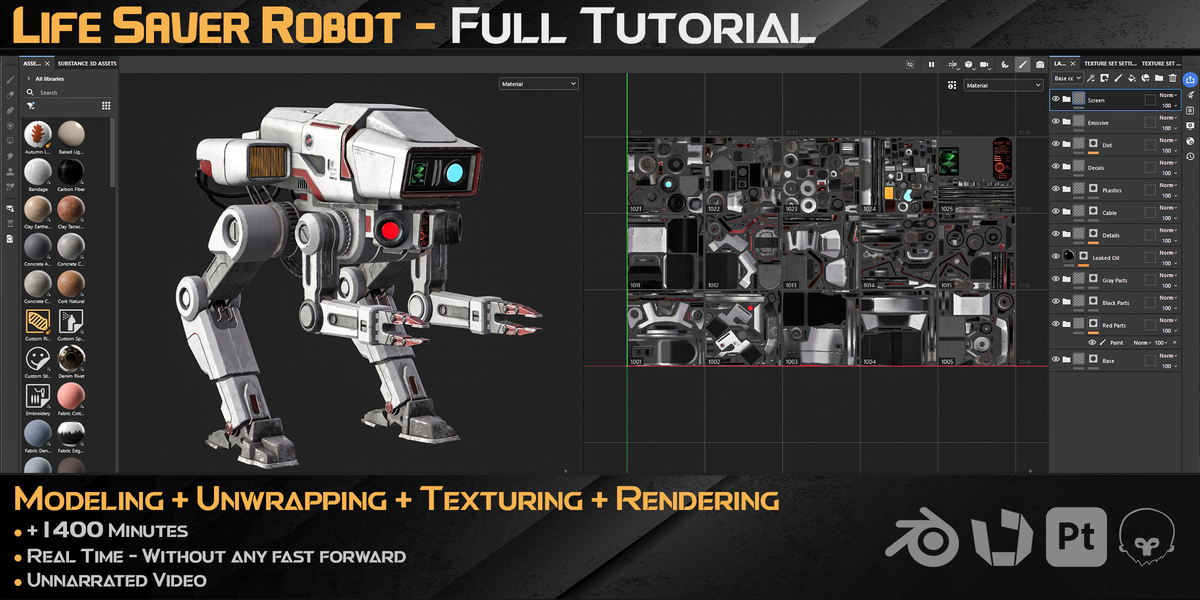
- Texturing (Substance Painter 12.1) | 7 Lessons | ~2 Hours
Bring the robot to life with realistic wear, custom decals (included), and clean detail work for a photorealistic finish.
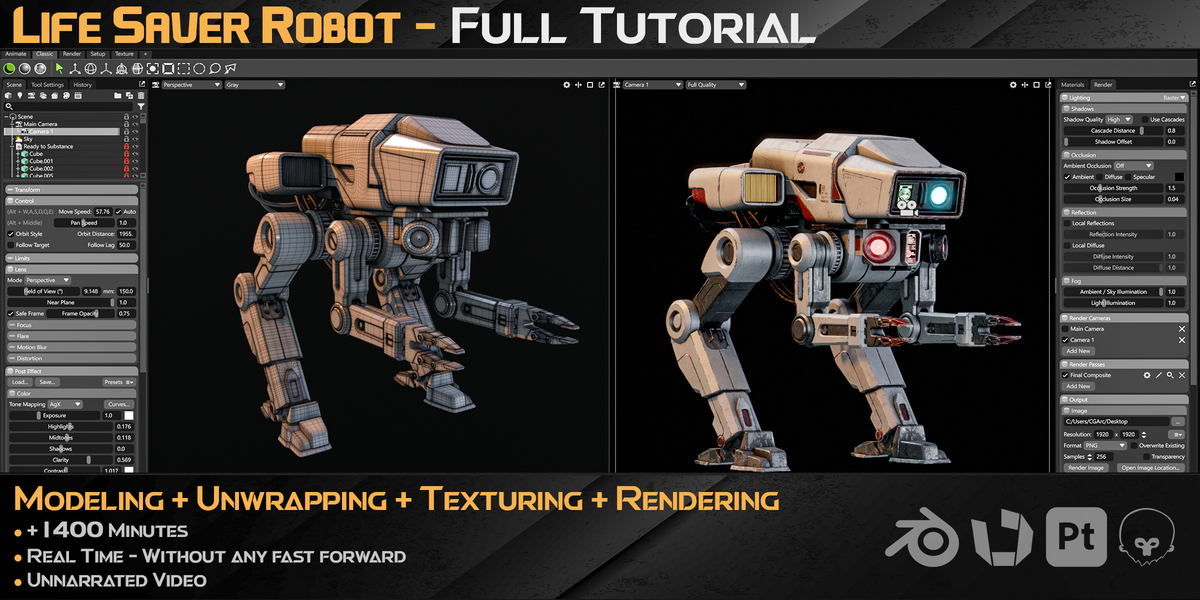
- Lighting & Rendering (Blender & Marmoset Toolbag 5) | 3 Lessons | ~45 Minutes
Set up professional studio lighting and cameras to highlight mechanical details and create clean renders.
🛠 Details & Specs
- Total Duration: 23 Hours, 21 Minutes (82 Videos, 1080p)
- Format: Real-time video with on-screen keyboard shortcuts
- Audio: None (Smooth Background Music)
- Skill Level: Upper-Intermediate (Basic knowledge of the software is recommended)
- Tools Used: Blender 4.2 (Loop Tools), Substance Painter 12.1, RizomUV, Marmoset Toolbag 5
📦 Asset Specs
- Topology: Clean, quad-focused mesh
- Textures: 4K JPG (8-bit)
- UVs: Fully unwrapped & optimized
- Polycount:
- Vertices: 450,685
- Edges: 892,256
- Faces: 441,986
- Triangles: 883,972
Take your hard-surface workflow to the next level. Grab the course, follow along, and build an asset you’ll be proud to put in your portfolio!