The Roads Must Roll - Procedural Streets & Bridges
 Astopia




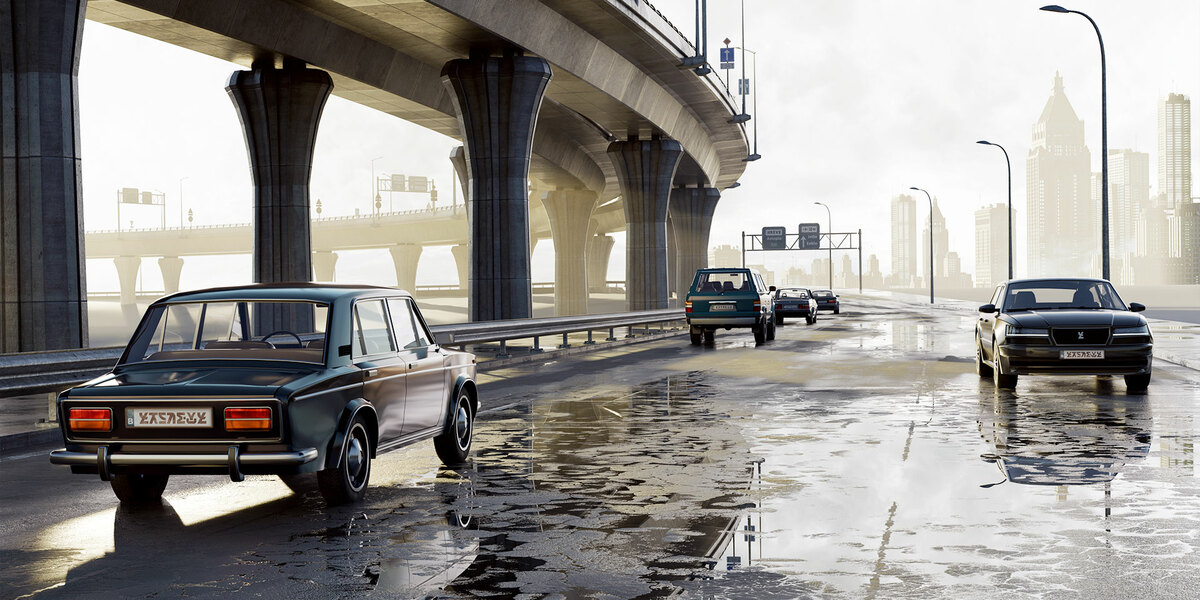
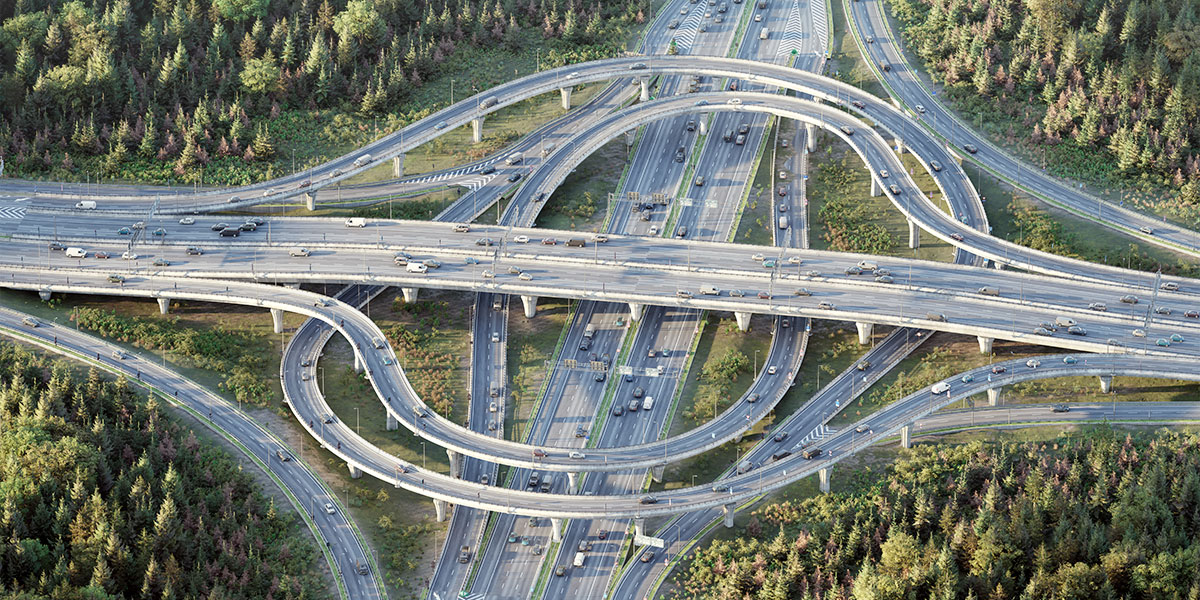
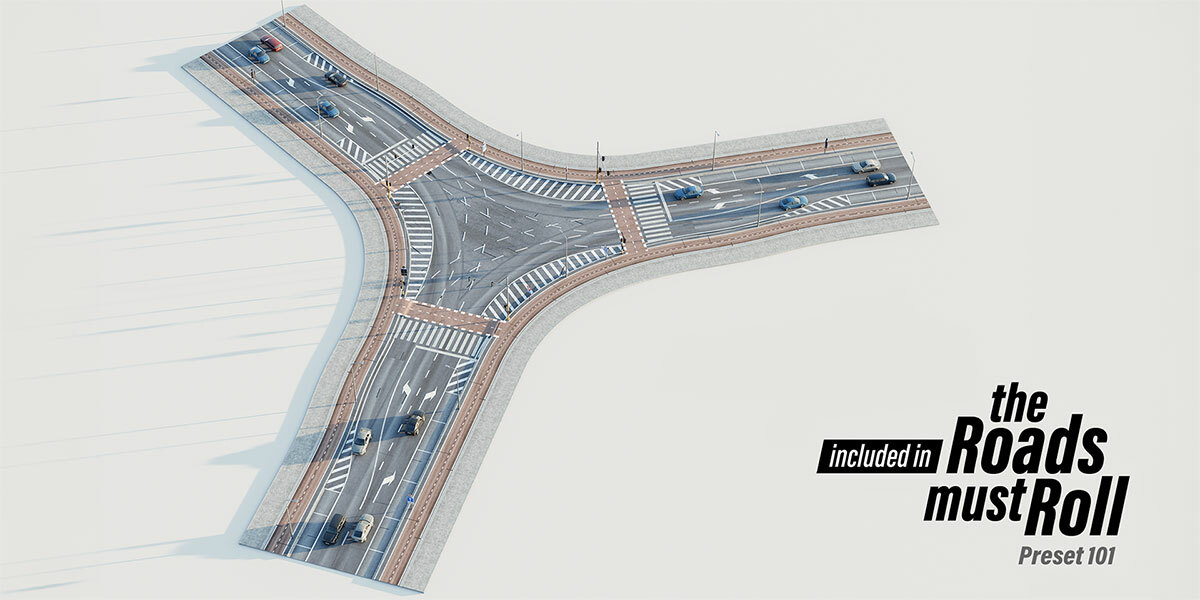
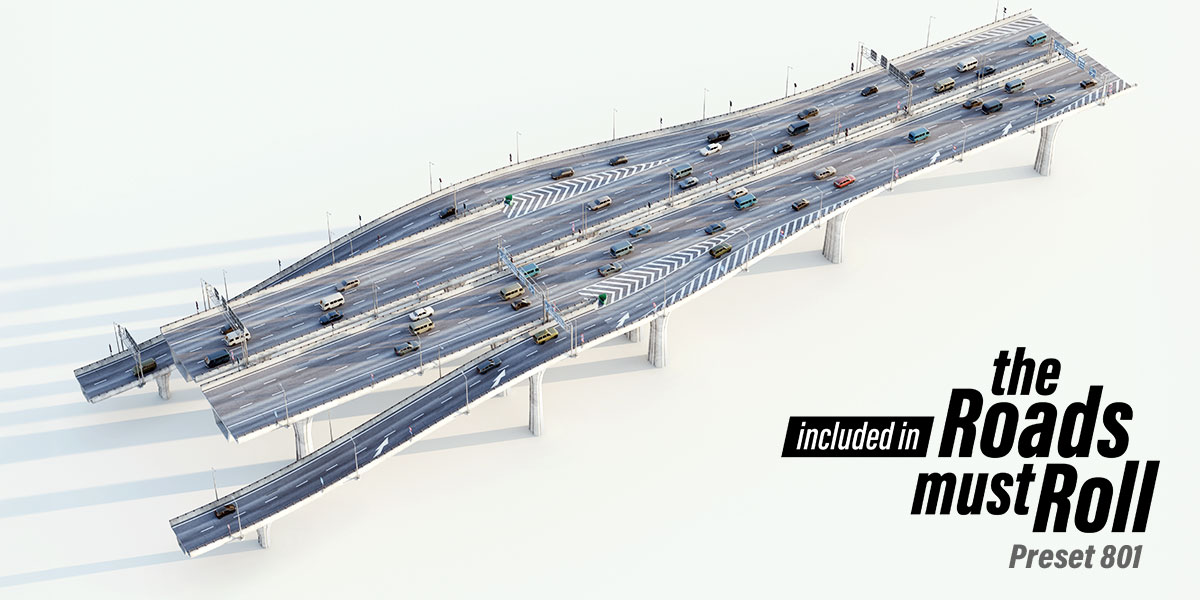






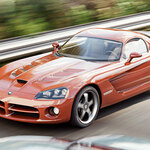
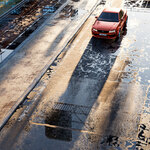
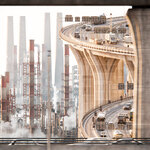
Small Studio License
-
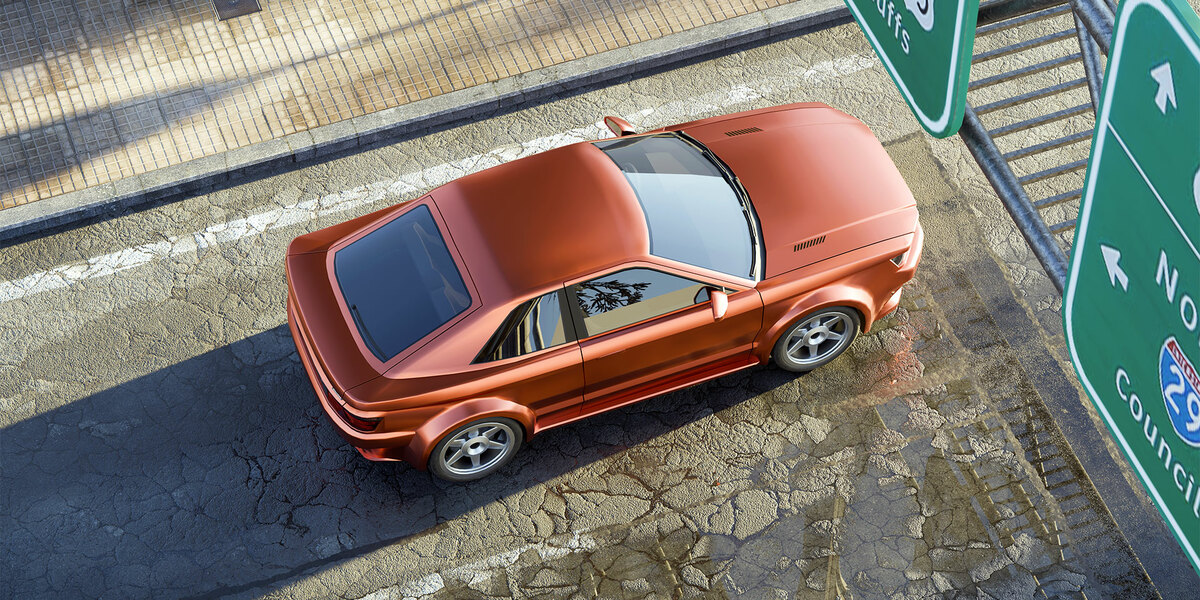
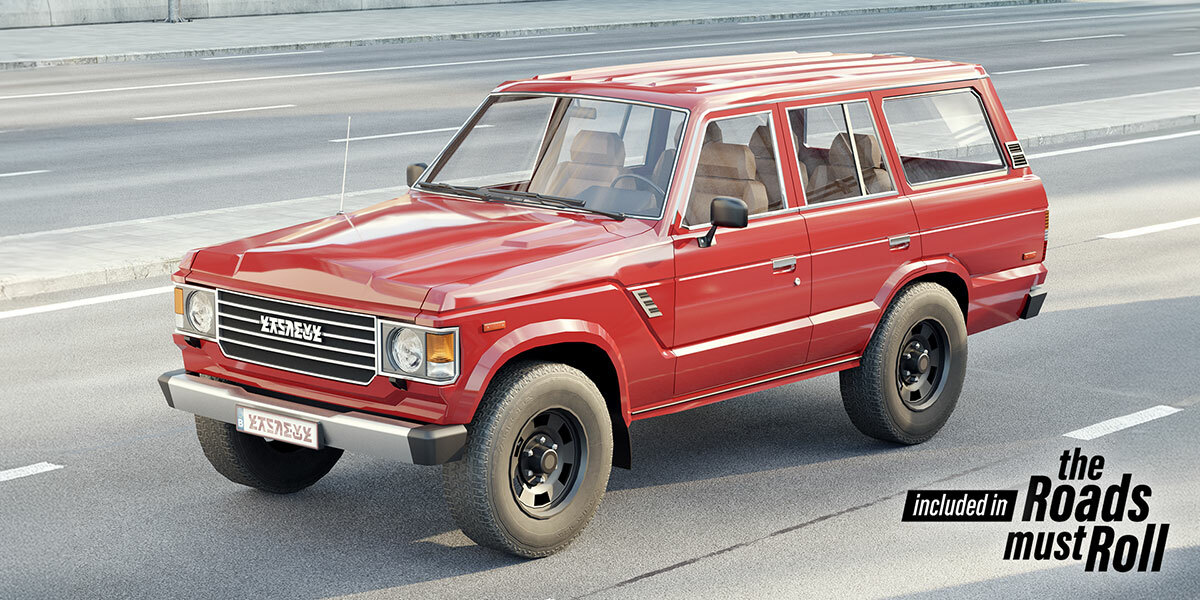
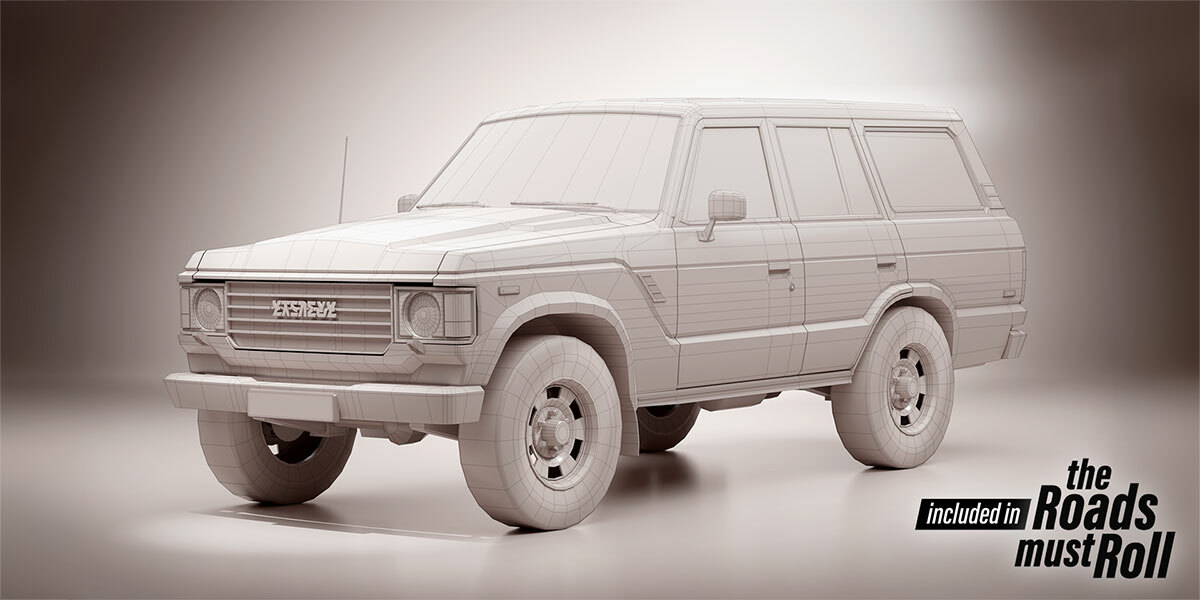
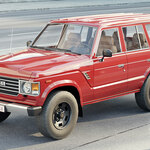
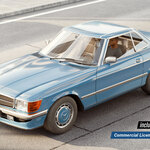
Added 6 new fully integrated cars, including:
-
Night versions
-
Low-poly variants for better performance
-
Optional low-poly drivers
-
Rotating wheels
-
Randomized colors
-
Adjustable headlights and taillights
-
Business License
-
Includes all Small Studio additions
-
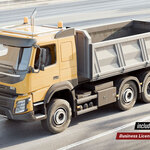
On top of the 6 additional cars, also 6 additional large vehicles with the same features as above. So 18 vehicles in total!
All Licenses
- Improvements & Fixes
-
Improved vehicle color brightness and variety
-
Enhanced headlights and taillights (now more visible behind glass)
-
New performance-optimized vehicle asset options
-
Many minor tweaks and corrections
- Asset Browser
-
New "ALL ASSETS" option: import everything at once as a collection
-
Prevents duplicate data generation
-
Important: After importing, uncheck "Instance" in the bottom-left popup
-
Use
Shift + Dto duplicate assets
-
- Other
-
New installation video created
Major Updates
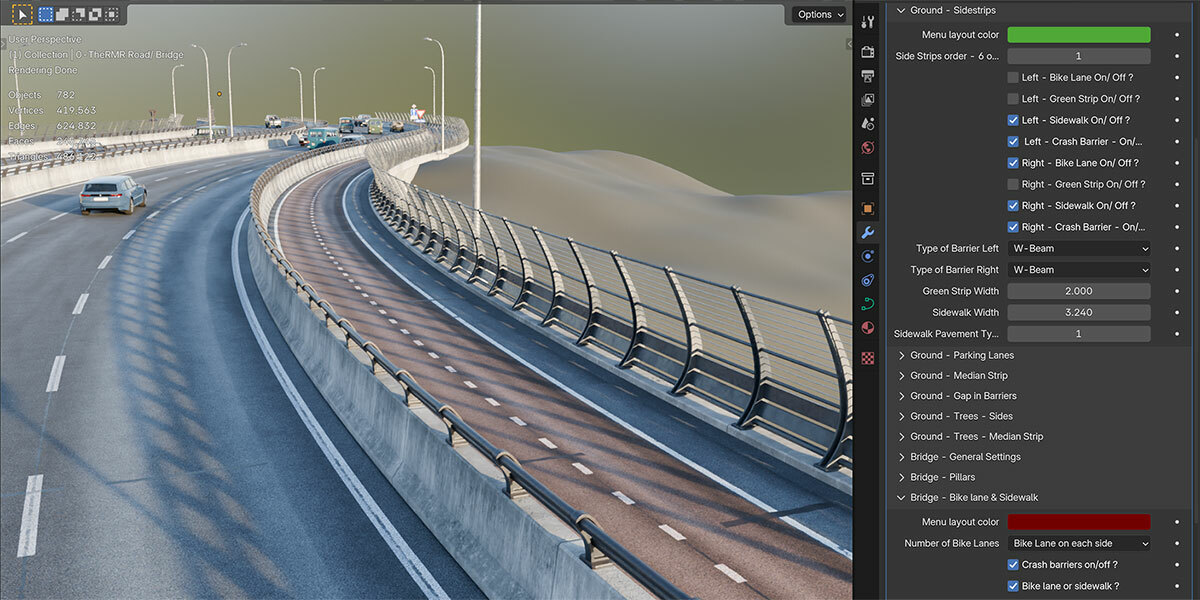
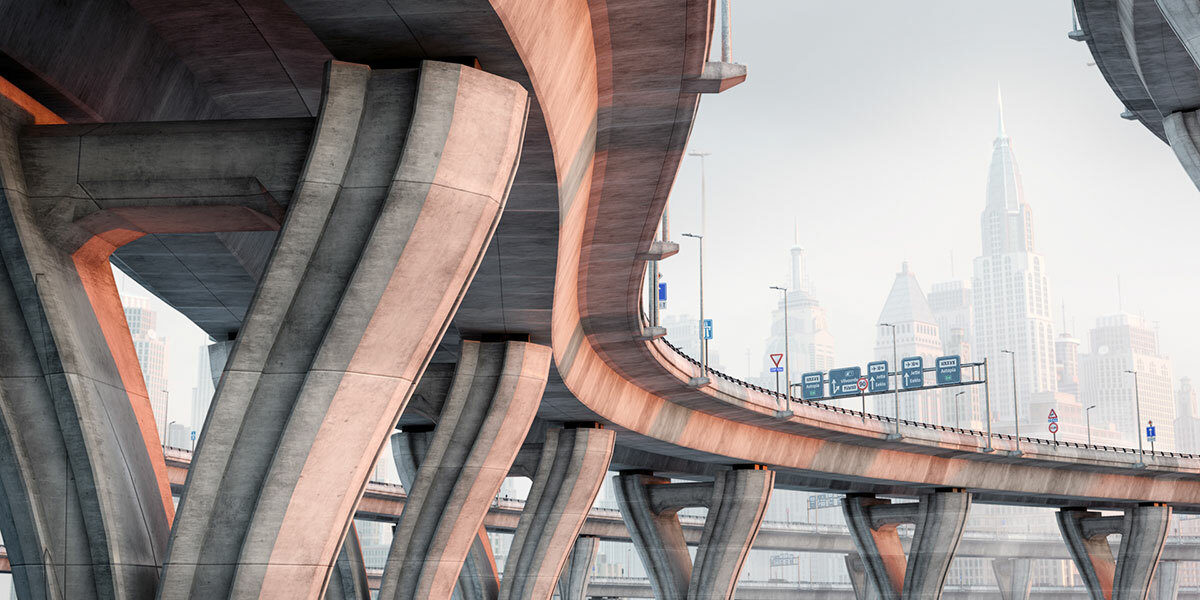
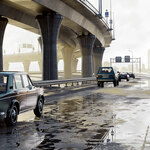
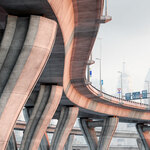
- 10 New Bridge Pillars – Choose from 10 new carefully designed pillar types for supporting bridges.
- Motion Blur Now Works! – (Important! For Blender versions before 4.4: Do not enable 'persistent data' when using motion blur due to a known Blender bug.)
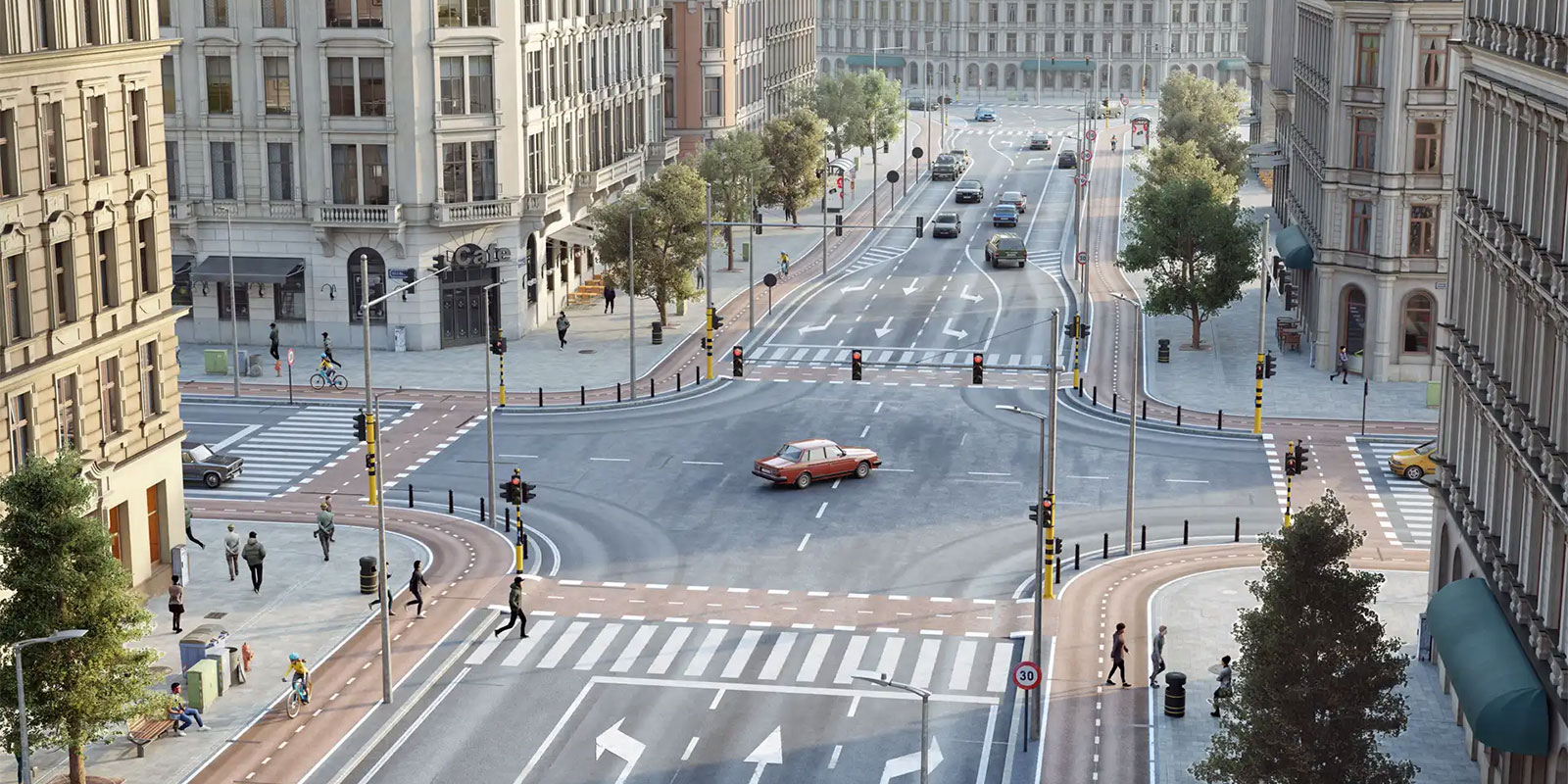
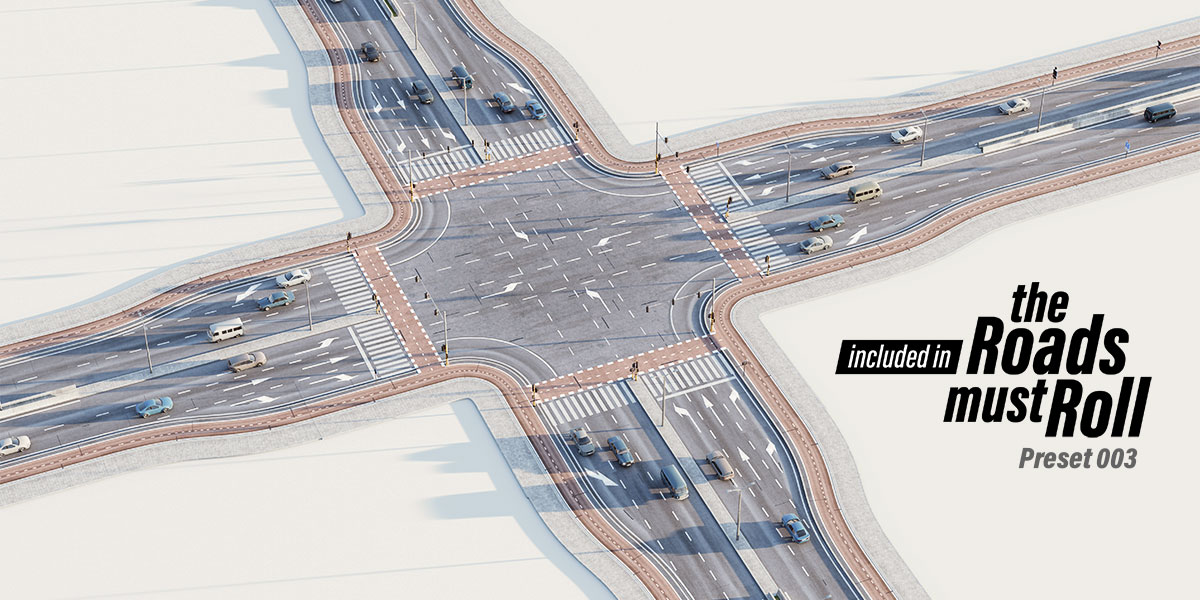
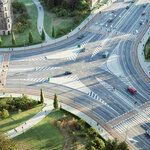
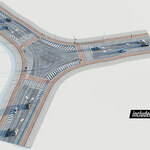
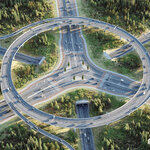
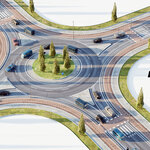
- New Intersection Presets – Two roundabouts and a T-junction are now included.
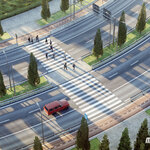
- New Procedural Asset – Create pedestrian and grass islands using a closed curve.
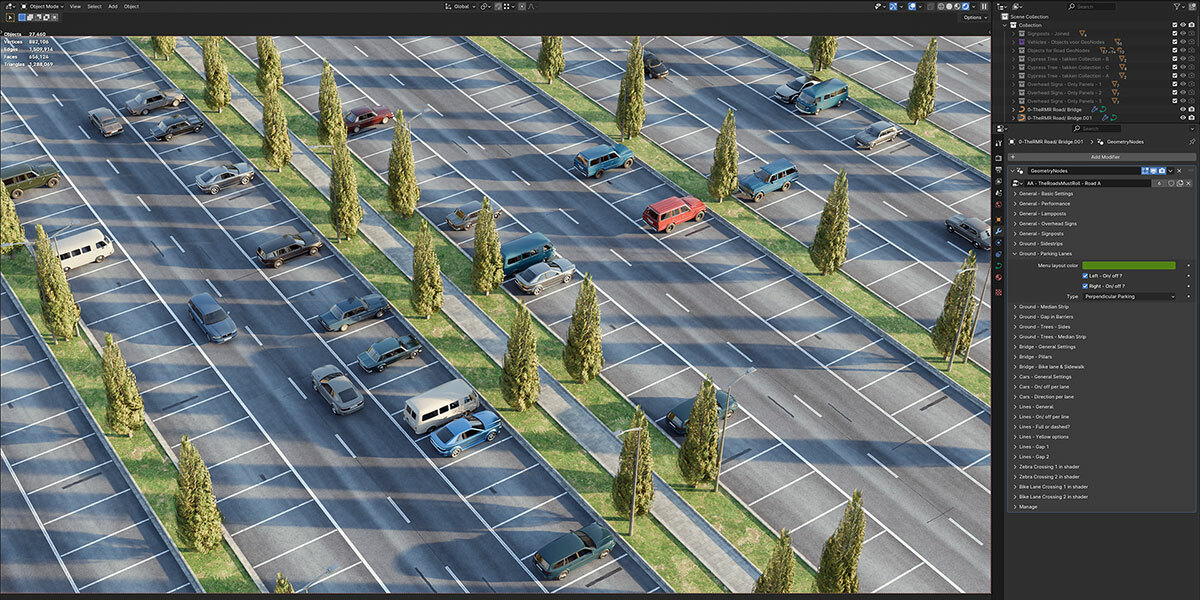
- Low-Poly Proxies for Performance – Use low-poly proxies for vehicles and trees in the viewport while rendering high-poly versions for the final render, significantly improving performance.
- Optimized Texture Workflow – Display low-resolution textures in the viewport while using high-resolution textures in the final render for better efficiency.
- Vehicle Modifier for Better Organization – All vehicle and traffic-related settings are now grouped into a separate modifier. (Do not change the order of modifiers.)
- Adjustable Vehicle Light Intensity – Control the brightness of vehicle lights.
- Separate Light Controls – The global 'lights on' setting has been removed. Instead, lampposts and vehicles now have independent light toggles in their respective menus.
- Animated Vehicle Wheels – Wheels now rotate when vehicles move. (Note: Vehicles are not rigged with suspension.)
- New Low-Poly Drivers – Option to add a low-poly driver inside vehicles.
Minor Updates
- Better Randomization Control – Adjust the random seed for 'pick vehicles' and 'distribution over curve' separately for more precise results.
- Improved Traffic Control – More control over the number of vehicles on the road and their spacing.
- Enhanced Low-Poly Vehicle Design – Improved models that can also be used in final renders for a stylized look.
- 5 New Light Intensity Options for Lamp Posts – More flexibility in lighting setups.
- Customizable Traffic Light Poles – Adjust the color of traffic light poles.
- Traffic Light Brightness Control – Set the intensity of traffic lights.
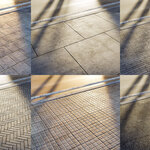
- Optimized Concrete Materials – Improved material efficiency and appearance.
- Better Installation Instructions – Updated text-based setup guide ('unpack resources'). An updated installation video is coming soon.
- Lampposts Placement Control – Define the start and end points for streetlight distribution along a curve.
Version 1.30
Small Studio License
-
Added 6 new fully integrated cars, including:
-
Night versions
-
Low-poly variants for better performance
-
Optional low-poly drivers
-
Rotating wheels
-
Randomized colors
-
Adjustable headlights and taillights
-
Business License
-
Includes all Small Studio additions
-
On top of the 6 additional cars, also 6 additional large vehicles with the same features as above. So 18 vehicles in total!
All Licenses
- Improvements & Fixes
-
Improved vehicle color brightness and variety
-
Enhanced headlights and taillights (now more visible behind glass)
-
New performance-optimized vehicle asset options
-
Many minor tweaks and corrections
- Asset Browser
-
New "ALL ASSETS" option: import everything at once as a collection
-
Prevents duplicate data generation
-
Important: After importing, uncheck "Instance" in the bottom-left popup
-
Use
Shift + Dto duplicate assets
-
- Other
-
New installation video created
Major Updates
- 10 New Bridge Pillars – Choose from 10 new carefully designed pillar types for supporting bridges.
- Motion Blur Now Works! – (Important! For Blender versions before 4.4: Do not enable 'persistent data' when using motion blur due to a known Blender bug.)
- New Intersection Presets – Two roundabouts and a T-junction are now included.
- New Procedural Asset – Create pedestrian and grass islands using a closed curve.
- Low-Poly Proxies for Performance – Use low-poly proxies for vehicles and trees in the viewport while rendering high-poly versions for the final render, significantly improving performance.
- Optimized Texture Workflow – Display low-resolution textures in the viewport while using high-resolution textures in the final render for better efficiency.
- Vehicle Modifier for Better Organization – All vehicle and traffic-related settings are now grouped into a separate modifier. (Do not change the order of modifiers.)
- Adjustable Vehicle Light Intensity – Control the brightness of vehicle lights.
- Separate Light Controls – The global 'lights on' setting has been removed. Instead, lampposts and vehicles now have independent light toggles in their respective menus.
- Animated Vehicle Wheels – Wheels now rotate when vehicles move. (Note: Vehicles are not rigged with suspension.)
- New Low-Poly Drivers – Option to add a low-poly driver inside vehicles.
Minor Updates
- Better Randomization Control – Adjust the random seed for 'pick vehicles' and 'distribution over curve' separately for more precise results.
- Improved Traffic Control – More control over the number of vehicles on the road and their spacing.
- Enhanced Low-Poly Vehicle Design – Improved models that can also be used in final renders for a stylized look.
- 5 New Light Intensity Options for Lamp Posts – More flexibility in lighting setups.
- Customizable Traffic Light Poles – Adjust the color of traffic light poles.
- Traffic Light Brightness Control – Set the intensity of traffic lights.
- Optimized Concrete Materials – Improved material efficiency and appearance.
- Better Installation Instructions – Updated text-based setup guide ('unpack resources'). An updated installation video is coming soon.
- Lampposts Placement Control – Define the start and end points for streetlight distribution along a curve.
Version 1.30
Small Studio License
-
Added 6 new fully integrated cars, including:
-
Night versions
-
Low-poly variants for better performance
-
Optional low-poly drivers
-
Rotating wheels
-
Randomized colors
-
Adjustable headlights and taillights
-
Business License
-
Includes all Small Studio additions
-
On top of the 6 additional cars, also 6 additional large vehicles with the same features as above. So 18 vehicles in total!
Improvements & Fixes
-
Improved vehicle color brightness and variety
-
Enhanced headlights and taillights (now more visible behind glass)
-
New performance-optimized vehicle asset options
-
Many minor tweaks and corrections
Asset Browser
-
New "ALL ASSETS" option: import everything at once as a collection
-
Prevents duplicate data generation
-
Important: After importing, uncheck "Instance" in the bottom-left popup
-
Use
Shift + Dto duplicate assets
-
Other
-
New installation video created
Major Updates
- 10 New Bridge Pillars – Choose from 10 new carefully designed pillar types for supporting bridges.
- Motion Blur Now Works! – (Important! For Blender versions before 4.4: Do not enable 'persistent data' when using motion blur due to a known Blender bug.)
- New Intersection Presets – Two roundabouts and a T-junction are now included.
- New Procedural Asset – Create pedestrian and grass islands using a closed curve.
- Low-Poly Proxies for Performance – Use low-poly proxies for vehicles and trees in the viewport while rendering high-poly versions for the final render, significantly improving performance.
- Optimized Texture Workflow – Display low-resolution textures in the viewport while using high-resolution textures in the final render for better efficiency.
- Vehicle Modifier for Better Organization – All vehicle and traffic-related settings are now grouped into a separate modifier. (Do not change the order of modifiers.)
- Adjustable Vehicle Light Intensity – Control the brightness of vehicle lights.
- Separate Light Controls – The global 'lights on' setting has been removed. Instead, lampposts and vehicles now have independent light toggles in their respective menus.
- Animated Vehicle Wheels – Wheels now rotate when vehicles move. (Note: Vehicles are not rigged with suspension.)
- New Low-Poly Drivers – Option to add a low-poly driver inside vehicles.
Minor Updates
- Better Randomization Control – Adjust the random seed for 'pick vehicles' and 'distribution over curve' separately for more precise results.
- Improved Traffic Control – More control over the number of vehicles on the road and their spacing.
- Enhanced Low-Poly Vehicle Design – Improved models that can also be used in final renders for a stylized look.
- 5 New Light Intensity Options for Lamp Posts – More flexibility in lighting setups.
- Customizable Traffic Light Poles – Adjust the color of traffic light poles.
- Traffic Light Brightness Control – Set the intensity of traffic lights.
- Optimized Concrete Materials – Improved material efficiency and appearance.
- Better Installation Instructions – Updated text-based setup guide ('unpack resources'). An updated installation video is coming soon.
- Lampposts Placement Control – Define the start and end points for streetlight distribution along a curve.
Version 1.30
-
$249
For commercial use • Companies with 1 or 2 employees or yearly revenue ≤ $100k ------------------------------ Includes all features and content • Free updates • 12 fully integrated cars
-
$64.99
Non-commercial use • For Personal Projects • Single User -------------- Includes all features and content • Free updates • 6 fully integrated cars
-
$499
For commercial use • Companies with up to 6 employees or yearly revenue > $100k ------------------------------ Includes all features and content • Free updates • 18 fully integrated vehicles
-
$899
For companies with more then 6 employees. • Contact us at [email protected] to discuss a solution that fits your needs.
Have questions about this product?
Login to message
| Sales | 400+ |
| Rating | 23 ratings |
| Dev Fund Contributor | |
| Published | about 2 years ago |
| Blender Version | 4.1 - 5.2 |
| Render Engine Used | Cycles |
| License | Editorial |