The Super Mapping Node
 Noah Milliken


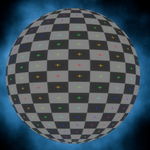
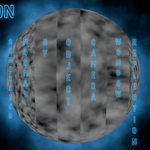
How to install:
1: Unzip and open the .blend file.
2: Select the cube in the middle of the scene, and open the shader editor.
3. Select the Super Mapping Node.
4. Right-click on the grey box with the name of the node, and select mark as asset.
5. Navigate to Edit>Preferences>File Paths.
6. Click the plus to add a new file path and select the folder containing the Super Mapping Node Blend file
7. All done! Now if you are in a shader editor in any blender scene, you can add the mapping node!!! (In the shader graph editor, type Shift+A, and then "The Super..."
Use:
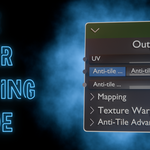
You can choose between the same mapping types (object, generated, UV, etc.) that a normal mapping node gives you.

You can scale, translate, and rotate the texture just like normal.

If you want to warp your texture, you can choose to use the default warp texture or your own.

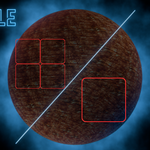
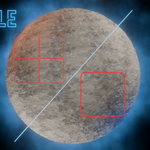
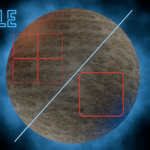
If you enable Anti-tile and open the Anti-tile menu, you will see various options:
Anti-tile Cell size (smaller value vs. larger value):


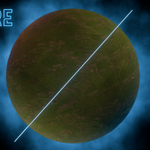
Anti-tile Cell detail:

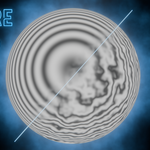
Anti-tile Noise Scale (controls the scale of noise warping the edges of the cells):

Anti-tile Noise Scale (controls the scale of noise warping the edges of the cells)
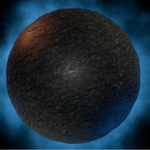
Anti-Tile Noise Warping (controls the strength of the edge warping effect):

Have questions about this product?
Login to message
| Dev Fund Contributor | |
| Published | 3 months ago |
| Blender Version | 5.1 |
| Render Engine Used | Cycles, Eevee |
| License | Royalty Free |