Floorgen
 alyatrkgl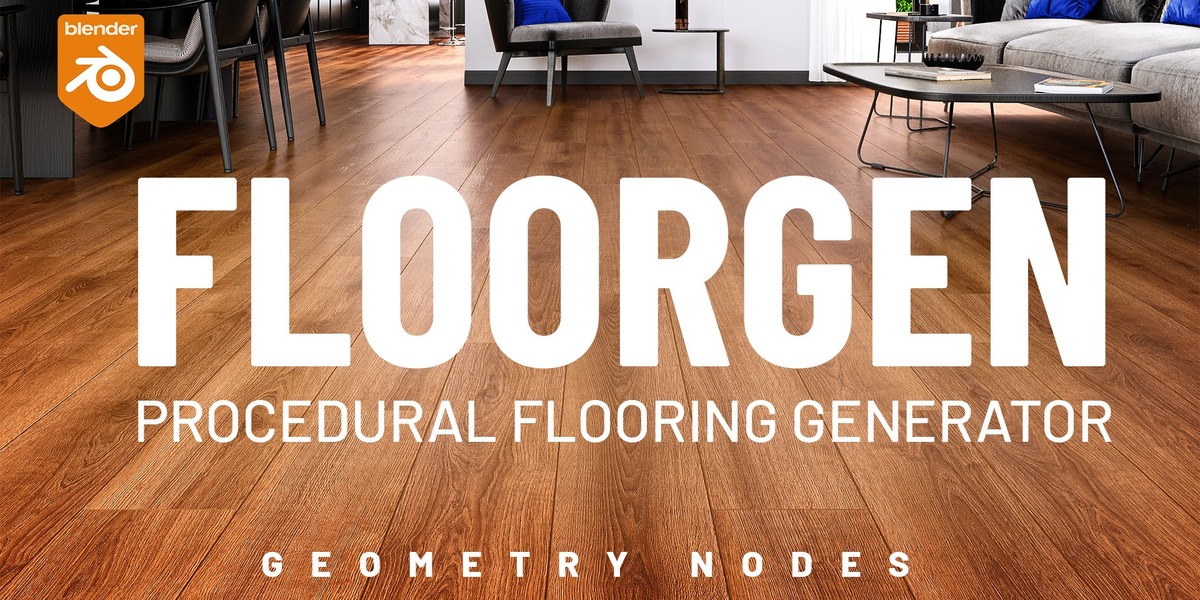


Installation & Use
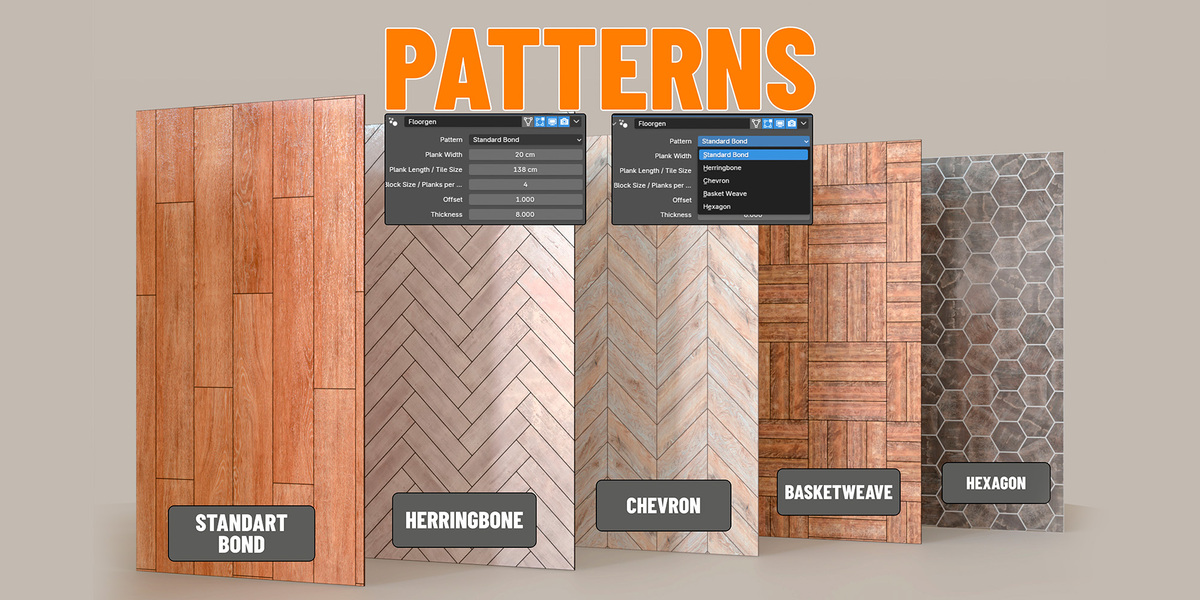
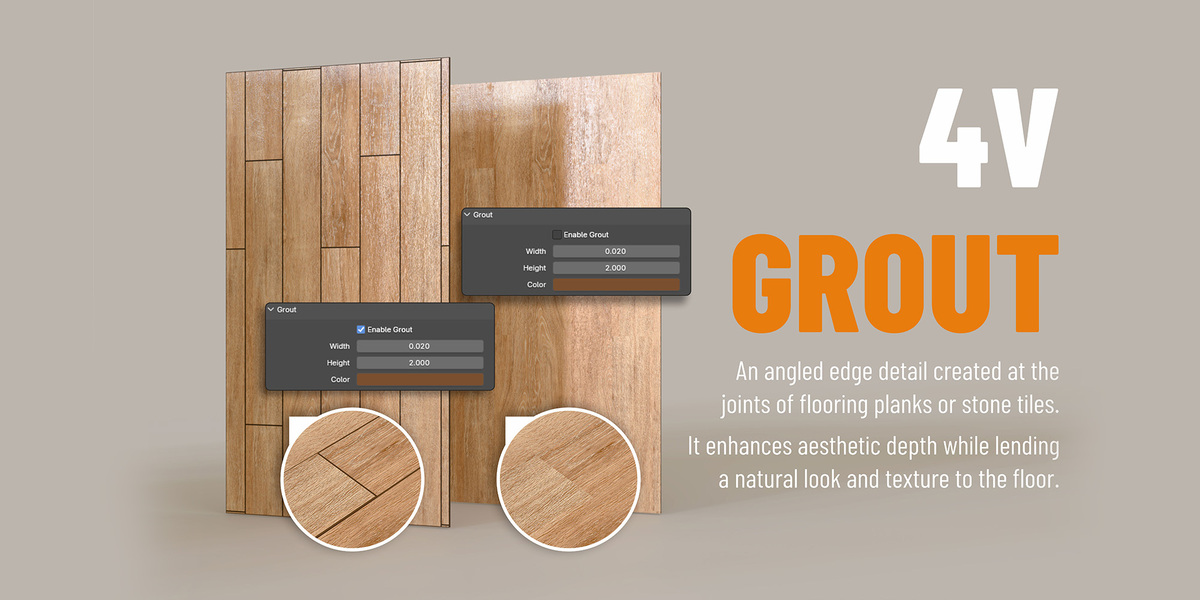
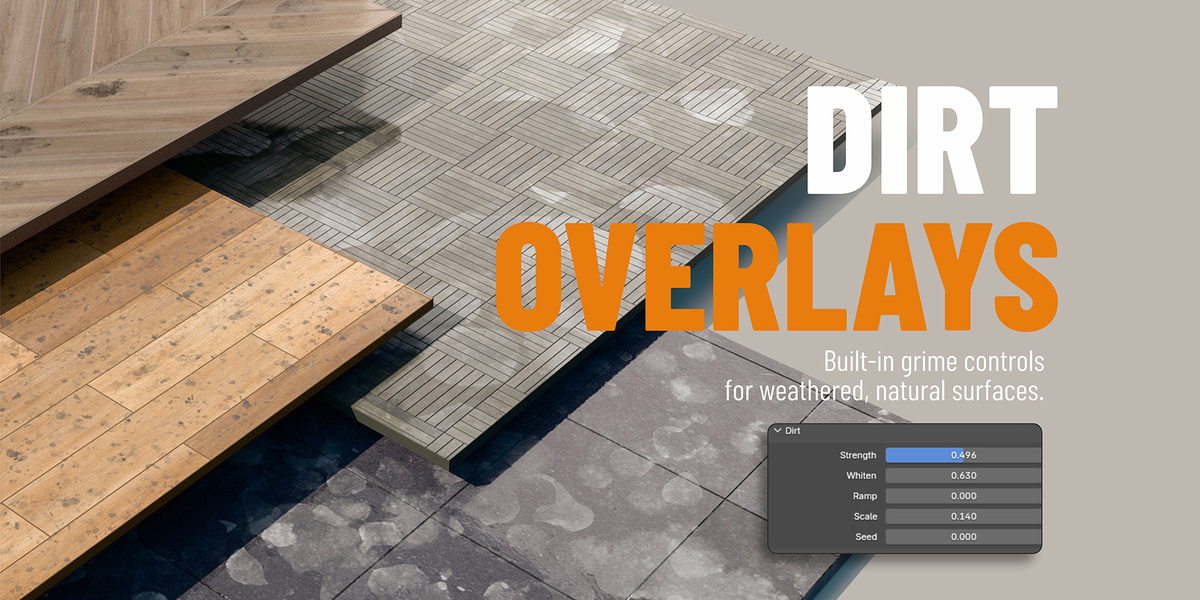
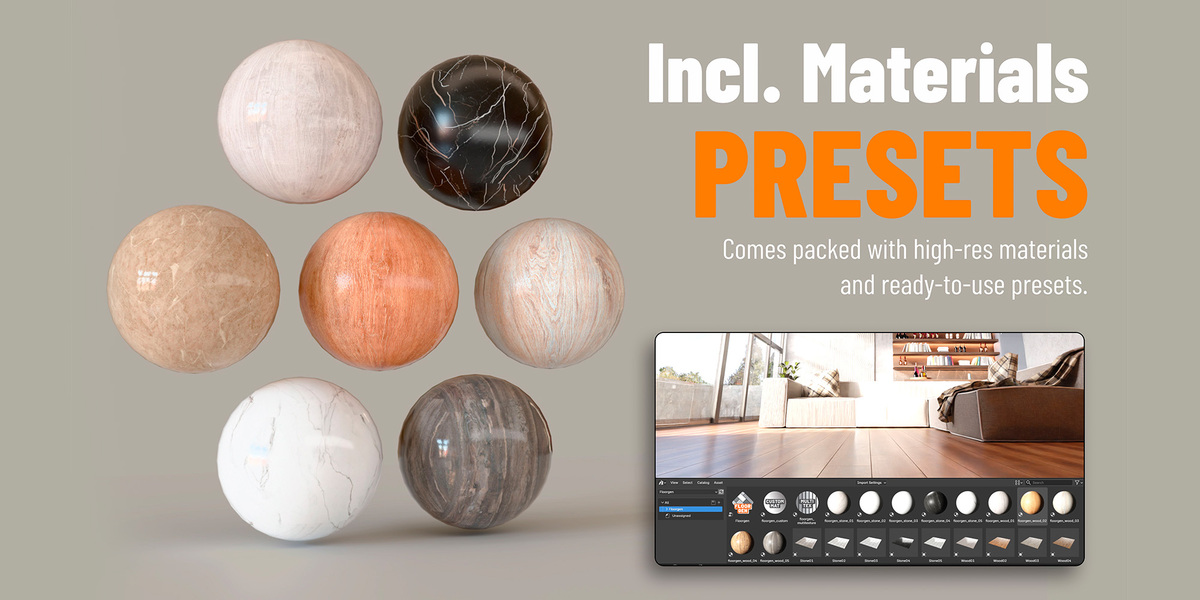
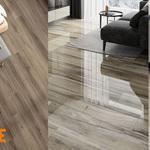
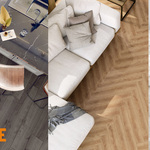
Install it like any other addon. After you installed it, go to your blender asset browser and under the drop-down menu you'll find "Floorgen". It contains all assets, materials and generators. Just drag and drop the "Floorgen" generate asset to a plane in your scene to assign the FloorGen modifier. Also drag and drop a FloorGen material and change the settings to your liking.
Using the Presets
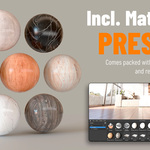
Very simple. In your asset browser under "Floorgen", you'll find the "Presets" category. Just select one and drag and drop to your scene.
Using "Append" to edit the assets
The asset browser has the default setting to "pack" or "link" the assets, so to edit the floor meshes, you have to change the import setting to "Append" before you drag and drop.
Export
Just select your floor, go to "File" > "Export" and select your desired export format (like fbx, glb, obj, abc, etc..).
Have questions about this product?
Login to message
| Published | 1 day ago |
| Blender Version | 4.5 - 5.2 |
| Render Engine Used | Cycles, Eevee |
| License | Creative Commons |
