Theme Switcher Pro
 Team Blender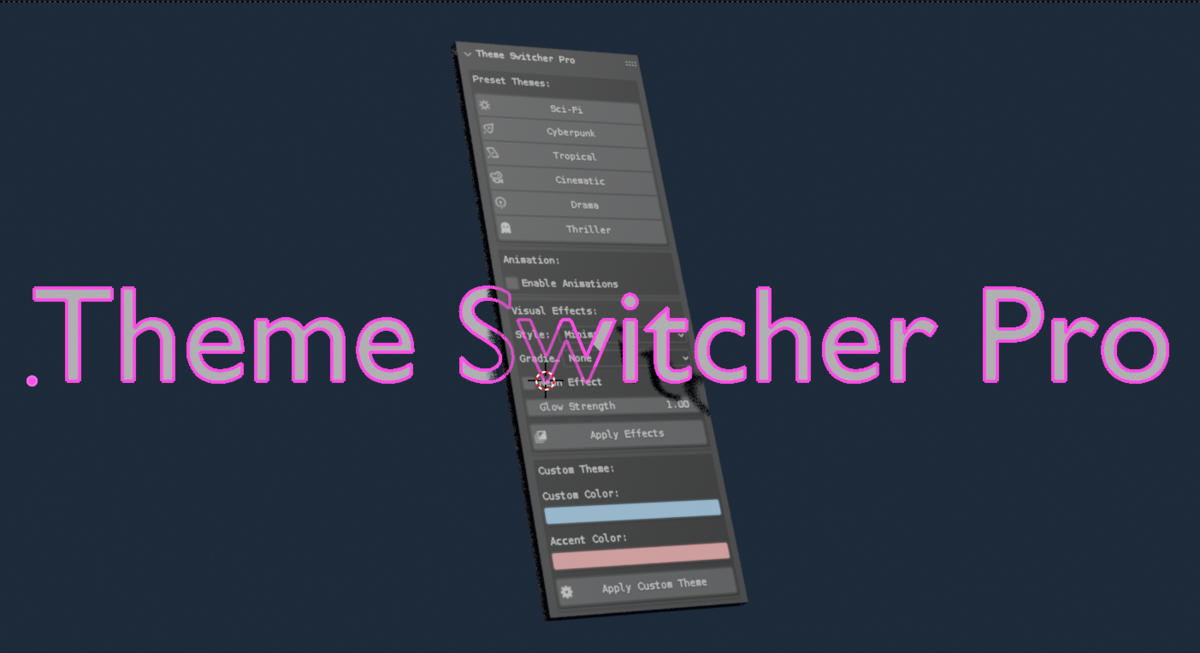
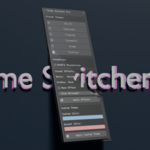
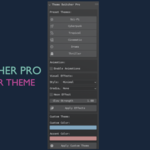
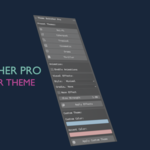
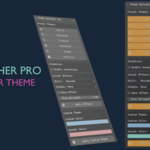
# Theme Switcher Pro Deluxe Documentation
## Overview
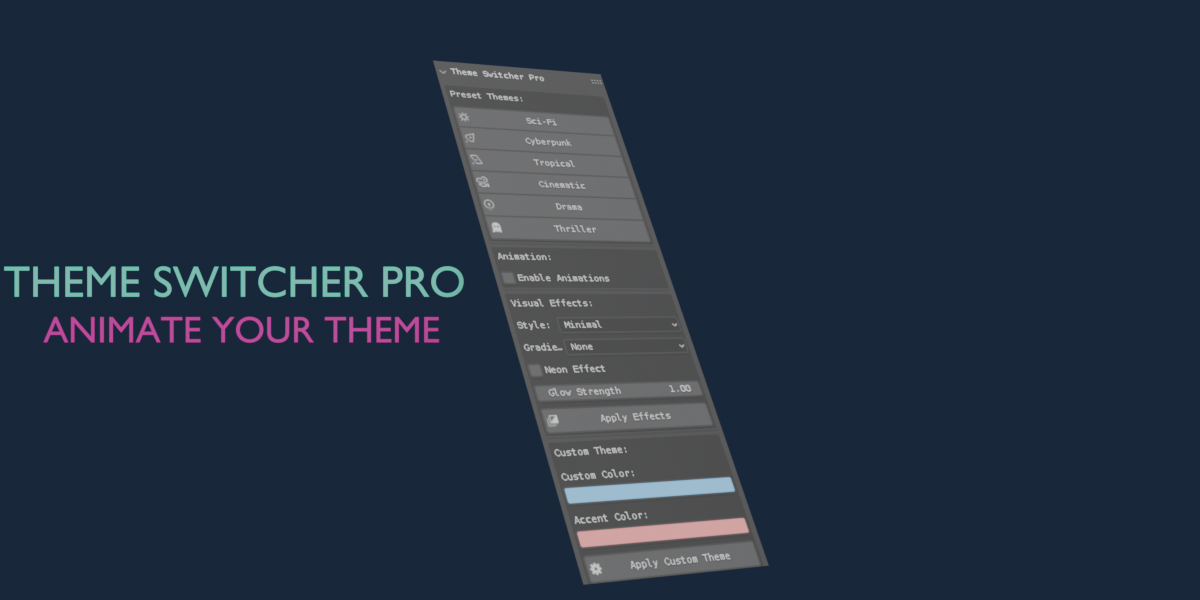
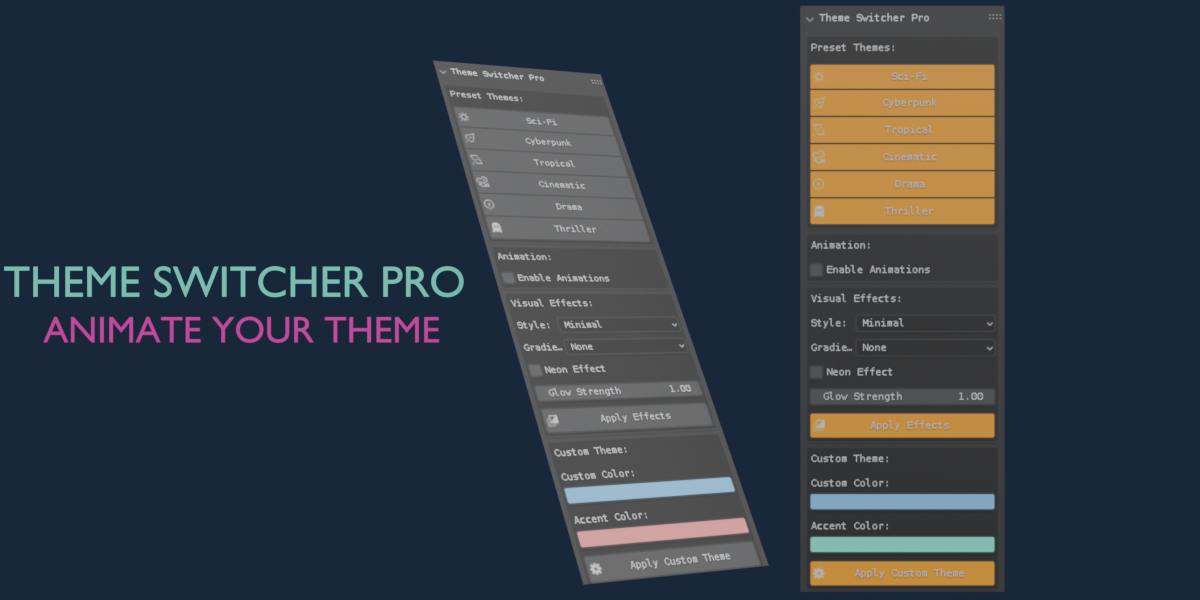
The **Theme Switcher Pro Deluxe** is an advanced Blender add-on that allows users to switch themes with various presets and animations. It provides customization options for colors, effects, and animations, enhancing the user interface experience in Blender.
## Installation
1. Download the add-on script.
2. Open Blender and go to `Edit > Preferences > Add-ons`.
3. Click on `Install...` and select the downloaded script.
4. Enable the add-on by checking the box next to its name in the add-ons list.
## Features
- Customizable colors and effects.
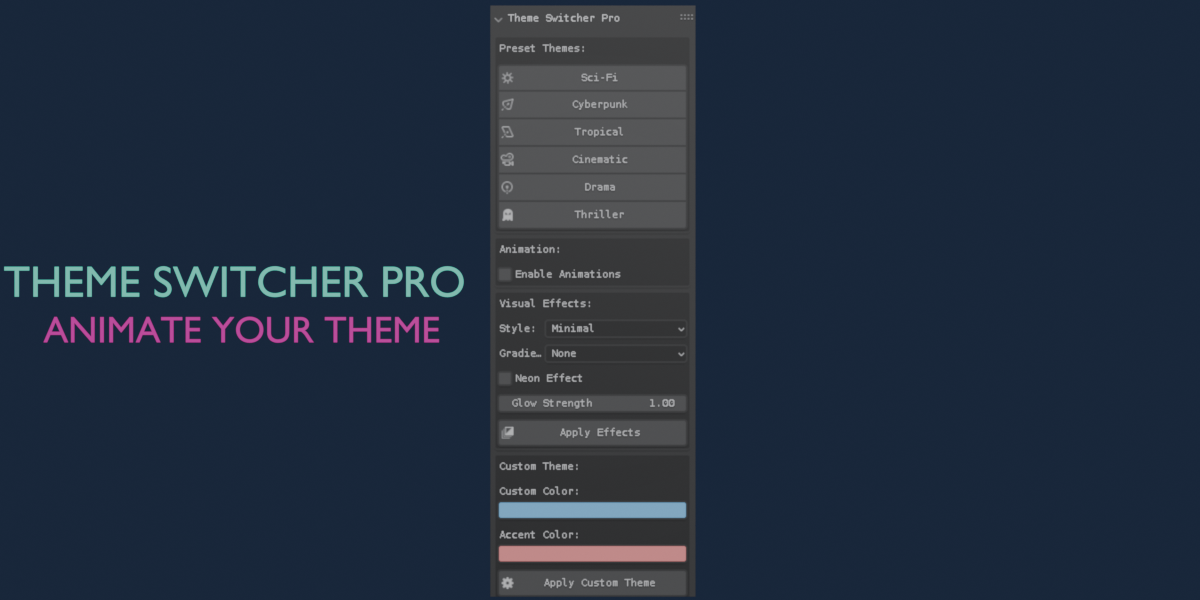
- Preset themes including Sci-Fi, Cyberpunk, Tropical, Cinematic, Drama, and Thriller.
- Animation options for dynamic theme changes.
## Classes and Properties
### Theme Settings (Property Group)
This class holds the customizable properties for the theme settings.
- **custom_color**: A color property for the base theme color.
- **accent_color**: A color property for the accent theme color.
- **emission_strength**: A float property that controls the glow strength of the theme.
- **neon_effect**: A boolean property to enable or disable the neon effect.
- **theme_style**: An enum property to select the style of the theme (Minimal, Intense, Soft).
- **enable_animation**: A boolean property to enable or disable animations.
- **animation_type**: An enum property to select the type of animation (None, Pulse, Rainbow, Breath).
- **animation_speed**: A float property to control the speed of the animation.
- **gradient_type**: An enum property to select the gradient style (None, Horizontal, Vertical).
- **gradient_strength**: A float property to control the strength of the gradient.
### Operators
The add-on includes several operators for applying themes and effects.
- **THEME_OT_animation_handler**: Starts the animation based on the selected animation type.
- **THEME_OT_apply_effects**: Applies the current theme settings to the Blender interface.
- **THEME_OT_apply_scifi**: Applies the Sci-Fi theme.
- **THEME_OT_apply_cyberpunk**: Applies the Cyberpunk theme.
- **THEME_OT_apply_tropical**: Applies the Tropical theme.
- **THEME_OT_apply_cinematic**: Applies the Cinematic theme.
- **THEME_OT_apply_drama**: Applies the Drama theme.
- **THEME_OT_apply_thriller**: Applies the Thriller theme.
- **THEME_OT_apply_custom**: Applies a custom theme based on user-defined colors.
- **THEME_OT_stop_animation**: Stops any running animations.
### Panel
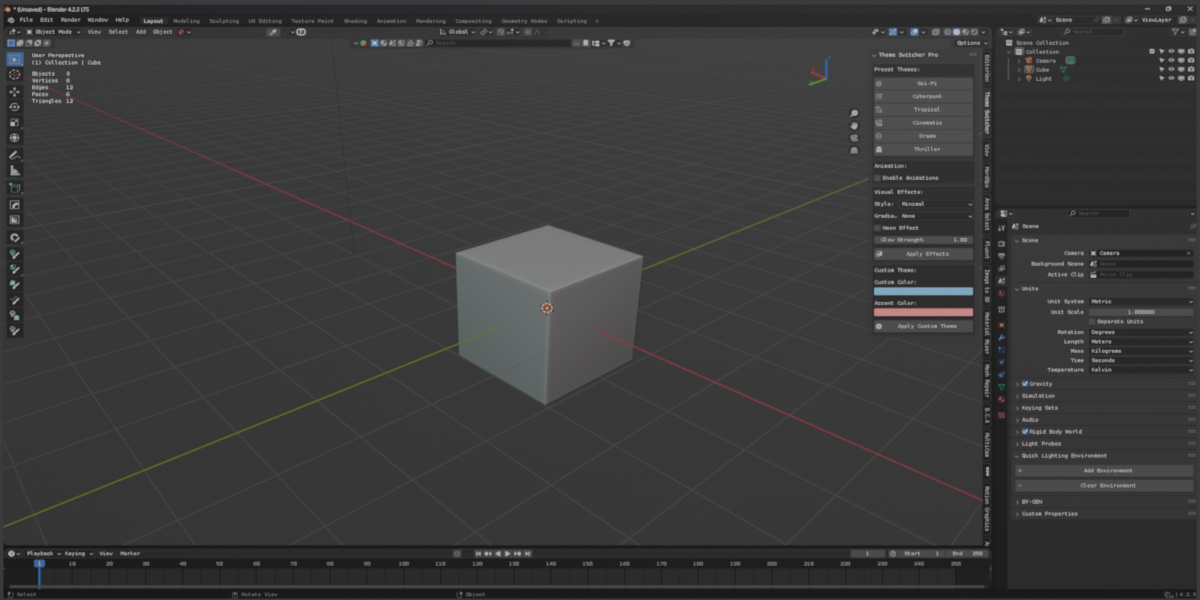
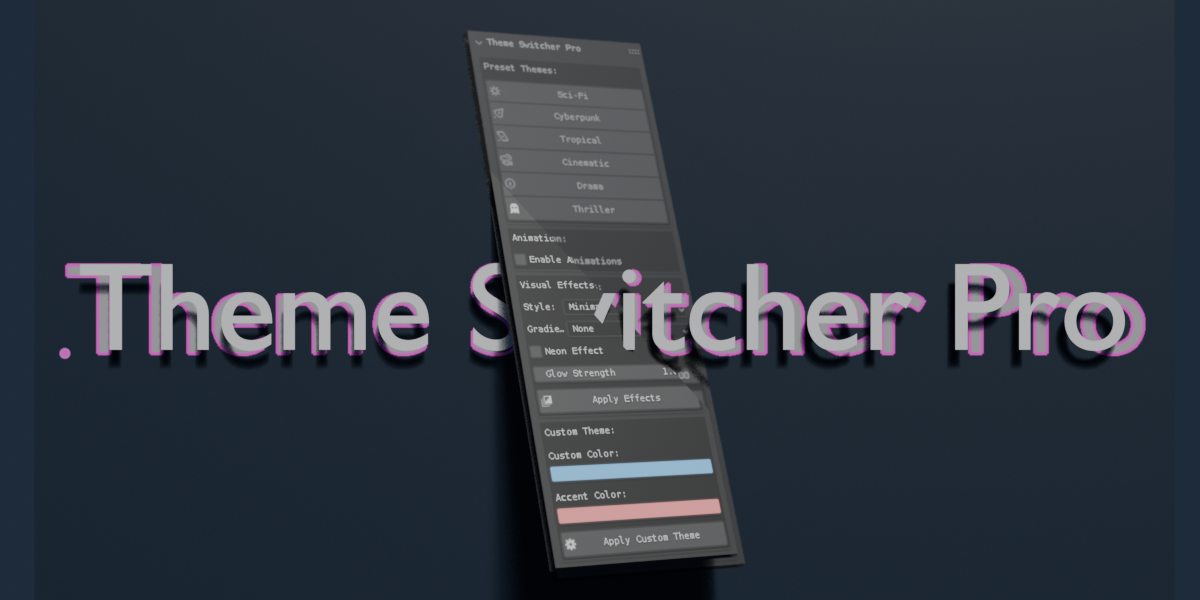
- **THEME_PT_switcher**: The user interface panel where users can access theme presets, animation settings, and custom theme options.
## Usage
1. Open the Theme Switcher panel in the 3D View sidebar.
2. Choose a preset theme or customize your own using the provided properties.
3. Enable animations if desired and select the animation type.
4. Click on the "Apply Effects" button to see the changes in real-time.
## Conclusion
The Theme Switcher Pro Deluxe add-on enhances the Blender user experience by providing customizable themes and dynamic animations. Enjoy creating your unique interface!
Have questions about this product?
Login to message
| Published | over 1 year ago |
| Blender Version | 4.3, 4.2 |
| Extension Type | N/A |
| License | GPL |