Theme Box
 pl_workshop


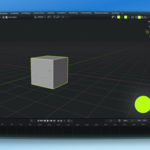
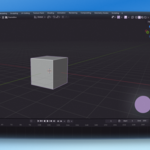
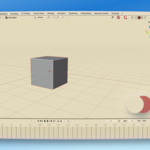
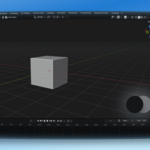
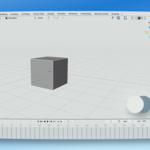
ThemeBox is a Blender theme launcher available from the 3D Viewport header.
It includes light, dark, monochrome, and accent themes, and can import Blender
theme files in XML format.
Installation
------------
Blender 4.2 or newer:
1. Open Edit > Preferences > Get Extensions.
2. Choose Install from Disk.
3. Select ThemeBox_blender4.2+_extension.zip.
Blender 3.6:
1. Open Edit > Preferences > Add-ons.
2. Click Install and select ThemeBox_blender3.6_legacy.zip.
3. Enable ThemeBox.
Usage
-----
Open ThemeBox in the 3D Viewport header, then select a built-in theme, restore
Blender Default, or choose Import Theme to add an XML theme.
Imported XML themes must be compatible with your Blender version.
 Included
Includes 12 months of
- Support from pl_workshop
- Product updates
Extend this product’s Support Period +12 months: 100% of product price
Have questions before purchasing?
Login to message
| Blender Extension Compatible | Yes |
| Published | 3 months ago |
| Blender Version | 3.6 - 5.2 |
| Extension Type | Add-on |
| Render Engine Used | Blender-Internal, Blender-Game-Engine, Cycles, Eevee |
| License | GPL |
Discover more products like this
productivity interface theme light theme theme manager Workflow ui theme Dark Theme viewport header color-palette customization theme switcher blender themes