 ZEG



Installation
In Blender open Edit, Preferences, Get Extensions, then use Install from Disk and pick the throne_generator zip.
Usage
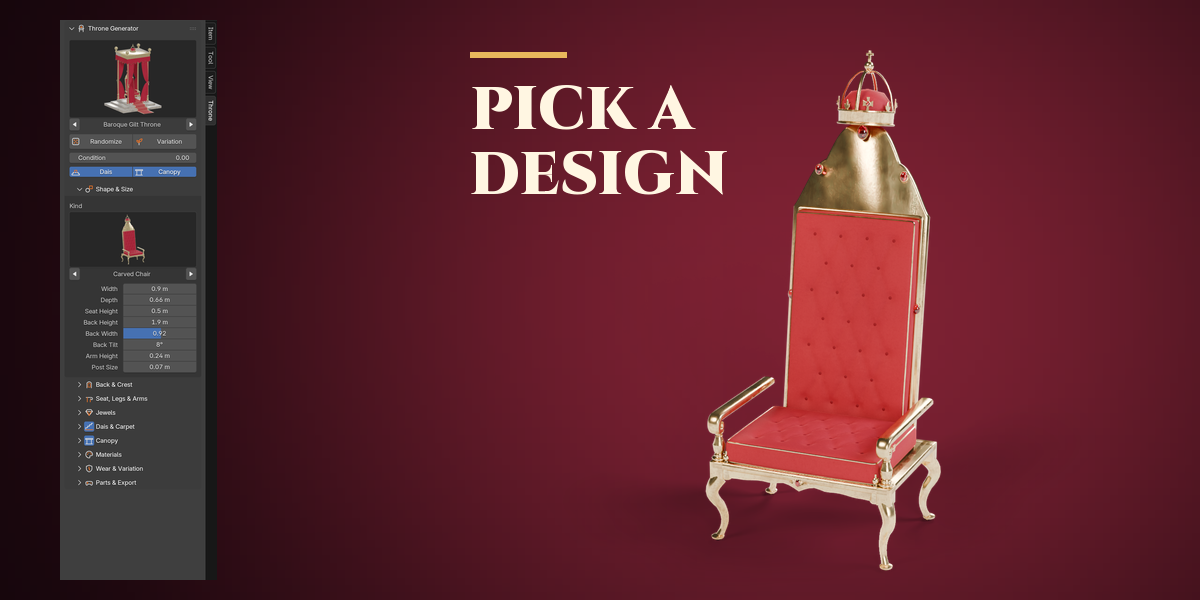
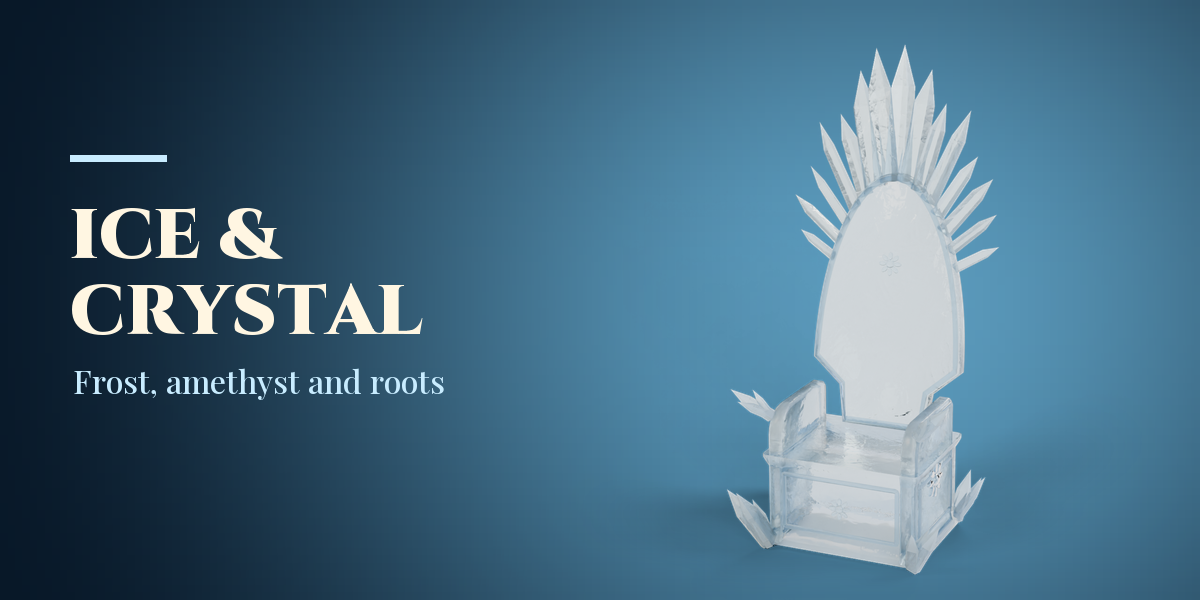
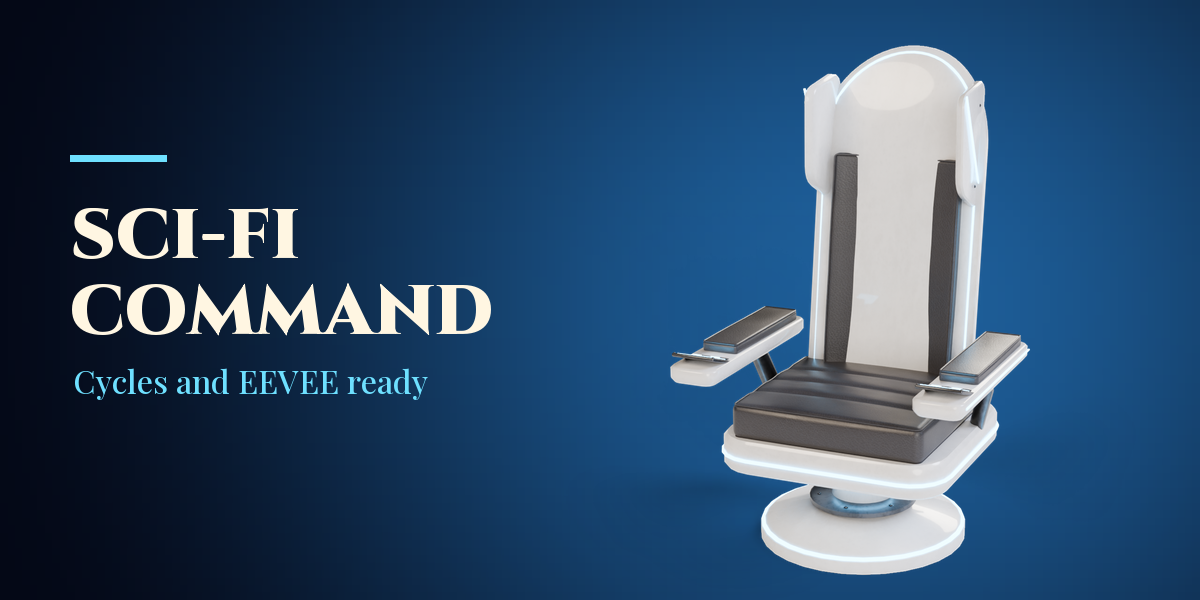
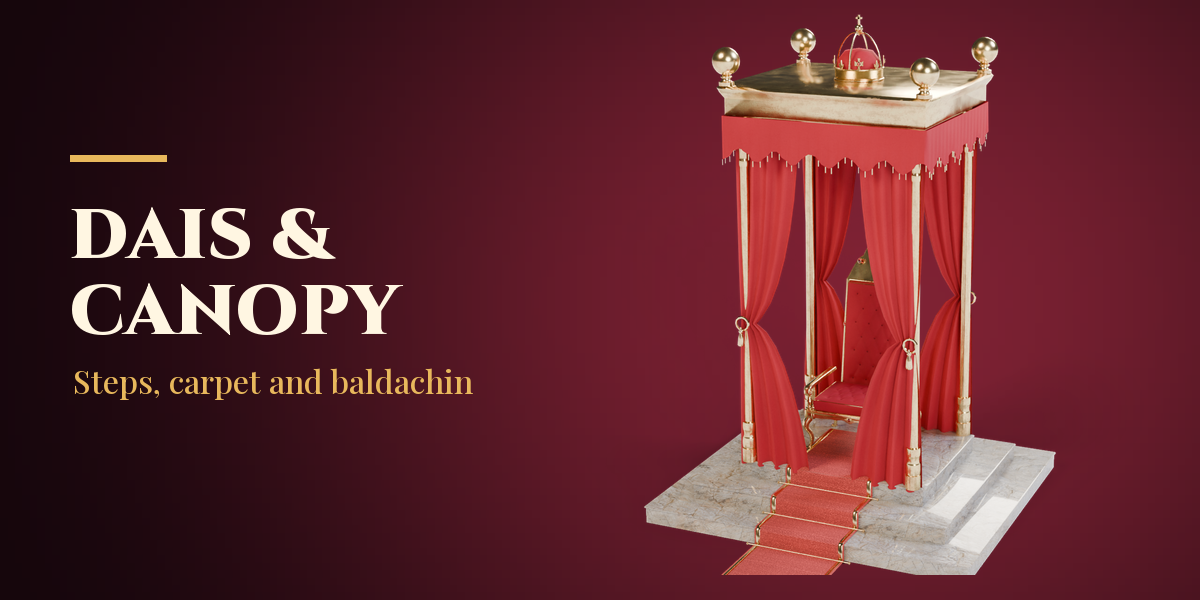
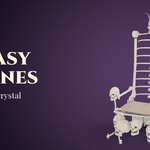
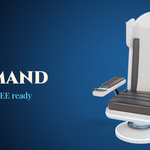
- Open the Throne tab in the 3D viewport sidebar (N). With nothing selected, pick a category, click the picture to choose a design and press Add. You can also use Shift+A, Mesh, Throne.
- With a throne selected, the big picture switches its design. Randomize gives a new throne, Variation keeps the design and changes wear and placement, Reset undoes your edits.
- The sub-panels hold every setting: Shape & Size, Back & Crest, Seat, Legs & Arms, Jewels, Dais & Carpet, Canopy, Materials, Wear & Variation and Parts & Export.
- Make Static keeps the throne as plain meshes; Delete removes it with its dais and canopy.
Have questions about this product?
Login to message
| Blender Extension Compatible | Yes |
| Published | 1 day ago |
| Blender Version | 4.2 - 5.2 |
| Extension Type | Add-on |
| Render Engine Used | Cycles, Eevee |
| License | GPL |
