 ZEG
Installation
In Blender open Edit, Preferences, Get Extensions, then use Install from Disk and pick the zip.
Usage
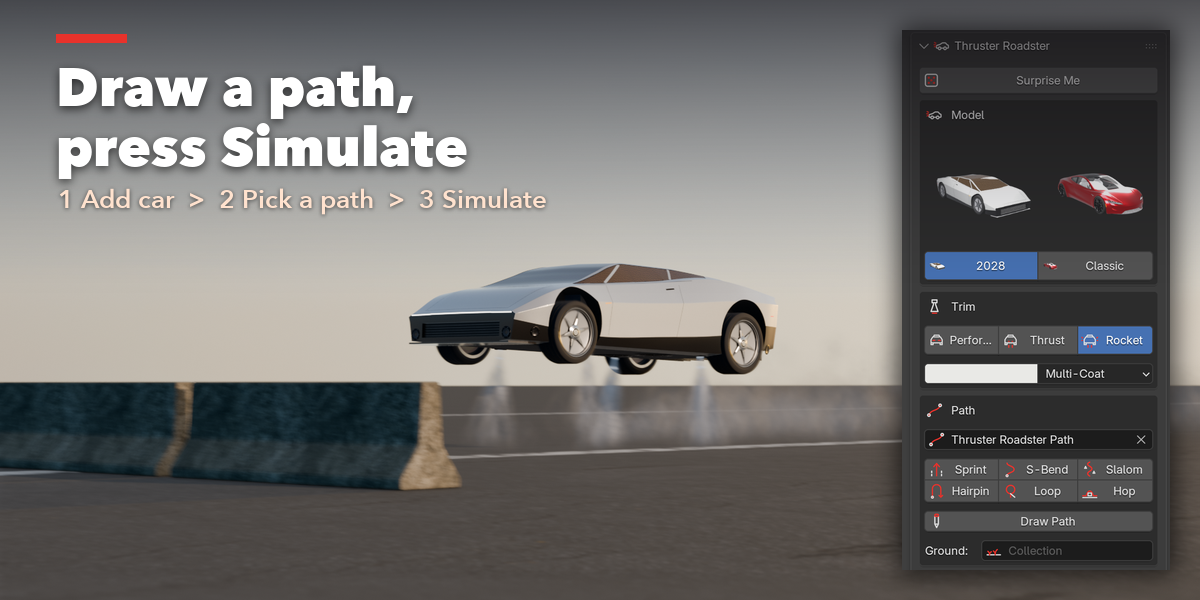
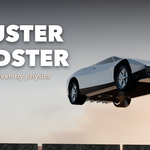
- Open the sidebar (N) and the Roadster tab, then press Add Thruster Roadster.
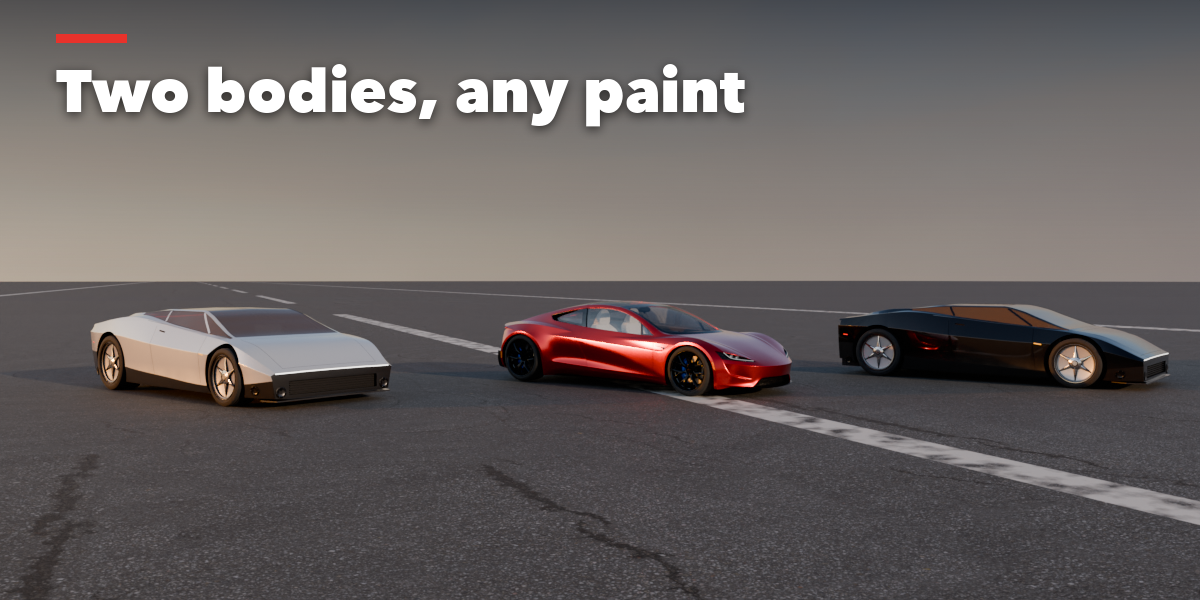
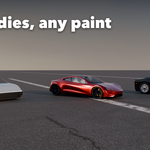
- Pick a trim and a paint color.
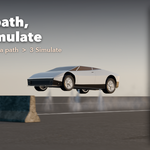
- Click a ready path, or Draw Path and draw onto your ground. Lift points of the curve (G Z) to make the car fly there.
- Optionally put your roads, ramps and terrain in a collection and pick it as Ground.
- Choose a driving style and top speed, then press Simulate Run.
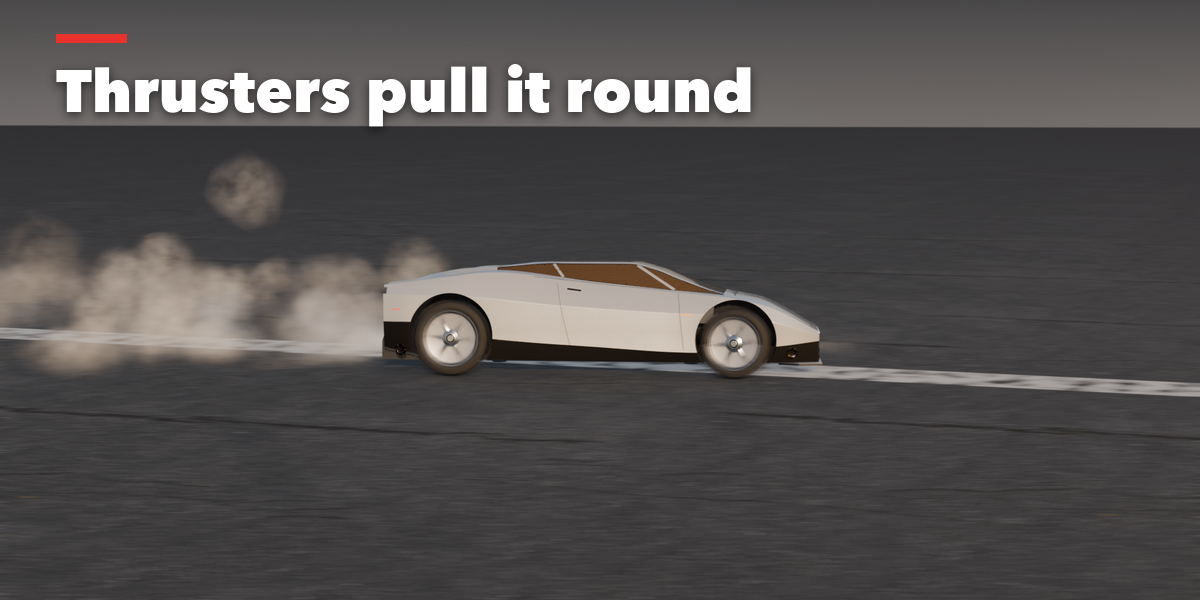
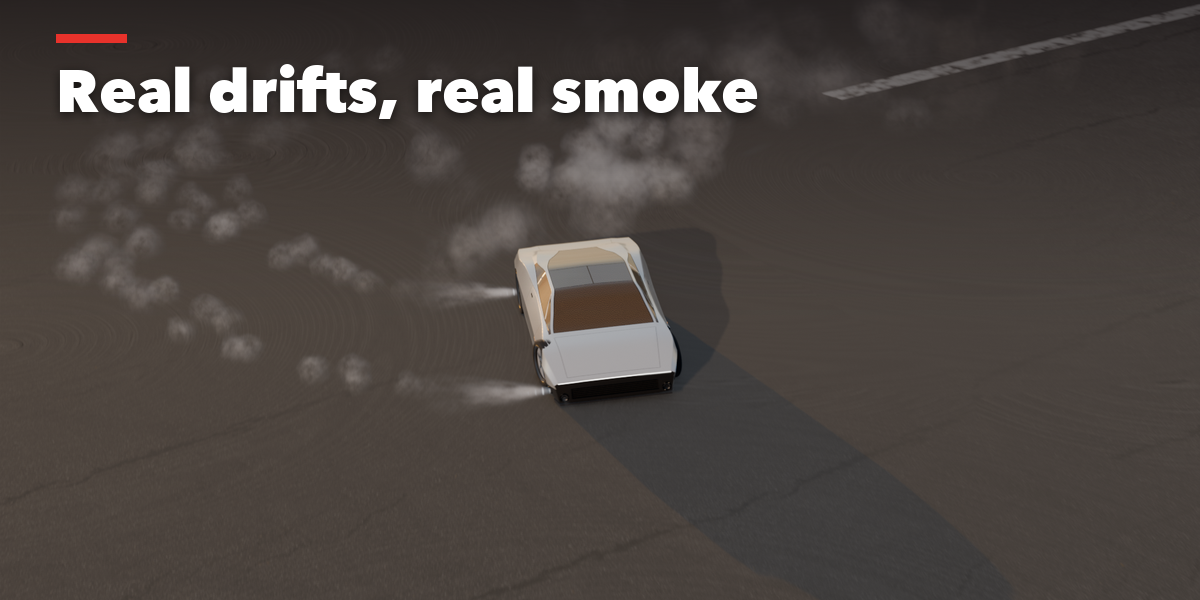
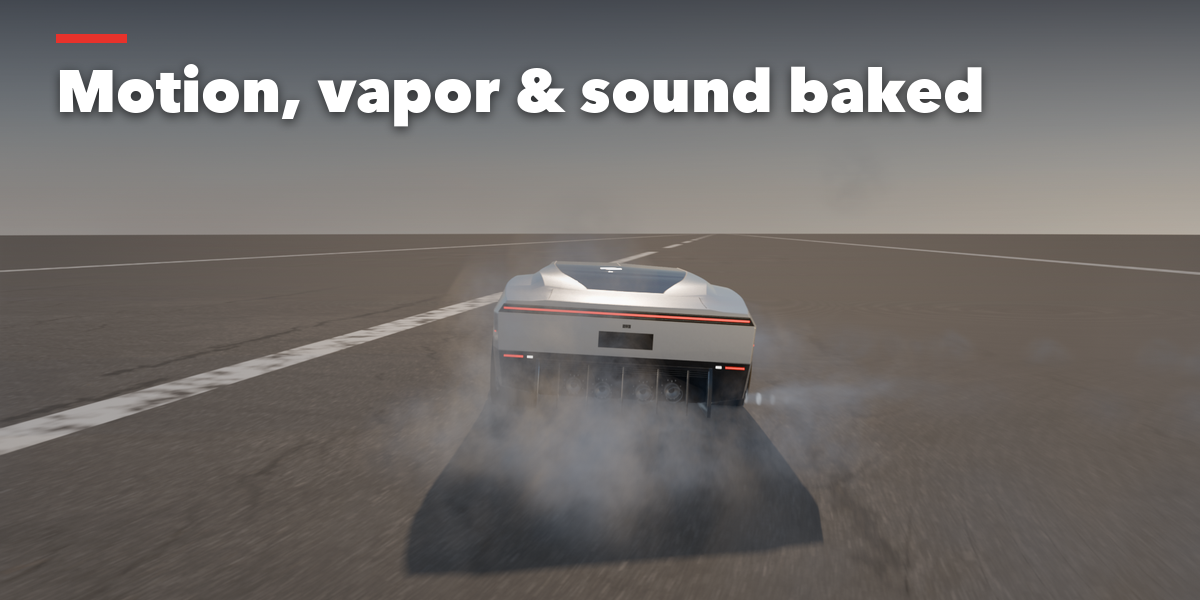
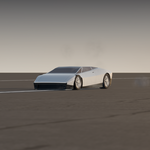
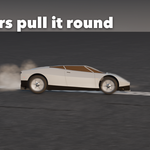
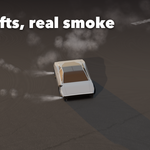
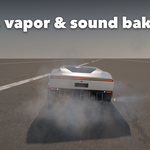
- Play the timeline: motion, plumes, smoke, skid marks and sound are baked. Change anything and Simulate again.
Have questions about this product?
Login to message
| Blender Extension Compatible | Yes |
| Published | about 2 hours ago |
| Blender Version | 4.2 - 5.2 |
| Extension Type | Add-on |
| Render Engine Used | Cycles, Eevee |
| License | GPL |

Discover more products like this
Rocket electric car thrusters Roadster physics flying car supercar simulation VFX stunt animation car