 Kyra3D

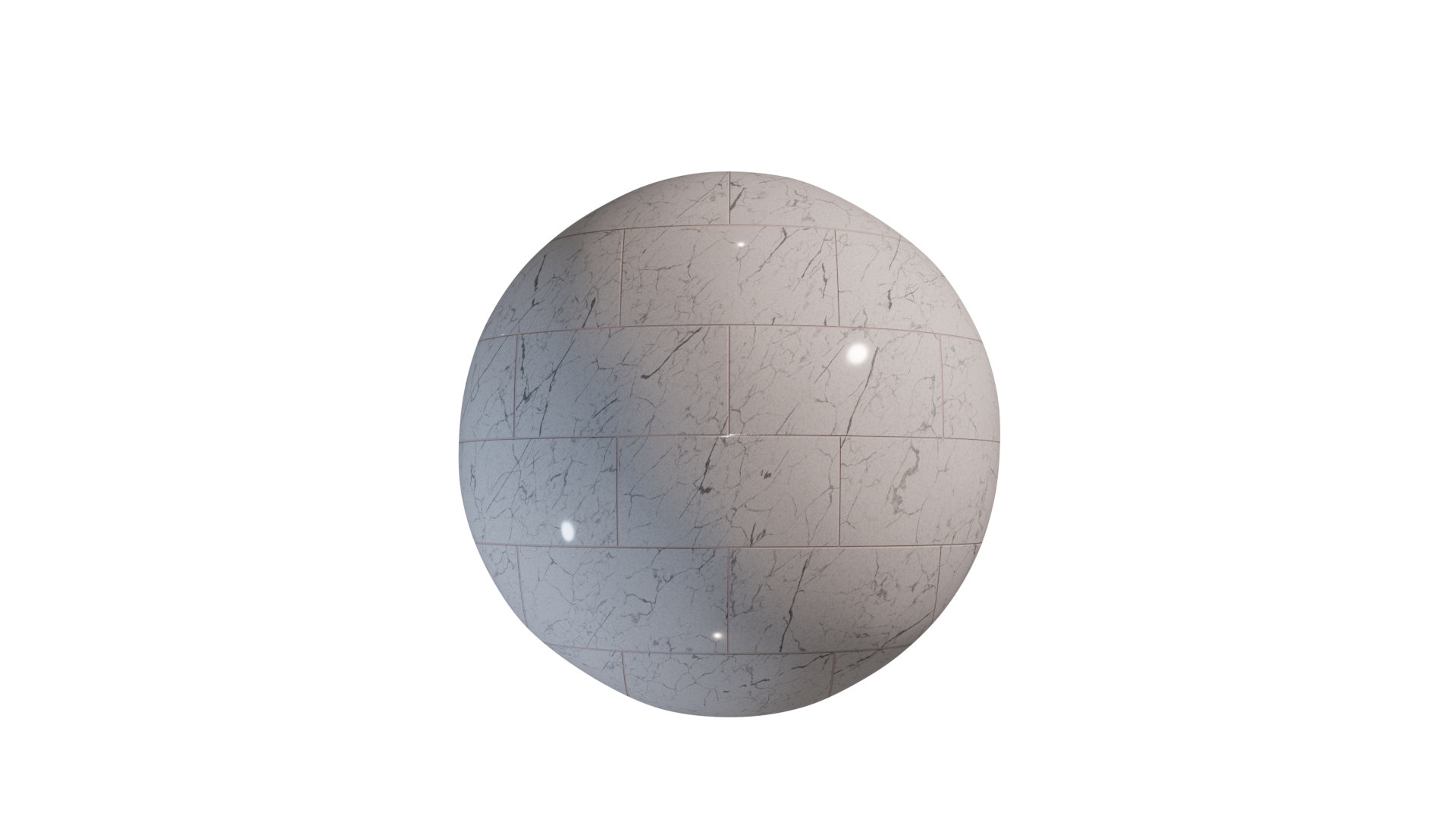
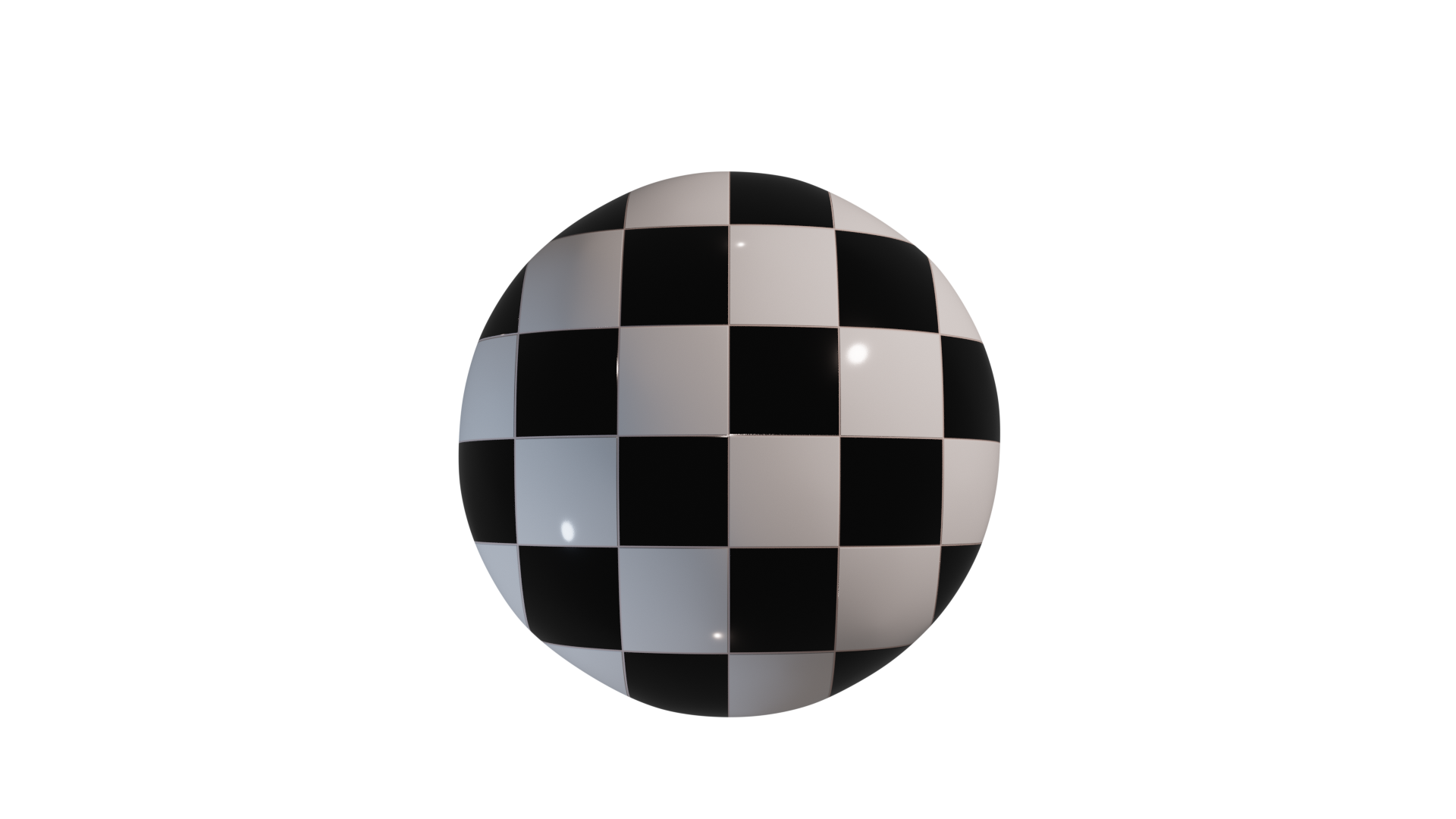
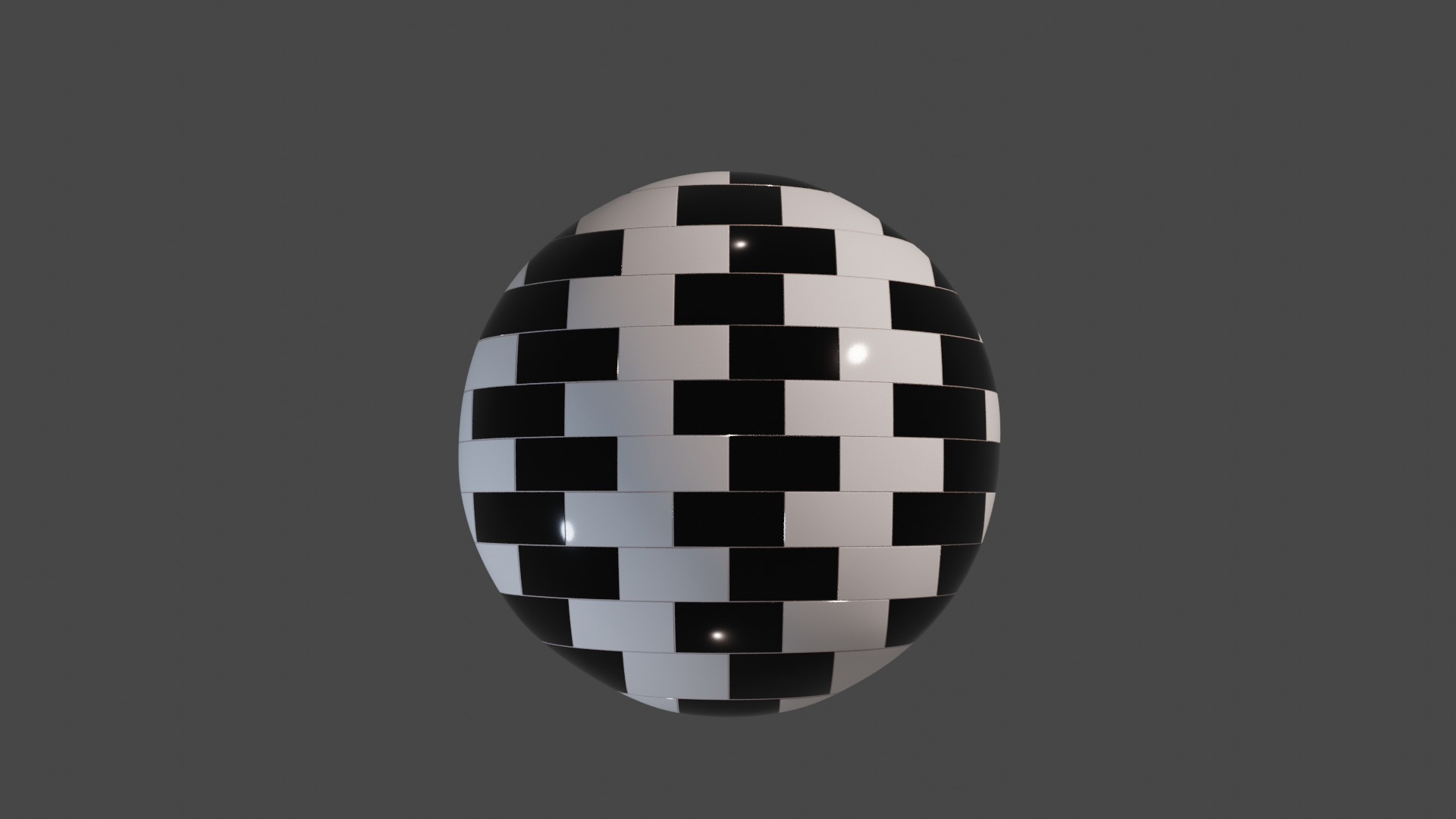
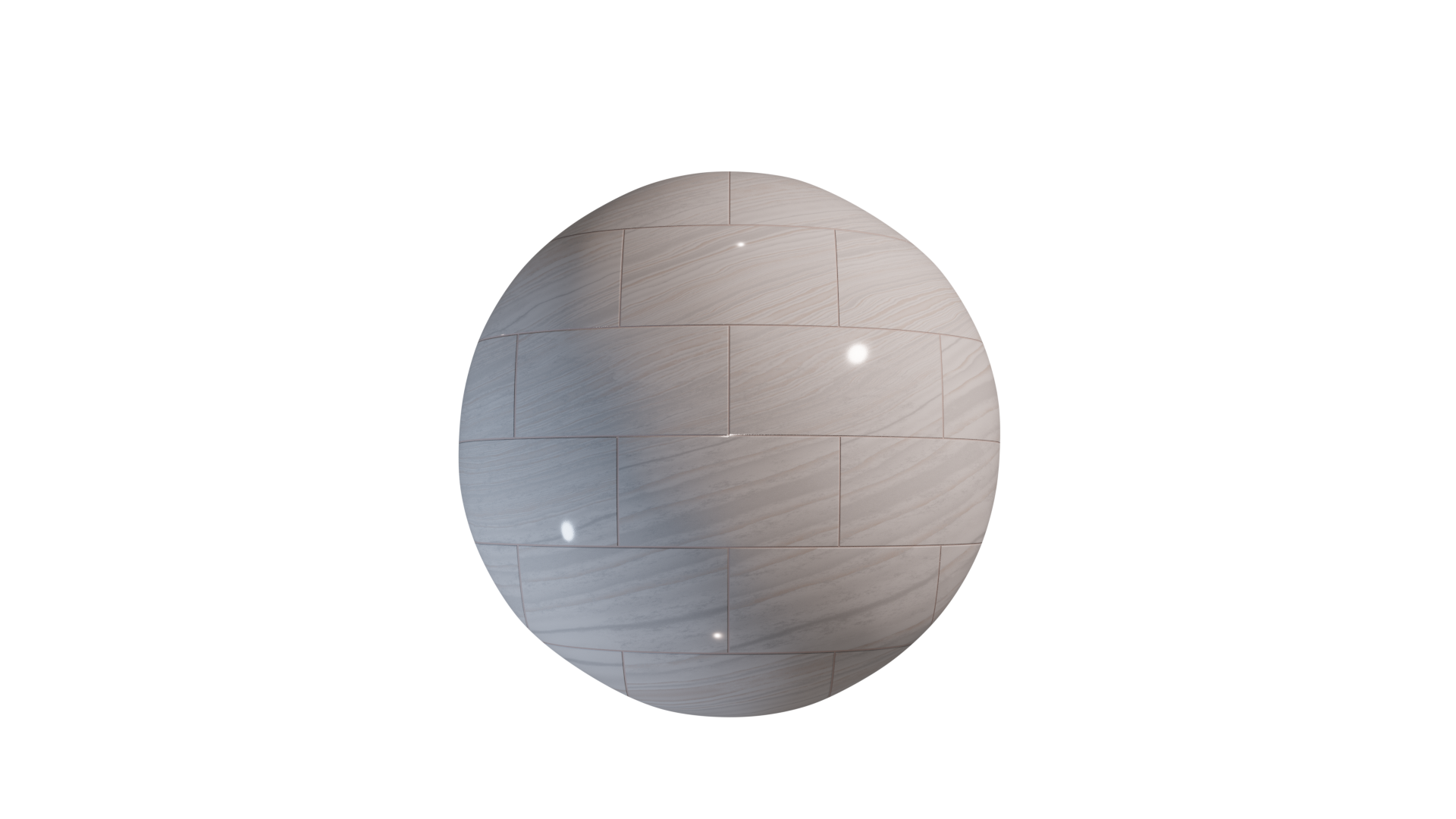
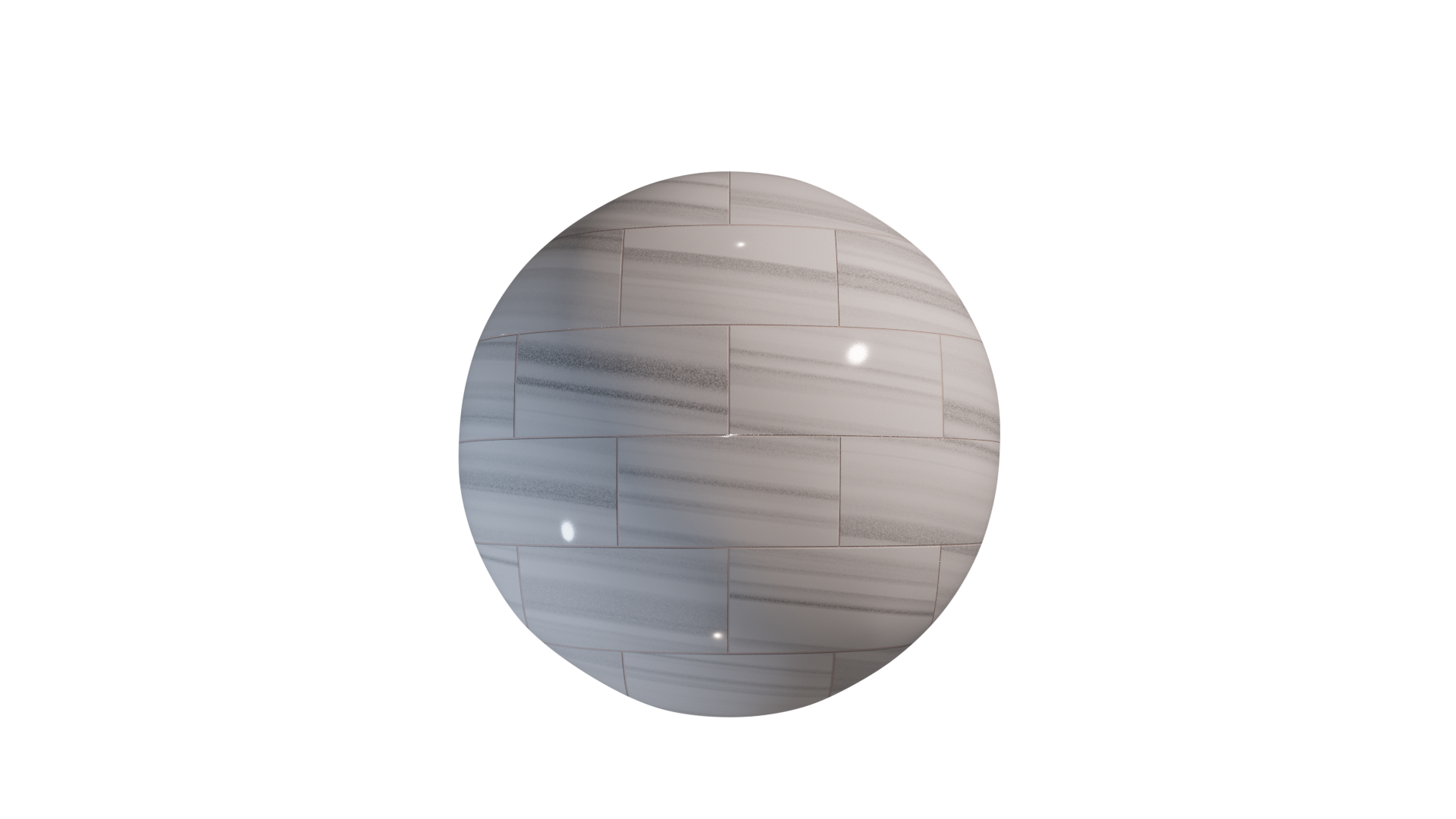
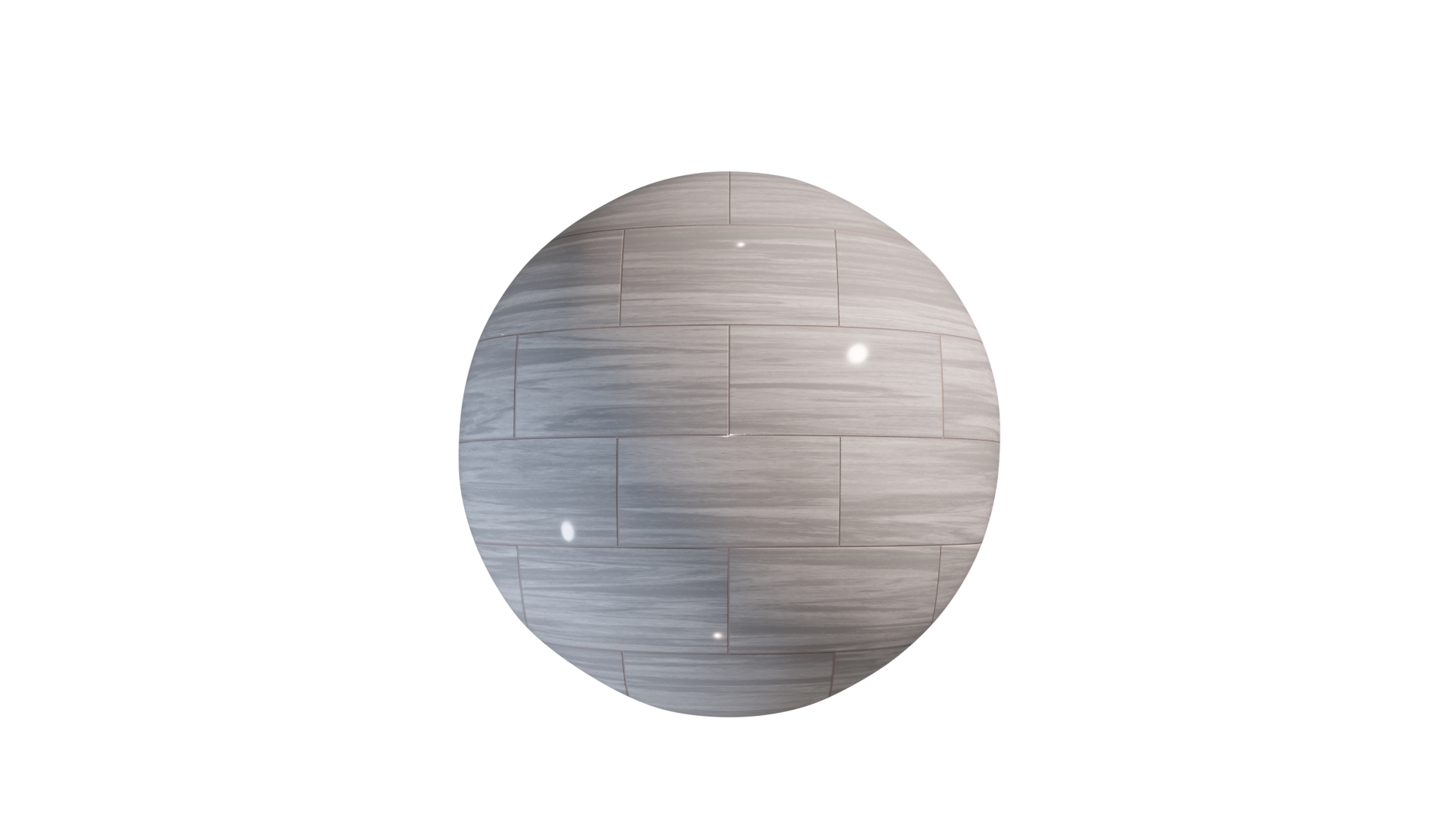
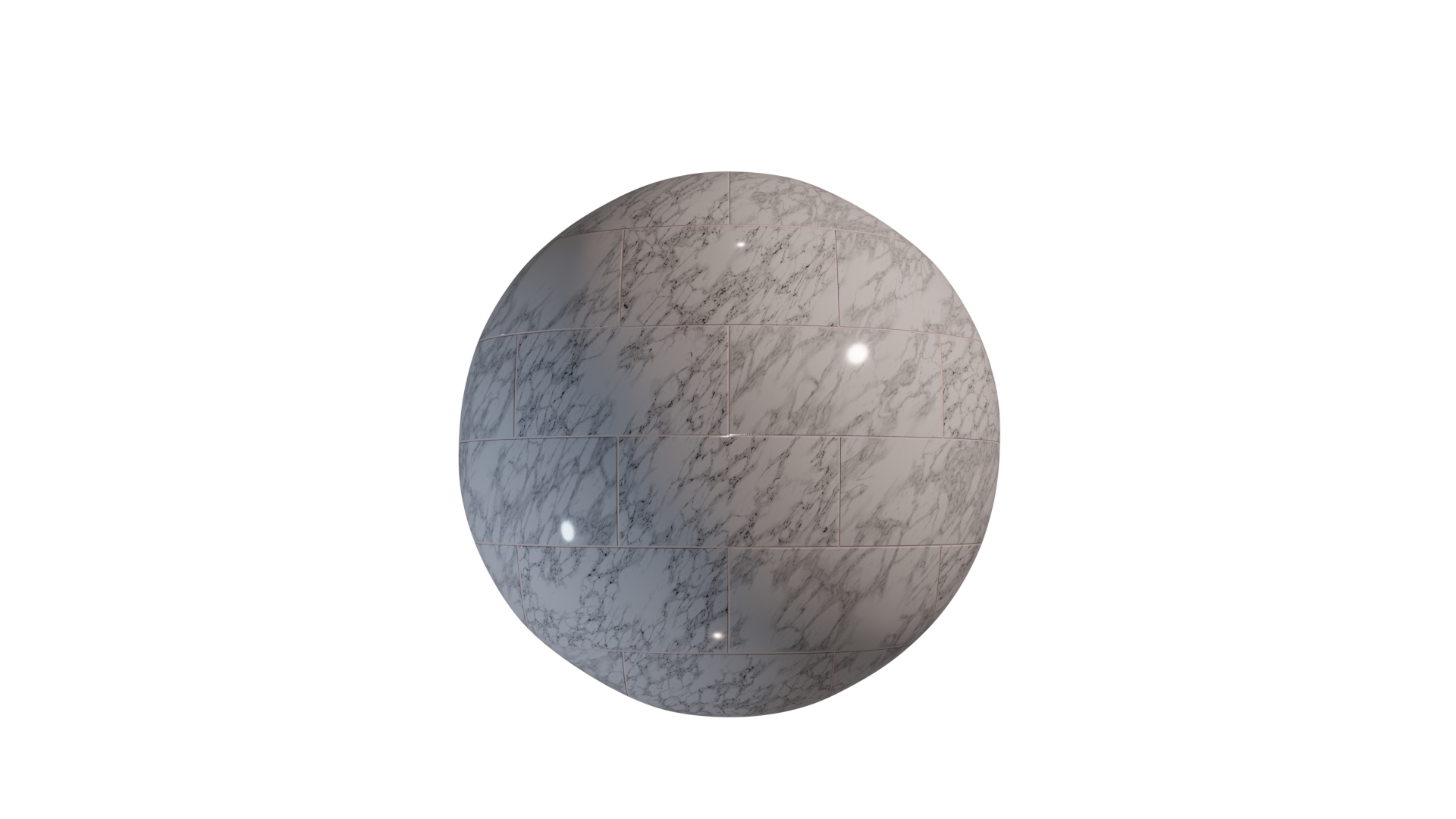
Please, don't hesitate to send a Private message from your inbox (https://blendermarket.com/inbox)
Open your existing project or start a new one in Blender
Click File -->Append, then browse to your downloaded file and click on it
Click on the folder NodeTree. The texture nodes can be identified by the KYRA prefix. Select the textures you would like to use and click Append from Library
The texture nodes will now be available in the Shader Editor. Click Add -->Group and find the textures by the KYRA prefix.
Have questions about this product?
Login to message
| Sales | 10+ |
| Dev Fund Contributor | |
| Published | over 4 years ago |
| Blender Version | 4.2, 4.1, 4.0, 3.6, 3.5, 3.4, 3.3, 3.2, 3.1, 3.0, 2.93, 2.92, 2.91, 2.9, 2.83, 2.82, 2.81, 2.8 |
| Render Engine Used | Cycles, Eevee |
| License | Royalty Free |

Discover more products like this
Lighting summer21 procedural Studio update seamless stone beer-glass black minifigures character assemble node group ceramic white car procedural-mosaic blanco PBR polished Sculpt classic mosaic sale Interior realistic low poly uv ior kitchen nodebased wall eevee Shader Cycles principled Glass sculpting Tiles Render sales rough cute Setup PRO free cracks Material updates Rock