 Jeremy G.

Every minute in Blender, accounted for.
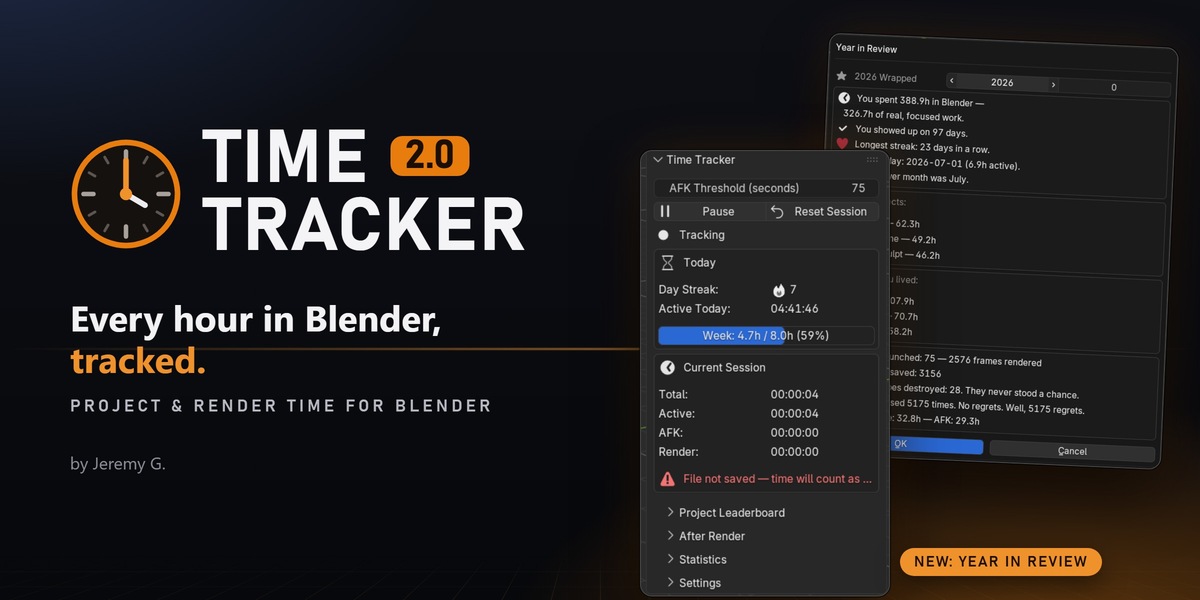
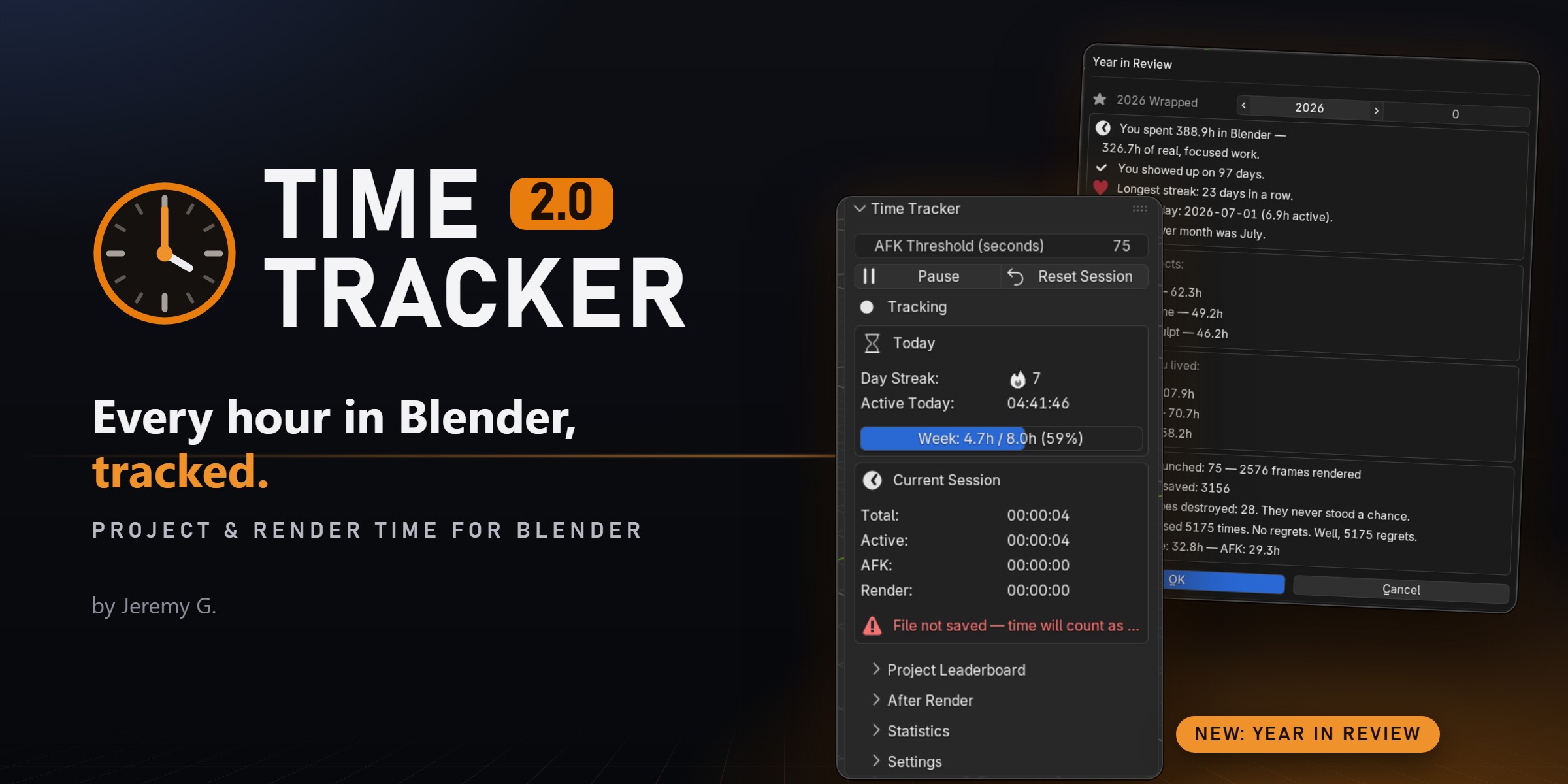
Time Tracker runs quietly in the background and shows you exactly where your Blender time goes: per project, per version, per day and per workspace. No manual timers, no interruptions.
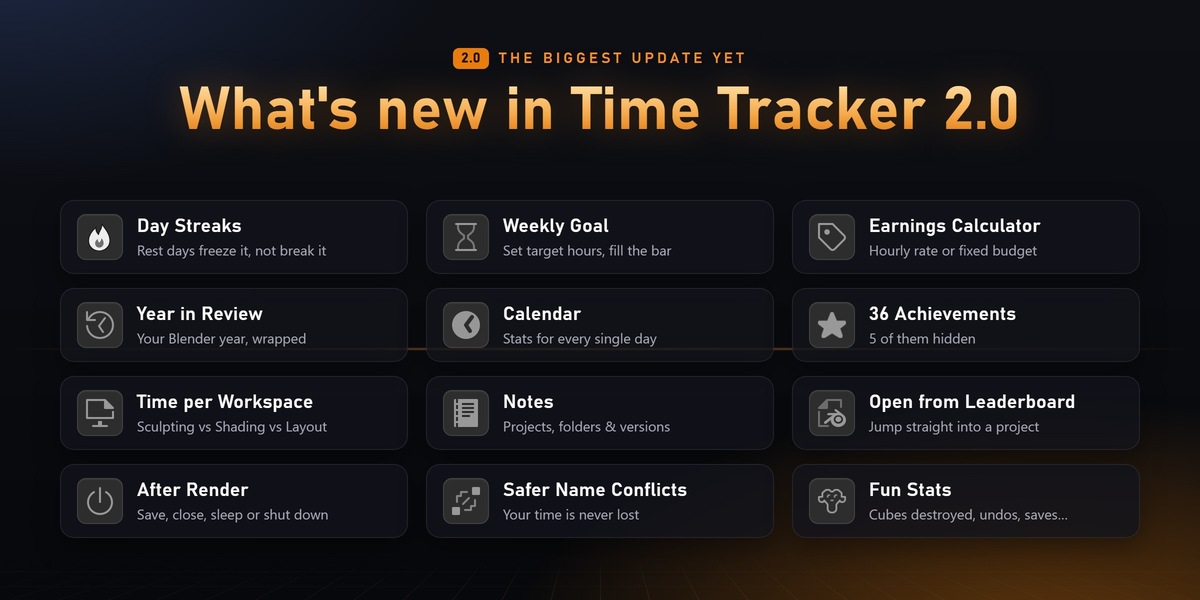
VERSION 2.0 The biggest update yet: day streaks, a weekly goal, an earnings calculator, a calendar, 36 achievements, notes, and your own Blender Year in Review.
Watch the full 2.0 showcase video above to see every feature in action.
|
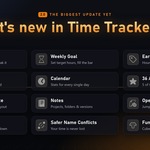
Day Streaks Rest days freeze it instead of breaking it |
Weekly Goal Set target hours and fill the bar |
Earnings Calculator Hourly rate or fixed budget |
|
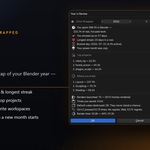
Year in Review Your Blender year, wrapped |
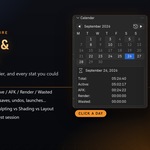
Calendar Stats for every single day |
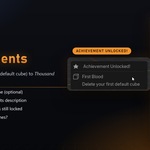
36 Achievements 5 of them hidden |
|
Time per Workspace Sculpting vs Shading vs Layout |
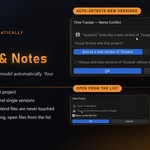
Notes On projects, folders and versions |
Open from Leaderboard Jump straight into a project |
|
After Render Save, close, sleep or shut down |
Safer Name Conflicts Your time is never lost |
Fun Stats Cubes destroyed, undos, saves... |
ALWAYS RUNNING
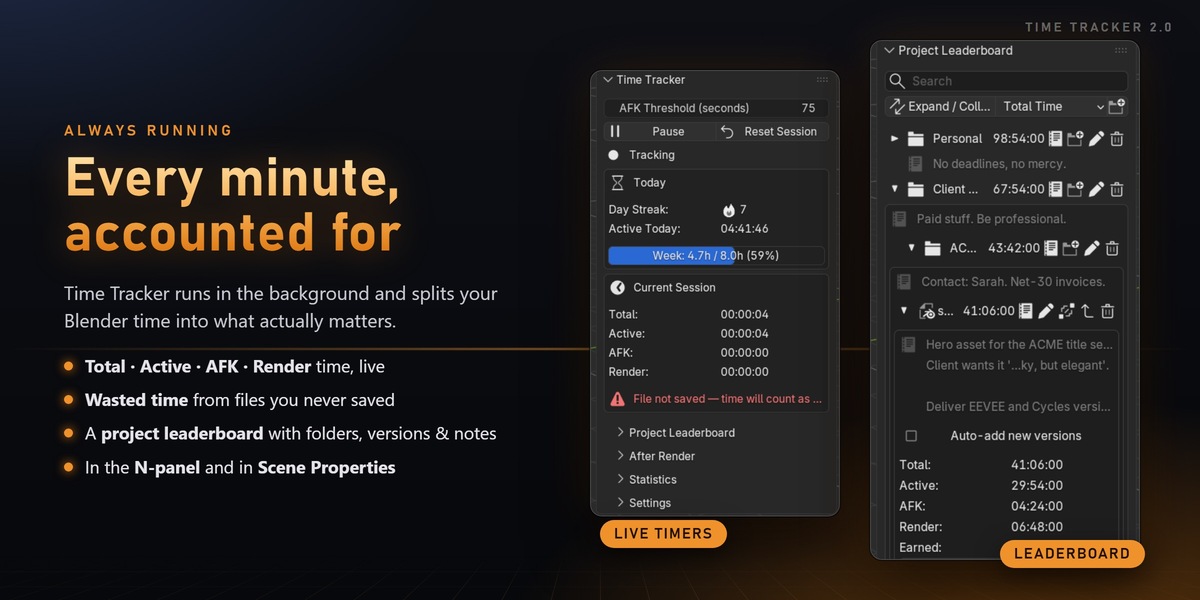
Know what your time is really made of
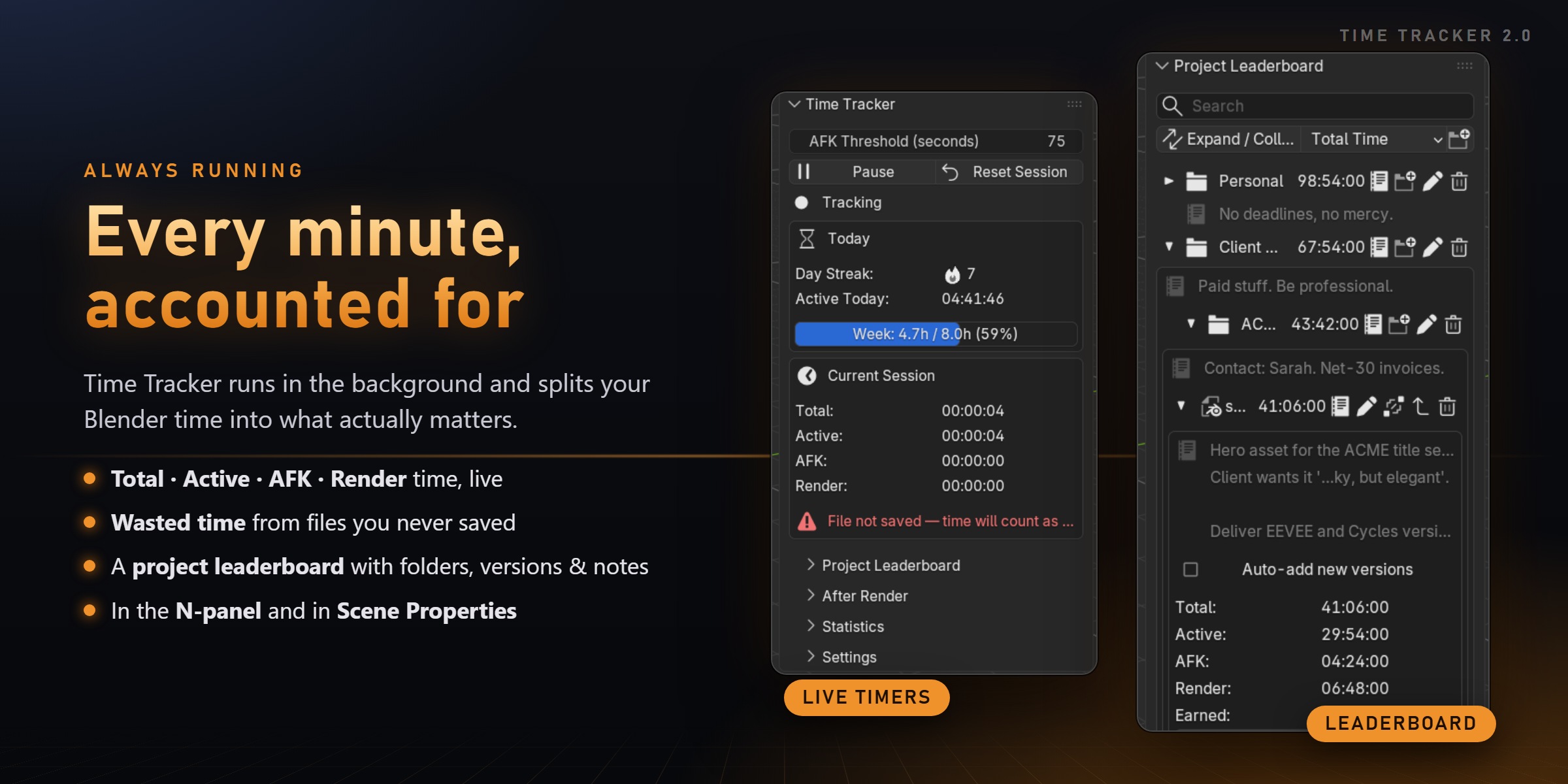
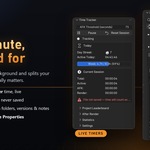
| Total time | How long Blender was open for a project |
| Active time | Real work: mouse, keyboard and viewport activity |
| AFK time | When you stepped away (the threshold is configurable) |
| Render time | Tracked separately so it doesn't inflate your work hours |
| Wasted time | Sessions in files you closed without ever saving |
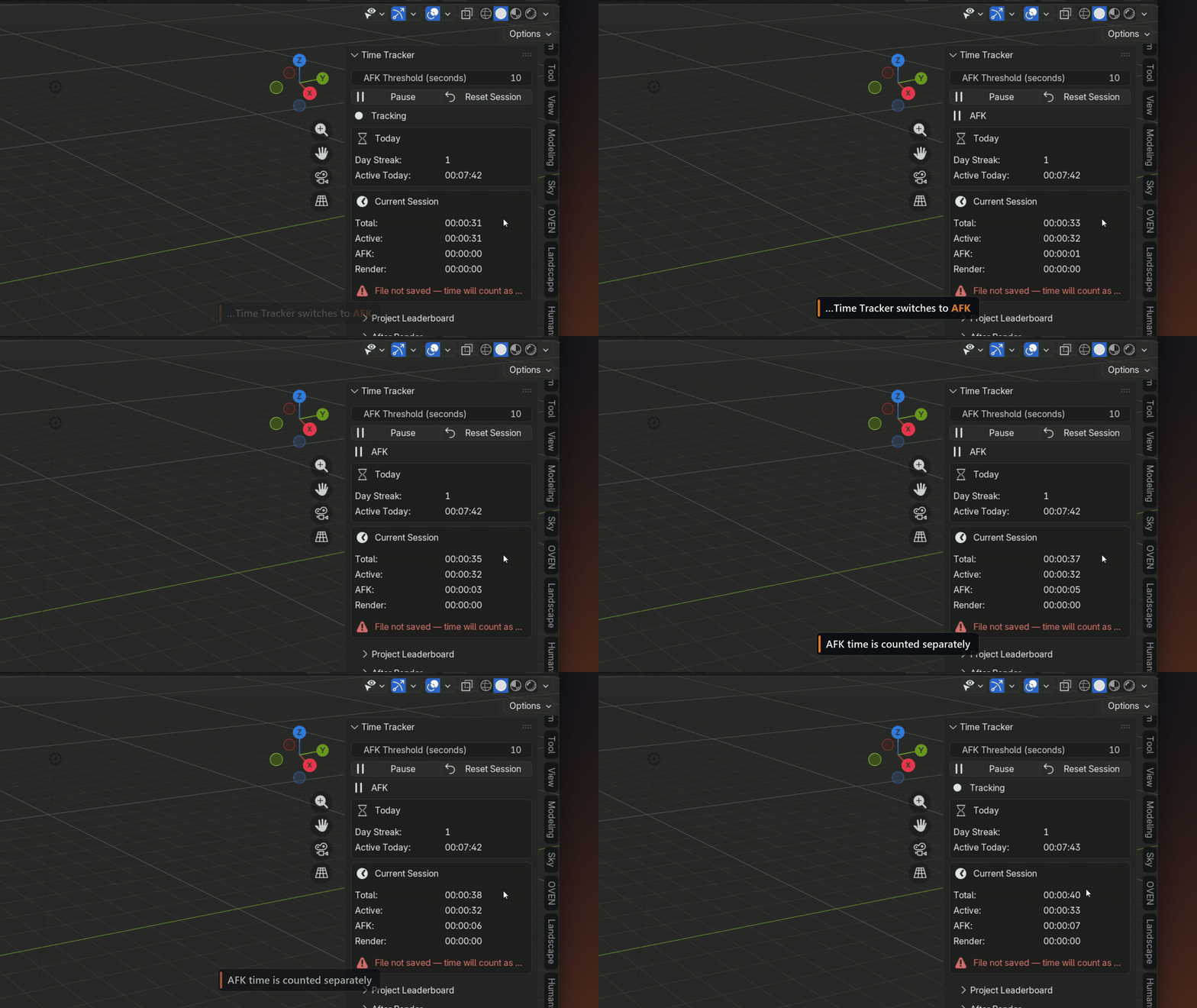
Step away and Time Tracker switches to AFK on its own.
NEW IN 2.0
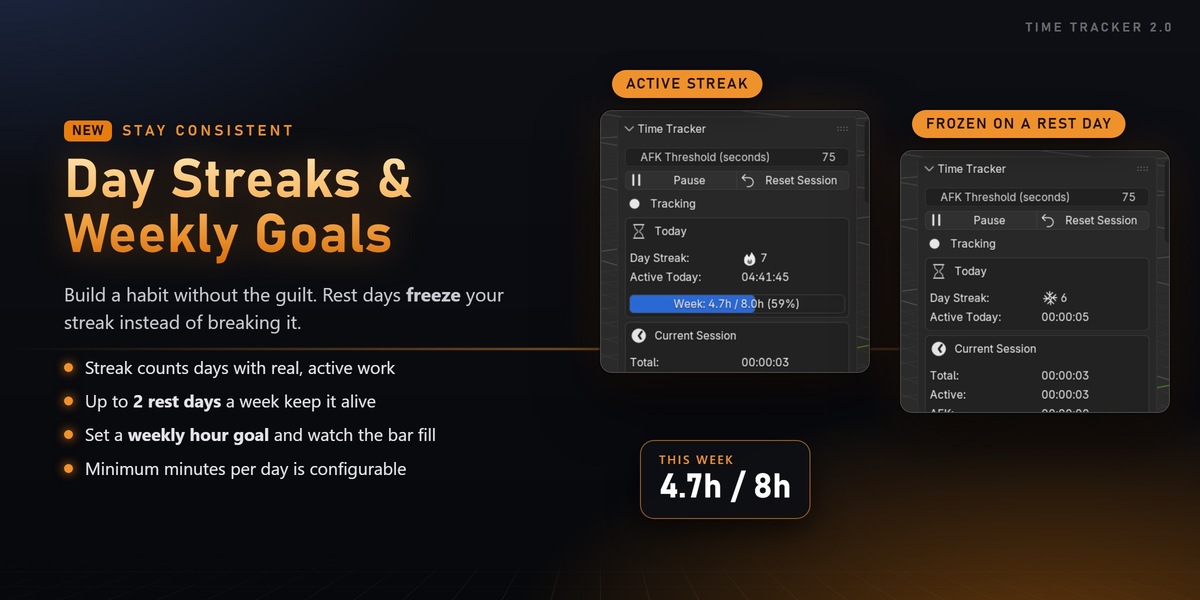
Day Streaks & Weekly Goal
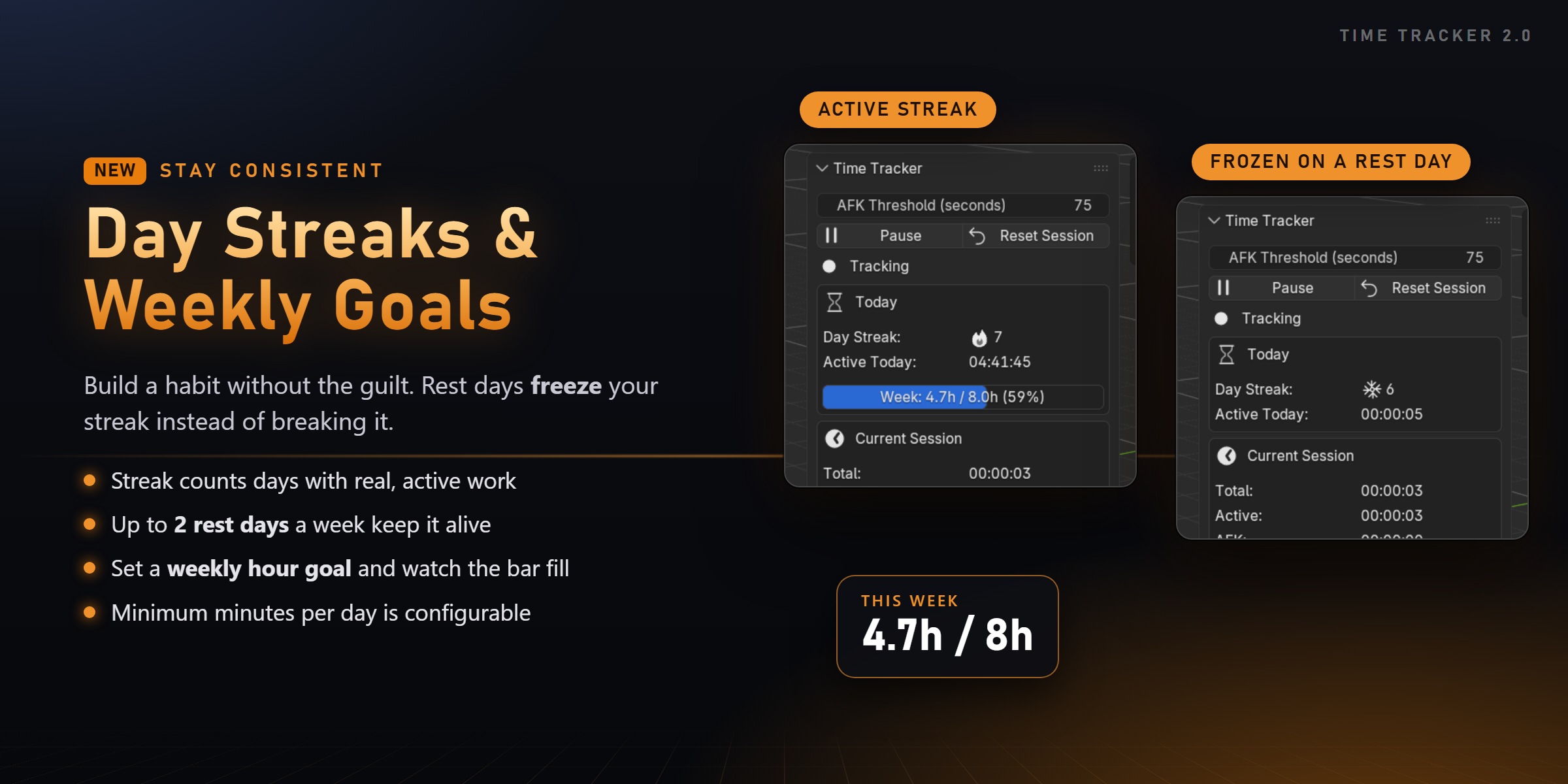
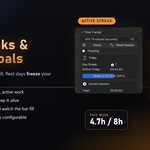
Count the days in a row you actually worked. Rest days freeze your streak instead of breaking it: up to 2 per week, never more than 2 in a row. So a 5-day work week keeps it alive forever.
Add an optional weekly hour goal and watch the progress bar fill up as you work.
NEW IN 2.0
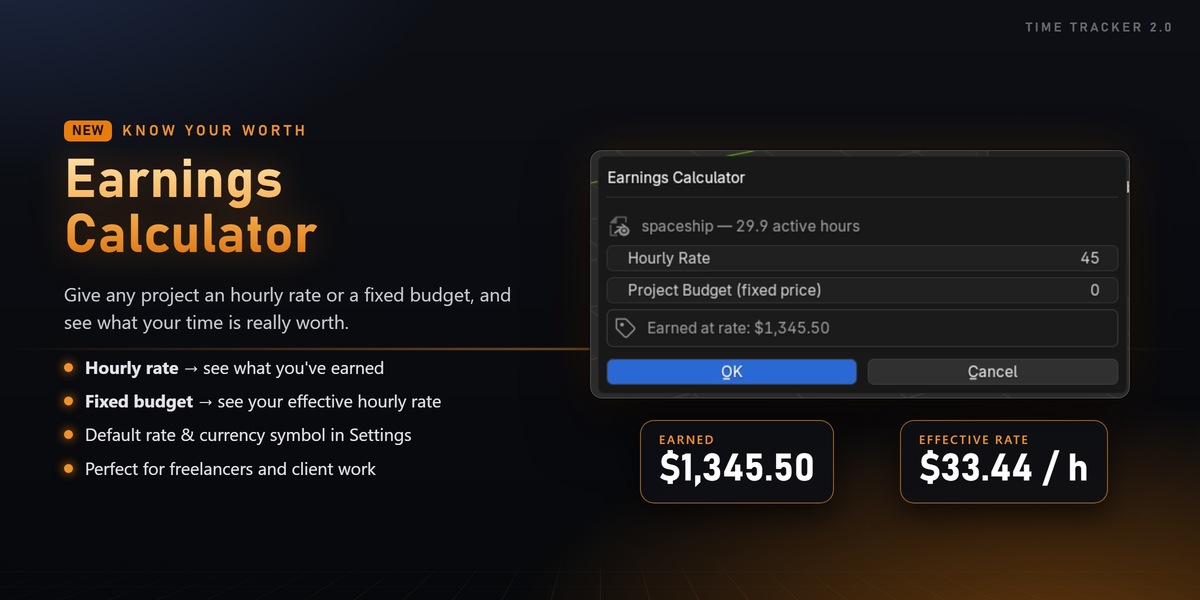
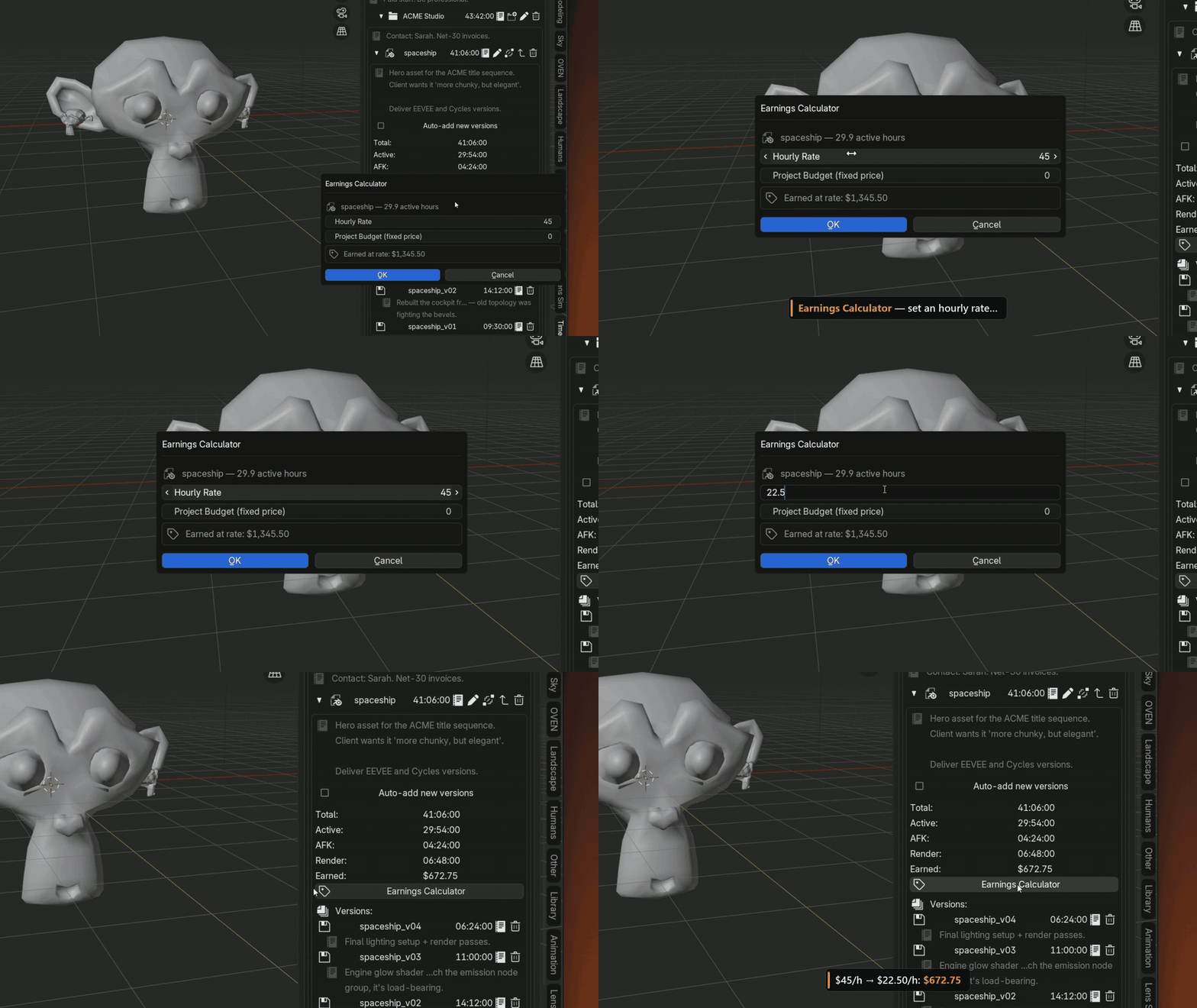
Earnings Calculator
|
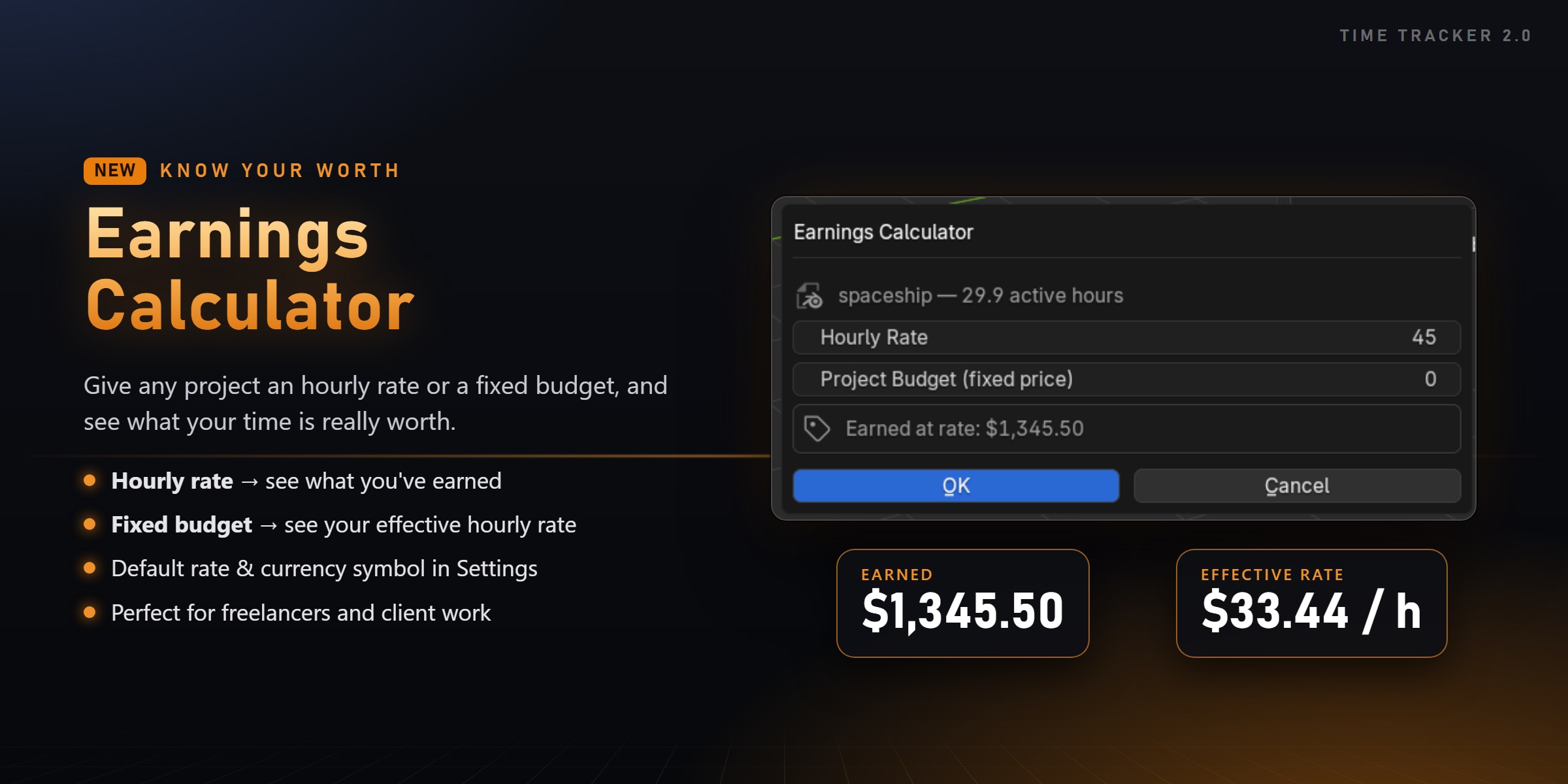
Hourly rate See how much you've earned on a project so far. |
Fixed budget See your real, effective hourly rate. |
Perfect for freelancers and client work. Set a default rate and your currency symbol in Settings.
NEW IN 2.0
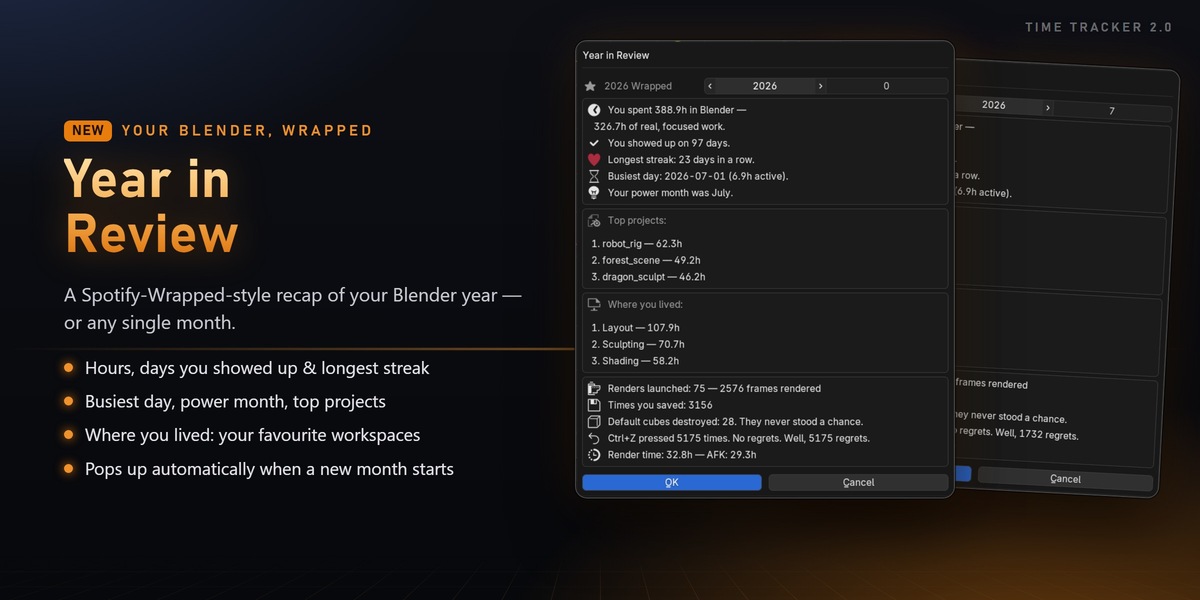
Year in Review
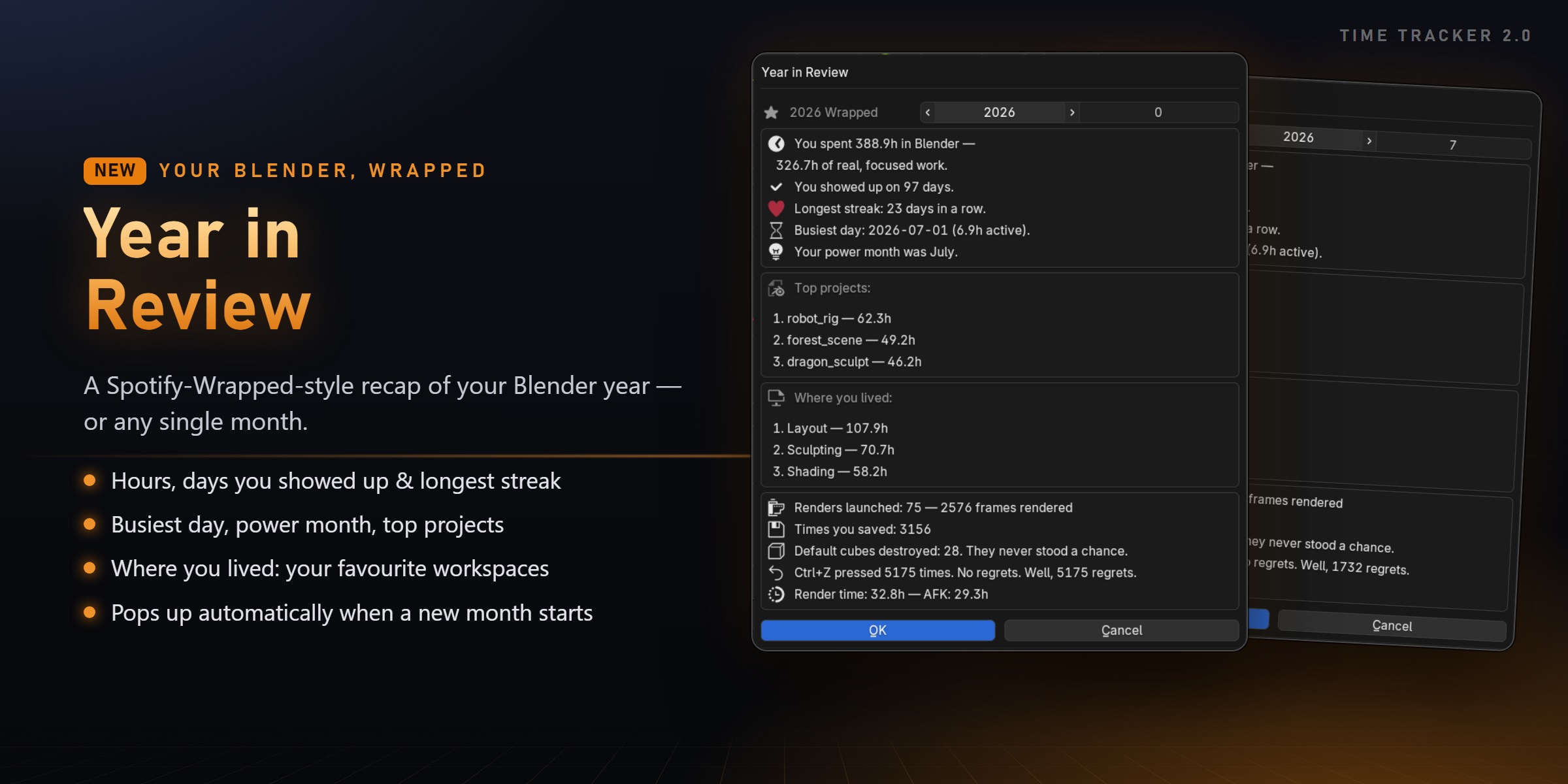
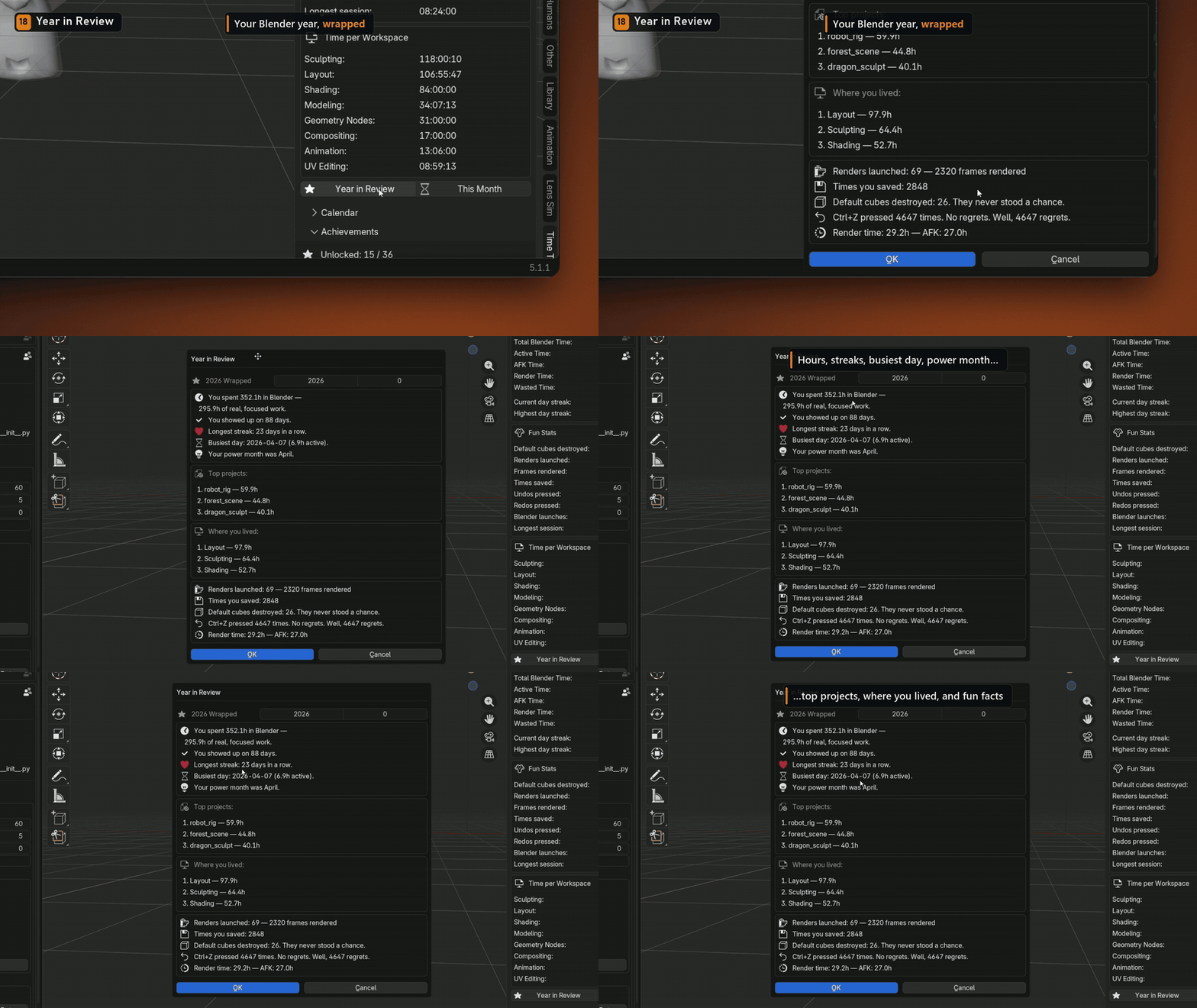
Your Blender year, wrapped: total and focused hours, days you showed up, longest streak, busiest day, power month, top projects, favourite workspaces and fun facts. For any year or any single month.
When a new month starts, the recap of the one that just ended pops up automatically.
NEW IN 2.0
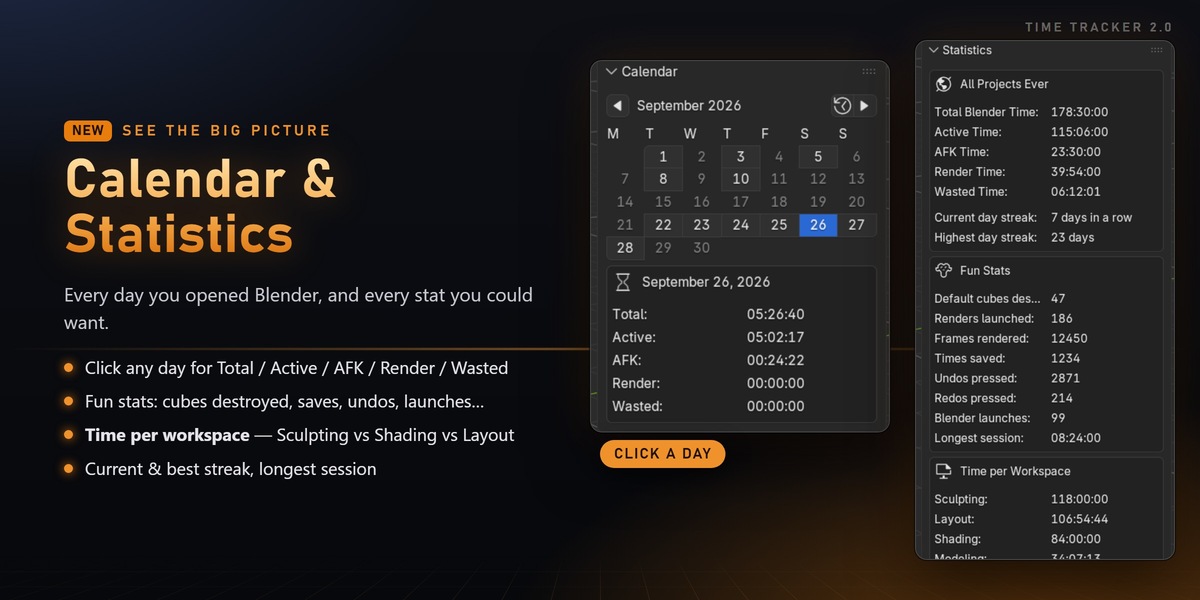
Calendar & Statistics
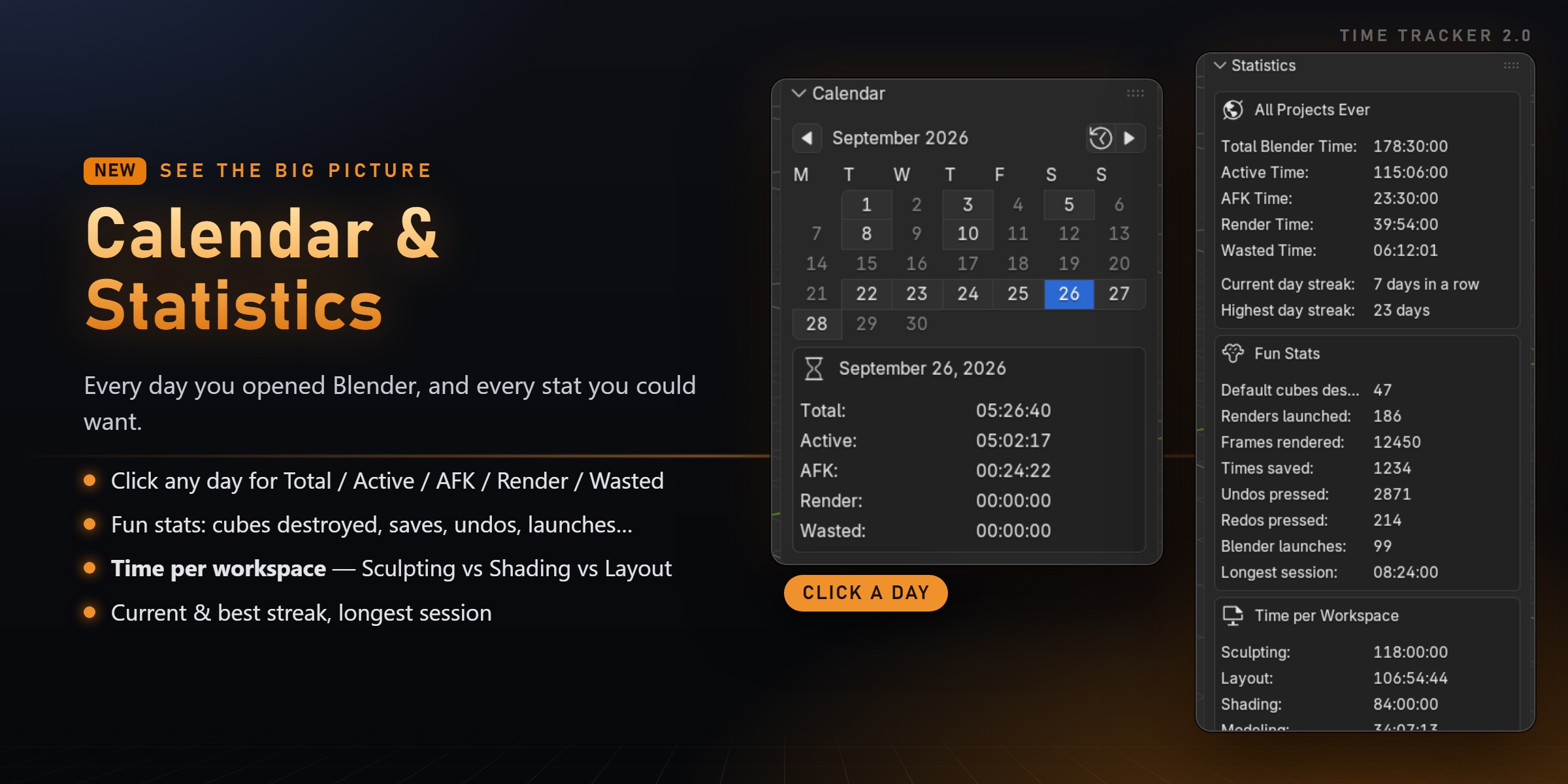
- A calendar of every day you opened Blender. Click a day for its Total, Active, AFK, Render and Wasted time.
- Time per workspace: Sculpting vs Shading vs Layout and more.
- Fun stats: default cubes destroyed, renders, frames, saves, undos, Blender launches, longest session.
NEW IN 2.0
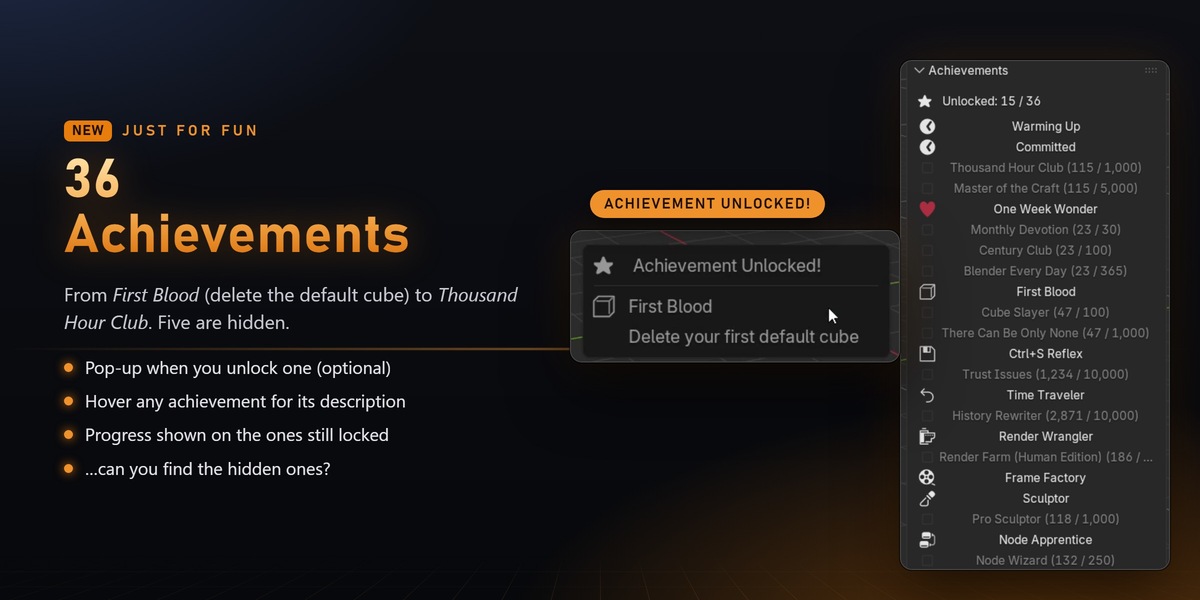
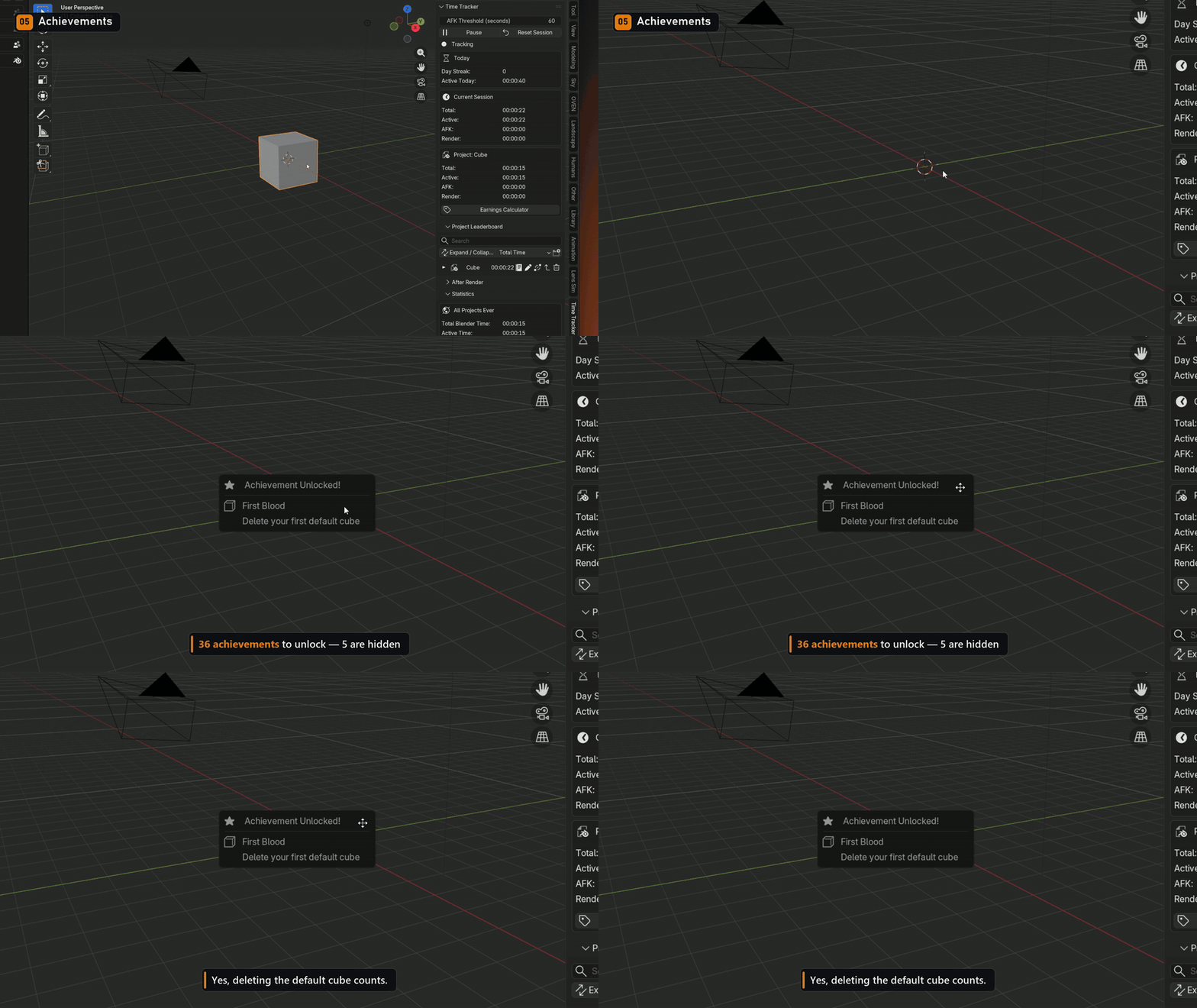
36 Achievements
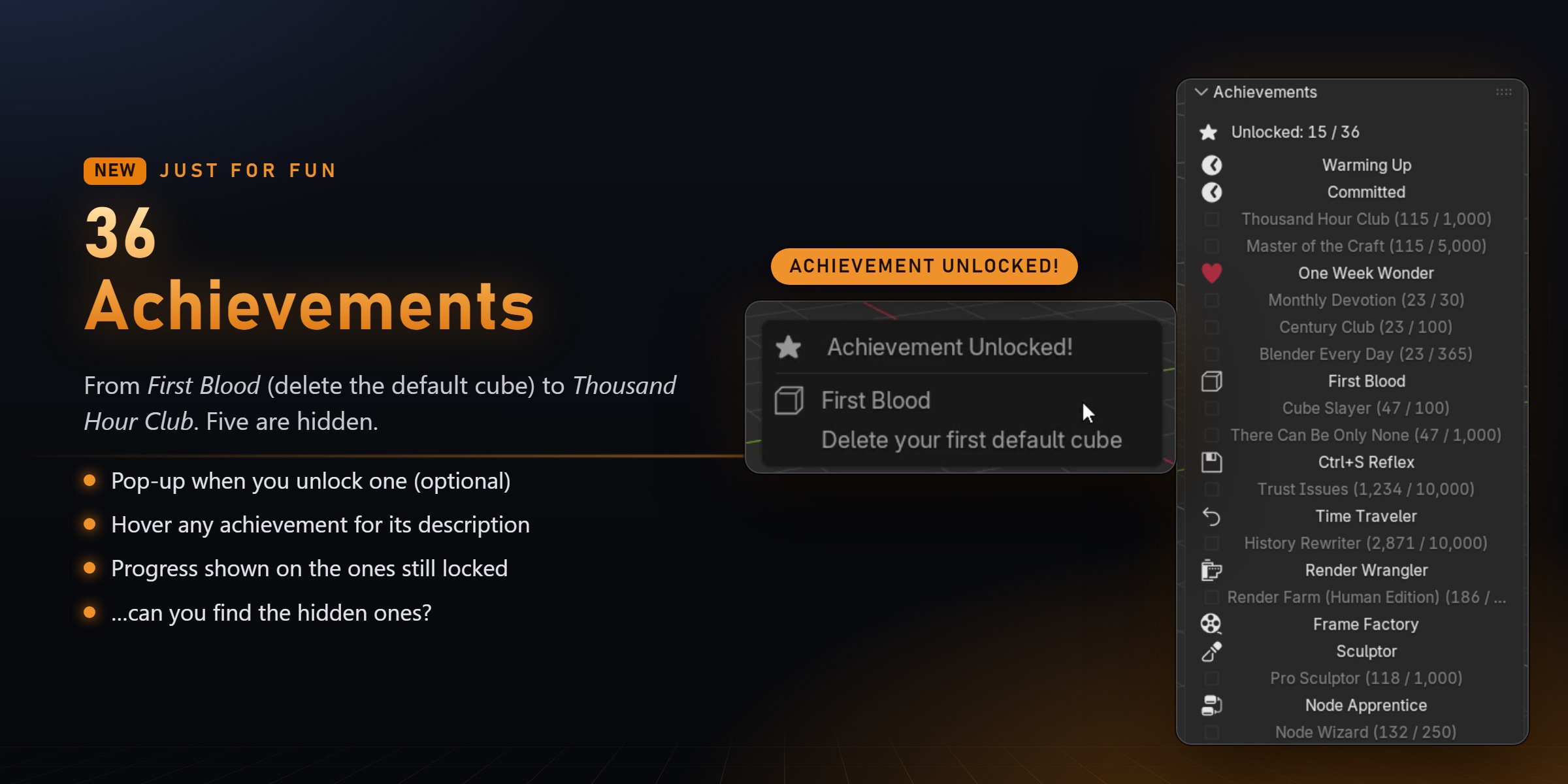
From First Blood (delete the default cube) to Thousand Hour Club. Five of them are hidden. Can you find them?
ORGANISED AUTOMATICALLY
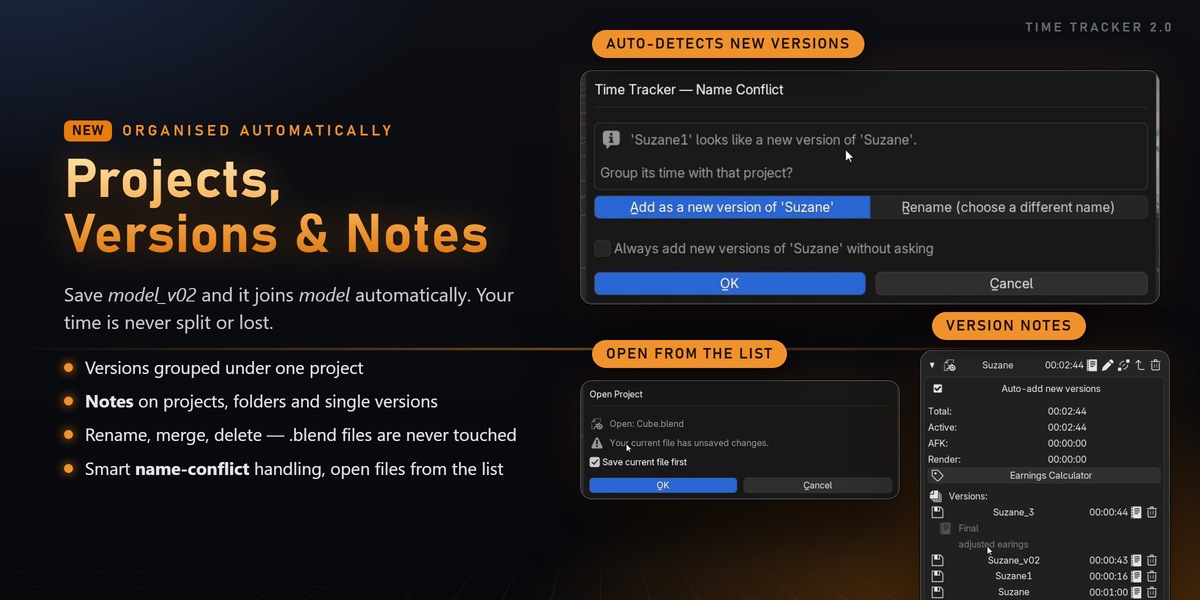
Projects, Versions, Folders & Notes
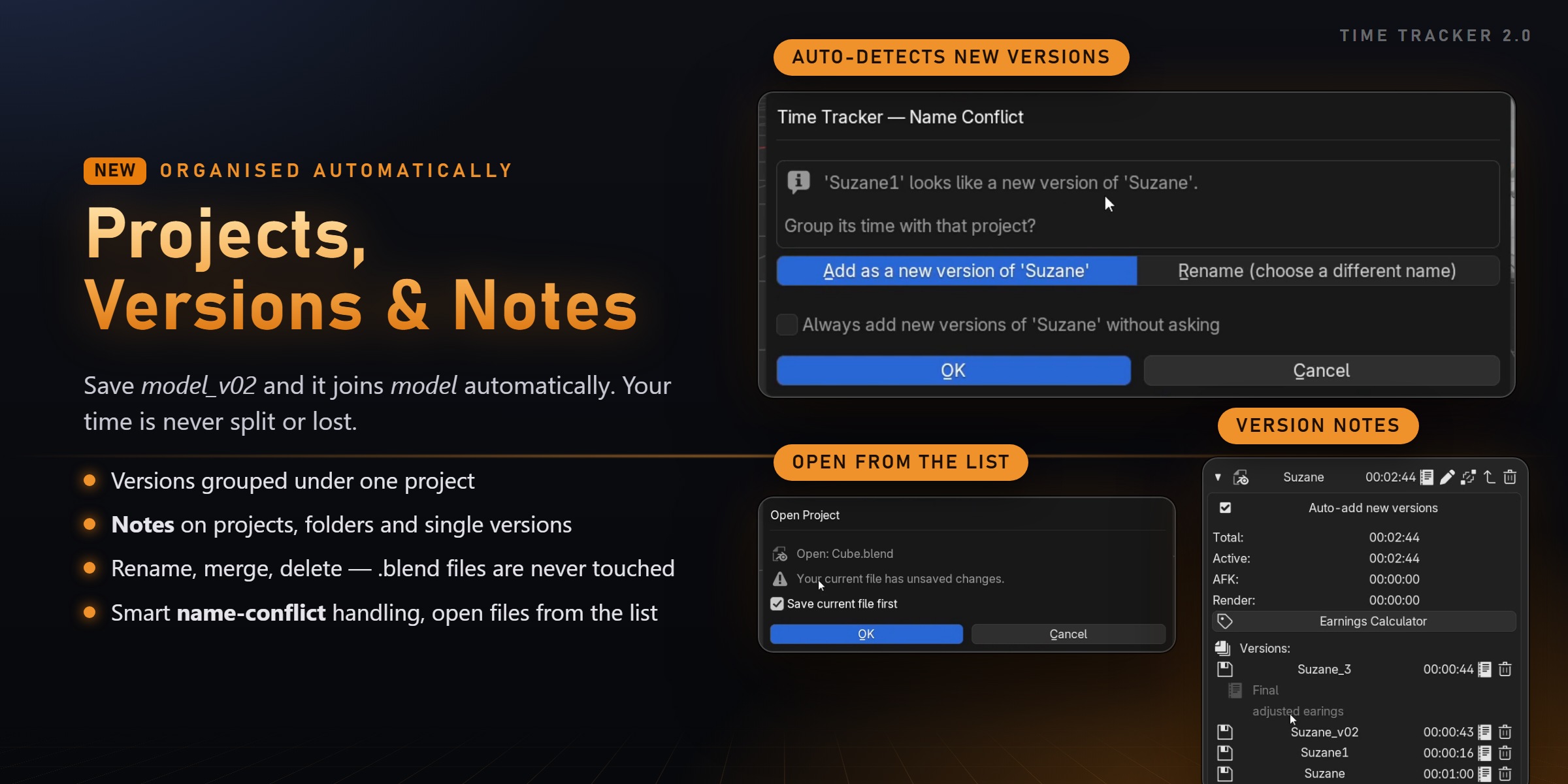
- Project leaderboard: search it and sort by Total, Active, AFK or Render time
- Versions: save model_v02 and it joins model automatically
- Folders and subfolders to organise clients and personal work
- Notes on projects, folders and individual versions (new)
- Open any project straight from the leaderboard (new)
- Rename, merge or delete projects and single versions. Your .blend files are never deleted
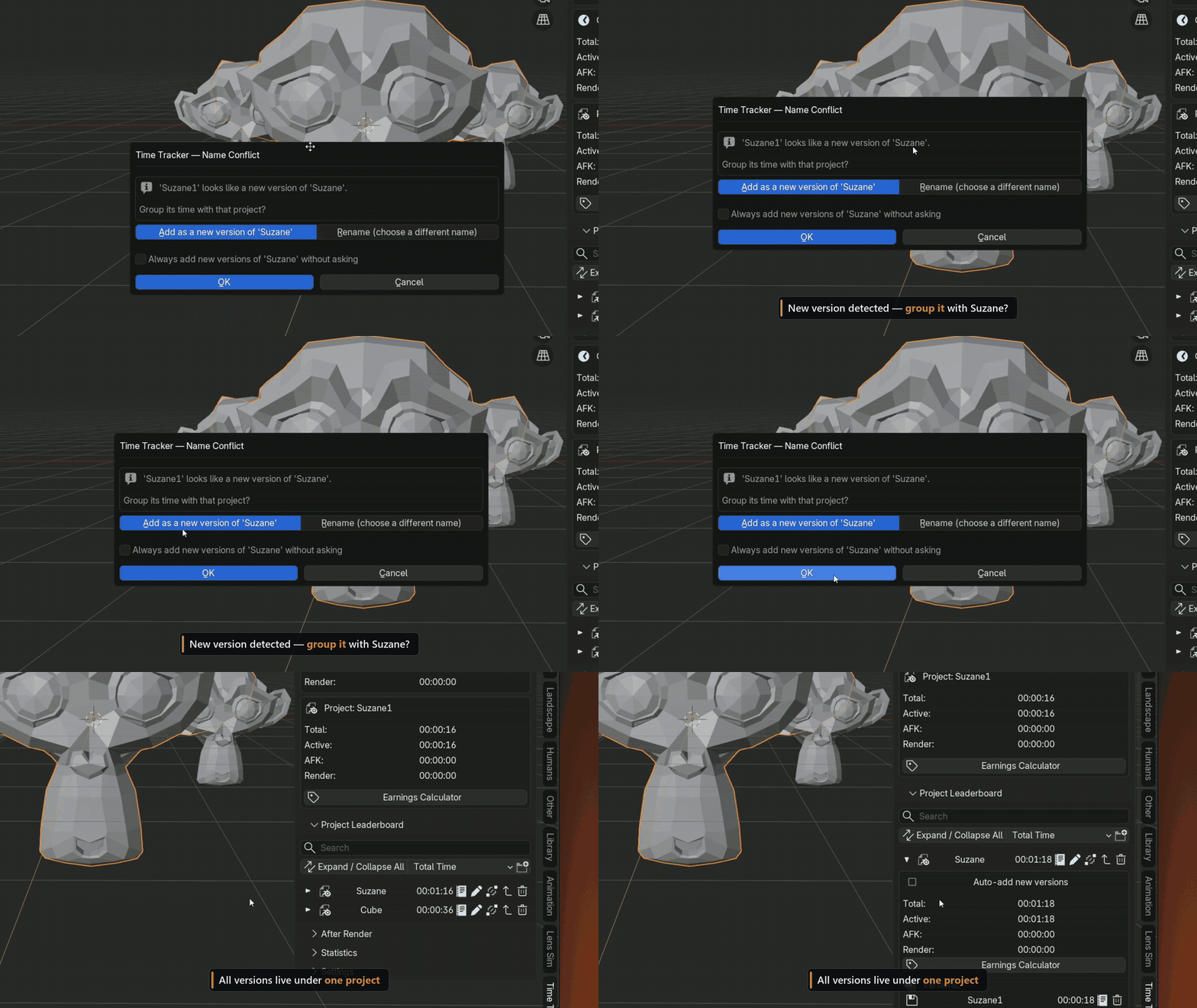
- Smart name-conflict handling: your time is never lost or wrongly merged (improved)
NEW IN 2.0
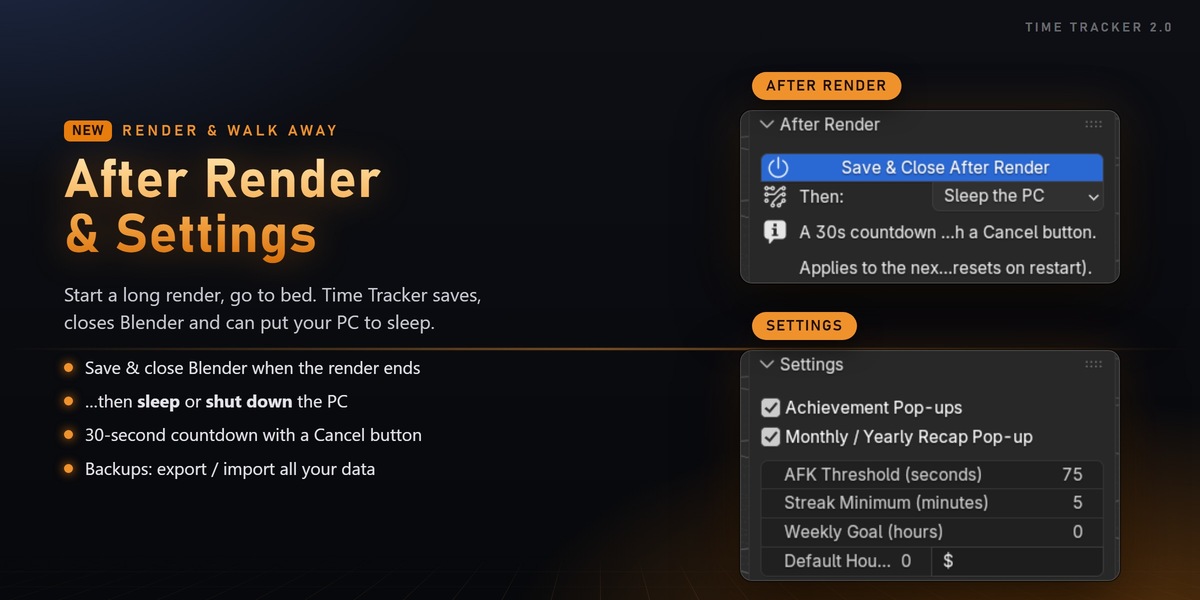
After Render
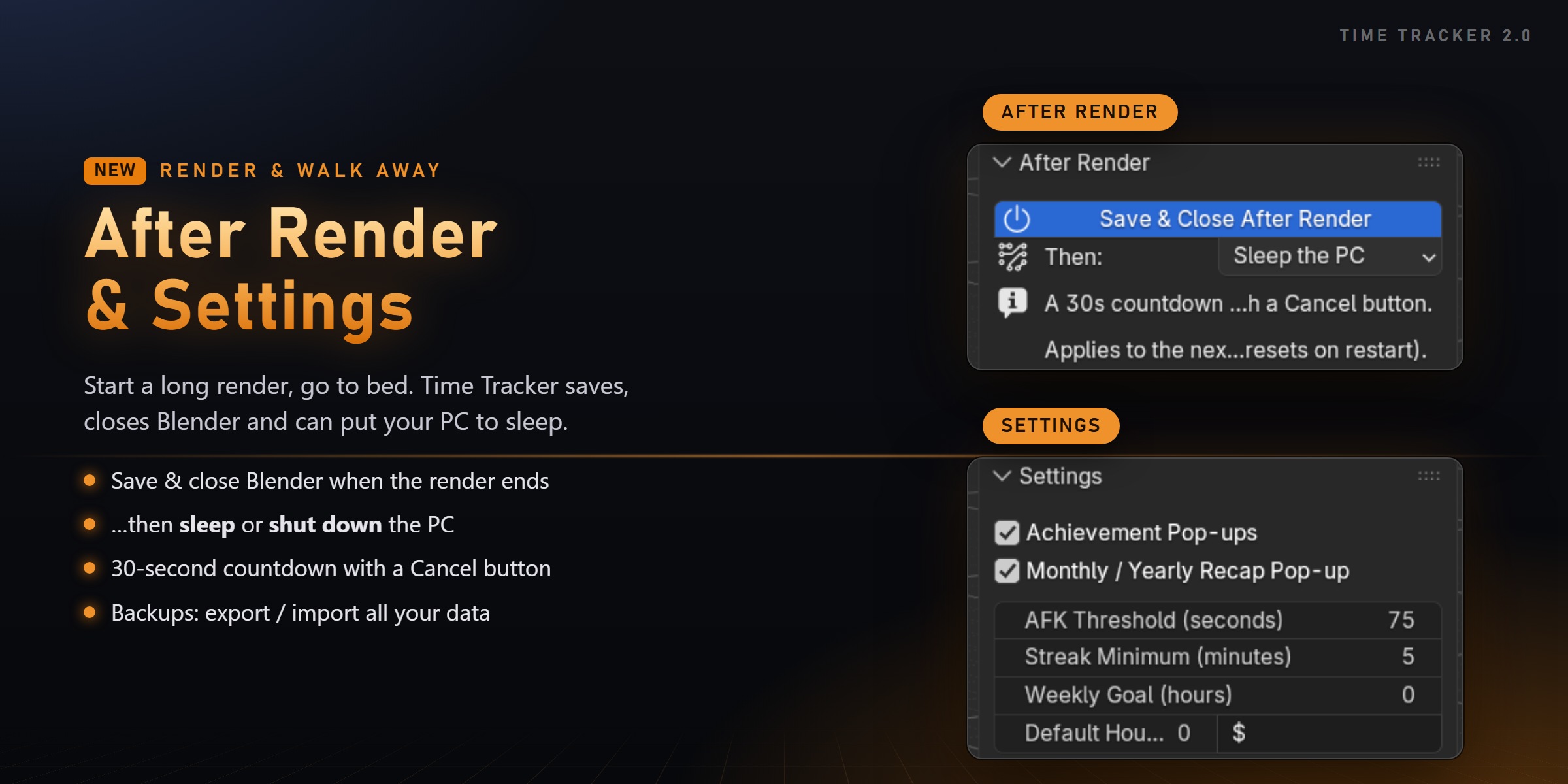
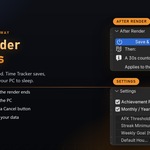
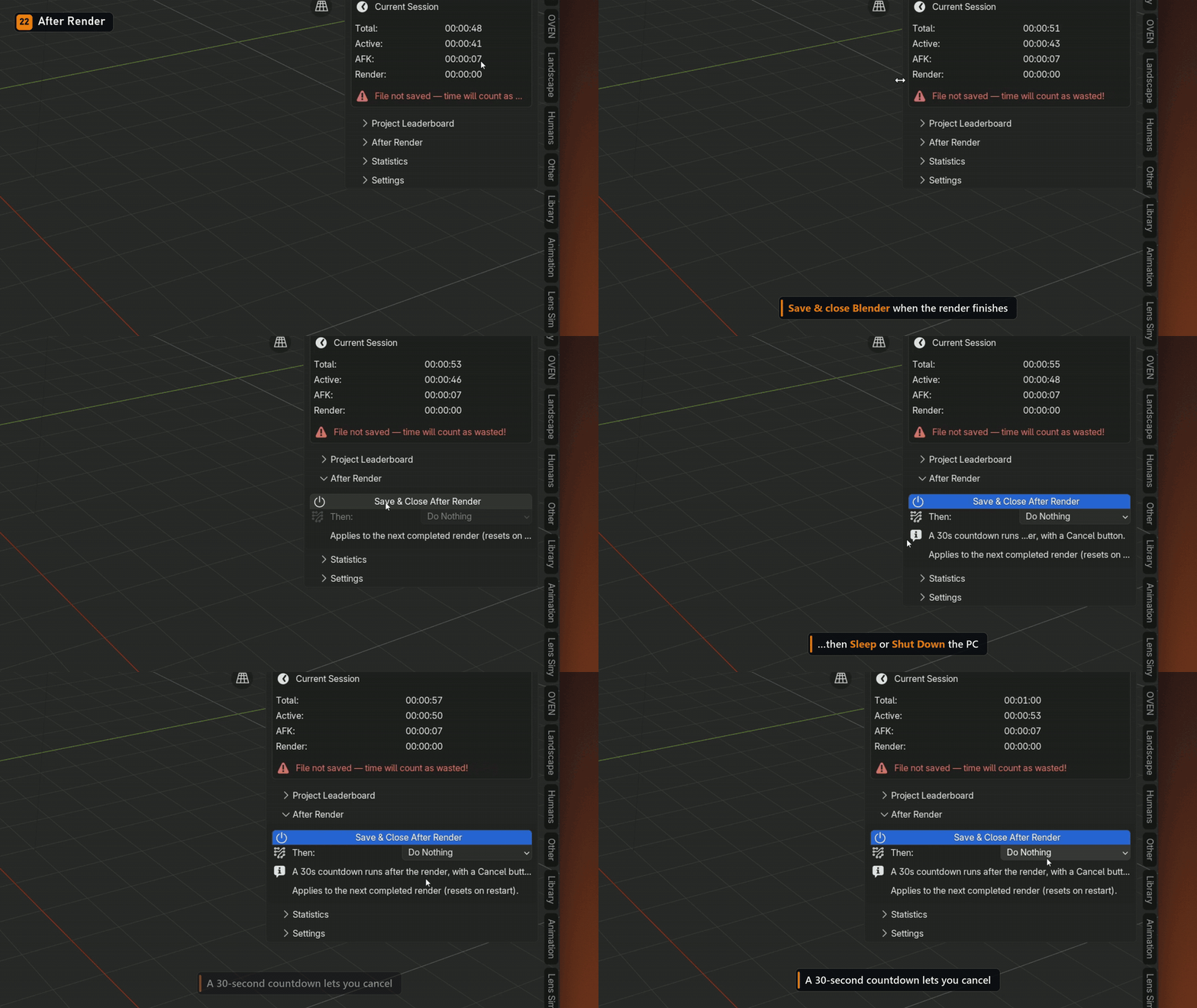
Start a long render and walk away. When it finishes, Time Tracker can save and close Blender, then put your PC to sleep or shut it down.
A 30-second countdown with a Cancel button runs first, and the option resets every time Blender restarts, so you can never shut down your PC by accident a week later.
FULLY INTEGRATED
N-panel & Scene Properties
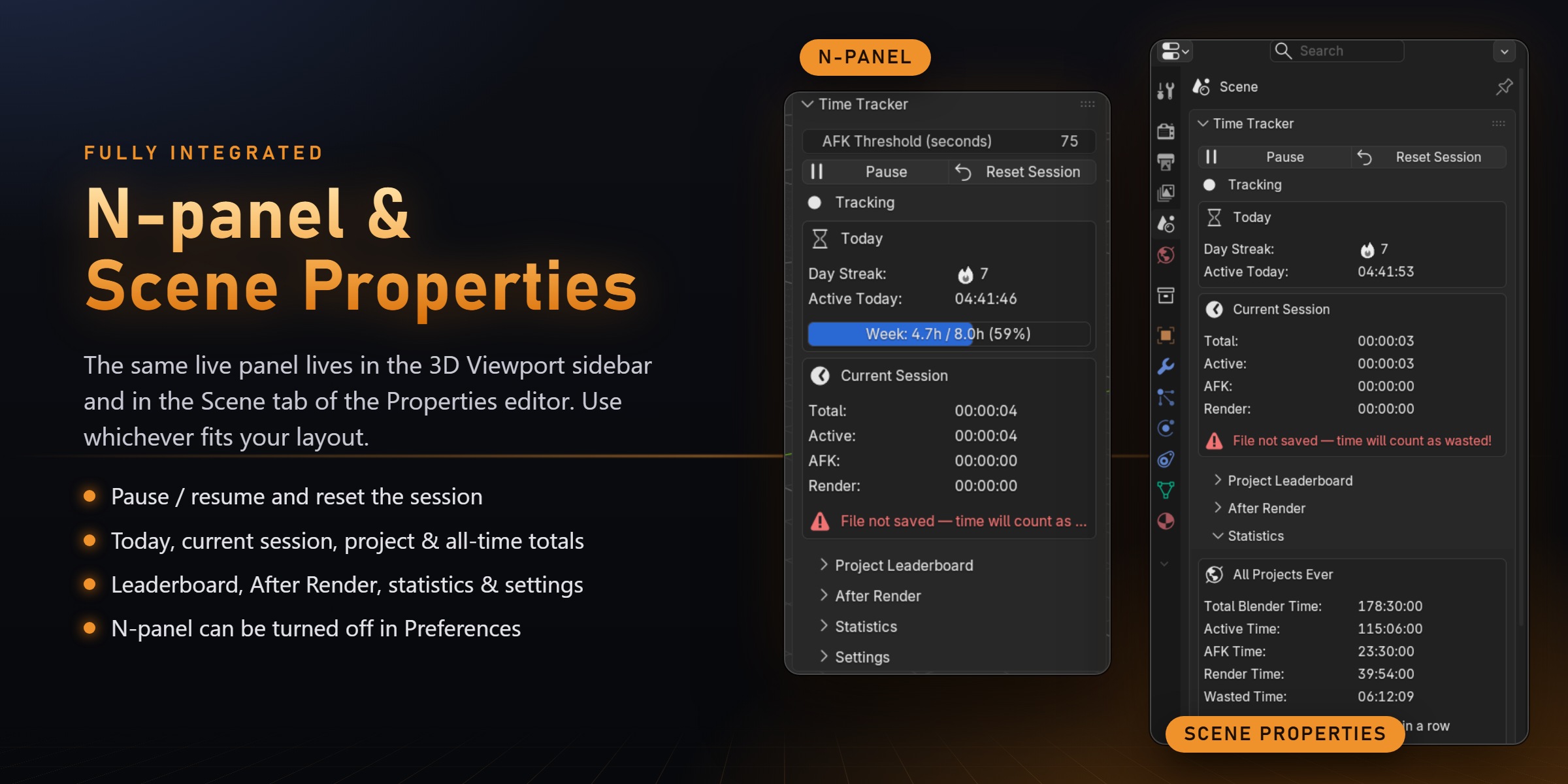
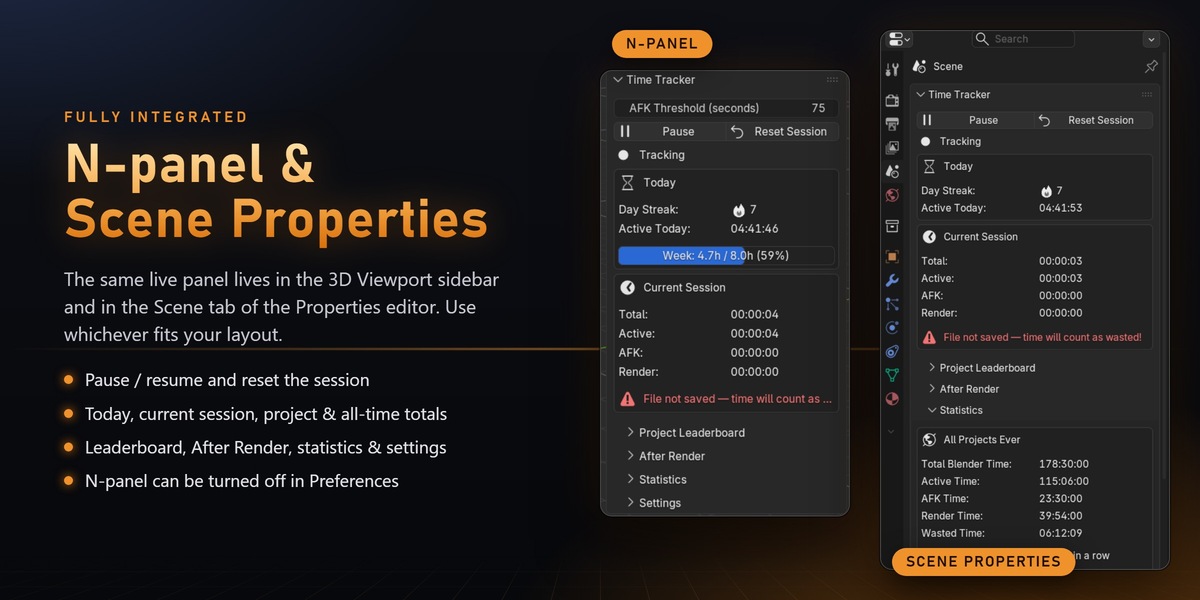
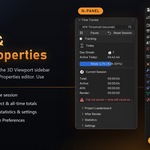
The same live panel is available in the 3D Viewport sidebar and in the Scene tab of the Properties editor. Use whichever fits your layout.
KEEP YOUR DATA SAFE
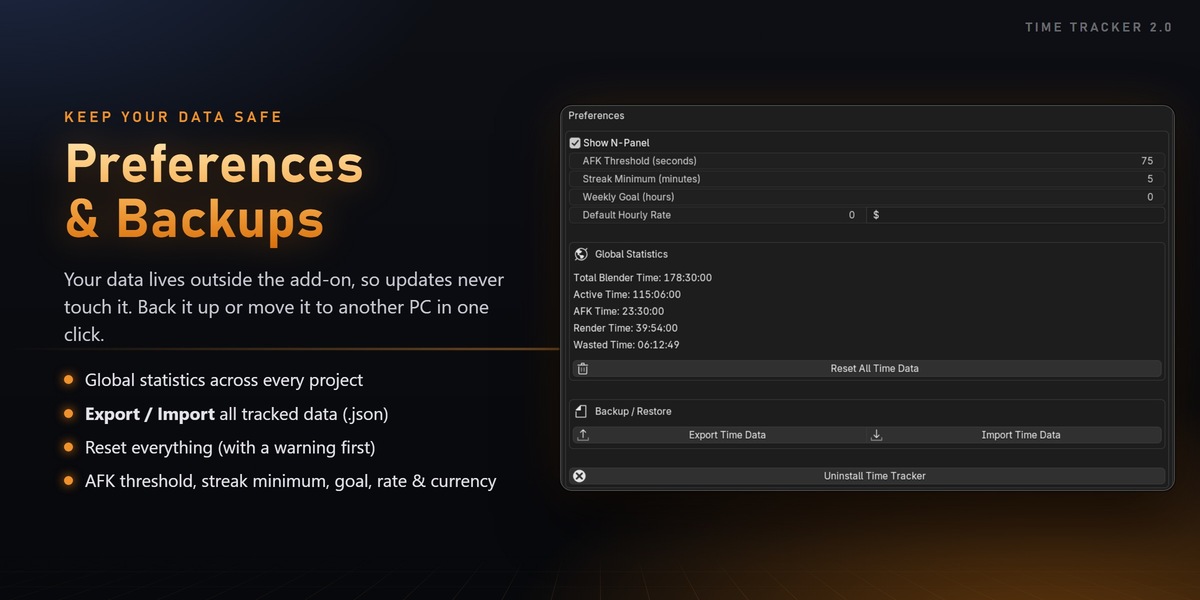
Preferences & Backups
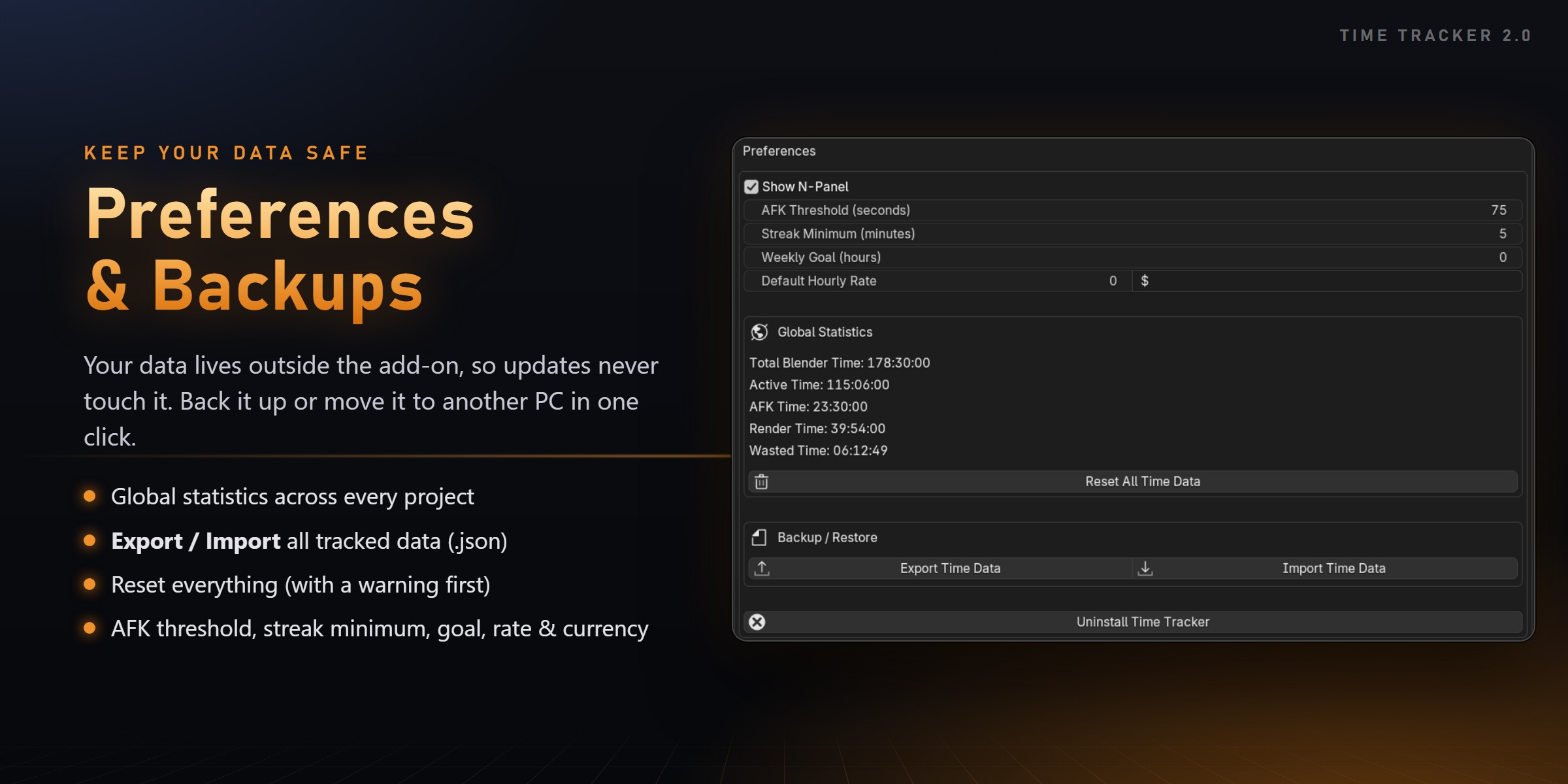
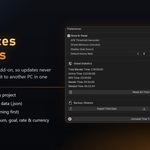
- Your data is stored outside the add-on: updating keeps all your tracked time
- Export / import backups in one click (1.x backups work too)
- Global statistics across every project, right in Preferences
If you want to understand how you really spend your time in Blender, and get a little motivation to show up every day,
Time Tracker gives you exactly that.