 Pegaso Top 3D





Time Controller – One-Click Slow Motion & Speed Control for Your Animations
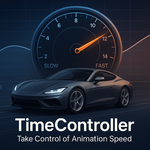
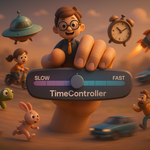
Take full control of your animation speed with Time Controller, the ultimate one-click solution for creating stunning slow motion, fast motion, and custom time remapping effects in Blender.
Whether you're an animator, VFX artist, or motion designer, Time Controller makes adjusting animation speed intuitive, fast, and effortless — no more keyframe hassle or time-consuming graph edits.
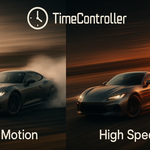
DEMO:
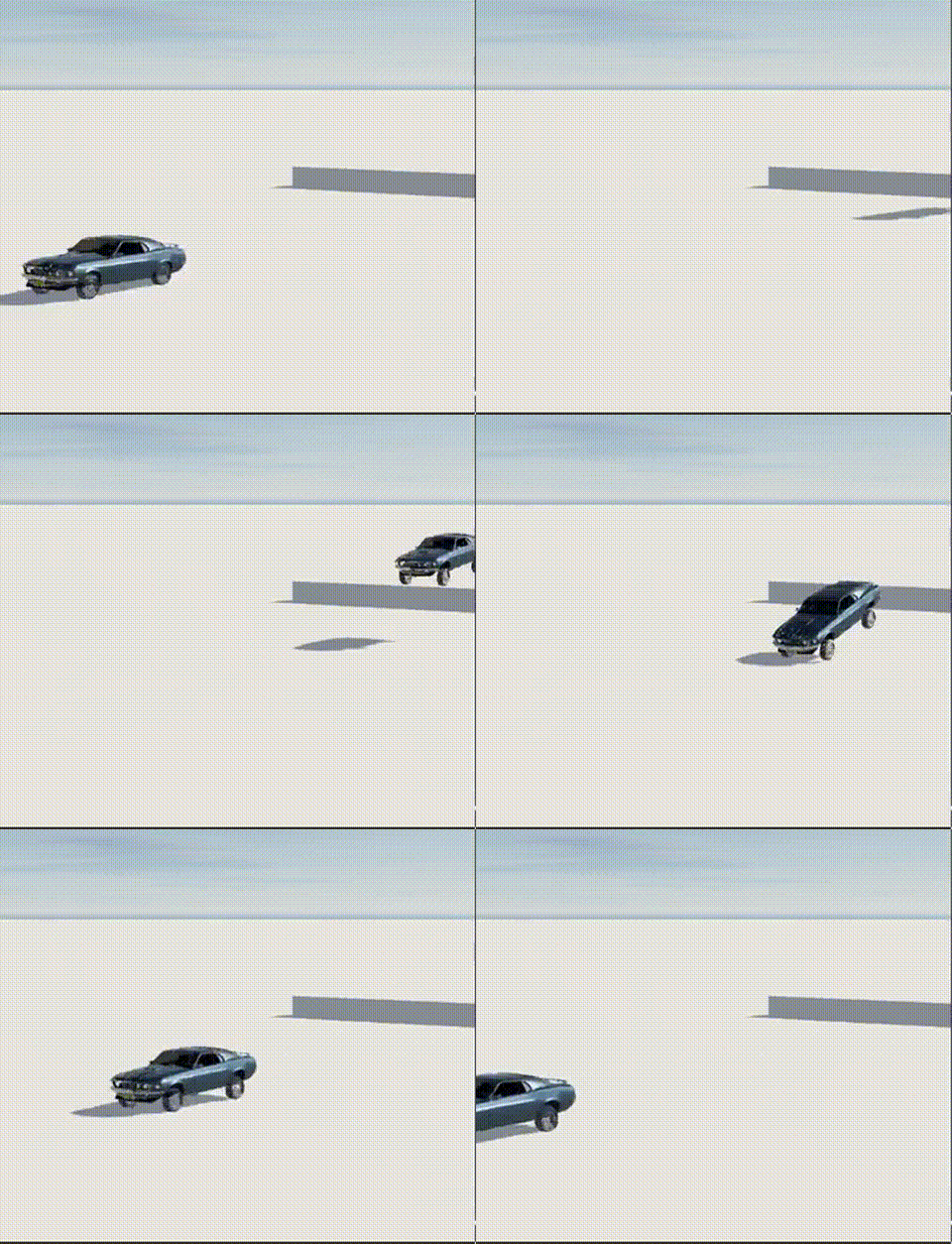
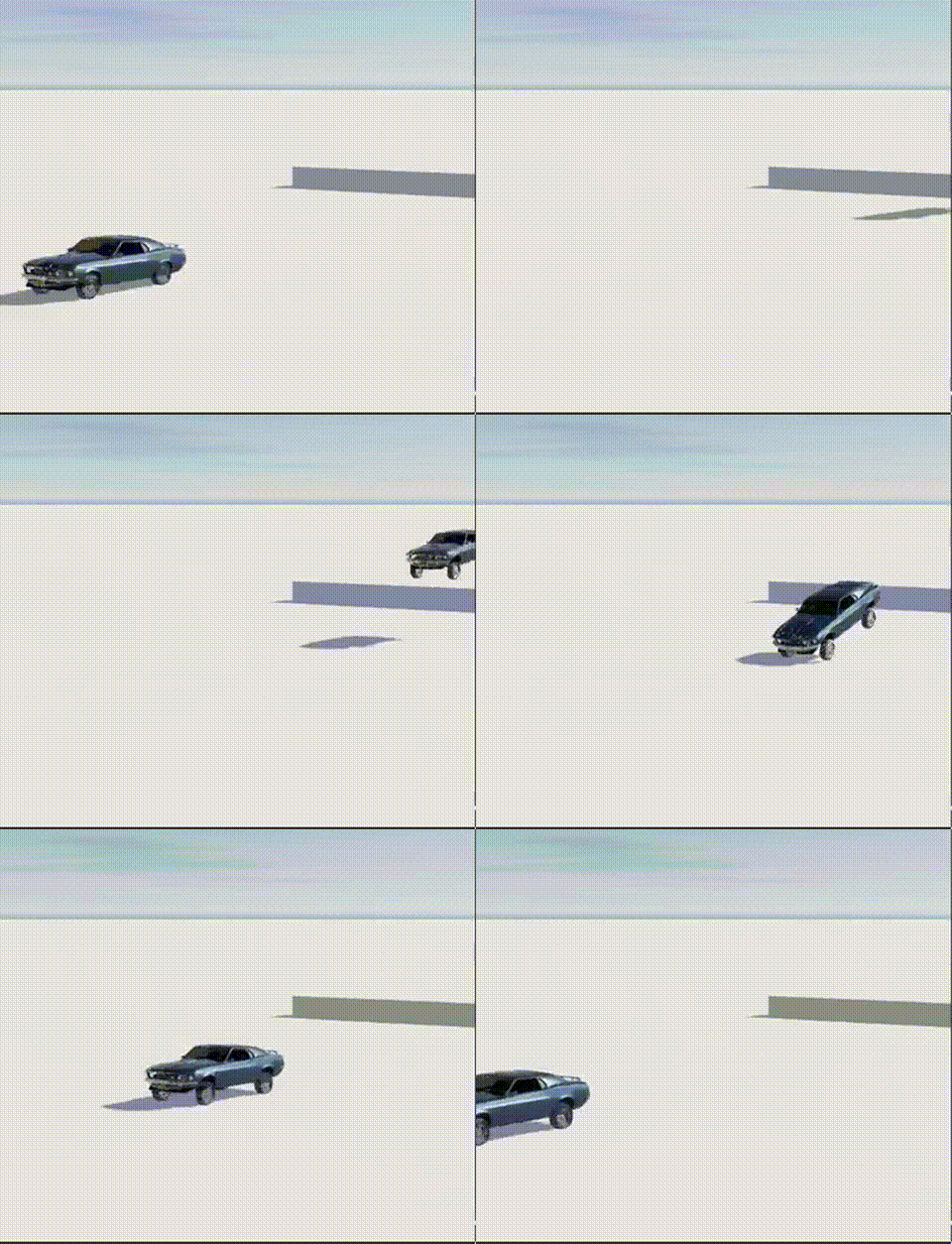
Second Demo: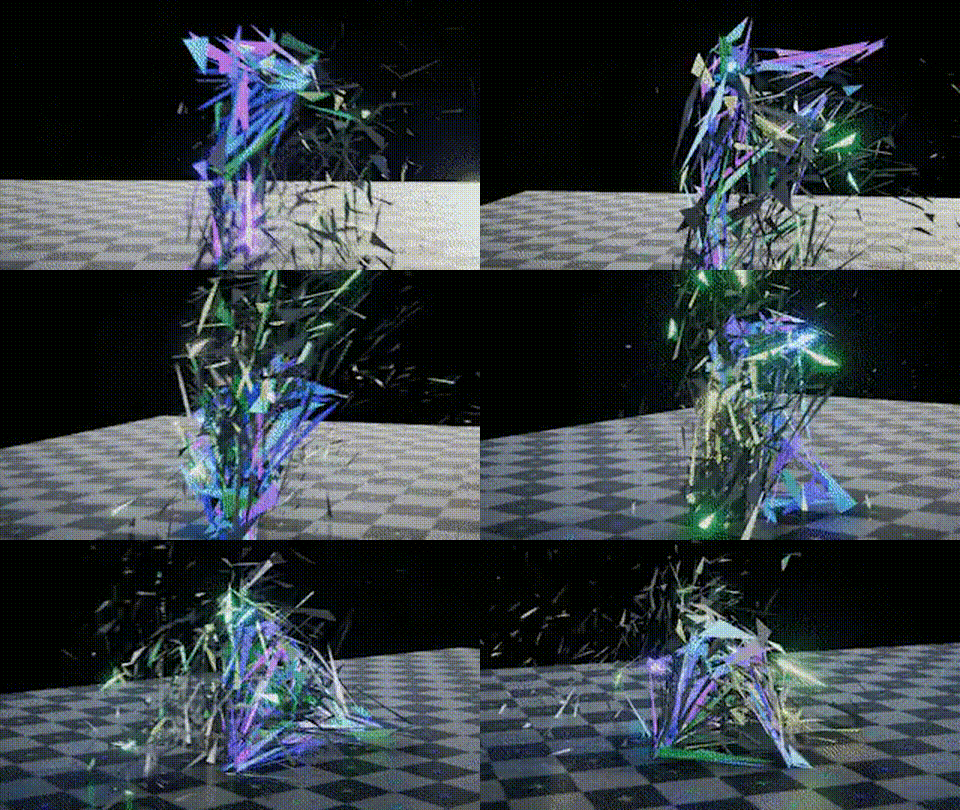
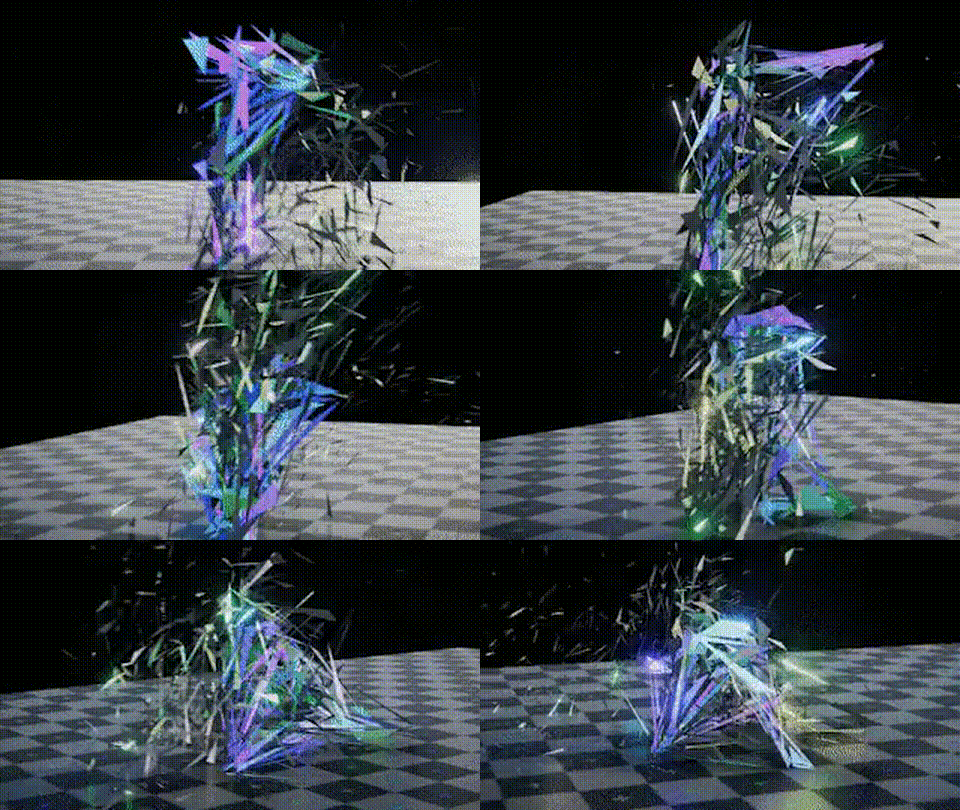
Third Demo: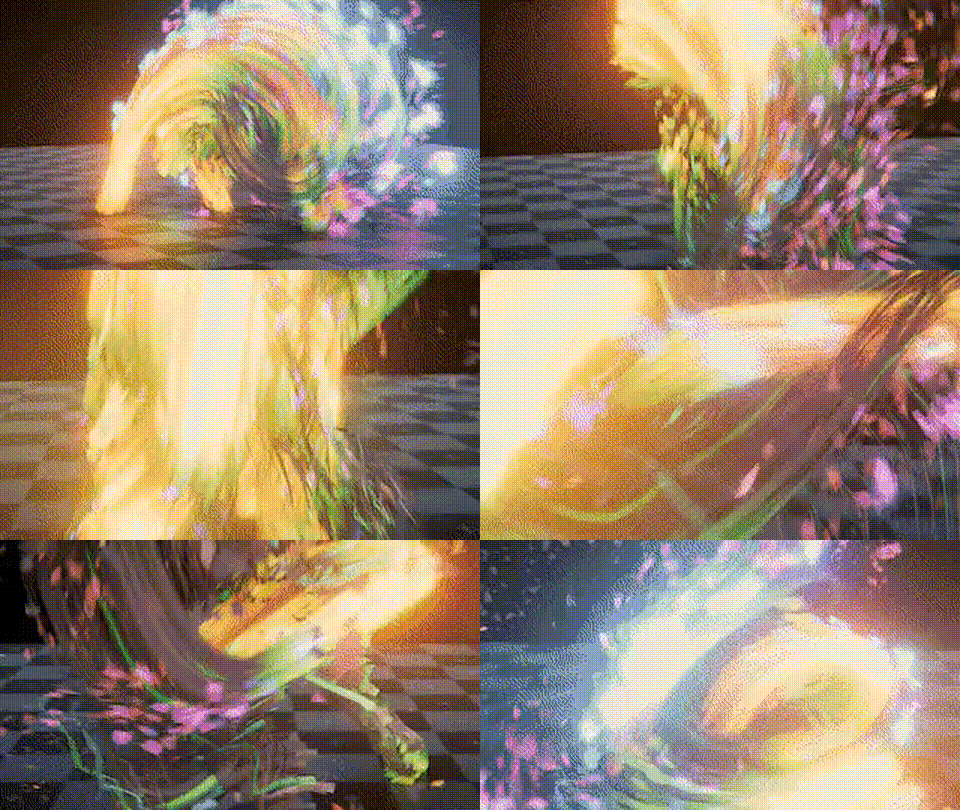

🚀 Key Features:
One-Click Time Remapping – Easily slow down or speed up your animation with a single click.
Custom Speed Settings – Choose from predefined presets (0.25x, 0.5x, 2x, 4x) or define your own playback speed.
Non-Destructive Workflow – Original keyframes remain untouched, allowing reversible changes.
Timeline Sync – Automatically adjusts timeline range and playback settings for seamless control.
Instant Preview – See changes in real-time without baking or rendering.
🎬 Perfect For:
Cinematic slow-motion shots
Action-packed speed ramping
Time-lapse sequences
Stylized animation effects
Making time-based storytelling easier
💡 Why Choose Time Controller?
Compared to manual time remapping or complex tools, Time Controller focuses on simplicity, efficiency, and clarity.
Inspired by popular tools, this addon streamlines your workflow and saves hours of editing.
🛠️ Compatibility:
Tested on Blender 4.x versions
Works with all animation types (objects, characters Rig, camera, etc.)
Start controlling time like never before — make your animations smoother, more dynamic, and more cinematic with Time Controller!