 Al-Dezel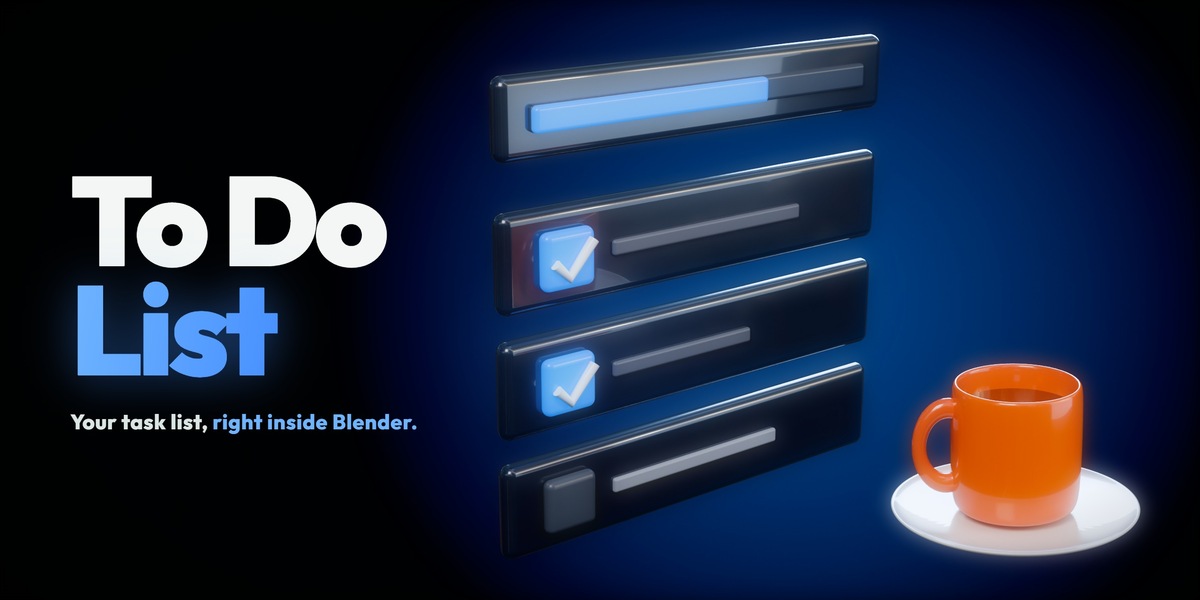


Your task list, right in the sidebar.
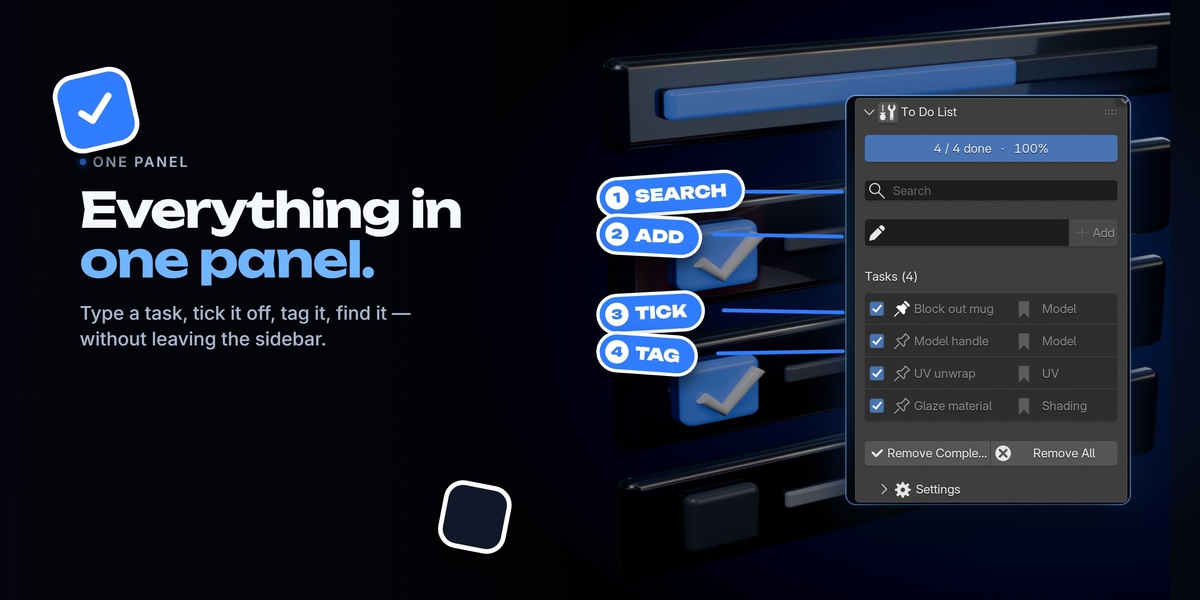


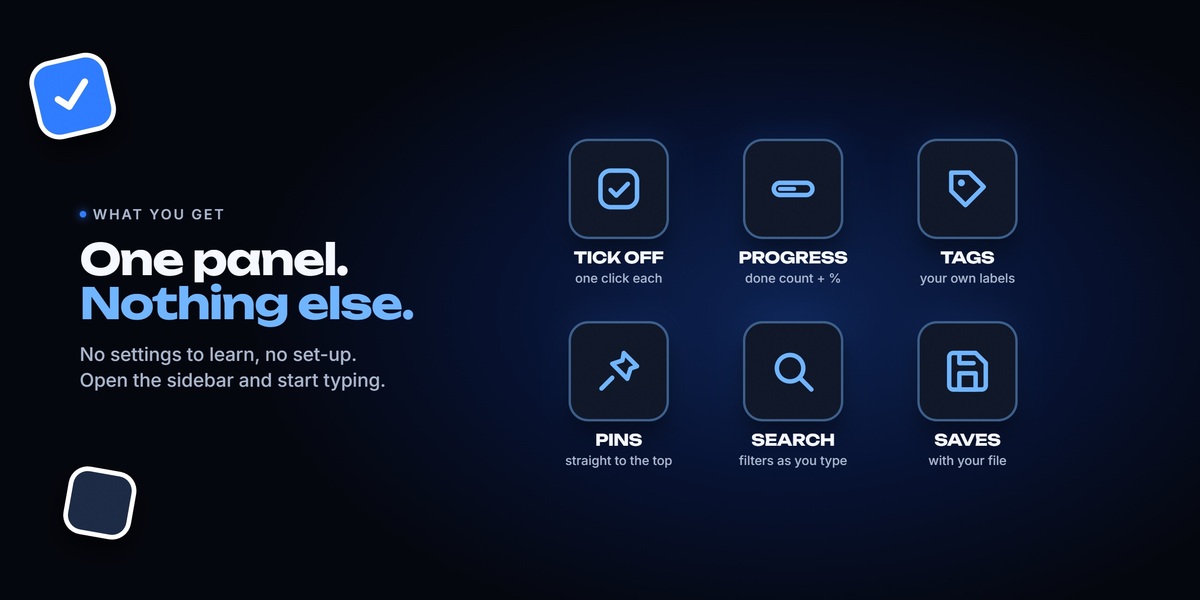
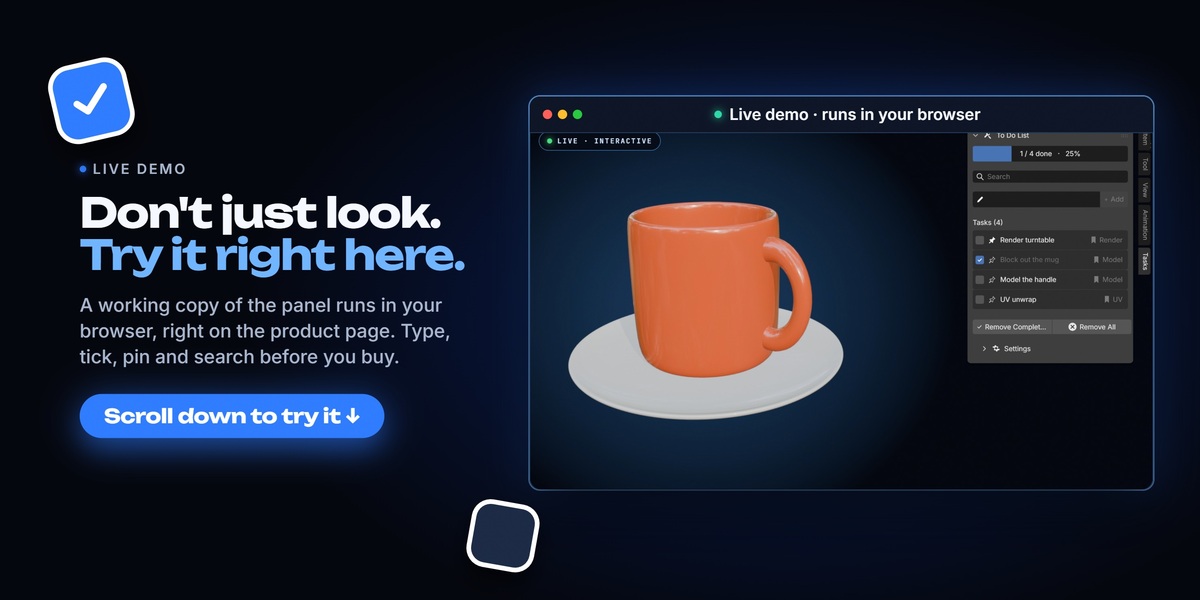
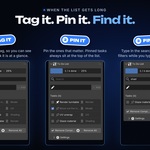
To Do List puts a task checklist inside the 3D Viewport sidebar, so your plan for a scene sits next to the scene itself. Add tasks, tick them off, tag them, pin the important ones to the top, and search the list. A progress bar shows how far along you are.
What you get
- ✓A task list in the sidebar, in its own Tasks tab
- ✓Live progress bar with a done count and a percentage
- ✓Your own tags, pins, and search that filters as you type
- ✓One list for every project, or a separate list per .blend file
- ✓Built-in help for every control in the panel
Installation
1Download the .zip file. Do not unzip it.
2In Blender, open Edit > Preferences > Add-ons.
3Click the arrow at the top right and choose Install from Disk. In 4.2 this is the Install button.
4Pick the .zip file you downloaded.
5Tick the checkbox next to To Do List to enable it.
6Press N in the 3D Viewport and open the Tasks tab.
Using it
- Add a task — type in the field and click Add.
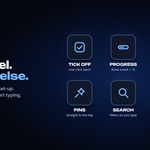
- Tick it off — click the checkbox. The bar at the top shows the count and the percentage done.
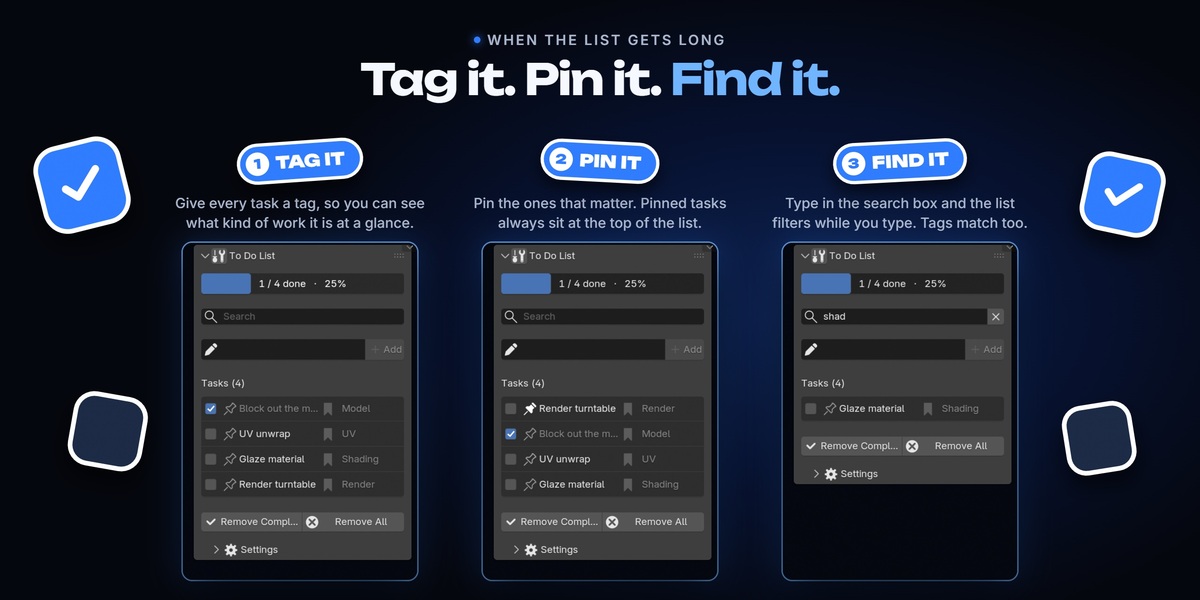
- Pin — click the pin icon to hold a task at the top of the list.
- Tag — open the wrench icon to give a task a label such as Model, UV or Render.
- Search — type in the search box to filter by task name or by tag.
- Remove Completed — clears every ticked task at once. It asks you to confirm first.
- Remove All — clears the whole list. It asks you to confirm first.
Settings
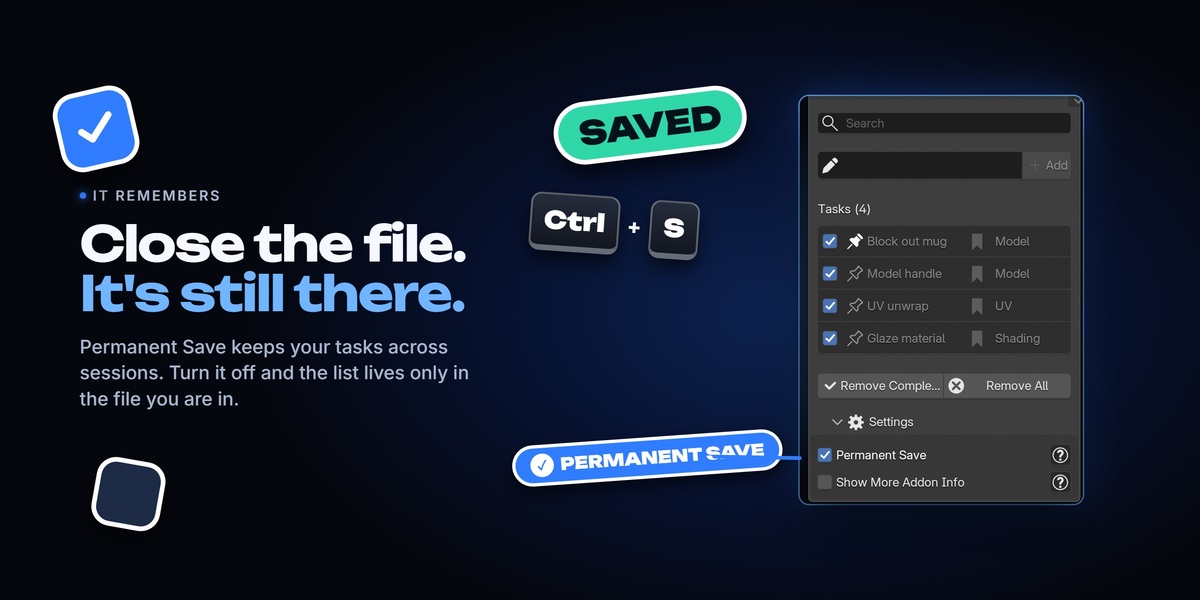
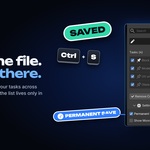
Permanent Save ON — your list is stored in Blender preferences and follows you into every project, even after a restart.
Permanent Save OFF — the list is stored inside the current .blend file, so every project keeps its own separate list.
Show More Addon Info — adds a question mark button beside each control that explains what it does. Turn it off once you no longer need it.
Requirements
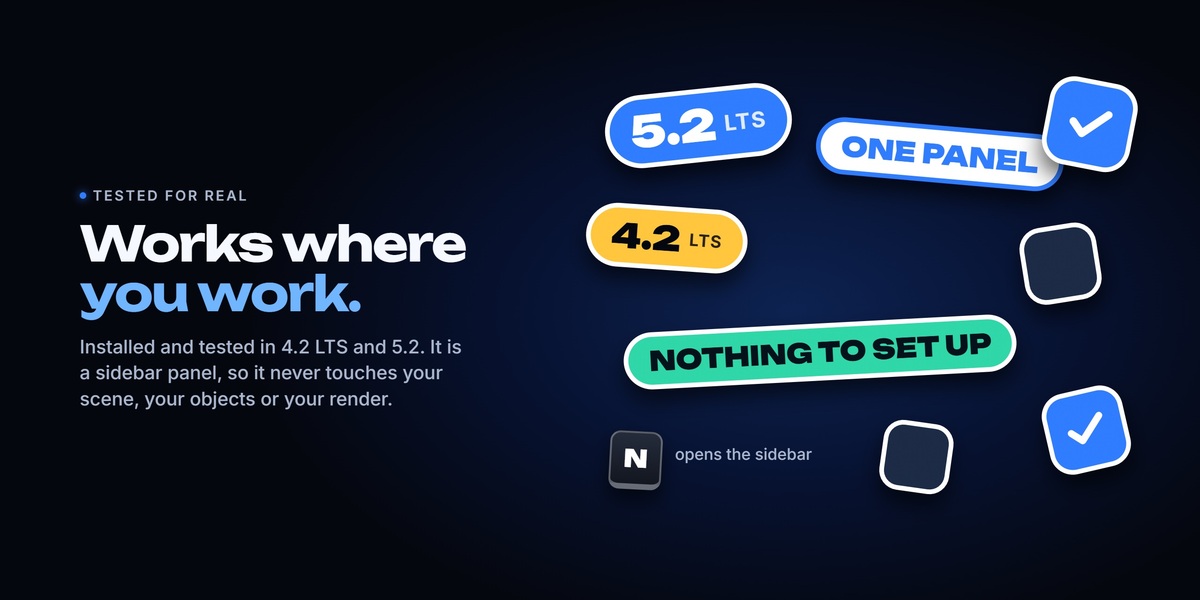
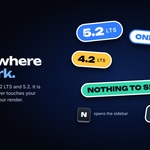
Blender 4.2 up to 5.2. No other add-ons and no external dependencies. The add-on only draws a sidebar panel and stores plain text, so it has no effect on viewport or render performance.
Support
Message me through Superhive, or join our Discord. I answer every message, and bug reports and feature ideas are both welcome.
Have questions about this product?
Login to message
| Blender Extension Compatible | Yes |
| Published | about 8 hours ago |
| Blender Version | 4.2 - 5.2 |
| Extension Type | Add-on |
| License | GPL |