 ZEG
Installation
In Blender open Edit, Preferences, Get Extensions, then use Install from Disk and pick the office_printer_generator zip.
Usage
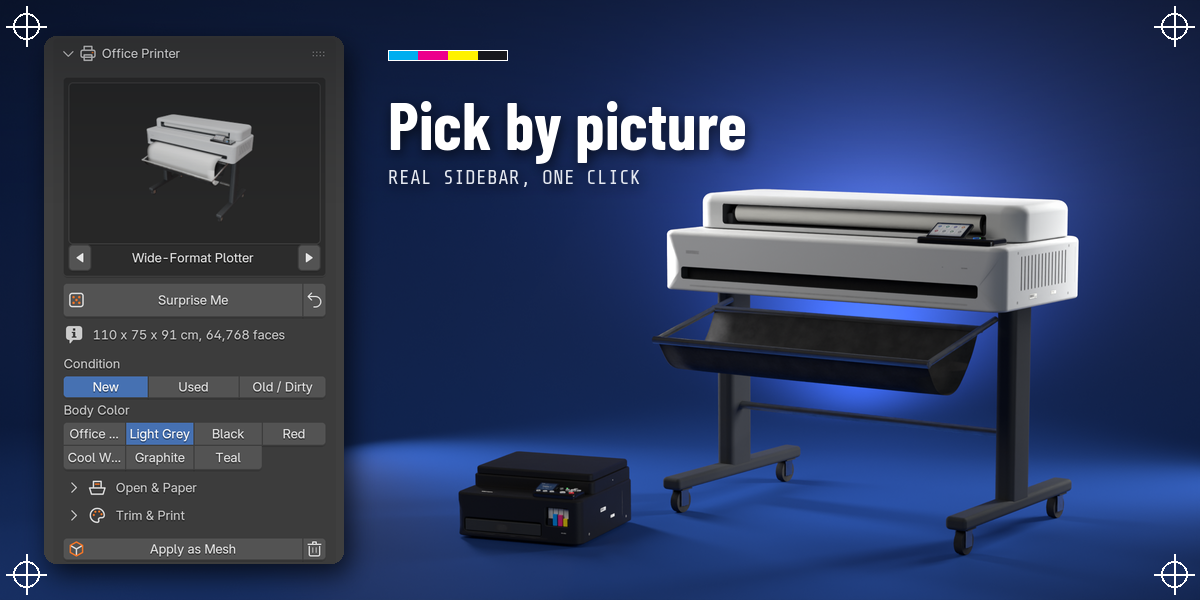
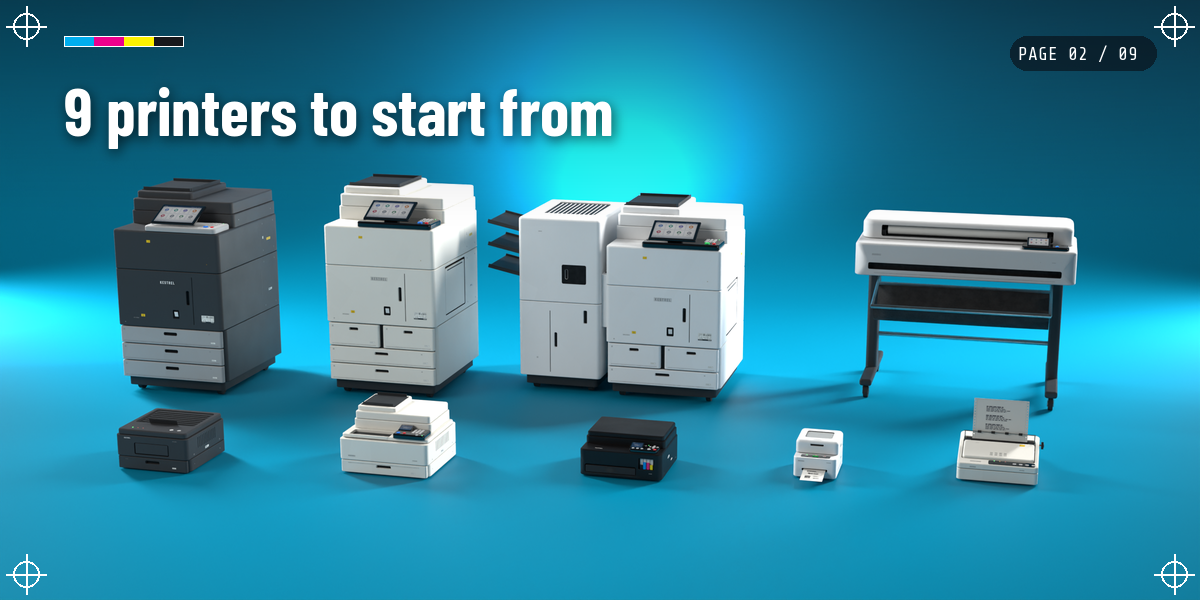
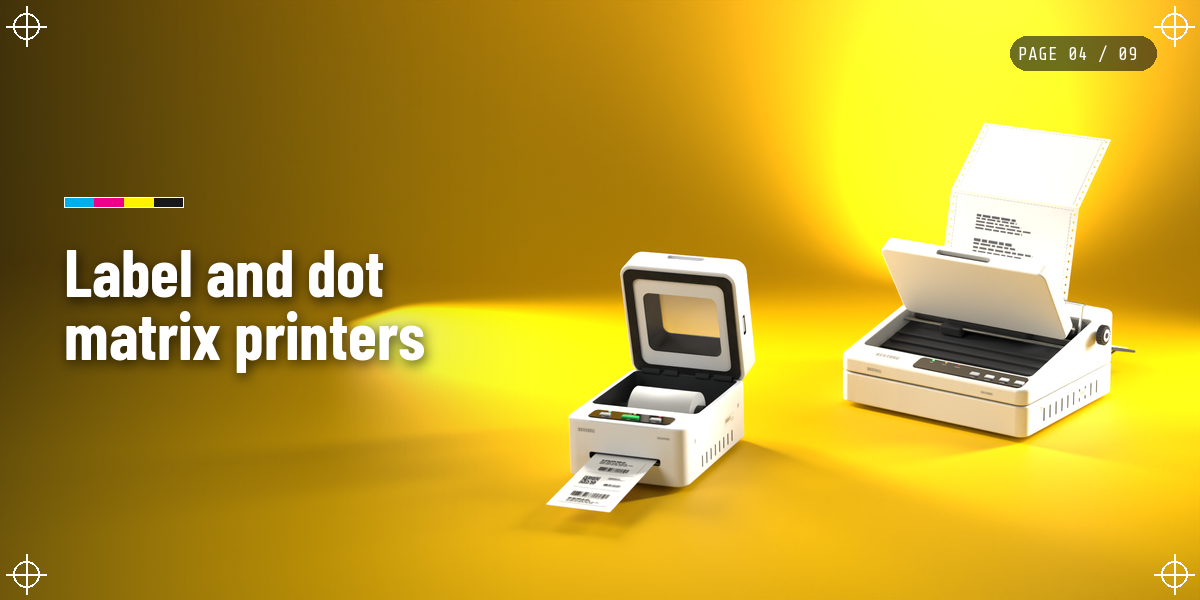
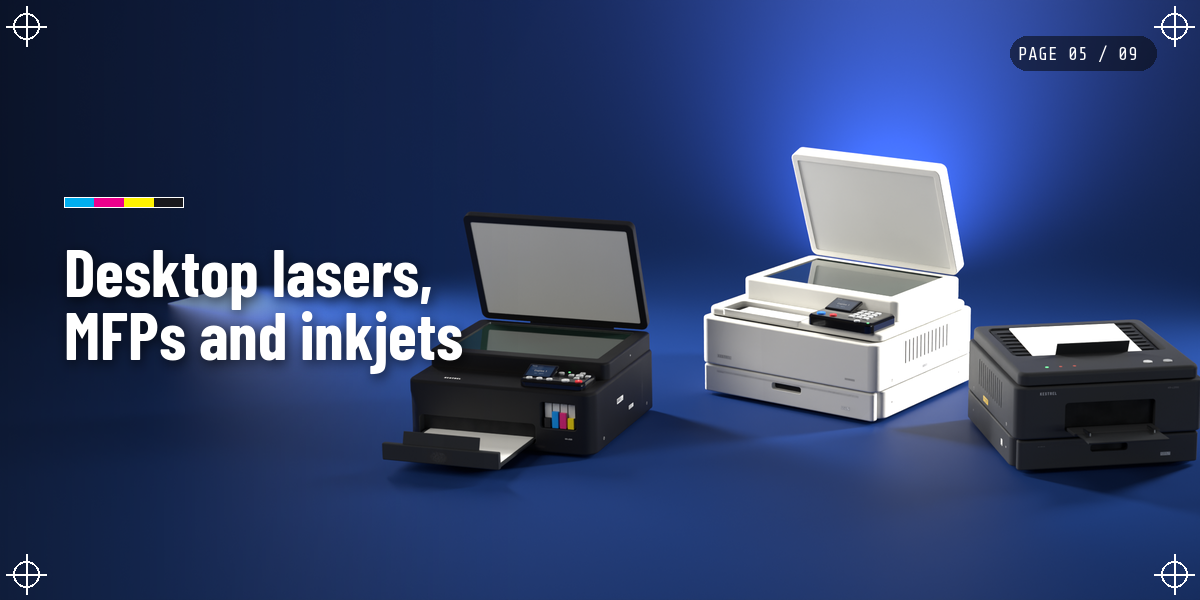
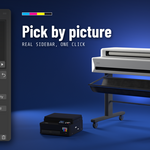
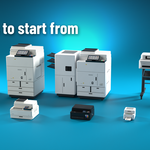
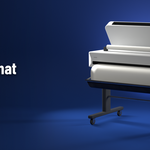
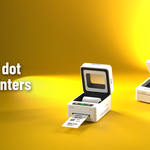
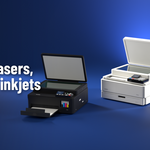
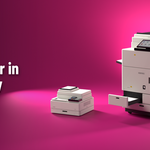
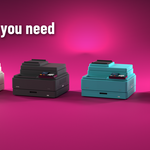
- Open the Printer tab in the 3D viewport sidebar (N). With no printer selected, click the picture to choose one of the nine designs and press Add Printer, or use Surprise Me for a random one.
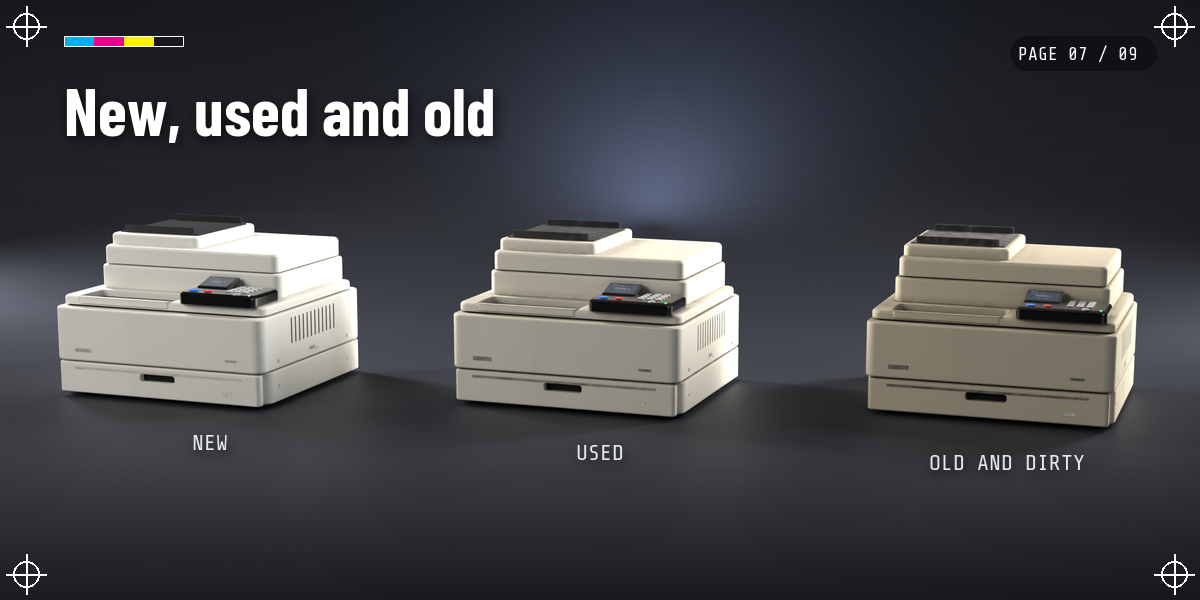
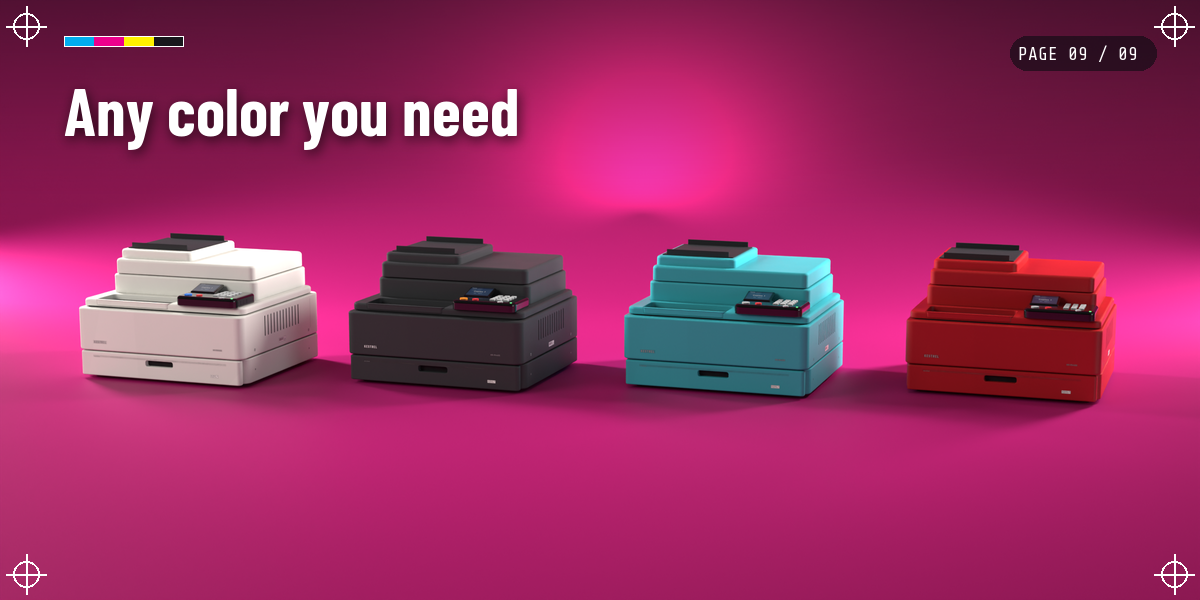
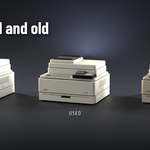
- With a printer selected, set the condition and body color at the top. Surprise Me randomizes the selected printer, including its type, and the arrow resets it.
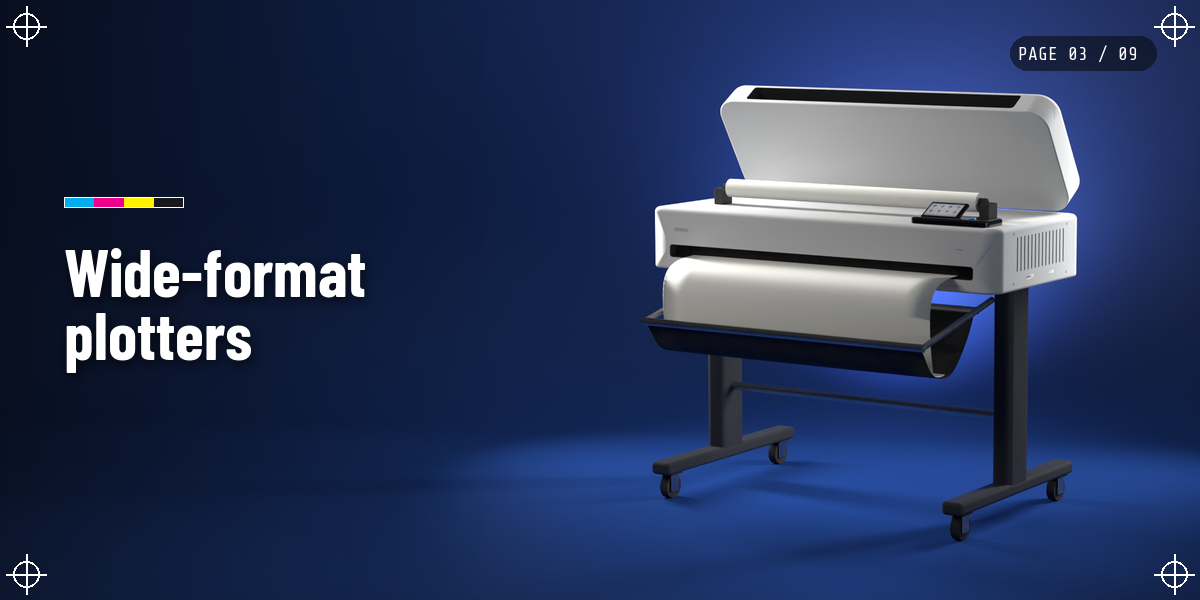
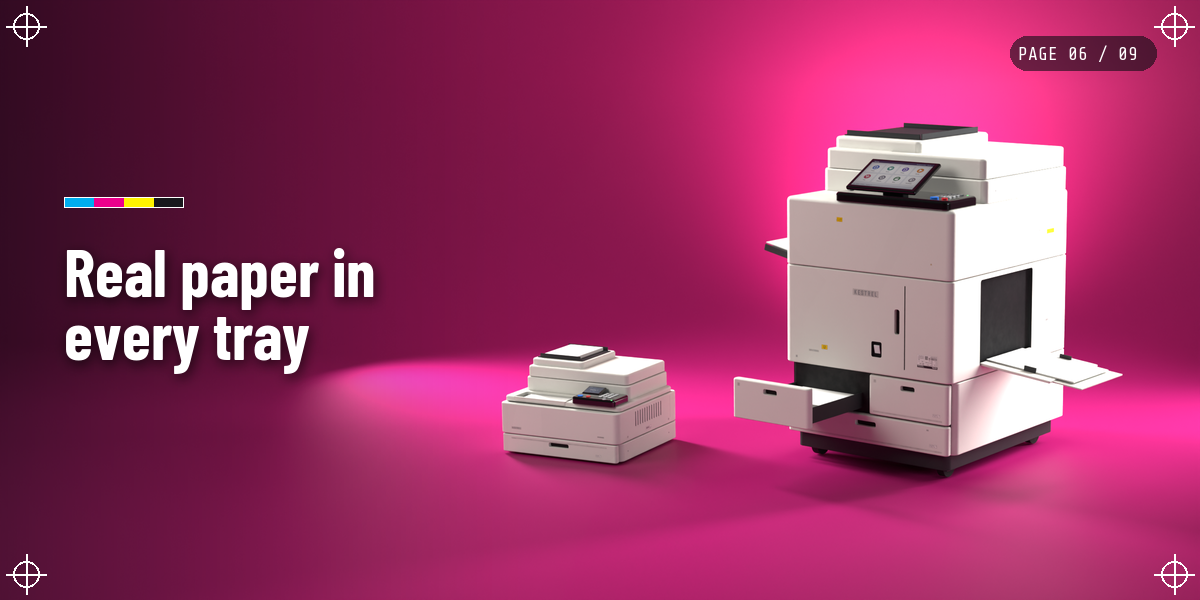
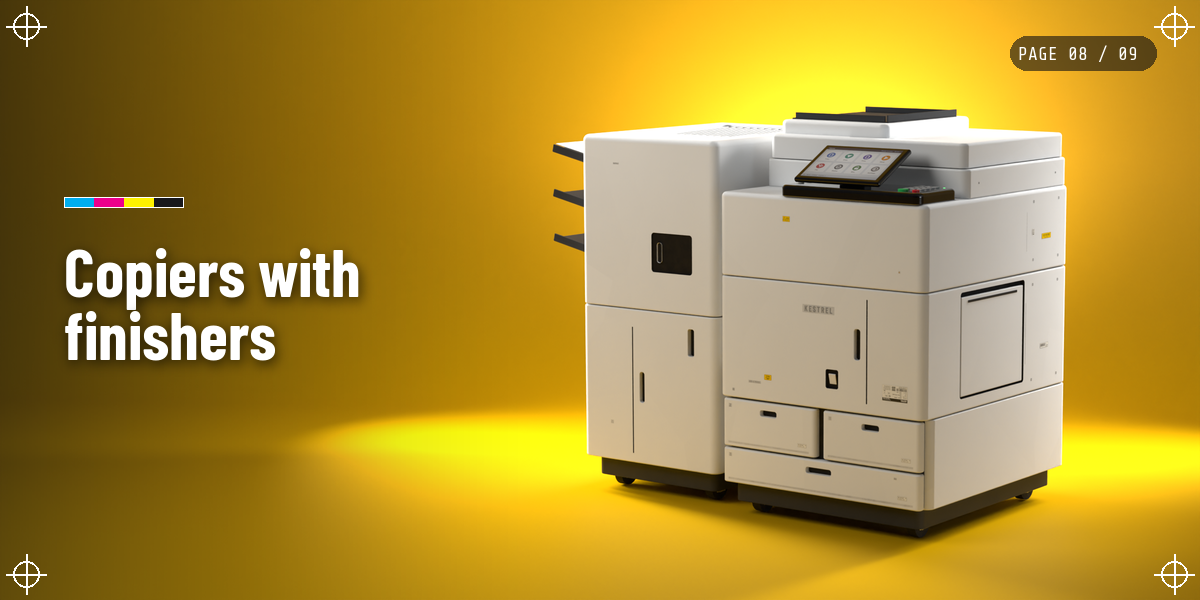
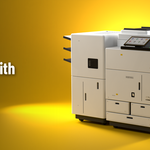
- Paper & Options holds trays, twin top tray, finisher, document feeder, bypass tray and paper size for copiers and desktop machines. Open & Paper opens drawers, lids and covers and loads paper. Trim & Print sets trim and accent colors, labels and the seed.
- Convert to Mesh turns the printer into plain mesh objects, ready to edit or export.
Have questions about this product?
Login to message
| Blender Extension Compatible | Yes |
| Published | about 1 hour ago |
| Blender Version | 4.2 - 5.2 |
| Extension Type | Add-on |
| Render Engine Used | Cycles, Eevee |
| License | GPL |

Discover more products like this
inkjet prop dot-matrix paper tray copier laser-printer plotter printer procedural label-printer mfp Office