 ZEG
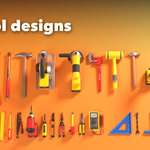
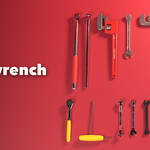
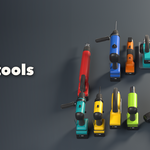
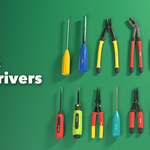
Installation
In Blender open Edit, Preferences, Get Extensions, then use Install from Disk and pick the tool_generator zip.
Usage
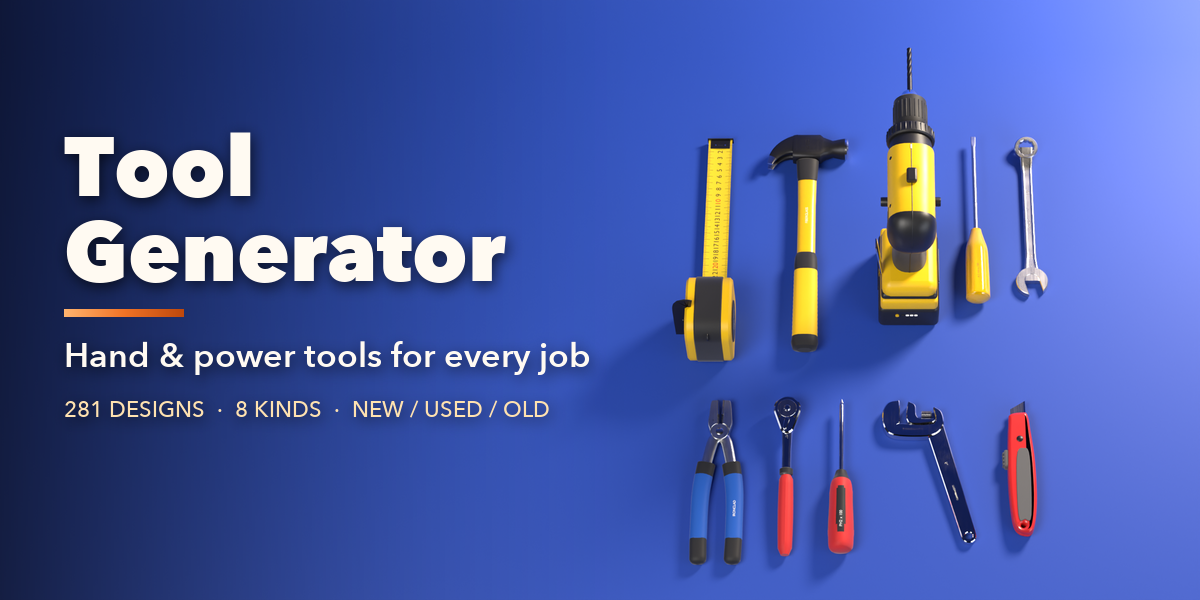
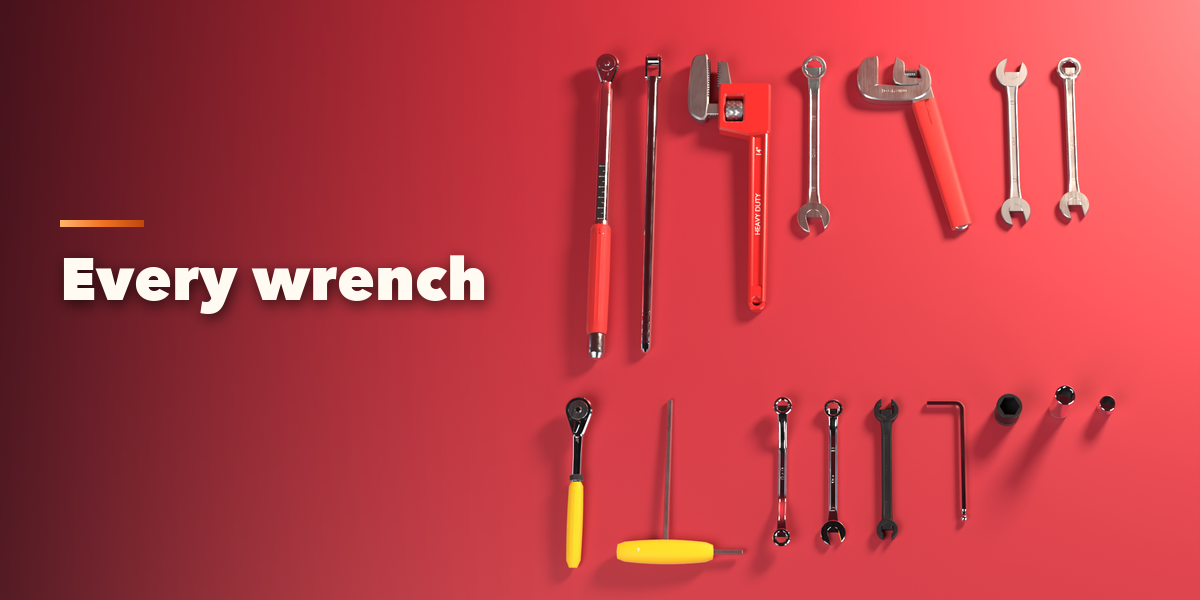
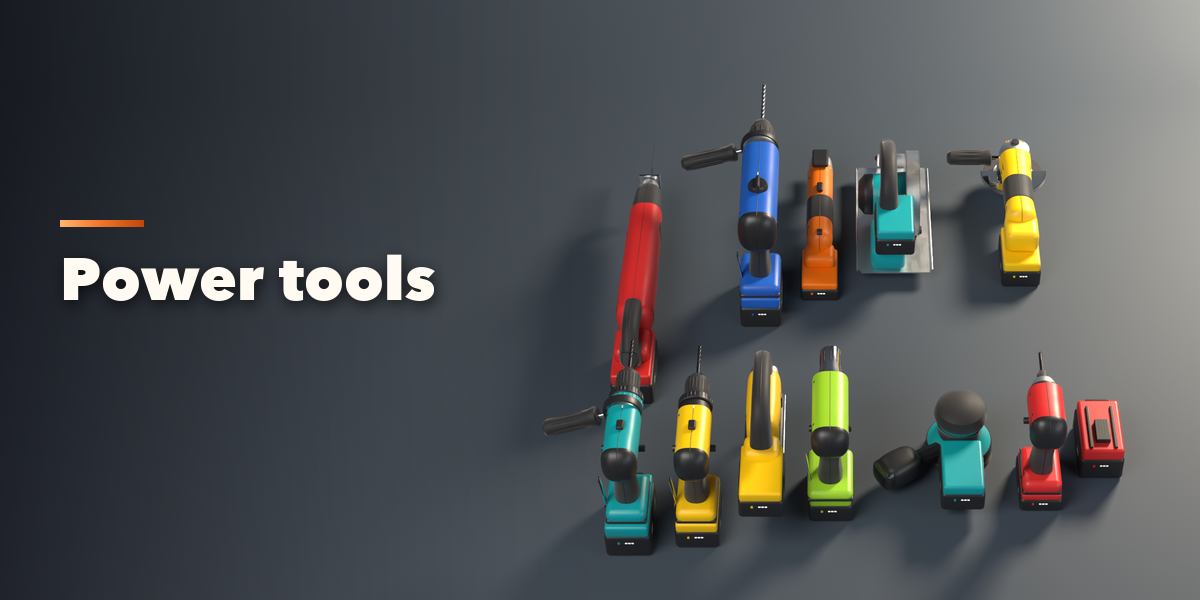
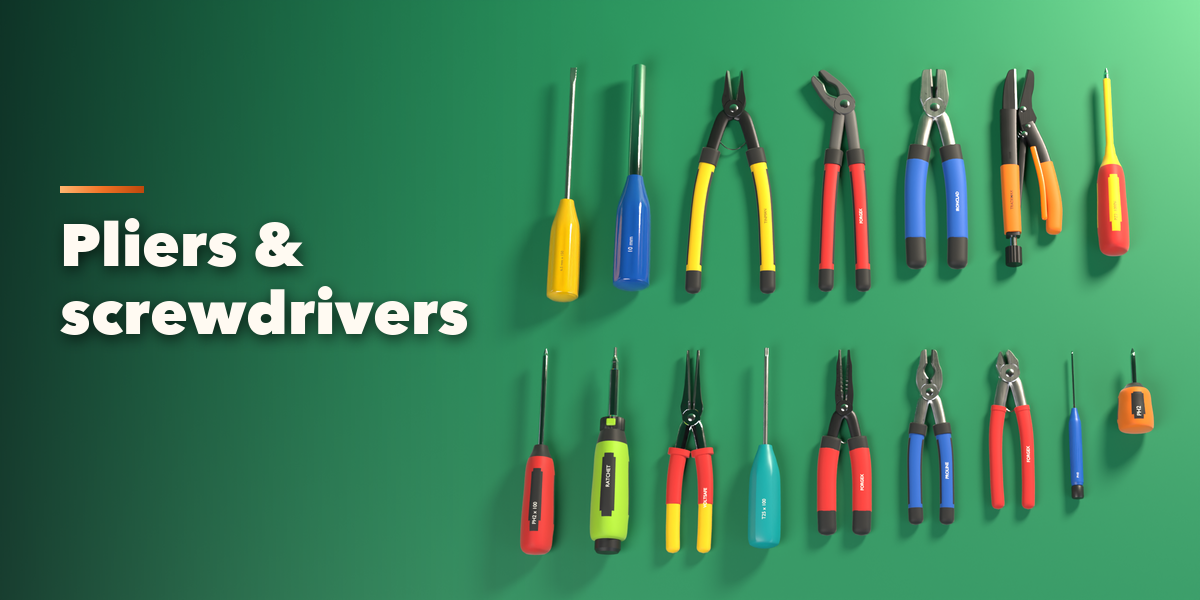
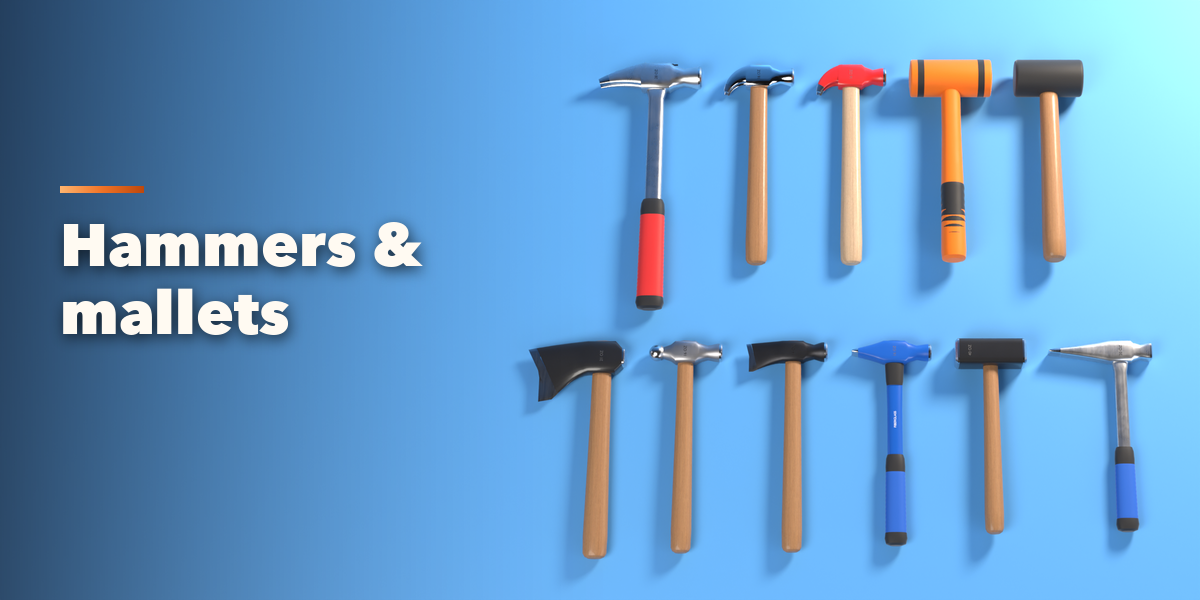
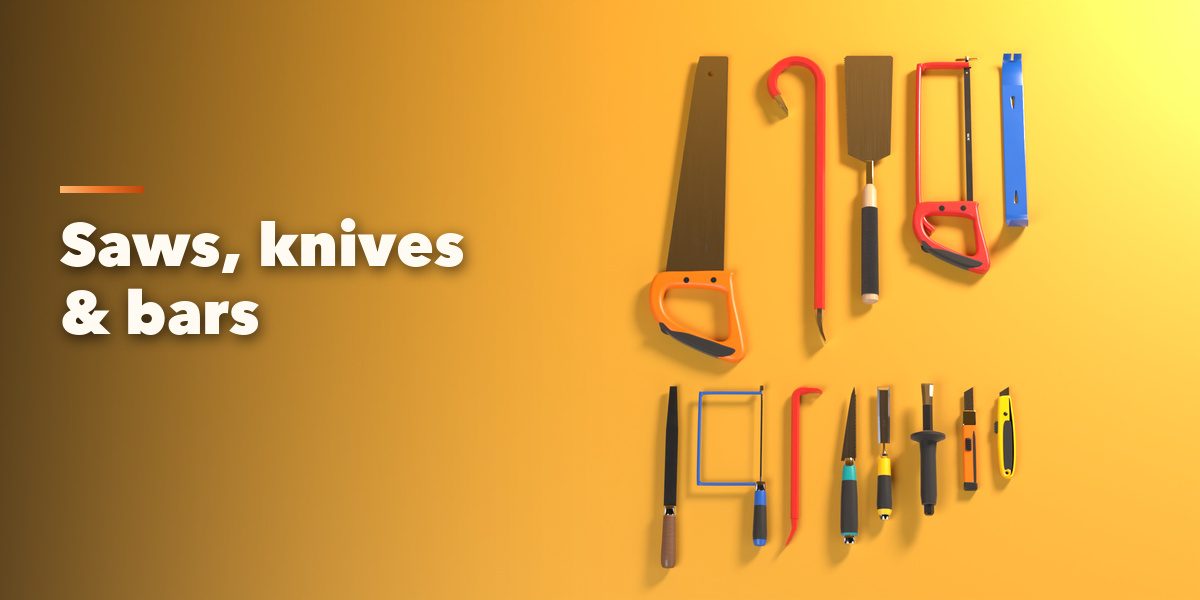
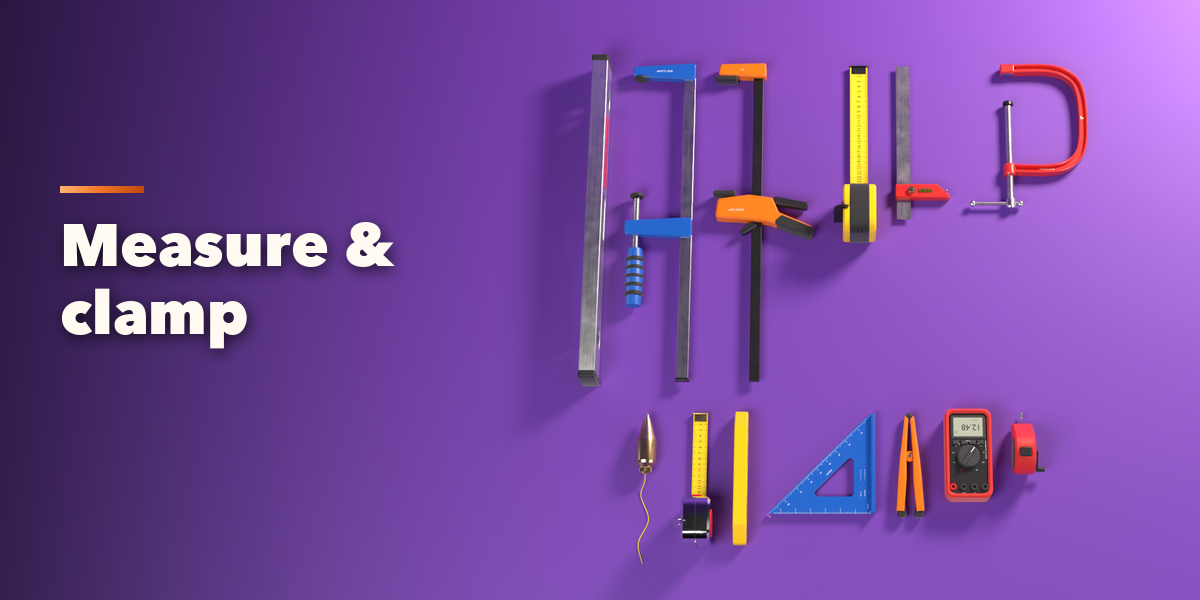
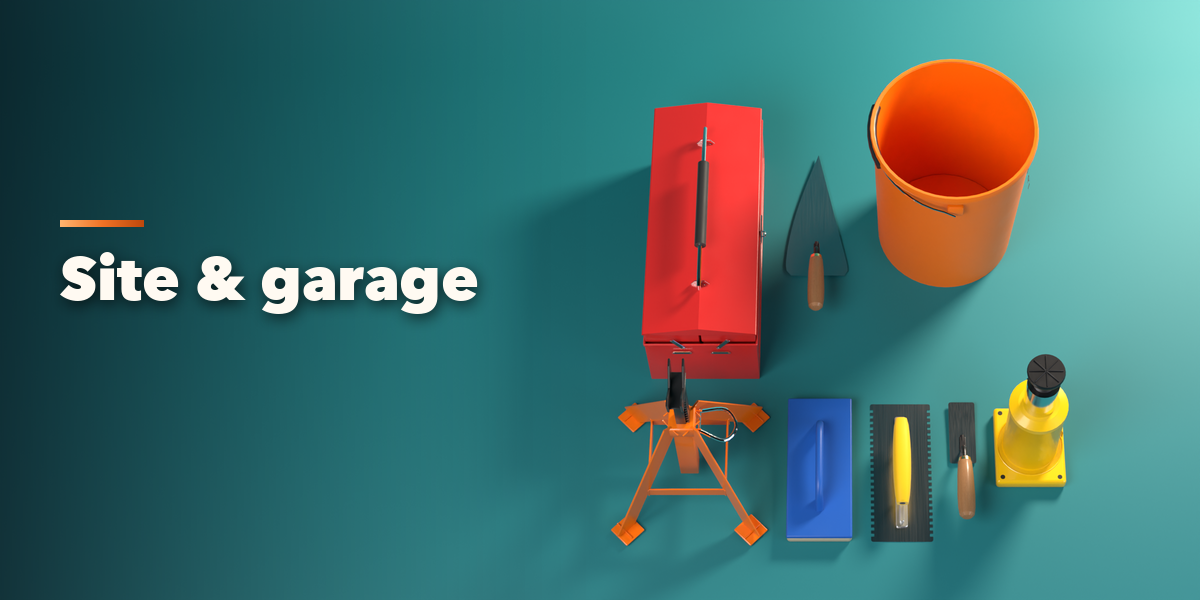
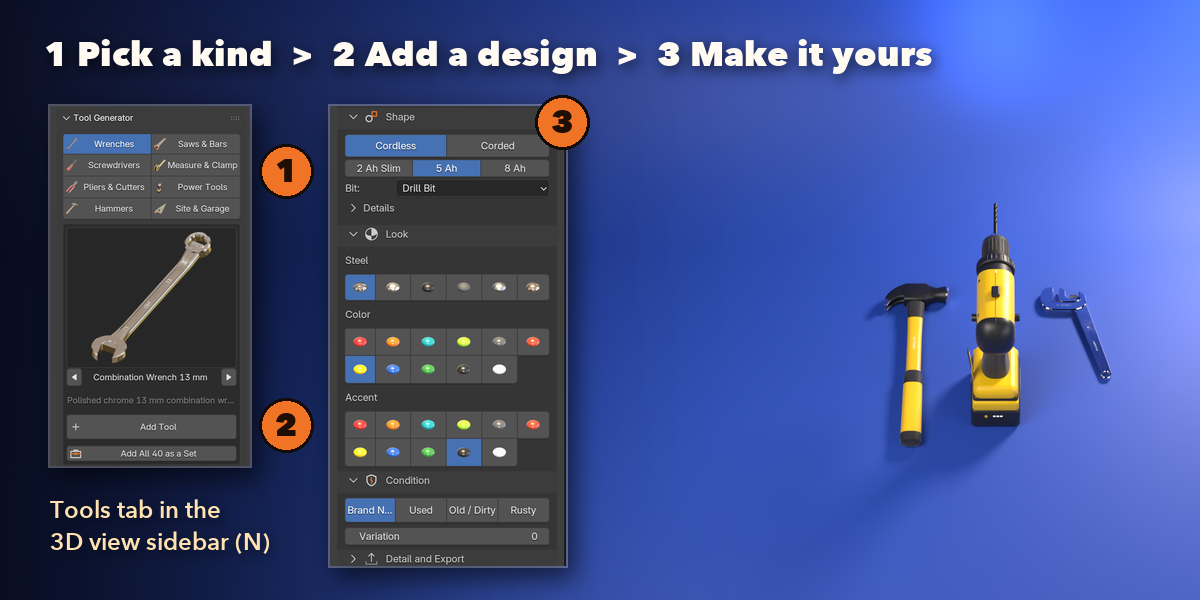
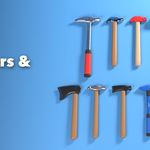
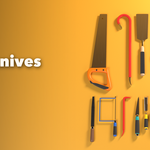
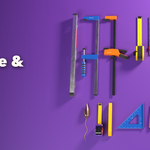
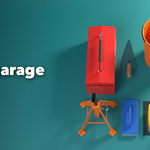
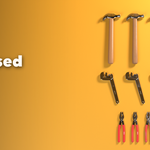
- Open the Tools tab in the 3D viewport sidebar (N). Pick a kind (Wrenches, Screwdrivers, Pliers & Cutters, Hammers, Saws & Bars, Measure & Clamp, Power Tools, Site & Garage).
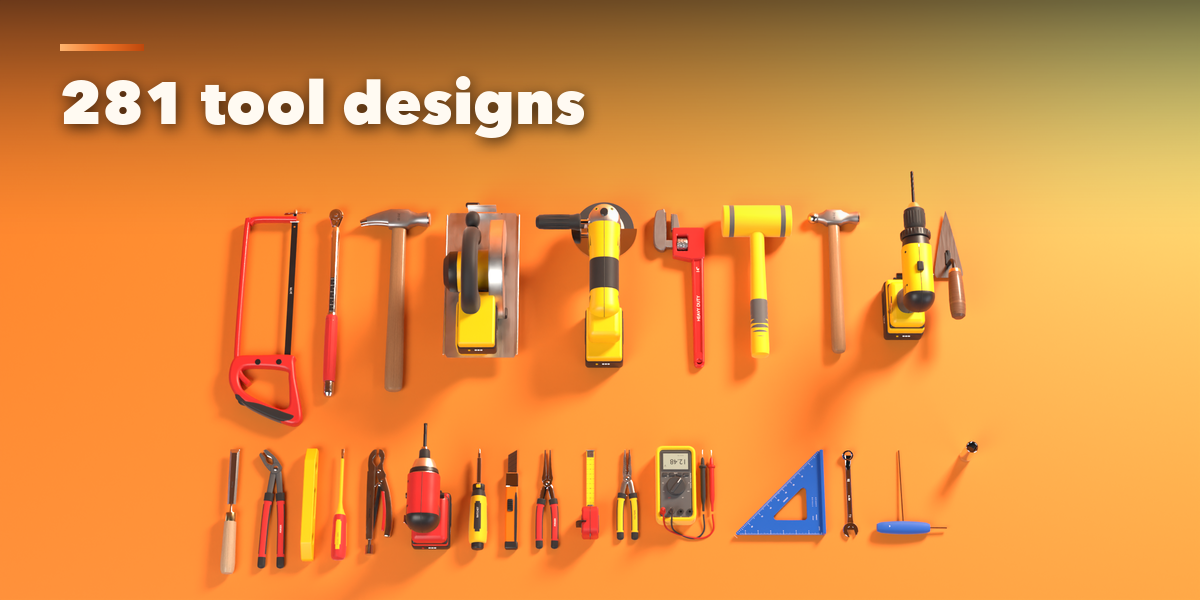
- Browse the designs with the arrows or click the picture for the whole gallery, then press Add Tool. Add All as a Set lays out every design of that kind in a row. You can also use Shift+A, Mesh, Tool.
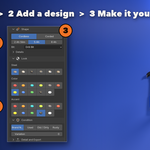
- Select a tool to edit it: the card at the top changes the design, Surprise and Same Kind pick a random one. Type switches the tool type, Shape holds its sizes and options, Look sets the steel finish, colors and wood.
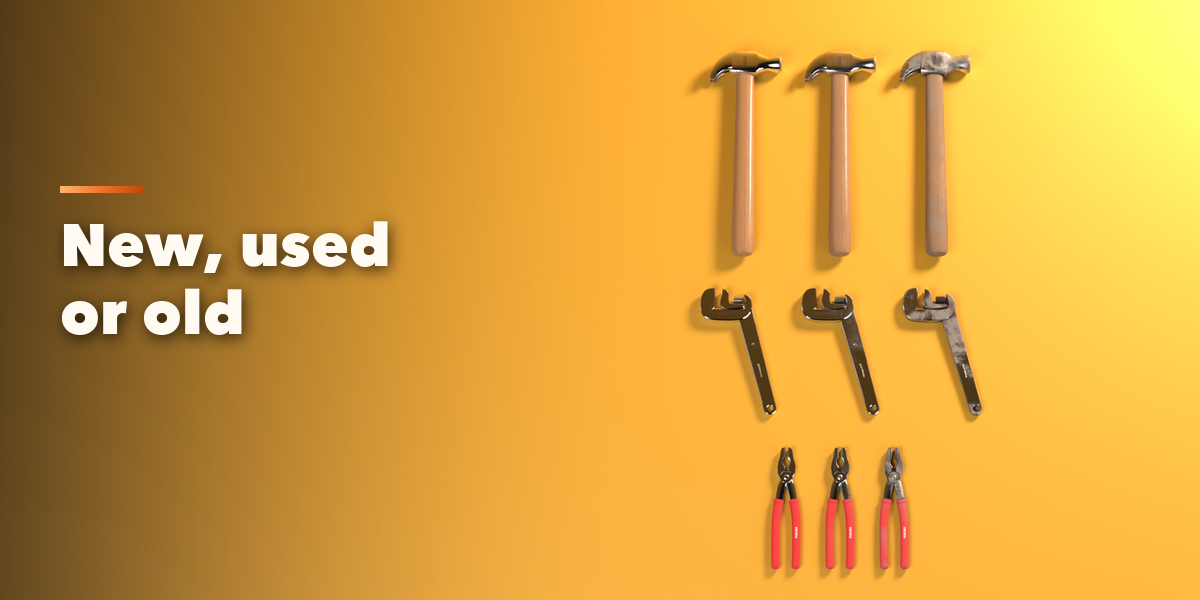
- Condition makes it Brand New, Used or Old; Variation changes where the wear lands.
- Detail and Export sets the mesh detail. Make Plain keeps the tool as an ordinary mesh; Delete removes it.
Have questions about this product?
Login to message
| Blender Extension Compatible | Yes |
| Published | 1 day ago |
| Blender Version | 4.2 - 5.2 |
| Extension Type | Add-on |
| Render Engine Used | Cycles, Eevee |
| License | GPL |

Discover more products like this
garage screwdriver workshop drill Generator wrench hammer tools props pliers hand tools power tools