Toon Fire: Stylized Fire, Smoke, Sparks and Spreading Flames for Blender
 NicoHartl
Features
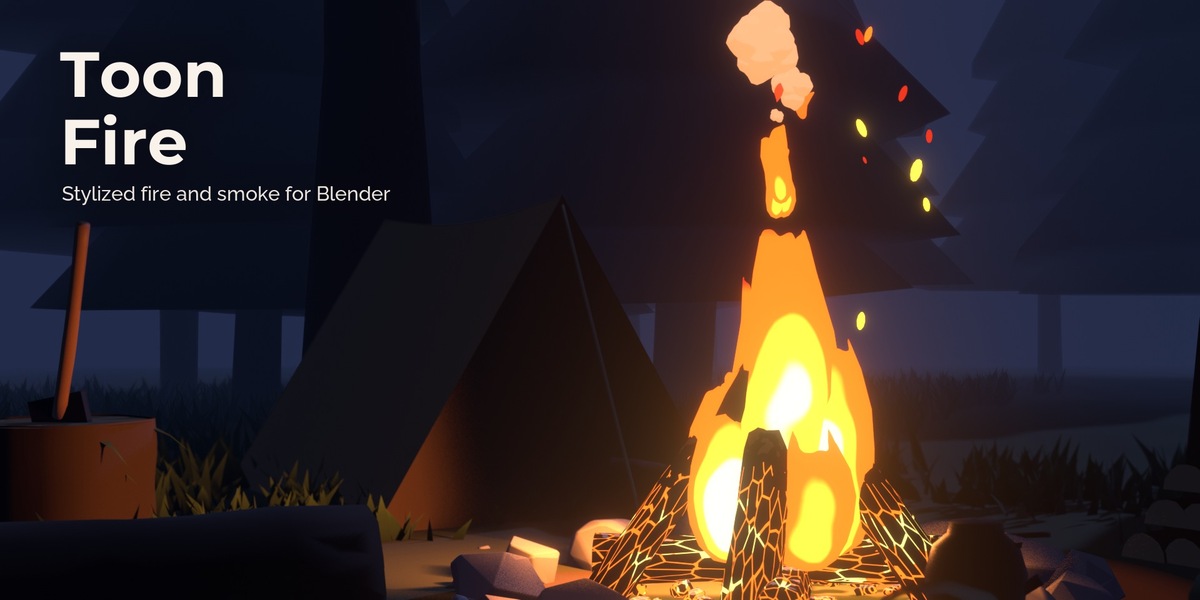
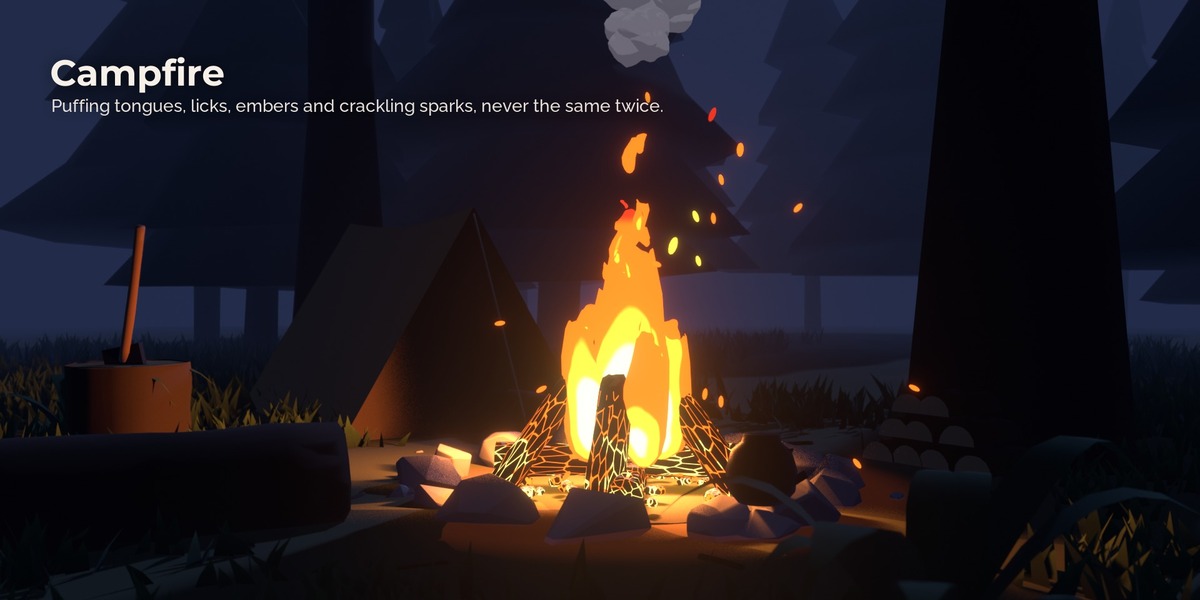
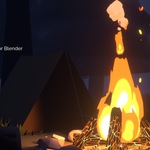
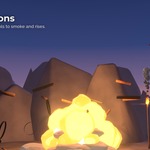
Flames with timing. Each tongue shoots up fast and sinks slowly, gets thinner as it stretches and wider as it settles. Licks pinch off the tips and slow down as they rise. Neighbouring tongues puff at their own rates.
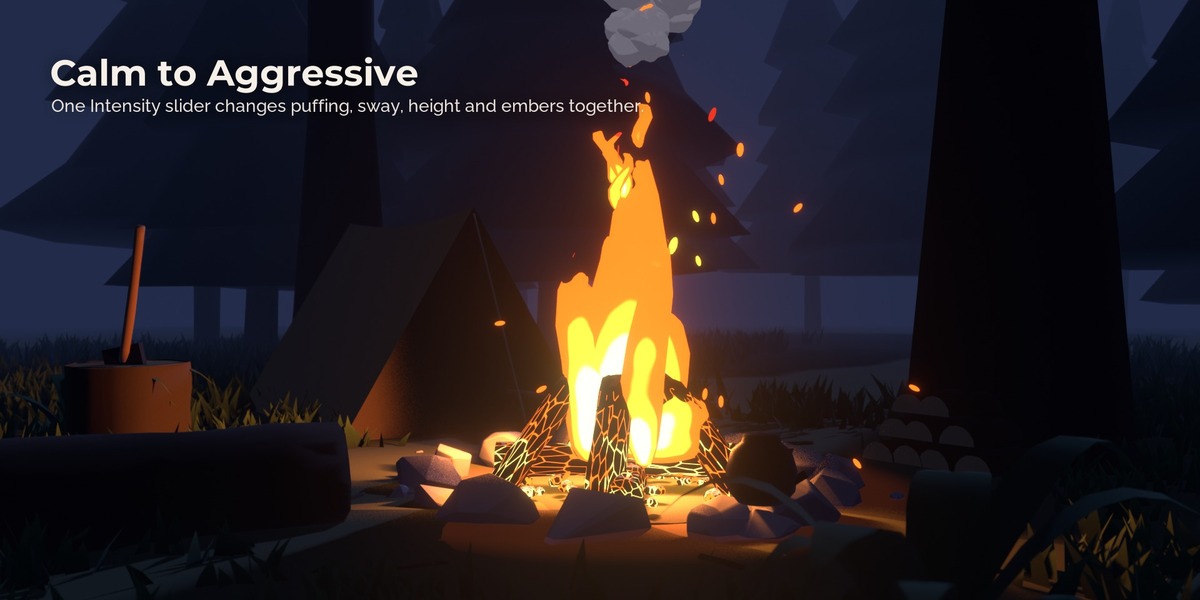
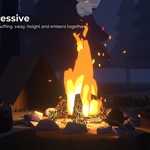
Calm to aggressive. Intensity changes puffing, sway, height, jitter, licks and embers together. Variation adds slow flare-ups and lulls.
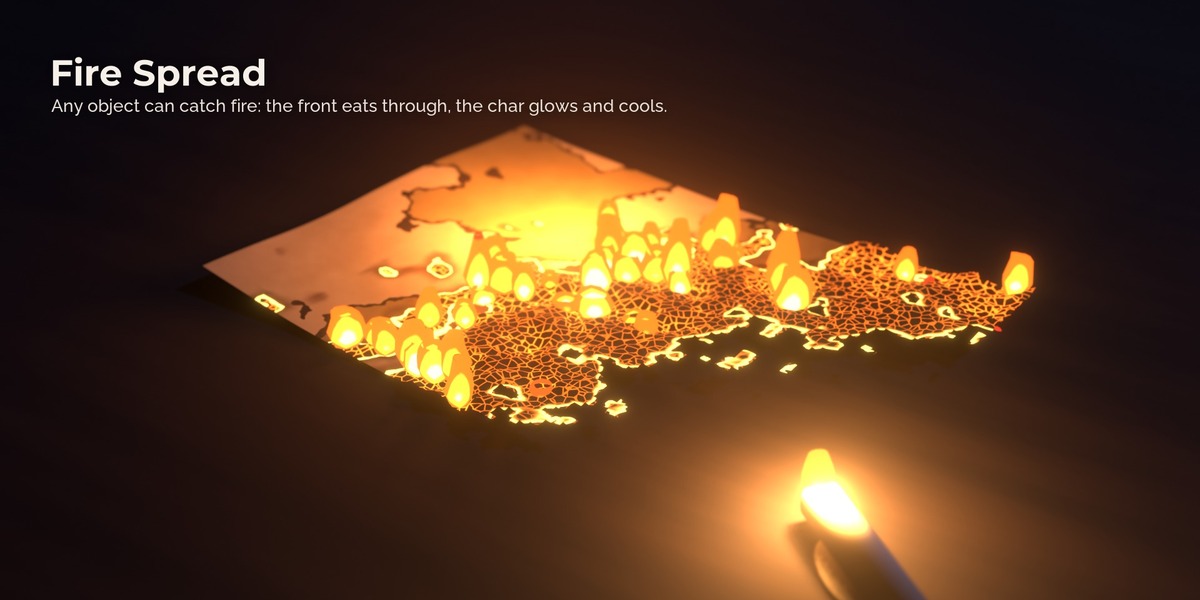
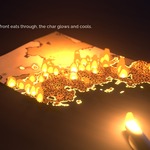
Fire that spreads. Make any object flammable and the fire runs over it from a start point as a ragged front. The material scorches ahead of it, chars behind it and glows in the cracks while the embers cool. Paper and cloth can burn away into holes with glowing rims.
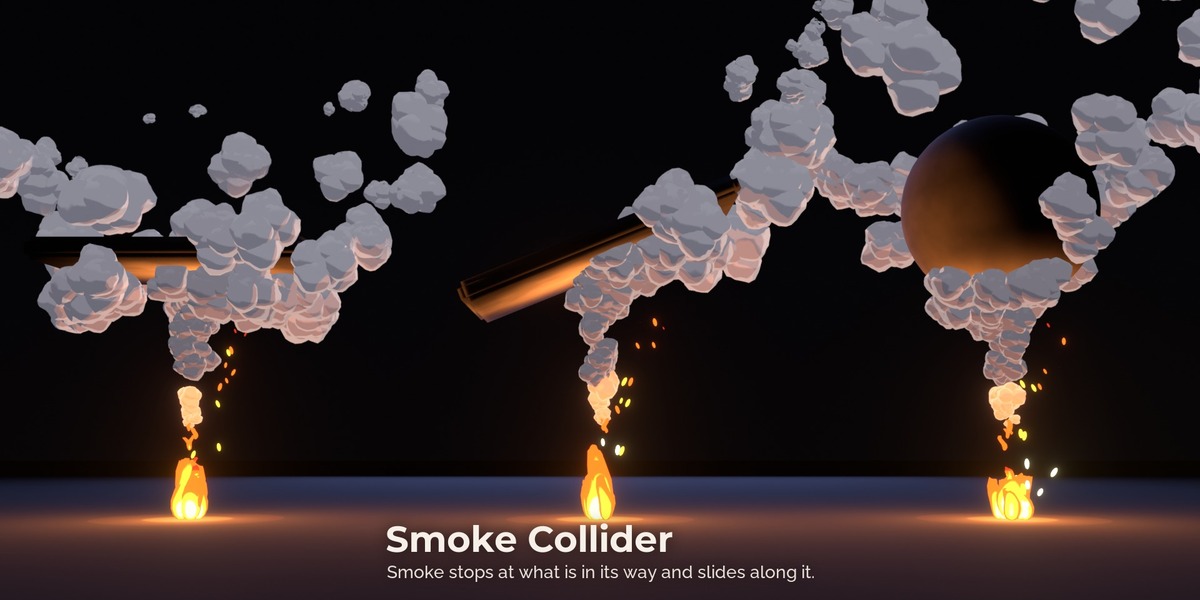
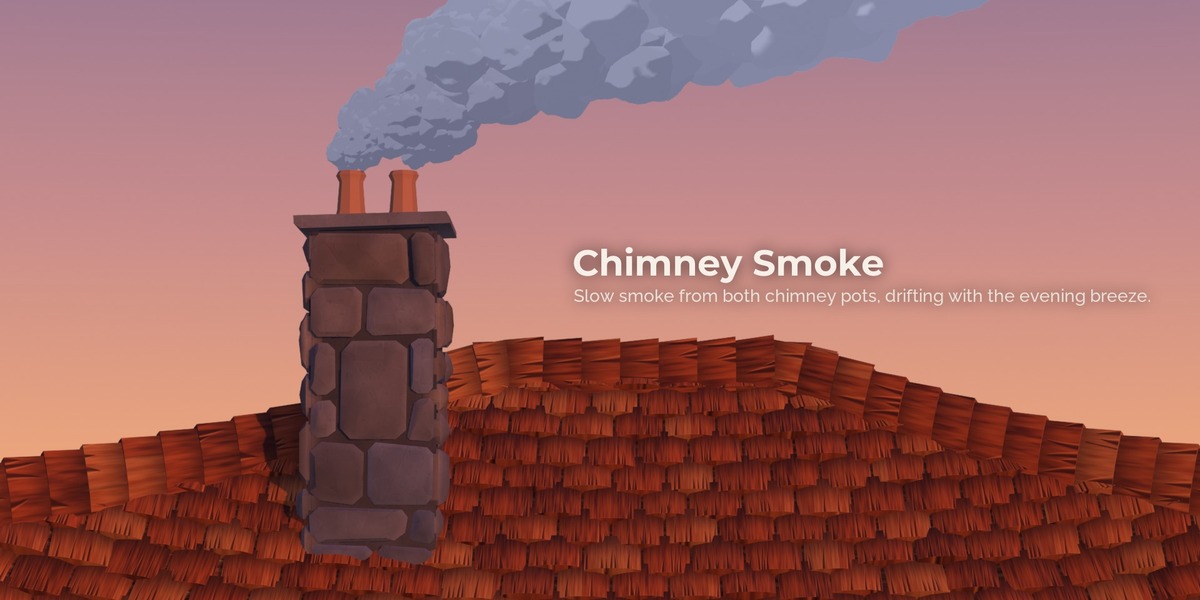
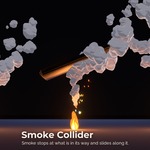
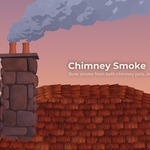
Smoke that hits things. Give the smoke a collider and it stops under a ceiling, a hood or a rock, spreads along it and rises again past the edge.
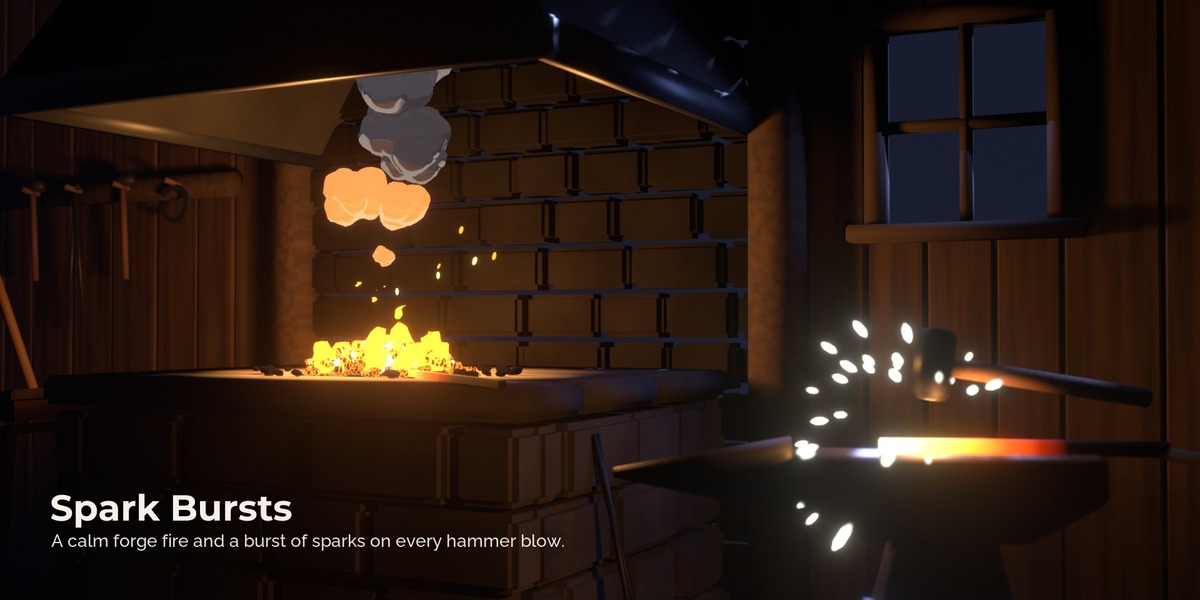
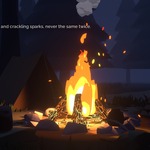
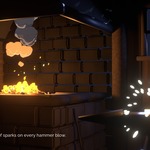
Sparks. Bursts of sparks when the wood pops, with the lamp flashing on the same frame, and a separate Spark Burst for a hammer on hot iron, a grinding wheel or a sword clash.
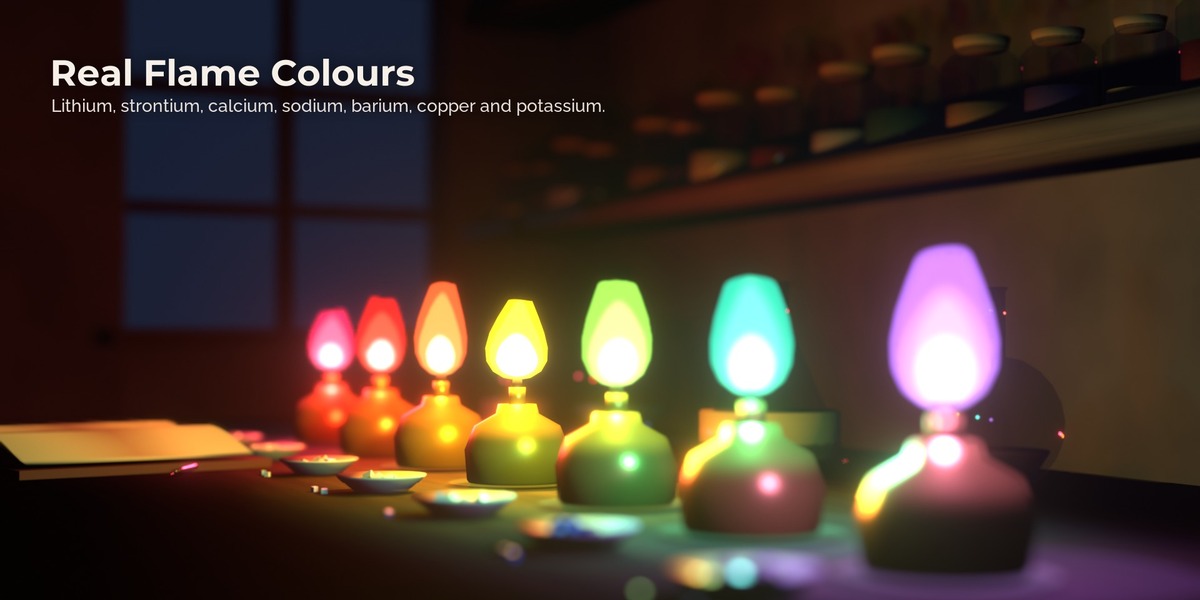
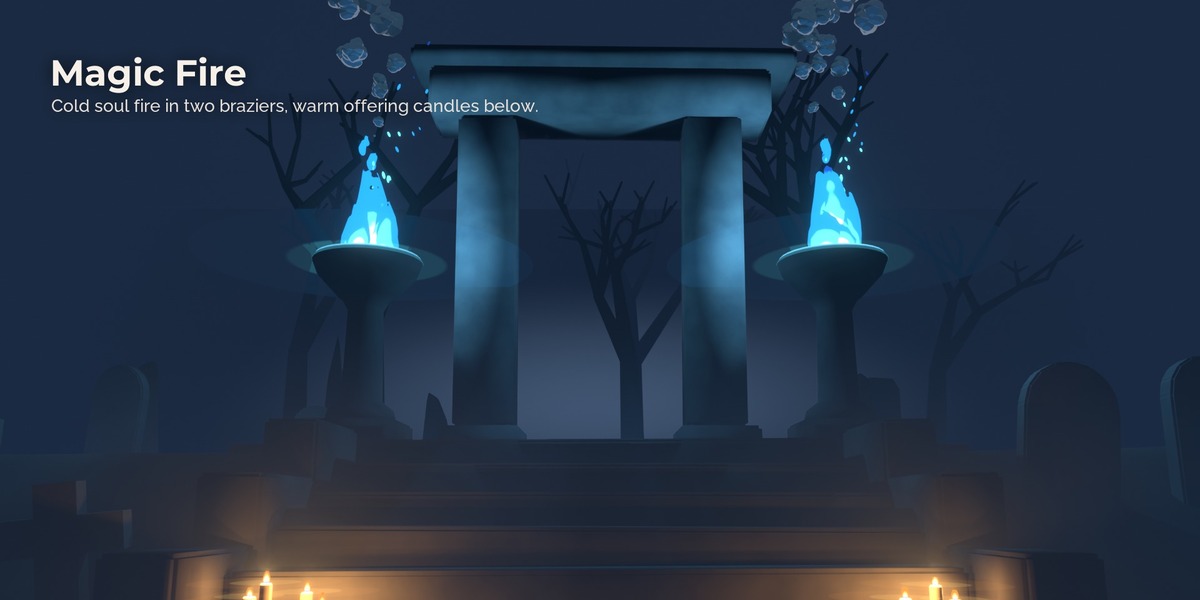
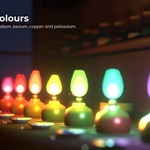
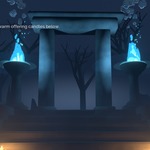
Real flame colours. Besides warm wood fires and magic fires, the flame test palettes show the colours that metal salts give a flame, for alchemy labs and potion workshops.
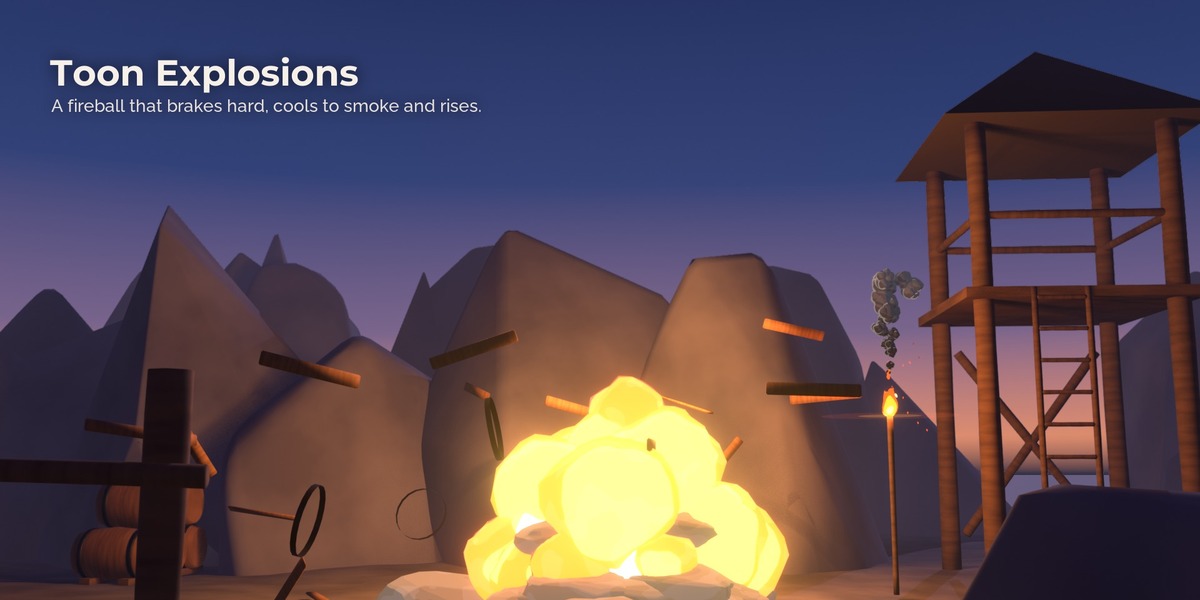
Toon explosions. A fireball that brakes hard, cools from white through orange to smoke and rises.
Sound that matches. The add-on synthesizes the fire's roar and crackle and places a pop on every frame where sparks burst. The sound is generated, so you can use it anywhere.
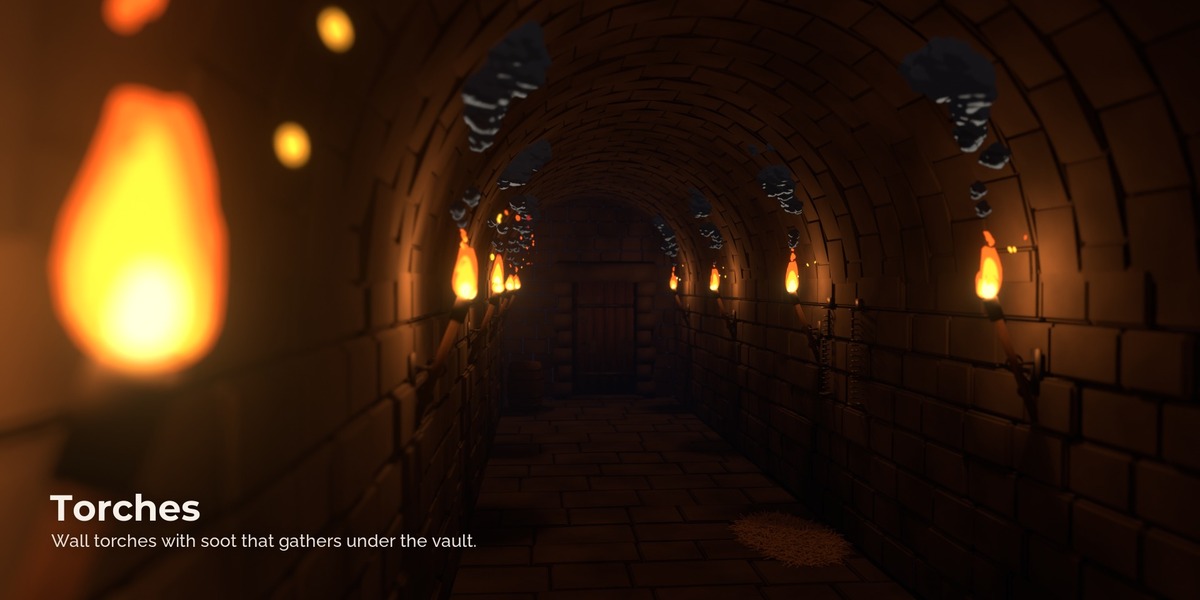
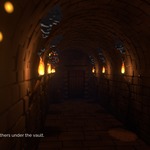
Light that flickers with the fire. Each fire has a lamp that breathes with the flames and flashes when the wood pops. The flames themselves are seen by the camera only, so renders stay clean.
How it works
- Install the add-on. The Toon Fire tab appears in the viewport sidebar.
- Pick a fire and press Add Fire. To put it into an object, select the object first.
- Press play and move the sliders.
- For burning objects, select them and press Make Flammable.
Limits
- The look is stylized: no volumetric fire and no heat shimmer.
- The flames do not light the scene themselves; the lamp in each fire does.
- Fire Spread works on the surface of each flammable object; it does not jump between objects by itself.
- Smoke is made of toon puffs, not a wispy simulation.
FAQ
Does it need a simulation or baking? No. Everything is computed from the frame number, live.
Can I make a perfect loop? Yes, Seamless Loop repeats exactly every 4 seconds.
Does it work in EEVEE? Yes, and it looks the same as in Cycles.
Can I use the sound commercially? Yes, it is synthesized by the add-on.
Have questions about this product?
Login to message
| Published | about 8 hours ago |
| Blender Version | 4.5 - 5.3 |
| Render Engine Used | Cycles, Eevee |
| License | Royalty Free |