 NicoHartl
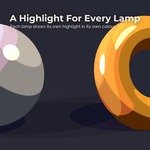
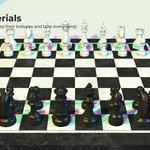
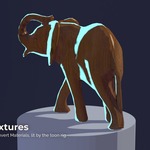
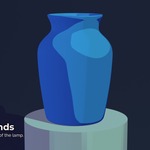
Features
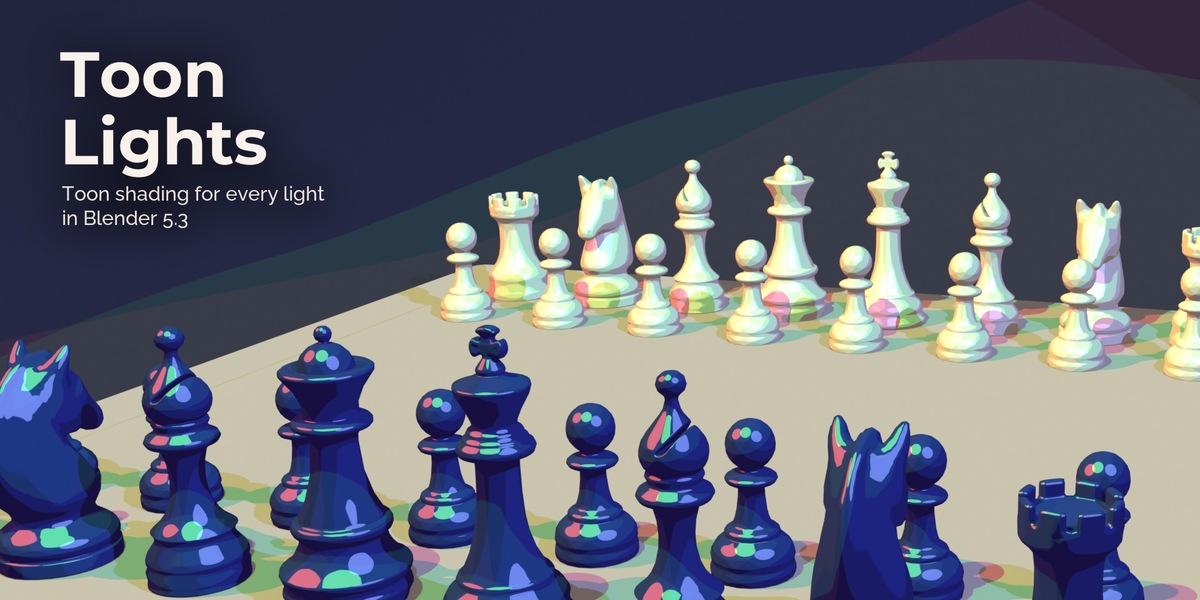
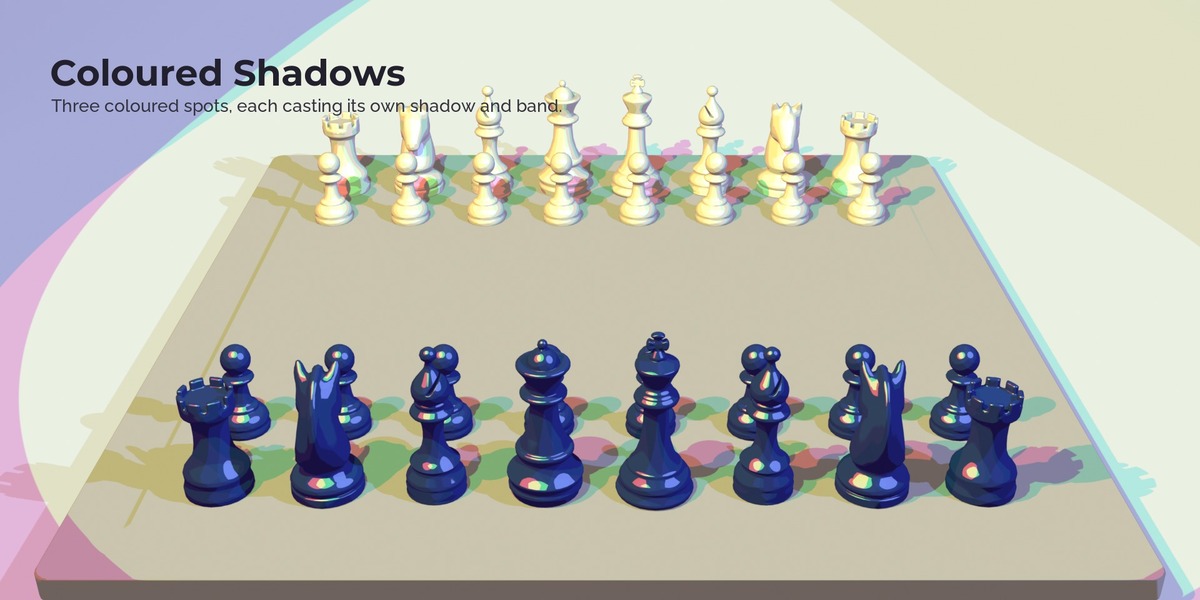
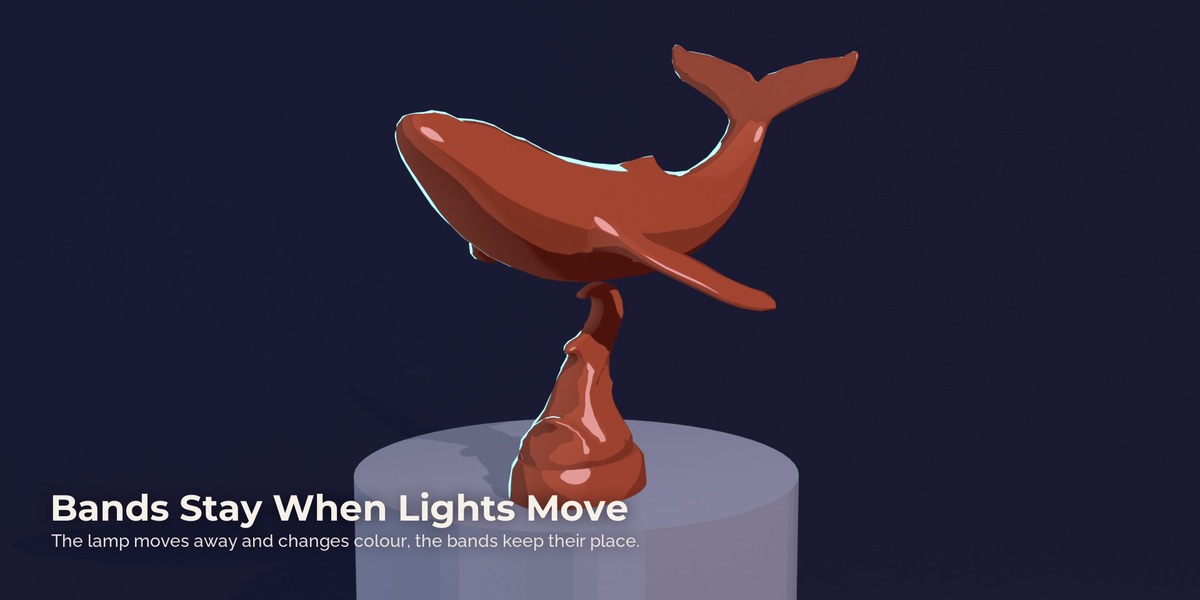
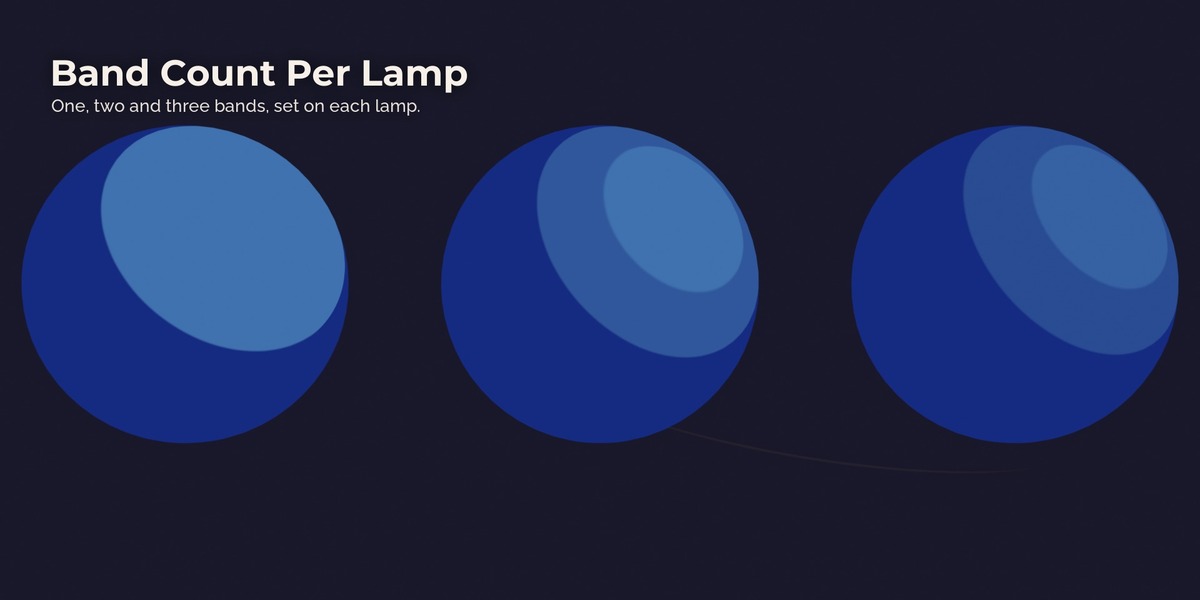
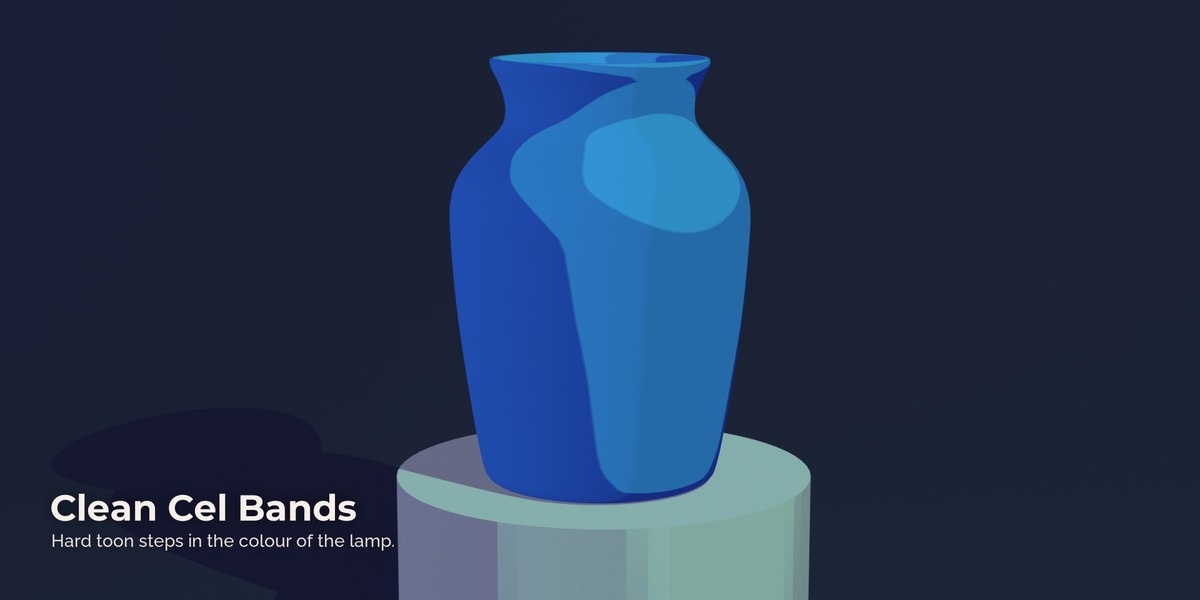
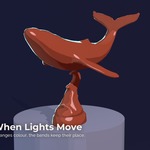
Bands that stay put. Band edges come from the shape of the object, brightness from the lamp. Move a lamp further away or dim it and the bands keep their place while the light gets weaker. Sun, point, spot and area lamps all give the same clean edge.
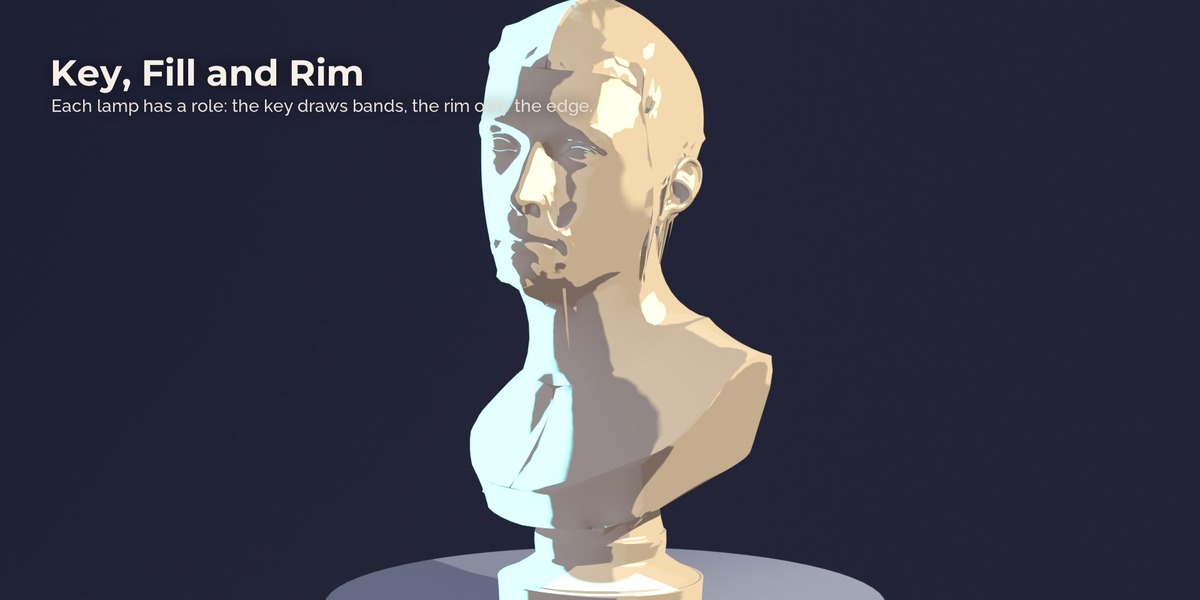
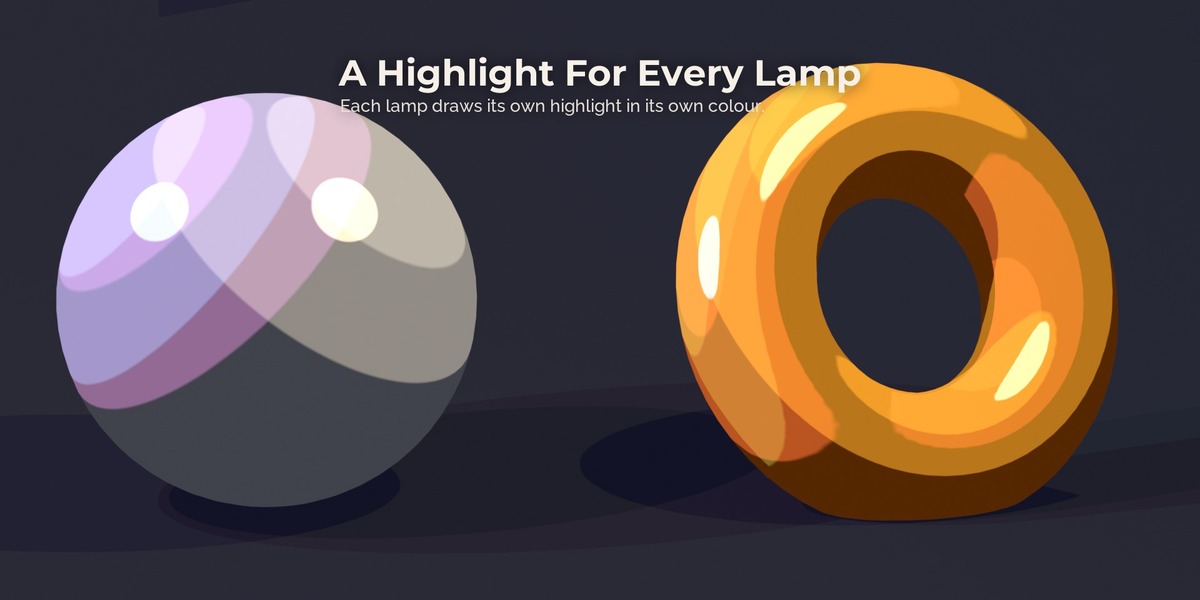
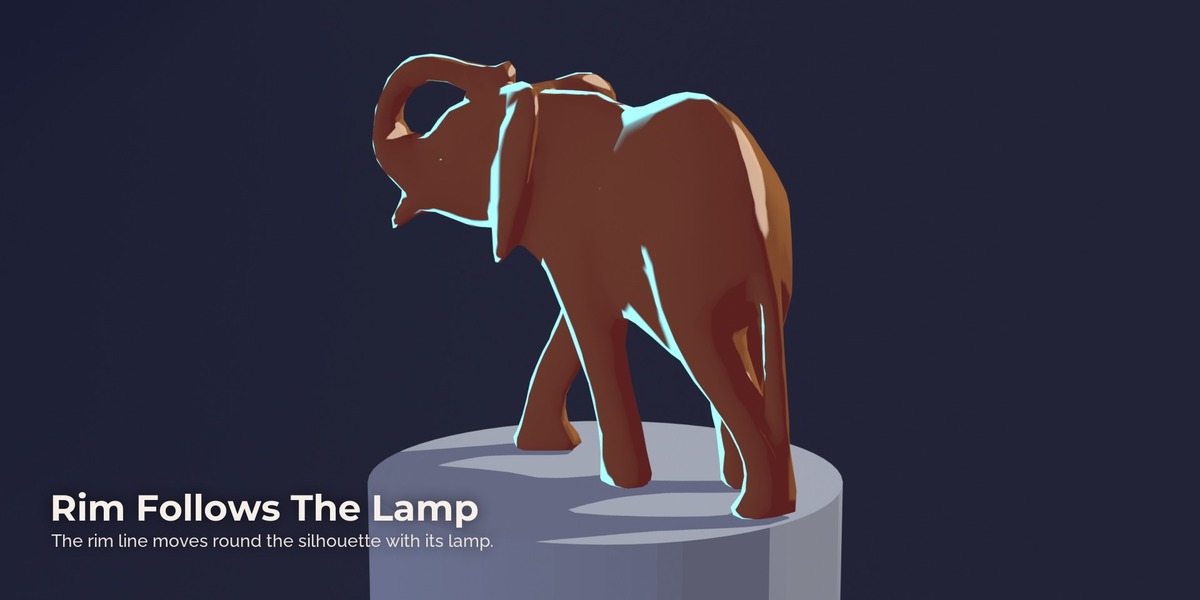
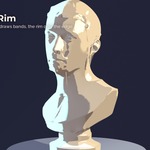
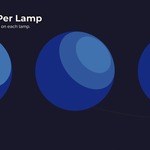
Roles per lamp. Key lamps draw bands, highlights and cast shadows. Fill lamps lift the shadow side softly without a second set of bands. Rim lamps only draw a line on the silhouette that faces them.
Exact palette colours. One full white key gives exactly your base colour, the dark side exactly your shadow colour. Shadow colours lean towards blue-violet like painted shadows.
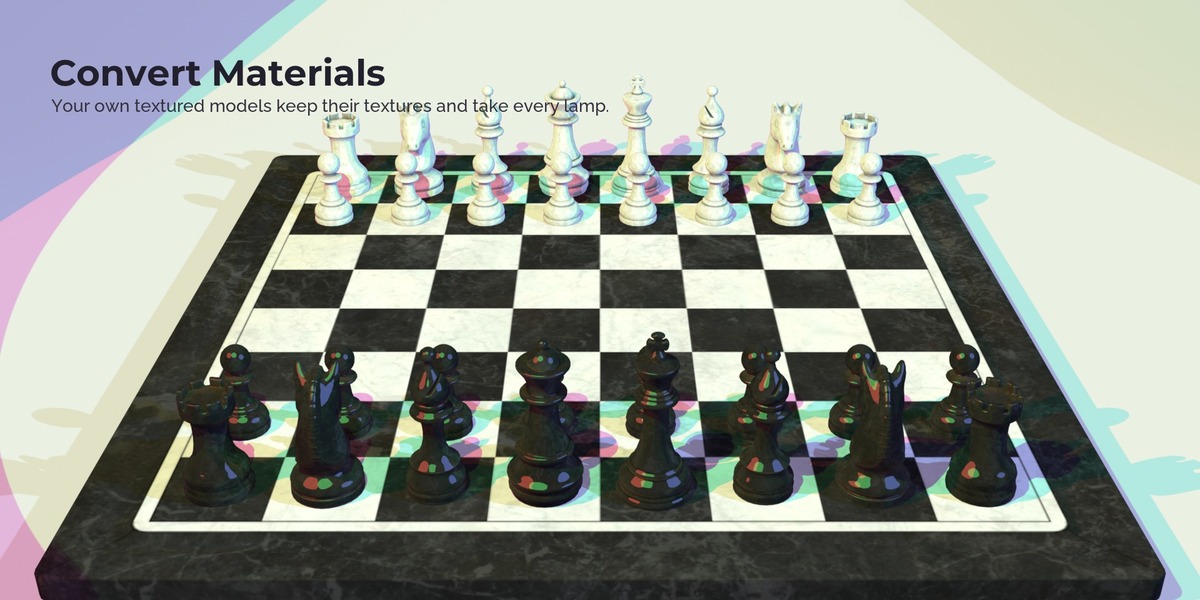
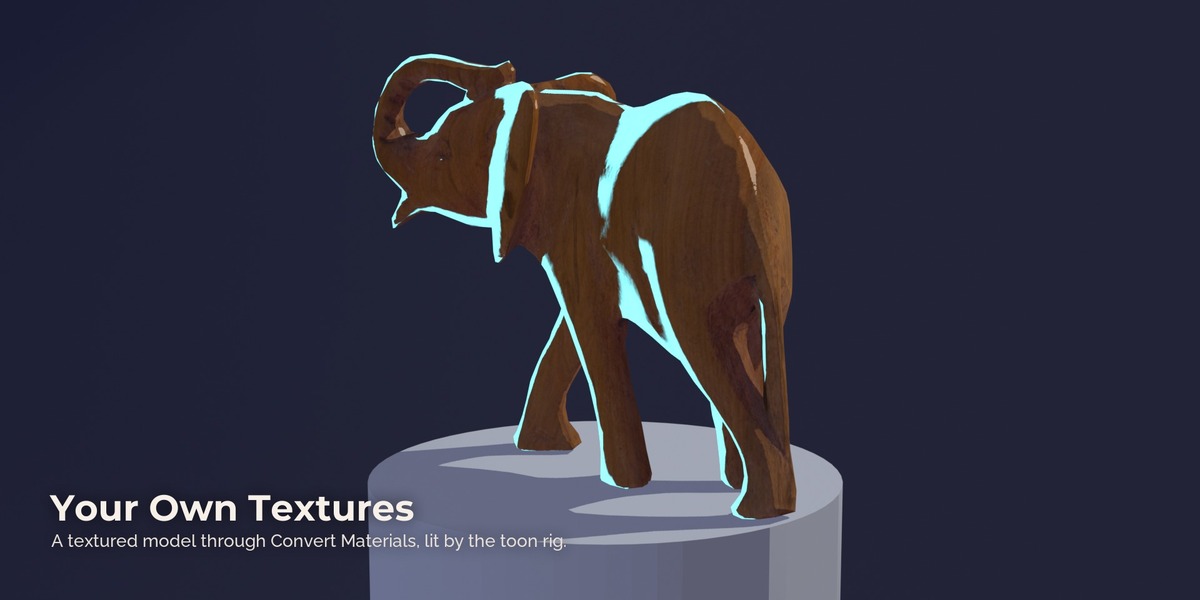
Your own materials too. Convert Materials swaps the Principled BSDF in your materials for Toon Lights and keeps textures, vertex colours and normal maps. Restore brings the originals back. Clean, bright textures give the strongest toon look; dark photo-real textures stay more subtle.
Tools for the new nodes. Preview any value inside a light graph per lamp, check a graph for the mistakes that render black, and insert four small starter graphs made of plain nodes to learn from.
Limits
- The light nodes are EEVEE only. Cycles shows none of the toon light response.
- World and bounce light do not enter the light graph in Blender 5.3. The shadow side comes from Shadow Tint and Ambient, or from a fill lamp.
- Overlapping lamps add up like real light. Use the Fill and Rim roles for extra lamps.
- Emissive surfaces do not light toon materials. Put a lamp at signs, windows and fires.
- No per-lamp render passes yet (Blender plans them for 5.4).
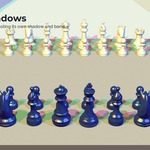
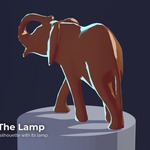
- The models in the pictures (bust, chess set, whale, elephant, vase) are CC0 models from Poly Haven and are not part of the package.
Have questions about this product?
Login to message
| Published | 24 minutes ago |
| Blender Version | 5.3 |
| Render Engine Used | Eevee |
| License | Royalty Free |
Discover more products like this
materials eevee stylized NPR blender 5.3 cel-shading outline light-nodes toon anime Lighting Shader