 NicoHartl
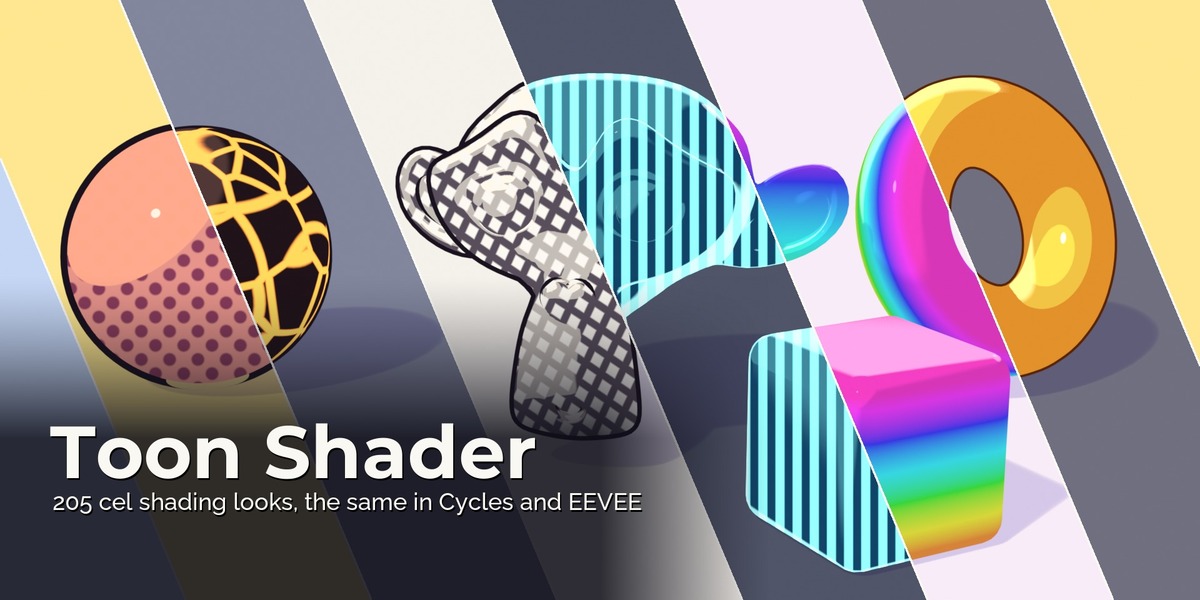
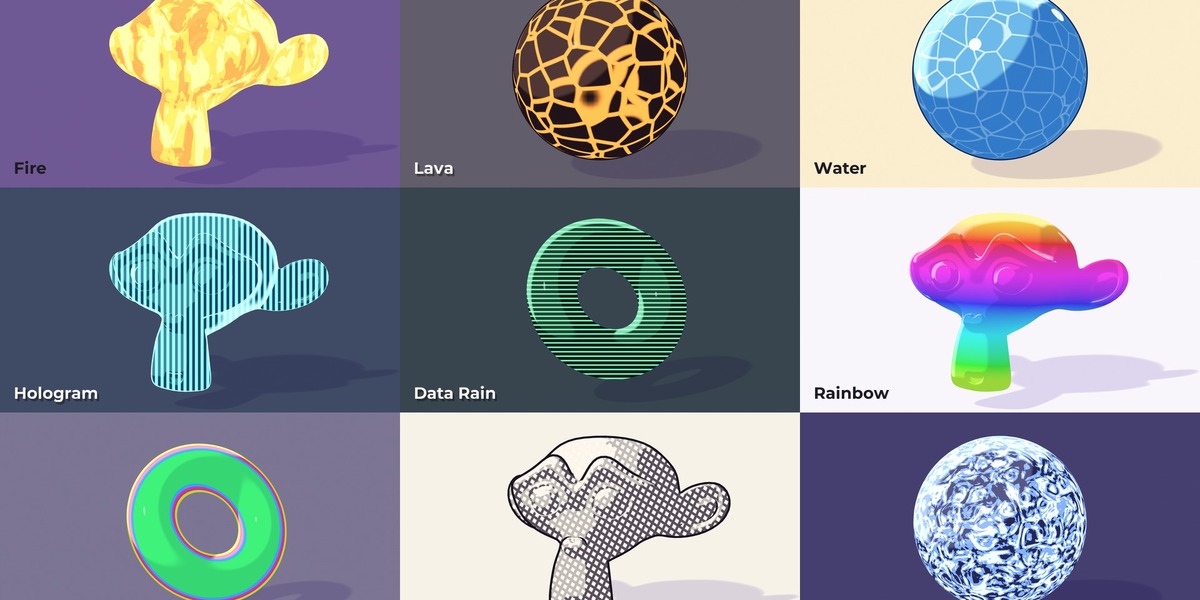
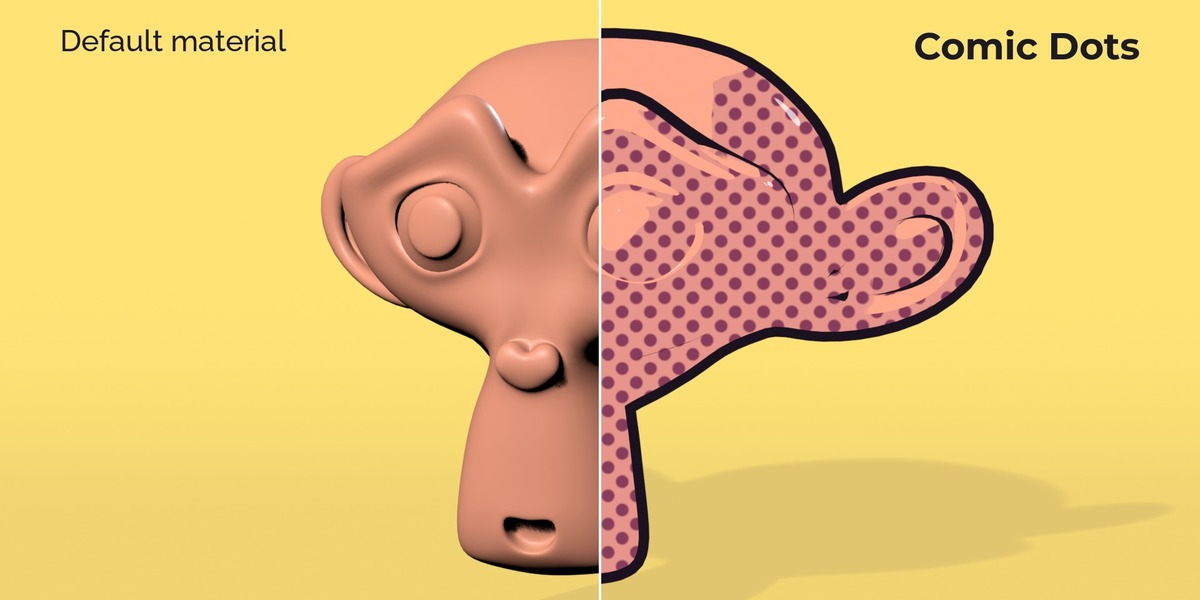
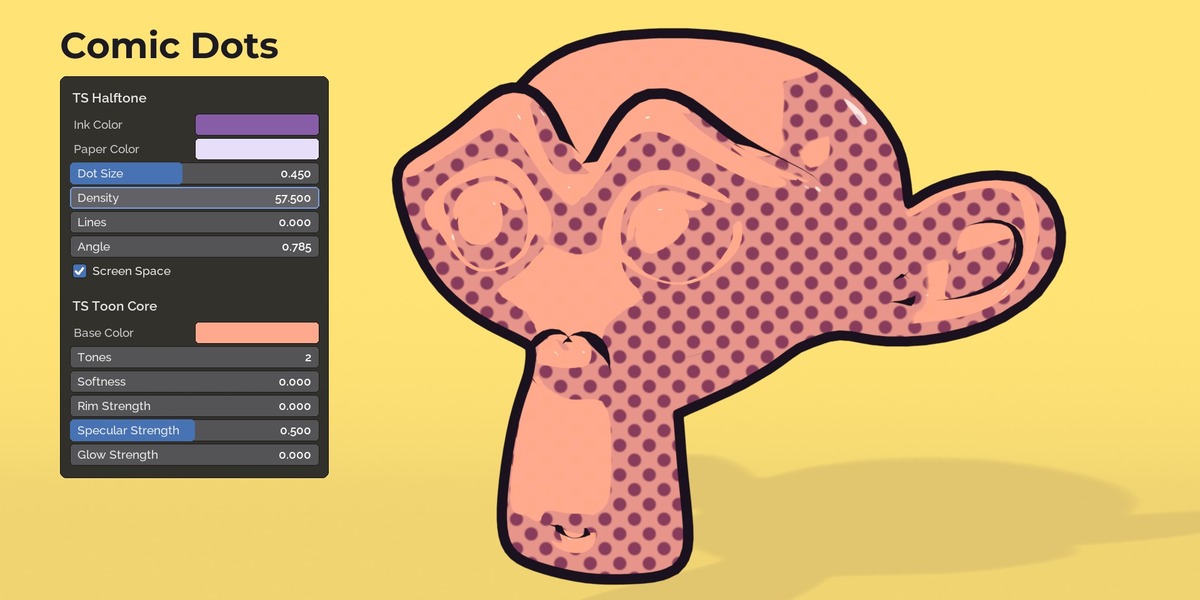
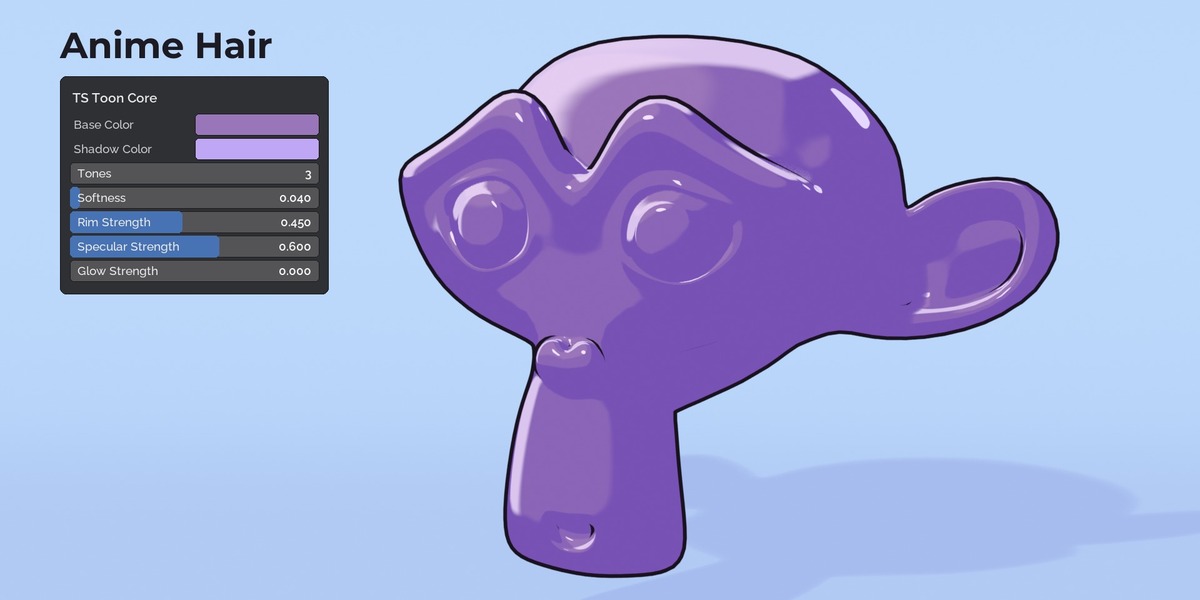
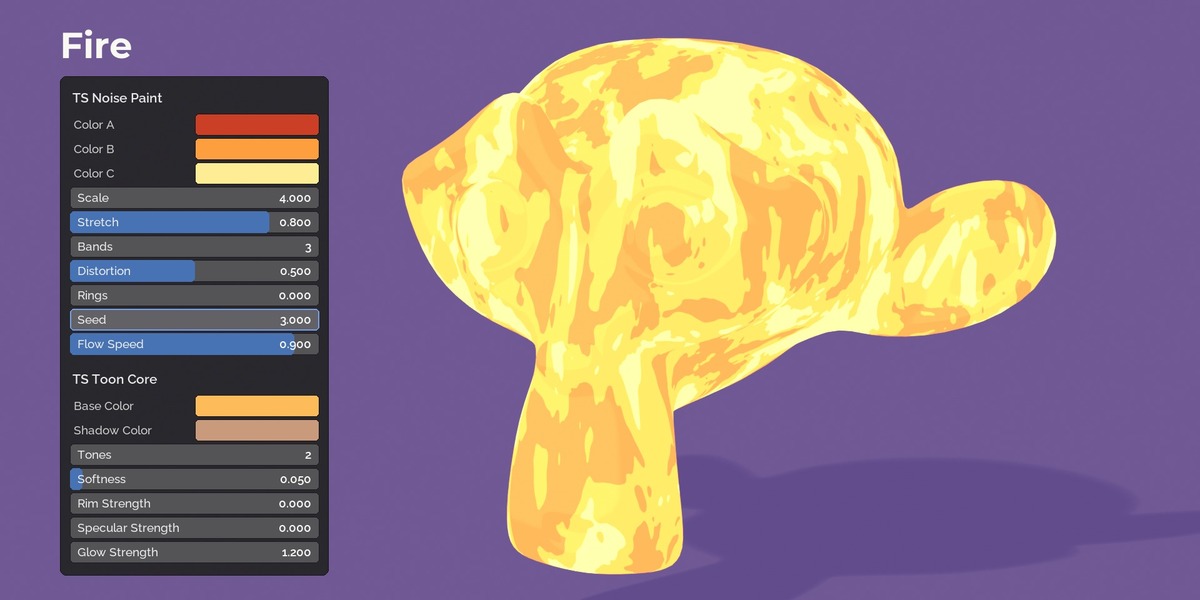
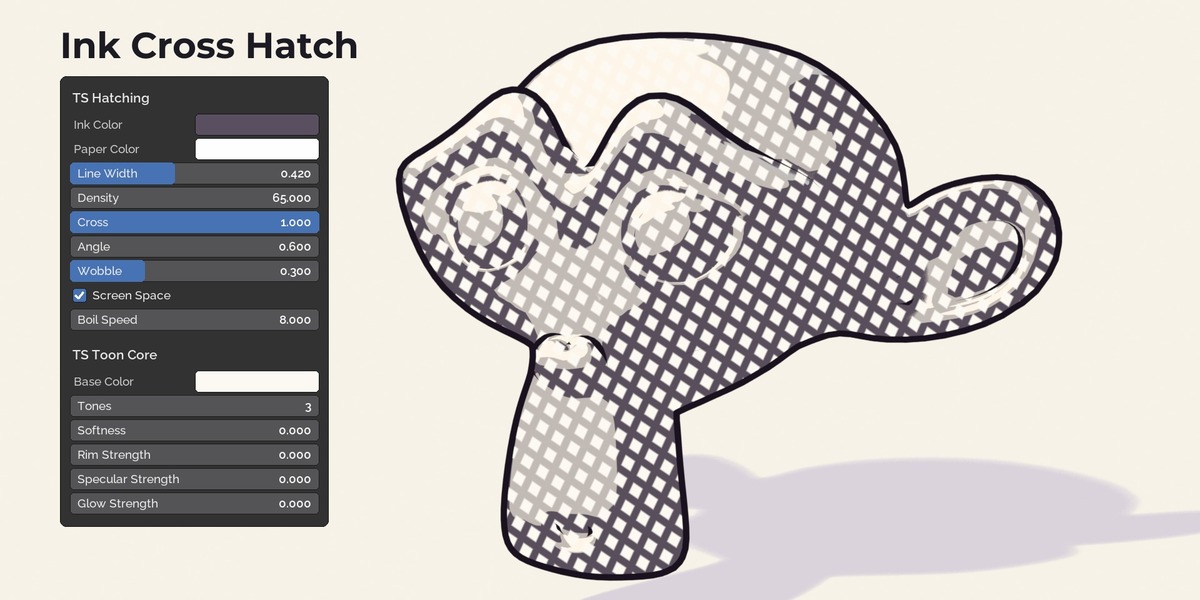
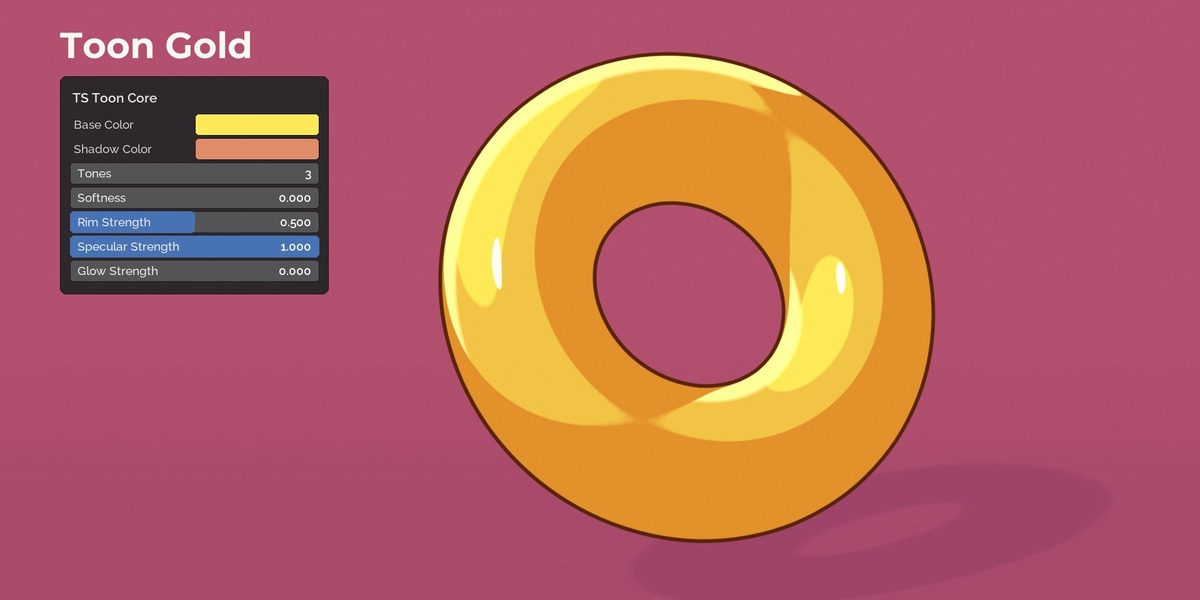
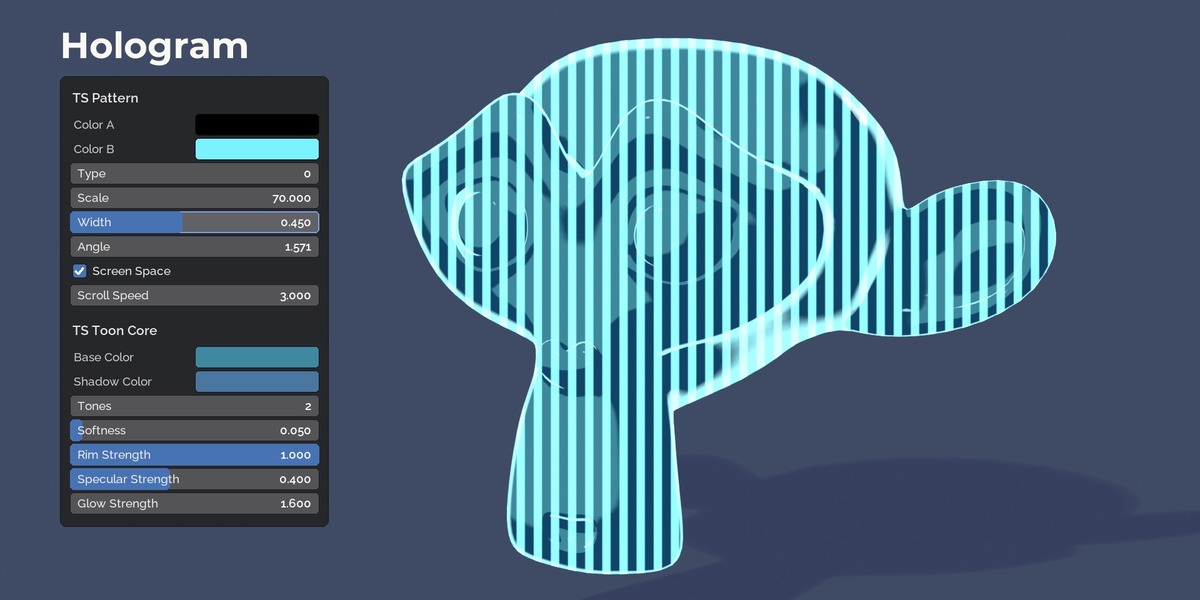
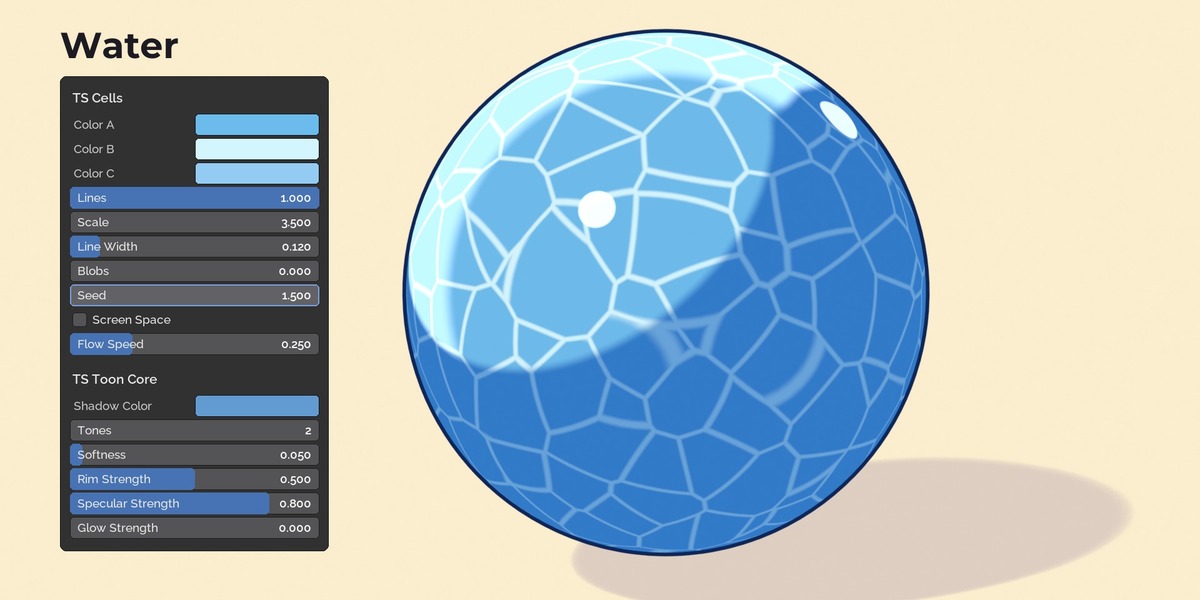
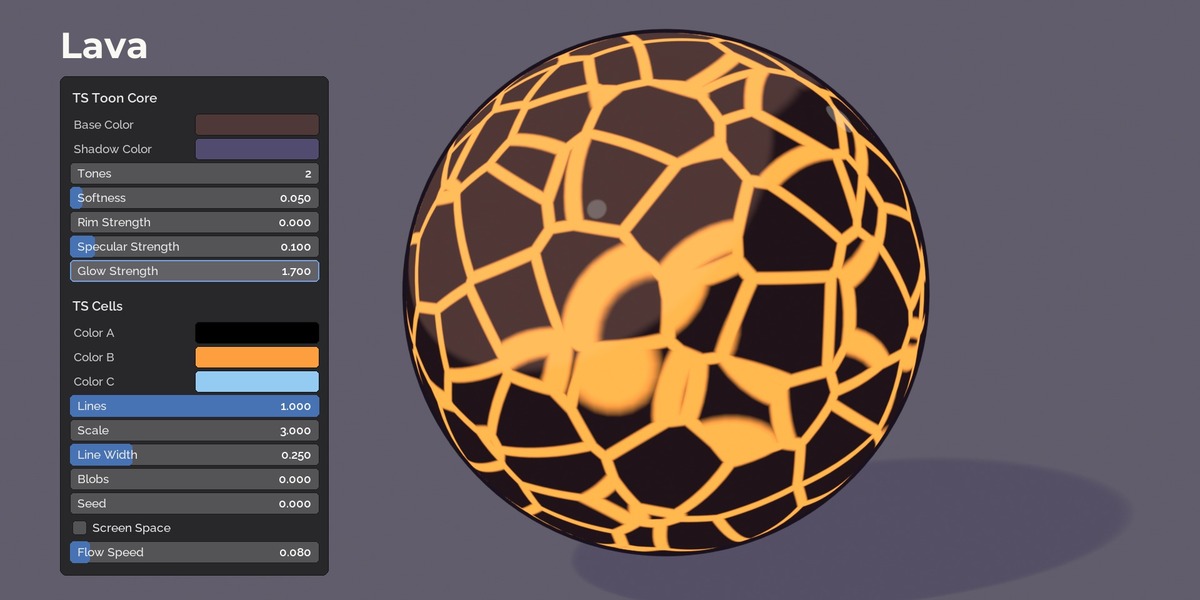
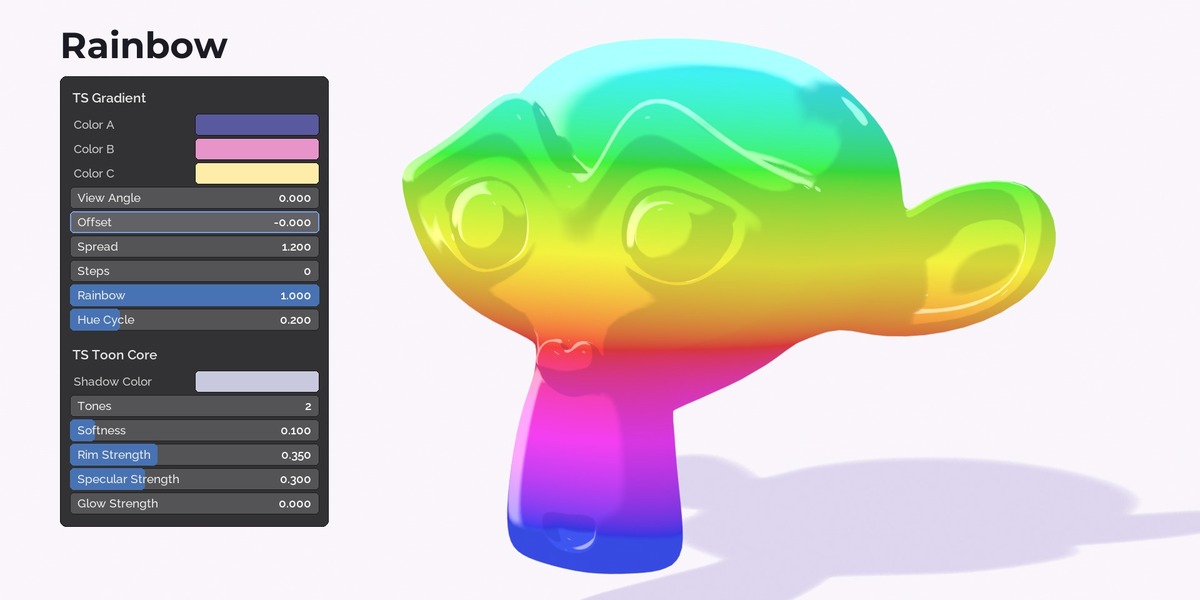
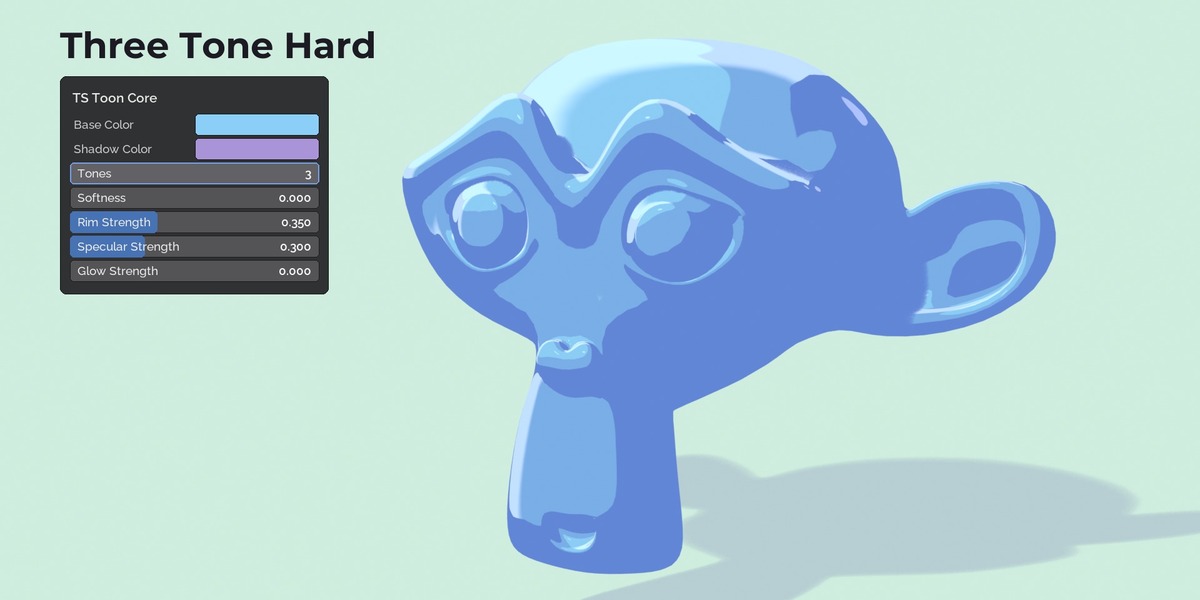
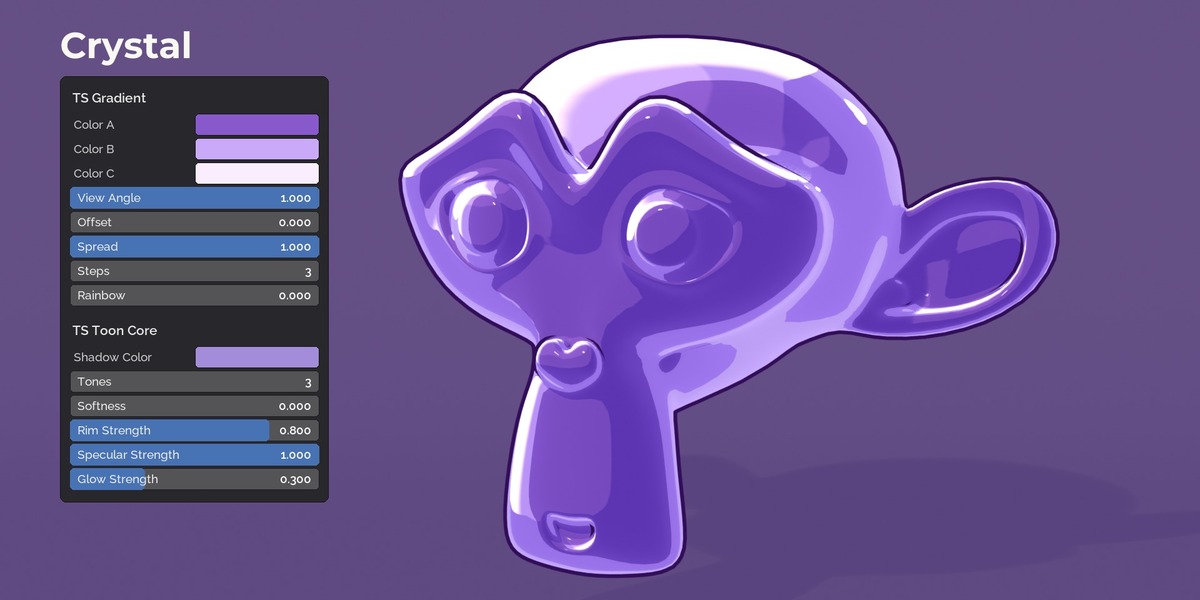
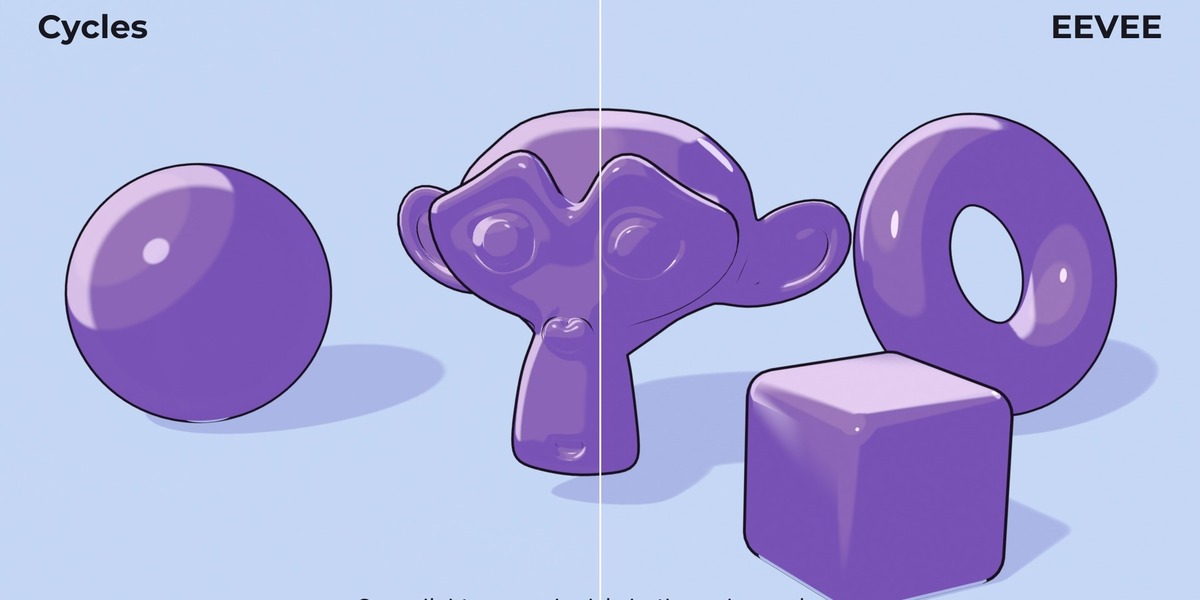
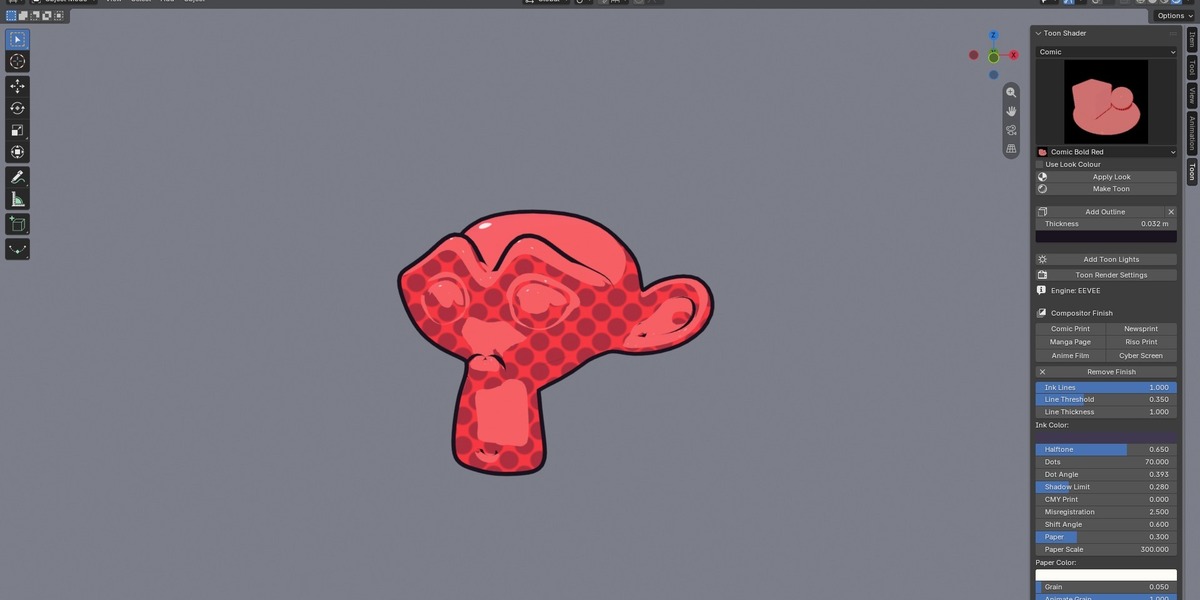
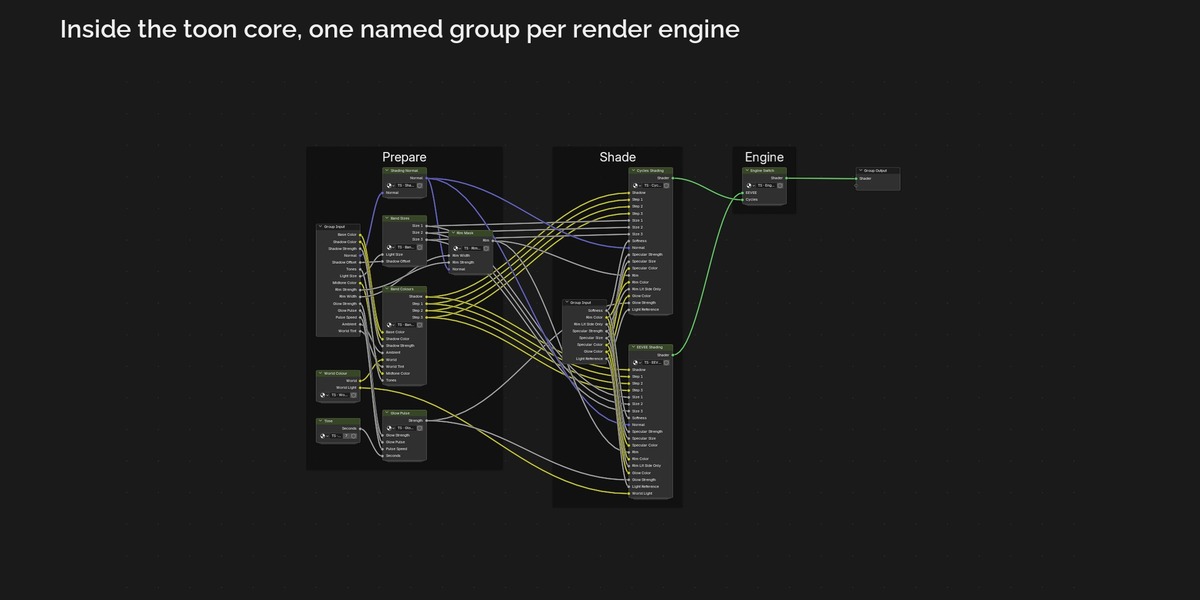
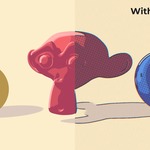
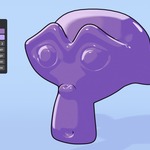
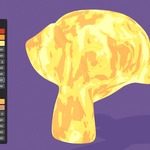
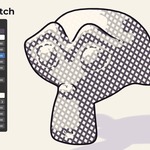
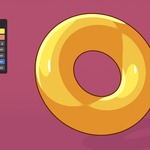
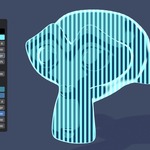
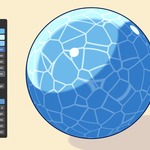
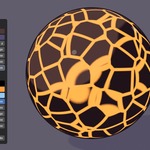
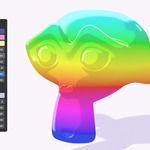
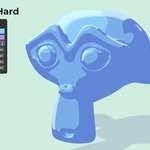
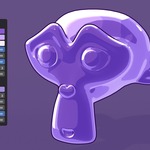
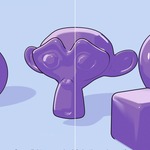
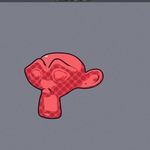
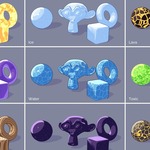
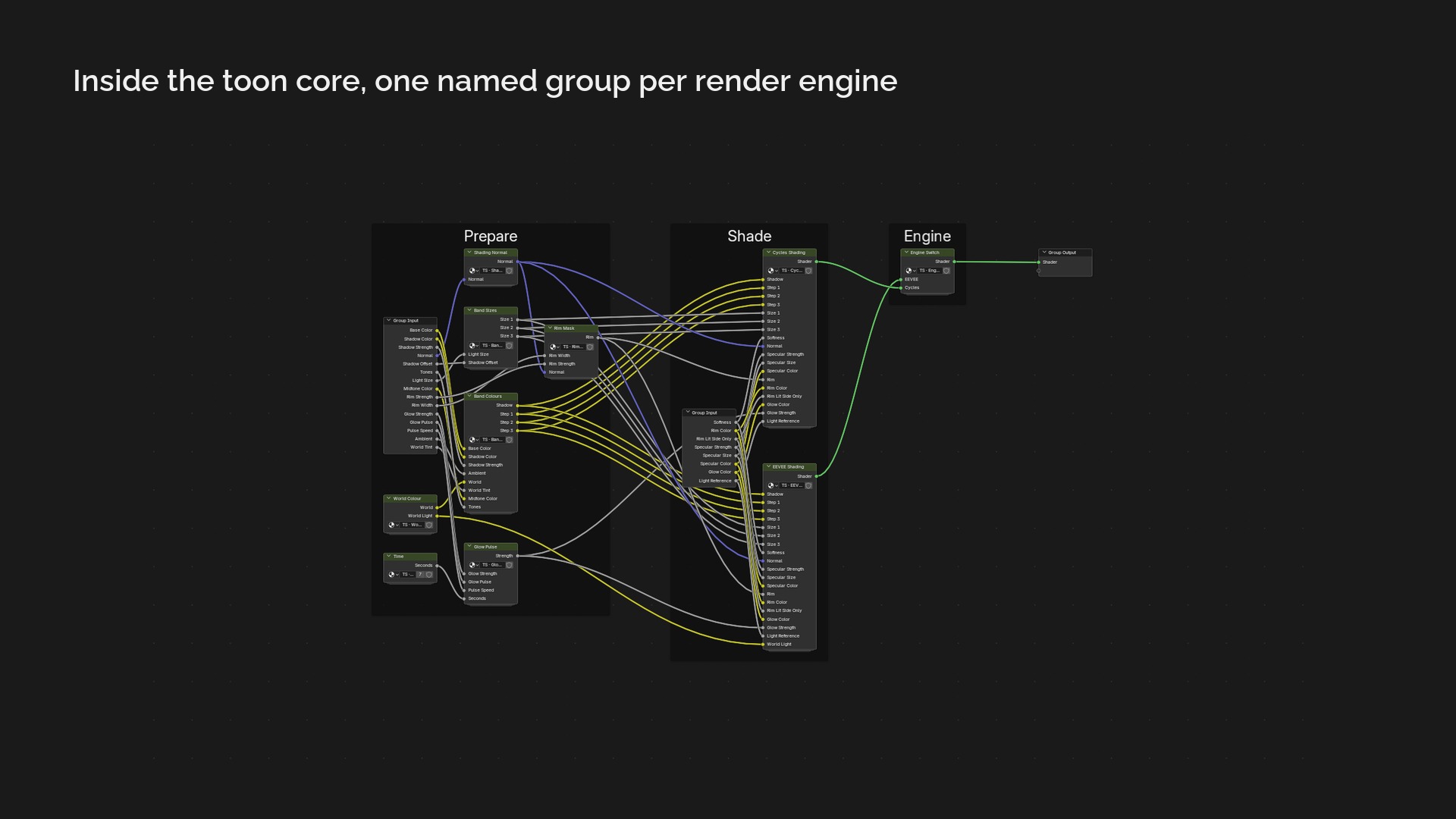
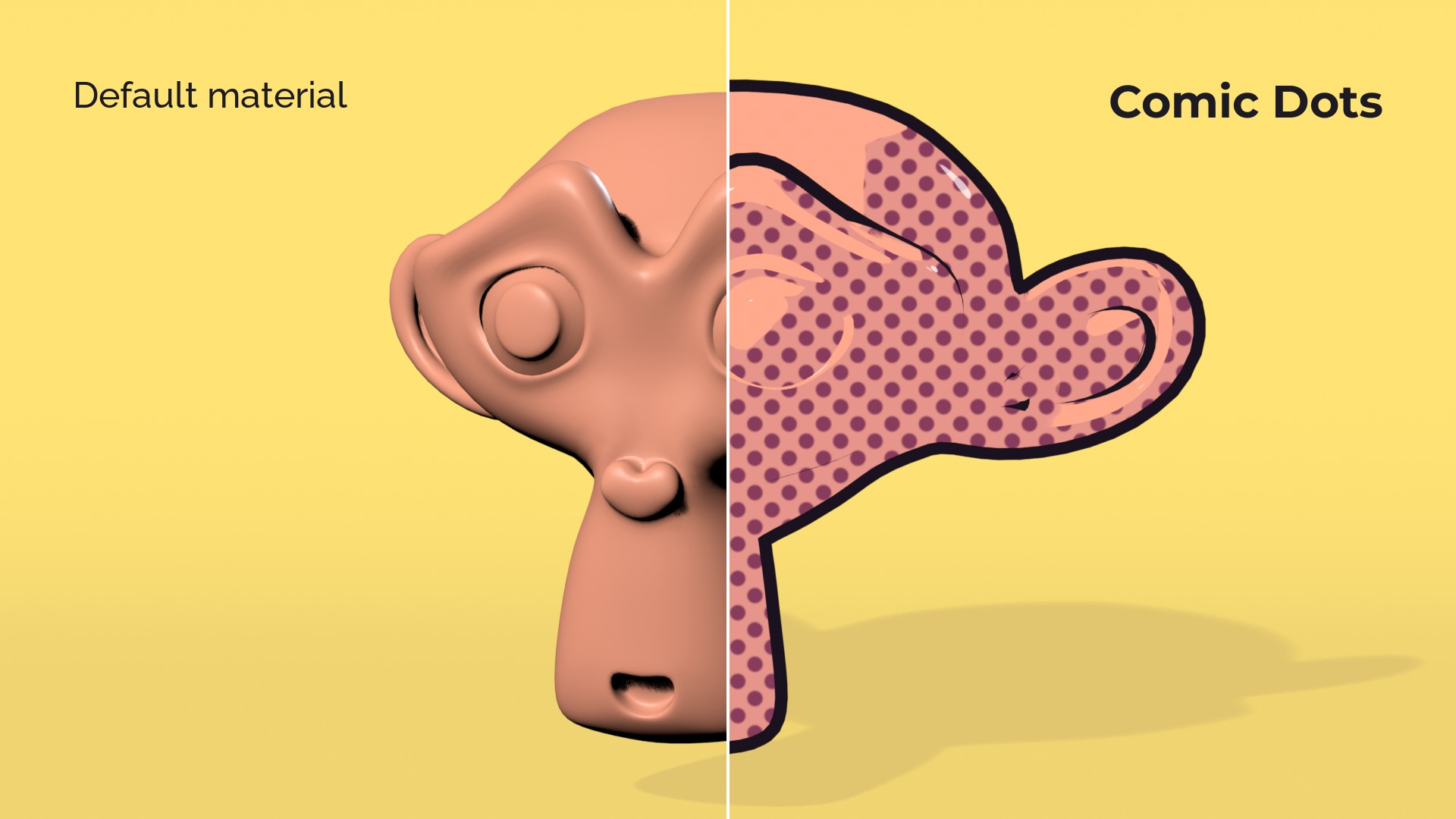
Toon Shader turns any Blender material into cel shading that reacts to your real lights, shadows and light colours. It looks the same in Cycles and in EEVEE, so you can set up your scene in EEVEE and render the final frame in Cycles without the look changing. Most toon shaders rely on the Shader to RGB node, which only exists in EEVEE; this one has a Cycles path built on Blender's Toon BSDF, normalised to match.
New in 1.1
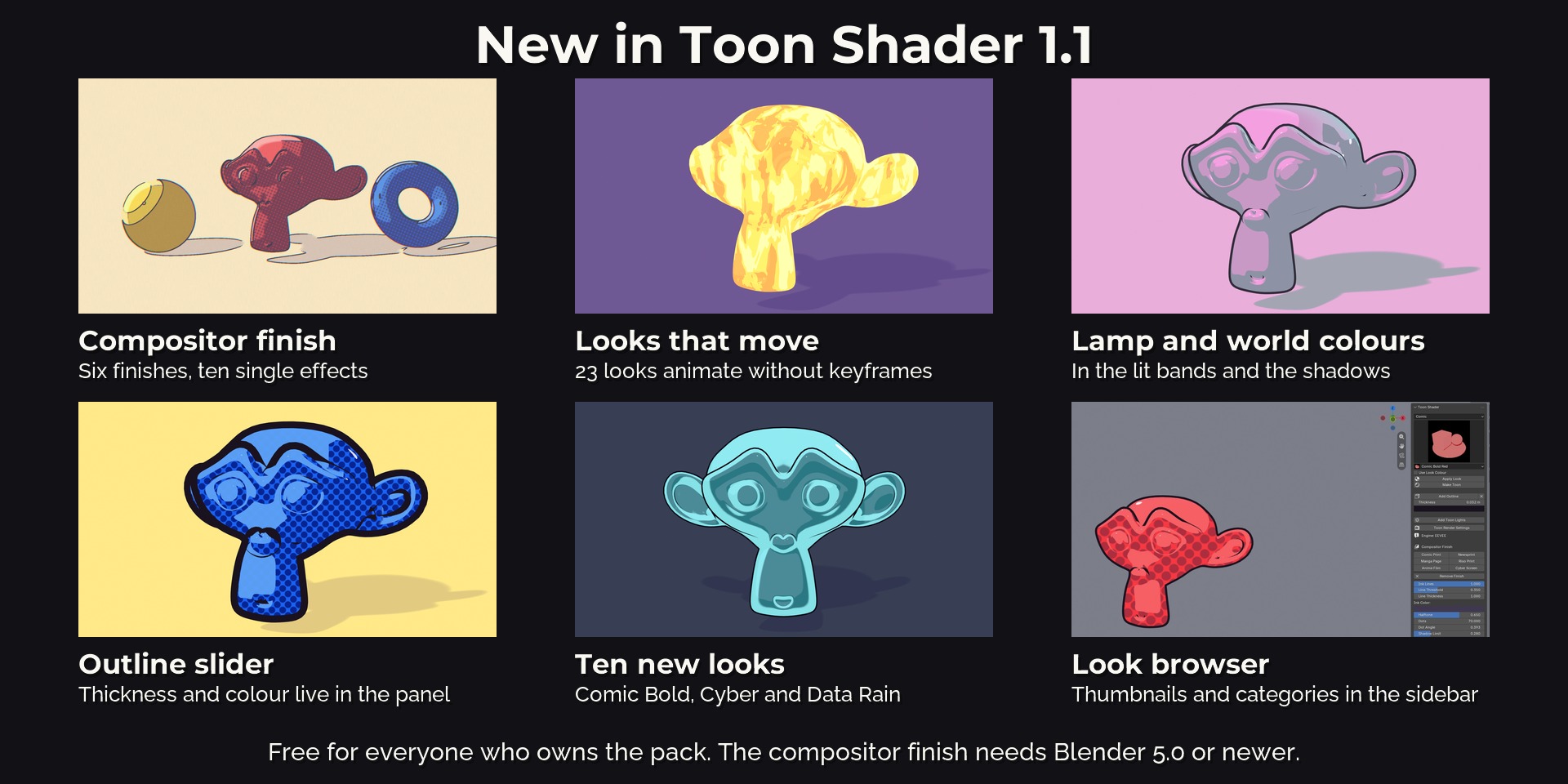
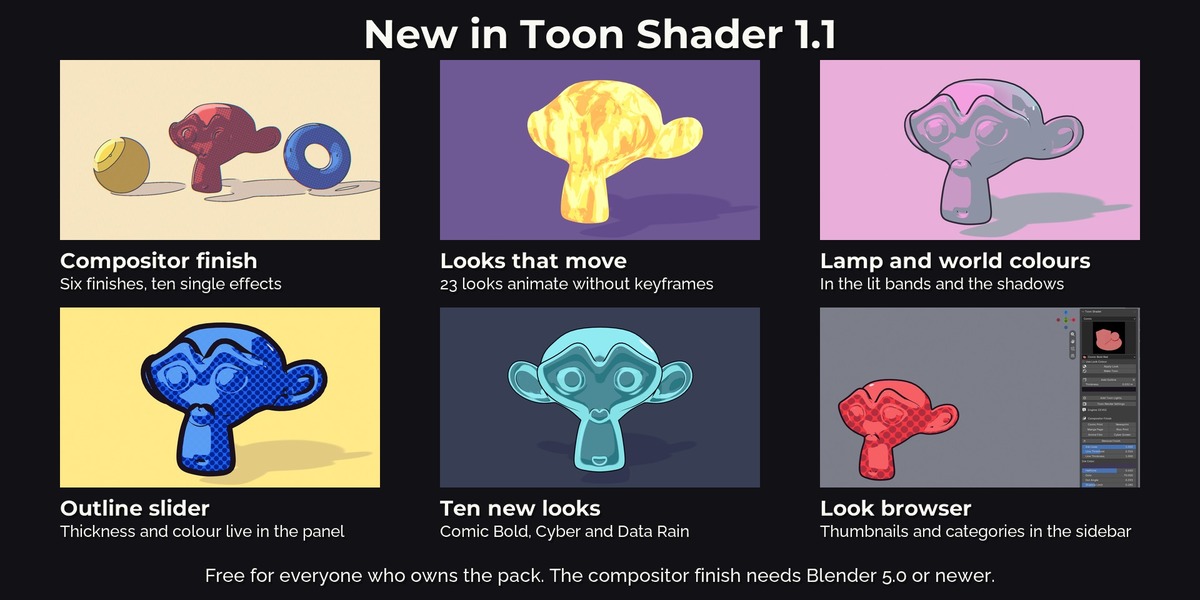
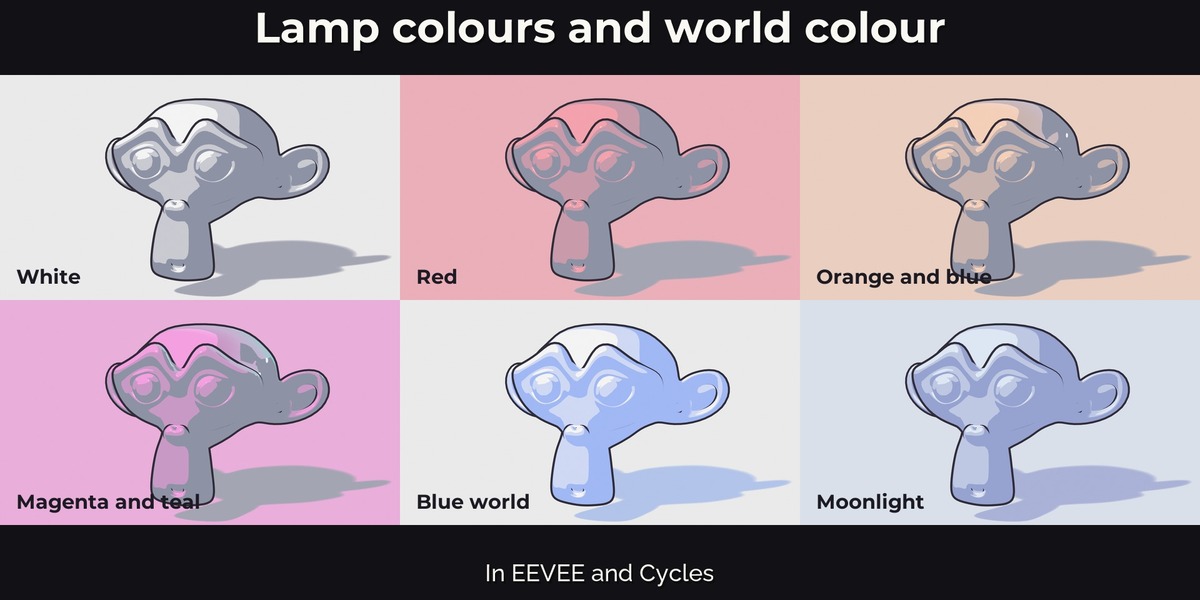
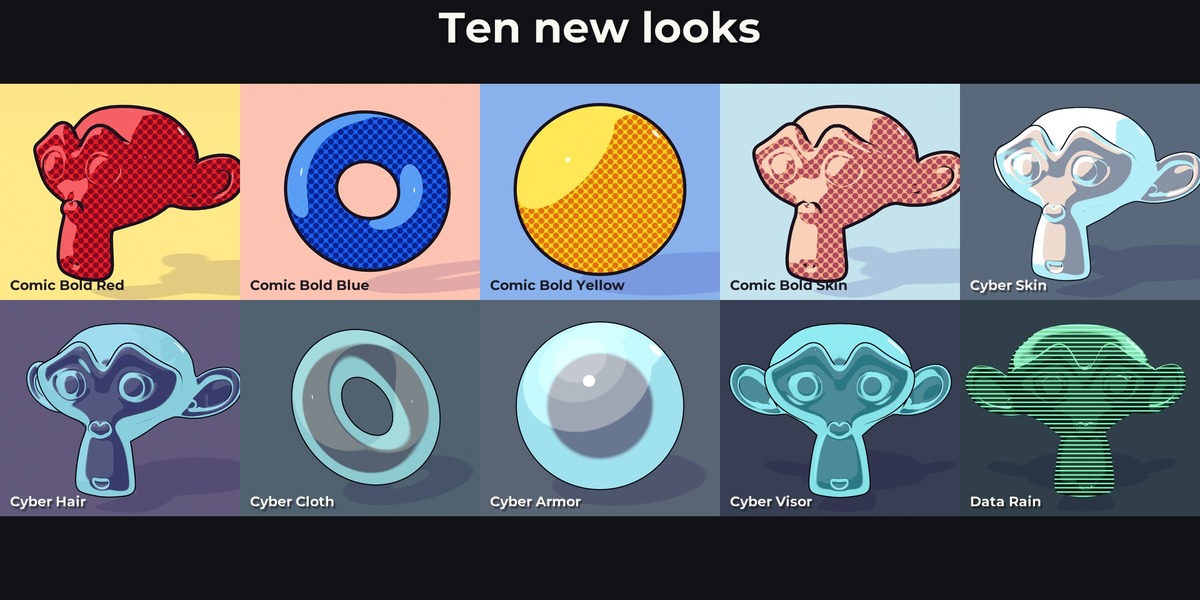
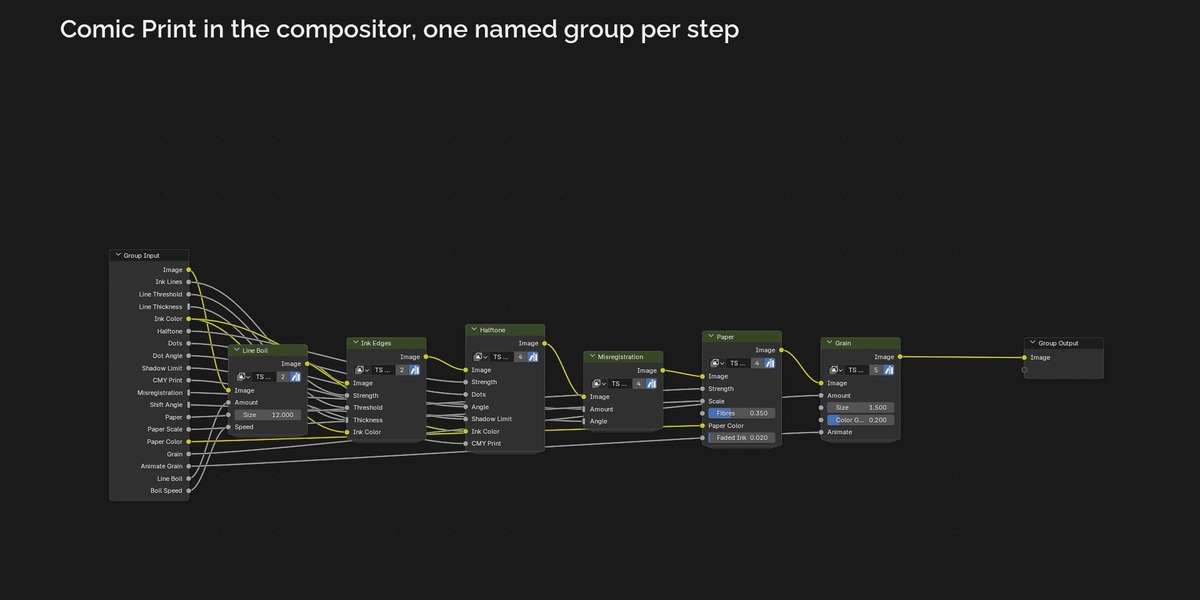
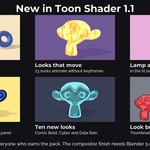
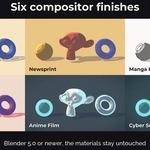
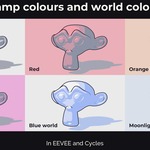
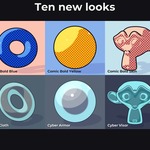
Update 1.1 is free for everyone who owns the pack. It adds a compositor finish for Blender 5.0 or newer with six finished stacks and ten single effects (paper texture, film grain, halftone, ink edges, print misregistration, line boil and more). 23 looks now move by themselves. Lamp colours and the world colour show up properly in EEVEE and Cycles, outline thickness has its own slider, the panel has a look browser with thumbnails, ten new looks were added and all node trees were rebuilt so you can read them.
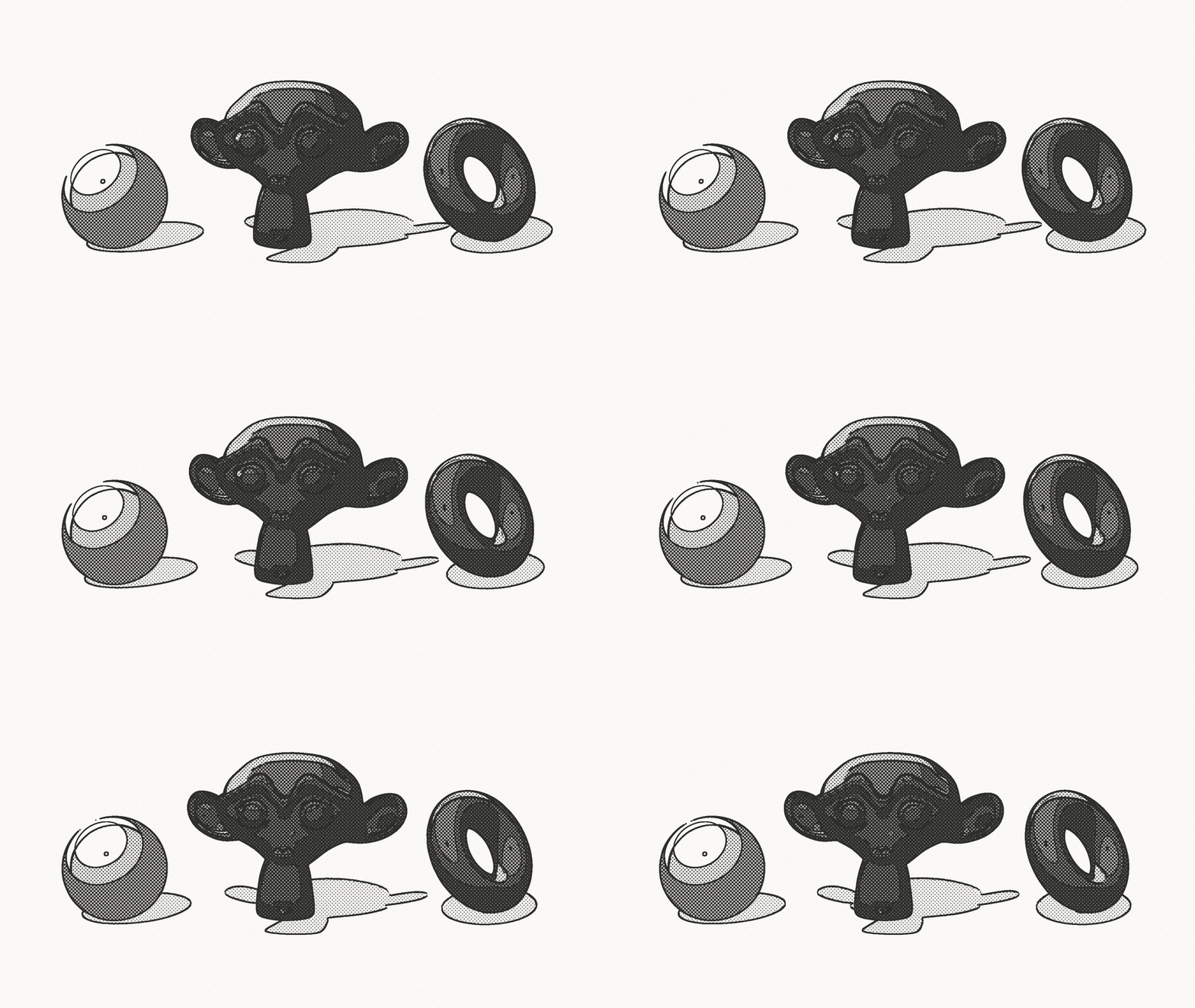
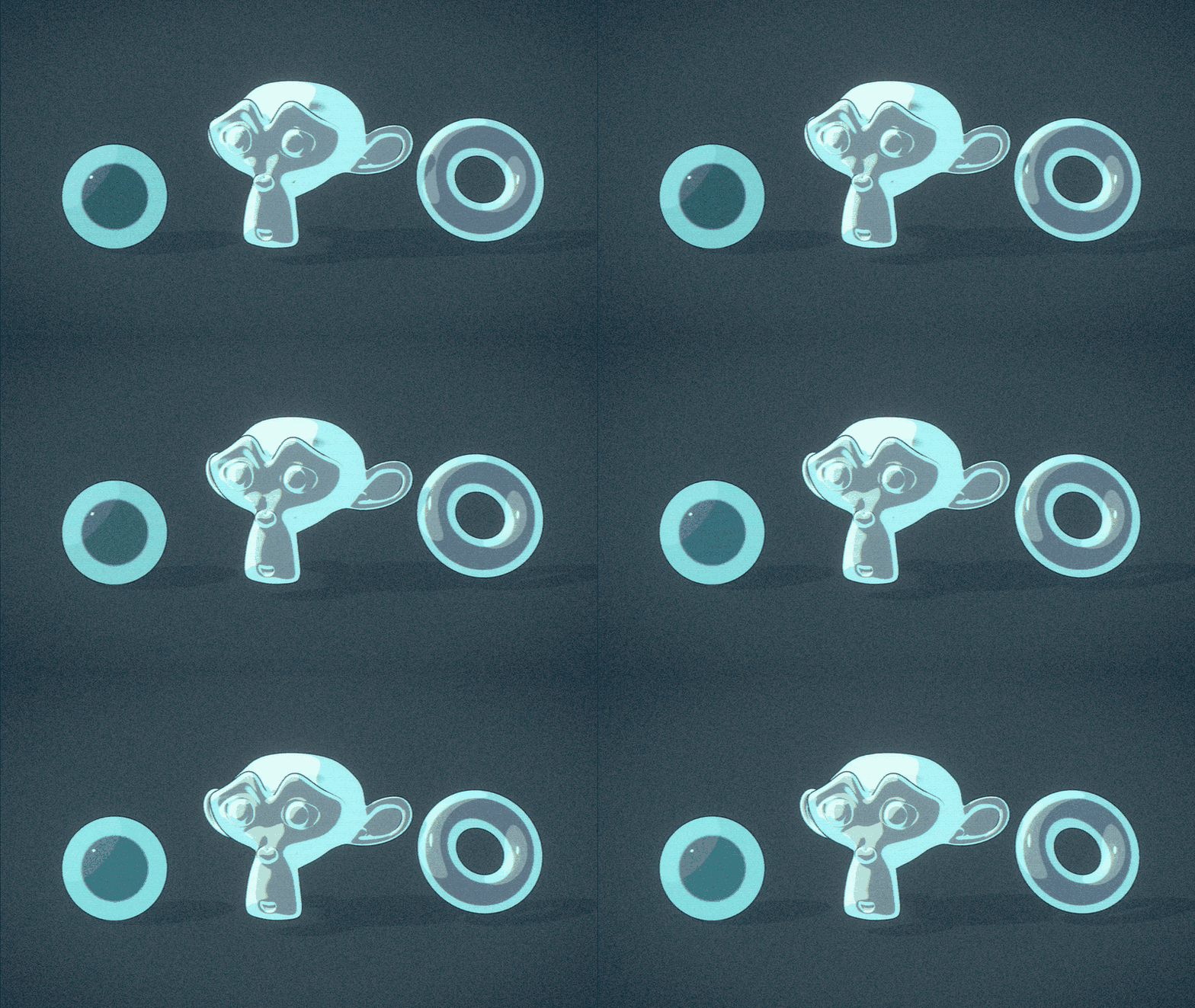
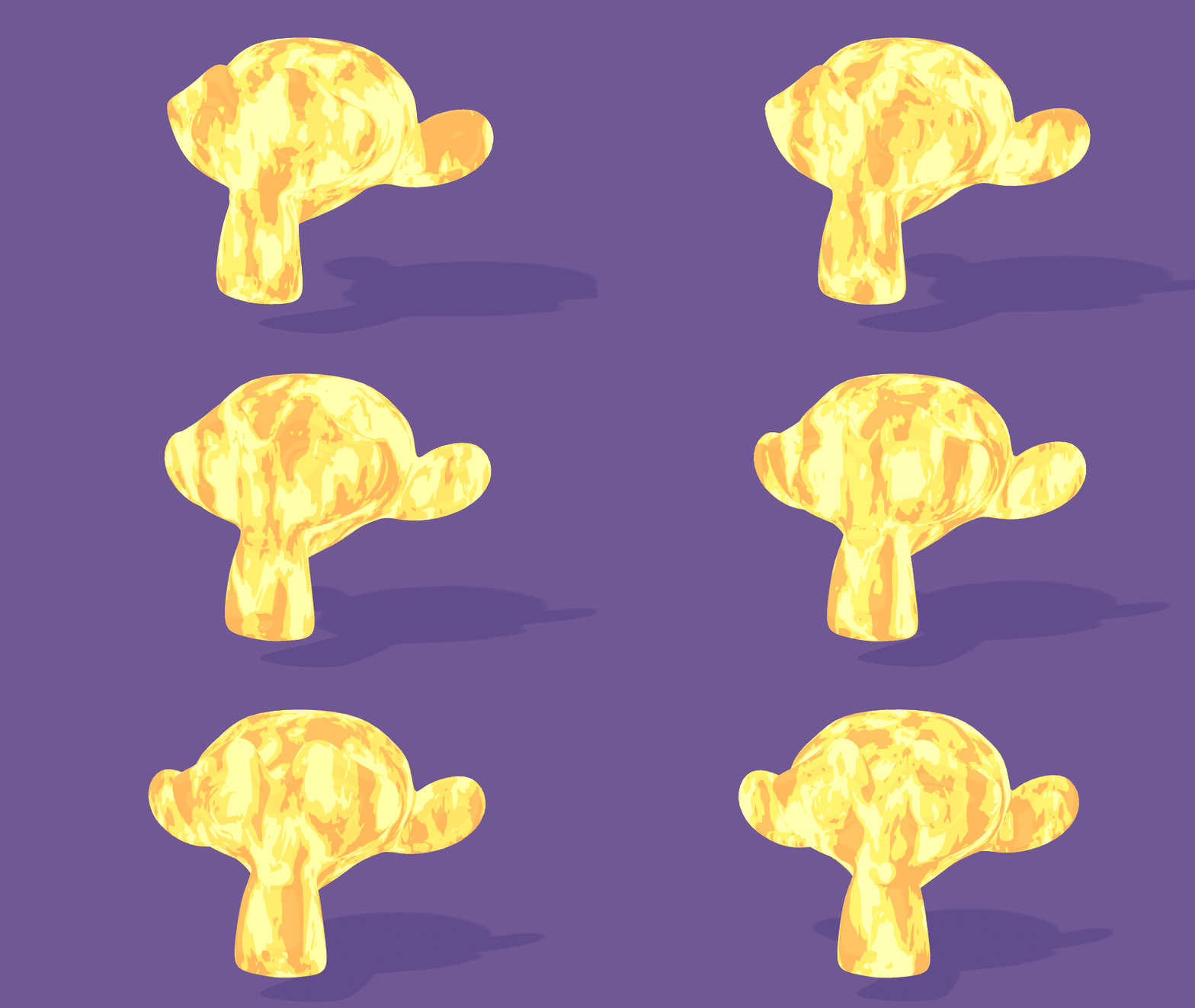
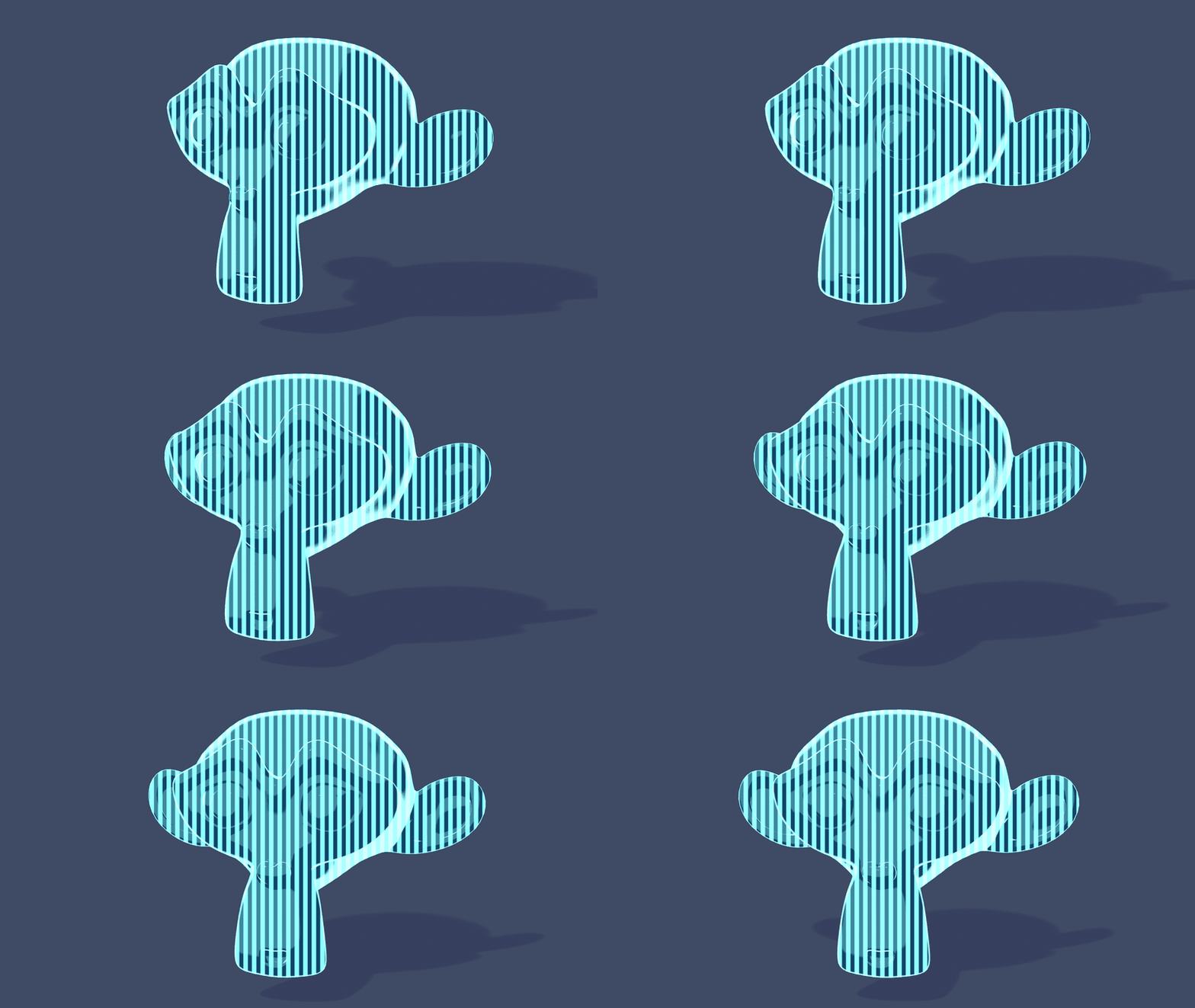
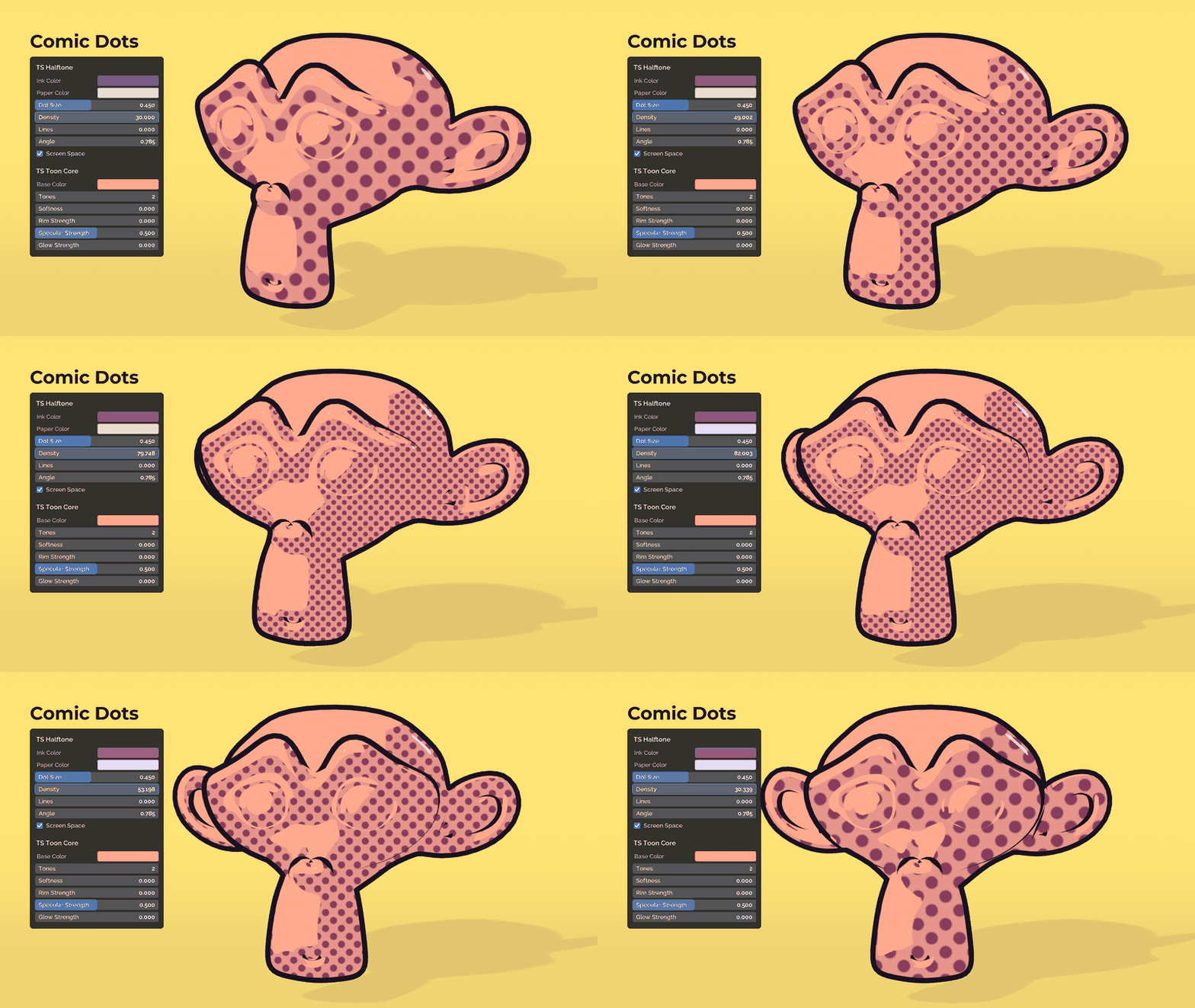
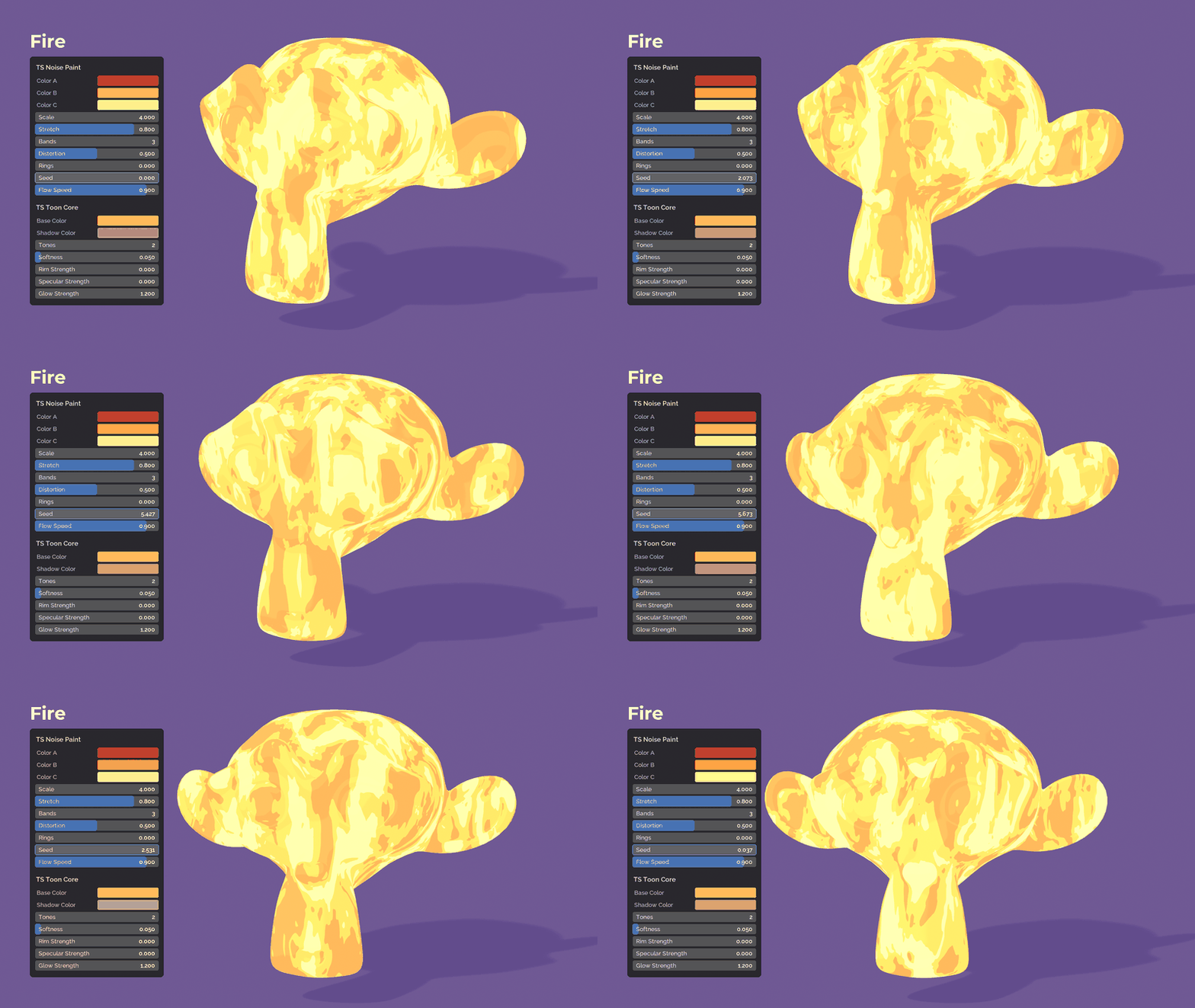
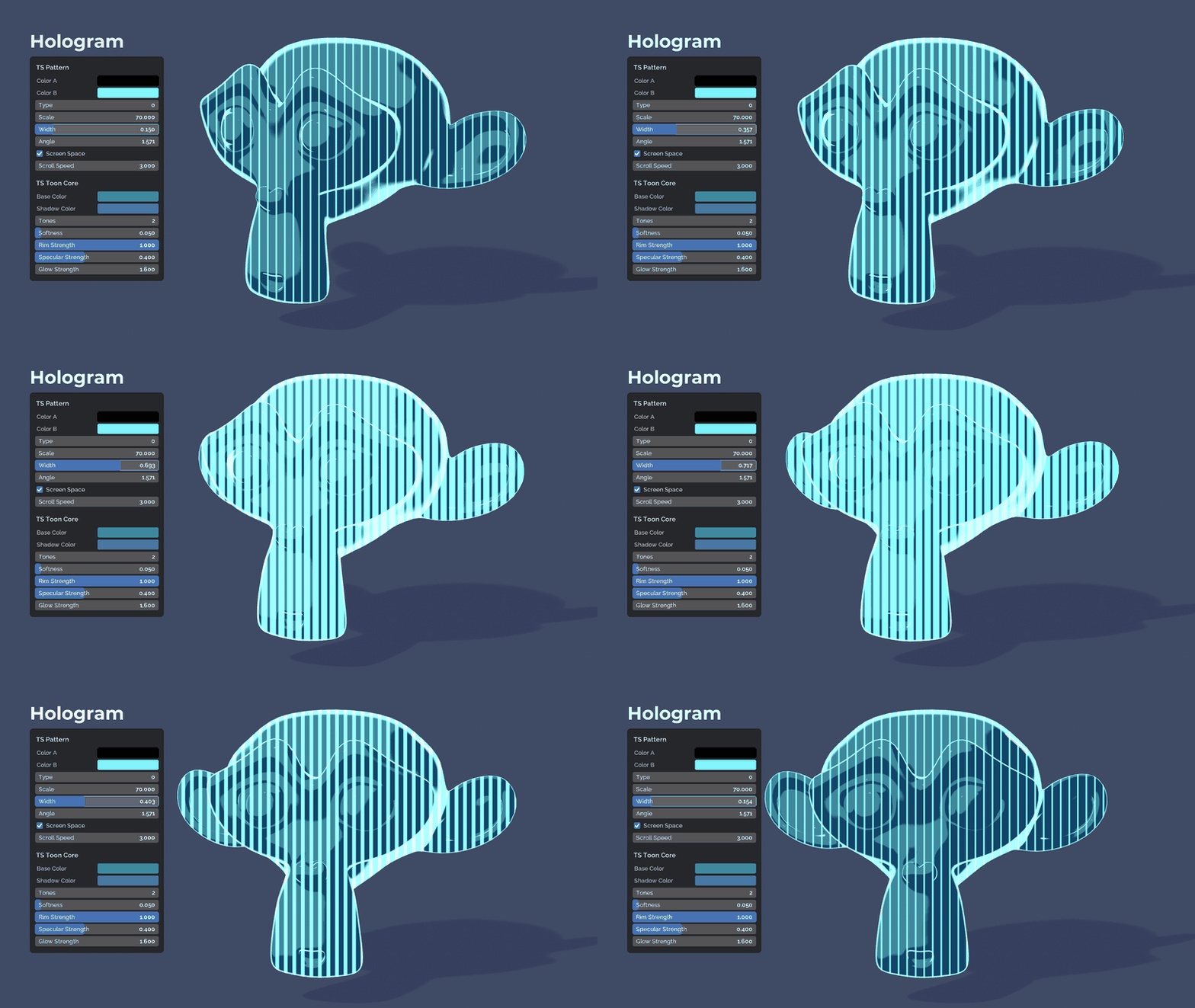
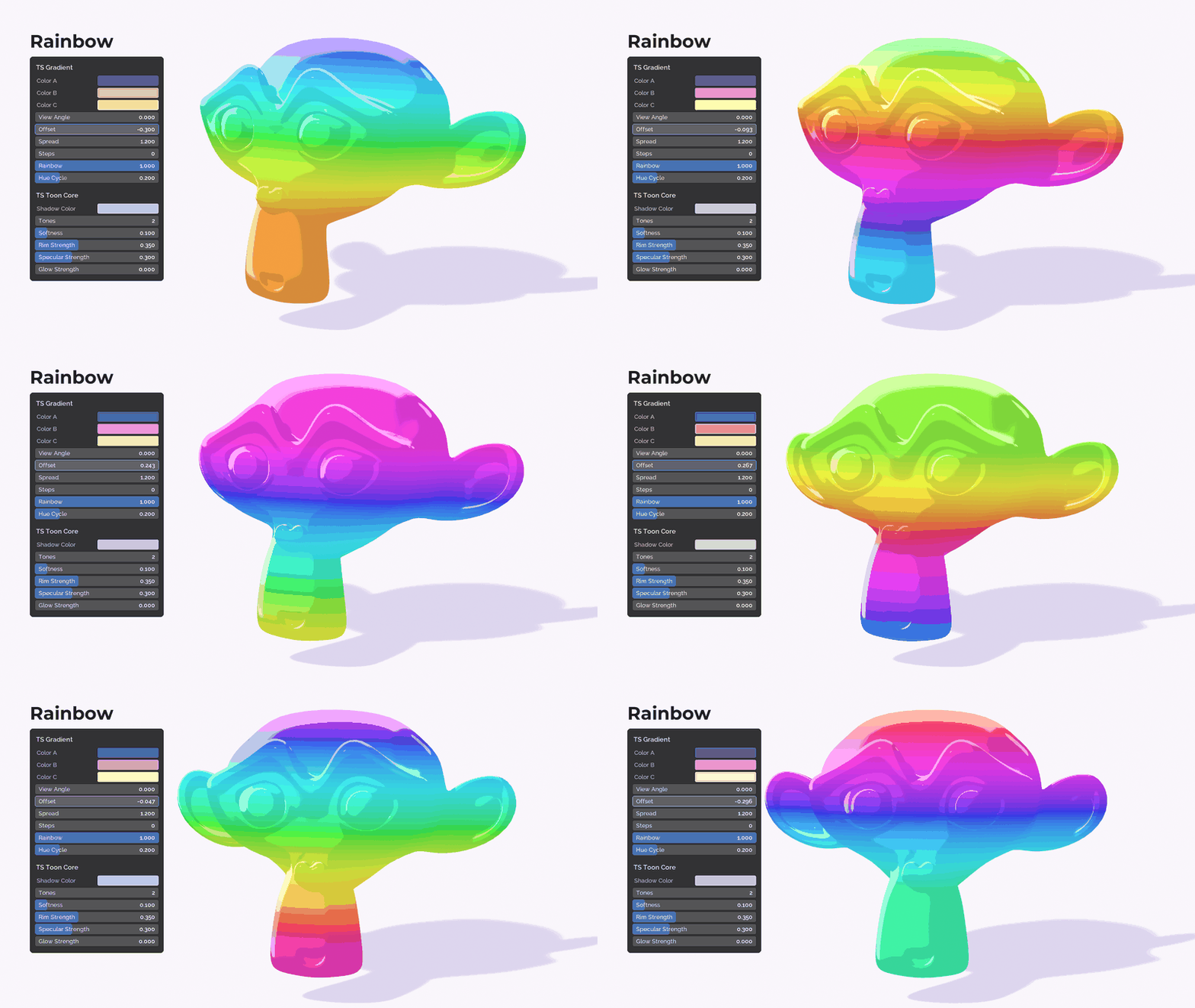

What you get:
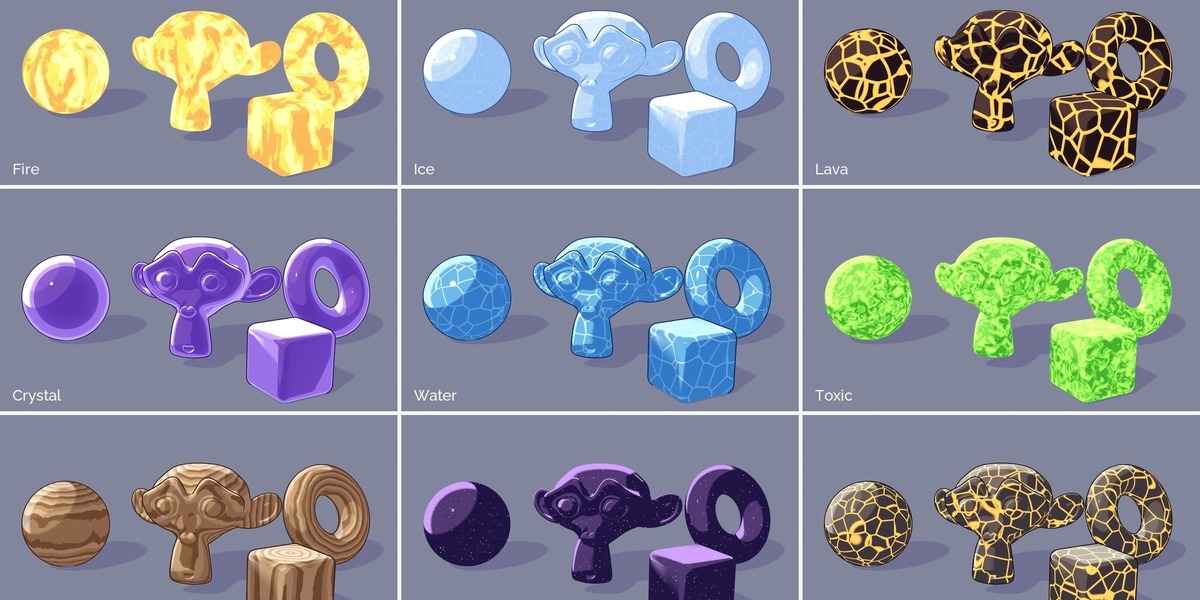
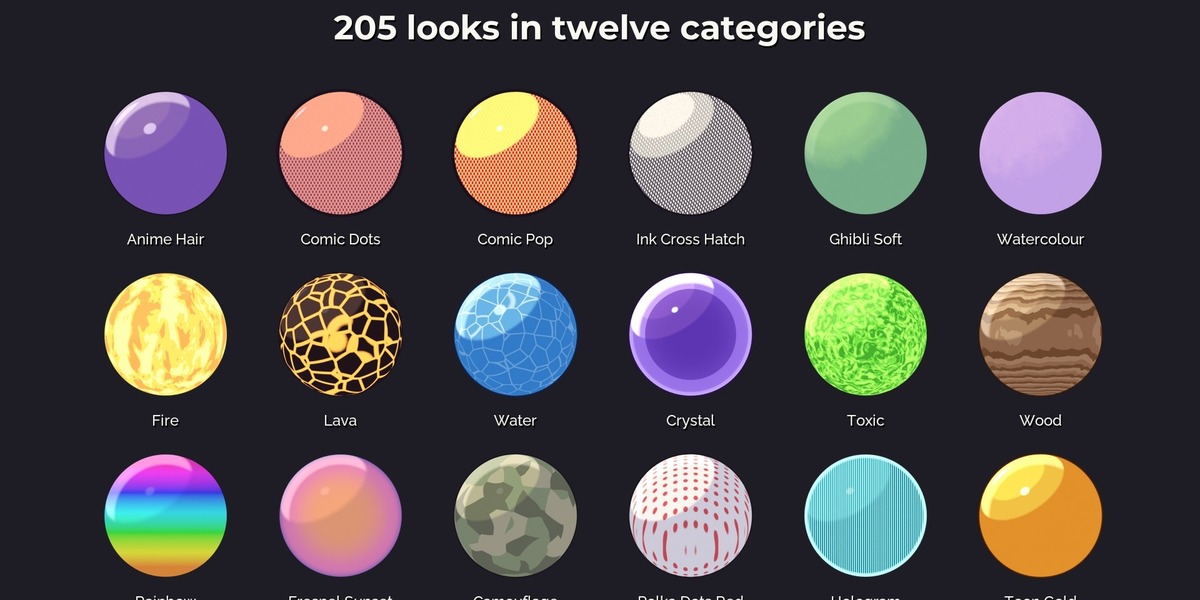
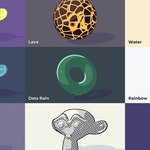
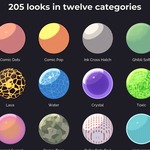
- 205 looks in twelve categories: Essentials, Anime, Comic, Ink and Pencil, Painterly, Gradients, Patterns, Elemental (fire, lava, water, ice, crystal, cosmos and more), Metals, Tech (neon, hologram, dither, blueprint), Game Stylized, Special
- Animated looks that need no keyframes and no add-on: flames rise, lava and water drift, holograms and data rain scroll, rainbows turn, ink hatching boils like hand drawn animation. Every speed is a normal input, 0 keeps the look still
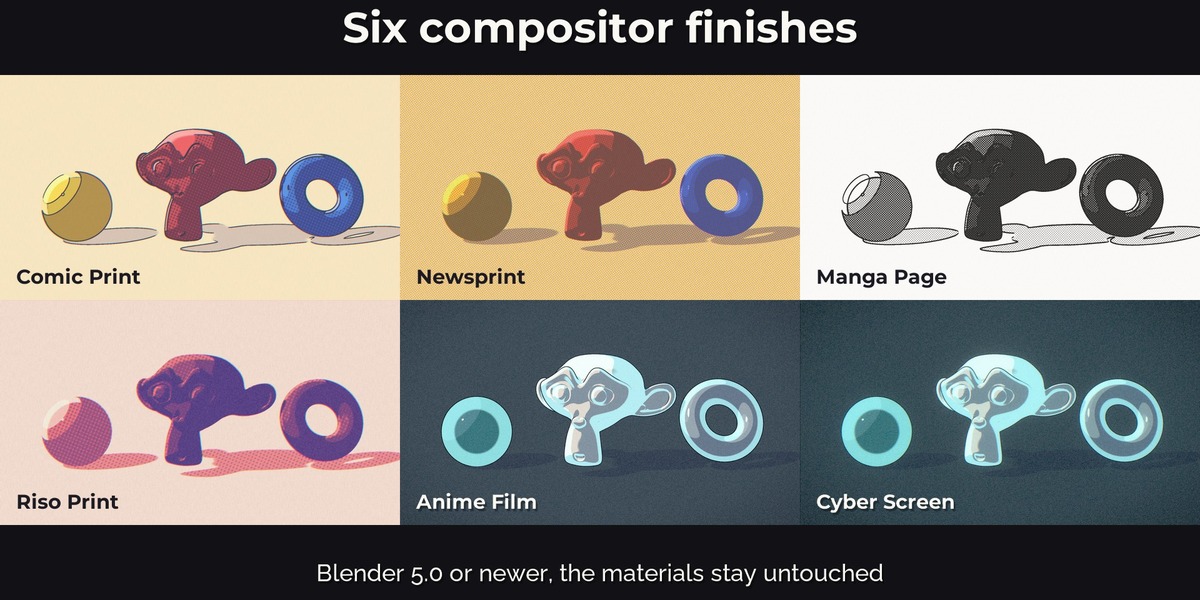
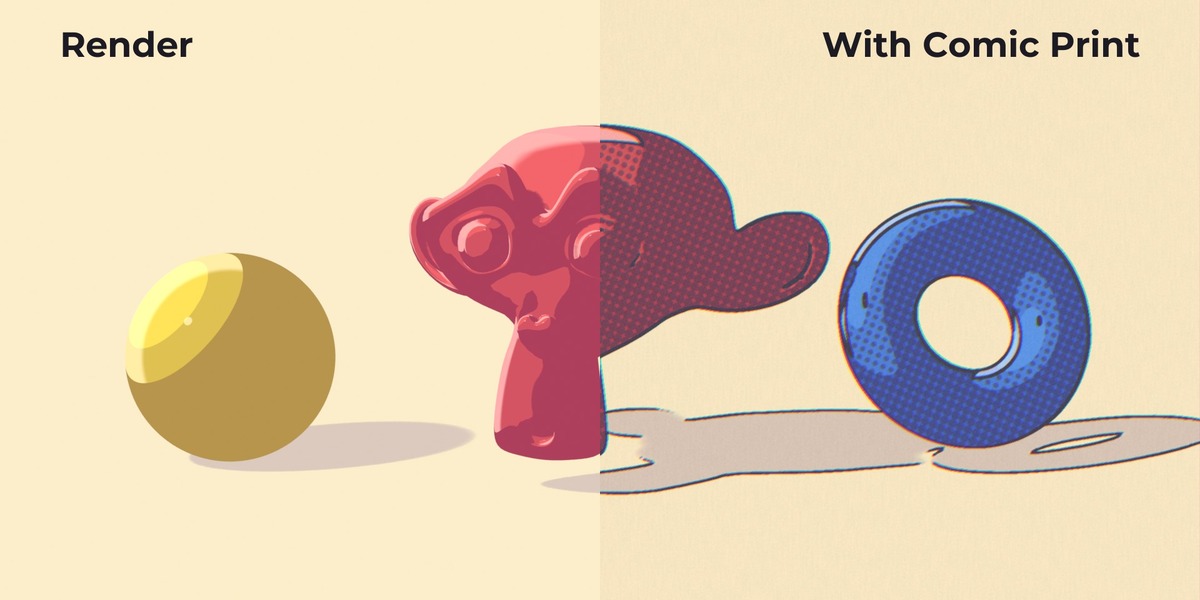
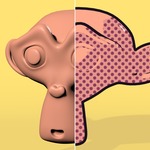
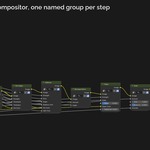
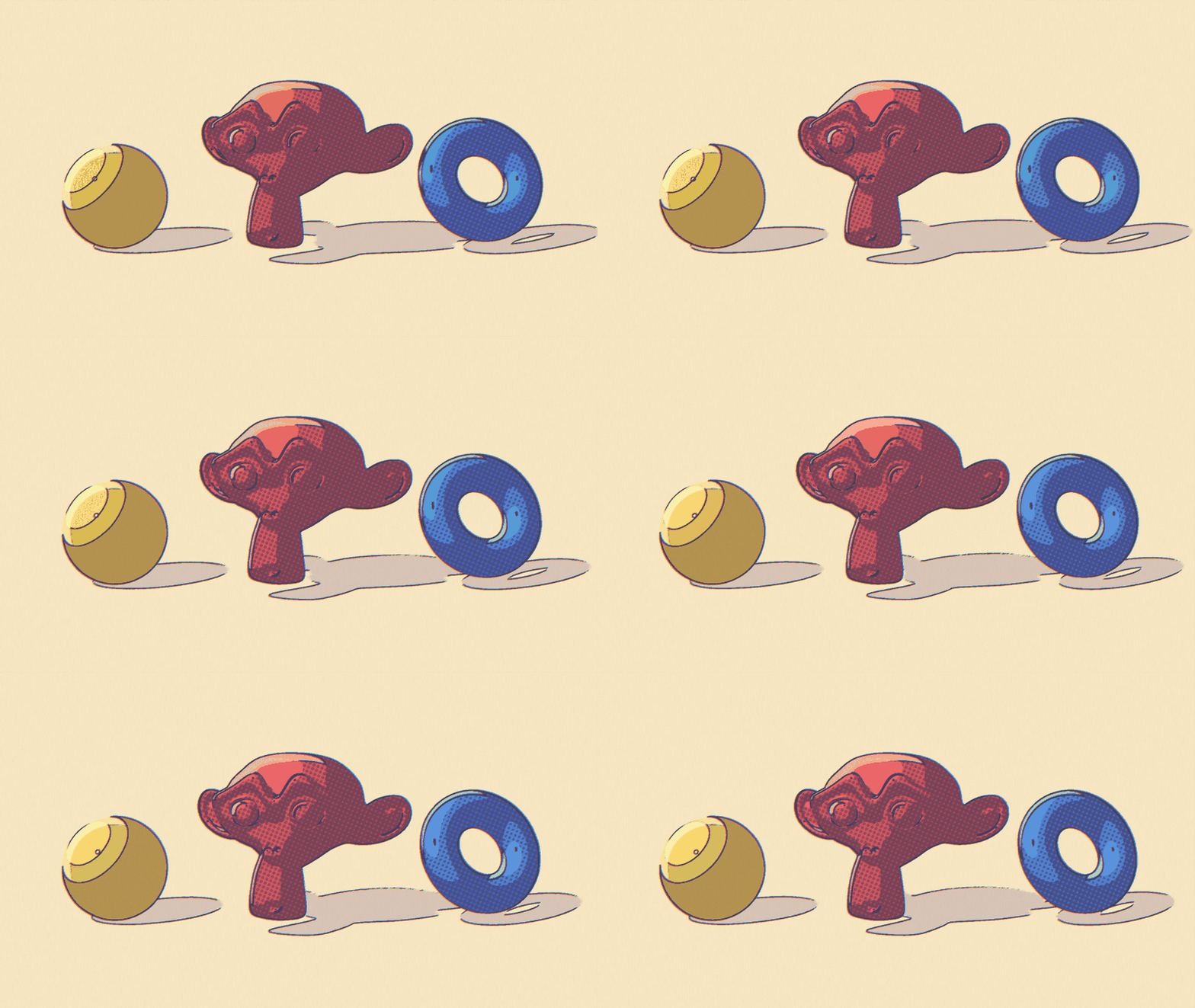
- Compositor finish for Blender 5.0 or newer: Comic Print, Newsprint, Manga Page, Riso Print, Anime Film and Cyber Screen with one click, plus single groups for paper texture, film grain, halftone, ink edges, print misregistration, line boil, scanlines, duotone and film tone. Your materials stay as they are, the effect runs on the rendered image, so an animated scene keeps one consistent finish
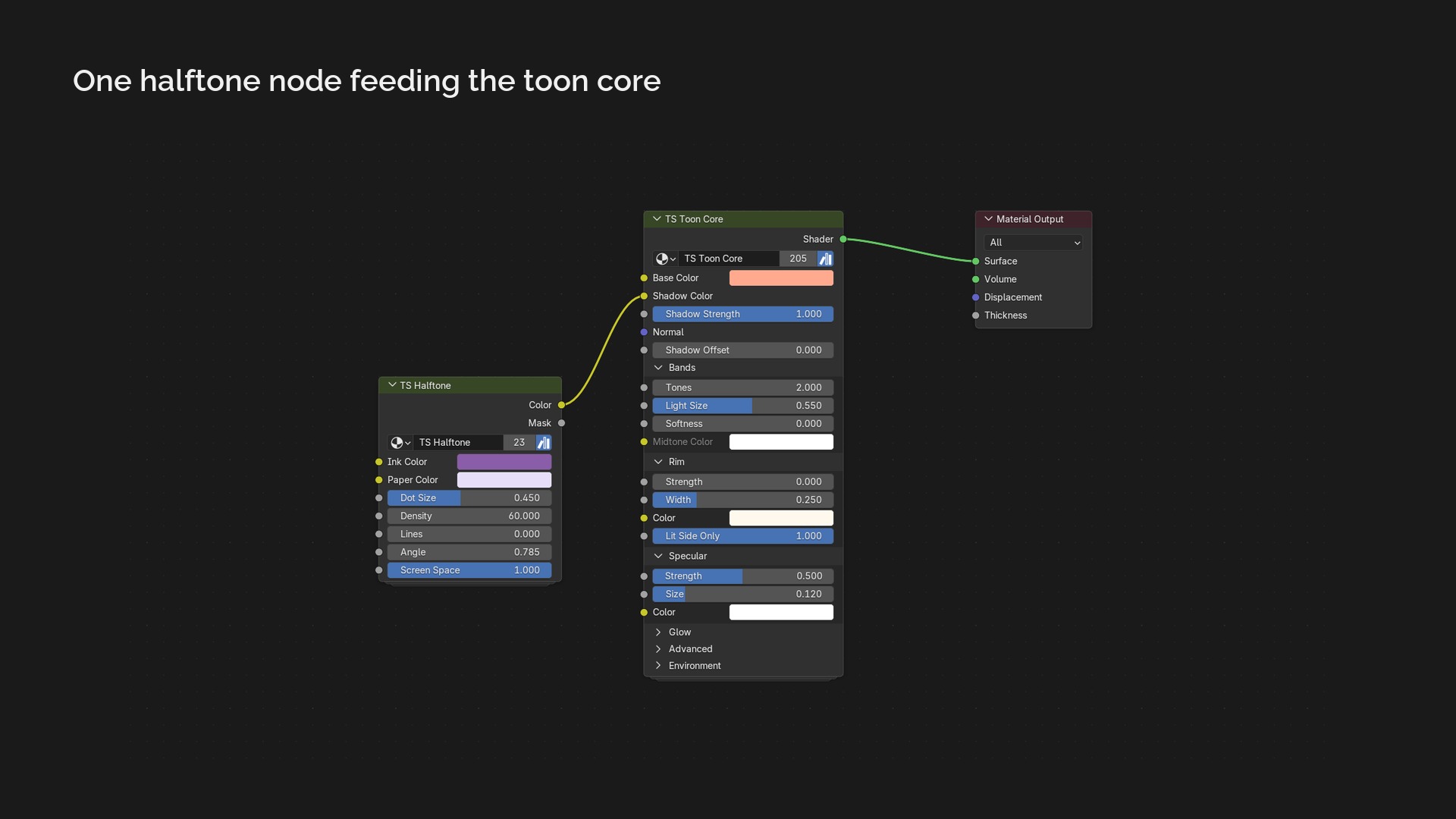
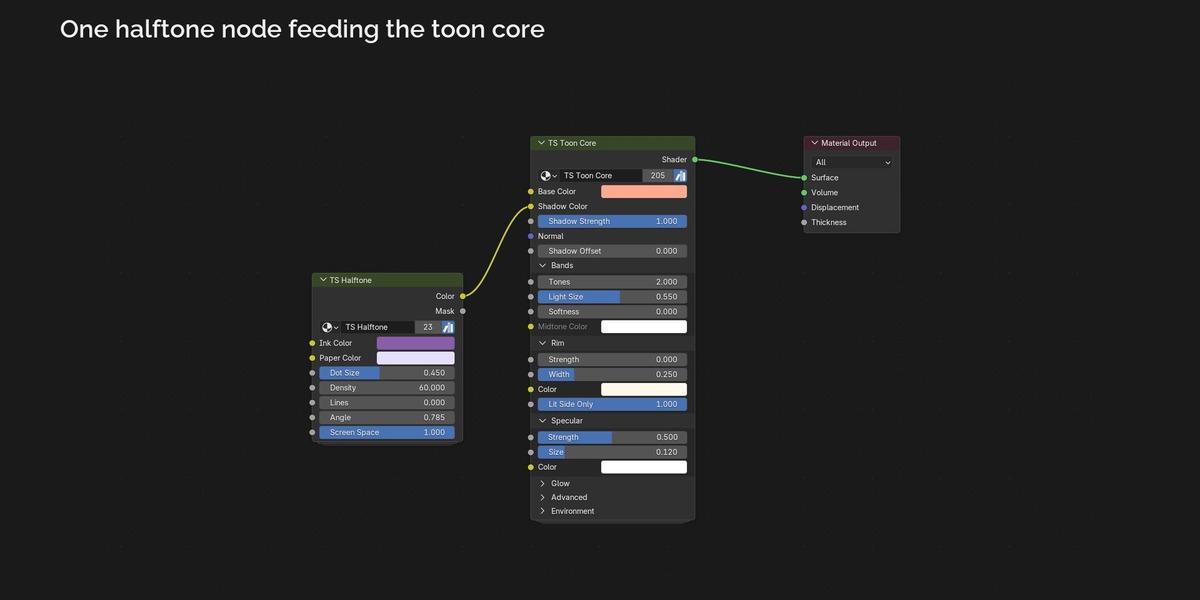
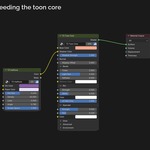
- TS Toon Core: 2 to 4 tones, hard or soft edges, tinted shadows, rim light, toon highlights, shadow offset for hand-placed shadows, multiple lights
- Lamp colours and world colour: the lit bands take the colour of your lights and the shadows pick up the world, in both engines
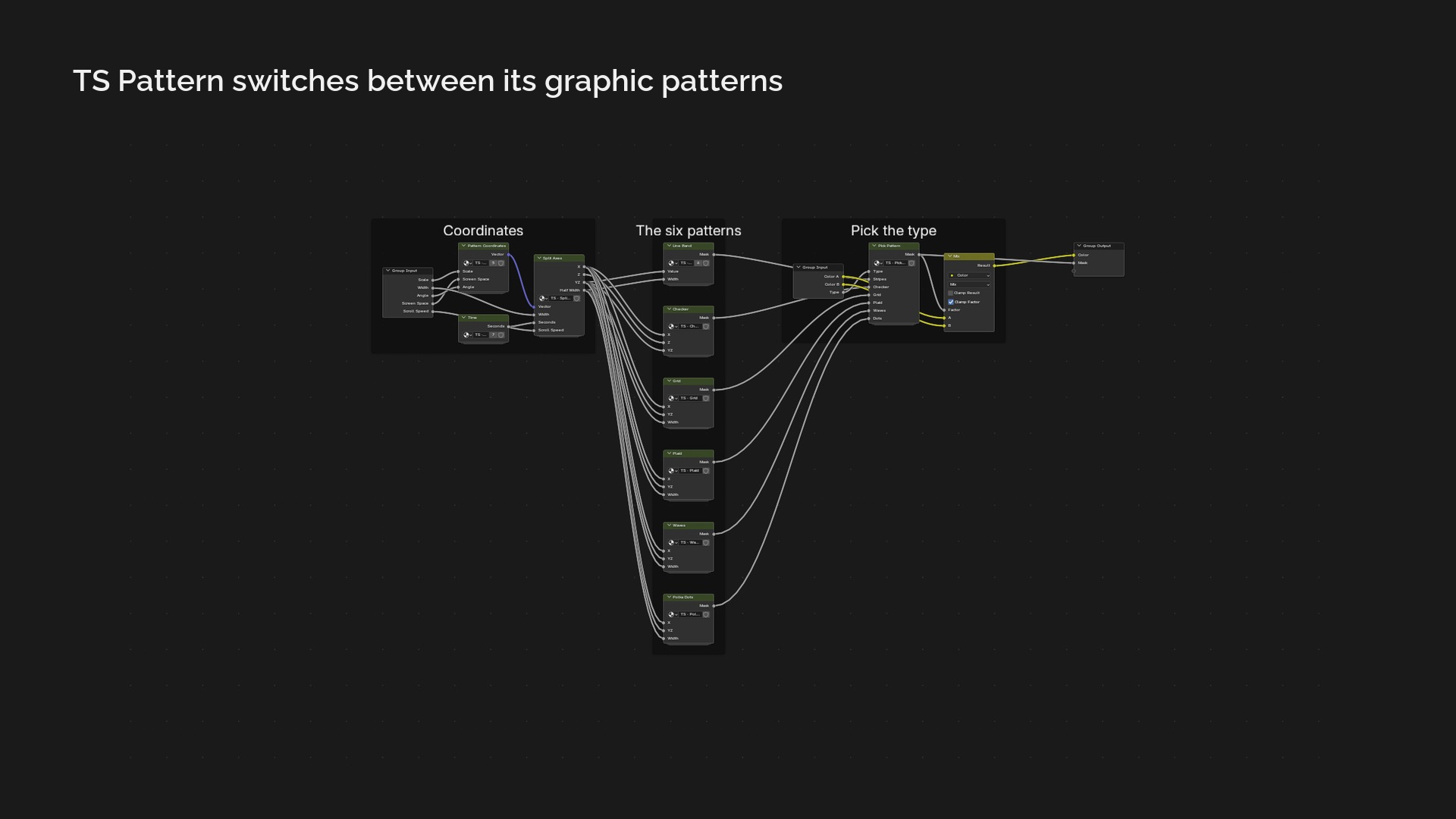
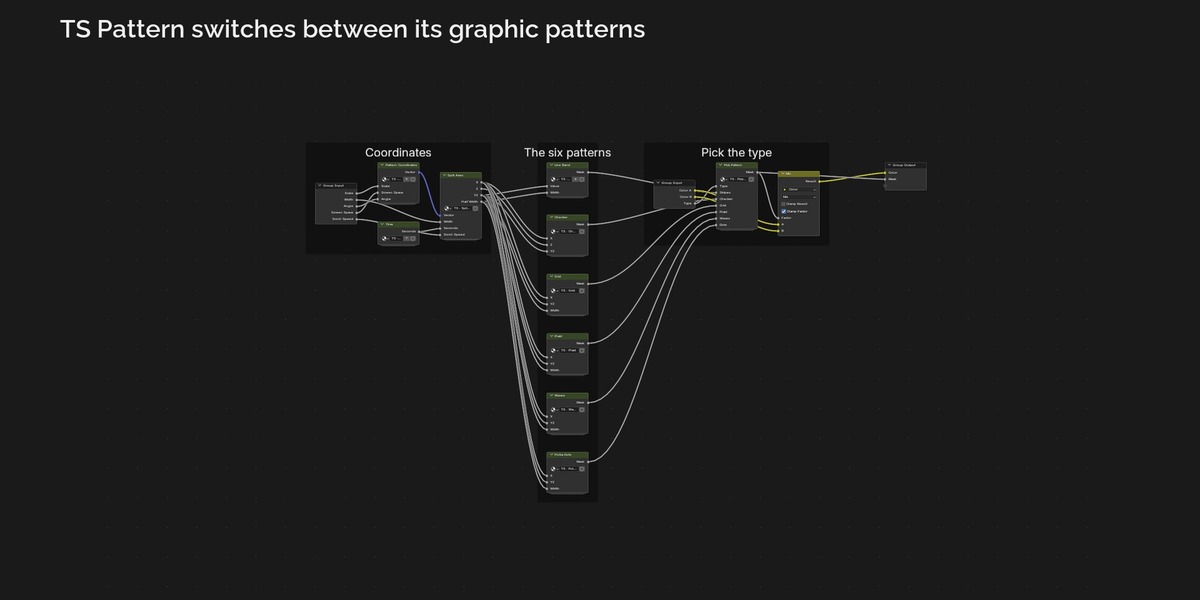
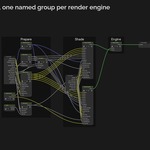
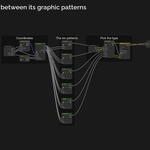
- 9 shader groups you can combine: halftone, hatching, dither and stipple, brush edges, gradients (fresnel, height, rainbow), graphic patterns, cells (water, ice, terrazzo, camouflage), painted noise (fire, wood, sand), plus glow
- Outline as an inverted hull that works in Cycles and EEVEE, with thickness and colour sliders in the panel
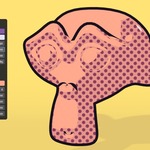
- Add-on panel: browse looks by thumbnail, apply a look to the selected objects (your image textures, normal maps and alpha cut-outs are kept), add or remove outlines, add toon lights, set toon render settings, add a finish; the Cycles / EEVEE switch happens automatically
- All looks as drag and drop assets in the Asset Browser
- Clean, readable node trees: a few named nodes on the top level, labelled frames per step, named sub groups instead of loose math
- A finished demo scene and a README with every setting explained
Requirements: Blender 4.5 LTS or newer for the shaders (tested in 4.5.15 and 5.2.3), Blender 5.0 or newer for the compositor finish. Works in Cycles and EEVEE.
Good to know: the looks are tuned for key lights around the reference strength (sun 3.14). Much weaker extra lights add a soft lift in Cycles but no band in EEVEE, and two strongly coloured lamps that overlap mix a little differently between the engines. The add-on's Toon Lights use the right strength.
How it was made: designed with Claude (AI assistant), every node group and look is defined in code, art directed and checked by a 3D artist. No textures, scans or image generators are included; the preview renders use simple primitives (Suzanne, sphere, torus, cube).
Licence: add-on code GPL-3.0-or-later, node groups and looks royalty free for personal and commercial work.
Anime
Comic
Ink and Pencil
Painterly
Metals
Elemental
Tech
Patterns
Game Stylized