 Mega 3D
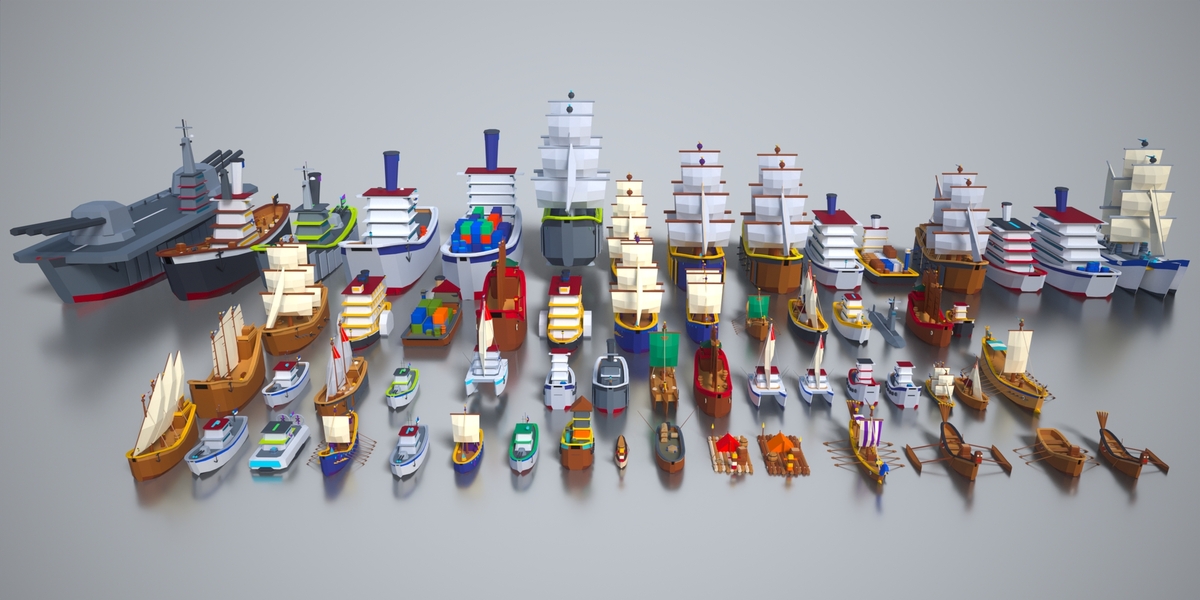
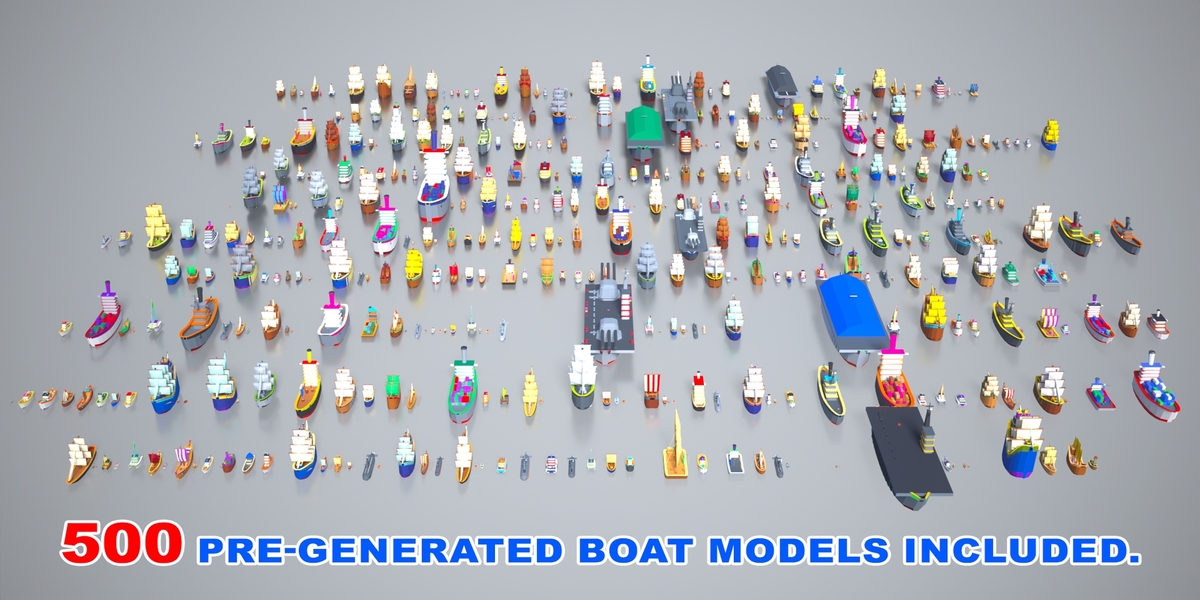
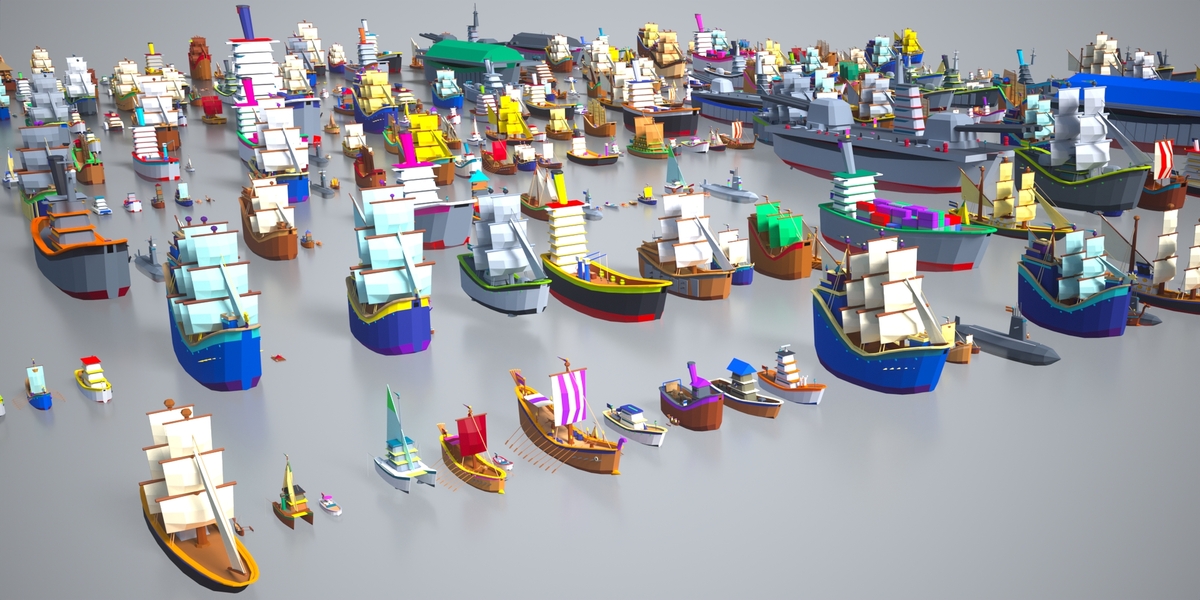
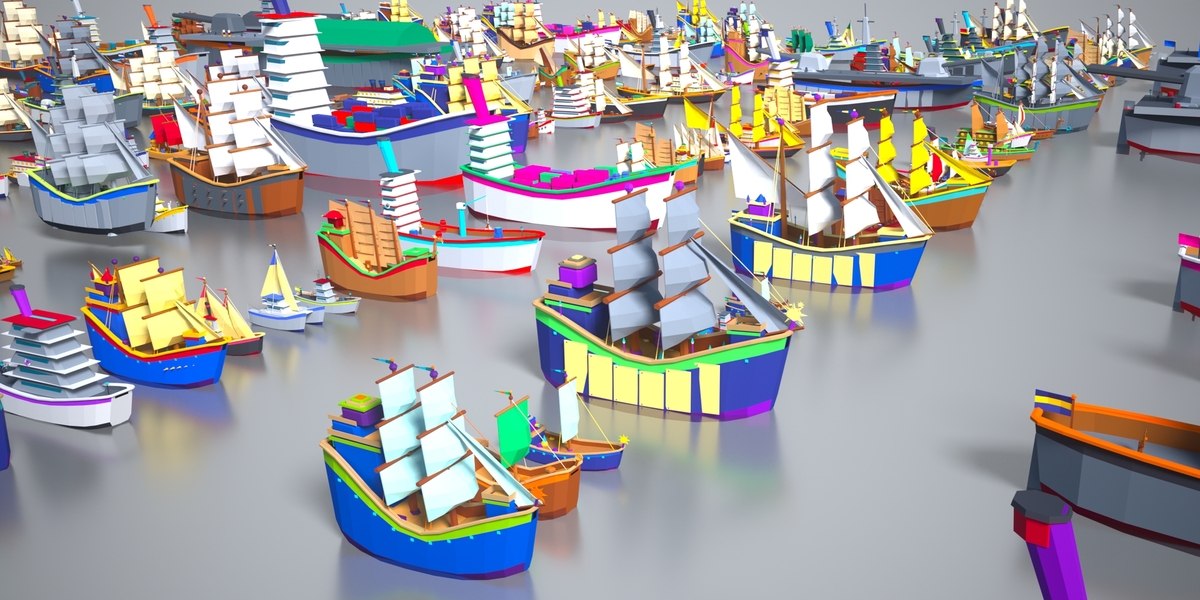
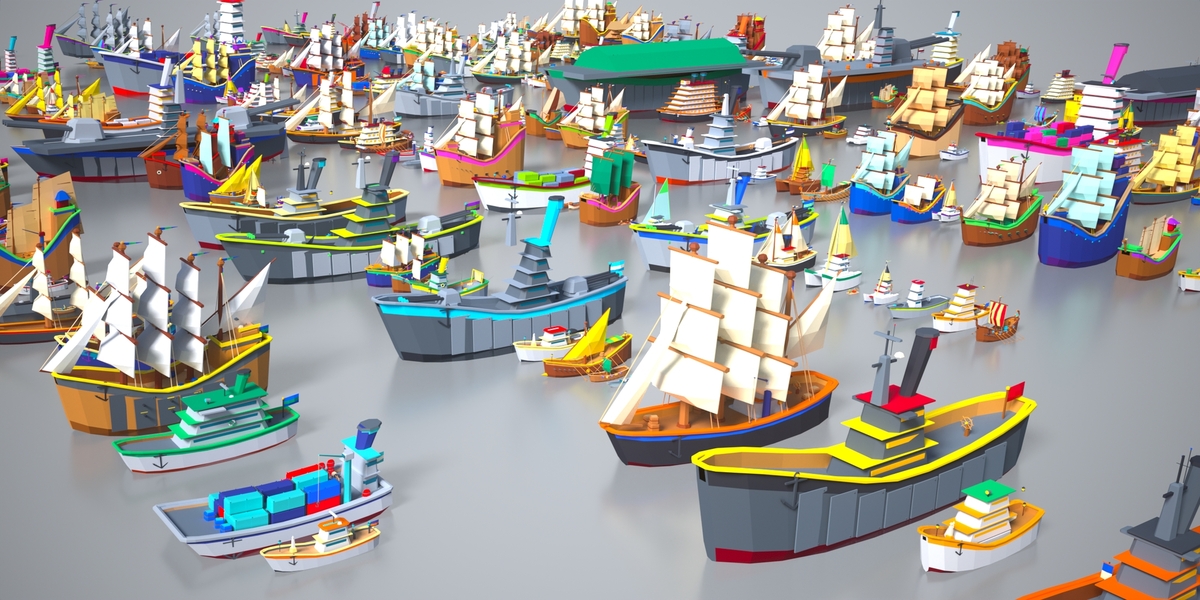
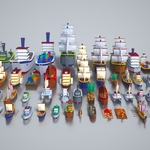
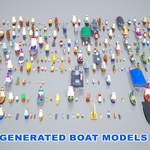
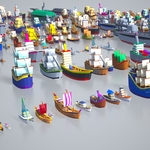
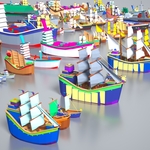
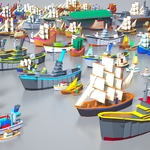
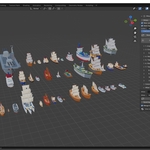
Build a whole fleet in seconds.
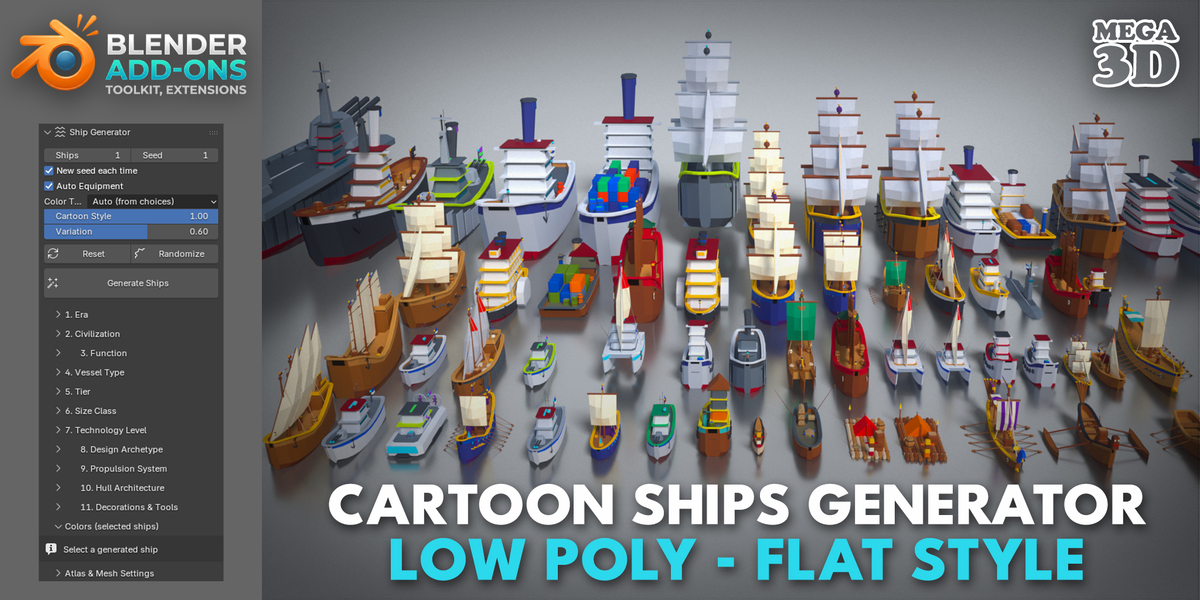
Toon Ship Forge is a procedural ship generator for Blender that creates stylised, low-poly flat-shaded boats and ships, ready for mobile, casual and stylised games. Pick a few options, press Generate Ships, and get a complete game-ready model with hull, cabins, rigging, weapons and props, all UV-mapped to a single colour atlas.
Every choice shows on the model
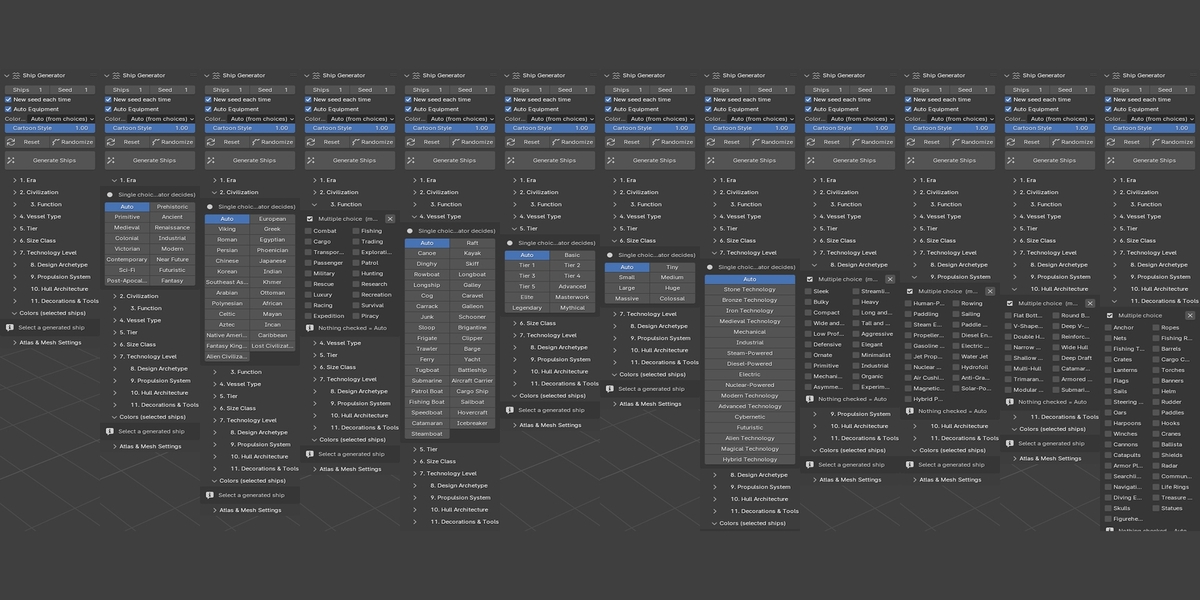
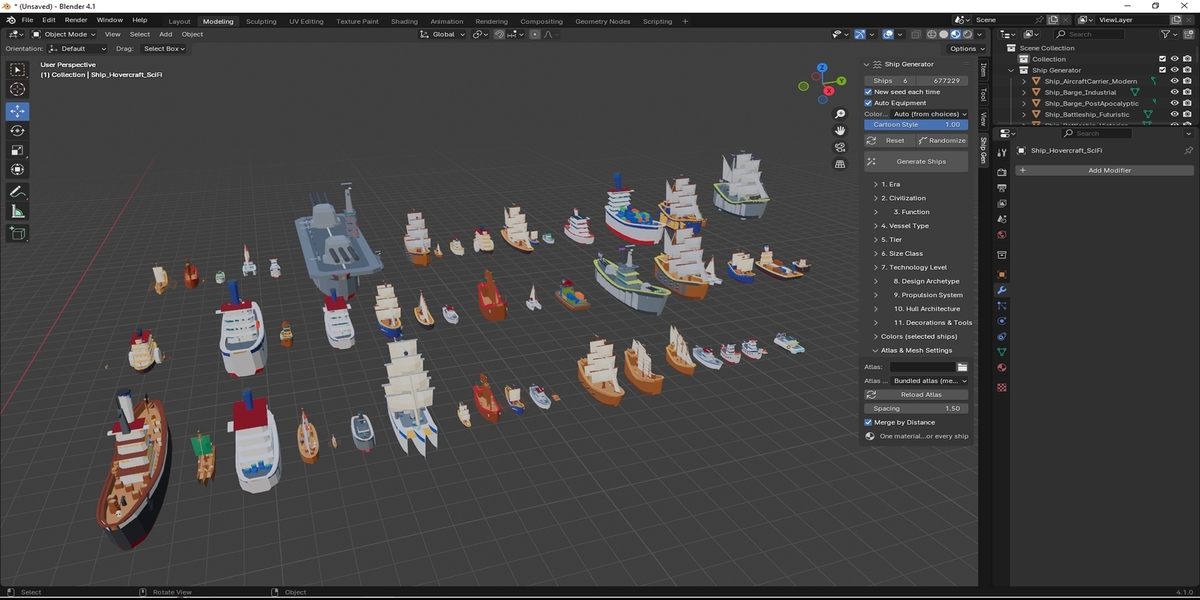
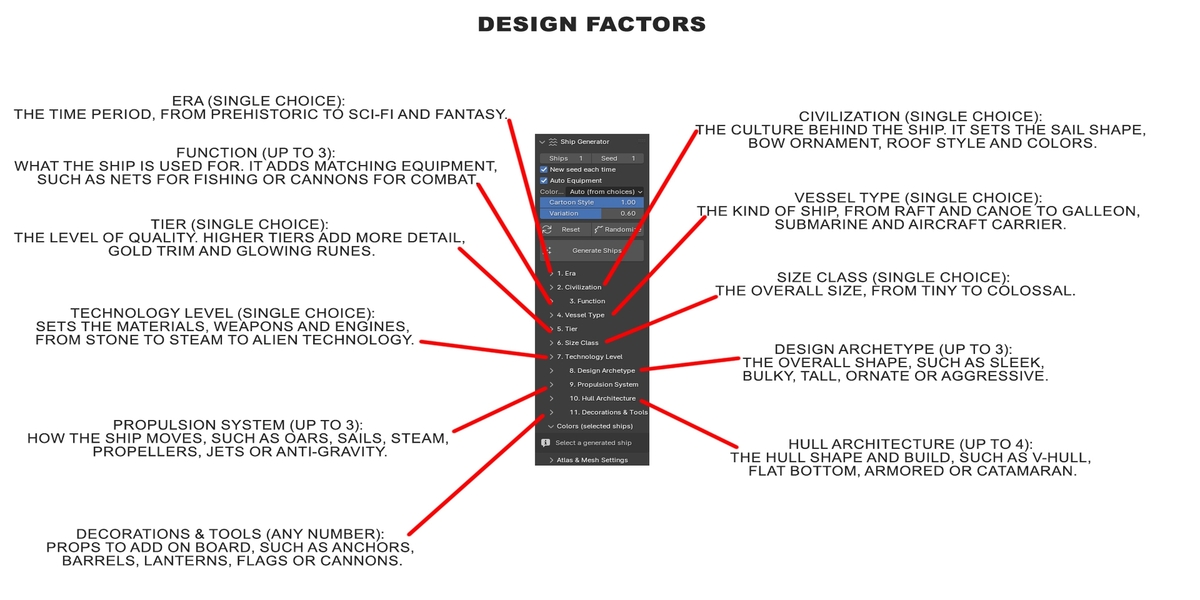
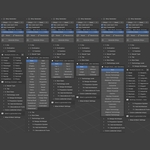
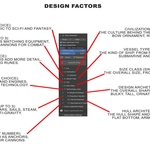
Mix and match 11 design factors, and the generator shapes the ship to match:
- 15 Eras: Prehistoric, Ancient, Medieval, Colonial, Victorian, Modern, Sci-Fi, Post-Apocalyptic, Fantasy and more
- 26 Civilizations: Viking, Greek, Egyptian, Chinese, Japanese, Korean, Polynesian, Arabian, Aztec, Alien and more. Each has its own sail cut, bow ornament, roof style and colours.
- 36 Vessel Types: from raft, canoe and junk to galleon, steamboat, tugboat, submarine, hovercraft and aircraft carrier
- 18 Functions: fishing, cargo, combat, piracy, rescue, research, luxury, racing and more. Each adds matching equipment.
- 17 Technology Levels: stone, bronze, steam, diesel, nuclear, cybernetic, magical and more. Technology sets the materials and weapons: spears, ballistas, cannons, turrets, energy weapons or crystals.
- 11 Tiers, 7 Size Classes, 20 Design Archetypes, 19 Propulsion Systems, 16 Hull Architectures
- 37 Decorations & Tools: anchors, barrels, crates, nets, lanterns, flags, cannons, cranes, radar, treasure chests, figureheads and more
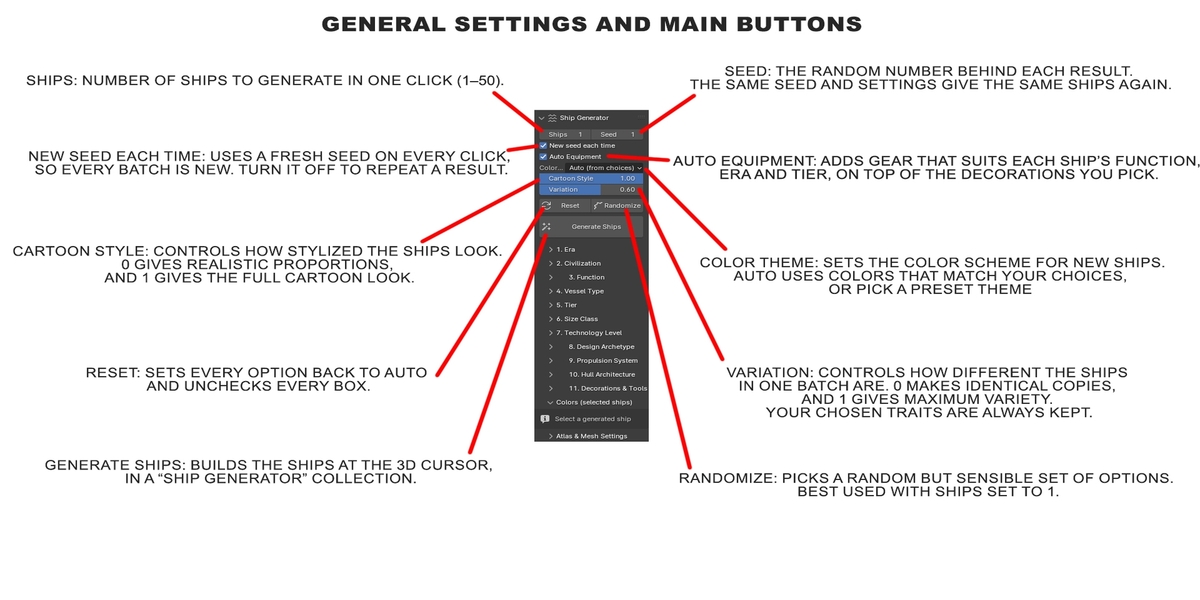
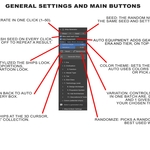
Leave any factor on Auto and the generator fills it in with something that fits the rest of your choices. Randomize gives you instant inspiration.
True cartoon style
Chubby proportions, banana-curved hulls, fat rounded gunwale bumpers, bevelled blocks, puffy sails, tilted funnels and oversized props. A Cartoon Style slider blends from realistic proportions (0) to full stylised look (1).
One atlas, one material, zero texture work
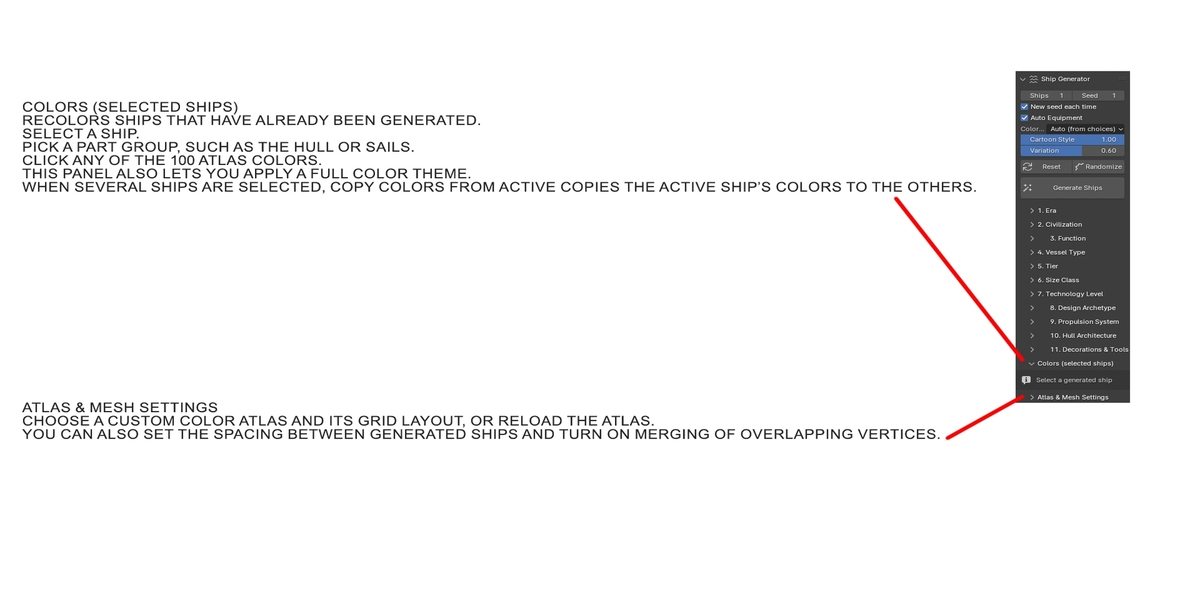
- Every ship uses one shared 10×10 colour atlas (100 colours) and one material, which is great for draw calls and batching.
- Every face is UV-mapped automatically and kept safely inside its colour cell, so there is no colour bleeding, even with mipmaps.
- Parts are grouped into 26 colour groups (hull, deck, sails, trim, metal, gold, glow…).
Recolour after generating
Select a ship, pick a part group, click any of the 100 colours, and it updates instantly. You can also apply colour themes (Royal, Pirate, Military, Neon, Arctic, Tropical, Rustic, Random) or copy the colour scheme from one ship to others.
Features
- Generate 1–50 ships at once, with seed control for repeatable results
- Low poly count: about 1,000–2,500 faces for a typical ship
- Clean single-mesh output, flat shaded, with consistent normals
- Use your own 10×10 atlas if you prefer a different palette
- Export with Blender’s built-in exporters (FBX, glTF/GLB, OBJ) to Unity, Unreal, Godot and more
Perfect for
Mobile and casual games, strategy and simulation games, RPG world-building, island and pirate games, prototyping, level design, kids’ content and stylised renders.
Requirements
Blender 3.6 or newer. Install via Edit › Preferences › Add-ons › Install, then open the Ship Gen tab in the 3D Viewport sidebar (N).
💡 Tips: Getting the Results You Want
1. Randomize = one surprise ship
Randomize picks one complete set of options (era, civilization, vessel type, technology, tier…). Every ship in the batch then uses that same set, so they will look alike.
👉 After clicking Randomize, set Ships to 1 for a single unique ship.
2. Many different ships at once = Reset first
To generate a whole batch where every ship is a different type, click Reset before Generate Ships. This sets every option back to Auto, so each ship picks its own era, civilization, vessel type and style.
👉 Reset → set Ships to any number (e.g. 10) → Generate Ships.
3. A fleet that shares one trait = lock only that trait
To get many ships with something in common, choose only that option and leave the rest on Auto. For example:
- all Viking ships
- all pirate ships
- all galleons
- all sci-fi ships
The chosen trait stays the same and everything else changes from ship to ship.
👉 Reset → choose your fixed trait (e.g. Civilization: Viking) → set Ships to any number → Generate Ships.
4. Fine-tune with the Variation slider
Even when all options are locked, Variation makes each ship slightly different in proportions, cabin layout, masts, props and colour shades.
- 0 = identical copies
- 0.5–0.7 = a matching fleet with natural differences
-
1.0 = maximum variety
Because every boat is procedurally generated, complex configurations with lots of props might occasionally show minor mesh clipping. This happens infrequently, and since all parts are standard Blender meshes, you can easily tweak or reposition them in seconds.
Have questions about this product?
Login to message
| Published | about 14 hours ago |
| Blender Version | 4.1 - 5.3 |
| Extension Type | N/A |
| Render Engine Used | Blender-Internal, Blender-Game-Engine, Cycles, Eevee |
| License | GPL |
