 Jade
Jade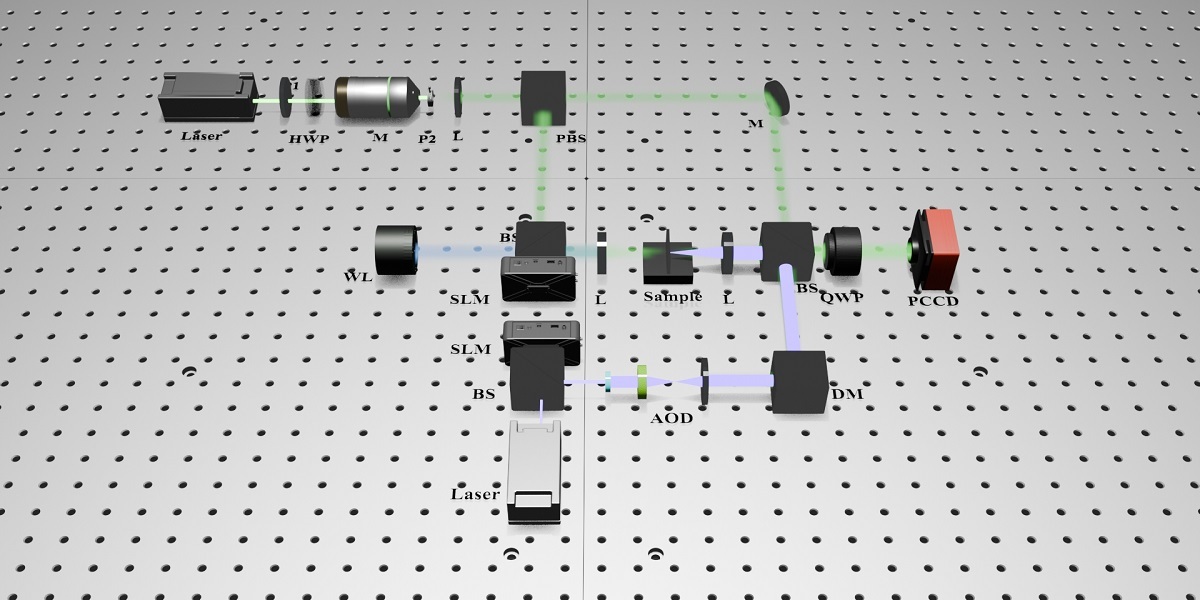
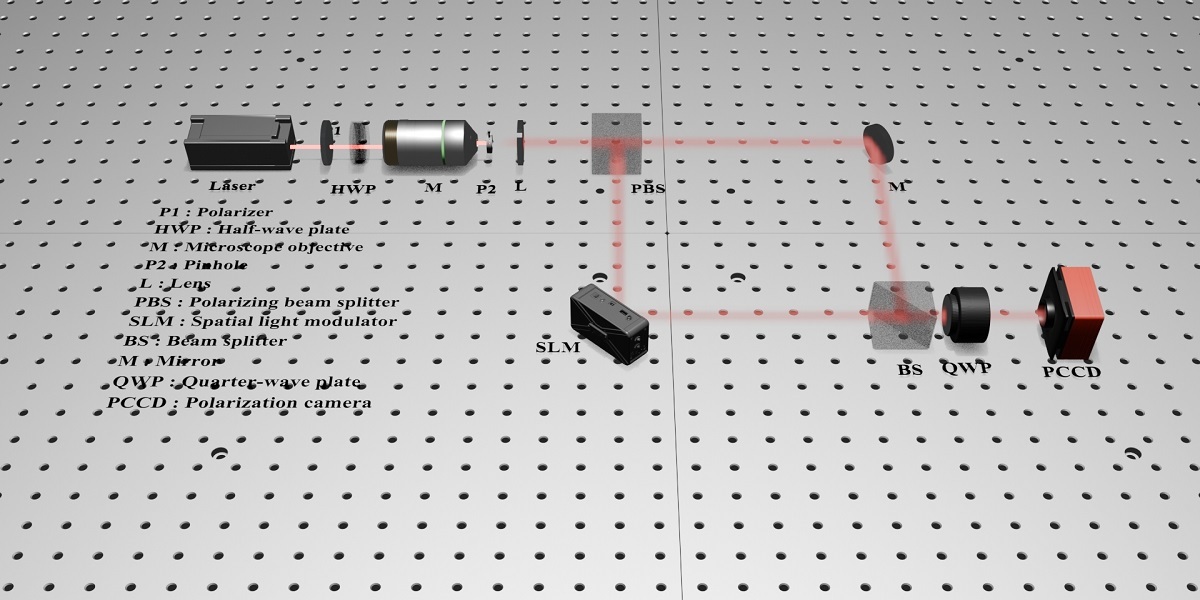
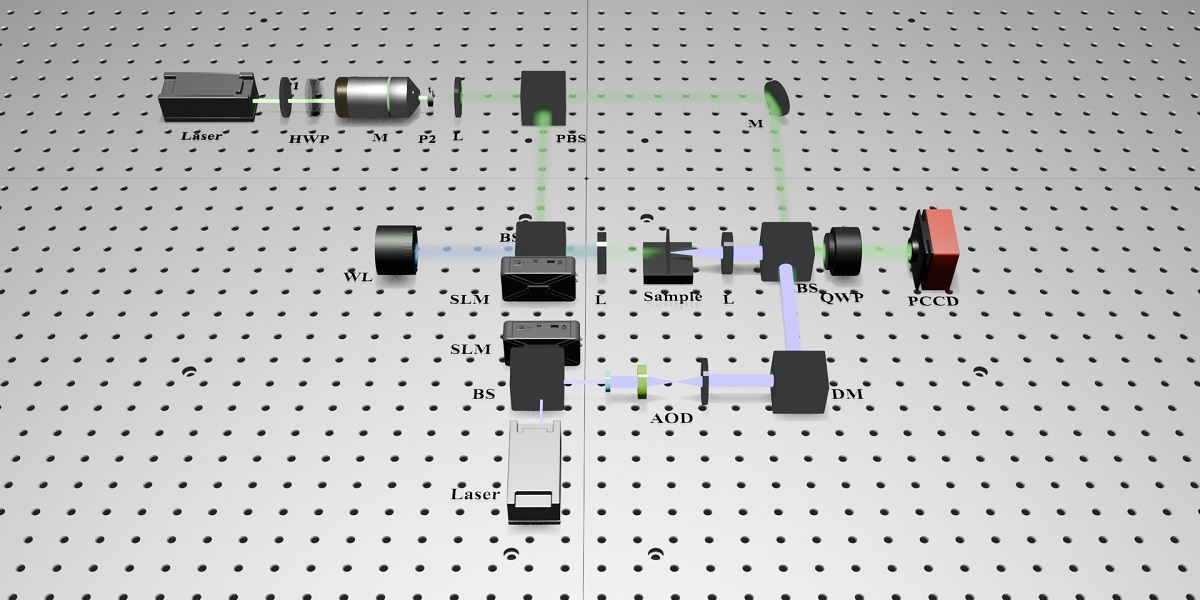
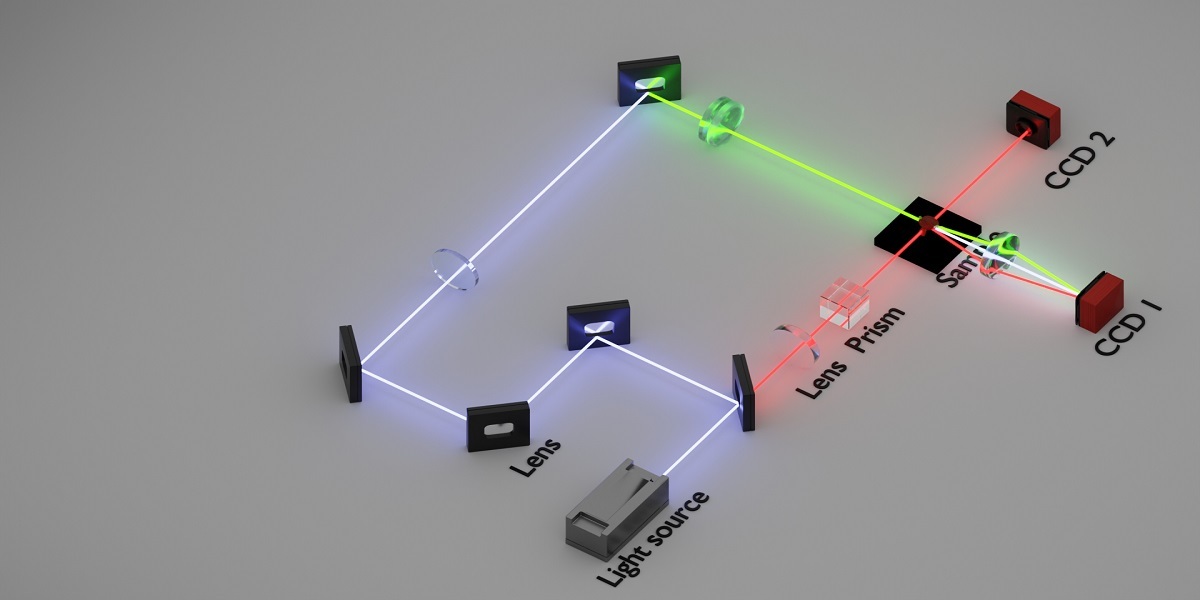
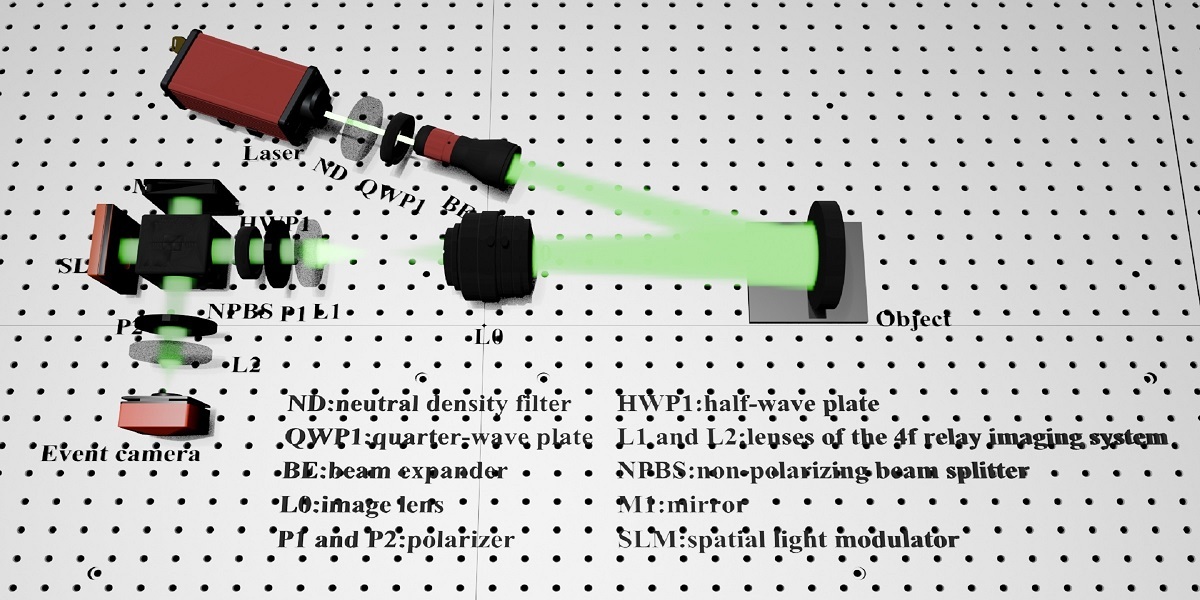
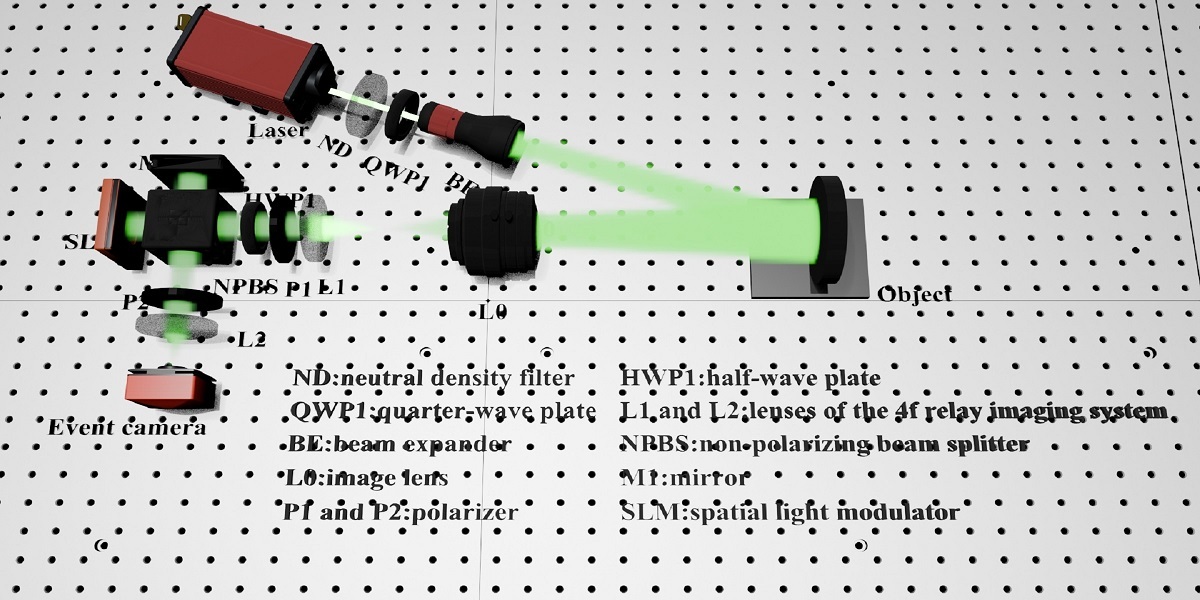
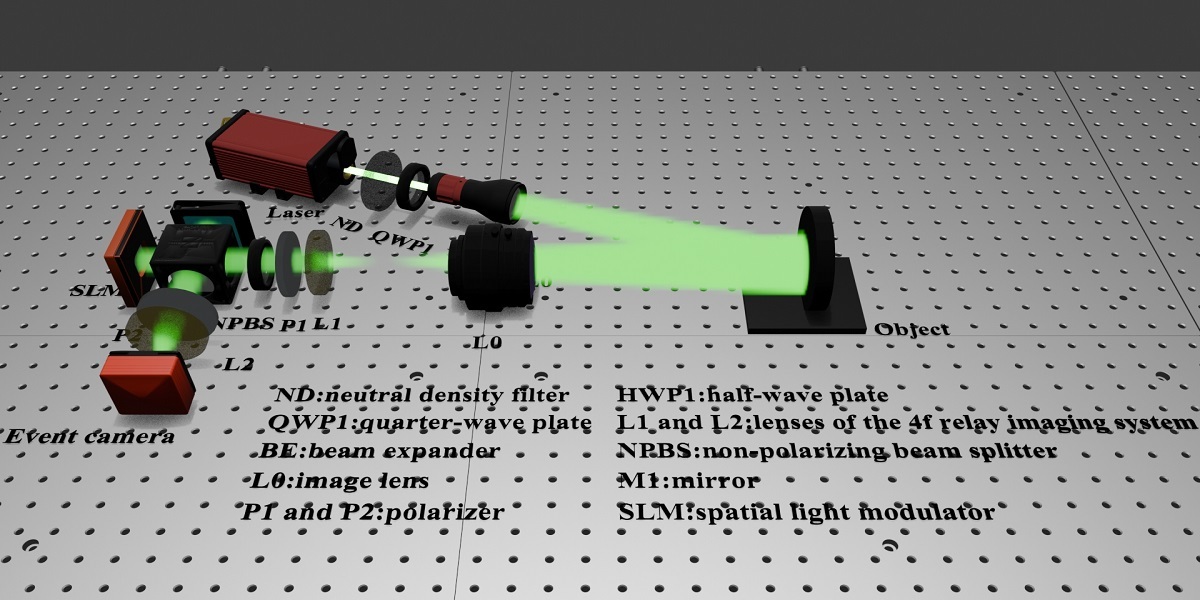
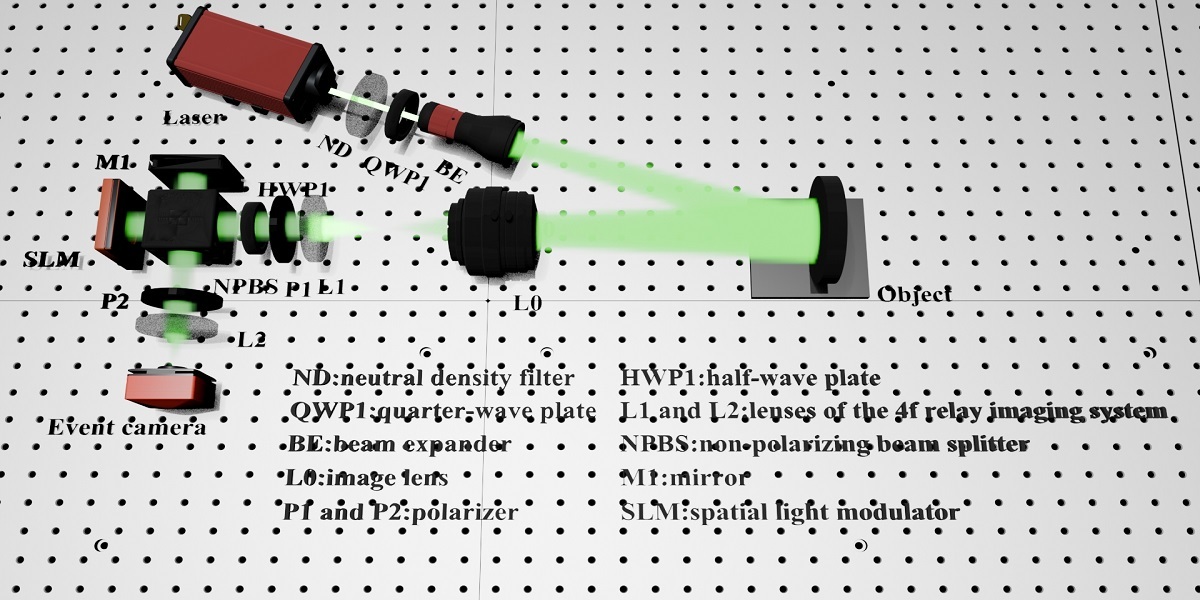
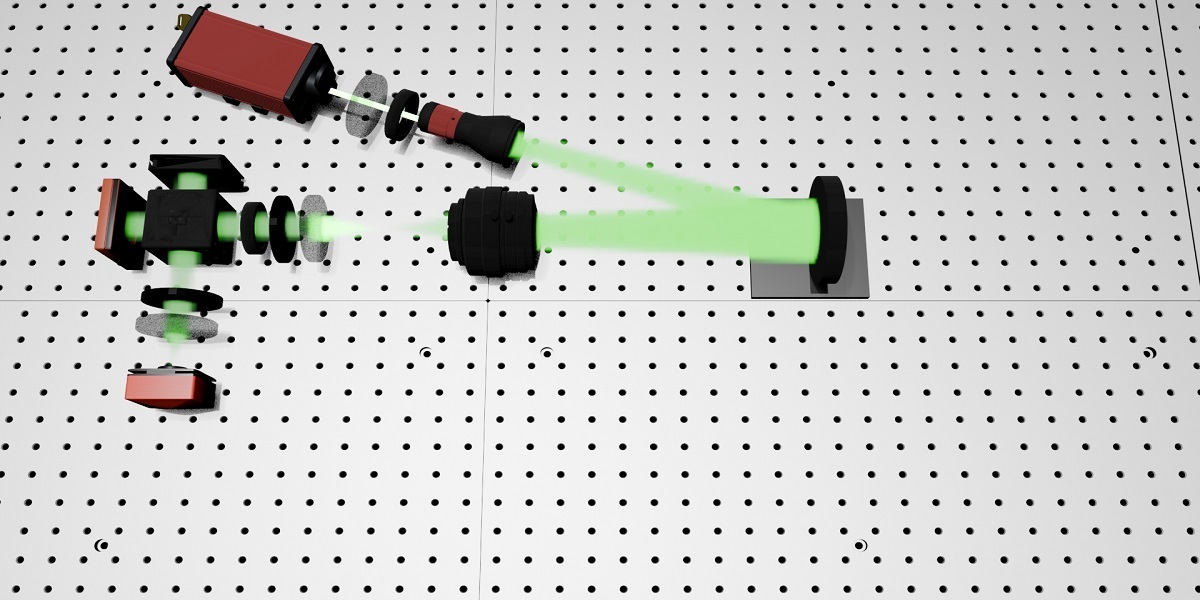
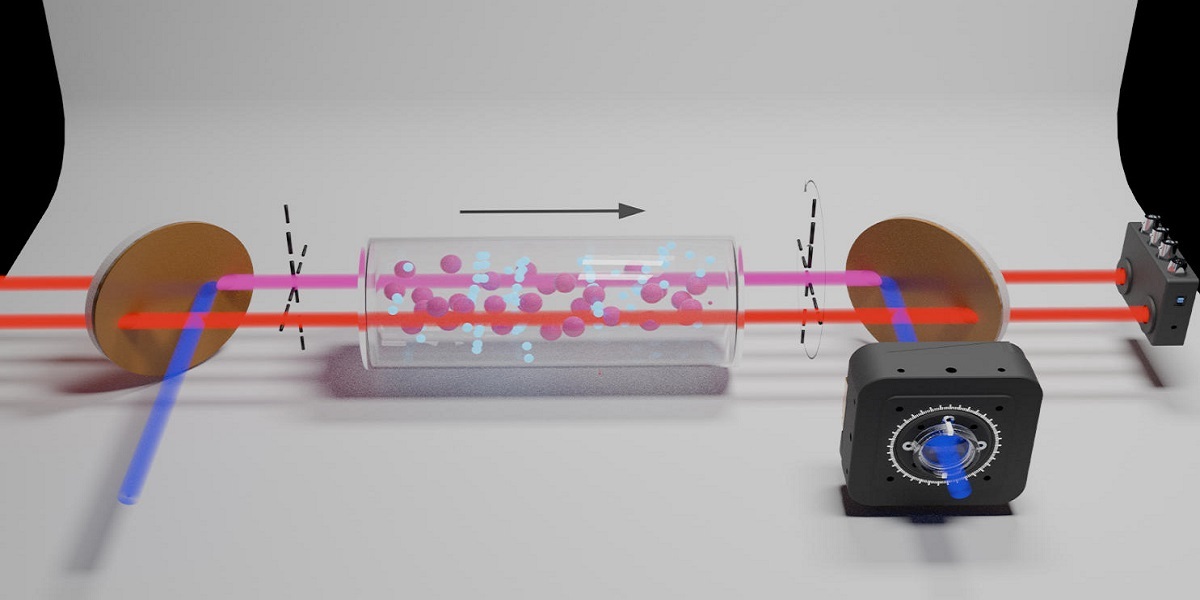
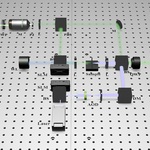
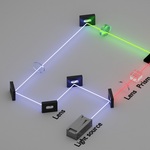
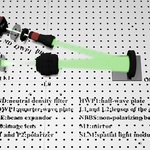
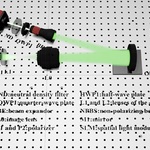
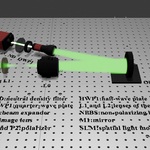
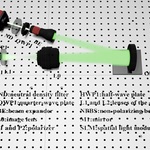
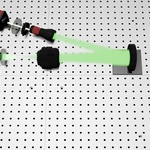
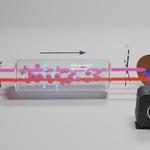
1.Product Overview
This documentation covers all basic‑use rules, file specifications, editable parameters, permitted usage and troubleshooting guidance for our reproduced top‑journal optical‑path schematic 3D source assets.
Every 3‑dimensional optical‑system model is manually reconstructed referring to official schematic illustrations from high‑impact optics journals. Each scene contains complete optical‑element geometry, beam‑path structure and adjustable scene environments to satisfy academic drawing requirements.
2.File Specification
1.Delivered editable source files retain all original modelling geometry, component materials, beam‑light settings and scene‑lighting configuration.
2.All independent optical parts (lenses, beam‑splitters, mirrors, prisms, mounts, diaphragms and laser sources) are separated as individual editable objects.
3.Files can be imported, previewed, modified and rendered by mainstream professional 3‑dimensional creation software.
3.Step‑by‑Step Operation Guide
Step 1: File Preparation
Extract your downloaded compressed package and save source files to your local working folder. Do not alter the original folder structure before editing.
Step 2: Open the Project File
Launch your preferred 3D editing software and load the main project source file. All optical‑device components will appear in the object list.
Step 3: Customise Your Optical Layout
- Reposition, rotate or scale each optical component to match your self‑designed experimental setup
- Adjust beam colour, beam thickness, brightness and Tyndall scattering intensity
- Replace surface material, modify reflection and transmittance parameters of optical‑parts
- Adjust camera perspective, scene illumination and background style
Step 4: Render Export
Adjust resolution, sampling quality and frame parameters, then export high‑definition pictures for journal manuscripts, thesis illustrations, conference posters or presentation slides.
4.Editable Adjustable‑Item Checklist
- Laser source position and emission direction
- Full optical‑path route
- Shape and size of every optical hardware
- Beam colour, transparency and volumetric light effect
- Metal, glass and matte surface textures
- Studio‑style laboratory ambient light and shadow
- Camera angle, depth of field and composition
- Background colour and decorative laboratory accessories
5.Allowed Usage Scope
Permitted applications are limited to your independent academic research‑related work:
- 1.Figures for journal papers, graduation theses and research reports
- 2.Academic posters, PPT presentation visuals and group‑seminar demonstration pictures
- 3.Non‑commercial personal experimental scheme demonstration
$9.99
Have questions about this product?
Login to message
| Published | about 2 months ago |
| Blender Version | 5.0 - 5.2 |
| Render Engine Used | Cycles |
| License | Royalty Free |
