 ZEG
Installation
In Blender open Edit, Preferences, Get Extensions, then use Install from Disk and pick the construction_site_generator zip.
Usage
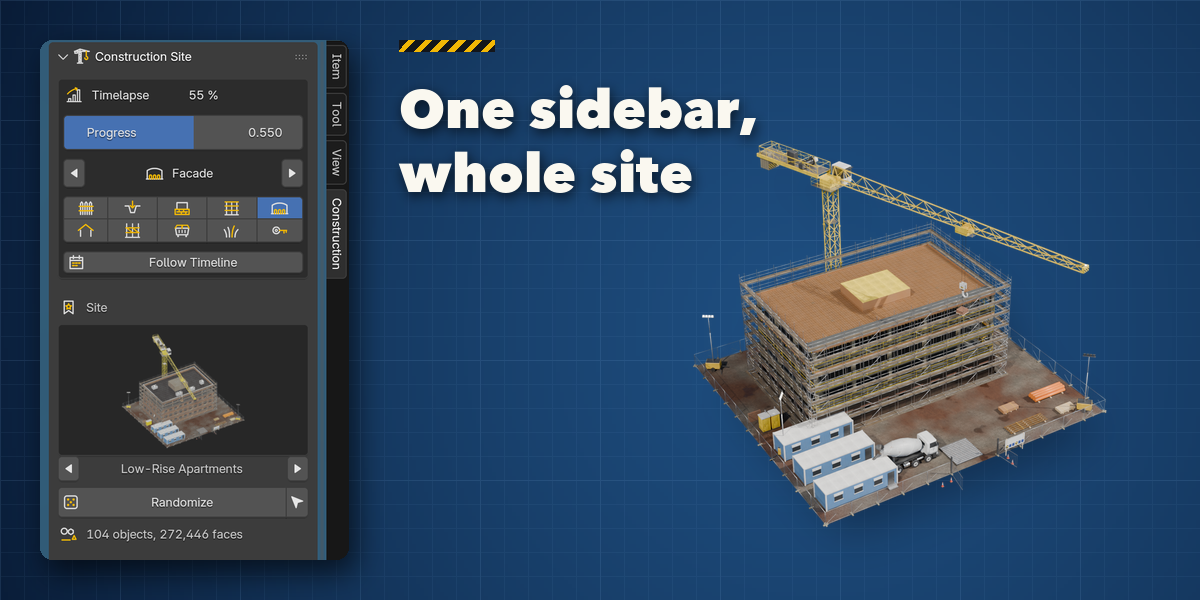
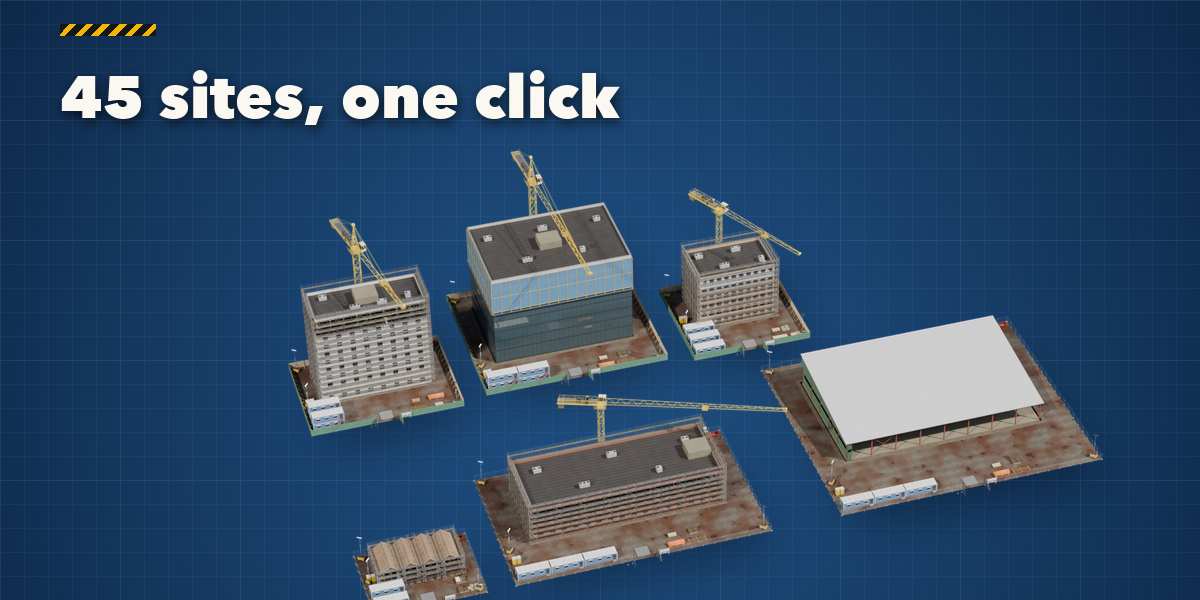
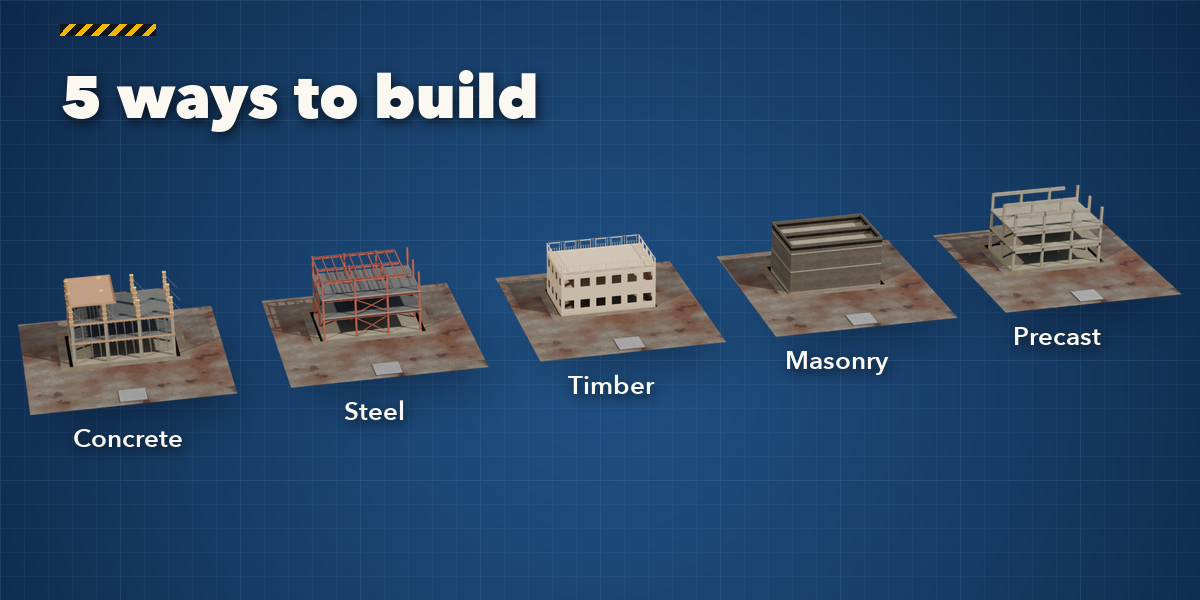
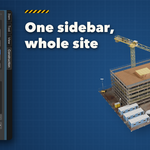
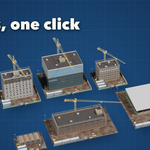
- Open the Construction tab in the 3D viewport sidebar (N). With nothing selected, click the picture to choose one of the 45 sites and press Add Site, or Random Site. Shift+A, Construction Site works too.
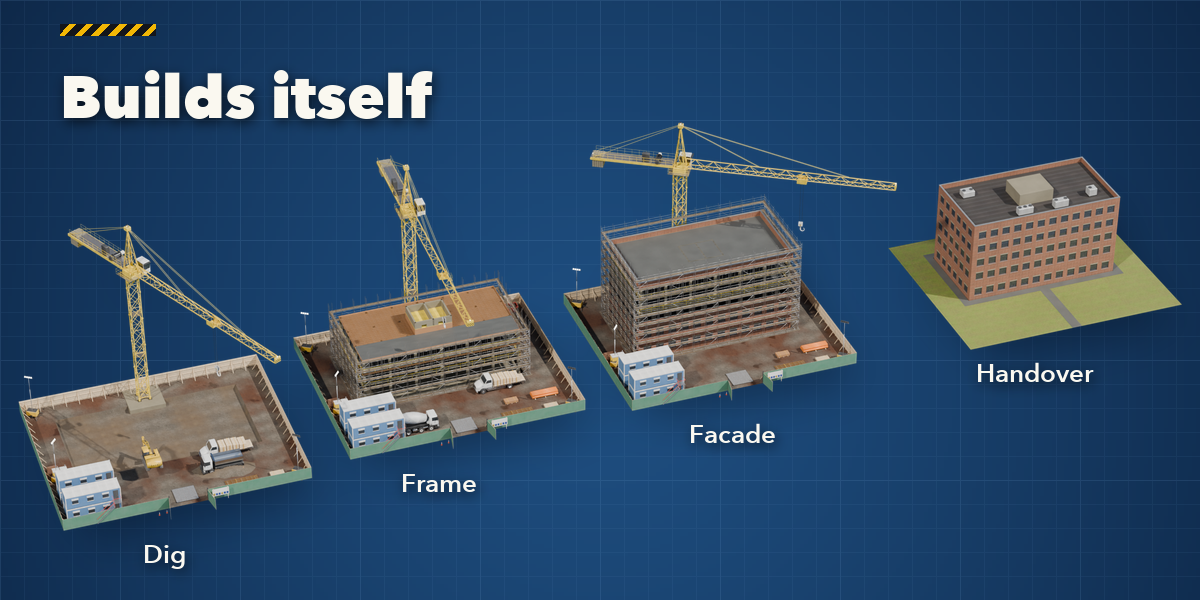
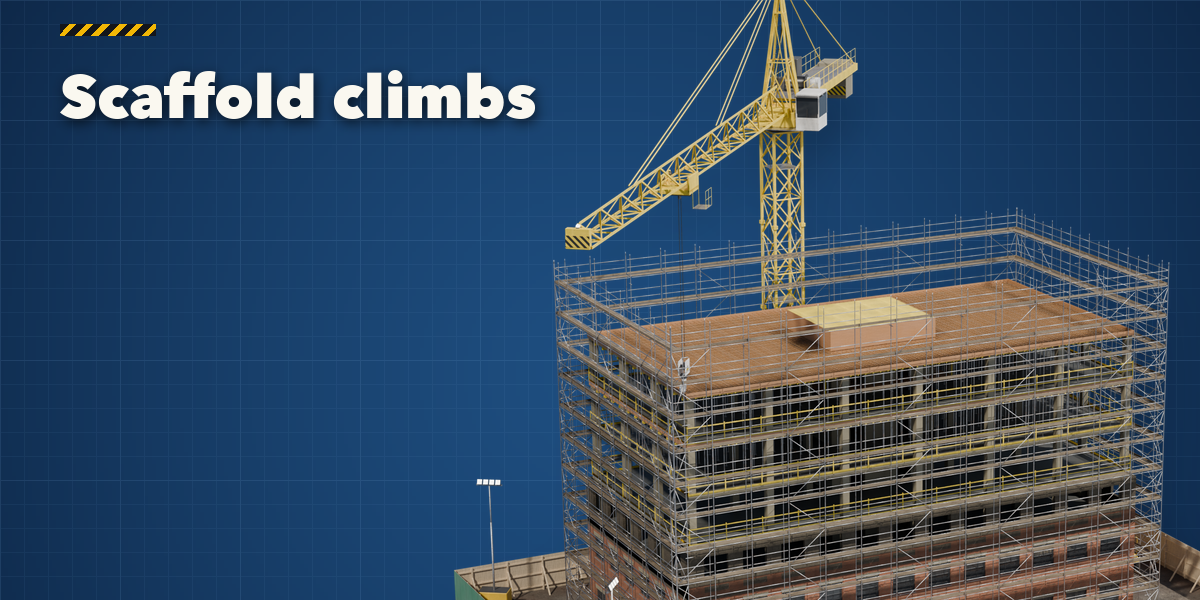
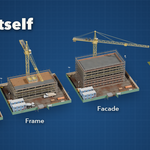
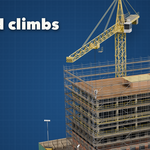
- The Timelapse box drives the build. By default it follows the timeline: play or scrub between the start and end frames (Use as Scene Range sets the scene to them). Turn Follow Timeline off to use the Progress slider instead. The arrows and phase buttons jump to excavation, foundations, frame, facade, roof, scaffold down, clearing, landscaping and handover.
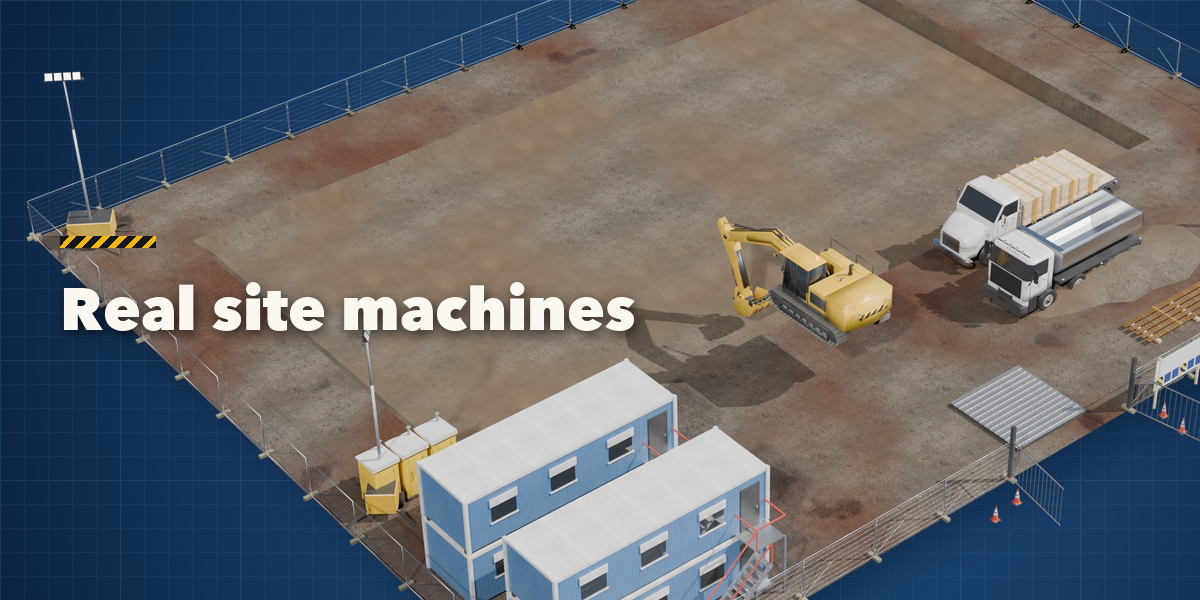
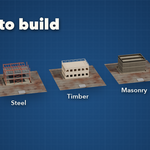
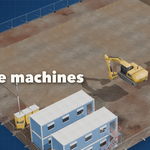
- Pick another site in the gallery or press Randomize. The sub-panels hold every setting: Building (structure, facade, roof, floors, basements, buildings in a row, footprint, windows, brick and colors), Site (fence, cabins, toilets, stacks, ground, surroundings), Cranes & Machines, Scaffold and Finish & Output (condition, detail, seed).
- Copy Current Stage makes a static copy of the site as it looks now, ready to export or to keep for a still.
Detail Low keeps big sites and city blocks light; use High for close-ups.
Have questions about this product?
Login to message
| Blender Extension Compatible | Yes |
| Published | 1 day ago |
| Blender Version | 4.2 - 5.2 |
| Extension Type | Add-on |
| Render Engine Used | Cycles, Eevee |
| License | GPL |

Discover more products like this
excavator Generator animation scaffold architecture timelapse construction procedural city ArchViz crane building-site