Cartoon Hazmat Cleaner - Rigged 3D Character
 ZUDRIT by ThreeDee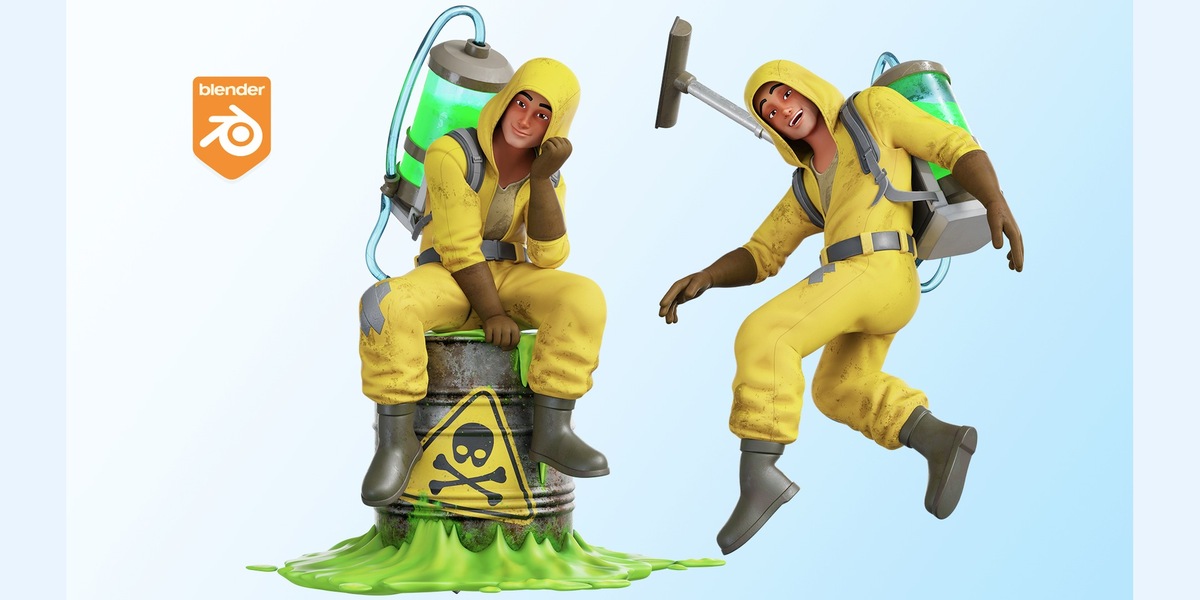
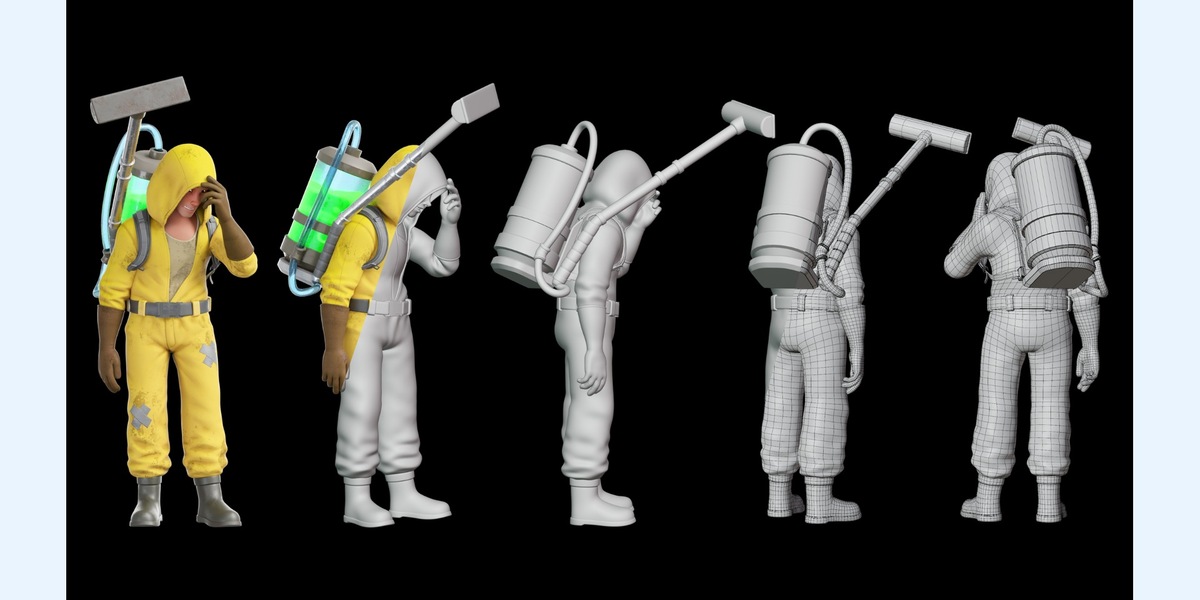
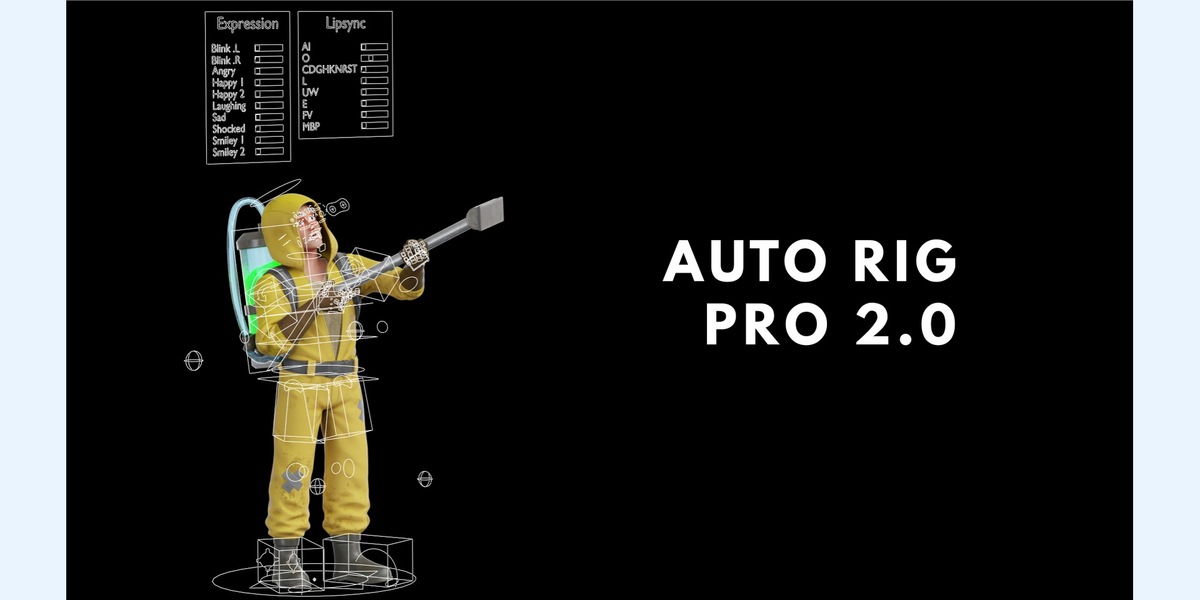
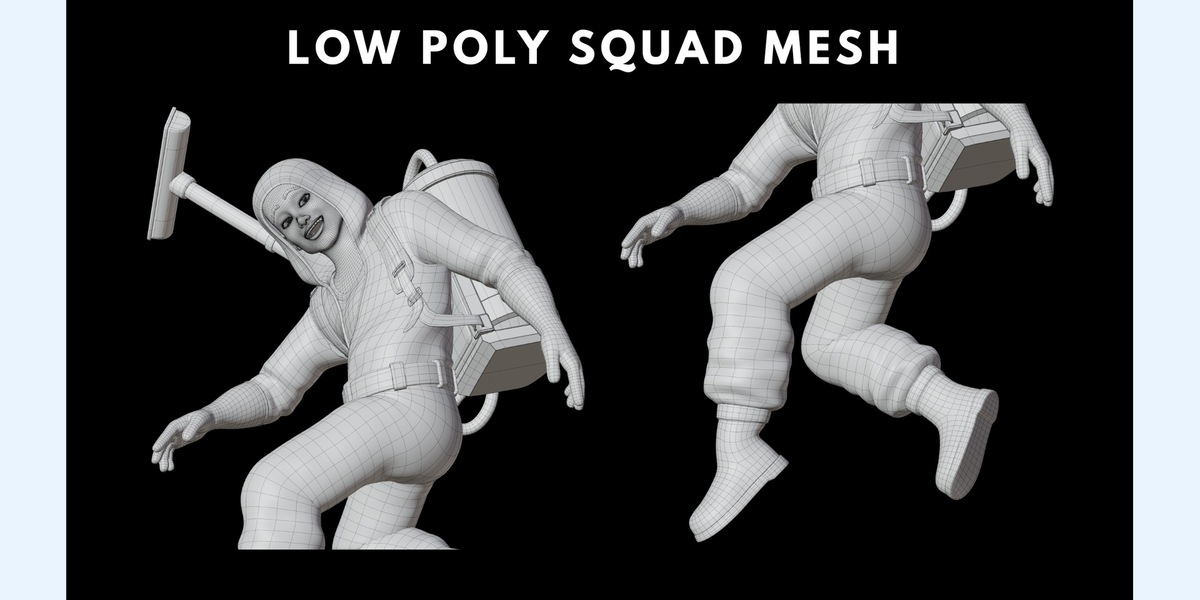
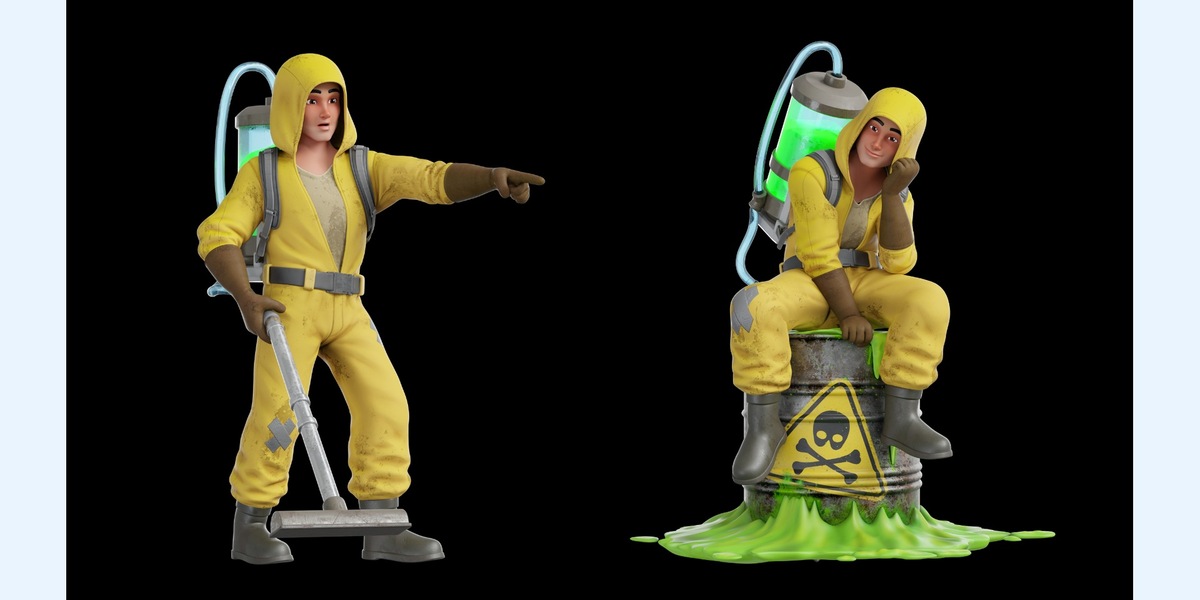
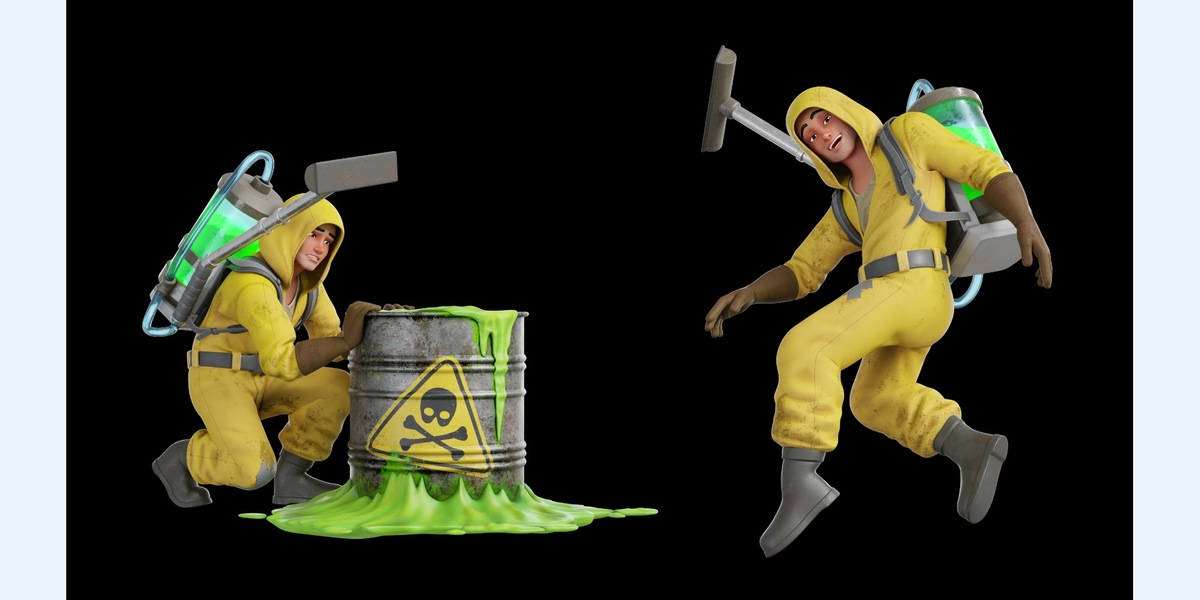
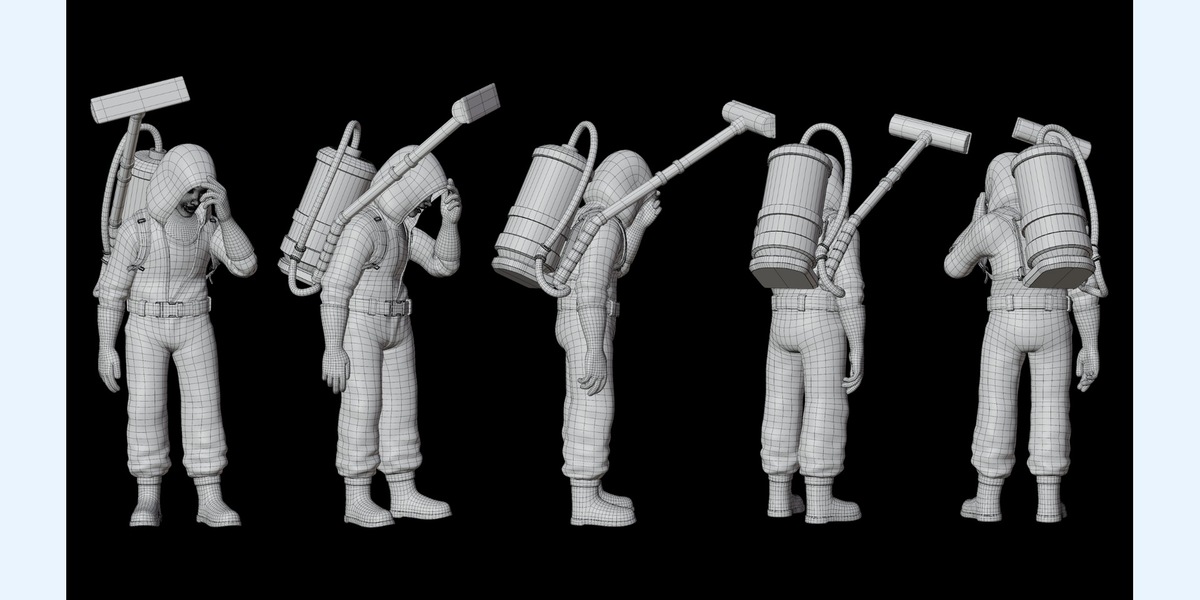
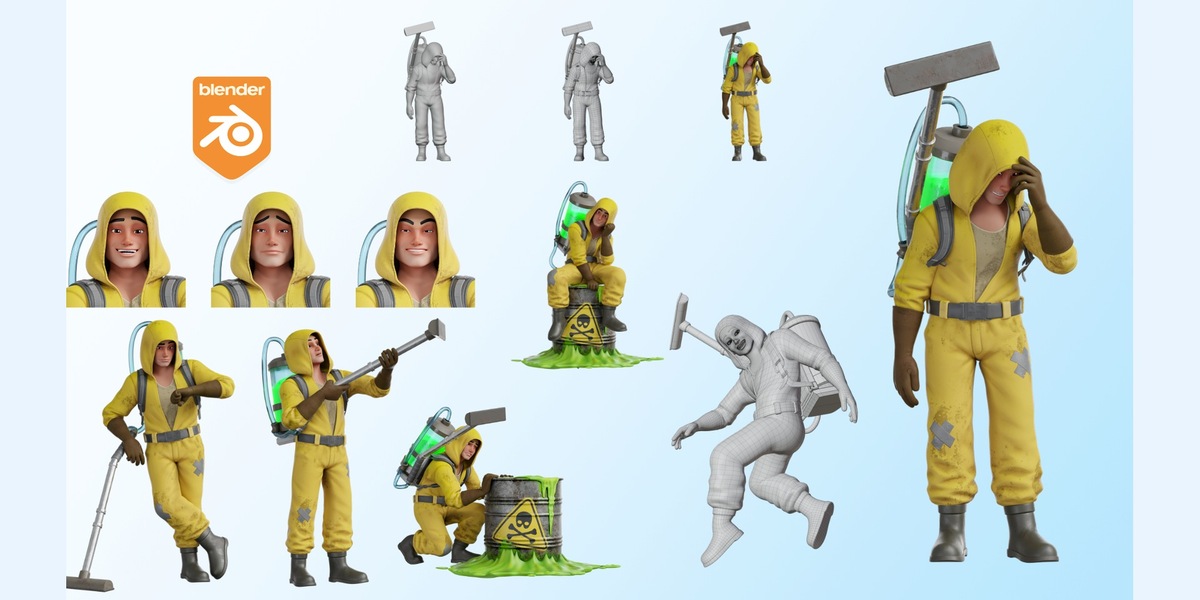
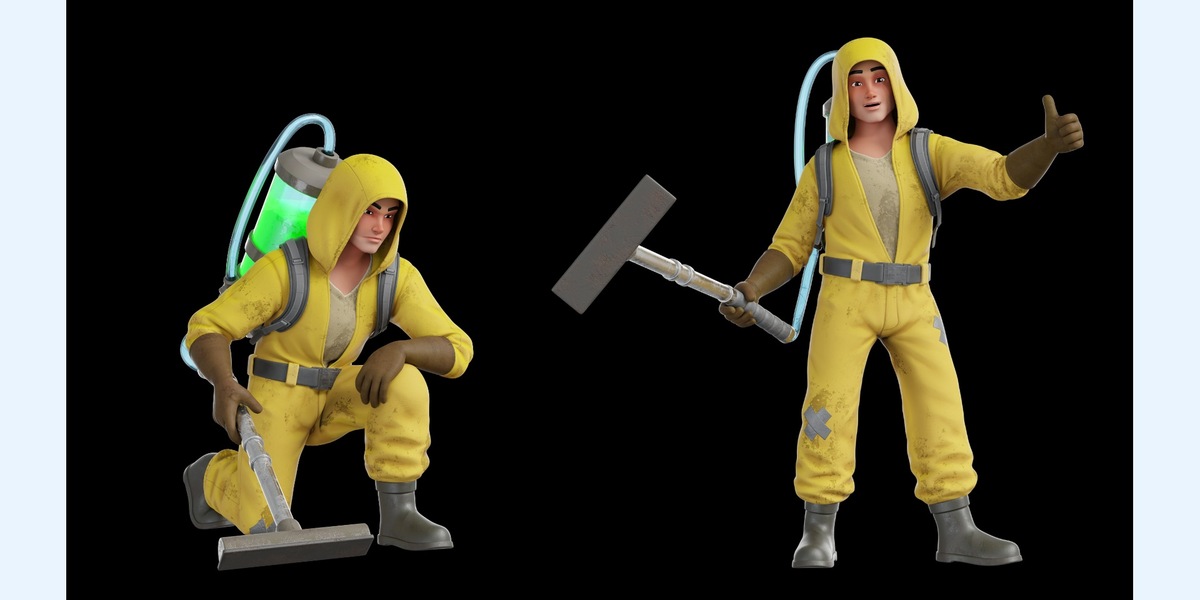
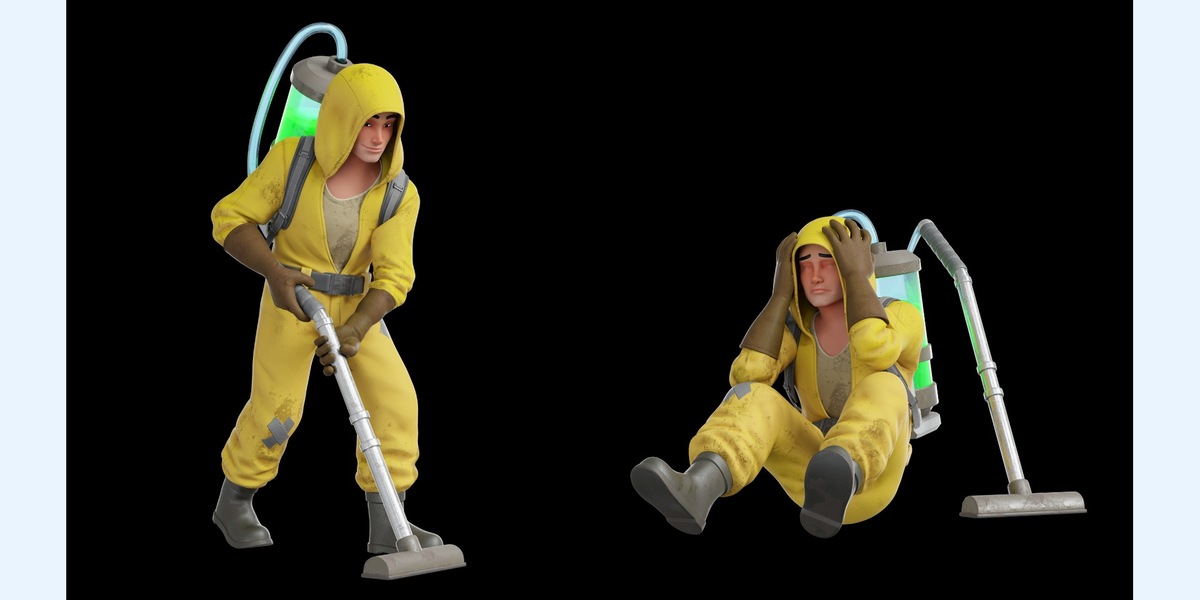
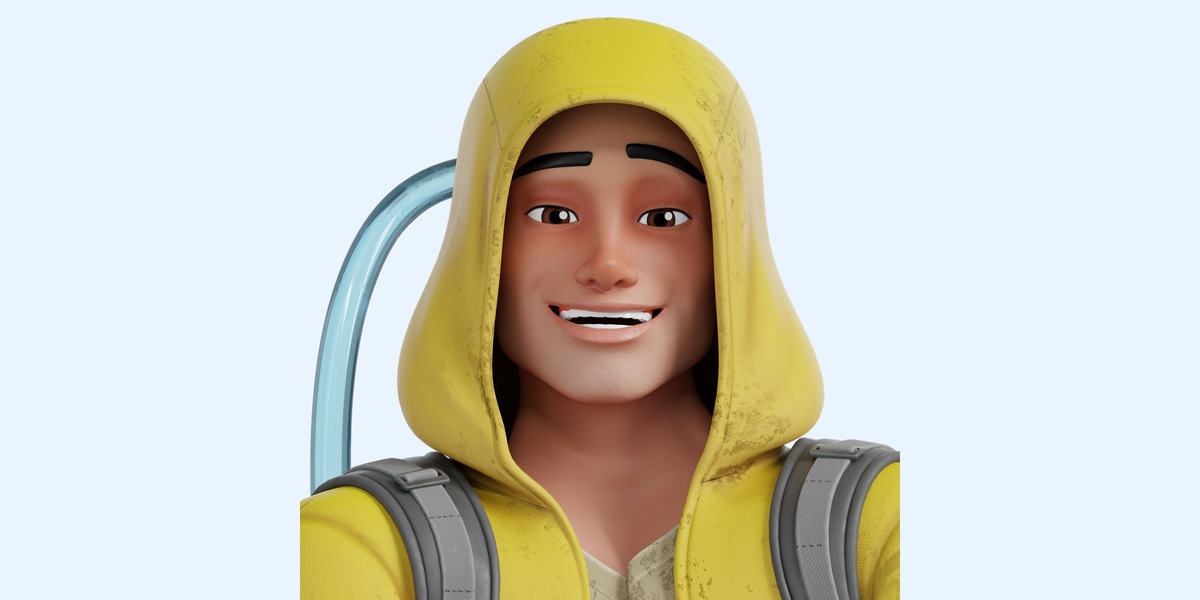
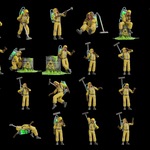
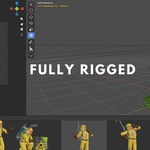
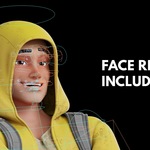
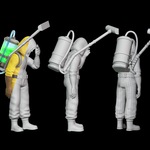
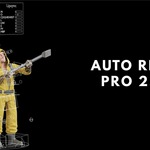
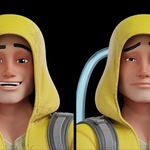
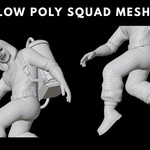
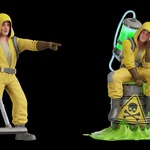
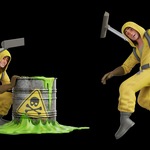
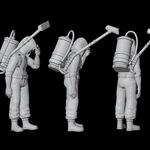
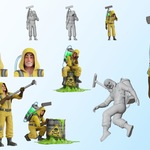
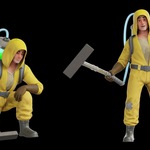
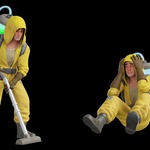

Cartoon Hazmat Cleaner - Quick Start
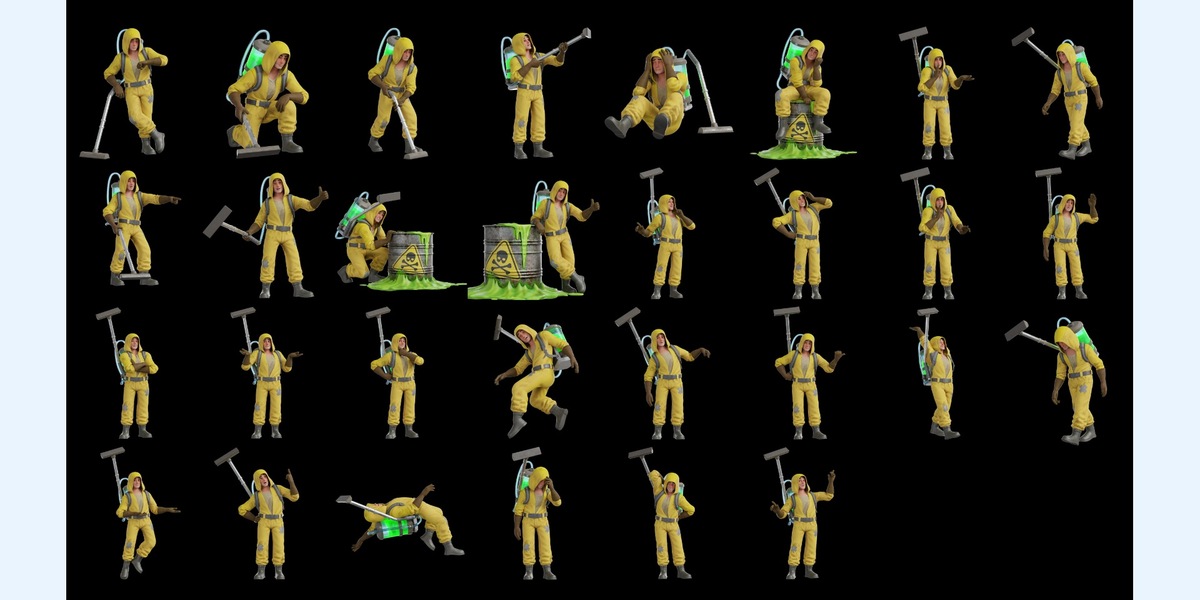
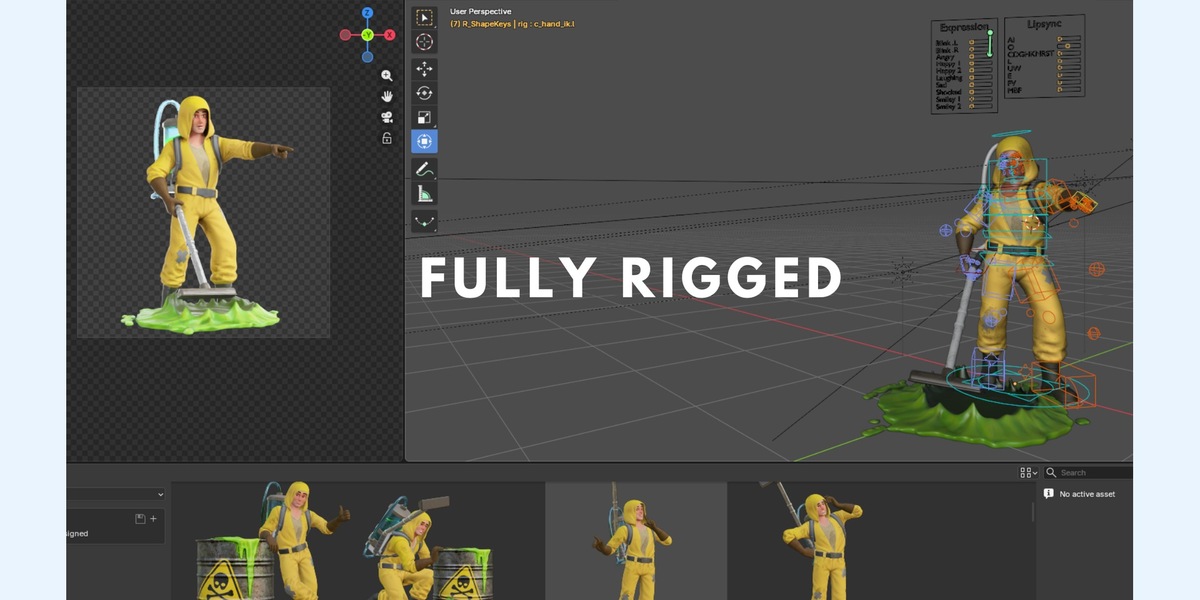
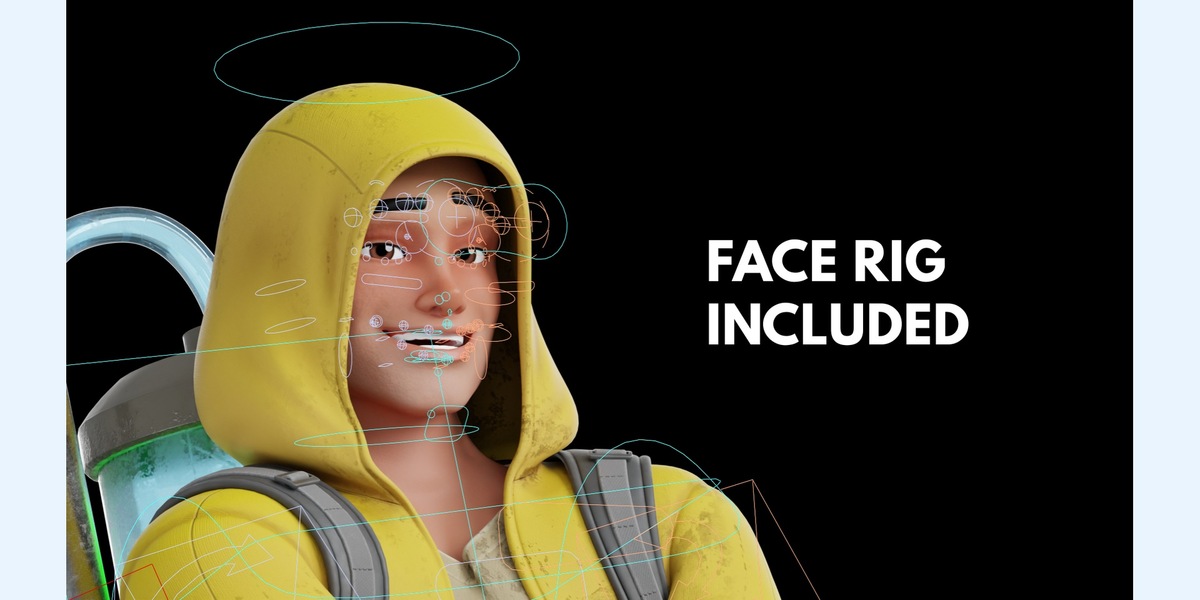
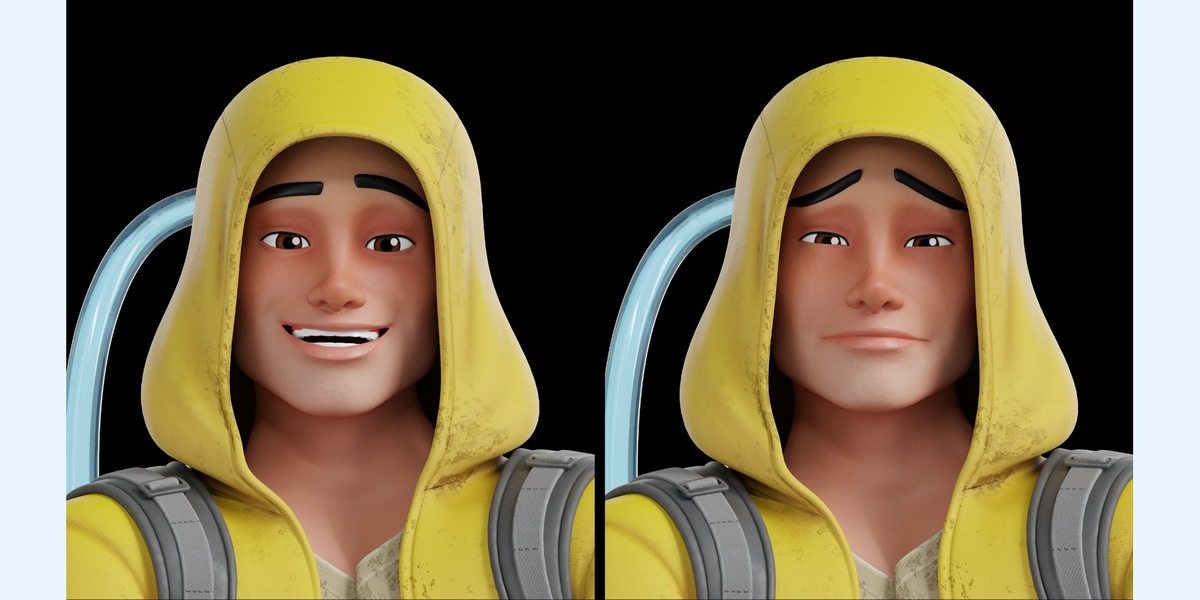
Open the supplied Blender project to work with the native rig. Use Pose Mode to select rig controls, choose a prepared pose, and adjust the camera and lighting before rendering. Facial shape keys and controls are available where supplied in the native project.
Keep extracted texture files beside the corresponding FBX or OBJ export. Use Blender File > External Data > Find Missing Files if you relocate unpacked textures. OBJ is static geometry; use Blender or a compatible FBX/GLB importer for rigged workflows.
Product support and updates are included for 12 months. Contact the creator through Superhive for help with the supplied files.
Original character: Cartoon Hazmat Cleaner
 Included
Includes 12 months of
- Support from ZUDRIT by ThreeDee
- Product updates
Extend this product’s Support Period +12 months: 50% of product price
Have questions before purchasing?
Login to message
| Dev Fund Contributor | |
| Published | about 21 hours ago |
| Blender Version | 5.1 - 5.2 |
| Render Engine Used | Cycles |
| License | Royalty Free |