Translational Walk Aid
 Levonotion Studios

Usage
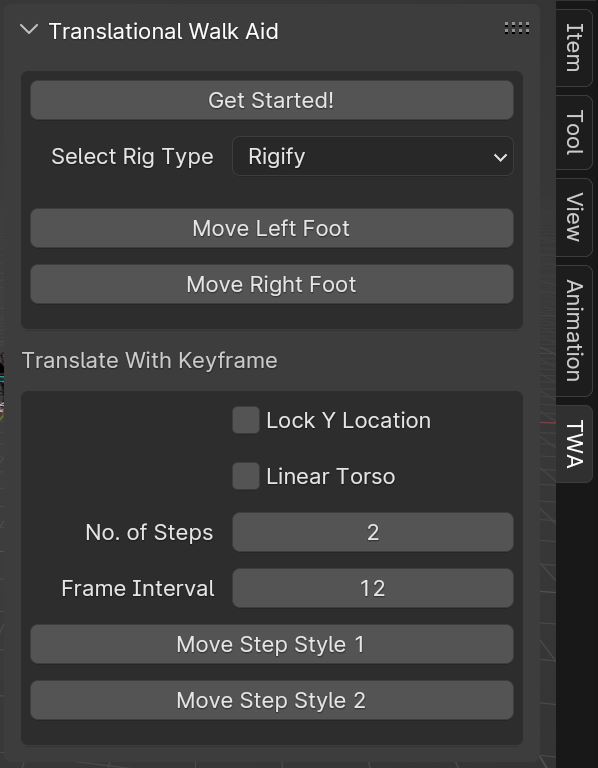
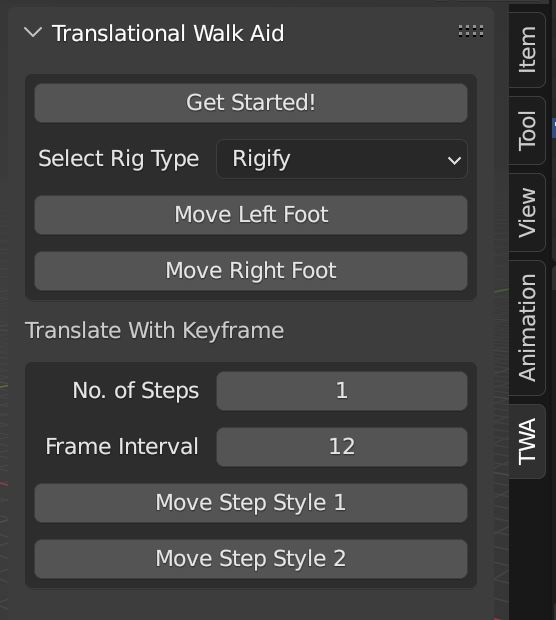
After installation, Translational Walk Aid can be found at "3D View > Pose Mode > Sidebar > TWA"
The TWA tab only shows in POSE mode. Click on the "TWA" tab and Click on the "Get Started" button.
Select your biped character rig and create a contact pose (separating the character's feet as far apart as you want them. This will define the stride length for the walk).
Don't forget to set a keyframe after creating the contact pose. Finally, click any of the buttons available to translate your character forward or backward.
Have questions about this product?
Login to message

Discover more products like this
rigify rigs translate-walk walkcycle autorig TWA blenrig rigify autorig pro