 NODI
NODI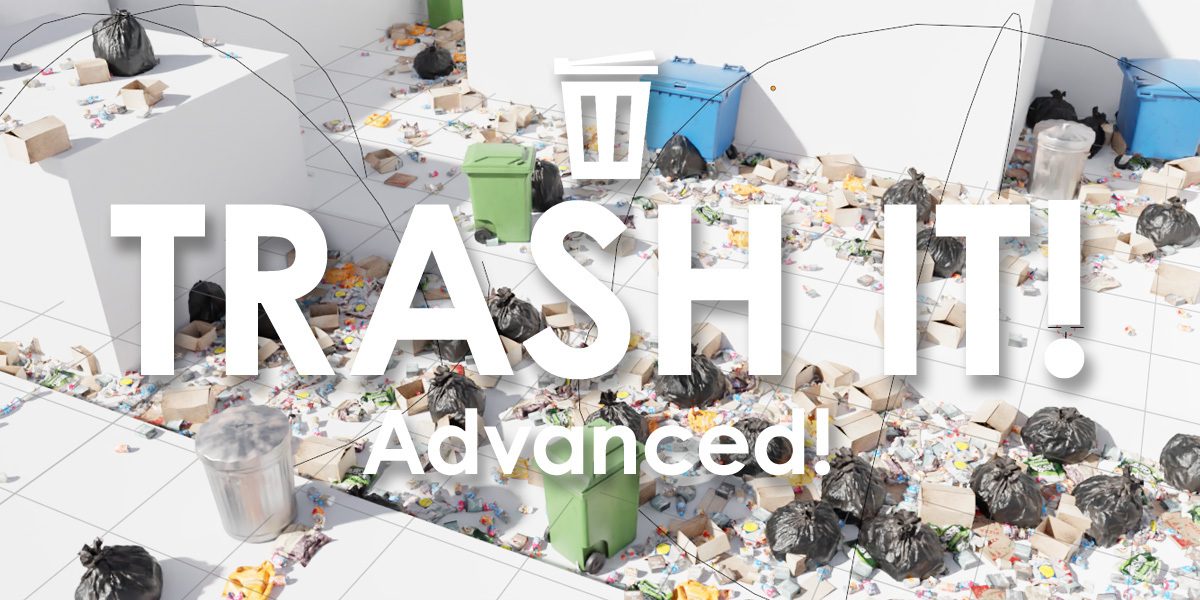
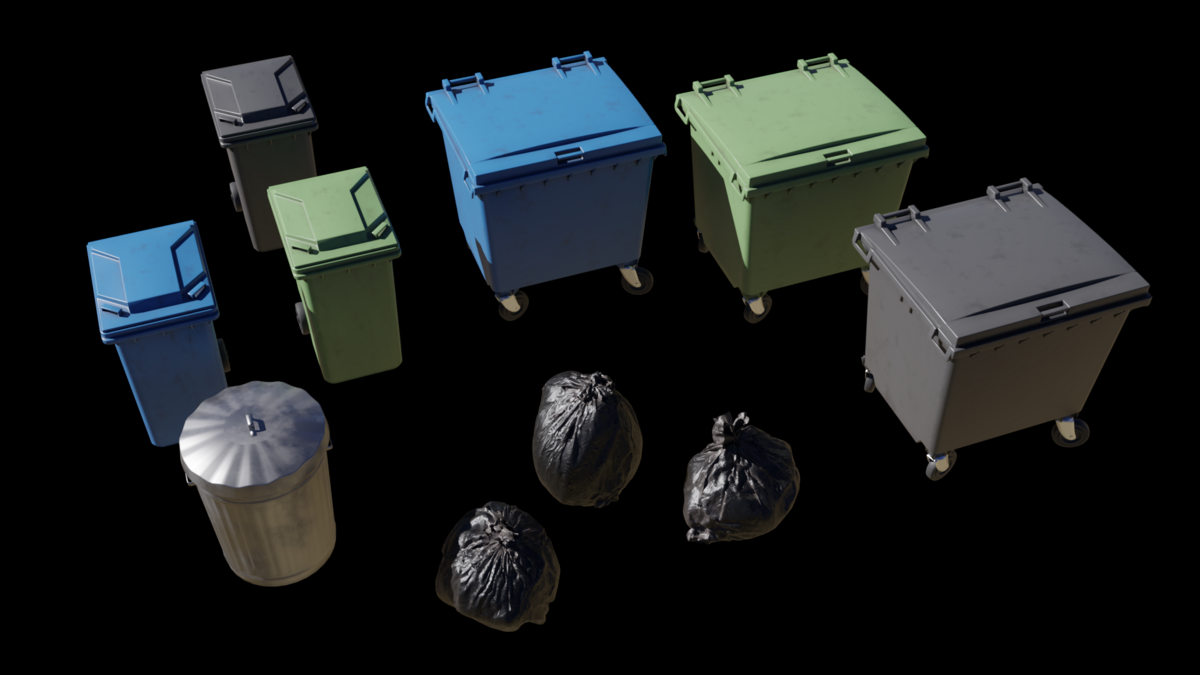
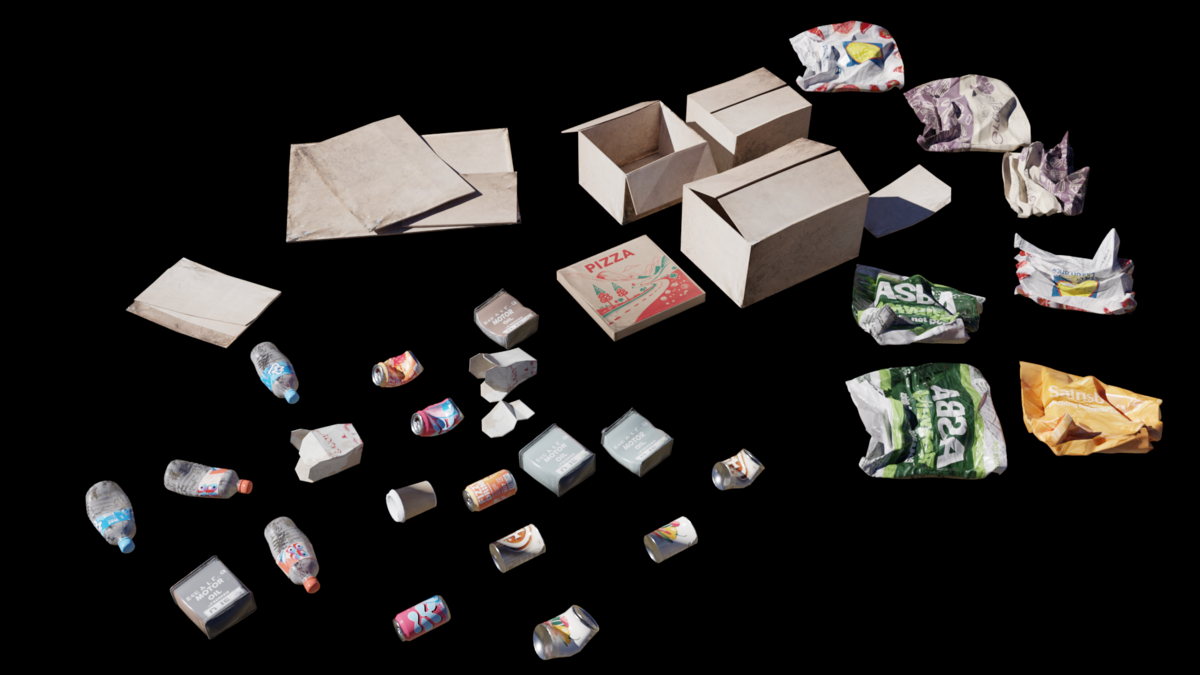
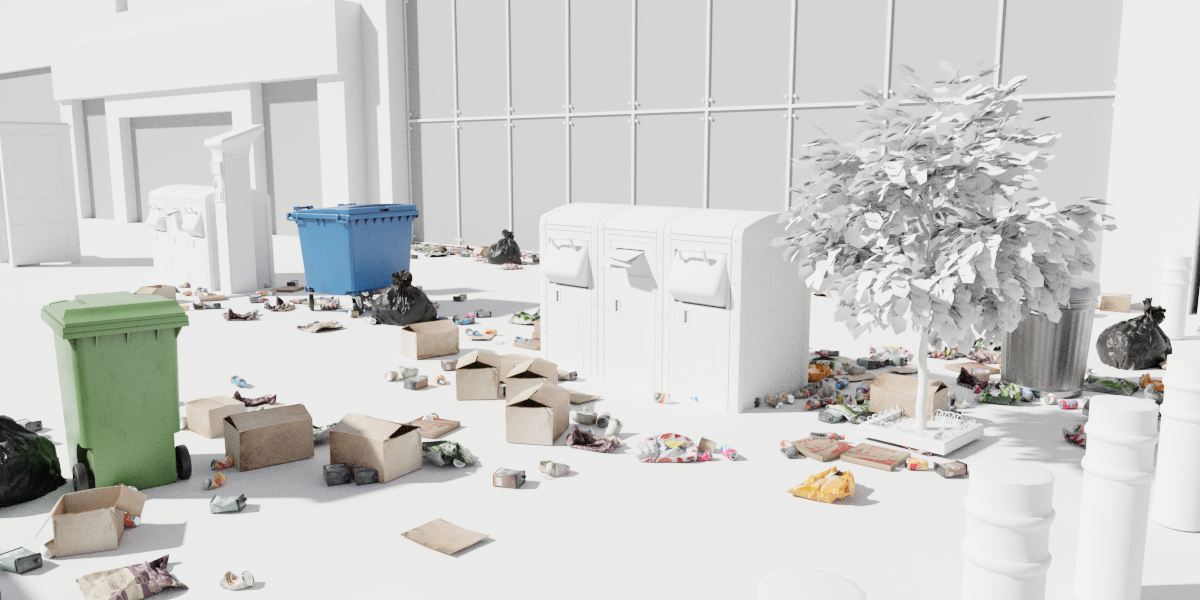

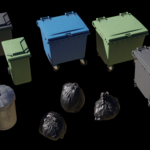
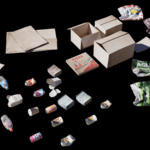
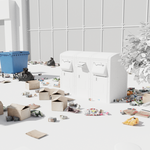
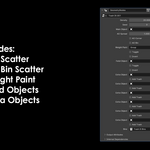
Add Bin
Adds a bin at the cursor's location. To change bin types, look into the Geometry Nodes setup and adjust the "Bin Type" value.
Add Trash
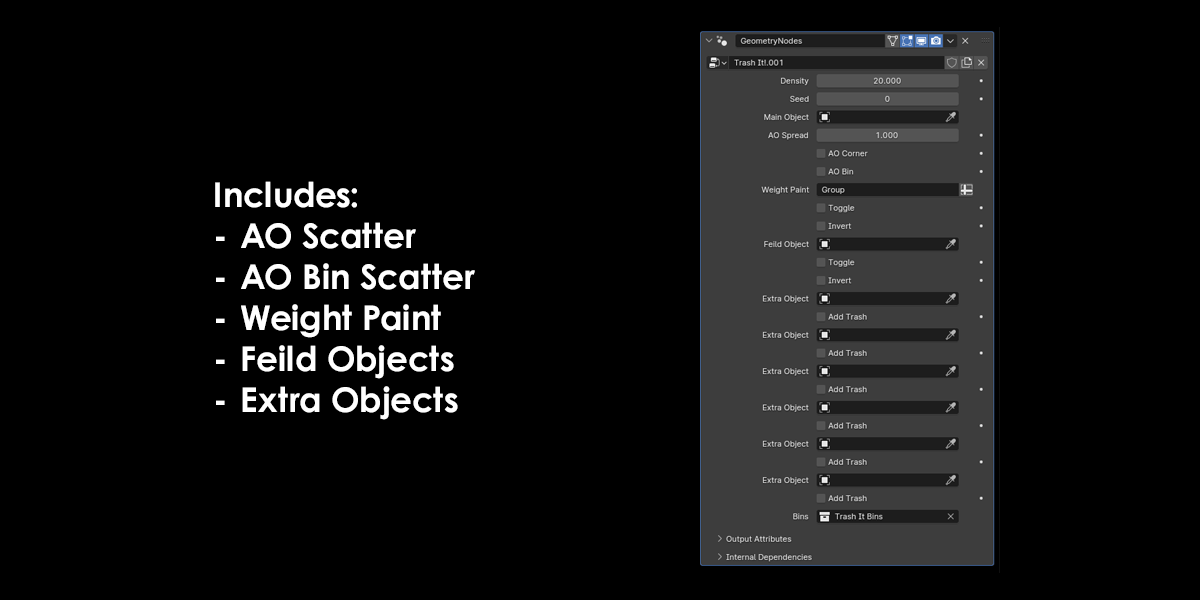
Density
Sets the density of the trash scatter.Seed
Changes the randomization of the trash placement.Main Object
This must be filled with an object before any trash is visible. If you select an object and then click "Add Trash," it will automatically apply trash to the selected object.AO Spread
Sets the distance trash spreads from corners.AO Corner
Toggles trash placement in corners.AO Bin
Toggles trash placement around bins. To use this, you must have at least one bin added using the "Add Bin" section.Weight Paint
Scatters trash based on the weight of the object. By default, it is set to the vertex group named "Group."Field Object
Allows trash to scatter only inside the field object. By default, this is set to a sphere empty.Extra Object
Adds more objects to influence the AO scatter in the scene. Click the "Add Trash " button to also add trash to the additional objects.
Have questions about this product?
Login to message
| Blender Extension Compatible | Yes |
| Sales | 100+ |
| Published | over 1 year ago |
| Blender Version | 4.0 - 5.0 |
| Extension Type | Add-on |
| Render Engine Used | Cycles, Eevee |
| License | GPL |