 NODI
NODI
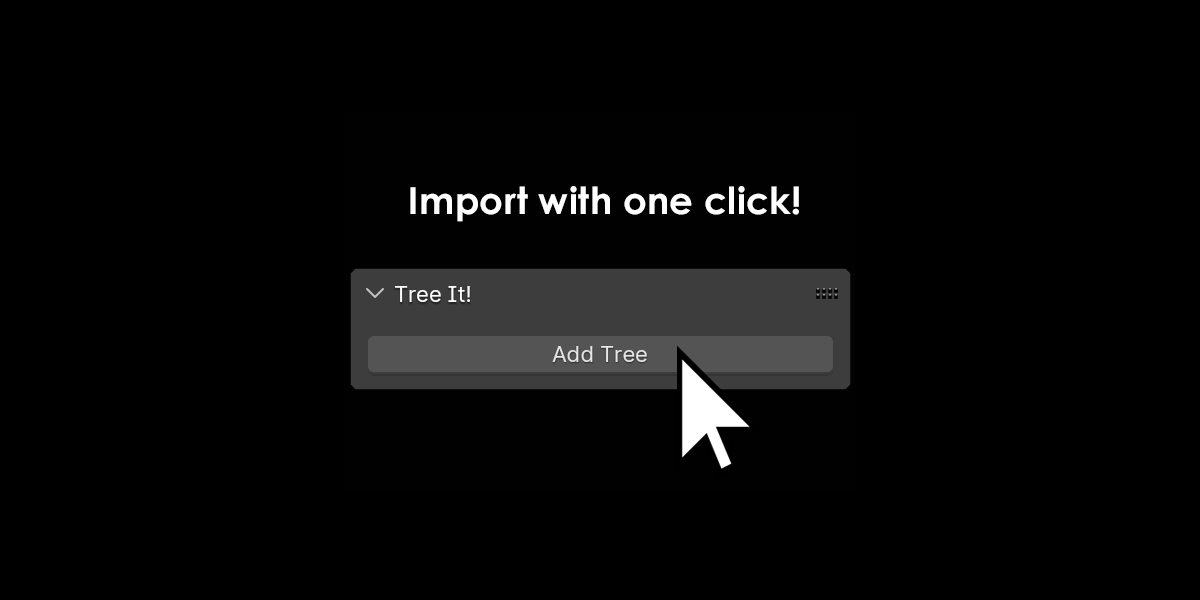
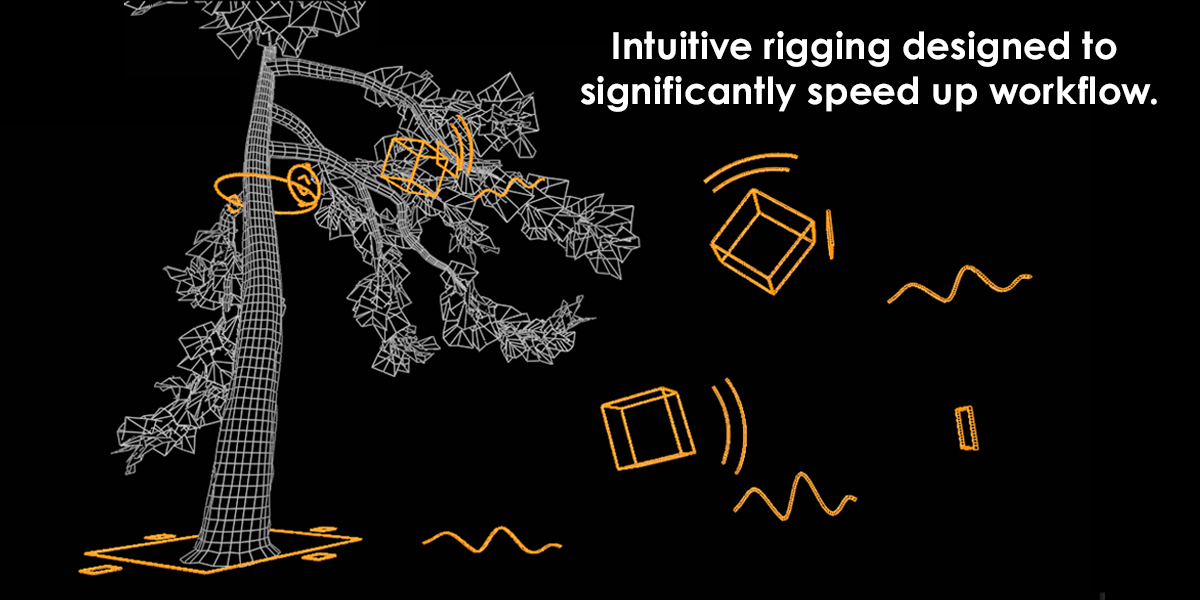

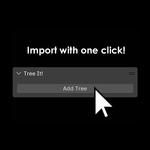
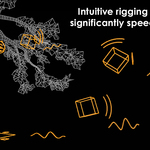

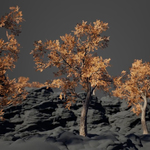
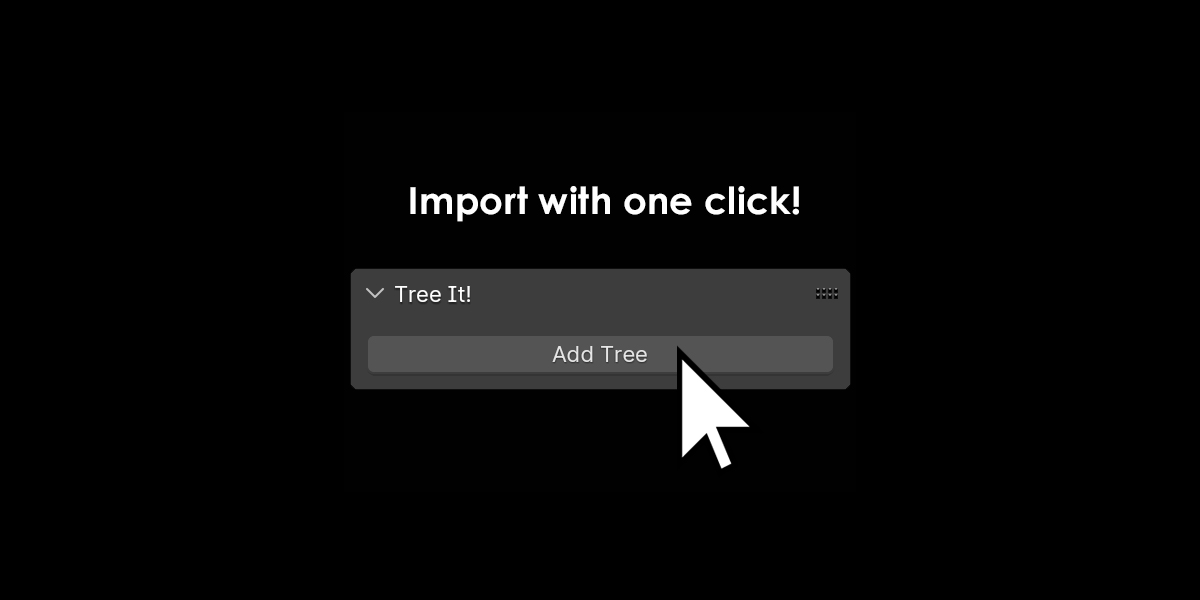
Press "N" and locate the add-on in the sidebar of the viewport. Press "Add Tree" to import the tree. The rig cannot easily be duplicated, so it's better to press "Add Tree" every time you want to create a new tree rig. However, you can duplicate the tree without the rig.
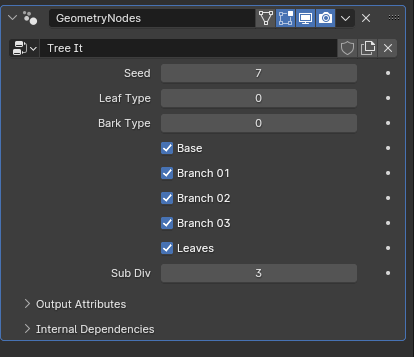
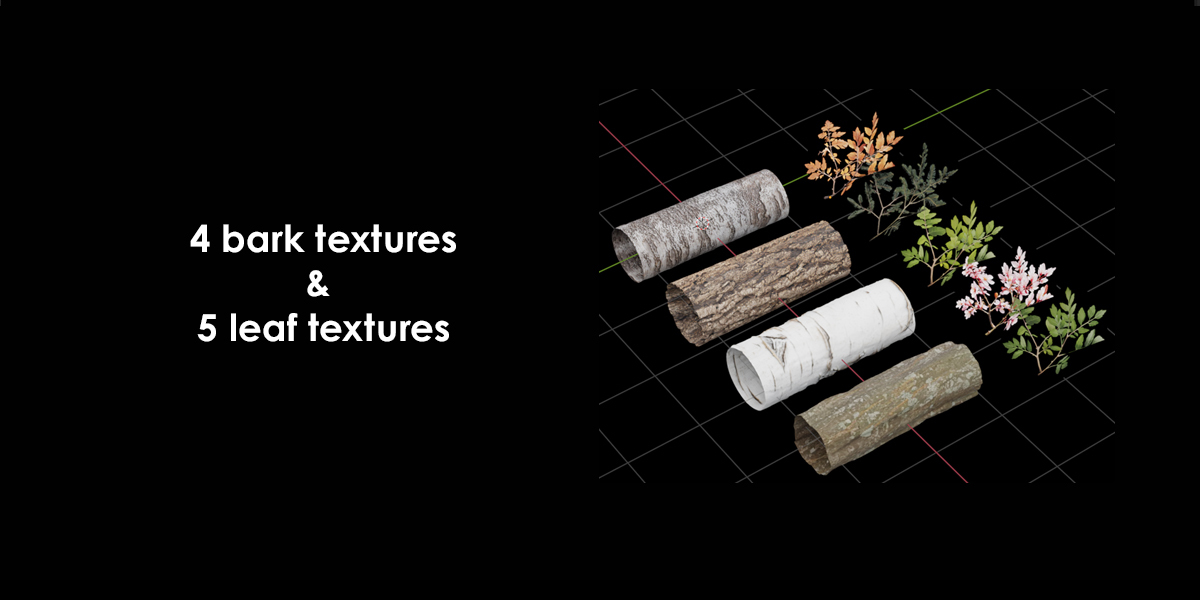
Texture edits, seed, and hiding tree sections are found in the Geo Nodes menu.
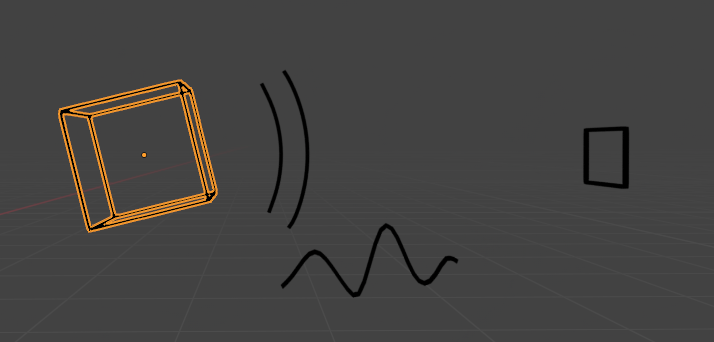
Effects
- Branch length changes when moved.
- Branch thickness changes when scaled.
- Branch rotation changes when rotated.
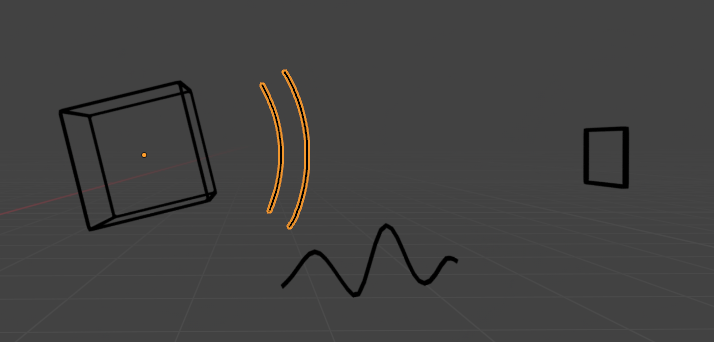
Effects
- Branch bend increases when rotated.

Effects
- Branch noise amount changes when scaled.
- Branch noise length changes when moved.
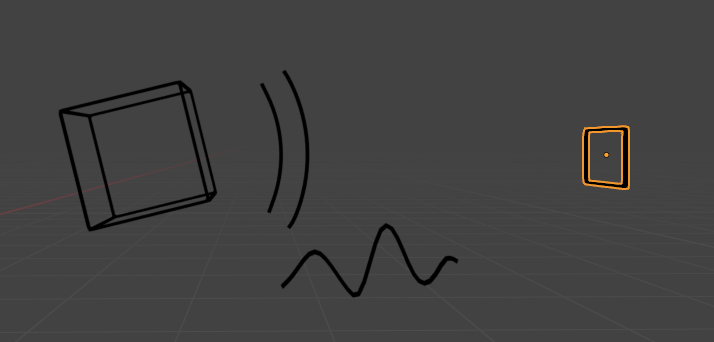
Effects
- Branch density changes when moved
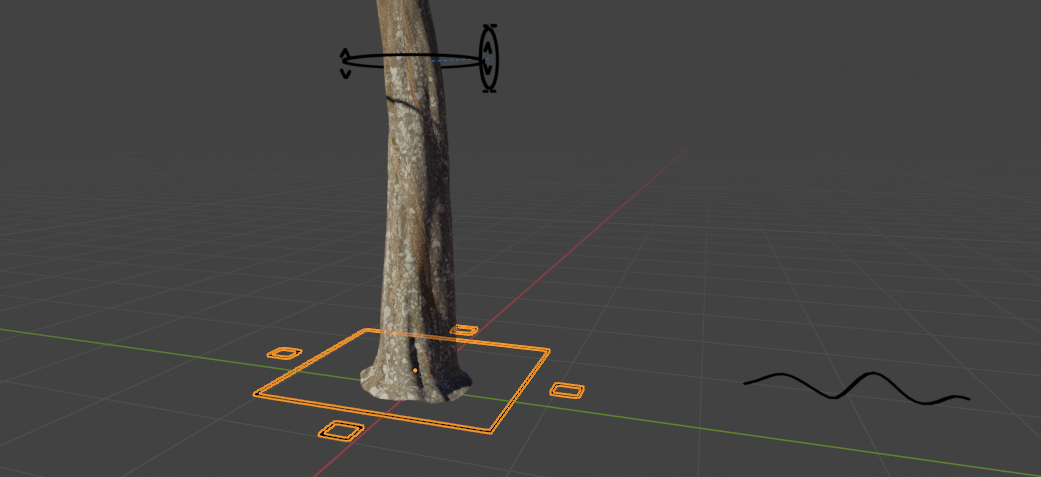
Effects
- Overall branch sizes and trunk size change when scaled.
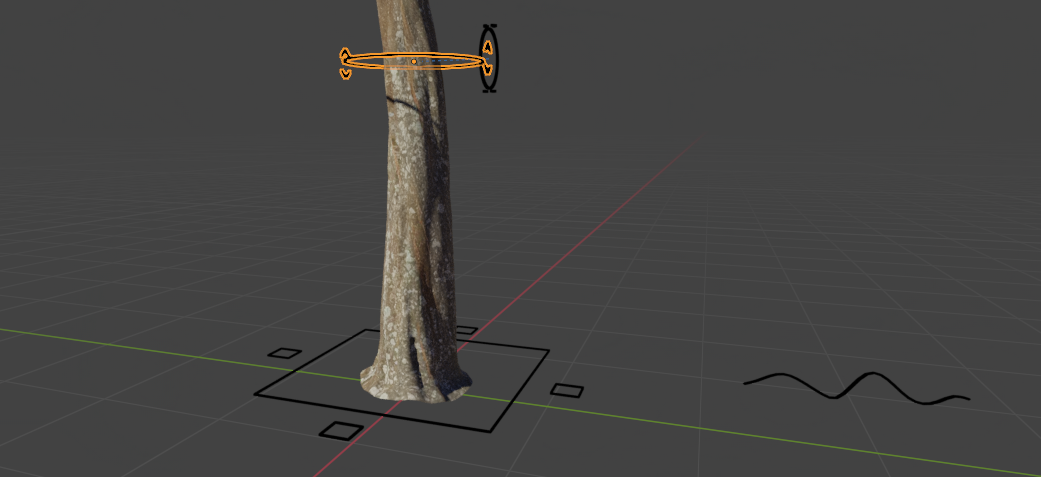
Effects
- First branch spawn location changes when moved.
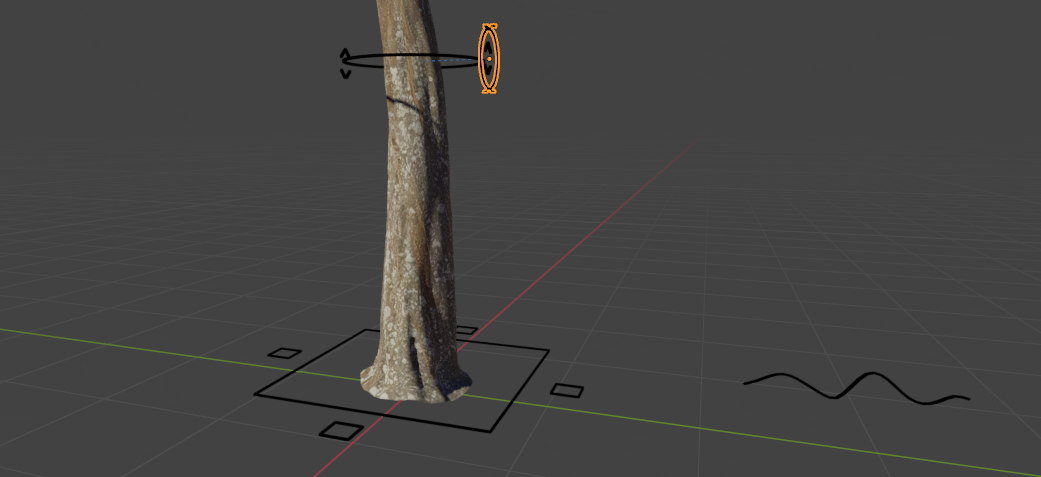
Effects
- Secondary branch spawn location changes when moved.

Effects
- Trunk noise amount changes when scaled.
- Trunk noise length changes when moved.
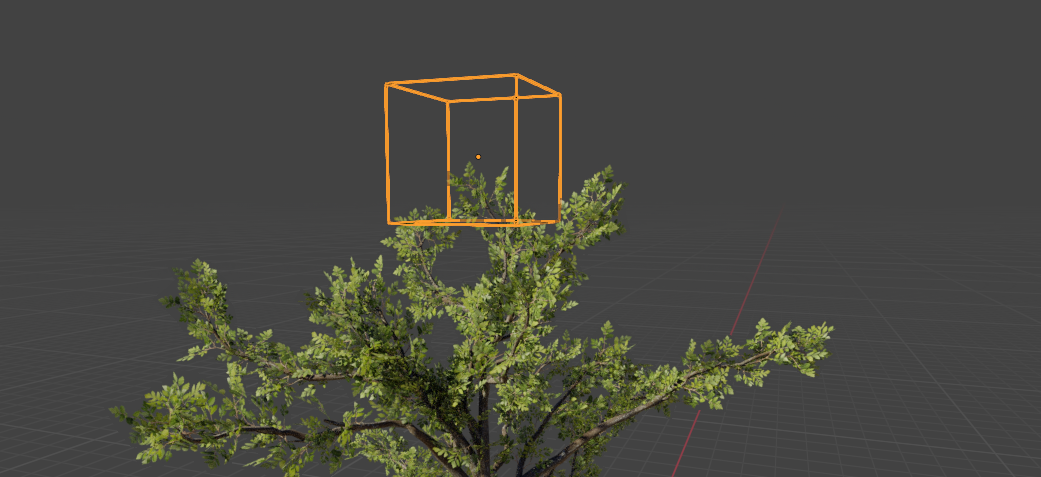
Effects
- Tree top location changes when moved.
$8.99
Have questions about this product?
Login to message
Discover more products like this
procedural lowpoly Geonodes forest tree-generator tree Branch bark tree addon