 Sergey Tyapkin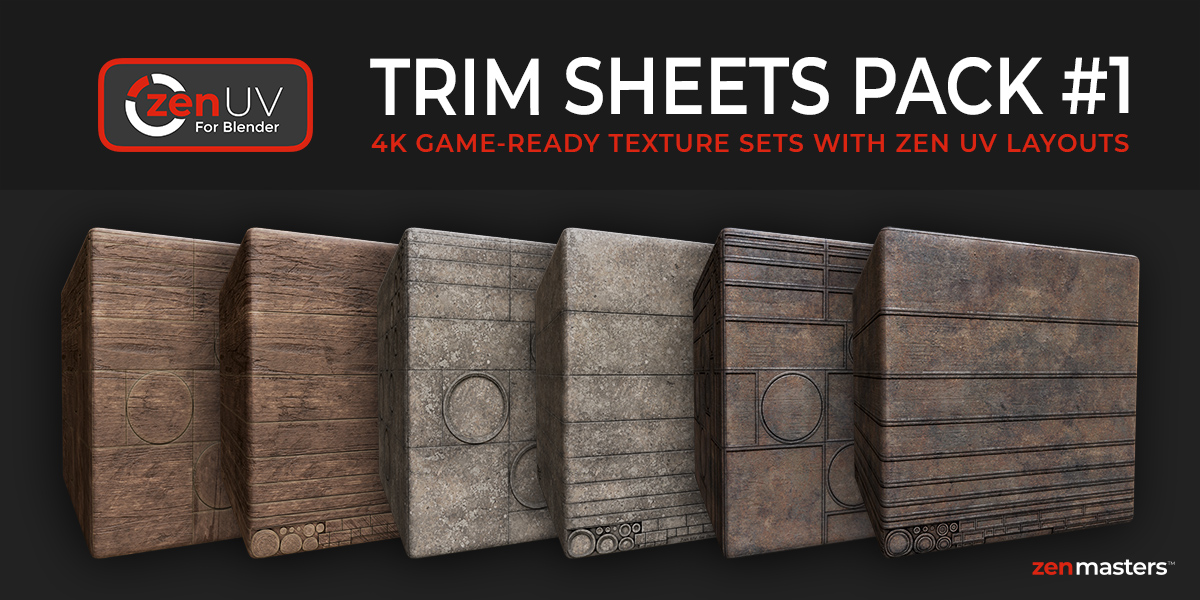
Explore Zen Masters Add-ons






MADE FOR THE ZEN UV TRIM SHEET WORKFLOW
Texture environments faster with ready-made trim sheets
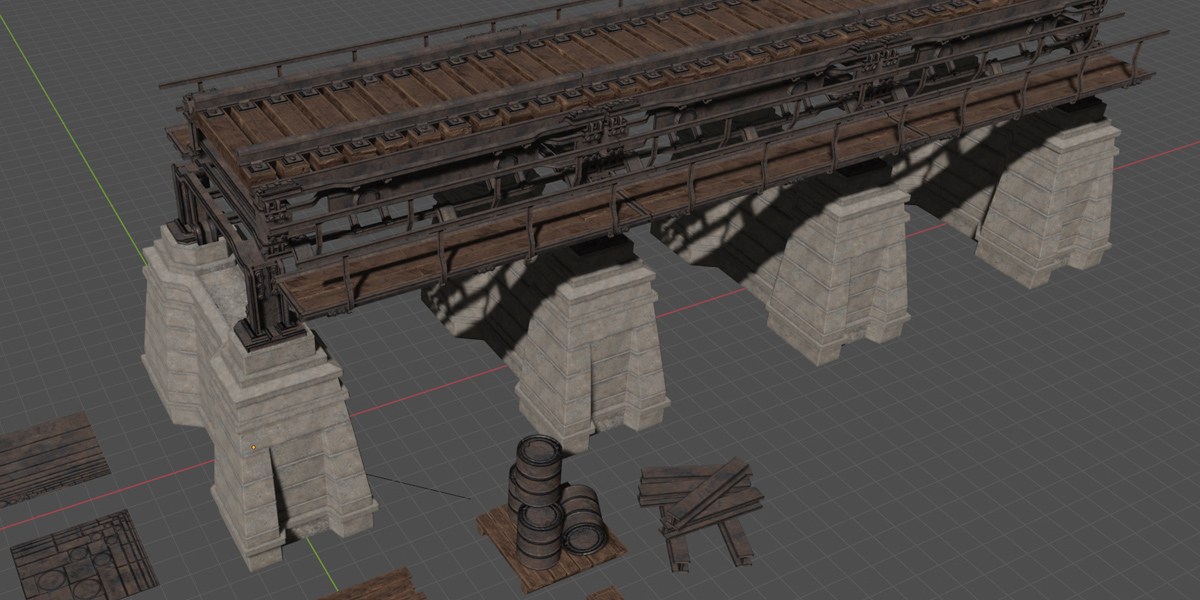
Trim Sheets Pack #1 gives you three game-ready PBR materials, two Zen UV layouts, four texture resolutions, and a test scene ready for production.
01
Start texturing immediately
Use prepared concrete, wood, and rusty metal trim sheets instead of building every surface from scratch.
02
Choose the right layout
Work with Generic or Horizontal Zen UV layouts depending on the shapes and details your asset needs.
03
Scale from preview to production
Start with the free 512px set or use the 1K, 2K, and 4K texture sets for finished assets.
See the trim sheet workflow
What you get
Everything needed to test the pack quickly and use it in a real asset workflow.
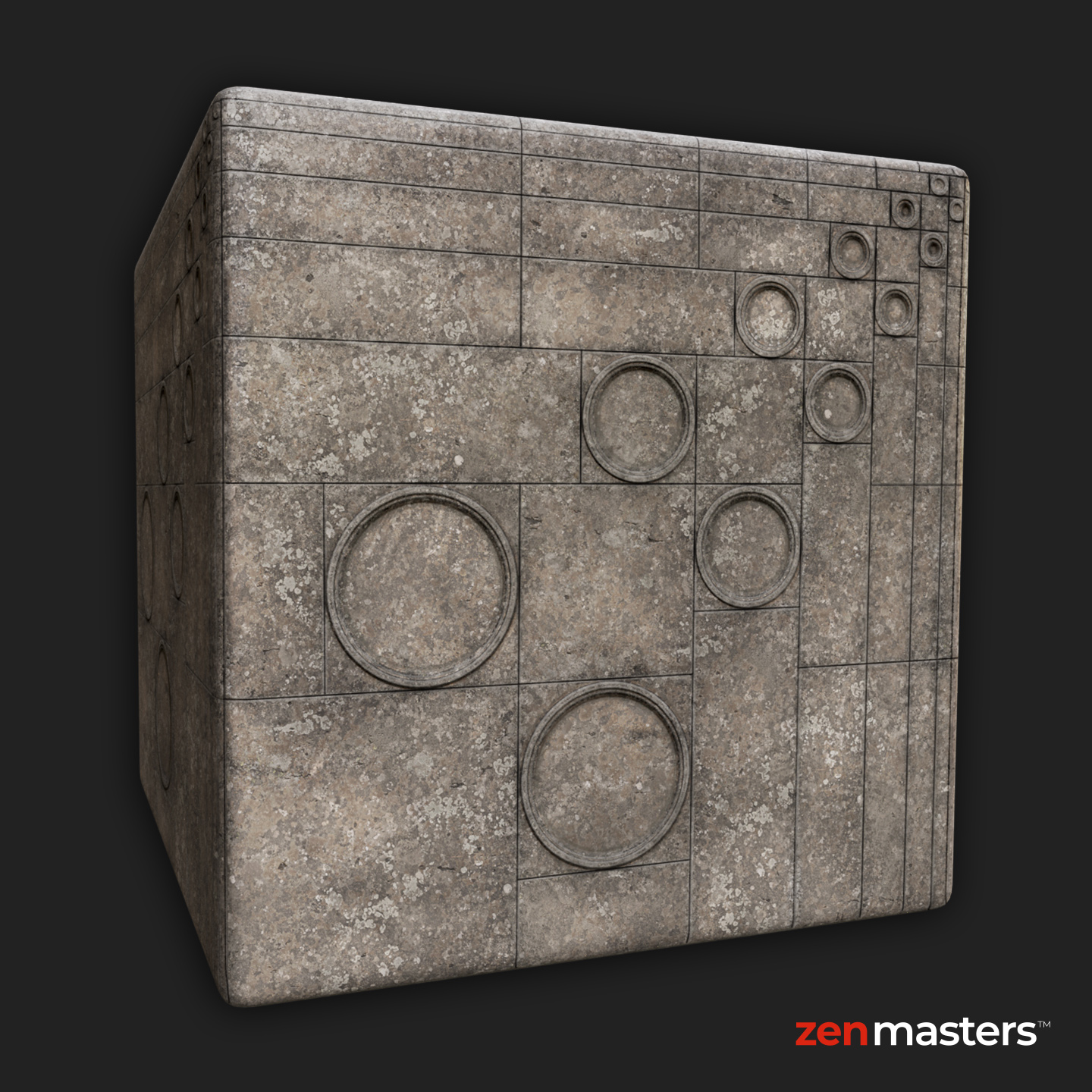
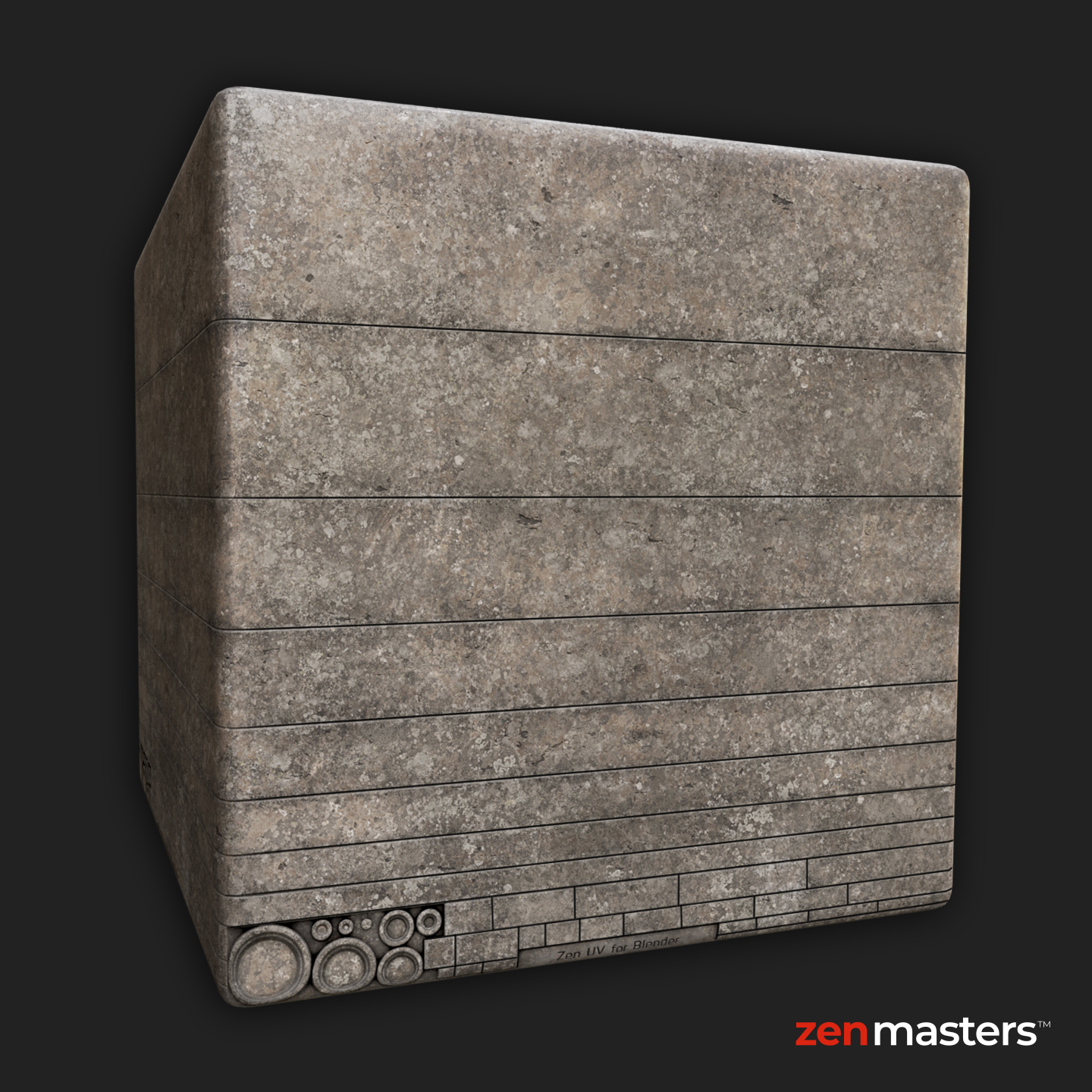
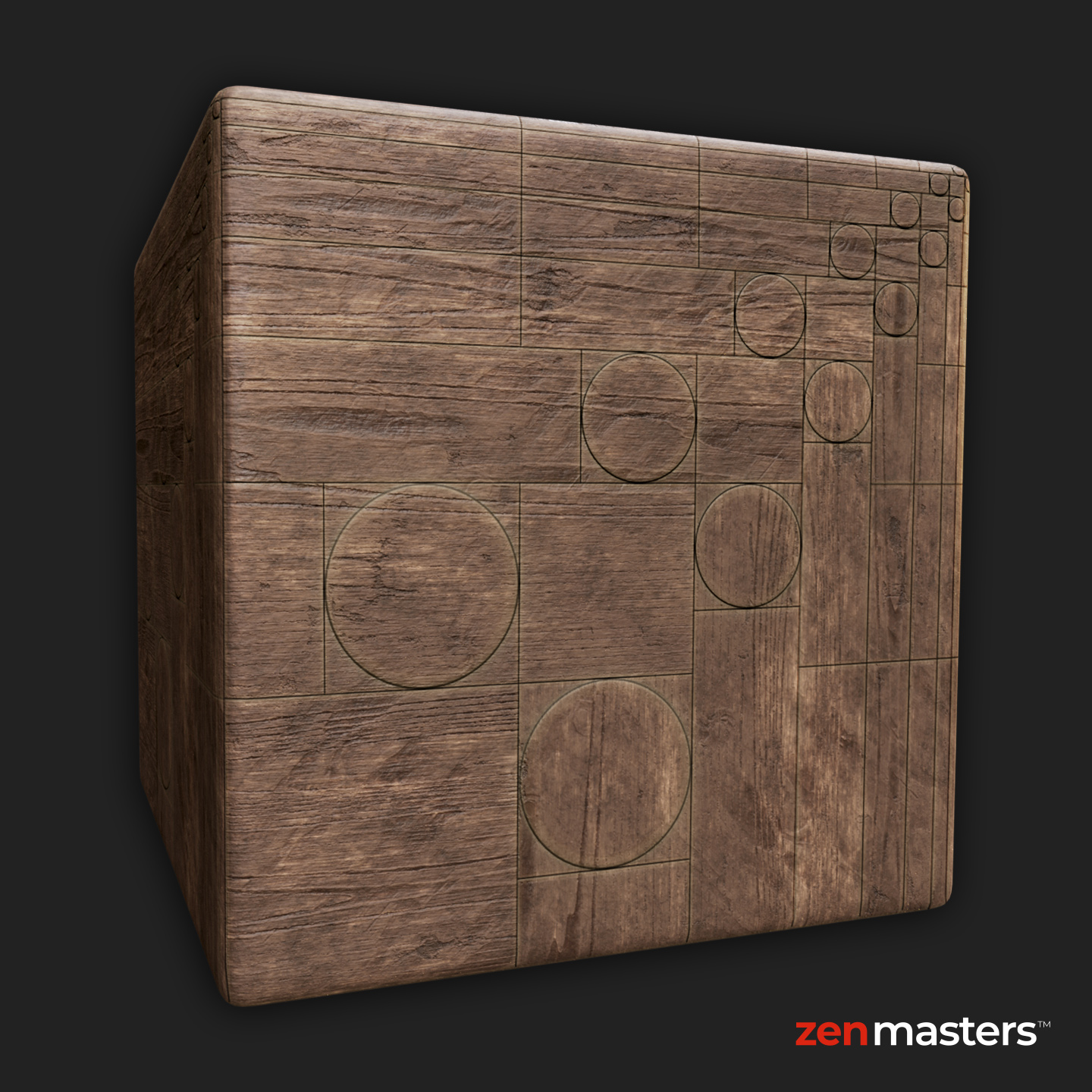
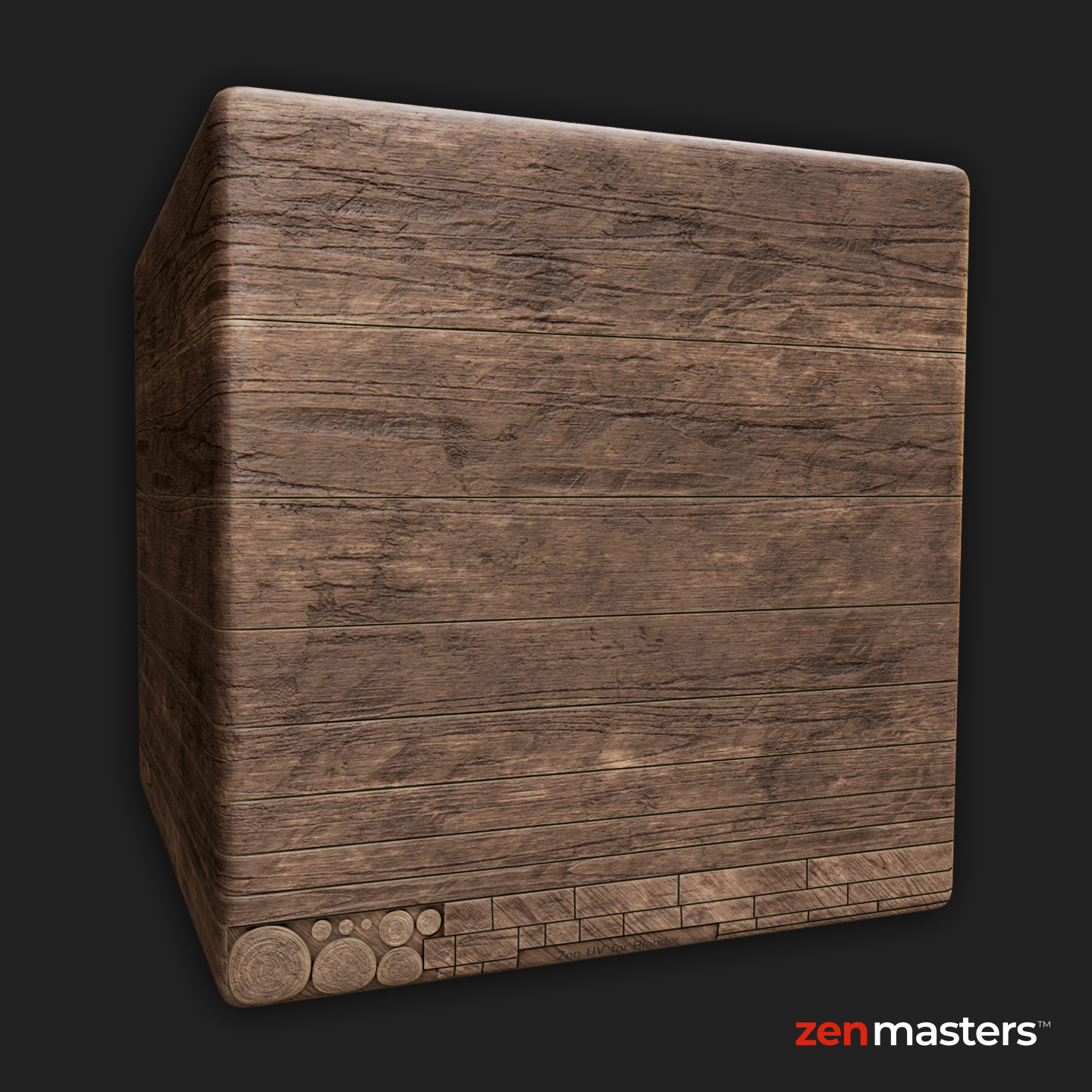
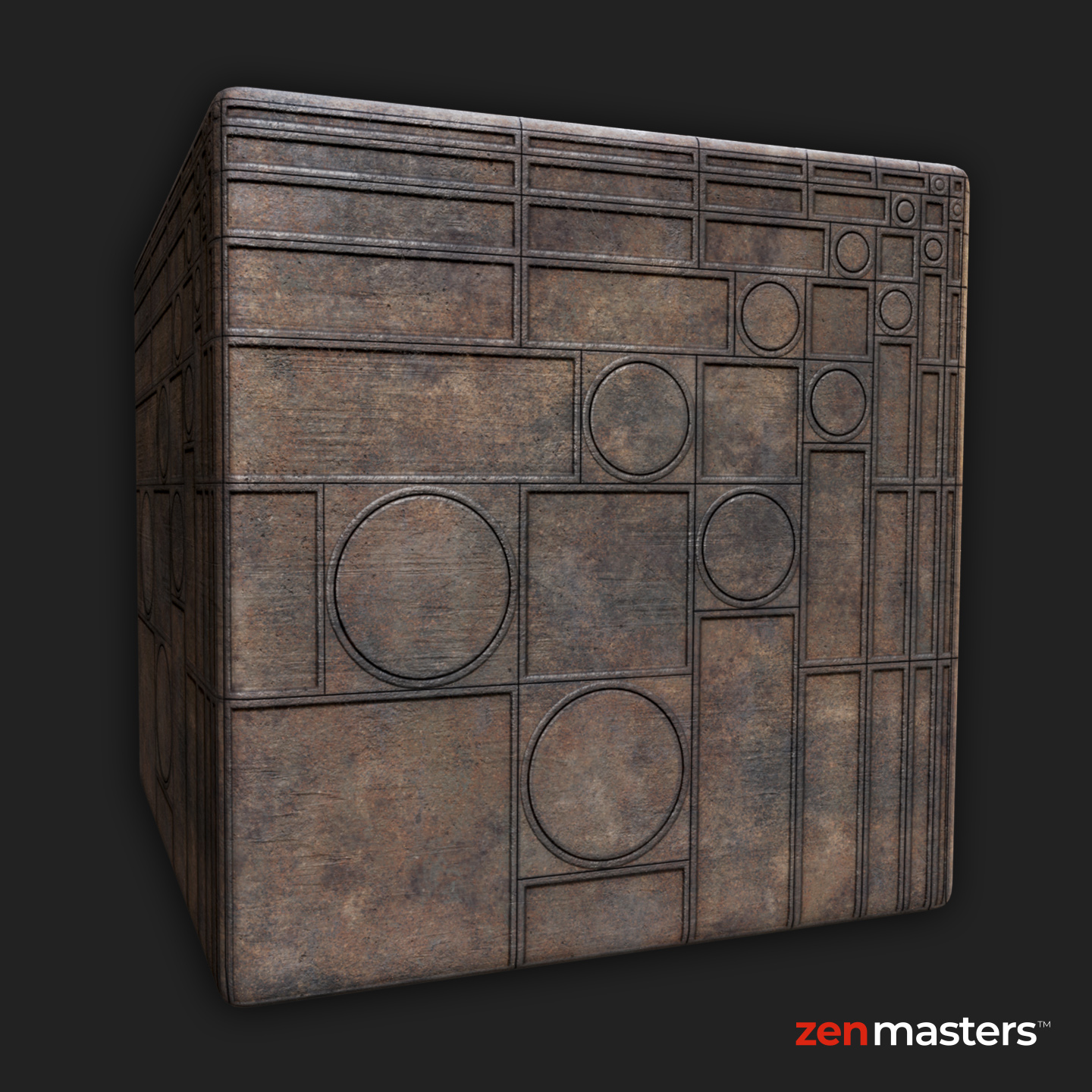
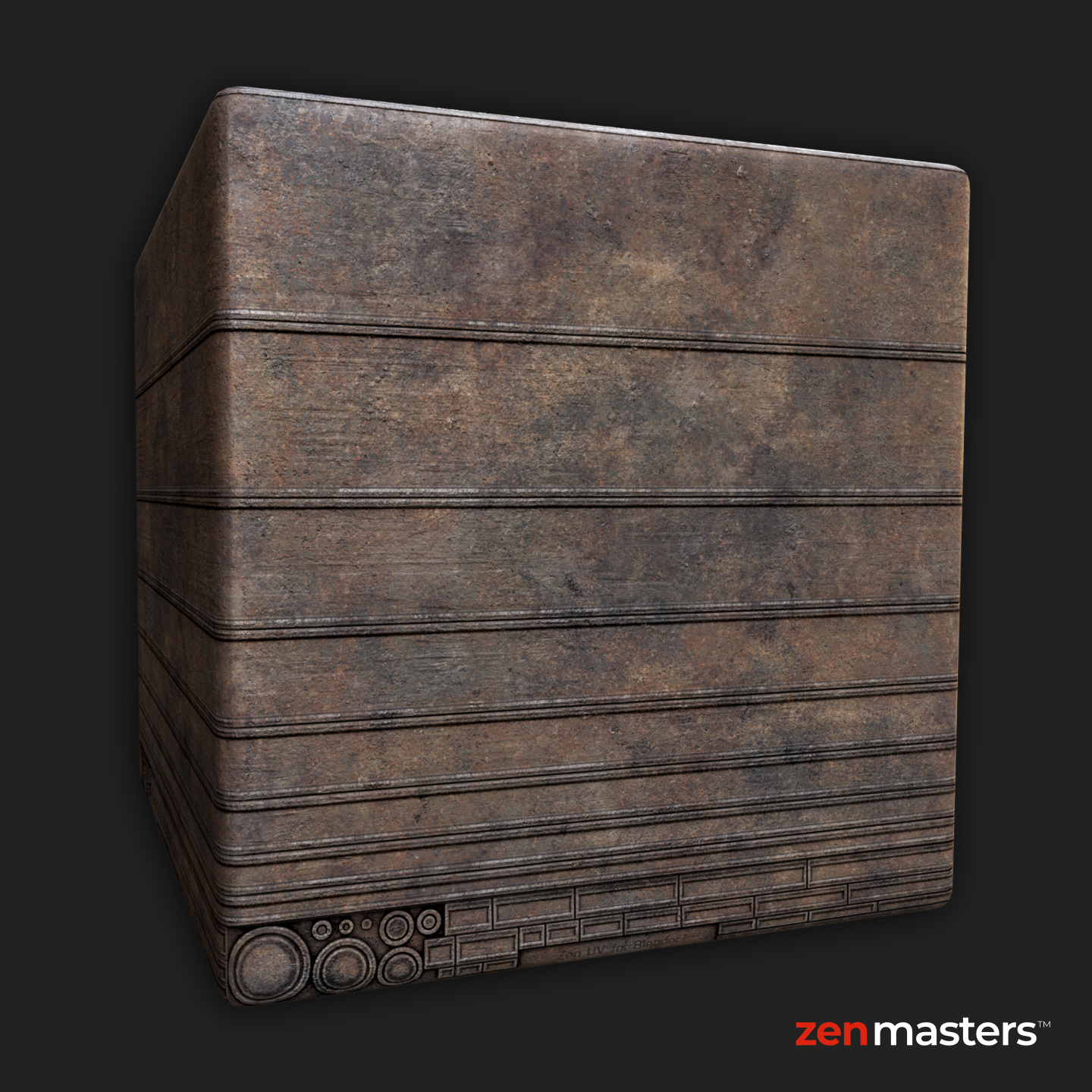
3 PBR materials
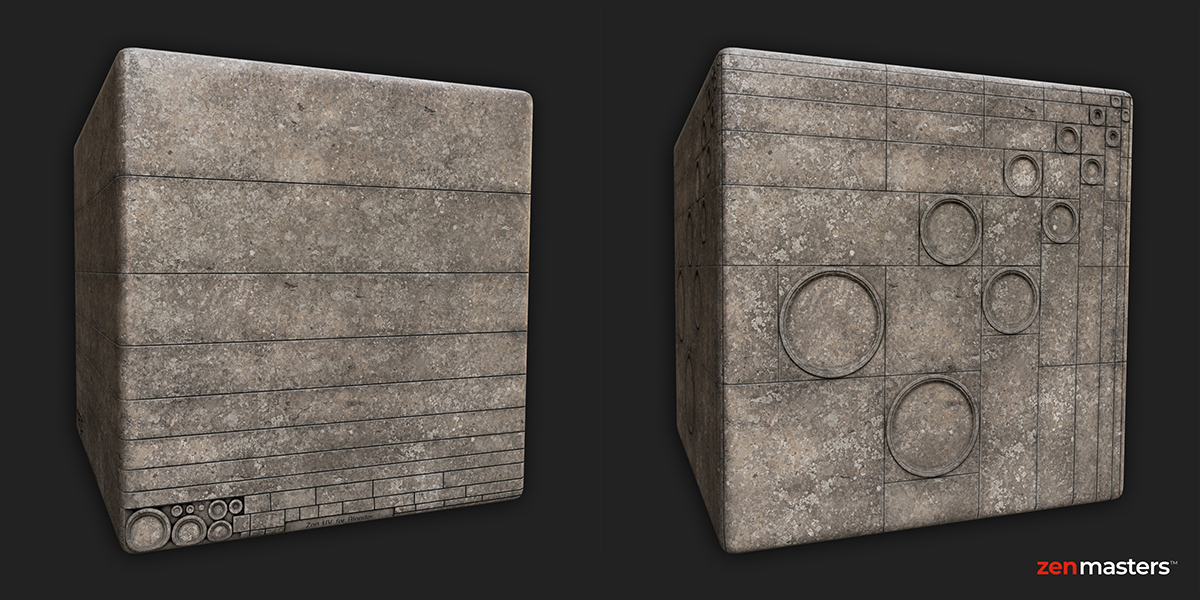
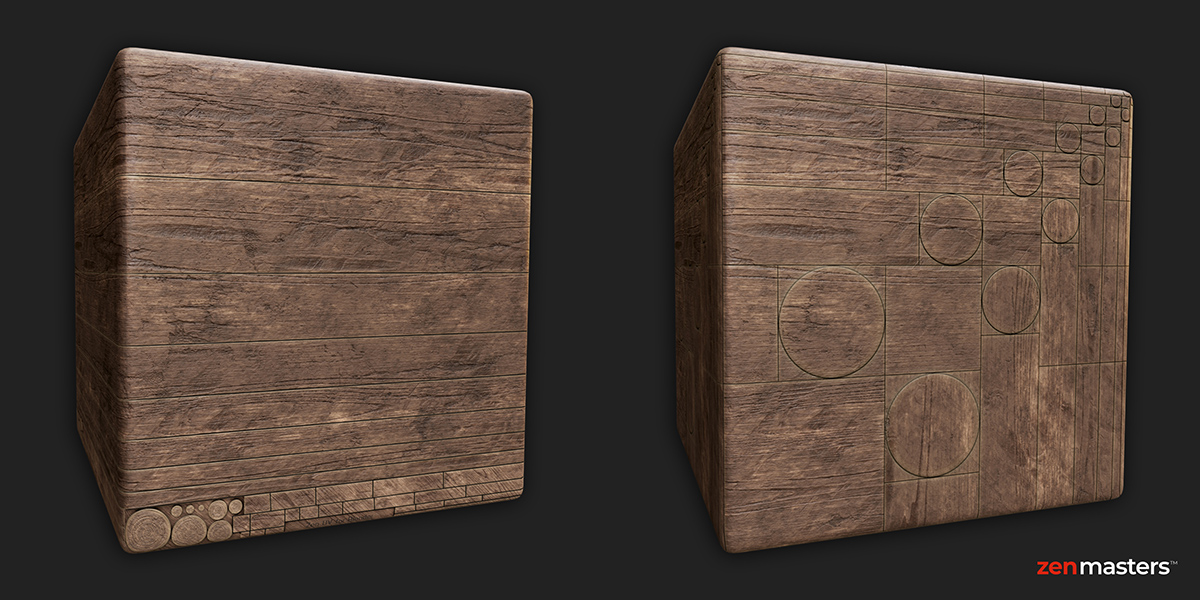
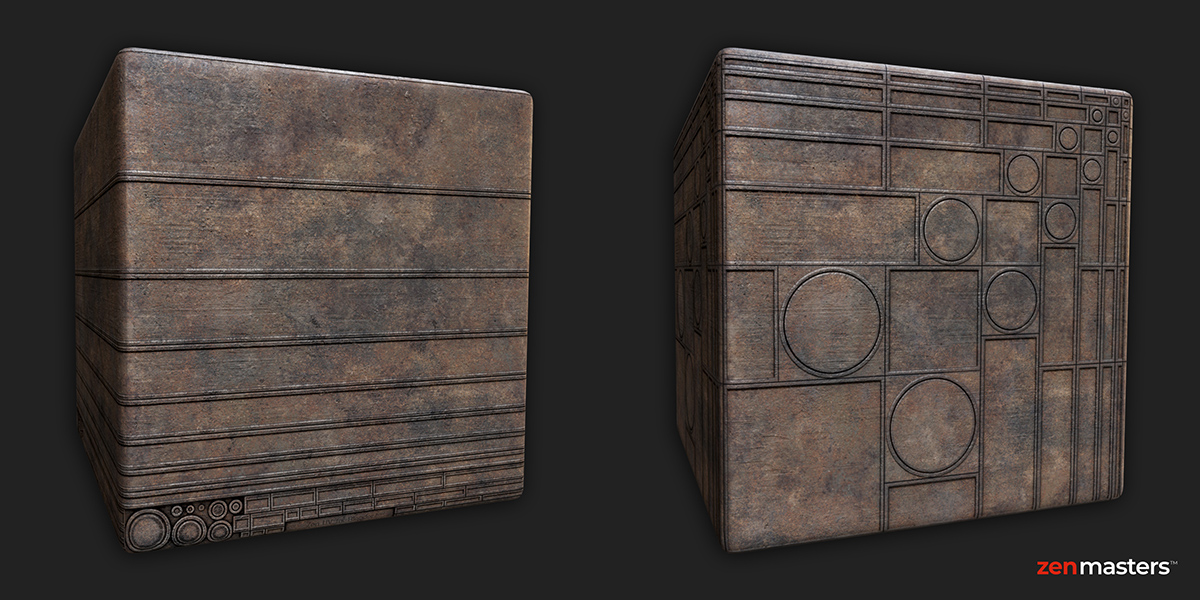
Concrete, Wood, and Rusty Metal with Base Color, AO/Roughness/Metallic, and Normal maps.
2 Zen UV layouts
Generic and Horizontal trim arrangements for different modeling and texturing tasks.
4 resolutions + test scene
512×512, 1024×1024, 2048×2048, and 4096×4096 texture sets with a Blender test scene.
Three materials, two layouts each
Preview the Generic and Horizontal variants included for every material.
DESIGNED FOR ZEN UV
Turn these textures into a complete trim sheet workflow
Zen UV lets you create, organize, import, export, and transform trim sheets, then fit UV islands to the right trim regions directly inside Blender.
Help and resources
Zen UV Trim Sheets
Learn trim creation, organization, transforms, and mapping.
Recommended Add-ons
Discover Blender tools recommended by the Zen Masters team.