TrimSlayer: TrimSheet Building Toolkit
 Gurika
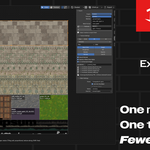
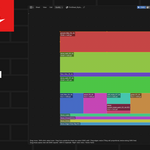
How many materials and UV maps does an exported asset have?
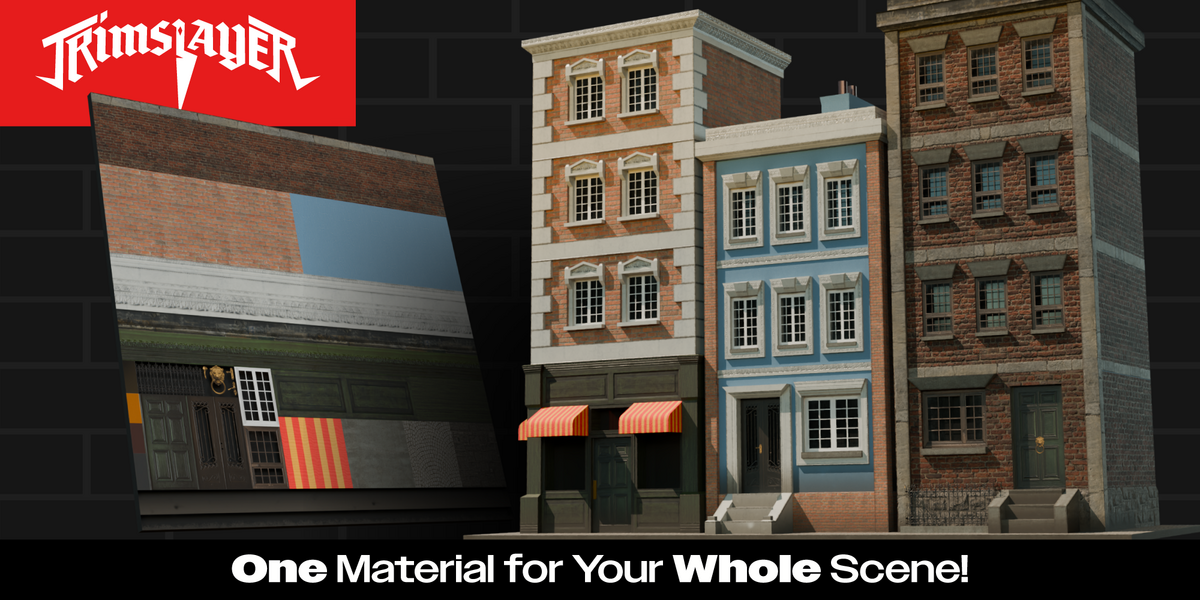
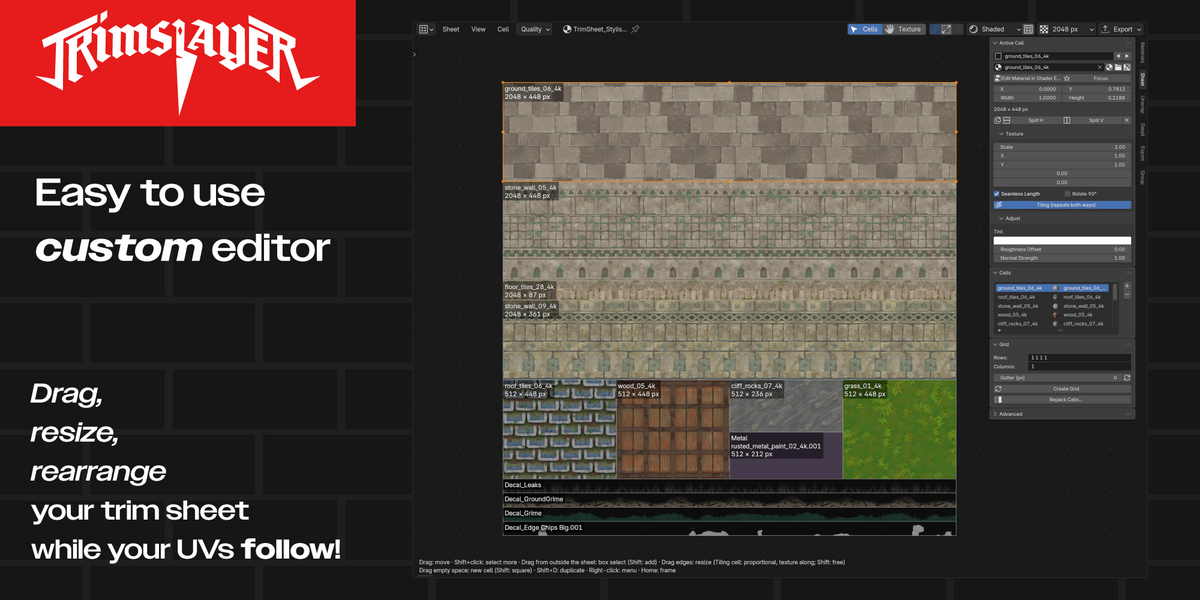
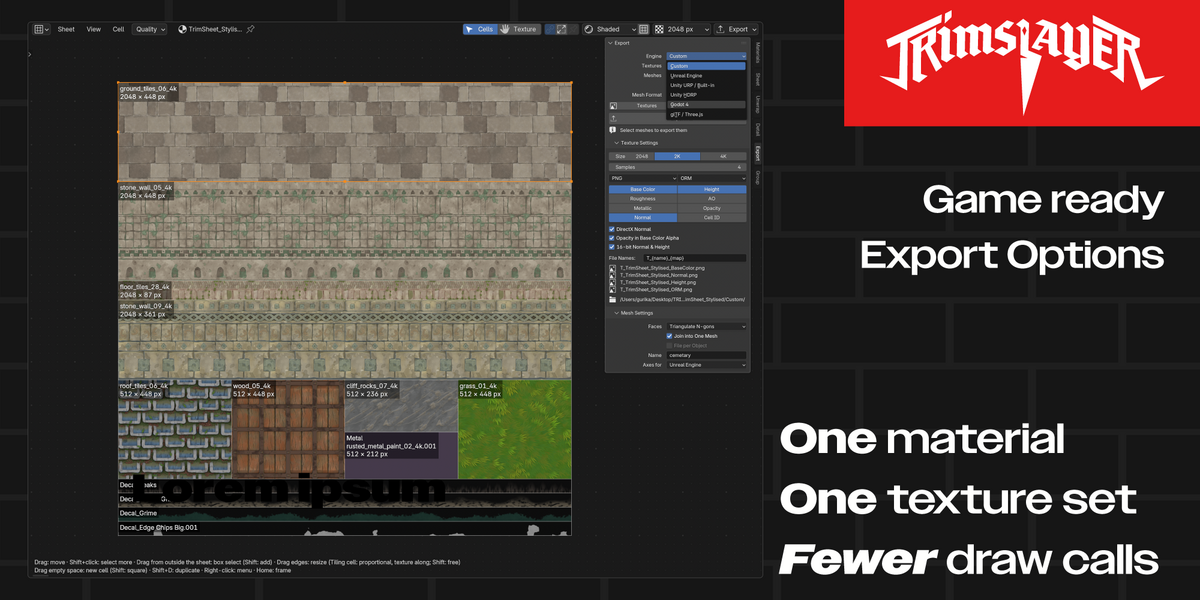
One of each. Everything made from a trim sheet uses the sheet’s single material and one UV map.
Export All only exported textures
No meshes were selected. Select them and export again.
“Save the .blend first, or pick an absolute export folder”
The default export folders are next to the .blend file. Save it first.
My edge wear doesn’t show up in the engine
Procedural layers only work in Blender. Switch Source to Trim Sheet, or use Bake to Trim Sheet.
Changing one layer changed others too
Layers can share a cell. Click Make Unique first.
“No top edges with a wall below found” when adding leaks
Select the edges in Edit Mode and click Leaks again.
“No edges found” when adding edge wear
Lower Min Angle, or pick the edges yourself with Pick Edges.
“… island(s) shrunk to fit the cell”
The faces are longer than the cell. Turn on the cell’s Seamless Length and Tiling so they repeat instead.
“No trim sheet found” when fitting"
Give the faces the trim sheet material first.
“No room left at the bottom of the sheet”
Edge wear, leaks and decals need free strips along the bottom of the sheet. Use Sheet › Make Room for Strips.
My material edits disappeared after importing again
Existing Materials: Rebuild (the default) rebuilds the nodes. Choose Skip to keep your edits.
“Created 0 material(s)” when importing textures
TrimSlayer didn’t recognize the file names. It needs full words like BaseColor, Roughness or Normal; short suffixes like _D or _N aren’t recognized.
The editor keeps switching to another sheet
It follows the active object. Turn on the pin in its header to keep one sheet.
Some panels are missing in the sidebar
In Edit Mode, the sidebar hides 1 Materials and the cell panels. Switch to Object Mode, or use the TRIMSLAYER Editor.
 Included
Includes 12 months of
- Support from Gurika
- Product updates
Extend this product’s Support Period +12 months: 25% of product price
Have questions before purchasing?
Login to message
| Blender Extension Compatible | Yes |
| Published | about 4 hours ago |
| Blender Version | 5.2 |
| Extension Type | Add-on |
| Render Engine Used | Cycles, Eevee |
| License | GPL |
Discover more products like this
atlas-maker trimsheet Trimsheets 3dgamedevelopment shading materials Trimsheet Texturing