 NicoHartl
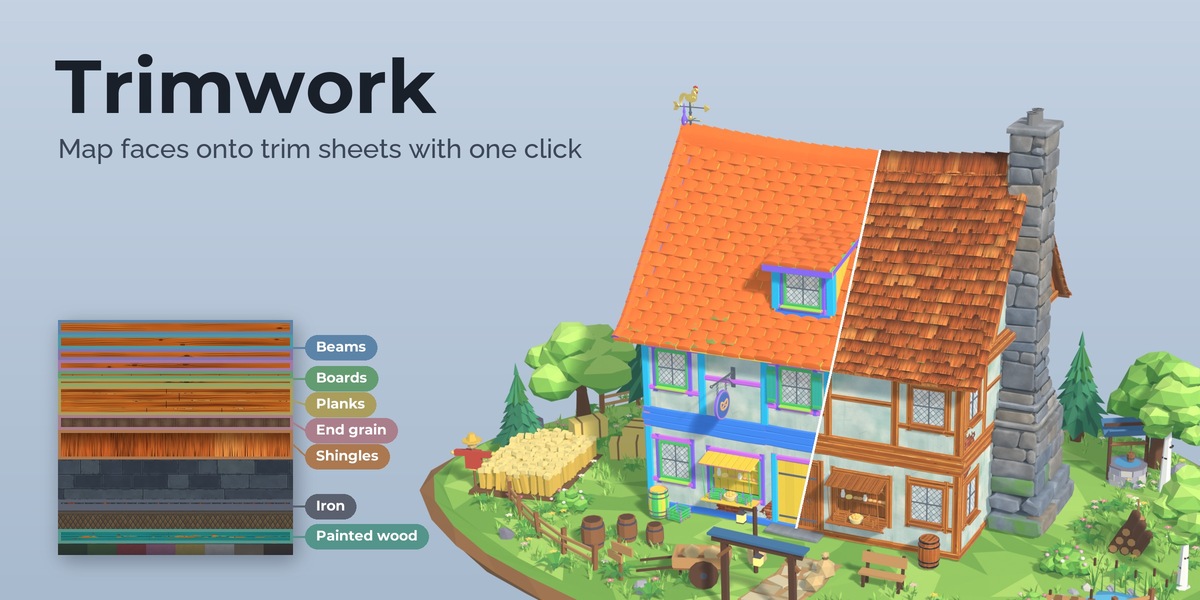
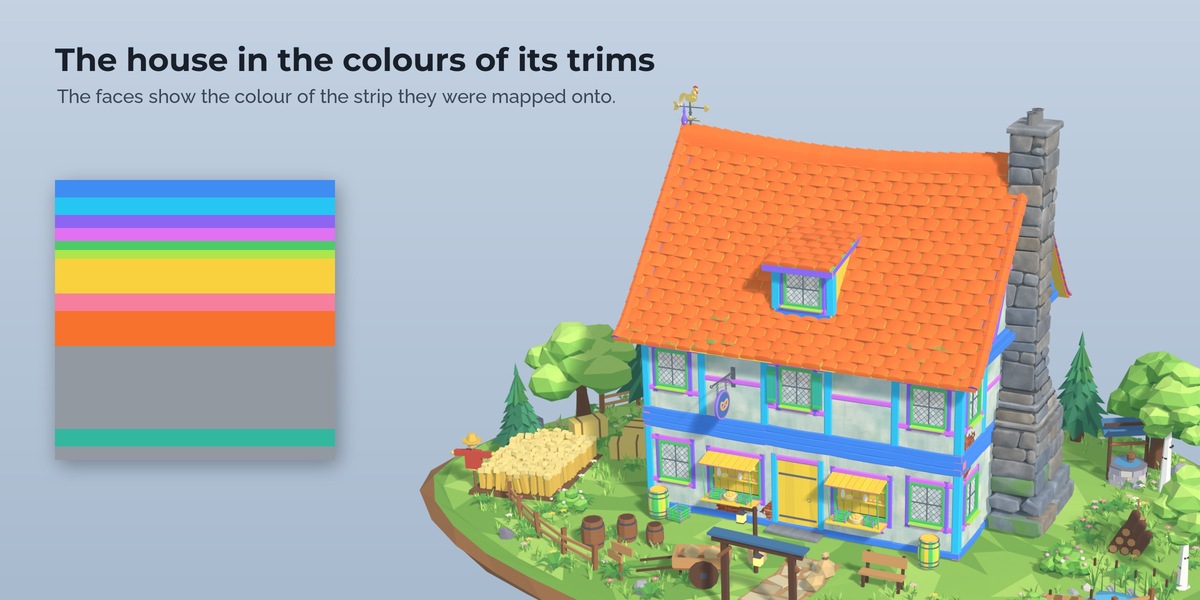

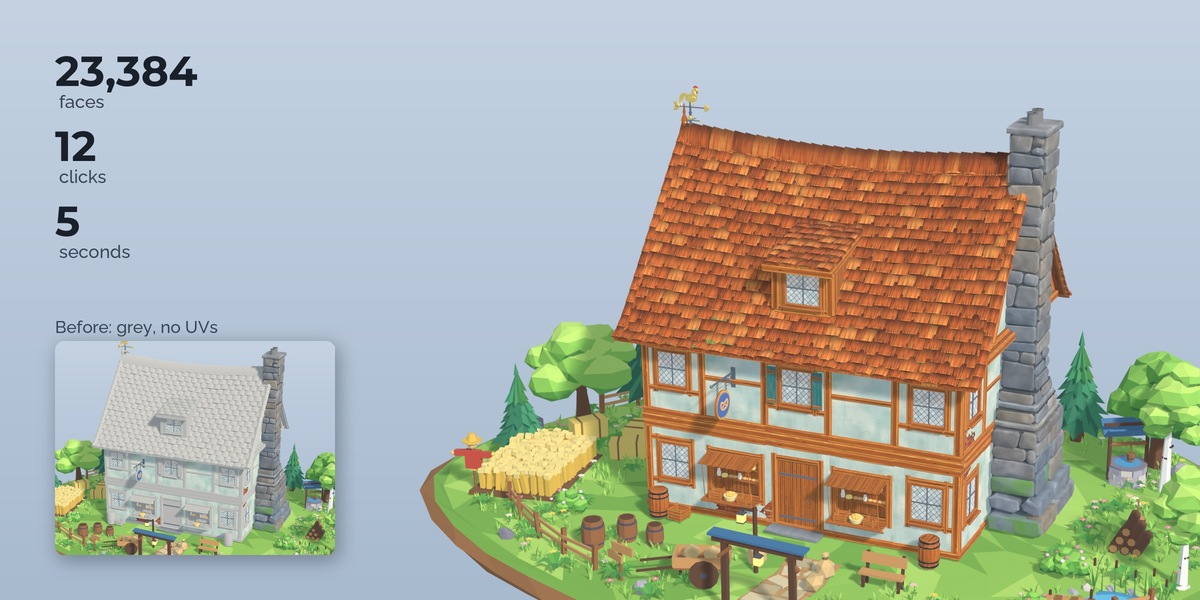
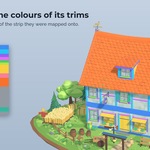
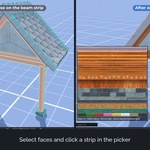
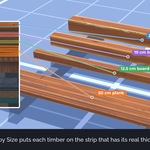
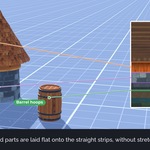
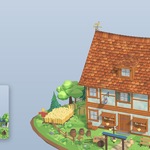
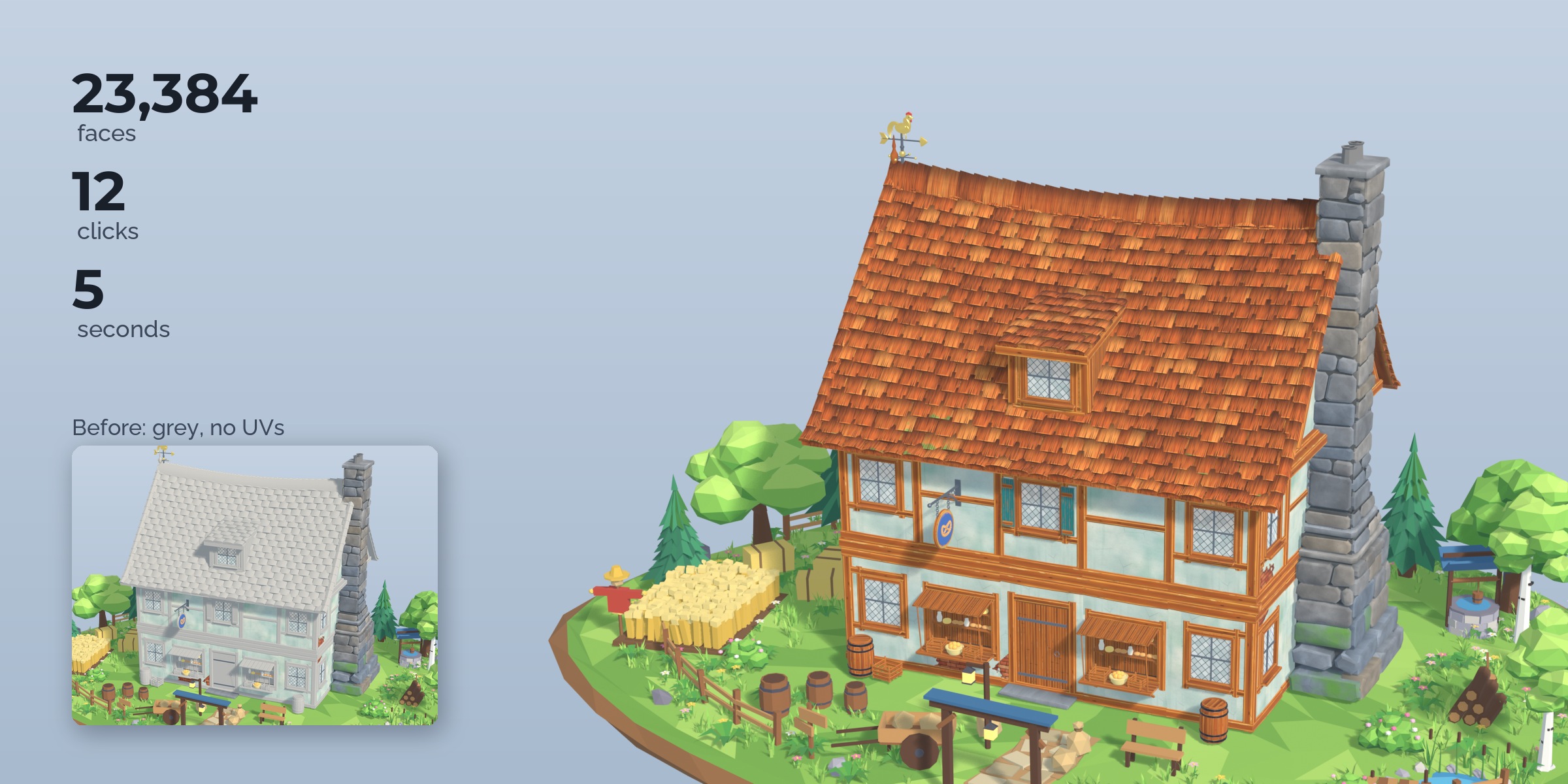
The house and kit pieces in the pictures and the video are from the Stylized Medieval Village pack, which is sold separately and is not included. The download contains the extension, a demo house made for Trimwork and its own trim sheet.
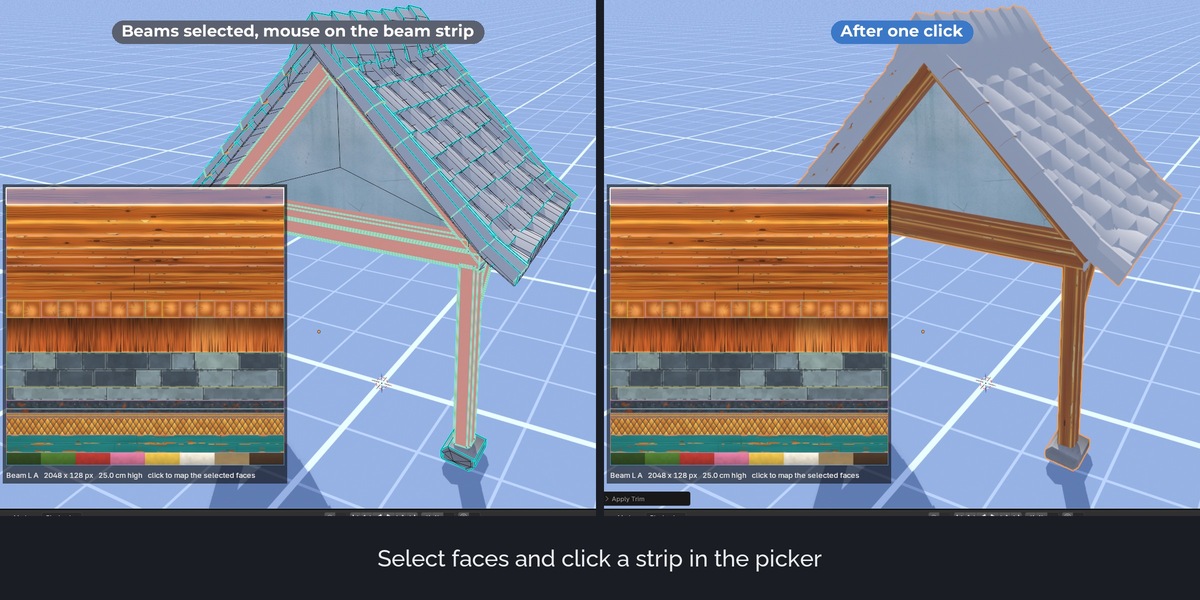
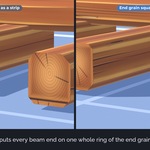
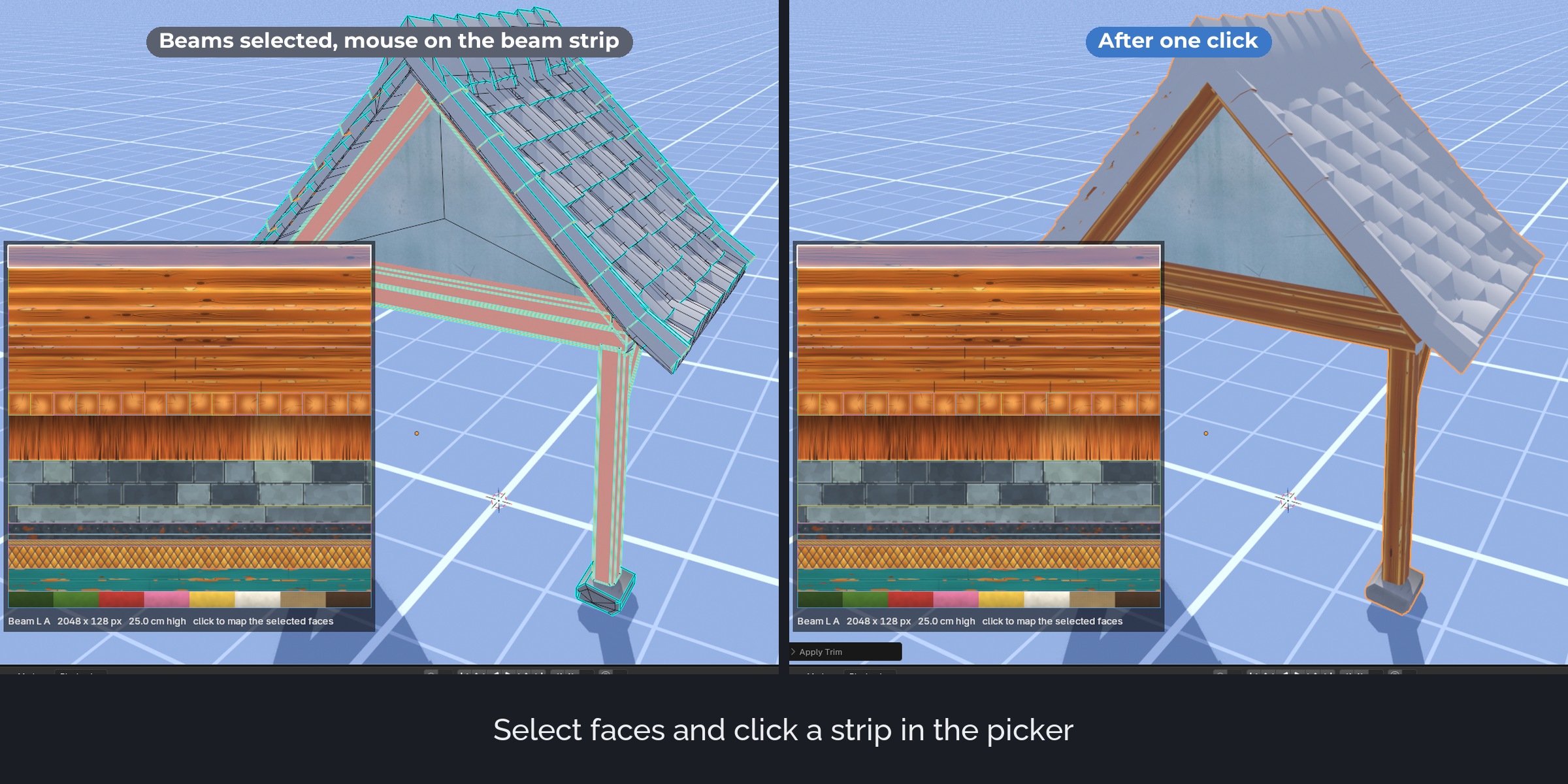
Trimwork maps faces onto trim sheets. Select the faces of a beam and click the beam strip of your sheet: the long side runs along the strip, the height fits, the top of the beam stays at the top of the strip, and each beam starts at a different place so the grain does not repeat in a row.
The problem
Blender has no trim sheet workflow. You unwrap, then scale, rotate and move every island into its strip by hand in the UV Editor, and do it again for the next beam. Free hotspot tools exist, but the best known one has open bugs in Blender 4.2 and 5.x and no releases.
What it does
Trim sheets on the material
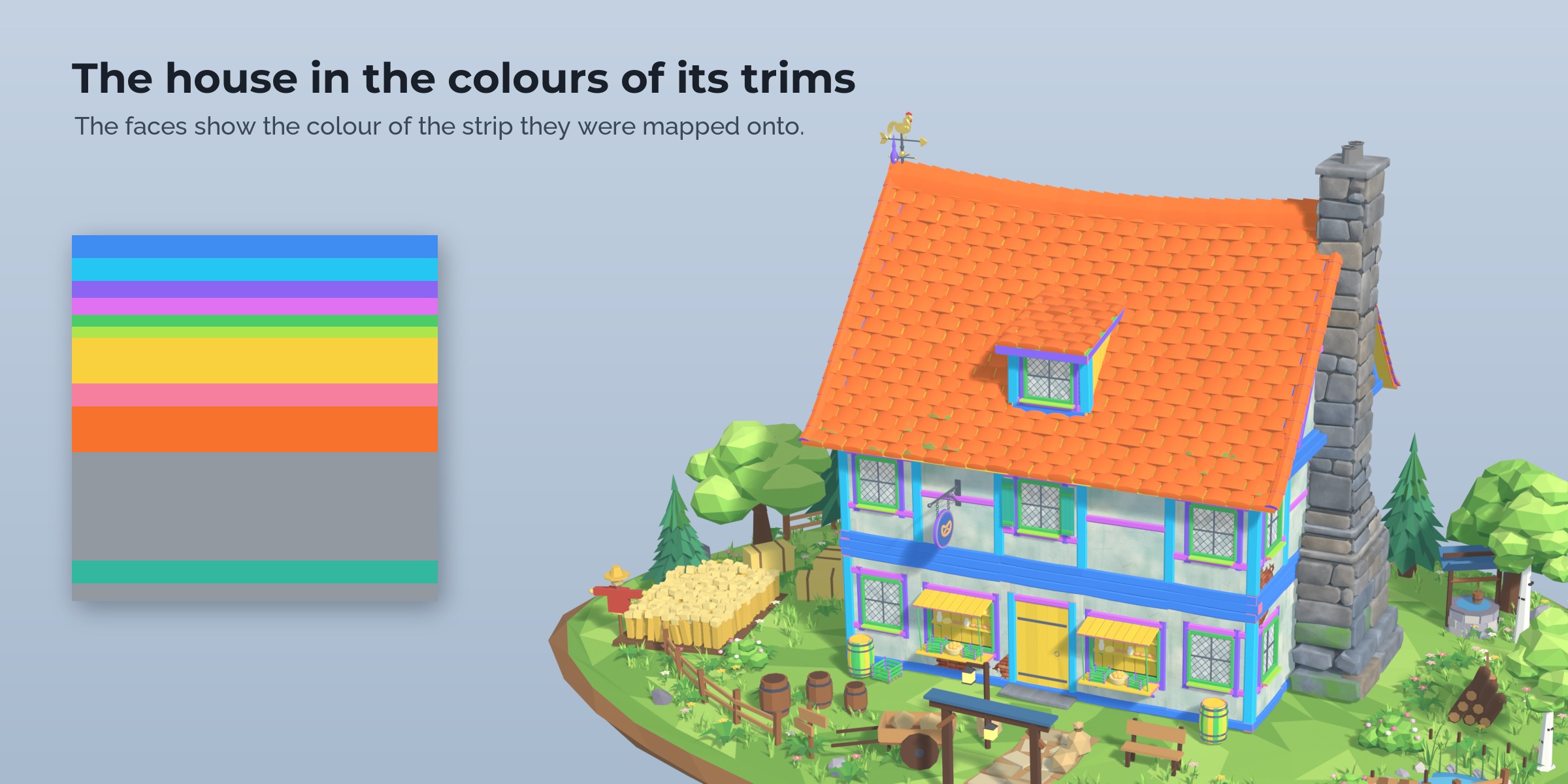
A sheet is a material with a layout: bands that repeat along their length and fixed rectangles such as windows, doors and signs. Set up bands from a list of pixel heights, split them, give them groups and colours. The layout is stored on the material, so it travels with your assets.
Mapping by click
The trim picker shows your sheet in a corner of the viewport. Click a trim to map the selected faces. Clicks next to the sheet go to Blender, so you keep selecting faces while the picker is open. The Map panel has the same trims as buttons with previews.
Auto by Size
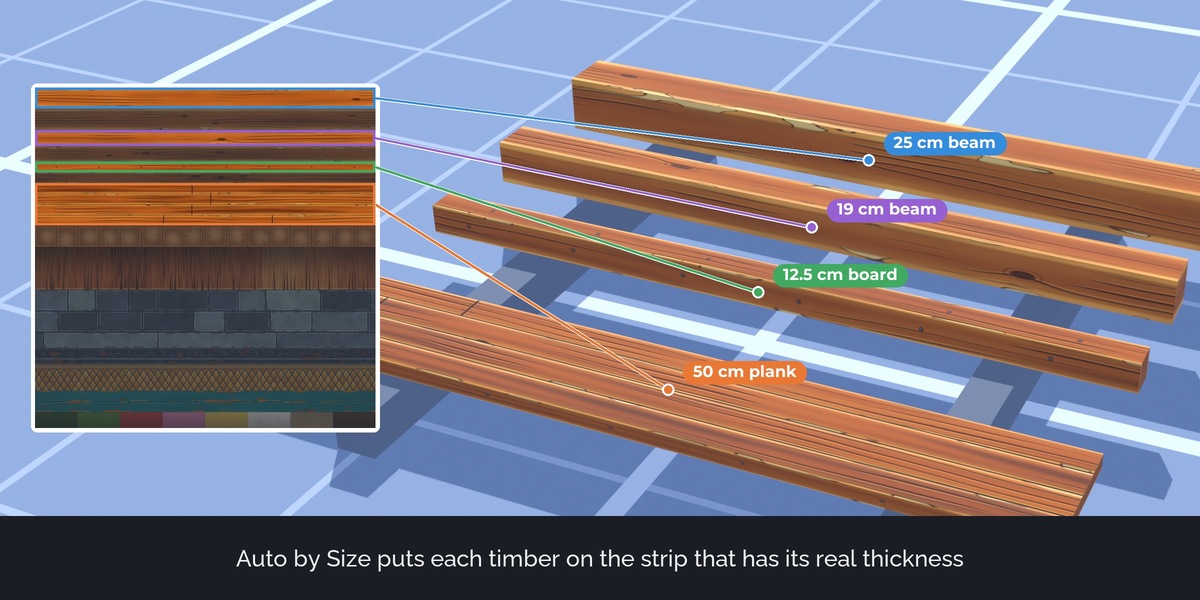
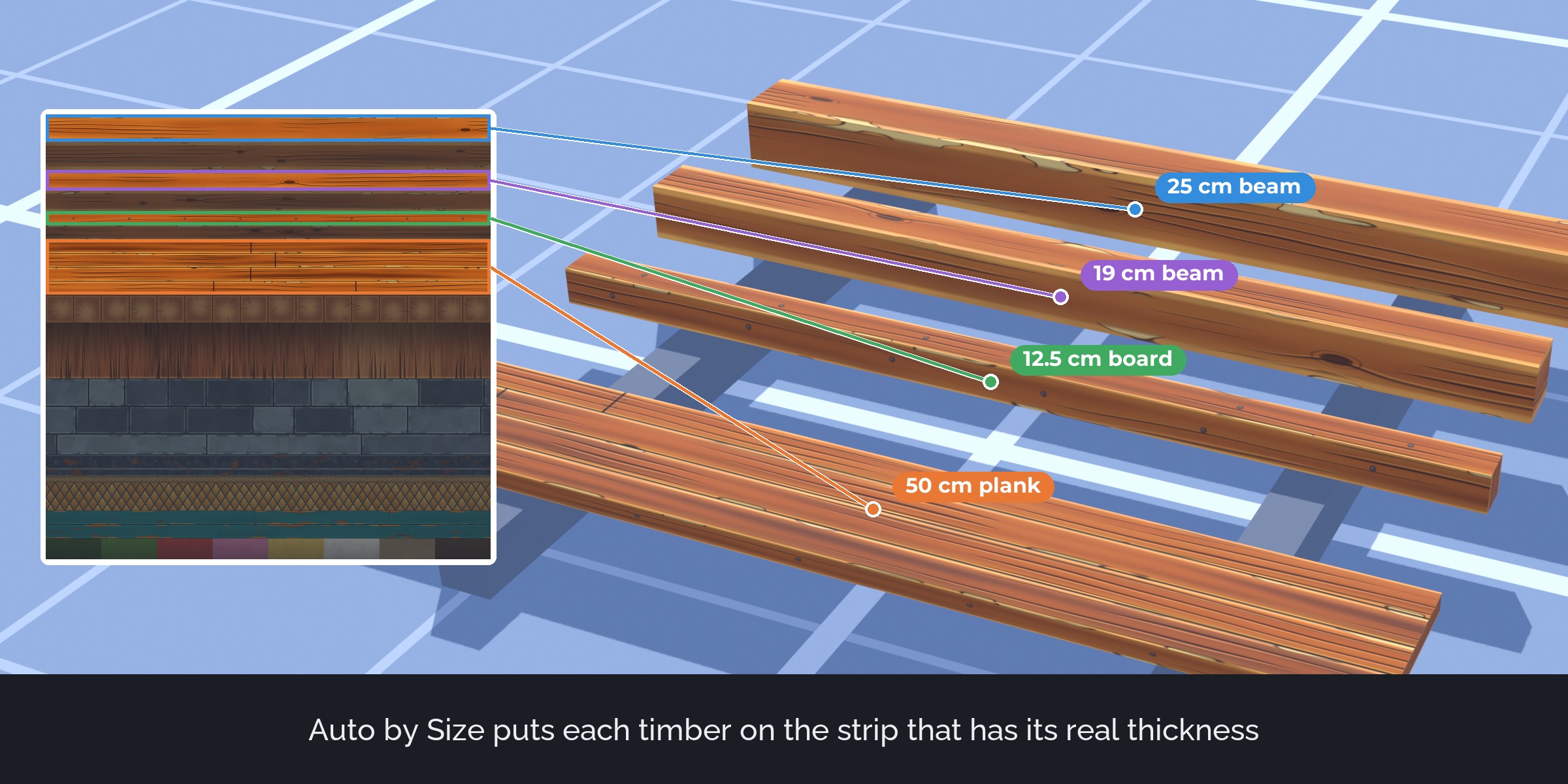
Each face group goes to the band whose real height matches its width, using the texel density of the sheet. A 15 cm beam lands on the 15 cm band and a 50 cm plank on the plank band. With groups, Auto chooses only among wood, stone or metal trims.
Hotspot
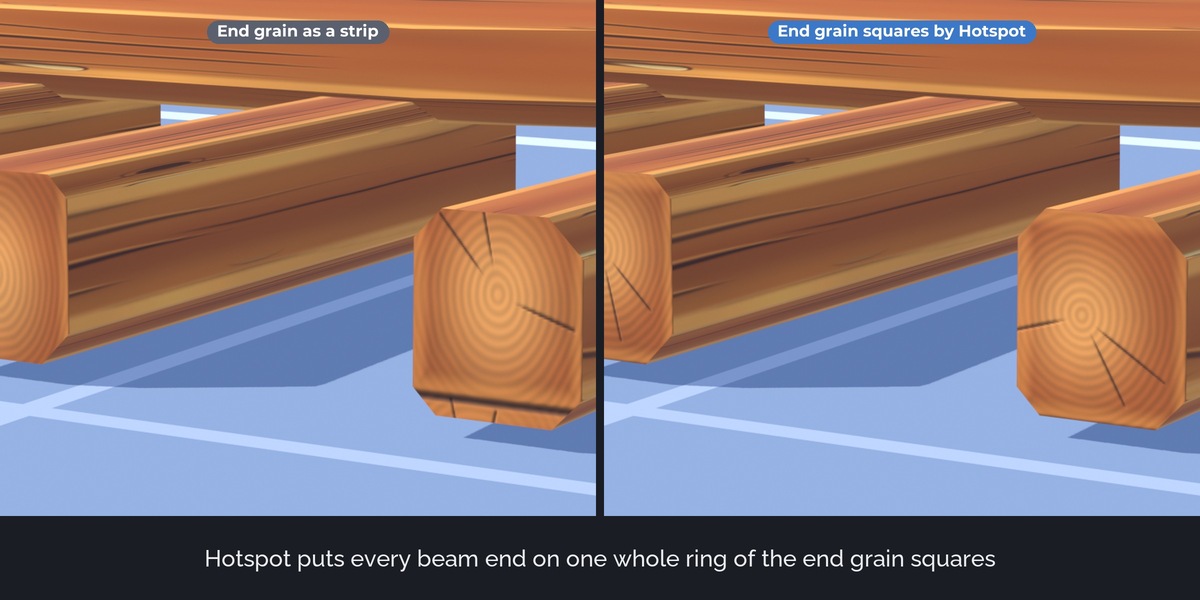
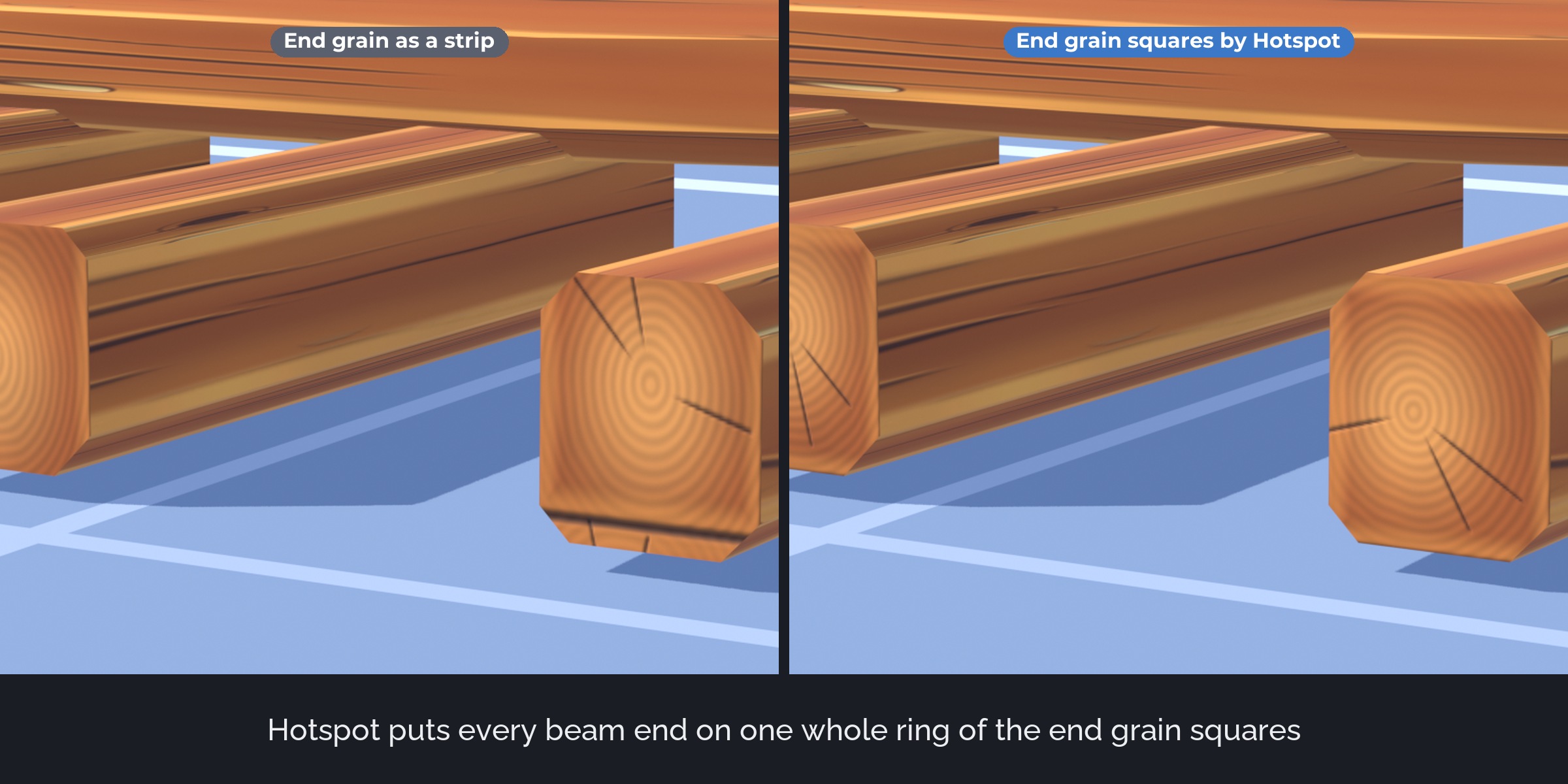
Each face group goes to the rectangle whose shape and size fit best, turned when that fits better. Press Next Variant to switch to another trim of the same size, or let Mix Variants spread A and B versions over a model.
Curved strips
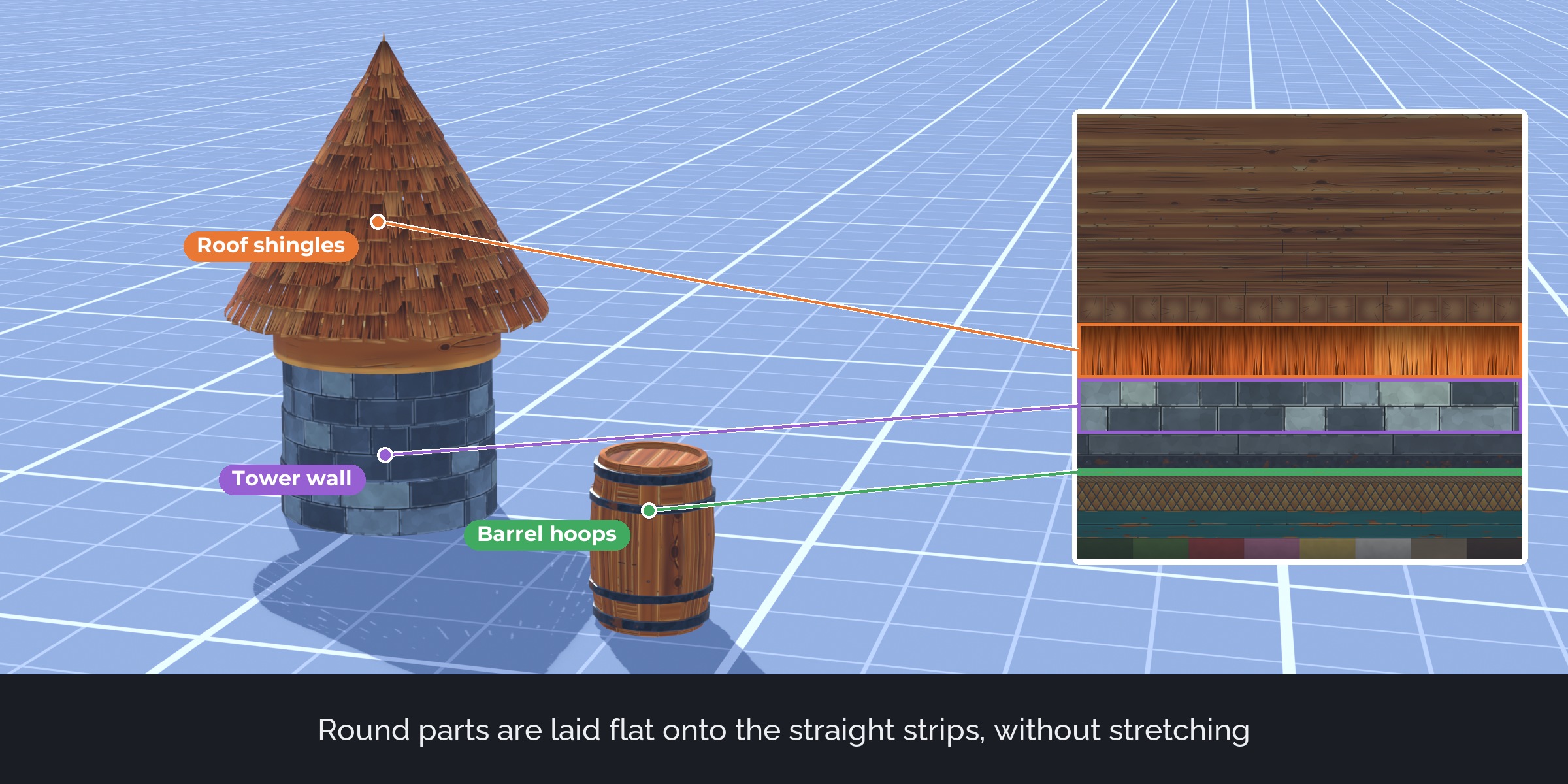
Faces that meet at a flat angle are unfolded into one straight strip with true lengths. A cornice, an arch or a ring of a barrel gets one continuous strip instead of broken pieces.
Sheet from Materials
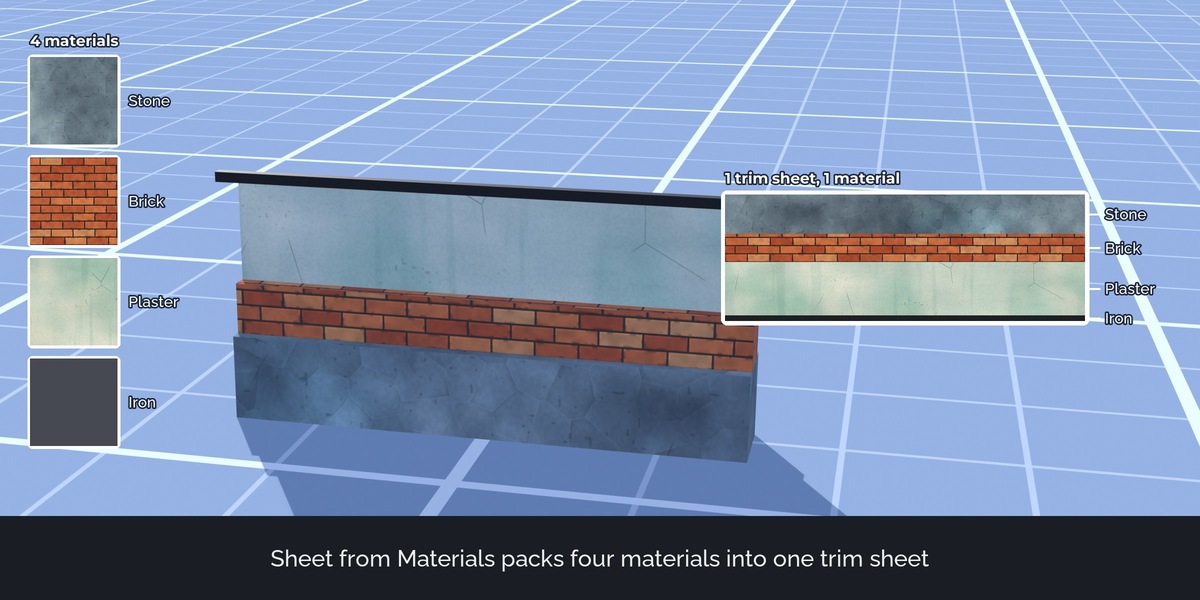
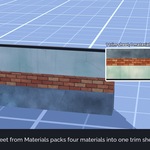
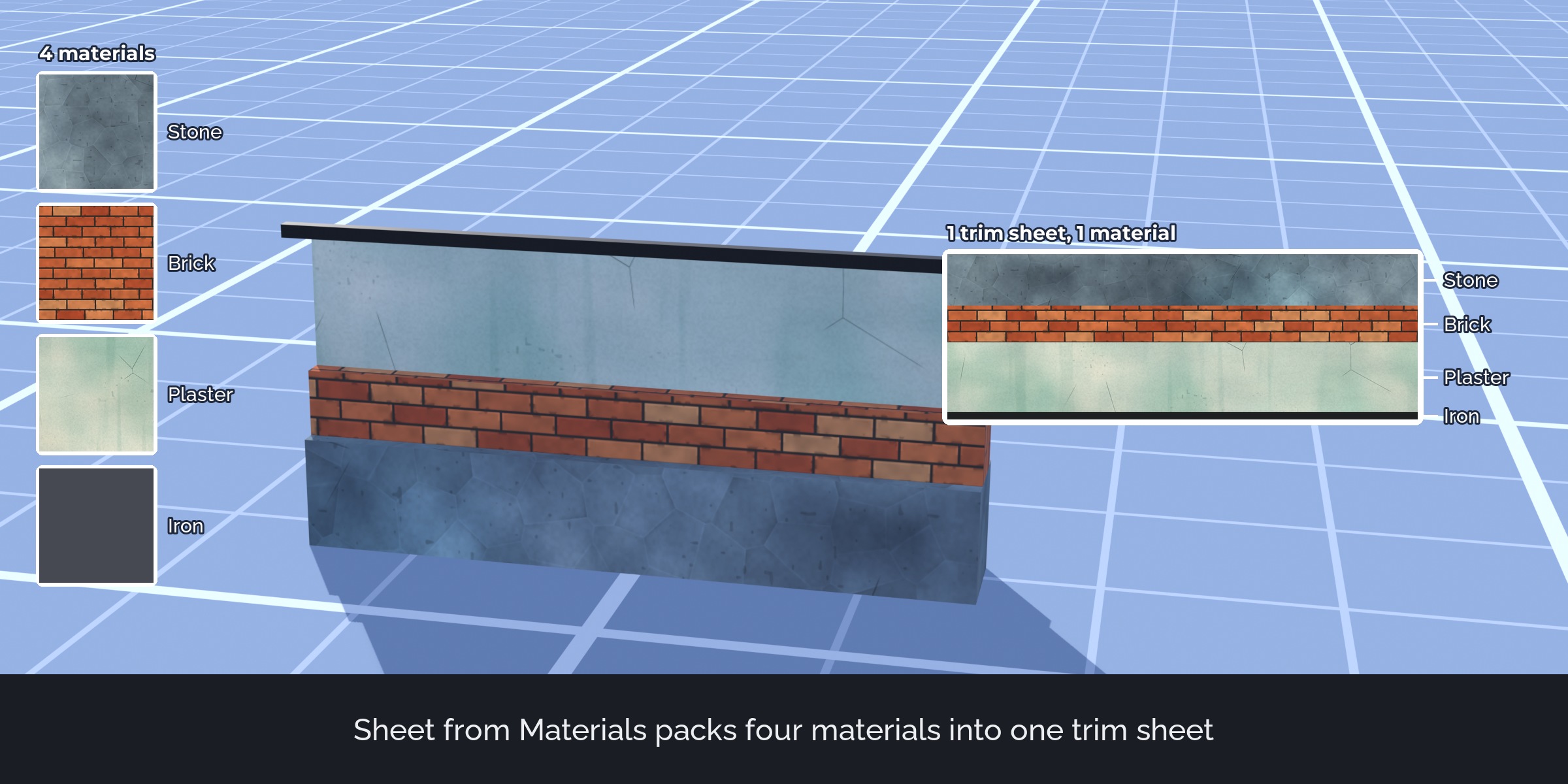
Build a trim sheet from the materials of the selected objects: one band per material at the texture's real scale, base colour, ORM and normal images, one shared material, faces mapped onto their bands. Fewer materials mean fewer draw calls in a game engine.
Layout files
Save a layout as JSON with pixel and UV rectangles and load it into another file or an engine tool.
How it works
- Open your sheet image and set the bands (for example 128, 128, 64, 256 pixels from the top).
- Select faces in Edit Mode, or whole objects in Object Mode.
- Click a trim in the picker, or press Auto by Size or Hotspot.
What's included
- The extension (install from disk in Blender 4.5 or newer)
- Two demo files: the house scene in grey, and the same scene mapped
- The demo trim sheet (2048 px: base colour, normal, ORM, height) with its layout, free to use in your projects
- User guide as README.pdf with every option and troubleshooting
- Changelog and licence
Good to know
- Bands repeat along U. Set the texture to repeat (wrap) in your engine.
- Sheet from Materials bakes procedural base colours with Cycles. Emission is not baked. Large flat walls are squeezed into the band height of their material, so it suits trims, beams and small parts best.
- For game kits with split or triangulated meshes keep Join Split Faces on; for shingles and siding use Direction World Up.
- Auto by Size depends on the texel density you enter for the sheet.
Compatibility
Blender 4.5 LTS, 5.0, 5.1, 5.2 LTS and 5.3. Tested on Windows in 4.5.15, 5.2.4 and 5.3.0. Works with any render engine and exports normal UVs and images.
Support and updates
Updates are free for buyers. Every new Blender version is tested before it is listed as supported. Questions through the store messages, answered within 72 hours.
AI disclosure
Designed with Claude. Code written with AI assistance, then reviewed, tested and integrated by a 3D artist.
Demo house, props and trim sheet in the download made for Trimwork by script. Pictures and video show the Stylized Medieval Village pack (own pack, sold separately, not included). Trailer music: Digital Clouds (Mixkit licence, in the video only).