 Edmond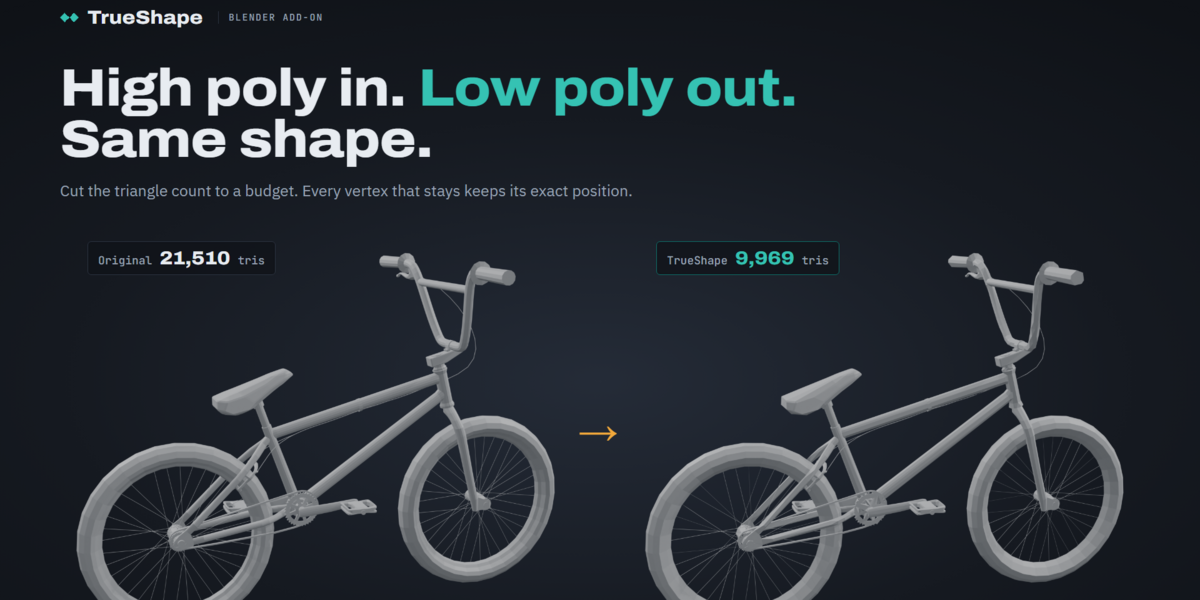
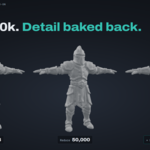
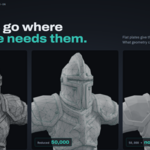

Fewer triangles.
The same shape.
TrueShape cuts any model down to your triangle budget without moving a single vertex, then bakes the fine detail back as a normal map. Thin parts can't shrink, UVs stay exact, and it tells you exactly how much changed.
A reducer you can trust with a finished asset
Nothing drifts
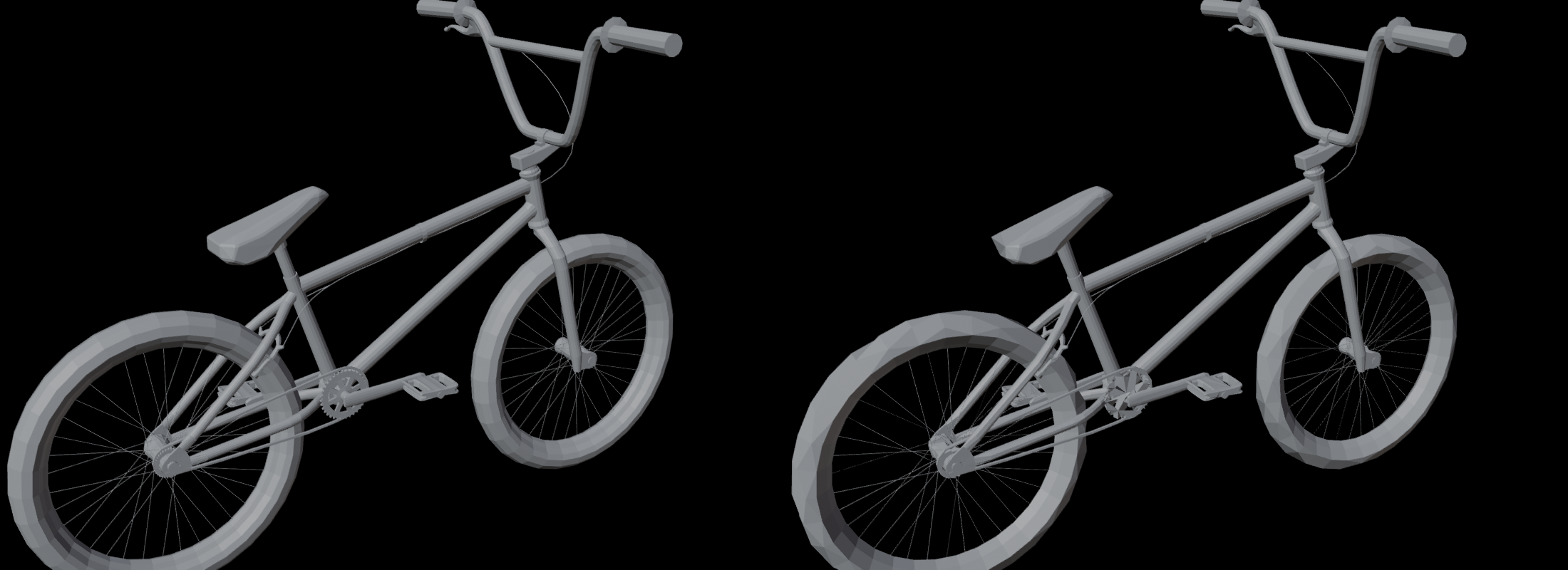
TrueShape only ever removes. Every vertex in the result is one the model already had, so tubes, straps and spokes keep their exact thickness, and fillets stay where they were.
You set the limits
Every removal is measured against the original: how far it moves the surface and how far it turns it. TrueShape never goes past your limits. If the budget can't be met within them, it stops and says so.
Same result every time
Run it twice with the same settings and you get the identical mesh, down to the vertex. Iterate on settings knowing the only thing that changed is what you changed.
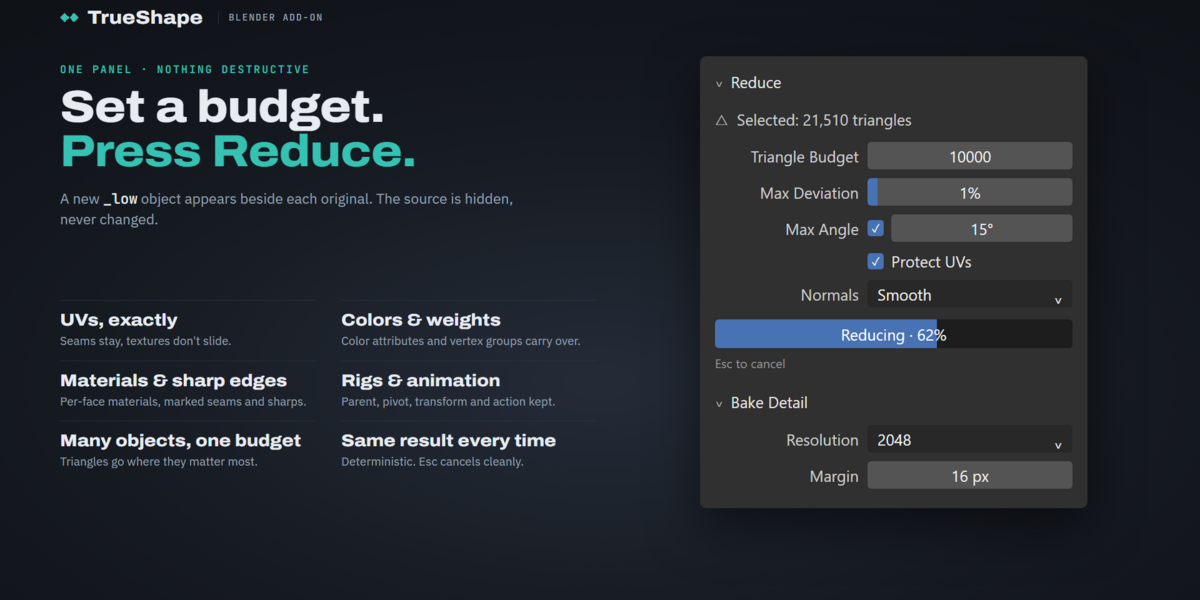
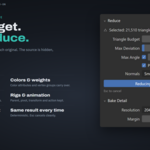
Reduce
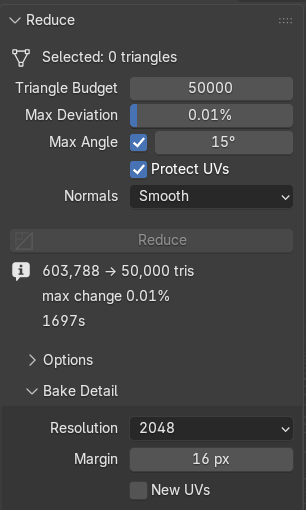
Pick a triangle budget for everything you've selected. TrueShape removes whatever carries the least shape first, across all objects at once, so the budget goes where your model needs it.
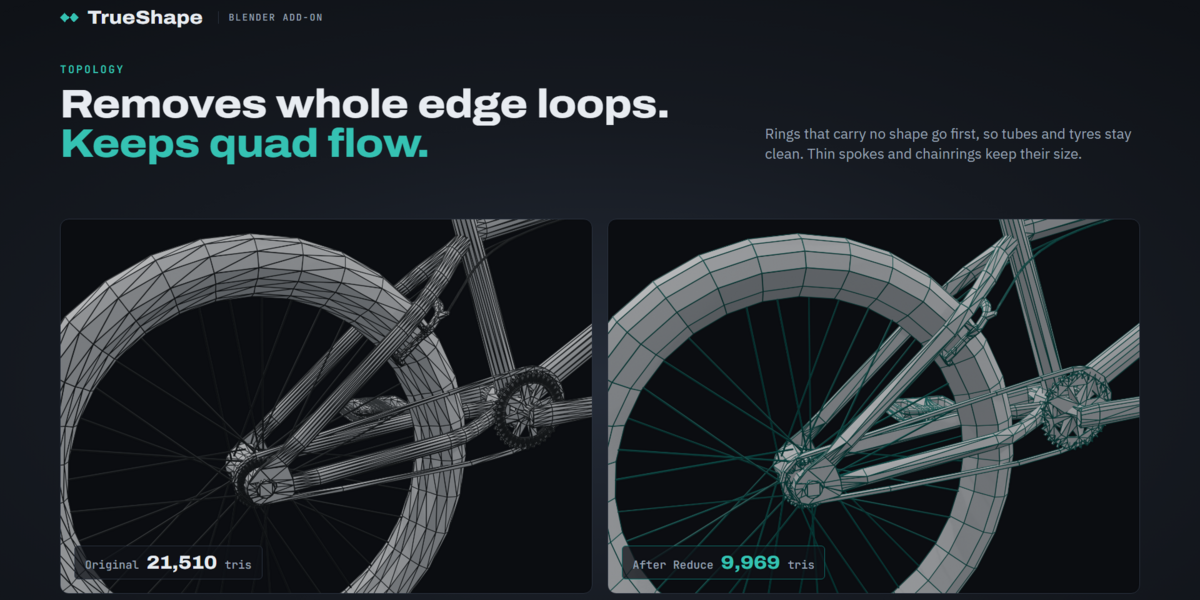
- Whole edge loops go first, keeping clean quad flow
- Single vertices where there are no clean loops
- Keep Surface Detail protects bevels, creases and small facets
- Protect UVs keeps every seam exact
- Split imports (OBJ, STL, game rips) are welded for you
Bake Detail
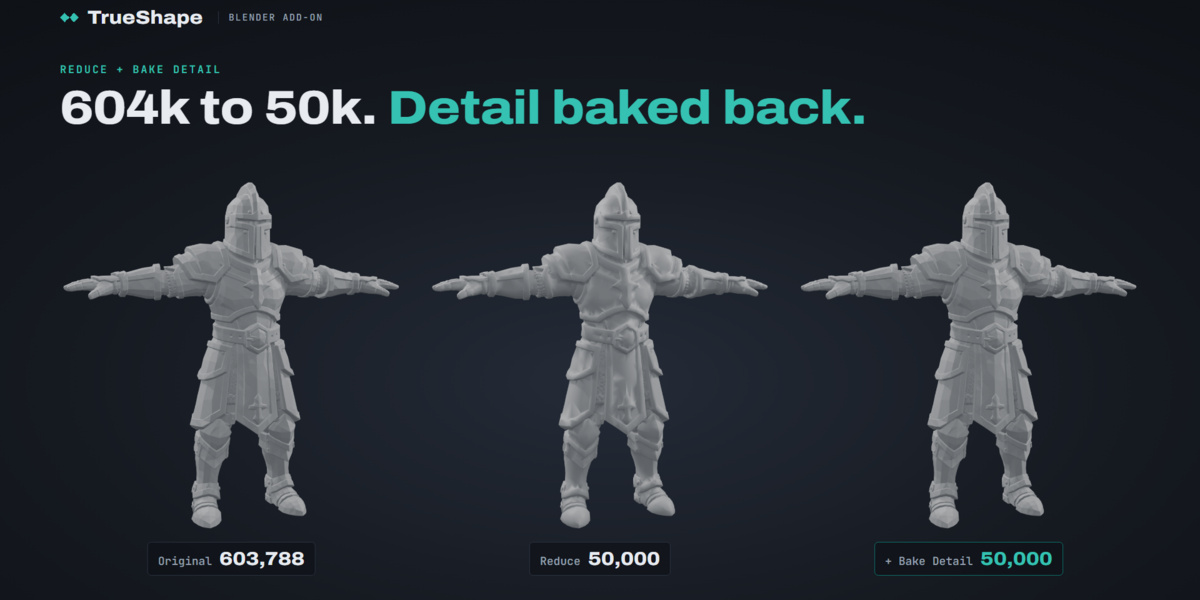
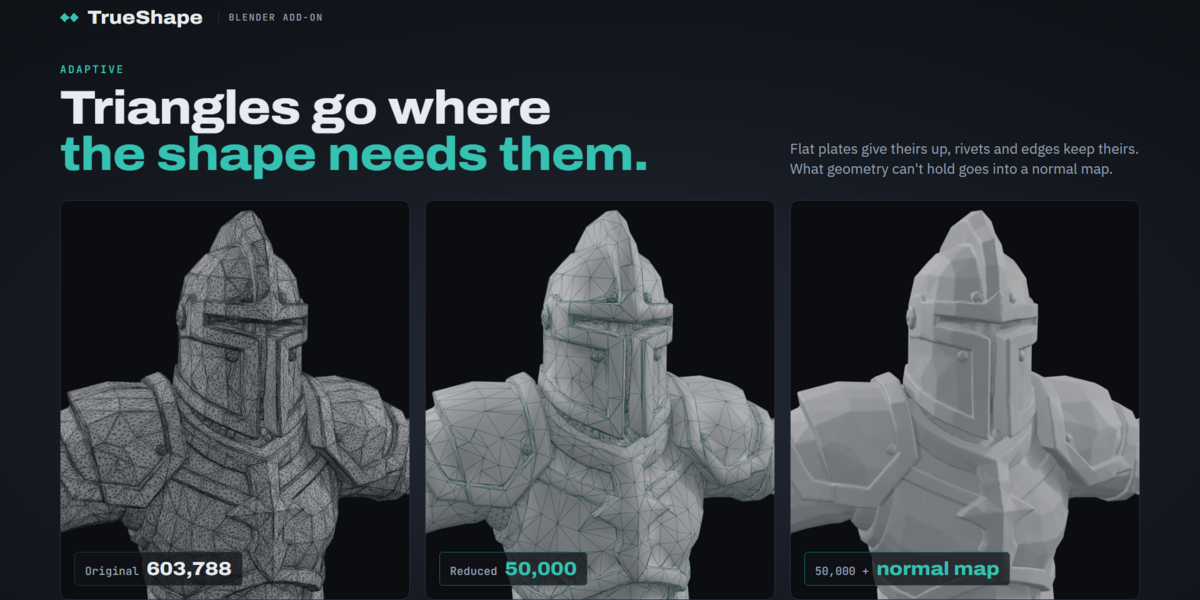
Detail smaller than the new triangles can't survive any reduction. One click bakes it from the original into a normal map on the reduced model.
- Unwraps UVs automatically when the model has none
- Wires the map into a copy of the material, so the original stays untouched
- 1K, 2K or 4K, baked in Blender's background with its progress bar
- A 2K bake from a 604k-triangle character took about 4 seconds
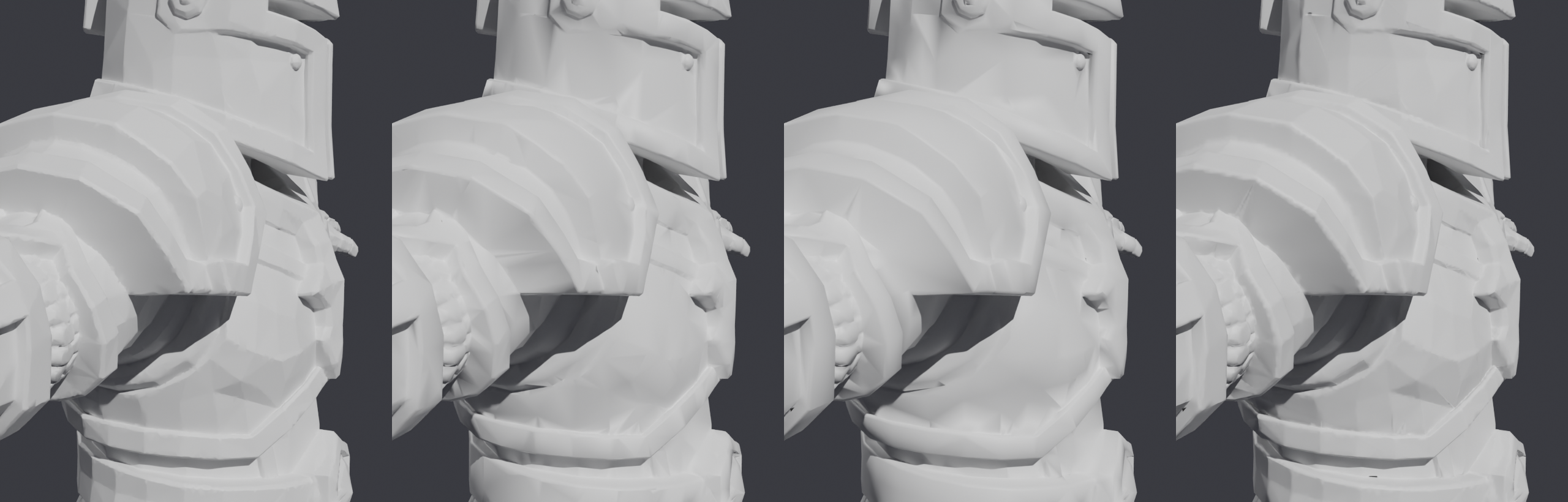
An AI-generated knight with no UVs. At a twelfth of the triangles, the baked version lights almost exactly like the original.
From dense to game-ready in three steps
Your originals are never touched
Each result is a new object next to the original. It carries over everything that makes the asset work in your scene and in your game:
- ✓UV maps, exactly
- ✓Materials and face assignment
- ✓Color attributes
- ✓Vertex group weights
- ✓Shape keys and their drivers
- ✓Modifiers, such as Armature and Mirror
- ✓Marked seams and sharp edges
- ✓Location, rotation and scale
- ✓Parent and collections
- ✓Animation action
A wheel that spun before still spins: every part keeps its own pivot, parent and animation.
Made for finished models
| You want to | TrueShape | Why |
|---|---|---|
| Get a bought, scanned or AI model under a game budget | Ideal | Reduce, then Bake Detail if fine surface detail softens. |
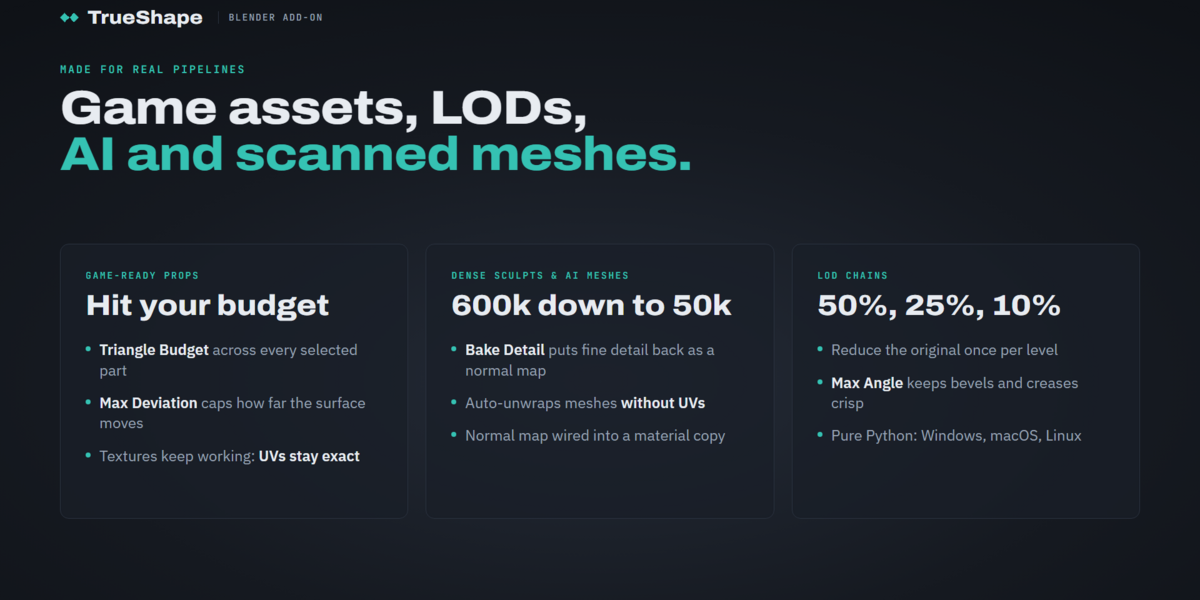
| Build LODs for a game | Ideal | Reduce the original once per level; each result keeps UVs and materials. |
| Lighten hard-surface props and kitbash | Ideal | Crisp edges are protected, and flat panels give up their triangles first. |
| Get clean, even quads for rigging or sculpting | Not this | TrueShape keeps your vertices; it does not retopologize. Use a quad remesher for that. |
Specifications
FAQ
Will it ever go over my triangle budget?
No. It stops at the budget. It may stop above it if reaching it would break your limits, and then it tells you which limit stopped it.
Does it change my original object?
Never. Results are new objects called name_low. Undo with Ctrl Z, or delete them and unhide the originals.
Does it work with modifiers and shape keys?
Yes. Each reduced copy keeps its modifiers, unapplied (Armature, Mirror and the rest), and every shape key, exact at the vertices that remain. Multires and hair cannot follow the new faces and are left out, with a warning.
What about normal maps in Unreal?
Blender bakes OpenGL-style maps, which Unity and Godot use too. In Unreal, tick Flip Green Channel on the texture.
Keep the shape. Lose the weight.
Install, select, set a budget, and see exactly how much changed.

