 ZEG


Installation
In Blender open Edit, Preferences, Get Extensions, open the arrow menu at the top right, choose Install from Disk and pick the car_tuning_garage zip. Enable the add-on if Blender does not do it for you.
Usage
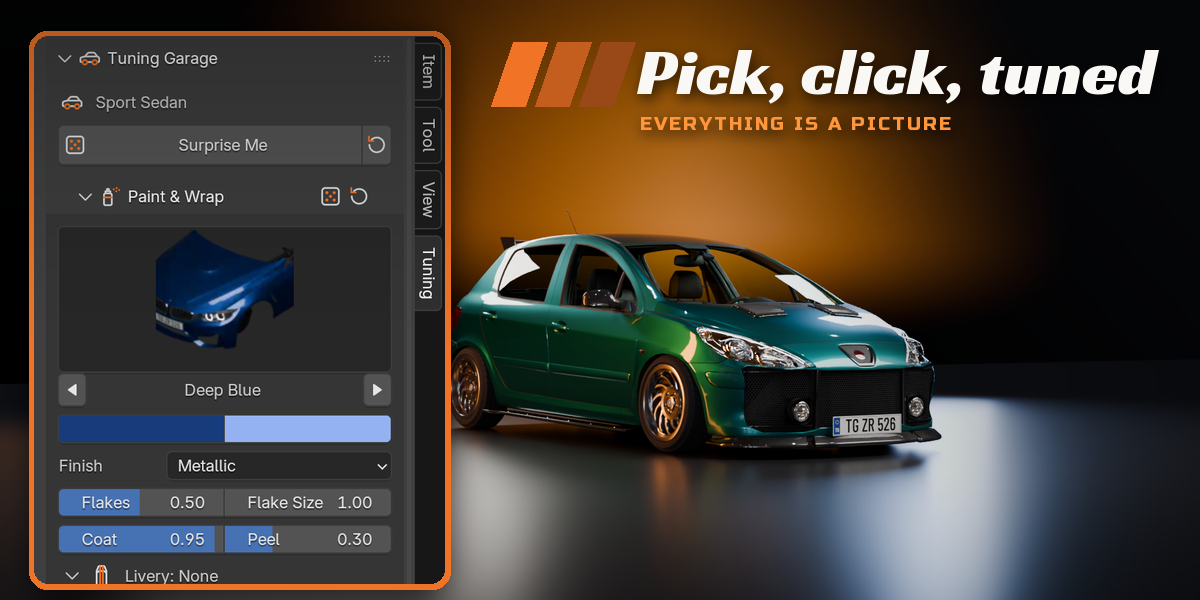
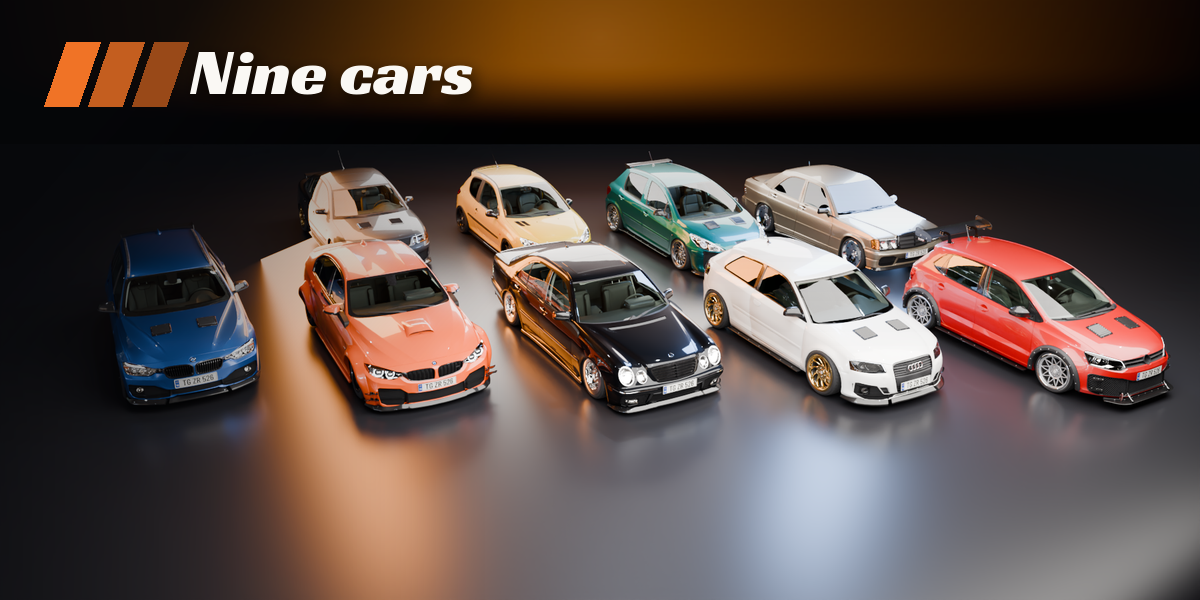
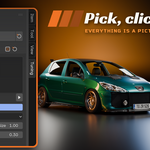
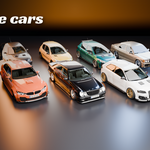
- Open the Tuning tab in the 3D viewport sidebar (N). With nothing selected you see the add-new screen: click the car picture to open the gallery, or step through the cars with the arrows, then press Add Car. The car appears at the 3D cursor.
- With the car selected, the sidebar becomes the tuning panel. The car header holds Surprise (a new random build, or one random feature), Reset and the condition setting New, Used or Old.
- Every area has its own panel: Paint, Wheels and Stance are open, the rest are closed (Suspension Parts, Body Kit, Exhaust, Accessories, Lights, Roof, Interior, Underglow and Animation Rig). Click a picture to open the gallery of options, or use the arrows beside it.
- Changes rebuild on the selected car only. Nothing is applied until you ask: use Shift+D to copy a car and tune the copy separately.
- For animation, switch on Animation Rig. Use the Root, Steering and Wheels controls, pose or animate the car, and press Bake Wheel Rotation to key the wheel spin from the travel.
Panel overview
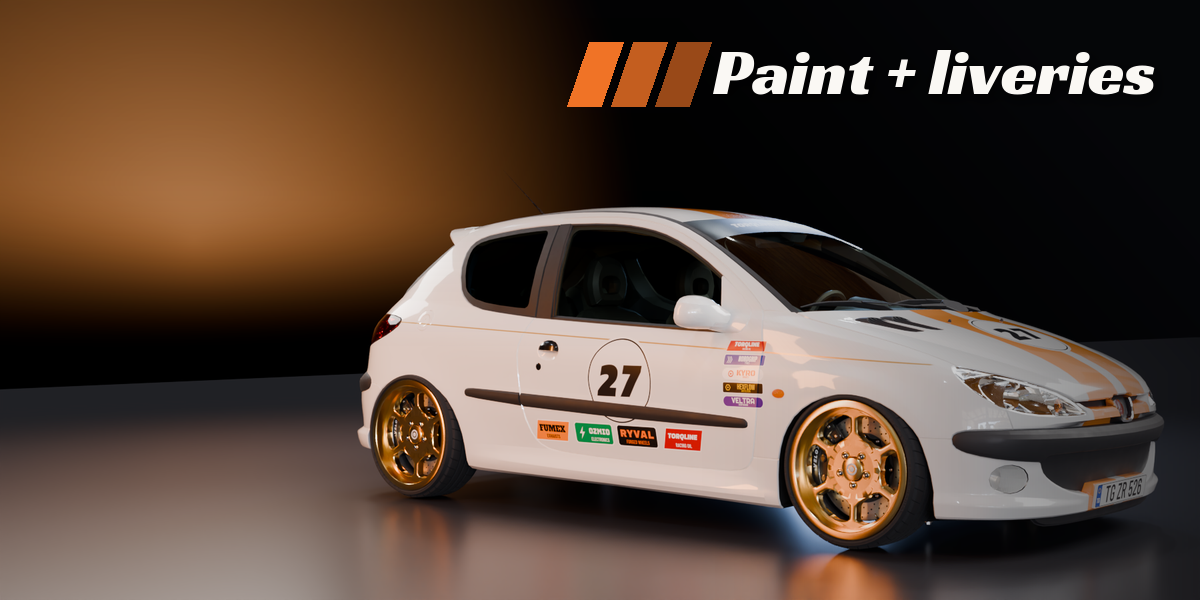
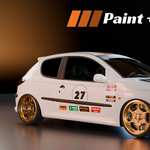
- Paint: finish, colours, two-tone, livery, racing number, stickers, sun strip, plates, window tint.
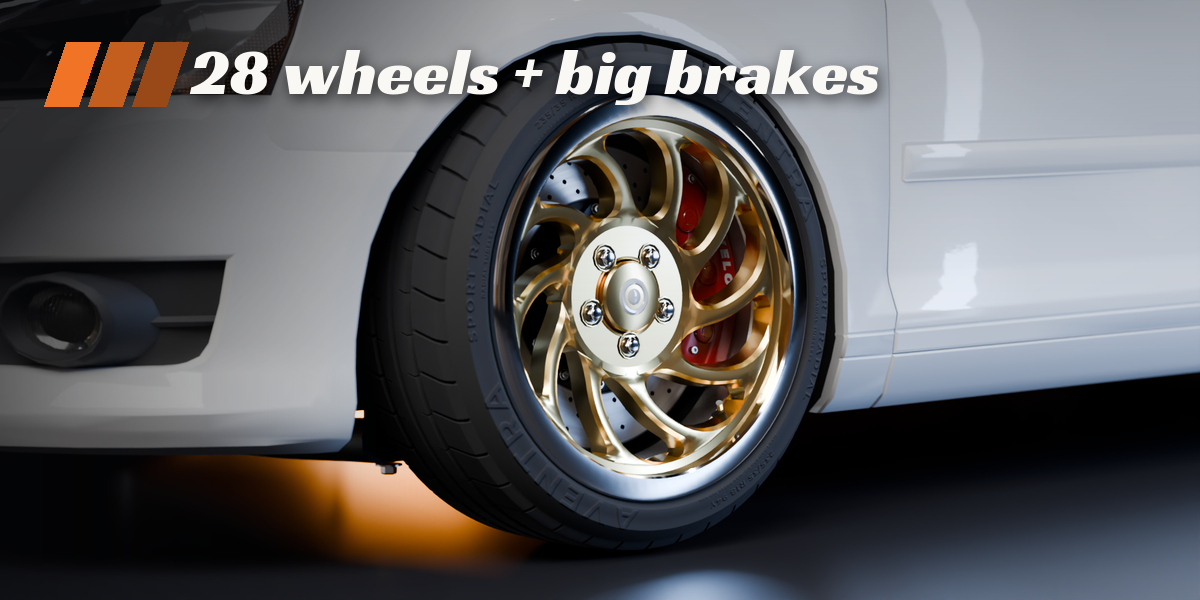
- Wheels: design, finish, size, width, offset, tyre, brake kit.
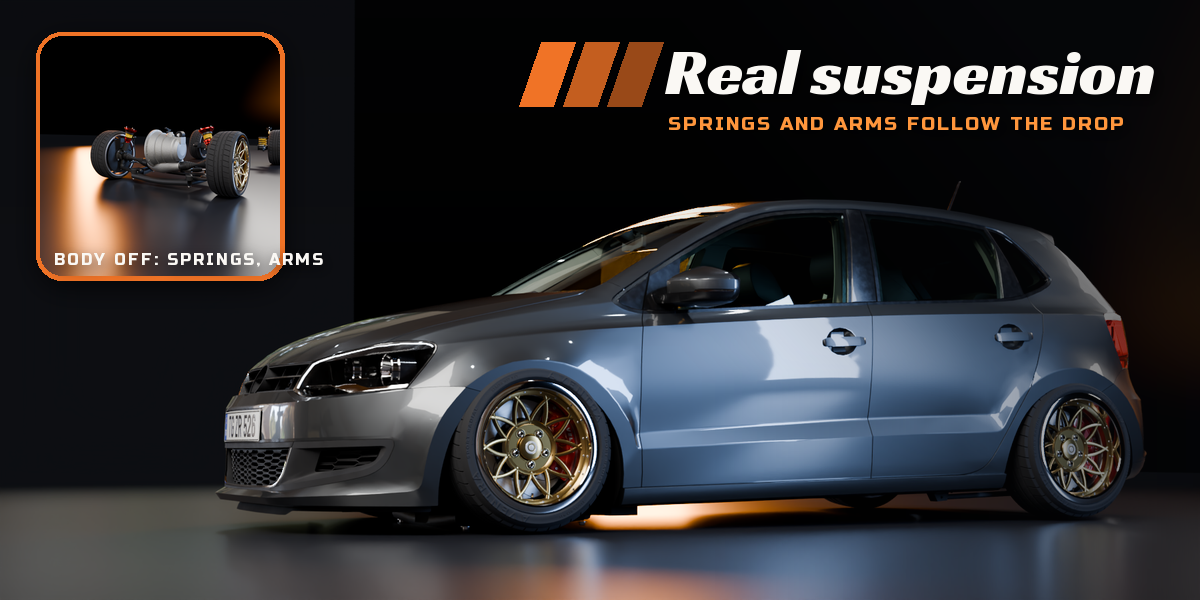
- Stance: ride height, camber, toe, track width, suspension preset.
- Suspension Parts: visible springs, dampers, arms, bars, steering and driveshafts.
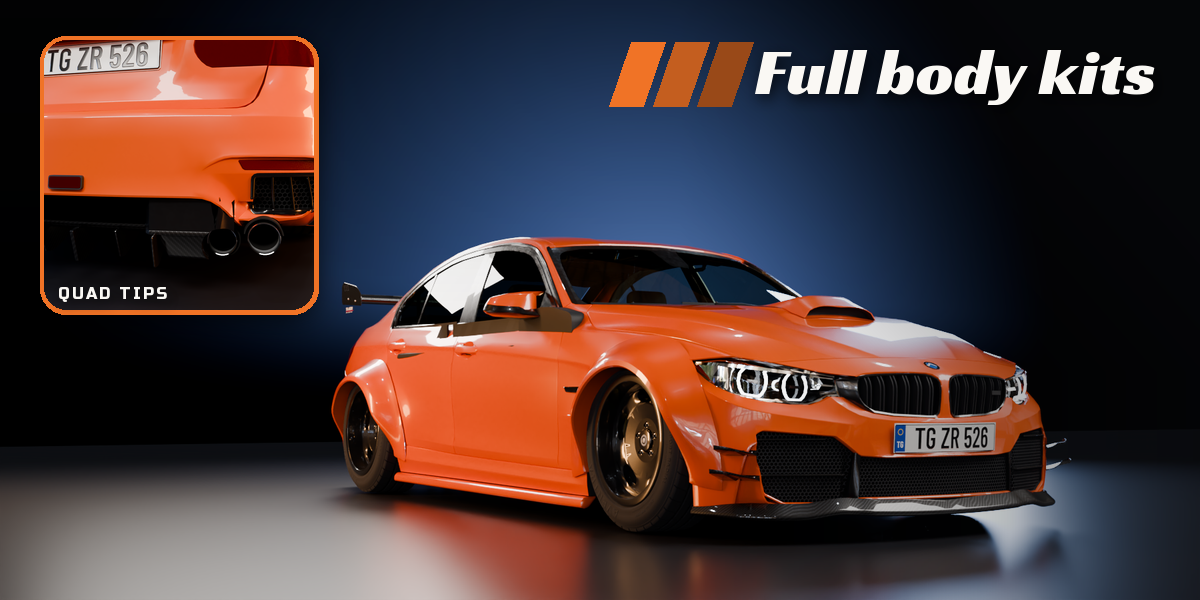
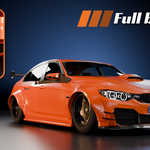
- Body Kit: looks, lips, canards, skirts, flares, bumpers, diffuser, spoiler and wing, hood.
- Exhaust: layout, tip shape, finish.
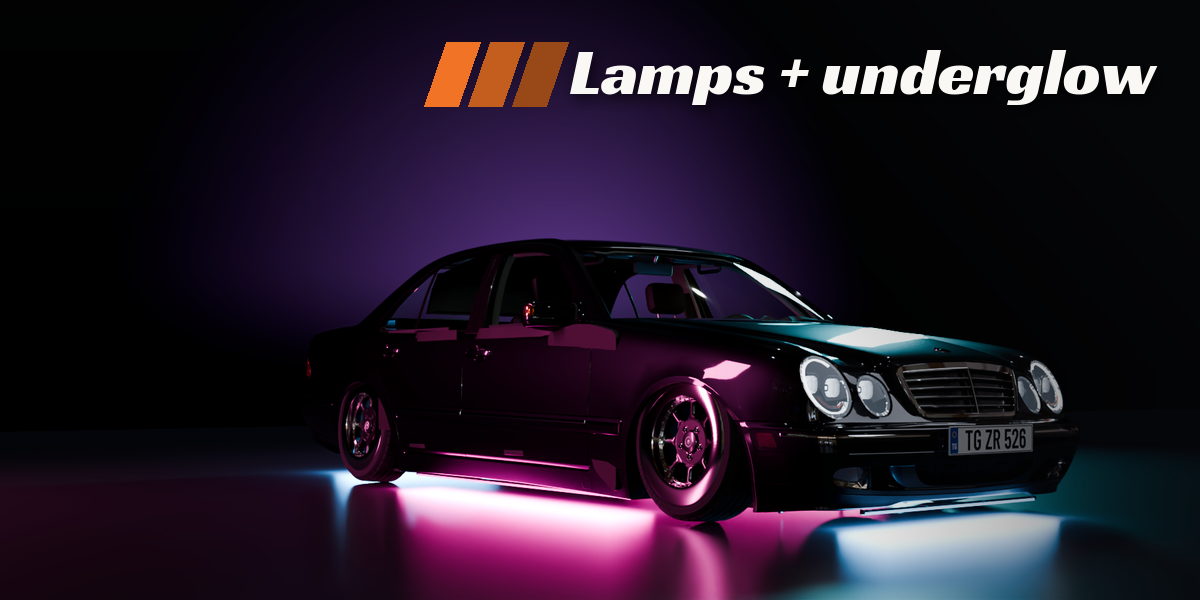
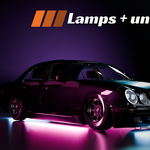
- Lights: headlight and tail light design, tint, angel eyes, DRL shape.
- Roof, Interior, Underglow, Accessories: the rest of the car.
Use Rendered view for the full paint, glass and lamp look, in Cycles or EEVEE.
Have questions about this product?
Login to message
| Blender Extension Compatible | Yes |
| Published | about 10 hours ago |
| Blender Version | 4.2 - 5.2 |
| Extension Type | Add-on |
| Render Engine Used | Cycles, Eevee |
| License | GPL |

Discover more products like this
paint rigging automotive Generator wheels vehicle body-kit suspension garage car customizer tuning