 ZEG

Installation
In Blender open Edit, Preferences, Get Extensions, then use Install from Disk and pick the bedding_pillow_generator zip.
Usage
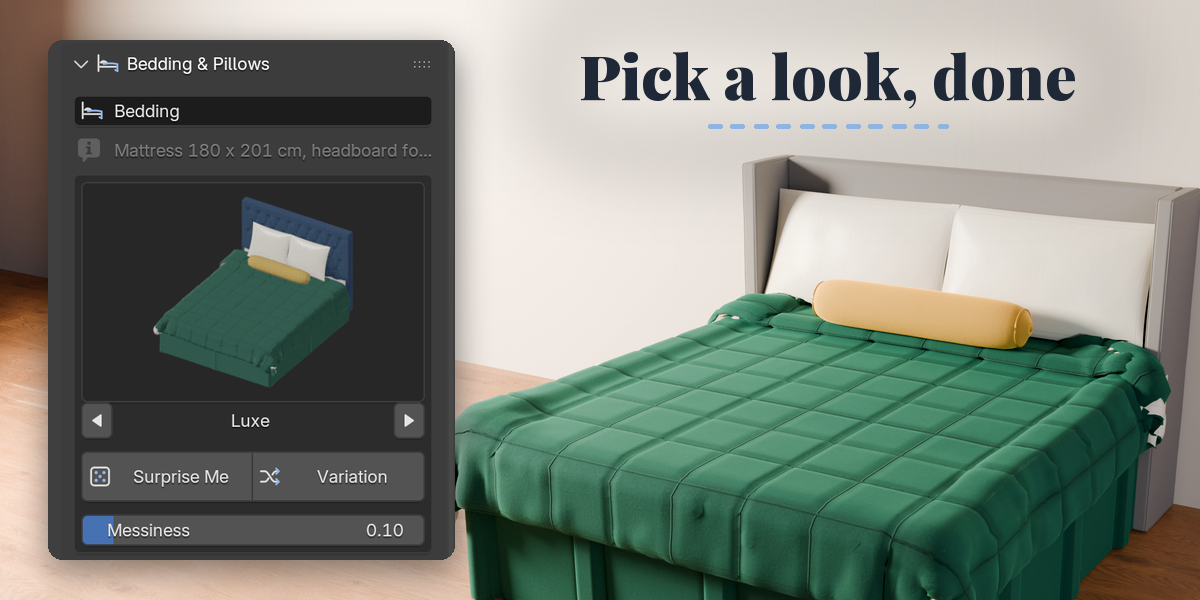
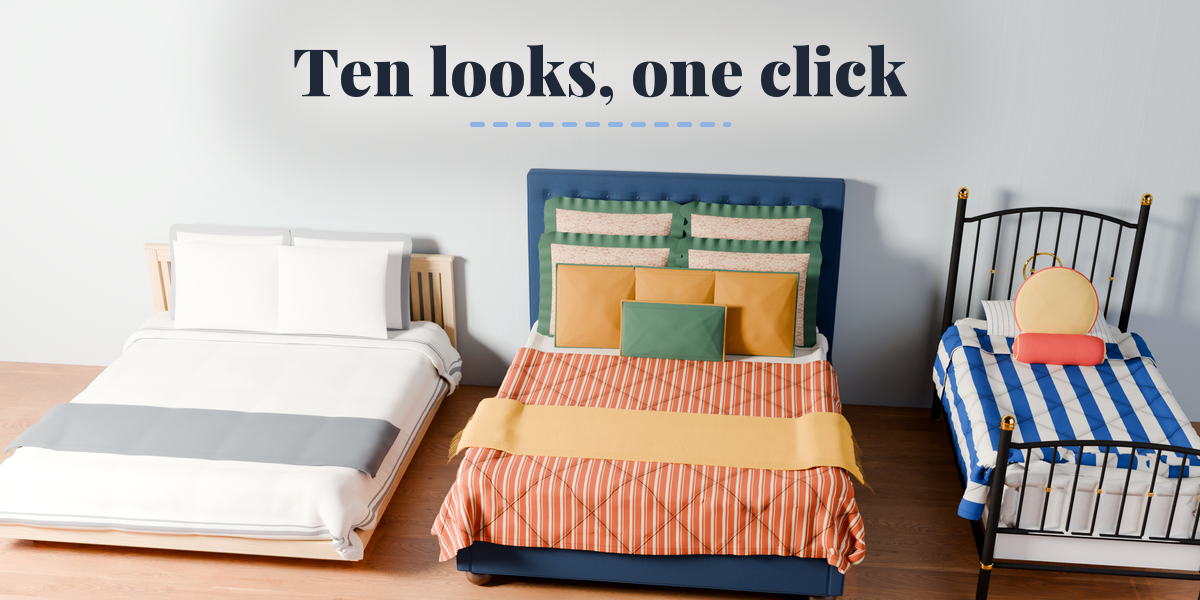
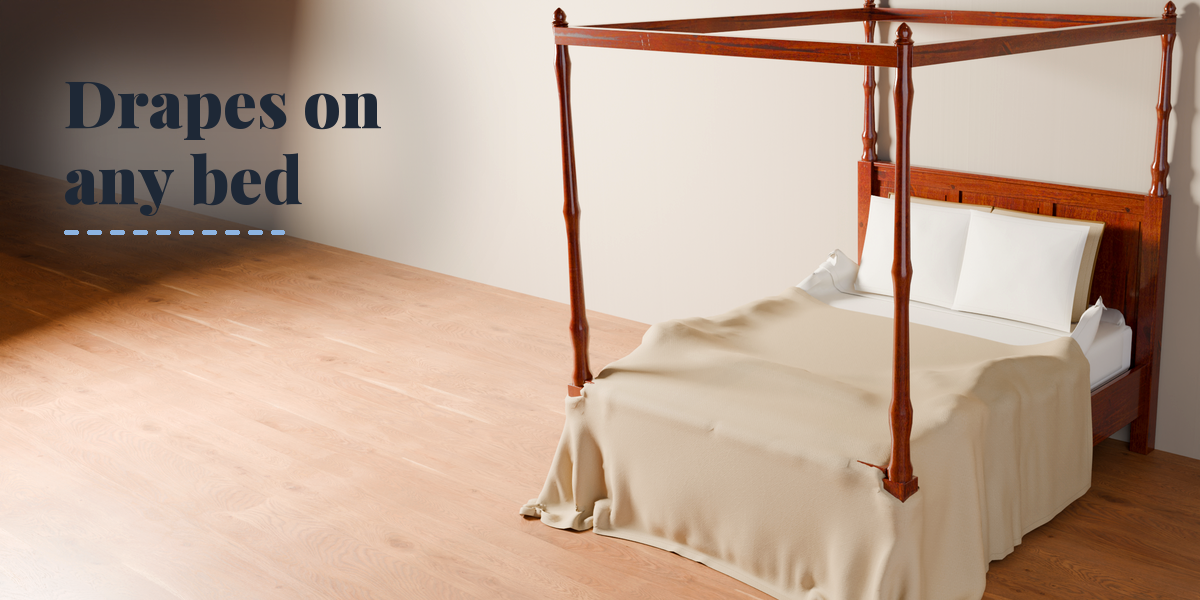
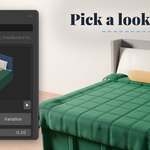
- Open the Bedding tab in the 3D viewport sidebar (N). With nothing selected, click the picture to pick a look, choose a bed style and size, then press Add Bed with Bedding. You can also use Shift+A, Bed with Bedding.
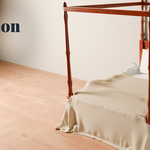
- To dress a bed of your own, select it (with its parts as child objects, or joined) and press Dress Selected Bed. The mattress top, headboard and footboard are found automatically; if the pillows land at the wrong end, set the Head side under Bed and Output.
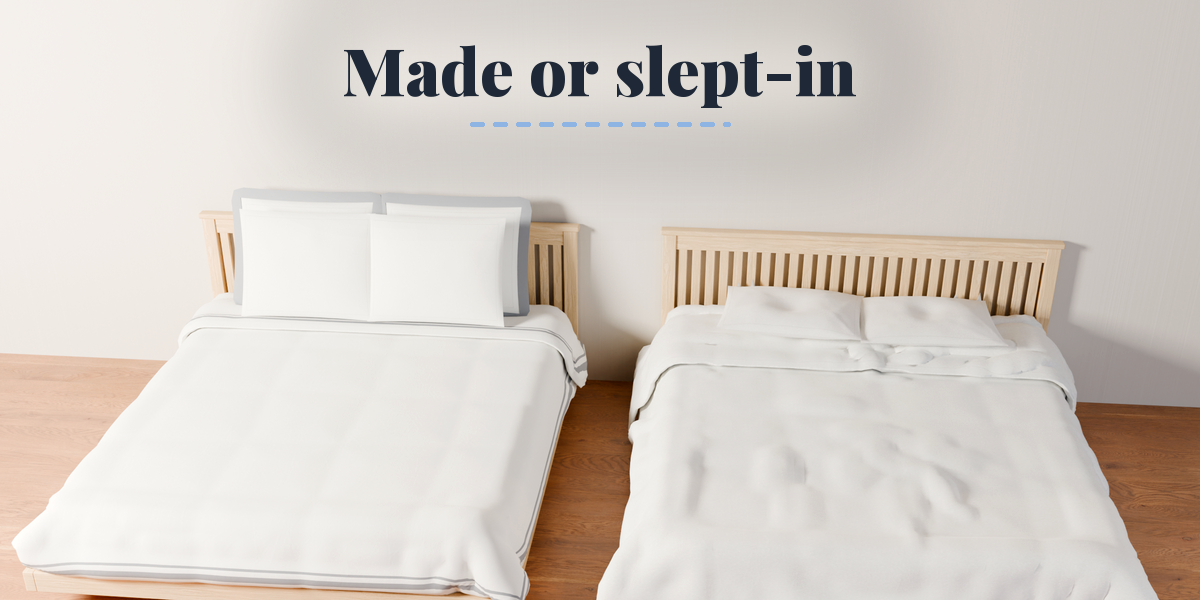
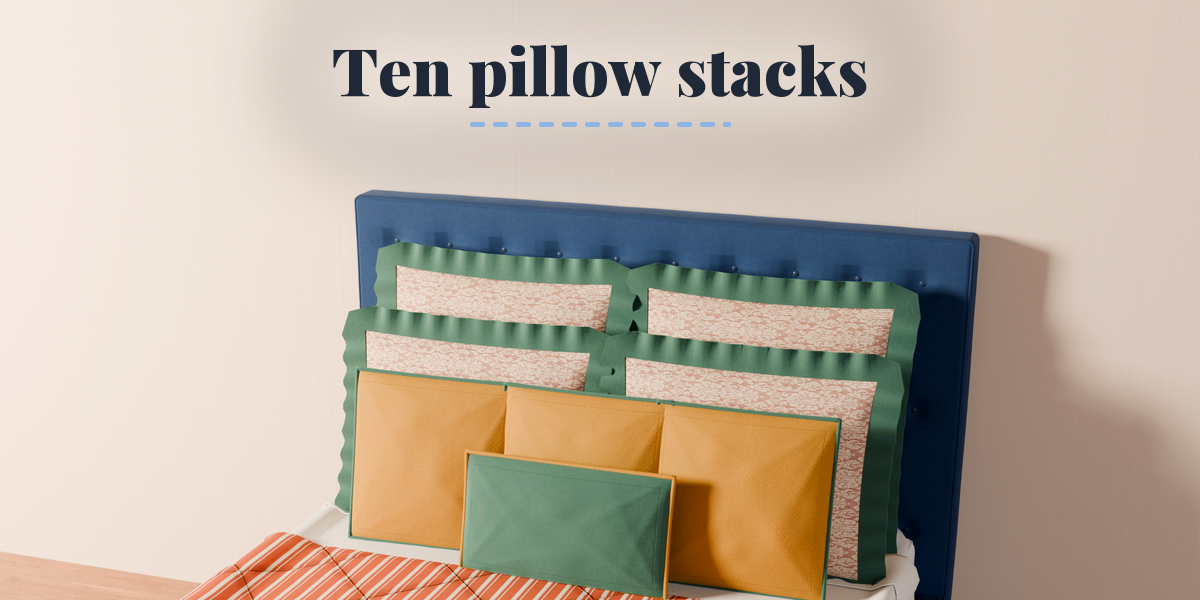
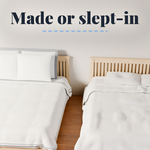
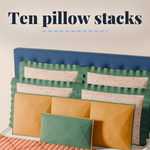
- With the bedding selected, the first page holds the look, Surprise Me, New Variation, Messiness, the bed, the cover type, the pillow arrangement and the main colors.
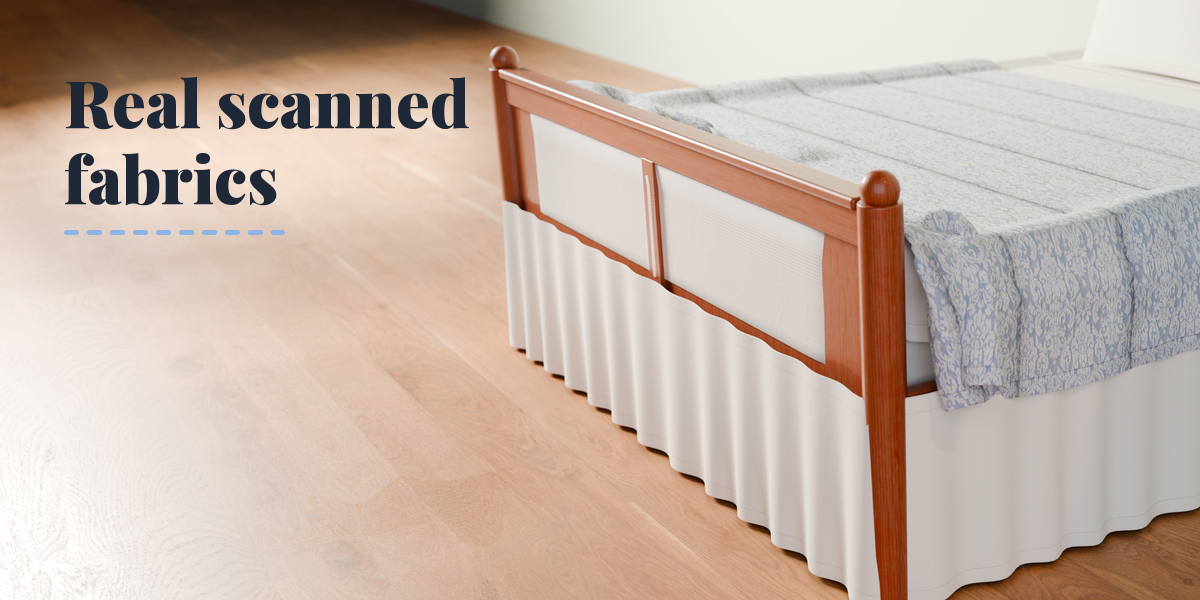
- The sections below hold the details: sheets, throw and skirt; cover stitching, loft, overhang and fold-back; pillow size, fill and seams; every fabric group's fabric, print and color; draft or final quality.
- After moving or editing your own bed press Drape Again. Convert to Meshes keeps the bedding as plain objects.
Have questions about this product?
Login to message
| Blender Extension Compatible | Yes |
| Published | about 2 hours ago |
| Blender Version | 4.2 - 5.2 |
| Extension Type | Add-on |
| Render Engine Used | Cycles, Eevee |
| License | GPL |
