 ZEG



Installation
In Blender open Edit, Preferences, Get Extensions, then use Install from Disk and pick the christmas_lights_generator zip.
Usage
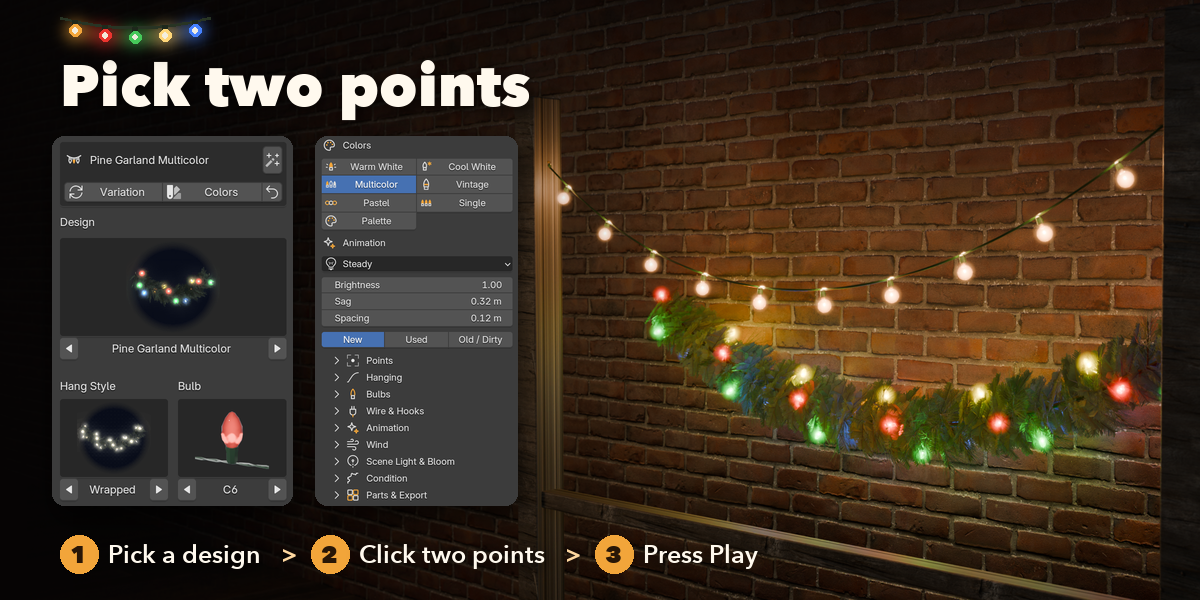
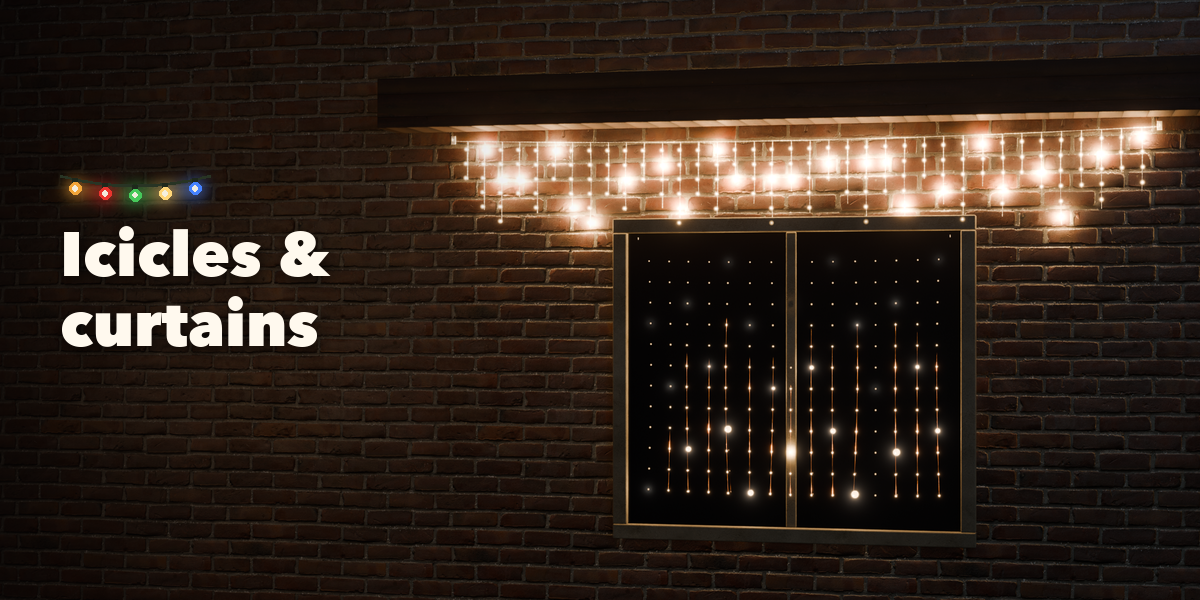
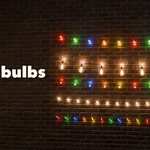
- Open the Christmas tab in the 3D viewport sidebar (N). With nothing selected, click the picture to choose one of the 38 designs.
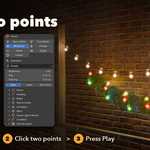
- Select two objects (posts, trees, the corners of a house) and click Hang Between 2 Selected. In Edit Mode, select two vertices instead. Or click Click Two Points and click twice on any surfaces; hooks stick to what you click. Add at Cursor makes a string between two hook empties you can move anywhere. Shift+A, Christmas Lights works too.
- Move the points or the objects they sit on and the string re-hangs, also while animated.
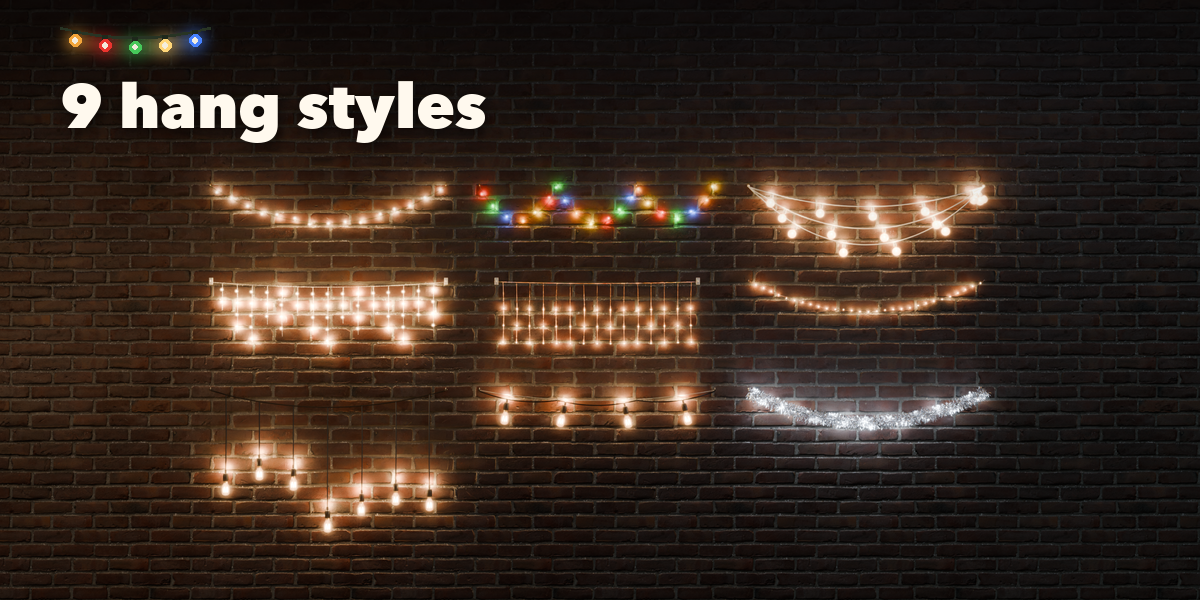
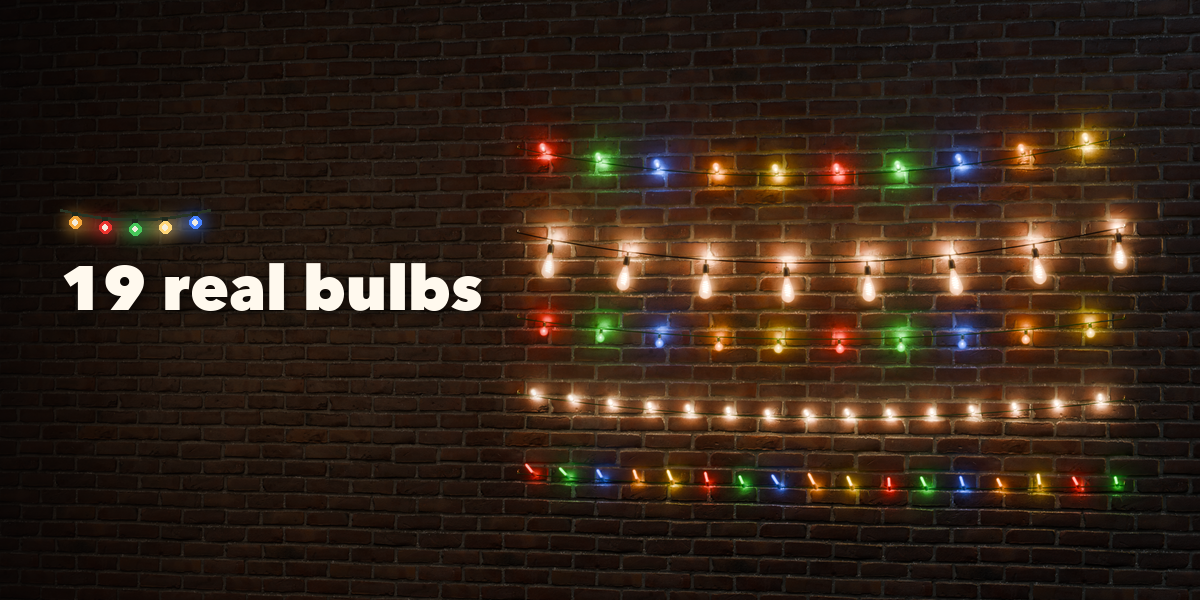
- With the string selected, change the design, hang style, bulb, colors, animation, sag and spacing on the first screen. The sections below hold the points, hanging, bulbs, wire and hooks, animation, wind, scene light and bloom, condition and export settings.
- Surprise makes a random design between the same points, Variation reshuffles it and Colors picks new colors and animation.
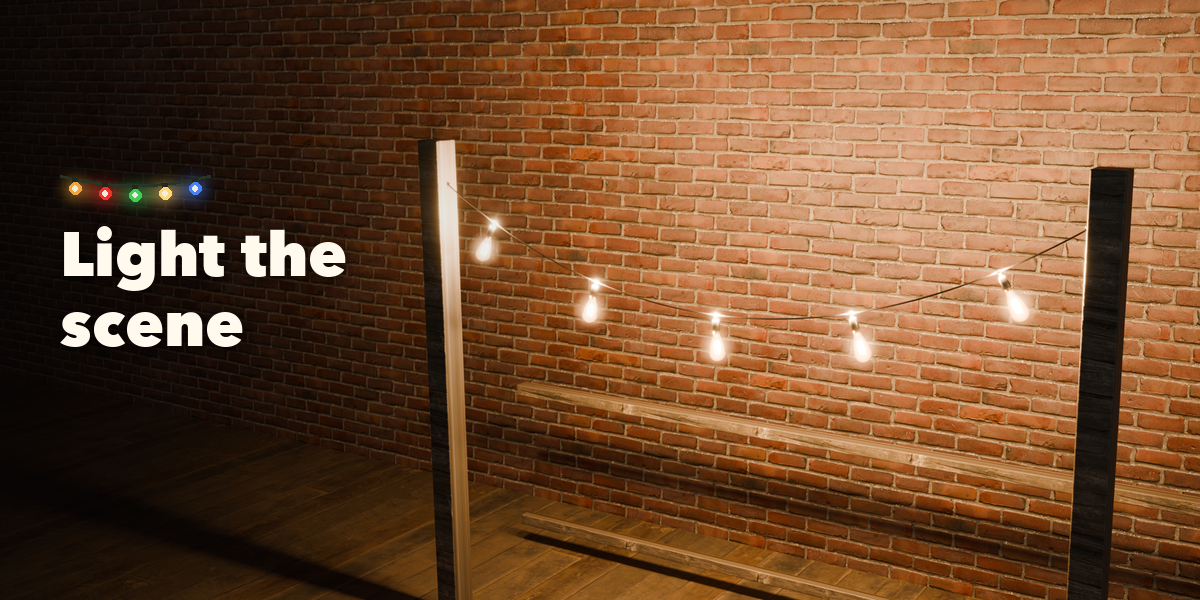
Press Play to see the animation. Light the Scene adds real point lights that follow it, and Add Bloom adds a compositor glow.
Have questions about this product?
Login to message
| Blender Extension Compatible | Yes |
| Published | about 2 hours ago |
| Blender Version | 4.2 - 5.2 |
| Extension Type | Add-on |
| Render Engine Used | Cycles, Eevee |
| License | GPL |

Discover more products like this
holiday Christmas christmas lights fairy lights xmas icicle lights festoon animated string lights Generator procedural Lighting