Ultimate Addon Interface Bundle (2026)
 alexdepario
in VSE
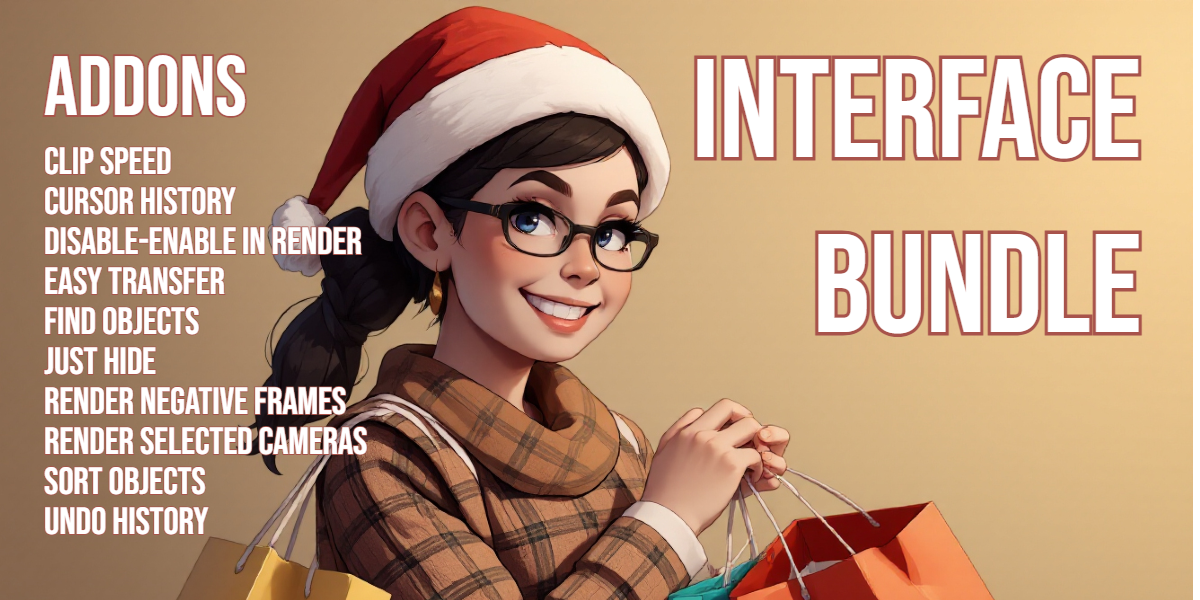


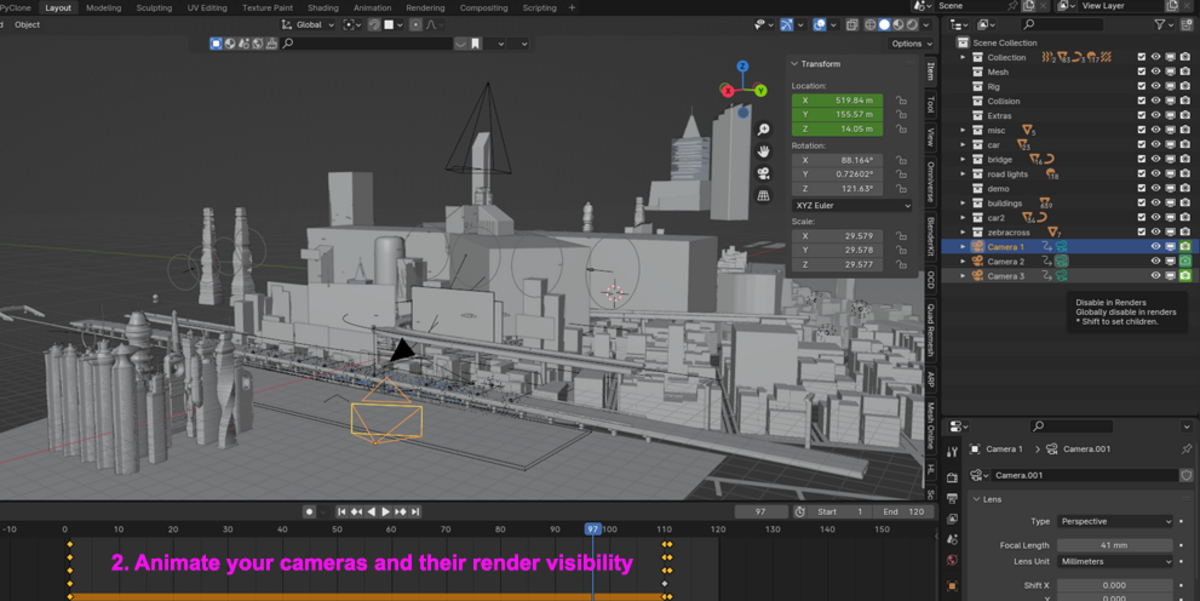
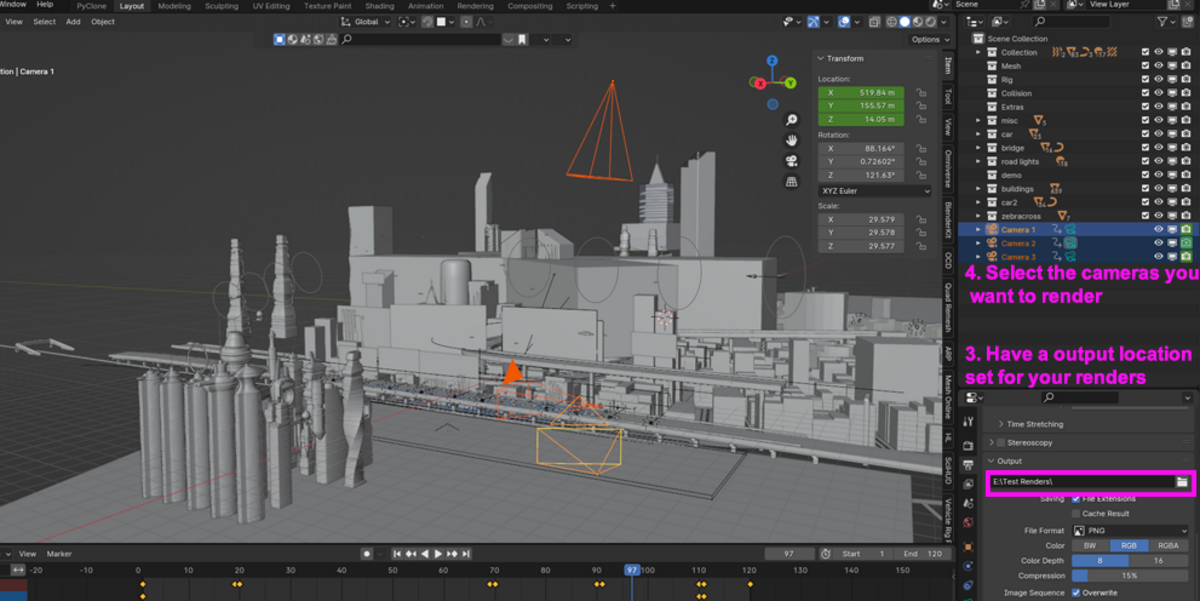
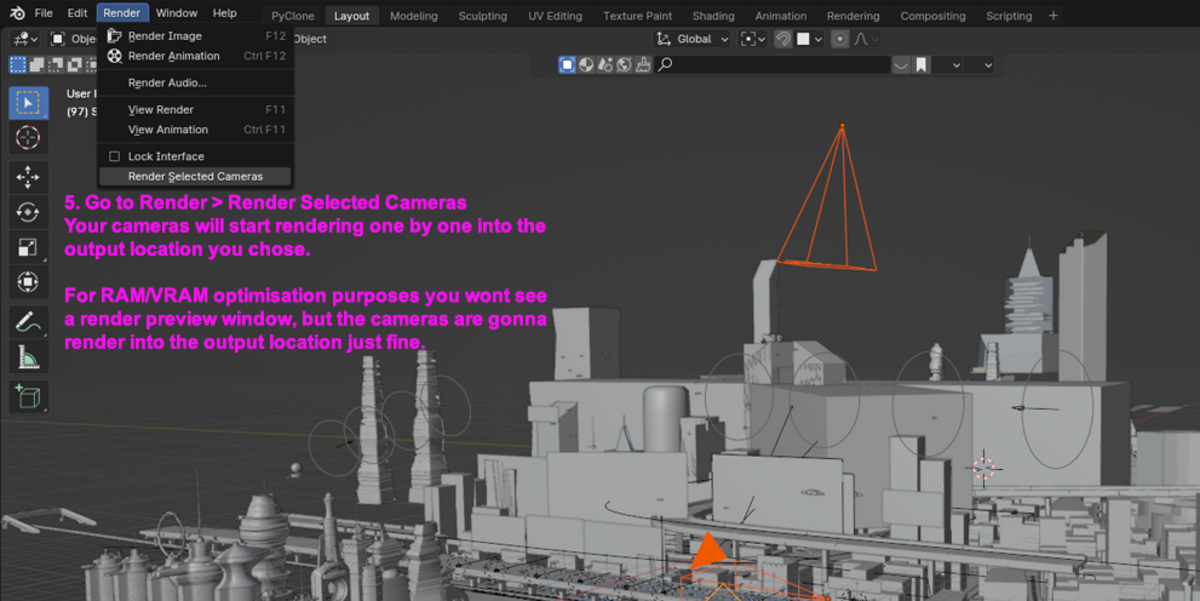

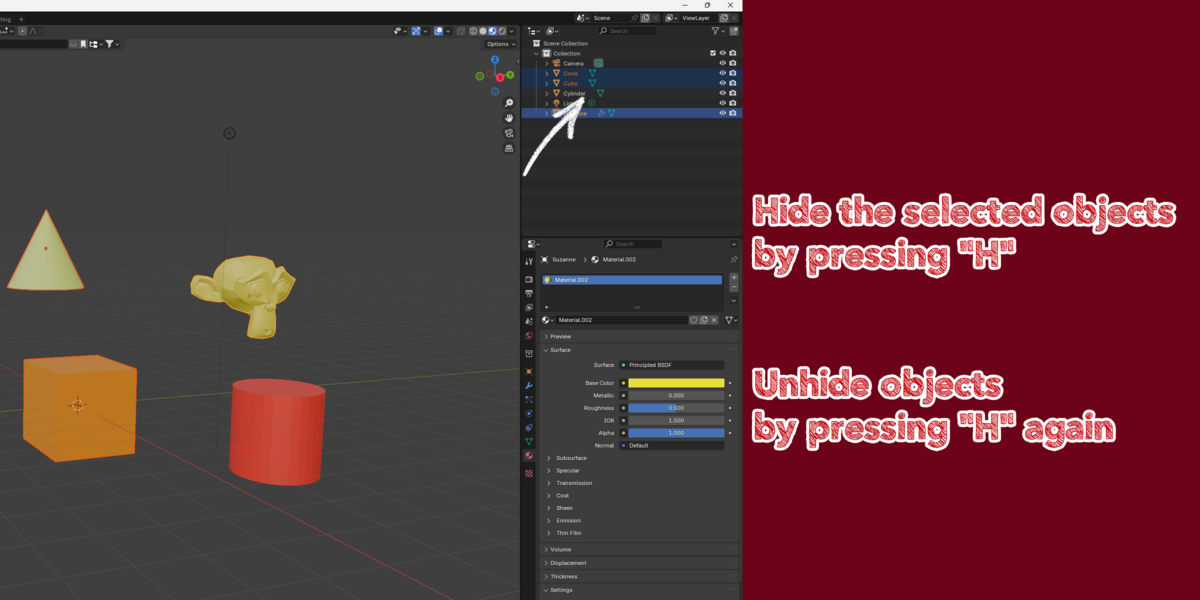





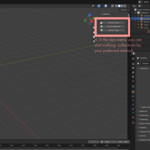
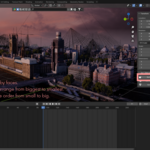
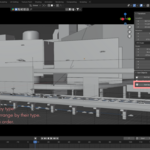

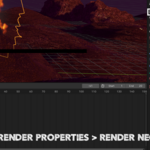
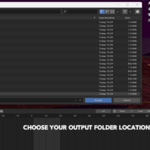
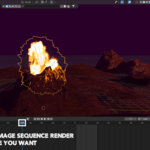

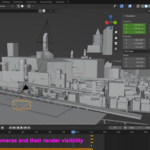
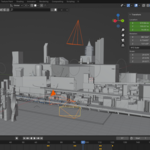
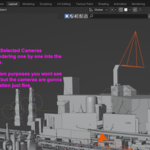

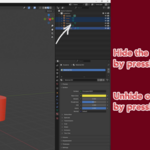

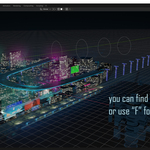
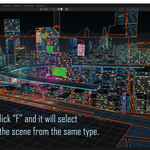
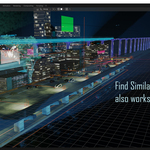

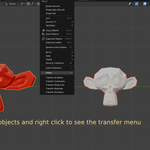
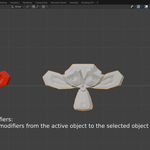
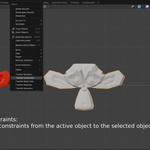

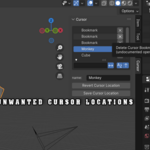
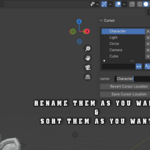
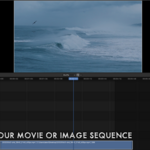
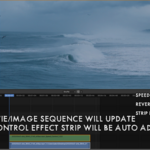
The Ultimate Addon Interface Bundle is a complete workflow optimization suite containing 10 specialized Blender add-ons. Designed for 3D generalists, animators, and technical artists, this collection accelerates scene navigation, camera batch rendering, object management, and timeline adjustments.
Installation
Download and extract the main bundle archive.
In Blender, navigate to Edit > Preferences > Add-ons.
Click Install... (or Install from Disk in Blender 4.2+).
Select the
.zipfile of the add-on you wish to activate.Enable the checkbox next to the add-on name and click Save Preferences.
Repeat the process for any additional tools from the bundle.
Add-on Functionality Breakdown
1. Clip Speed
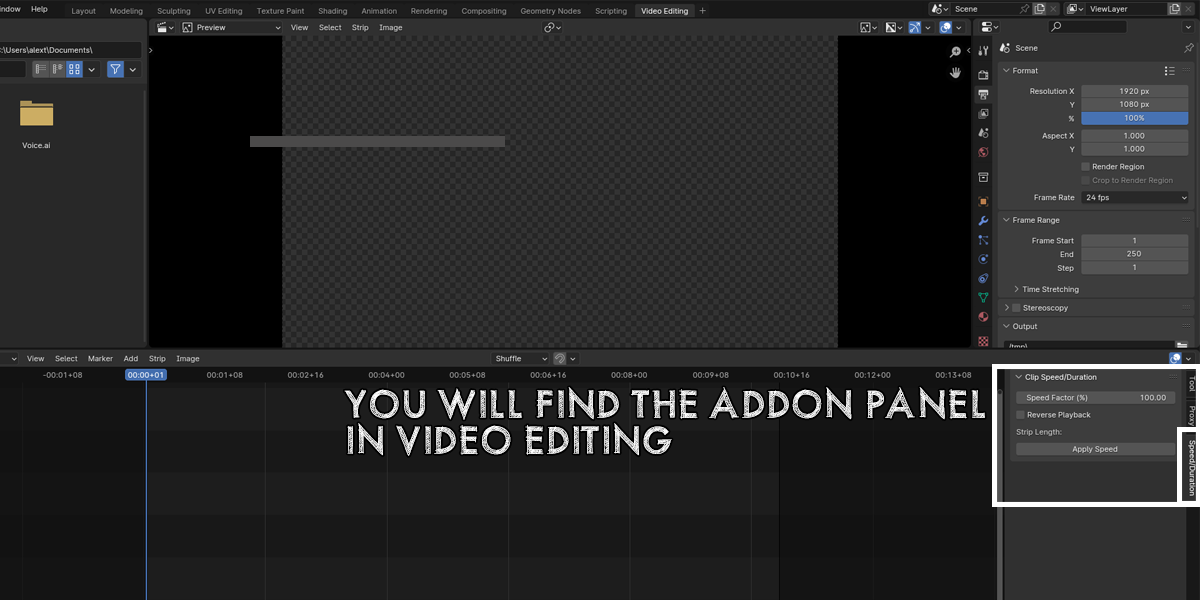
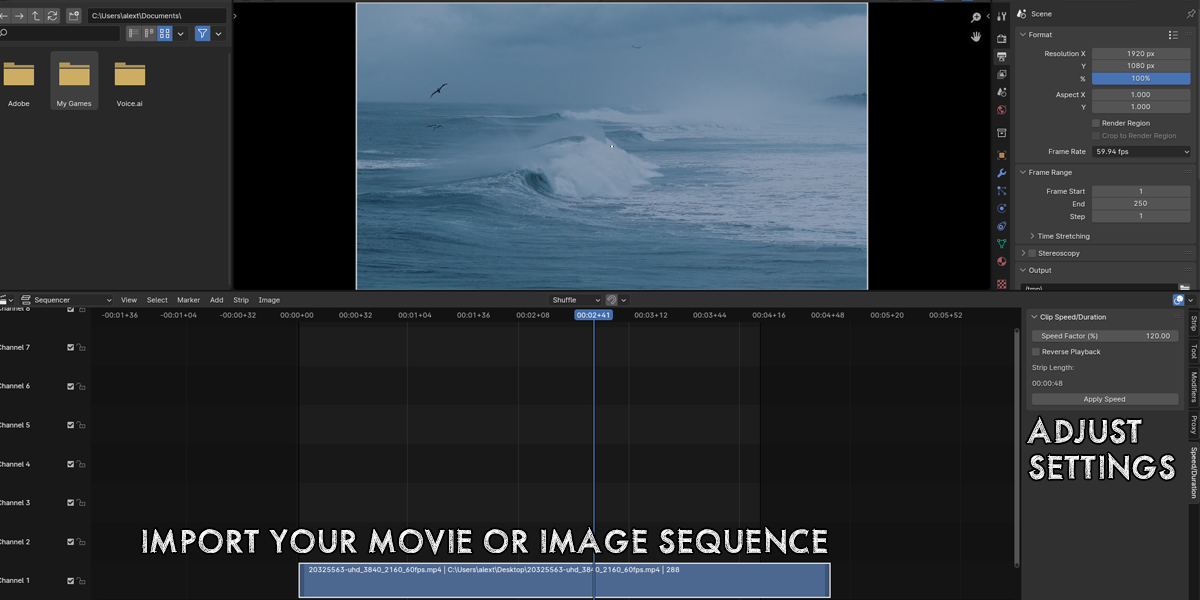
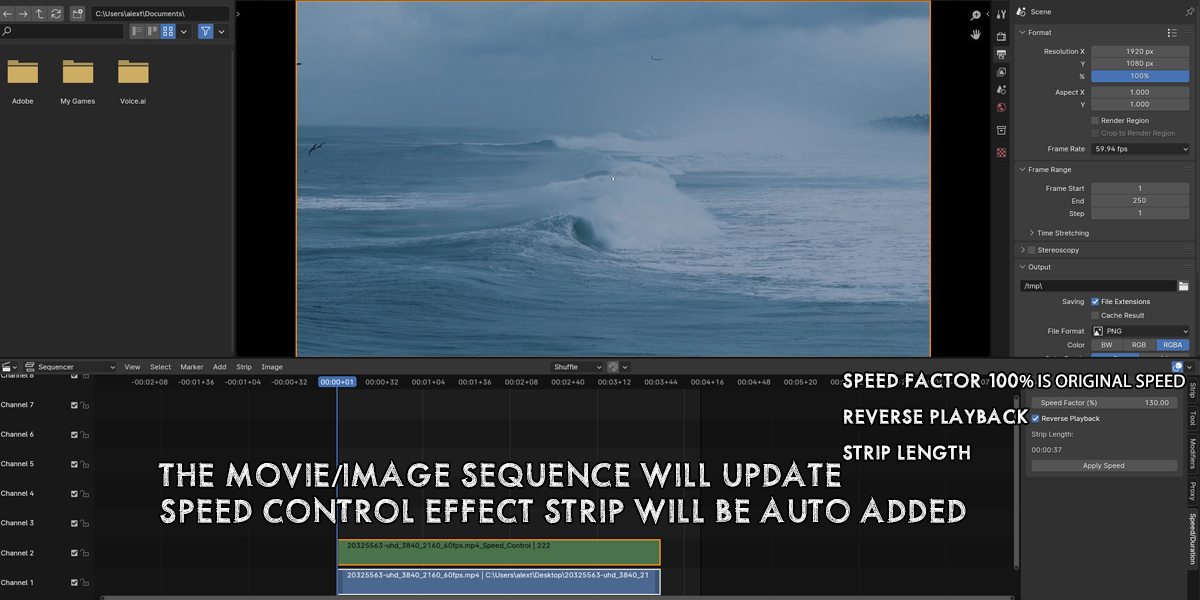
Function: Provides precise controls for adjusting animation playback speeds and clip timing directly from the interface.
Usage: Select your clip or keyframe sequence, set the target speed factor in the panel, and execute the adjustment.
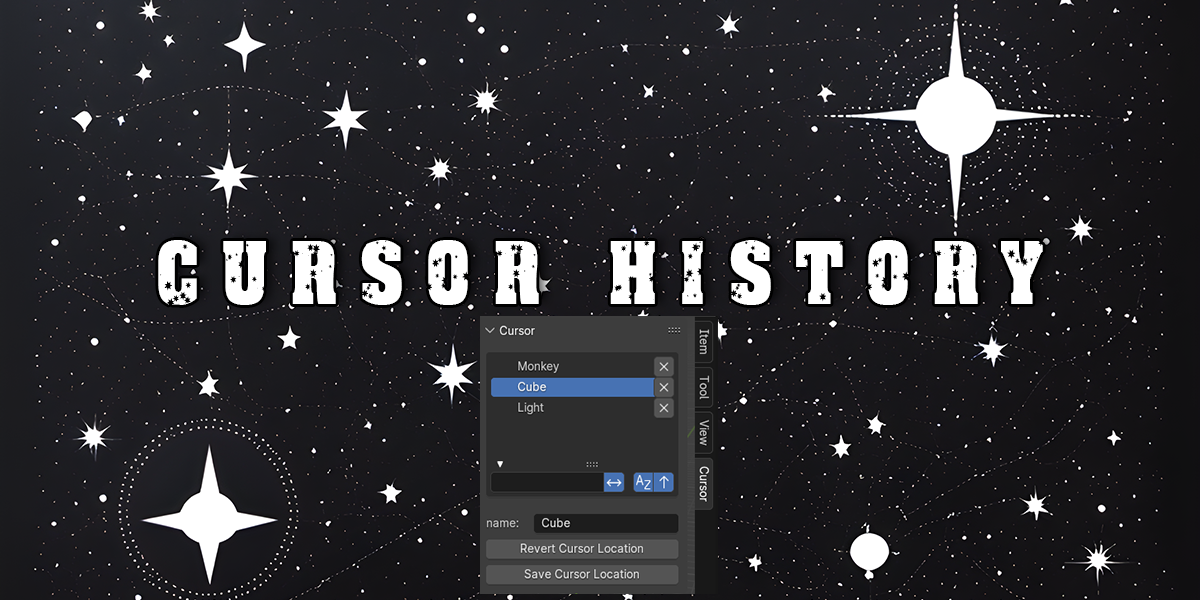
2. Cursor History
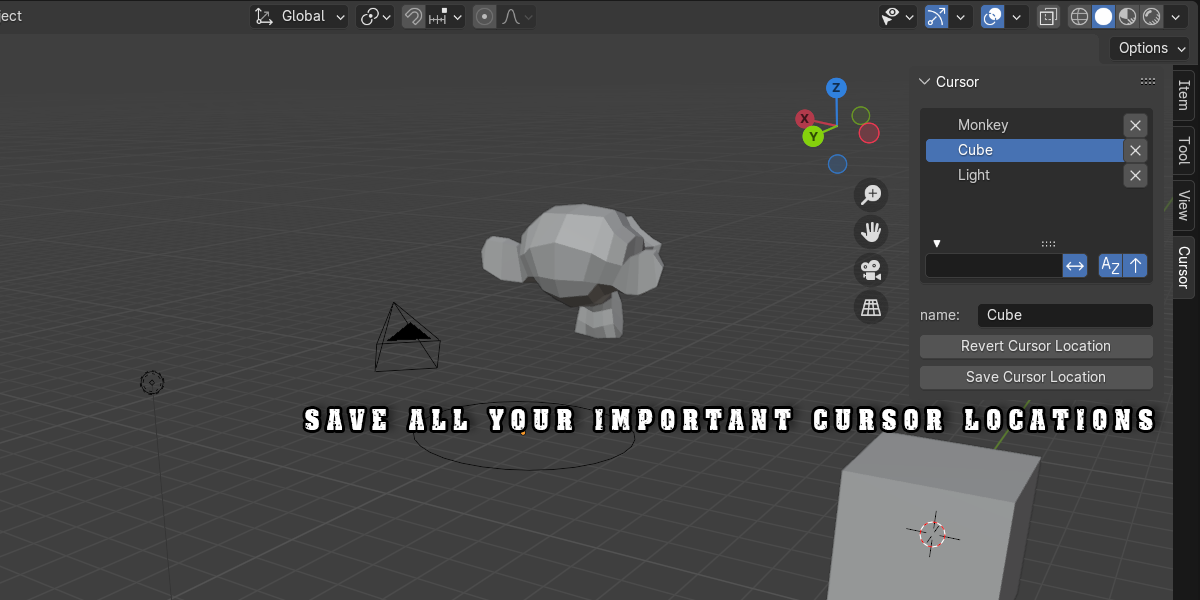
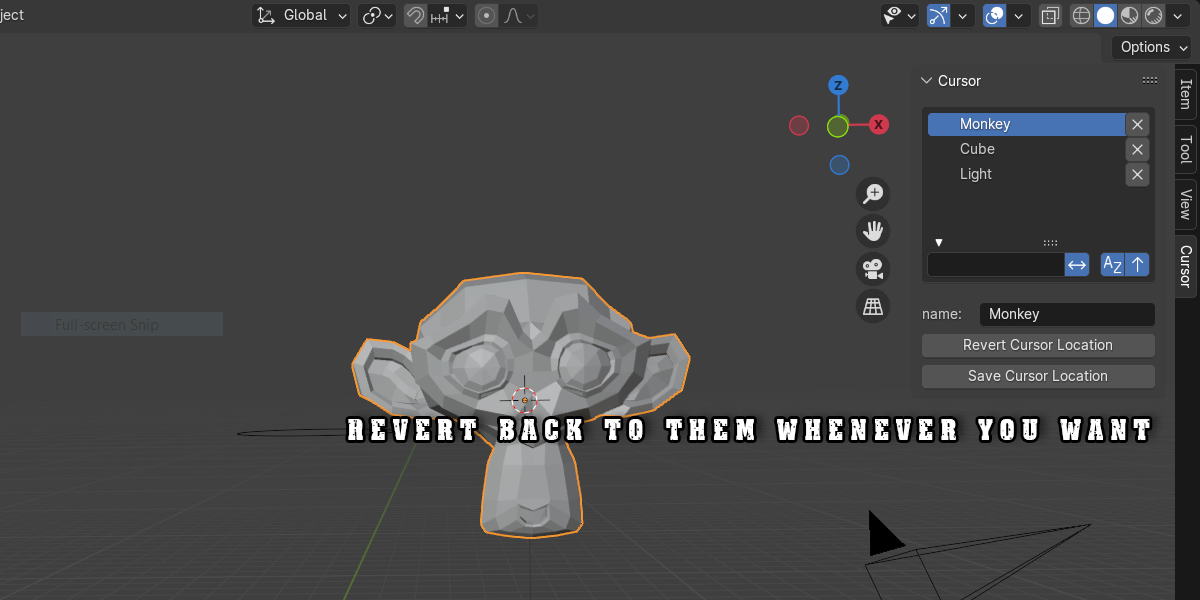
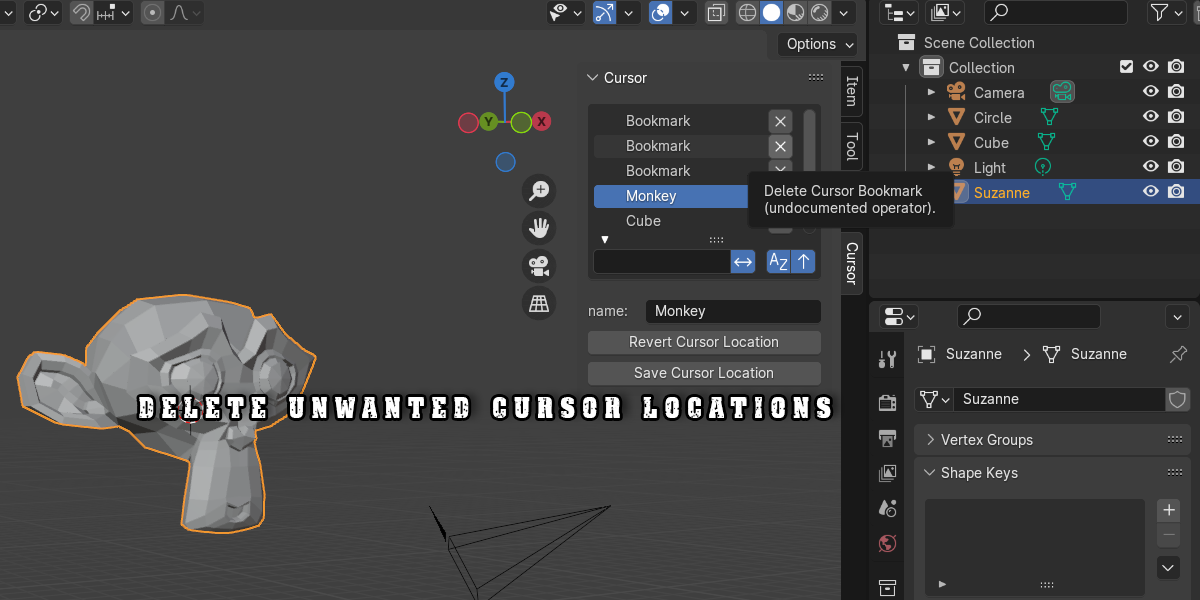
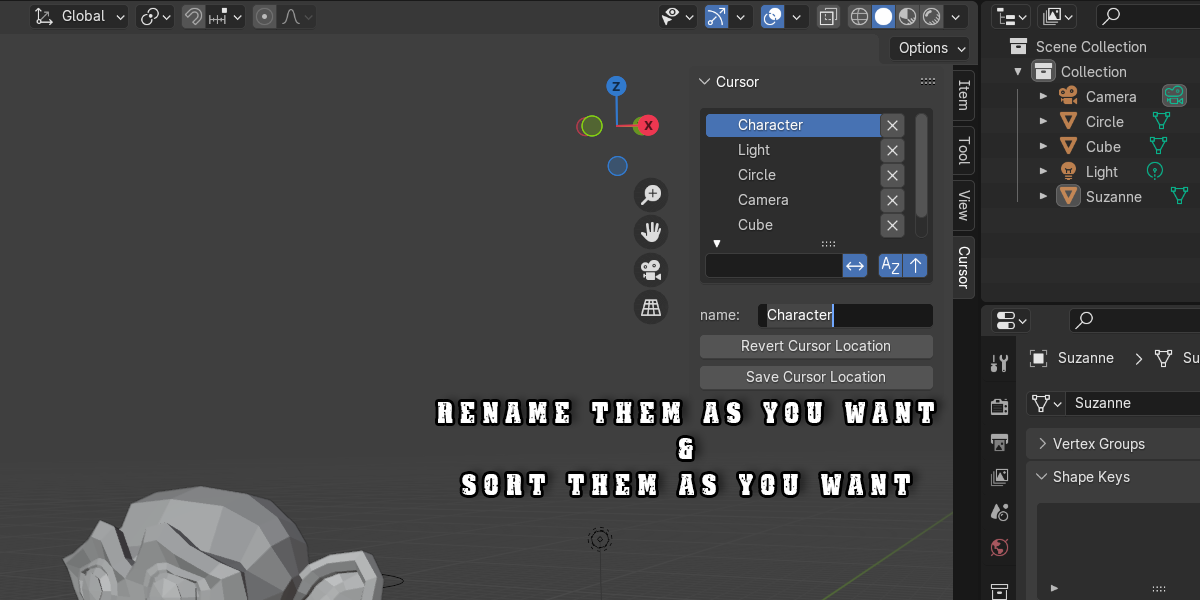
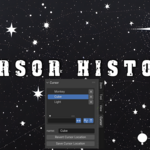
Function: Logs prior 3D Cursor locations so you can revert to past coordinates without re-snapping.
Usage: Open the Cursor History tab in the N-panel to view previous coordinates and click any entry to restore the 3D Cursor.
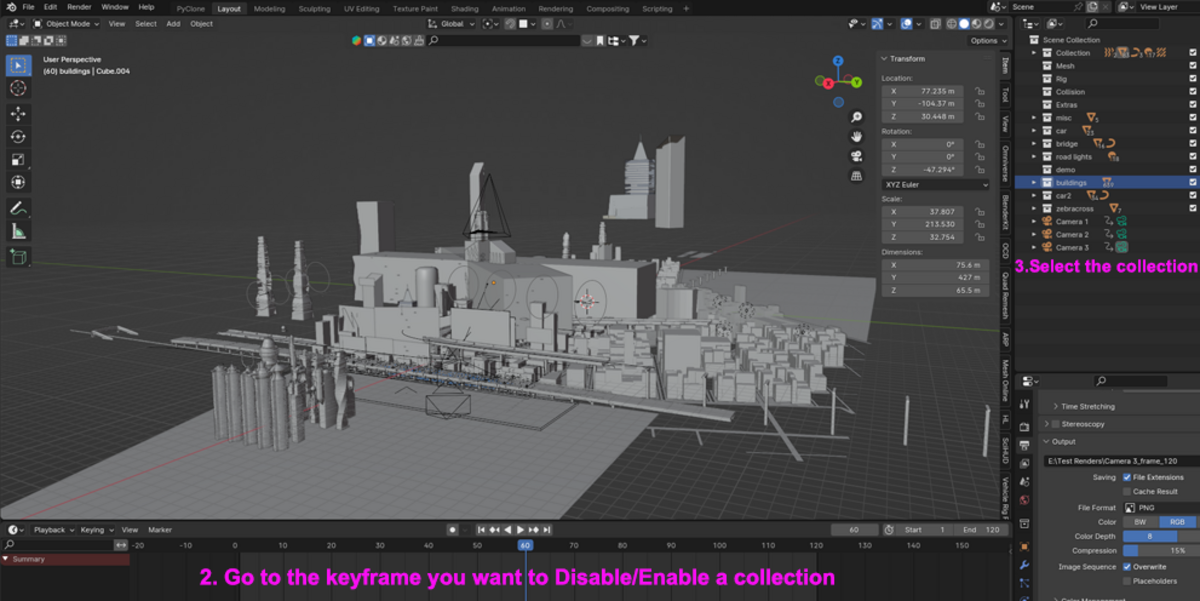
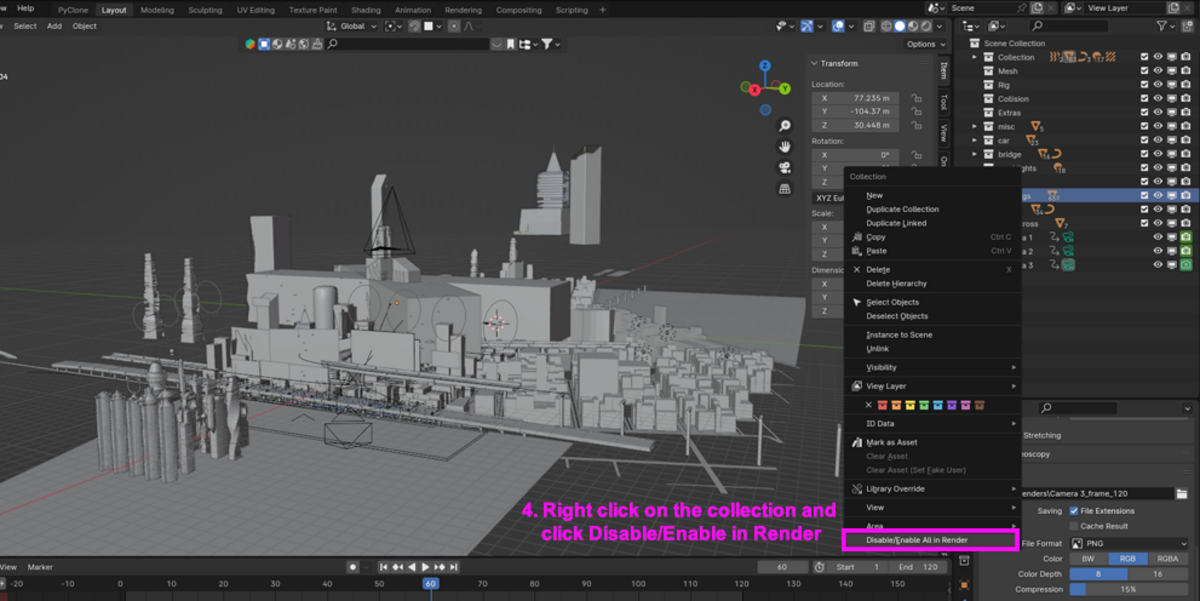
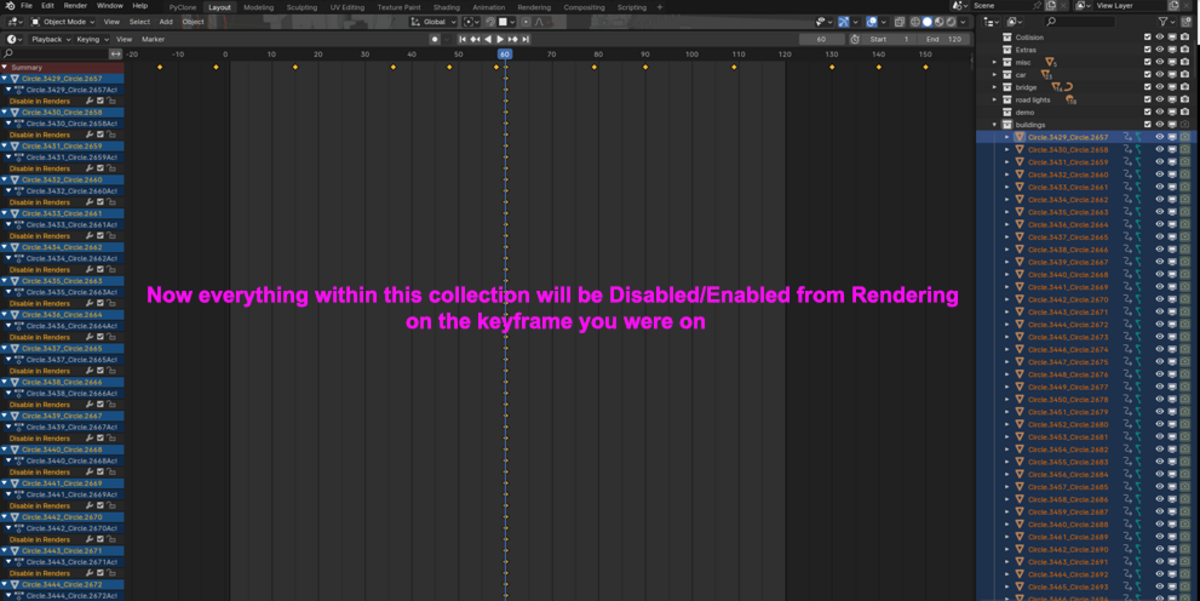
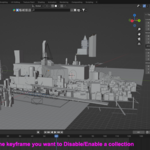
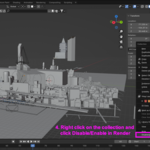
3. Disable-Enable in Render
Function: Toggles render visibility for multiple selected objects simultaneously.
Usage: Highlight target objects in the Viewport or Outliner and press Enable in Render or Disable in Render.
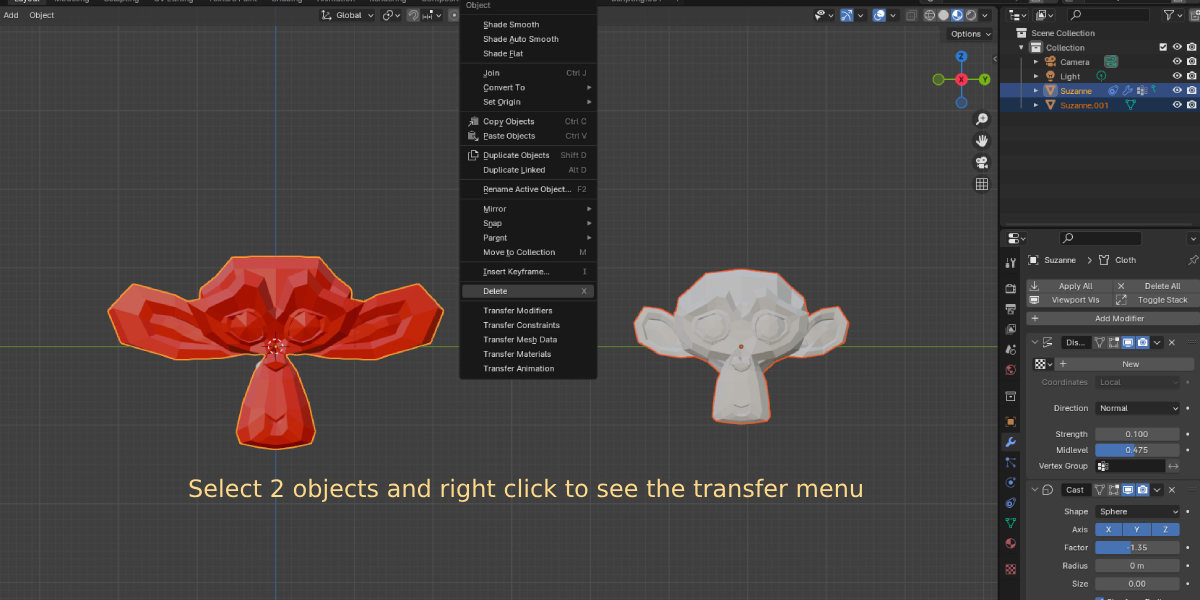
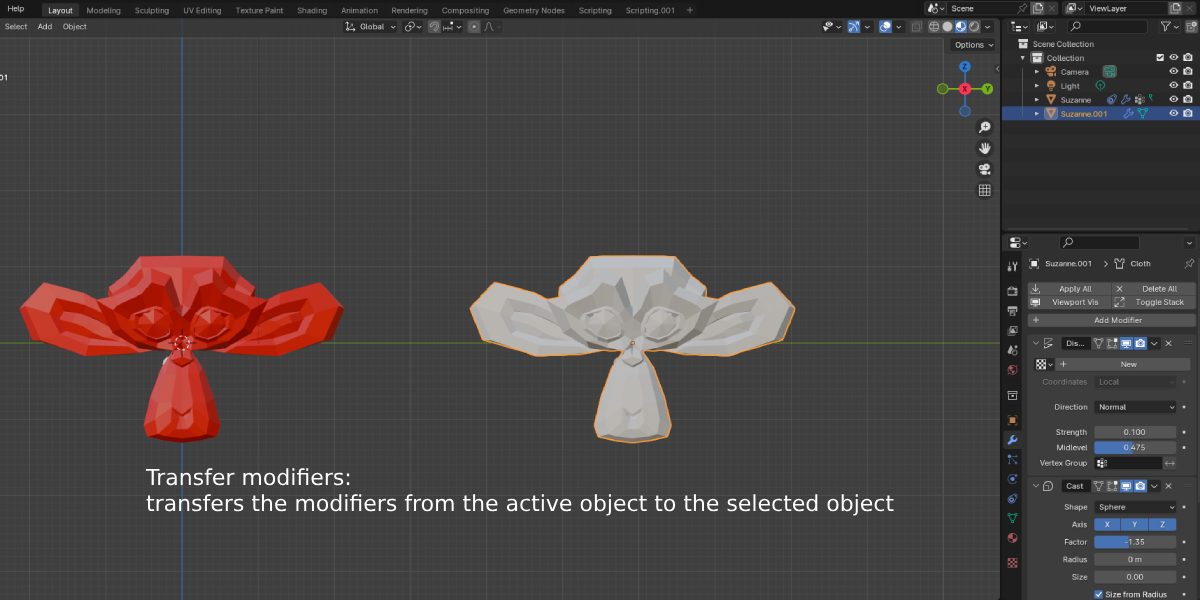
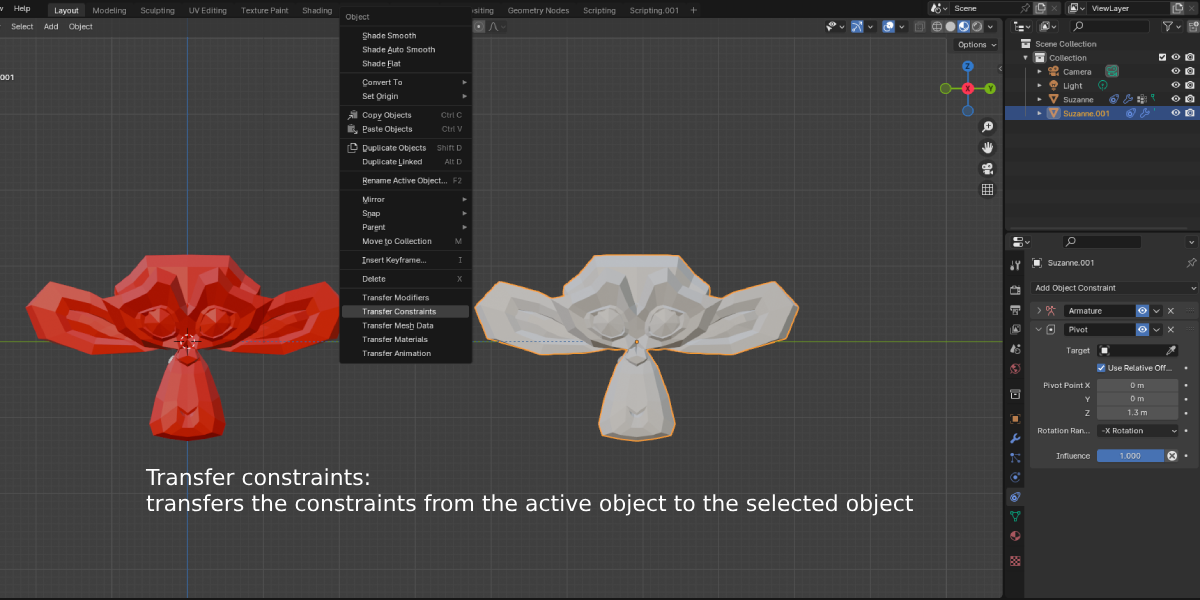
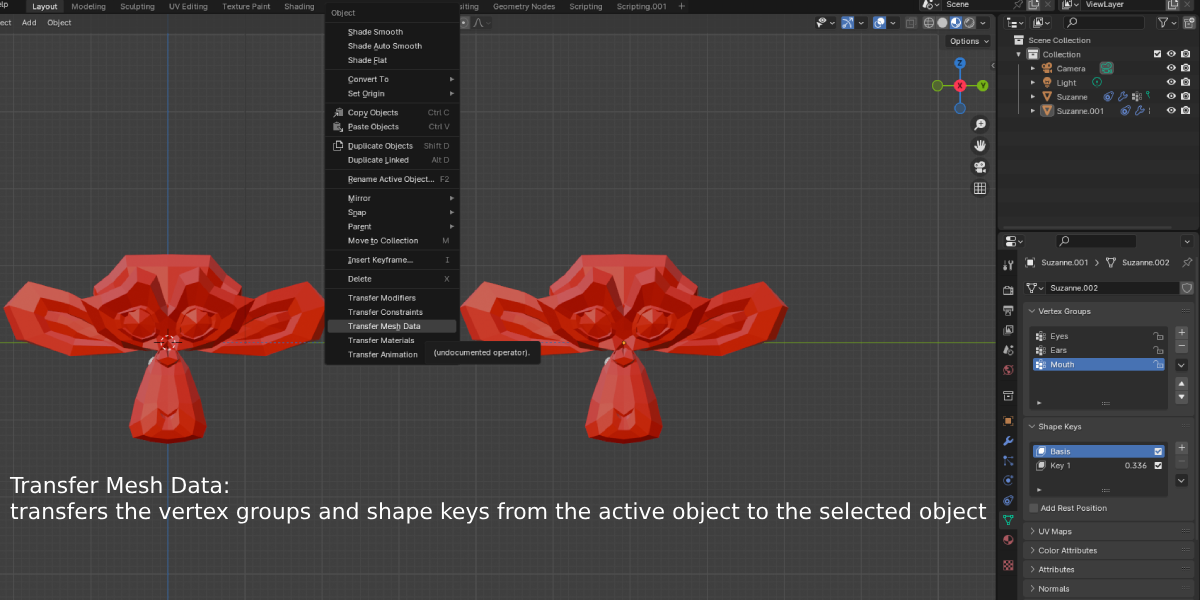
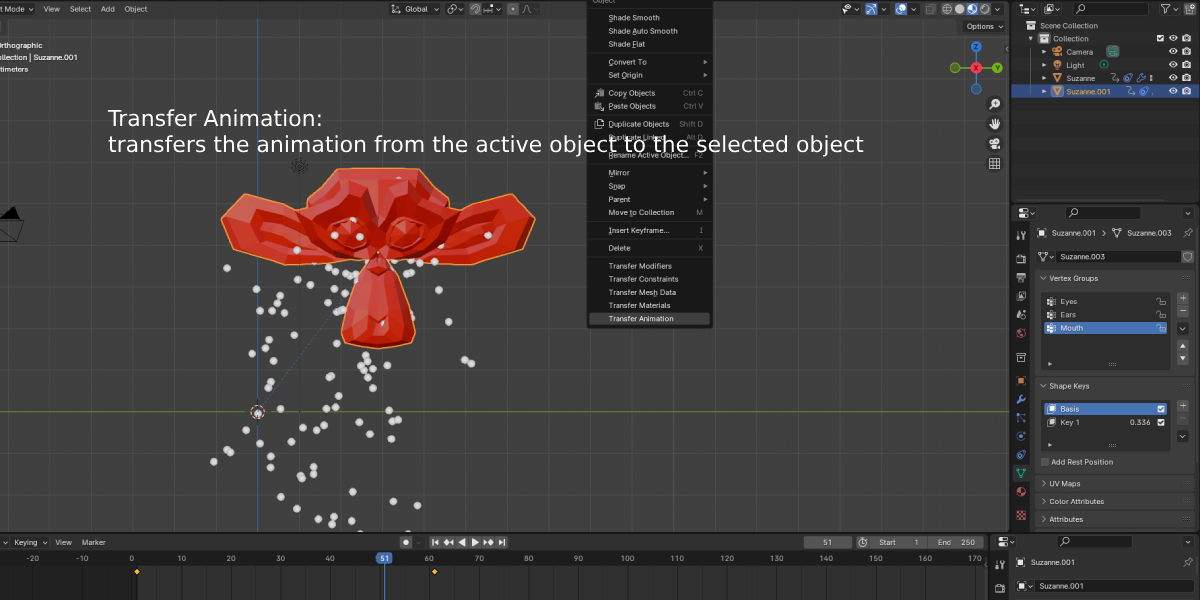
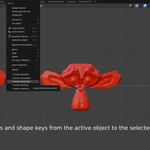
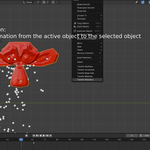
4. Easy Transfer
Function: Transfers properties, material assignments, transform metrics, or modifiers from an active object to selected target objects.
Usage: Select destination objects, select the source object last, and click Transfer Properties.
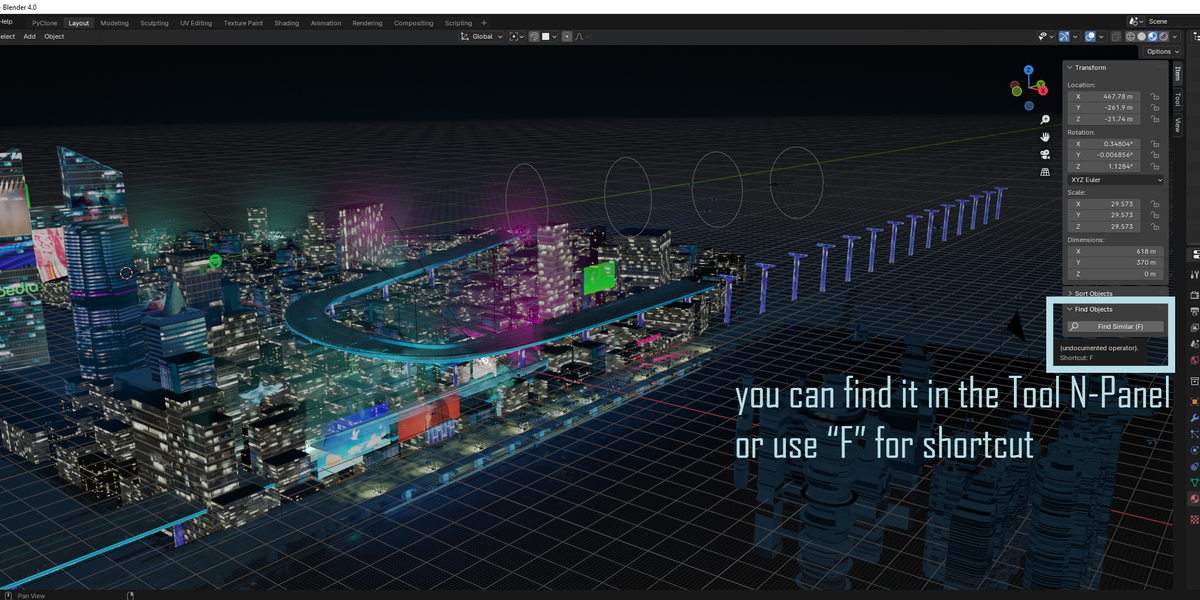
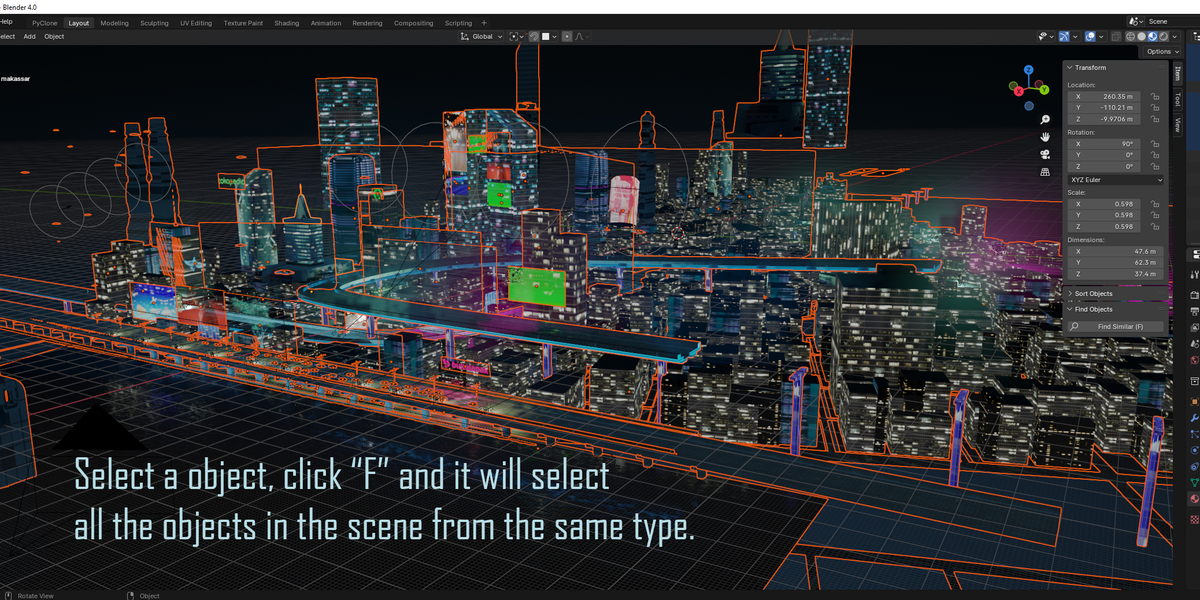
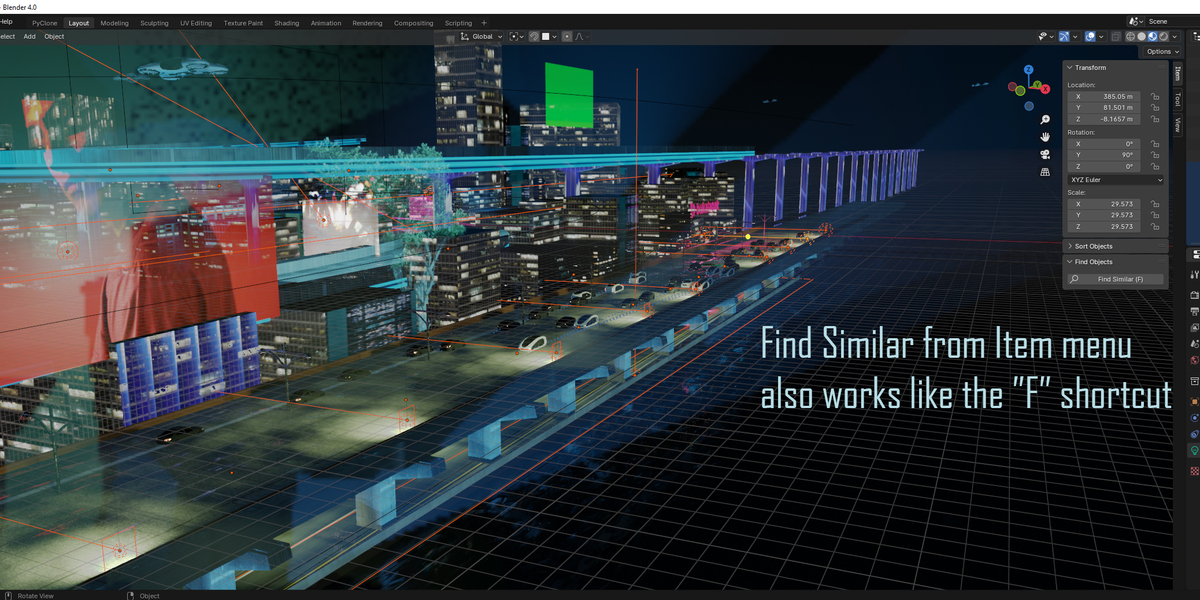
5. Find Objects
Function: Instantly locates objects across large scenes using search filters and property matching.
Usage: Type an object name or type keyword into the search bar to isolate and select matching scene elements.
6. Just Hide
Function: Offers quick viewport isolation and non-destructive hide/unhide controls.
Usage: Select target elements and toggle visibility controls in the Just Hide panel.
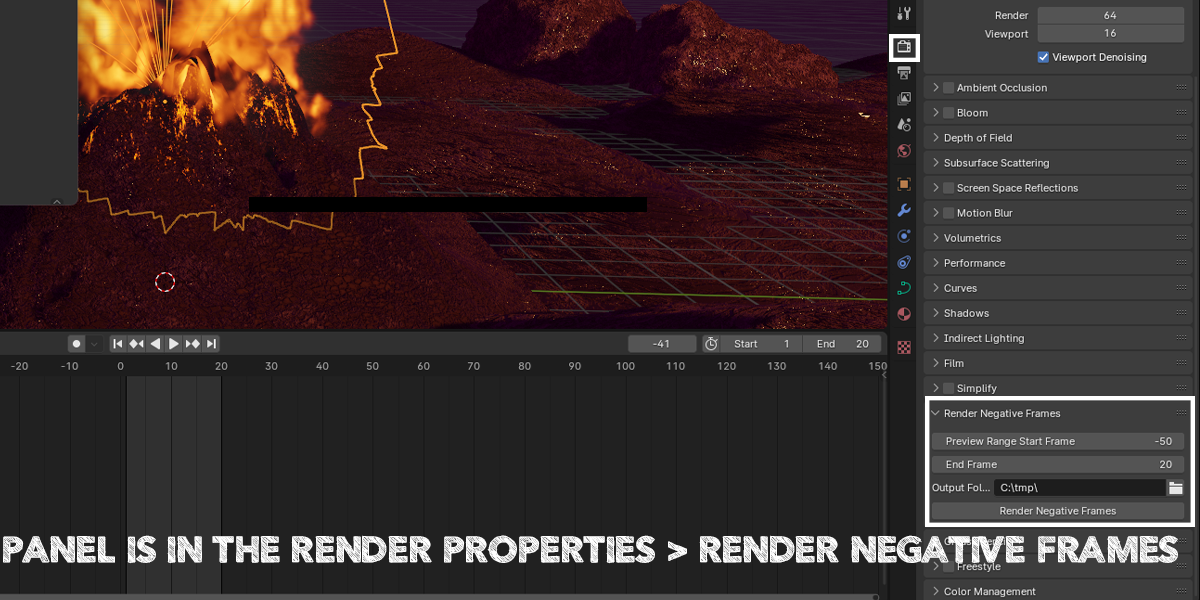
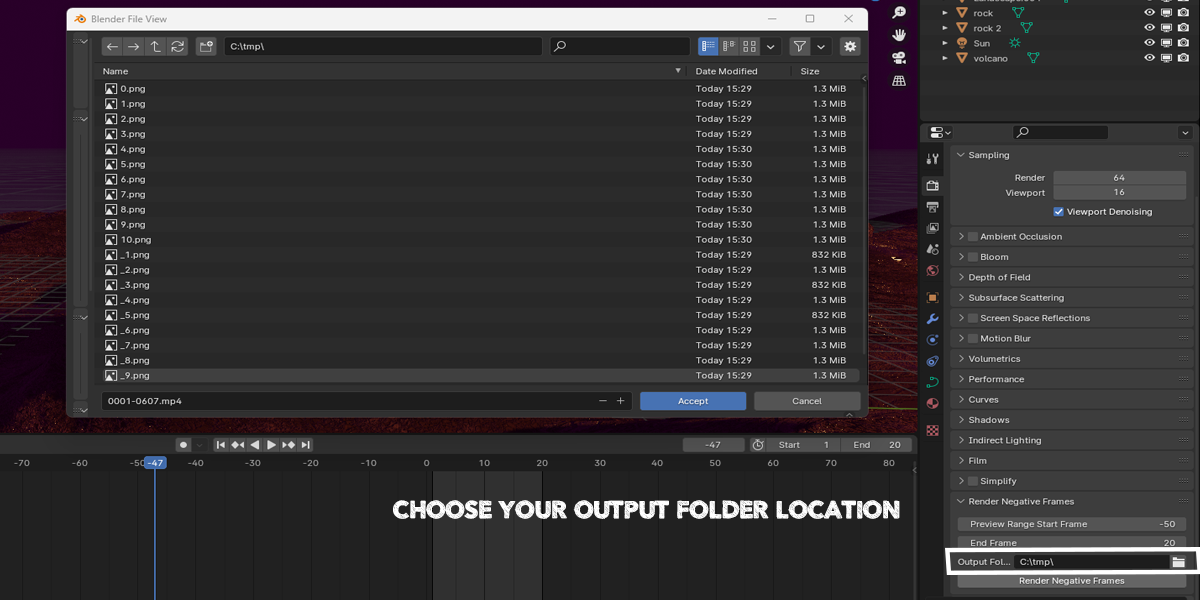
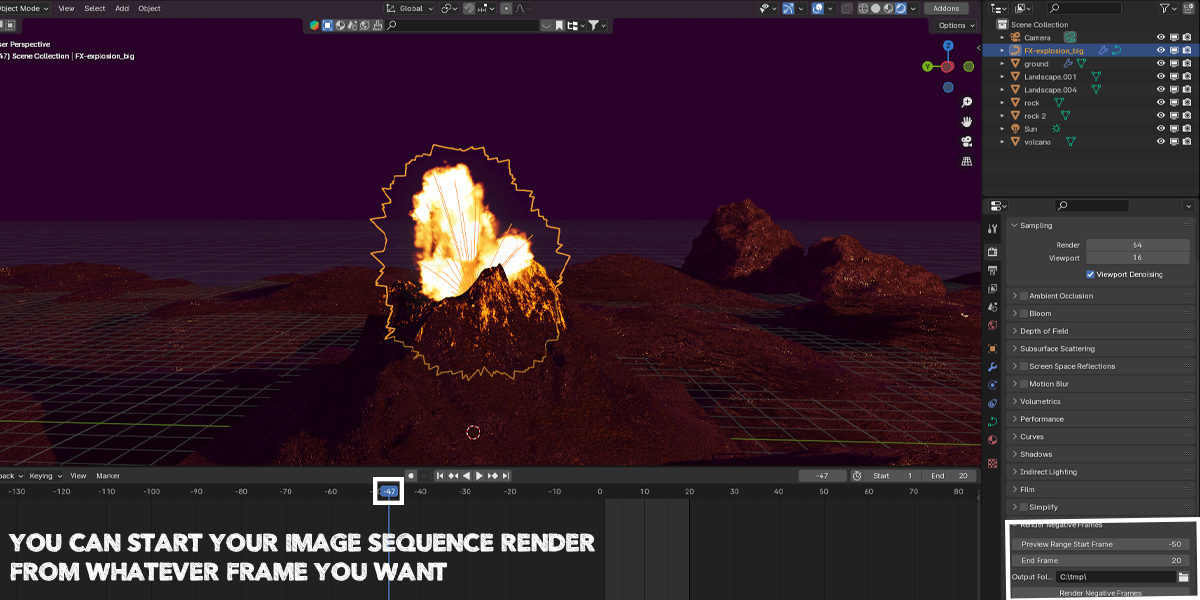
7. Render Negative Frames
Function: Extends Blender's rendering pipeline to support rendering negative frame ranges (e.g., frames
-20to0).Usage: Set your start and end frames (including negative numbers) in the render panel and run the batch render operator.
8. Render Selected Cameras
Function: Enables sequential rendering across multiple selected scene cameras in a single batch.
Usage: Select all cameras you want to render from, set an output directory, and click Render Selected Cameras.
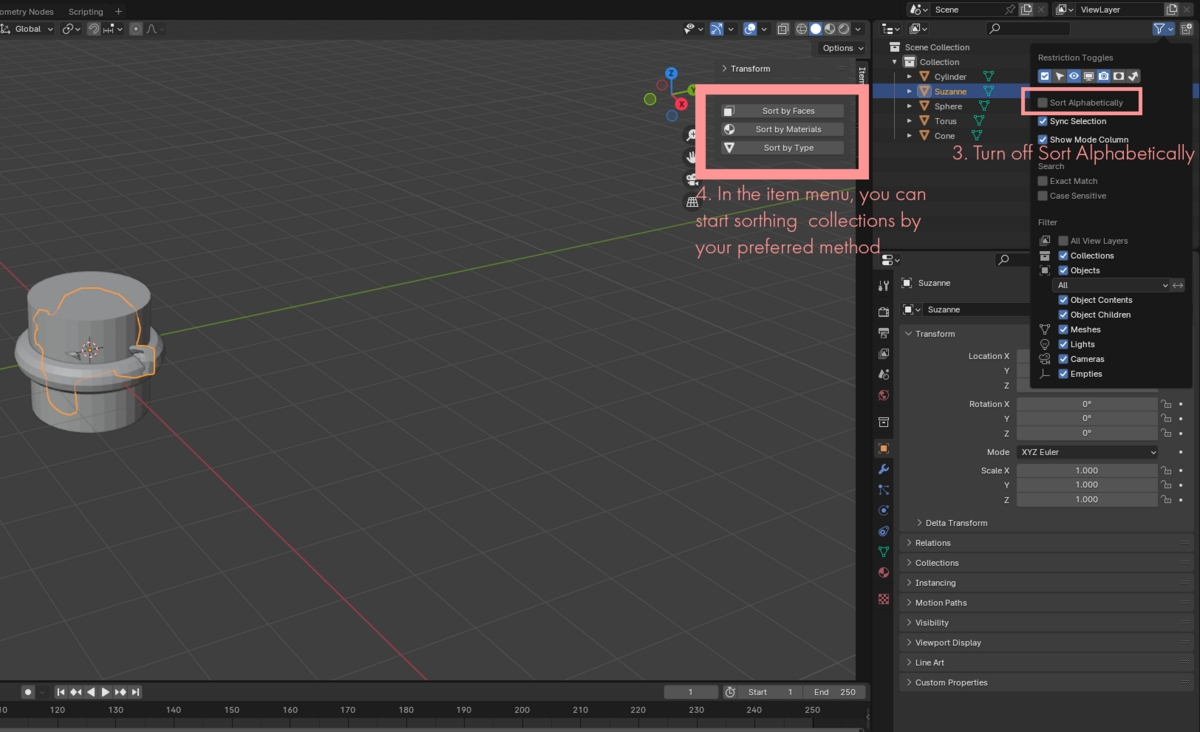
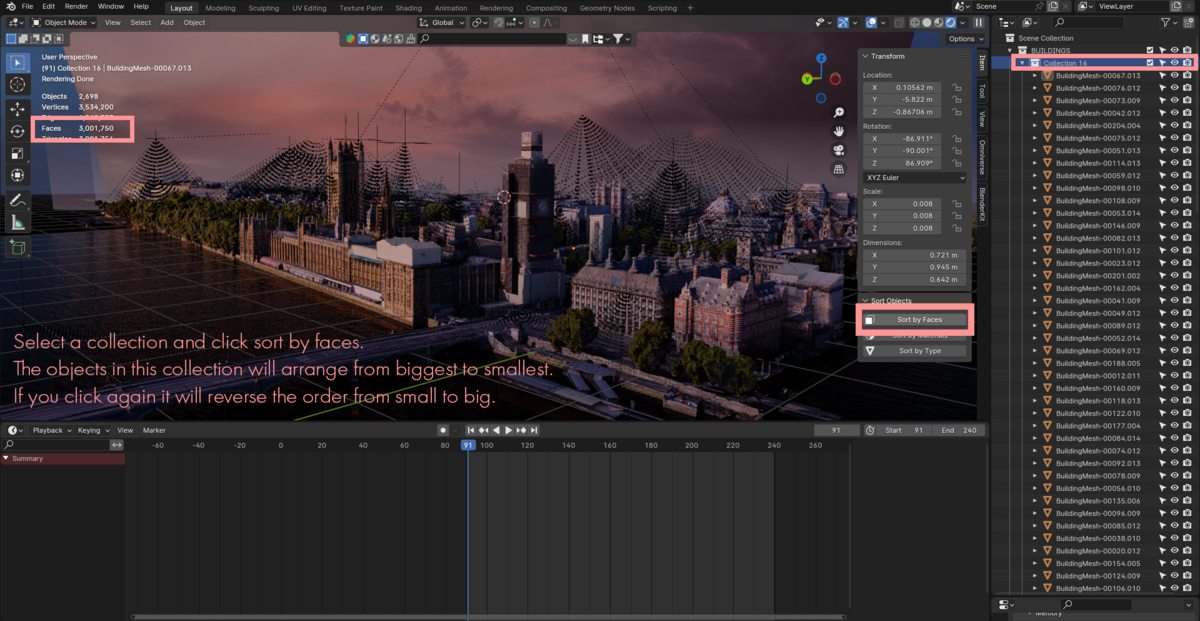
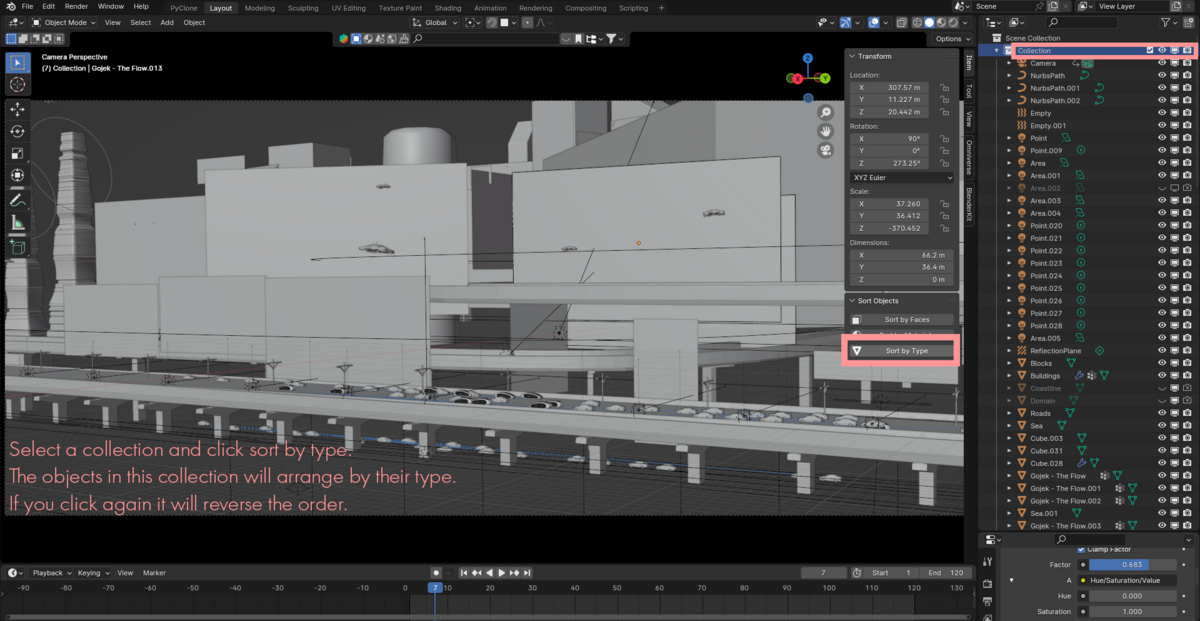
9. Sort Objects
Function: Reorganizes outliner and viewport selections alphabetically, by mesh type, or by scene hierarchy.
Usage: Choose your target collection and run the sort operator to maintain a clean outliner structure.
10. Undo History
Function: Provides a visual history stack for rapid state restoration and undo tracking.
Usage: Access the Undo History panel to view recorded steps and click any state to roll back.
Have questions about this product?
Login to message
| Blender Extension Compatible | Yes |
| Published | almost 2 years ago |
| Blender Version | 4.3, 4.2, 4.1, 4.0, 3.6, 3.5, 3.4, 3.3, 3.2, 3.1, 3.0 |
| Extension Type | Add-on |
| License | GPL |

alexdepario