Ultimate Character Kit
 Pitiwazou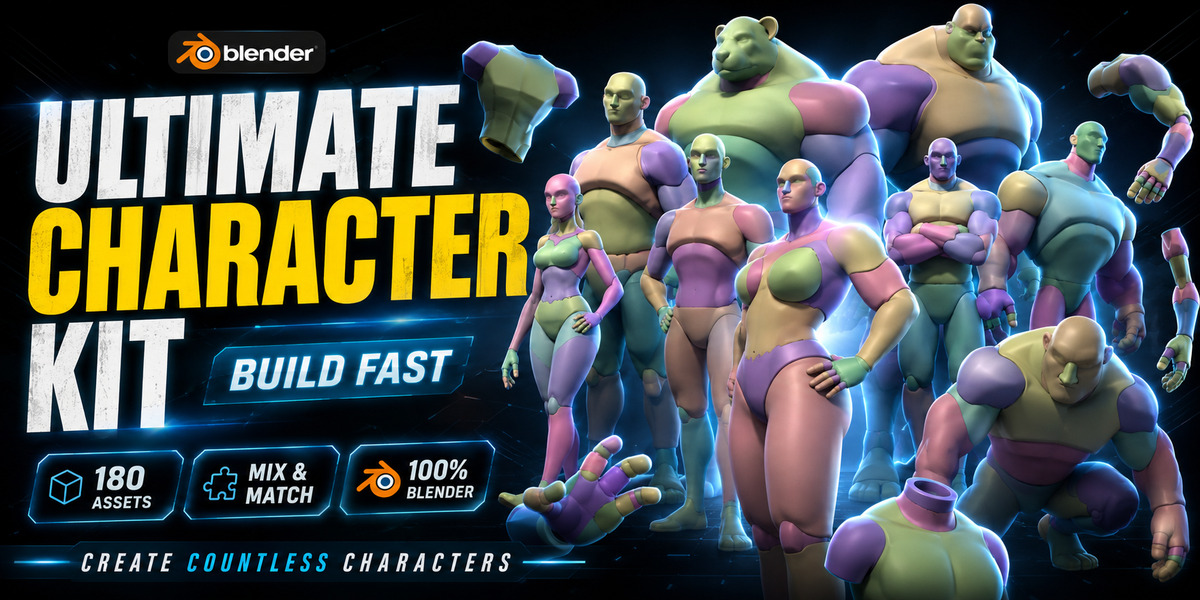


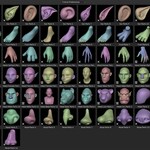
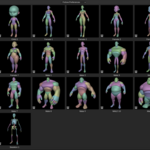
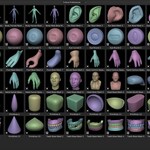
INSTALL THE PACK FOR THE ASSET BROWSER
- Unzip the pack on your computer
- Go to the Blender Preferences
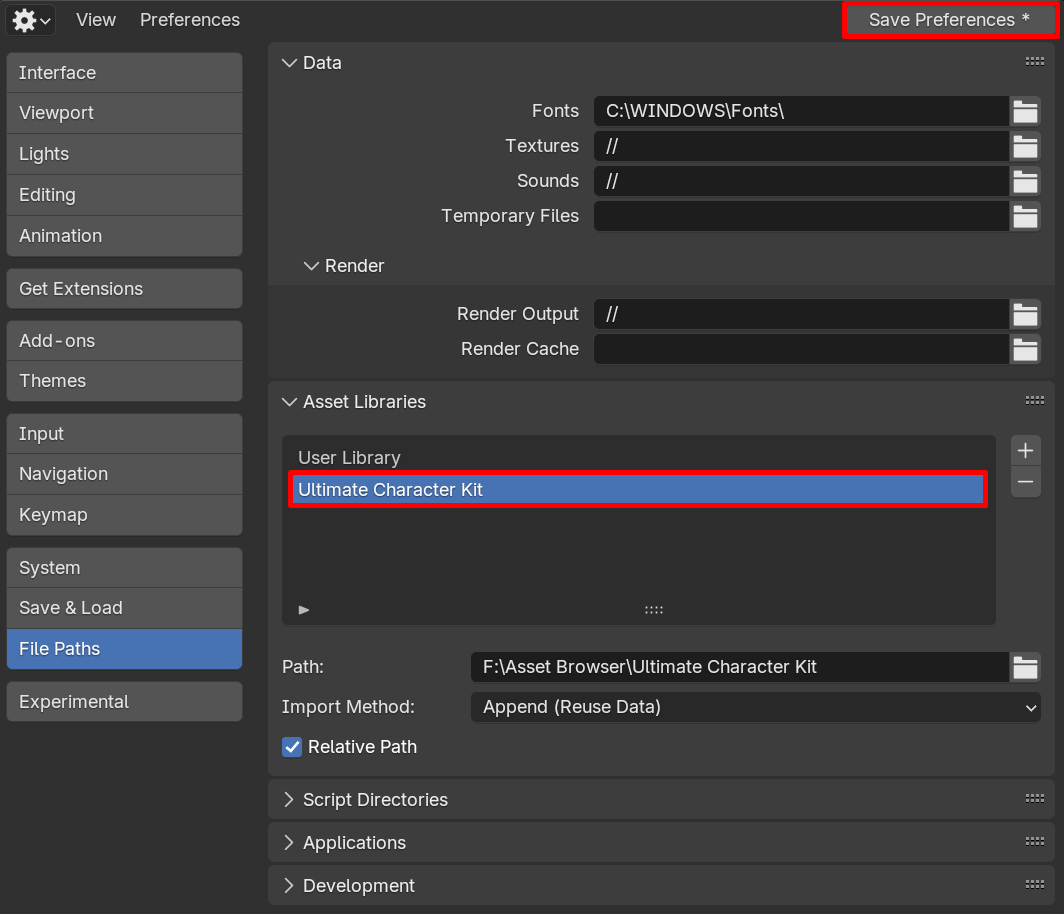
- File Paths tab > Asset Libraries
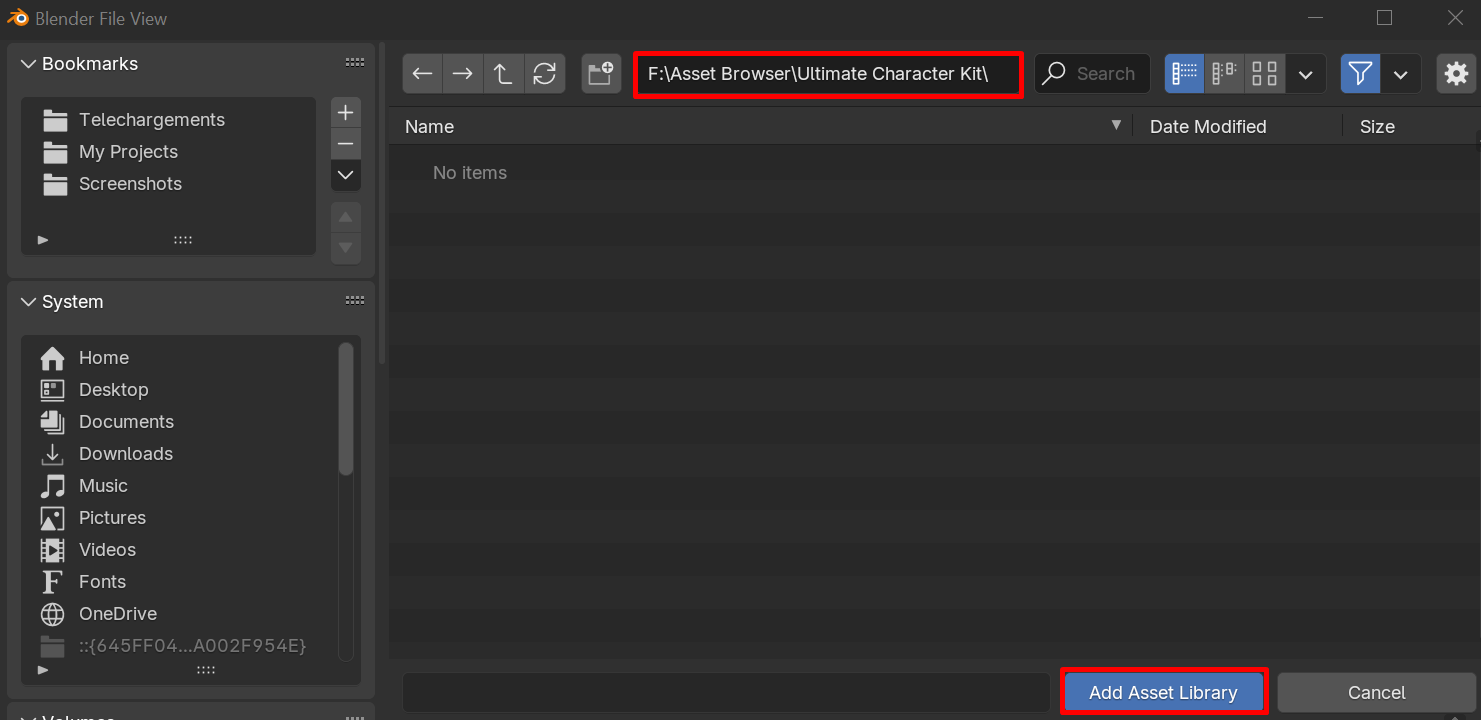
- Click on the + button
- Go to the folder of the Ultimate Character Kit
- Click on Add Asset Library
- Save the Blender Preferences
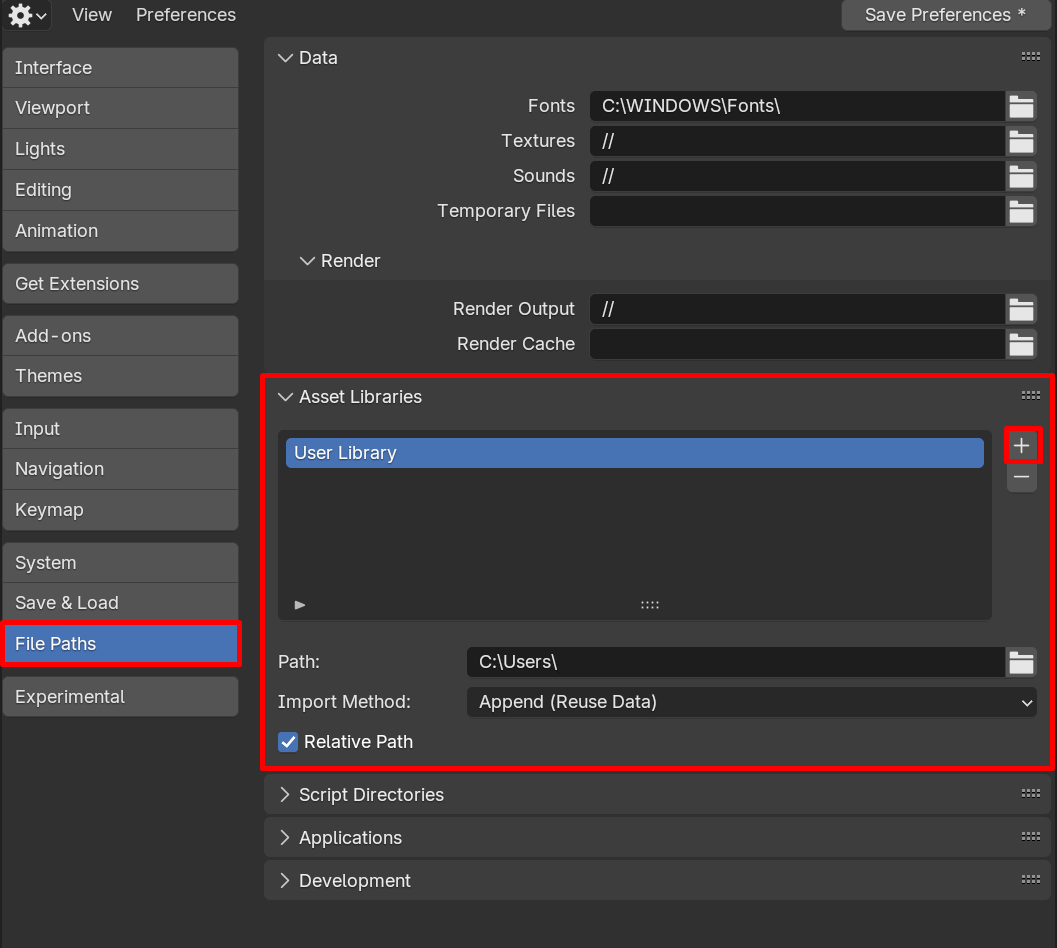
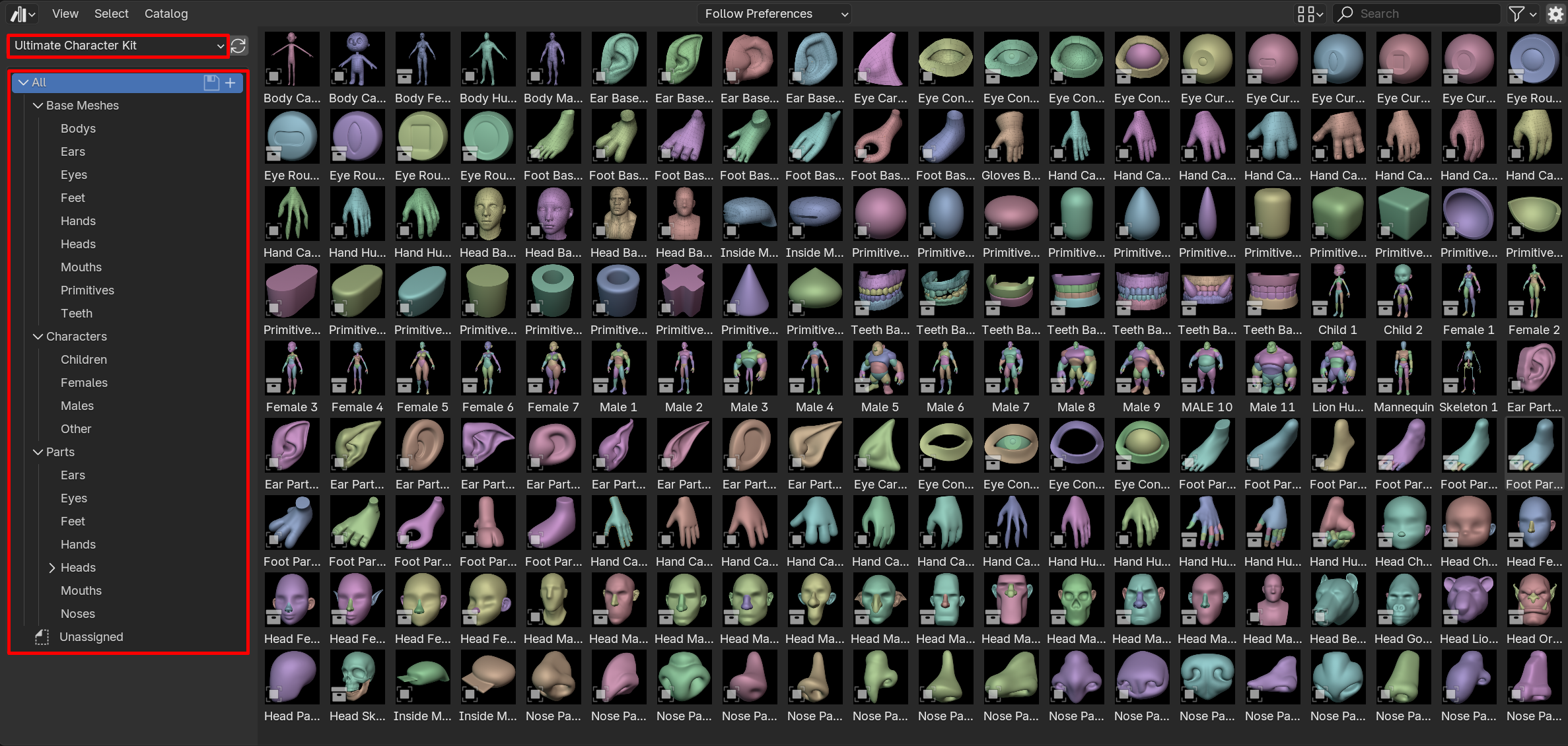
In the Asset Browser, you will have the Ultimate Character Kit visible
INSTALL THE PACK FOR SPEEDSCULPT
You need to own the add-on (Link)
- Unzip the pack on your computer
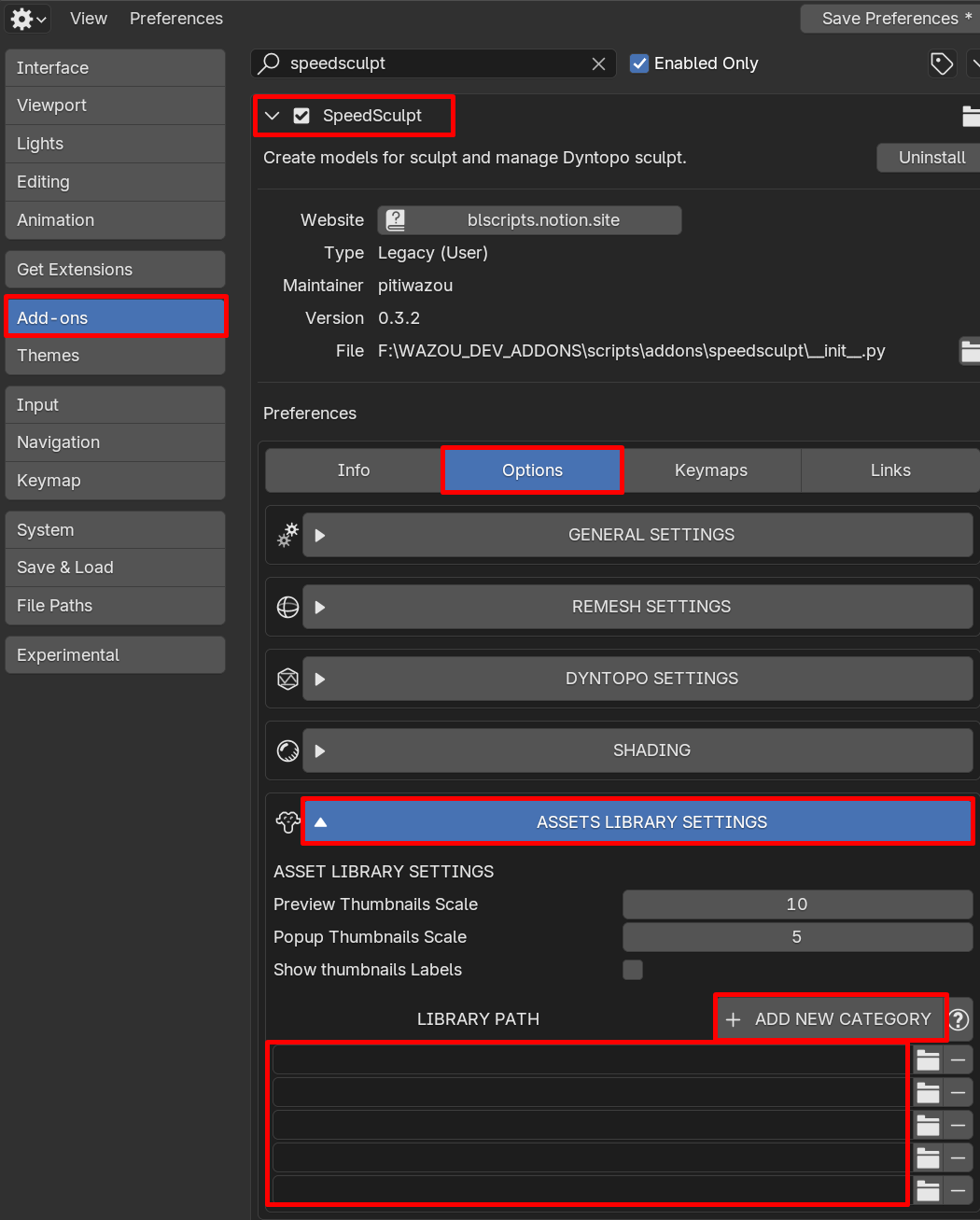
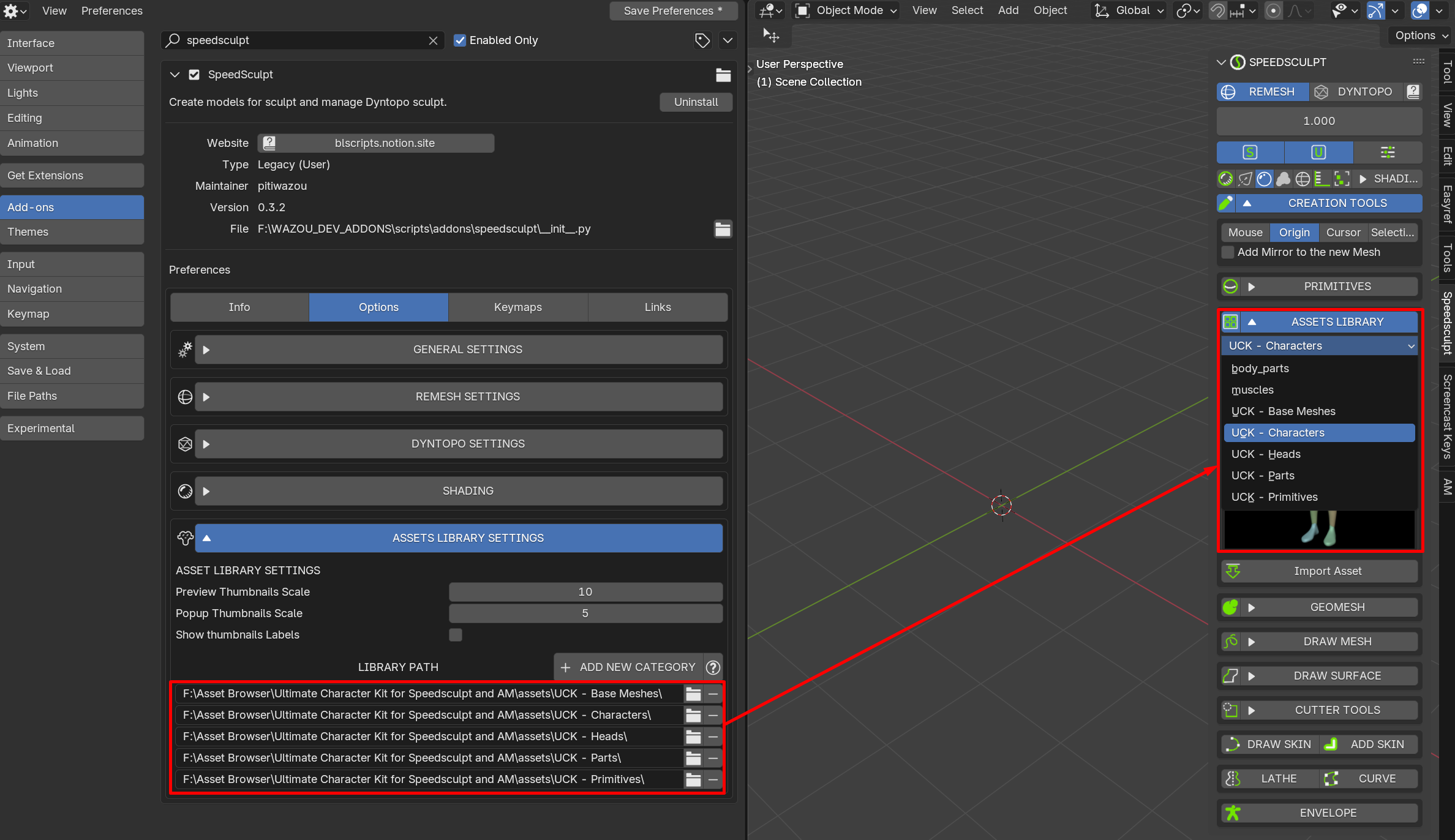
- Go to the Blender Preferences > Add-ons Tab
- Speedsculpt > Options Tab
- In the Asset Library Settings click on the + Add New Category button and Add 5 paths
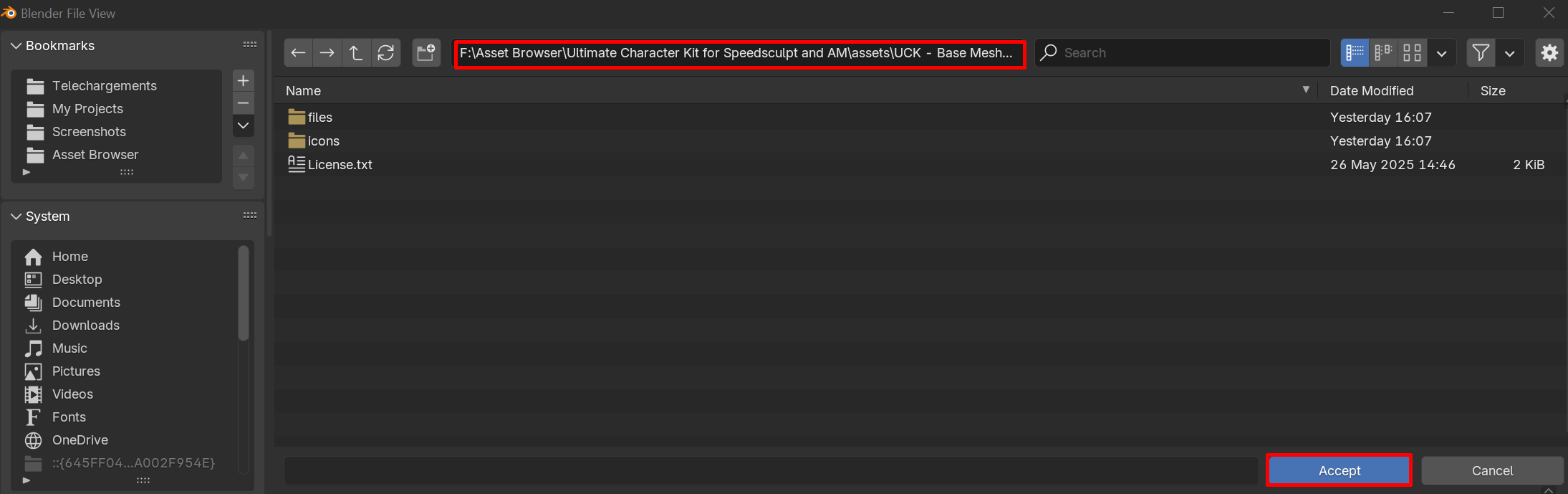
- Click on the folder button and go to where you unzipped the files
- Go in Ultimate Character Kit for Speedsculpt and AM folder > Assets
- Enter the category you want to add "UCK - Base Meshes" for example
- Accept
- Do that for the other categories
- Save the Blender Preferences
INSTALL THE PACK FOR THE ASSET MANAGEMENT
You need to own the add-on (Link)
- Unzip the pack on your computer
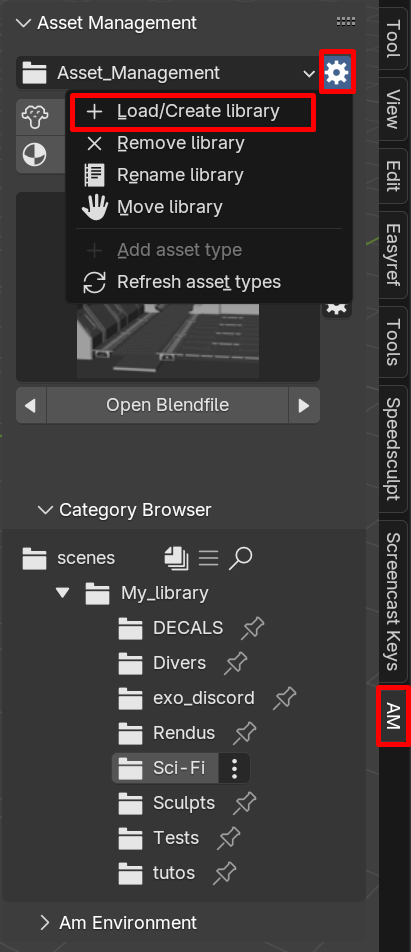
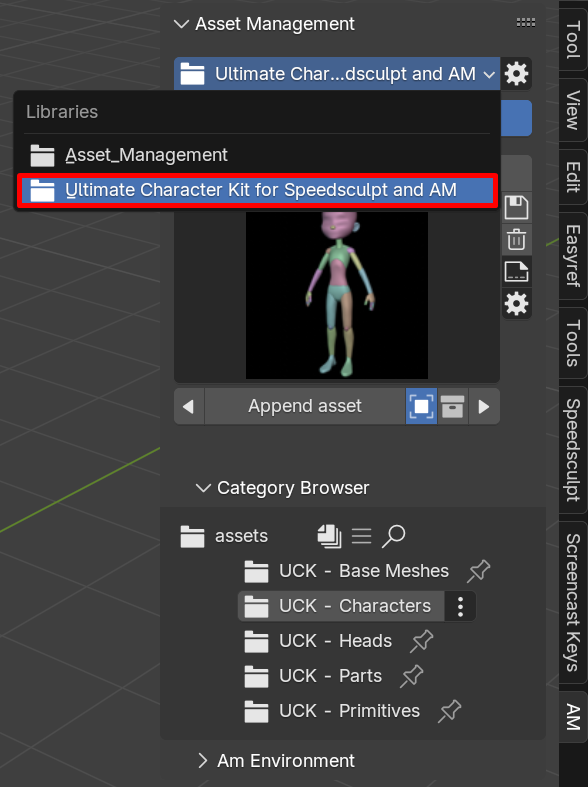
- Go to the AM tab
- Click on the wheel icon
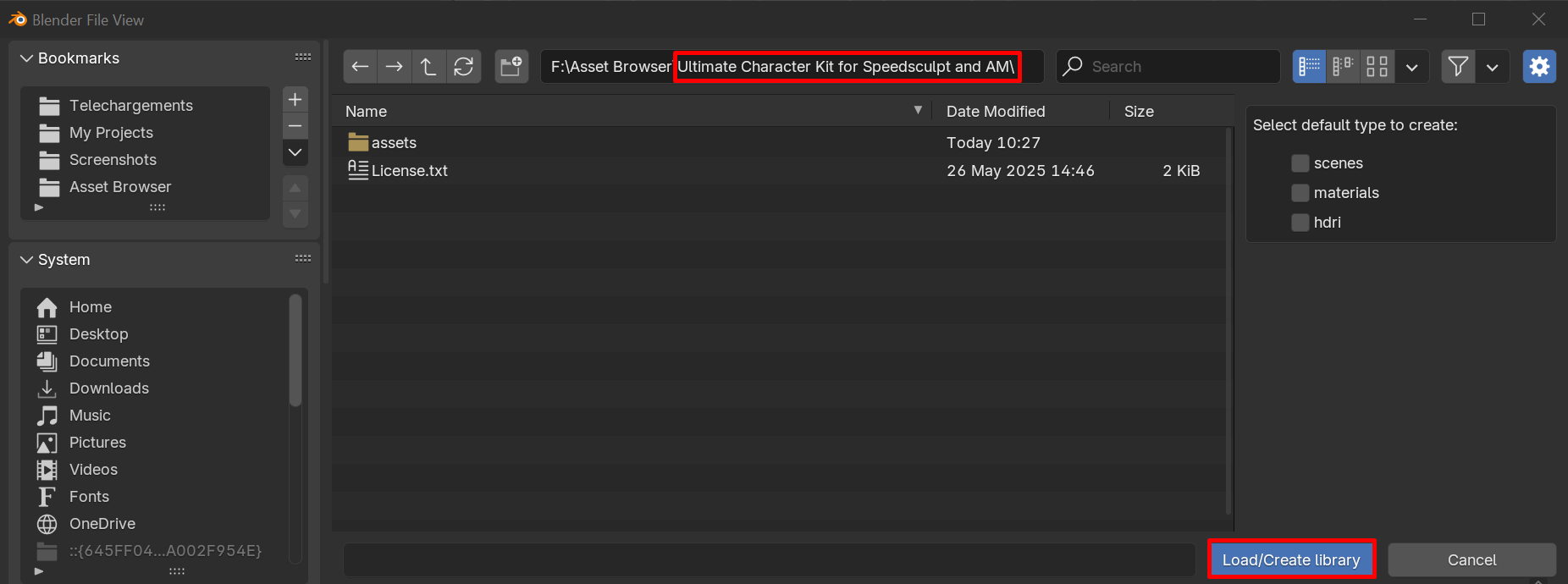
- Click on Load/Create Library
- Go in the Ultimate Character Kit for Speedsculpt and AM Folder
- Accept
- Choose the Ultimate Character Kit in the list
Discord for support https://discord.gg/8M8mFVegZ8
-
$30
For personal and Commercial use.
Have questions about this product?
Login to message
| Sales | 200+ |
| Rating | 2 ratings |
| Published | over 1 year ago |
| Blender Version | 4.2 - 5.2 |
| License | Creative Commons |