Ultimate Blender Procedural Material Pack
 Ryan King Art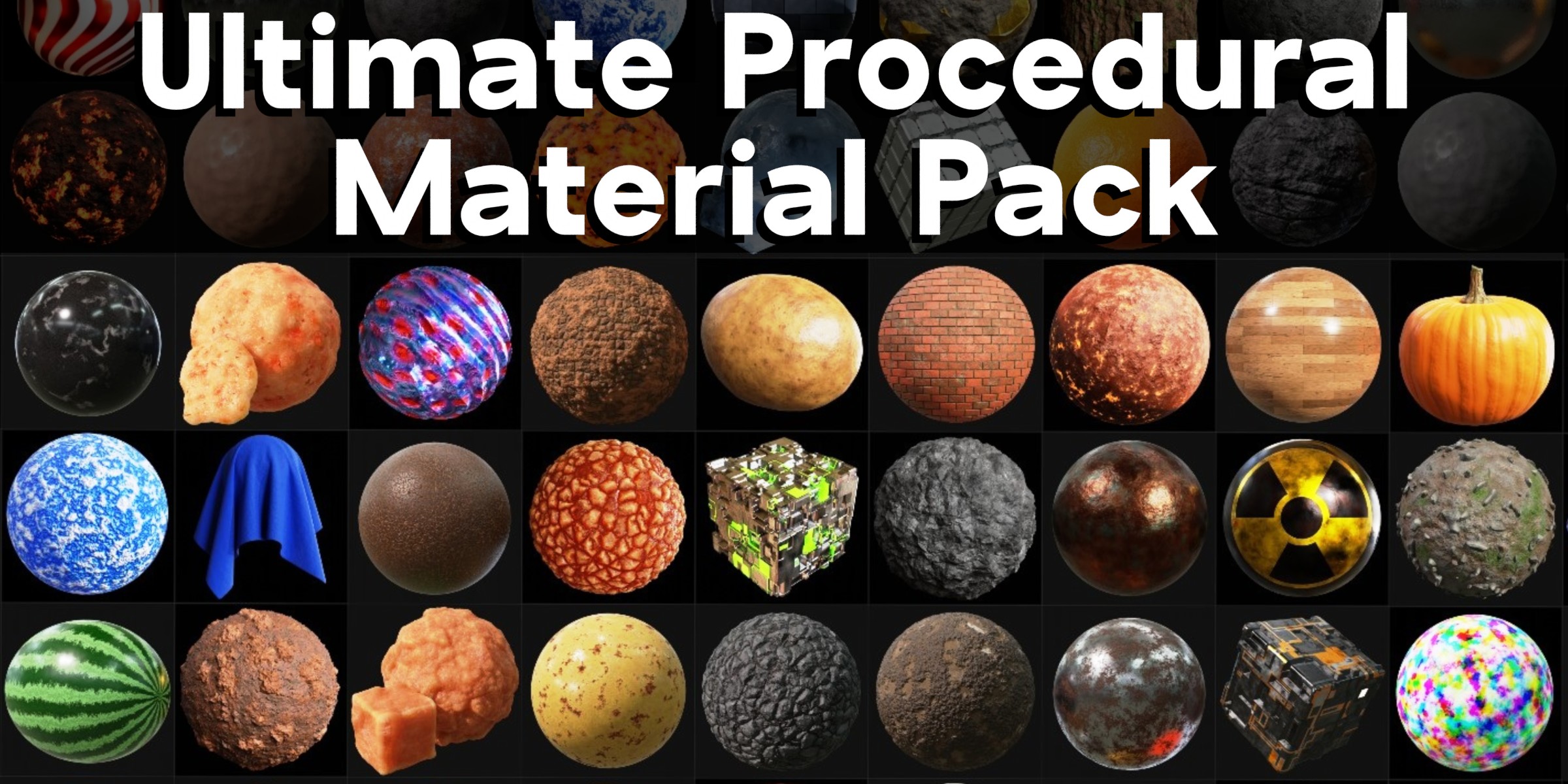


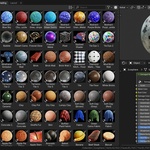

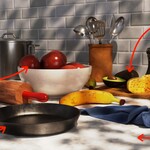
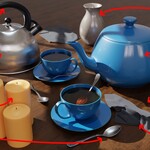
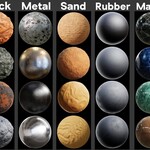
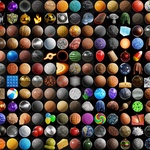
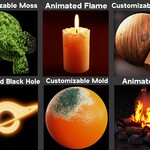
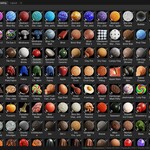


Open Blender's user preferences, and go to, file path, then, Asset Libraries. Click on the plus icon, and then choose the folder where your storing the asset library Blender file. You should also set the import method to Append, so that you can customize each material when you add them. Make sure to save the user preferences. Then you can open Blender's asset browser window in any of your projects and access the materials.
Yes! You can check out my Blender Procedural Material Tutorial Playlist Here.
These materials were designed for Cycles, but they will also work in Eevee. Material displacements are now supported in Blender version 4.2, so if you're using version 4.2 or a newer version, the materials with displacements will work in Eevee!
I will always keep the product updated to work in the latest stable Blender version. Its recommended to use the latest Blender version, because some of the procedural shader nodes were updated in the new Blender updates, causing some of the materials to not work properly in older Blender versions.
Watch My Shader Nodes Update Videos:▶️ Blender's New Mix Color Node Video
▶️ How to Fix the Mix RGB Undefined Node
▶️ Musgrave Texture Was Removed in Blender
▶️ Subsurface Color Change in Blender 4.0
▶️ Import Method for Asset Libraries in 5.0
Have questions about this product?
Login to message
Includes an Asset Library
360 drag-and-drop assets for Blender’s Asset Browser.
Browse included assets| Sales | 700+ |
| Rating | 11 ratings |
| Dev Fund Contributor | |
| Published | over 3 years ago |
| Blender Version | 4.5 - 5.2 |
| Render Engine Used | Cycles, Eevee |
| License | Royalty Free |
Discover more products like this
node groups wood-brick-ground ultimate blender procedural material pack clay-stone-metal Material customizable asset library Shader food-concrete-glass asset pack procedural Ryan King Art