Blender Easy


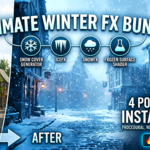


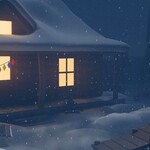
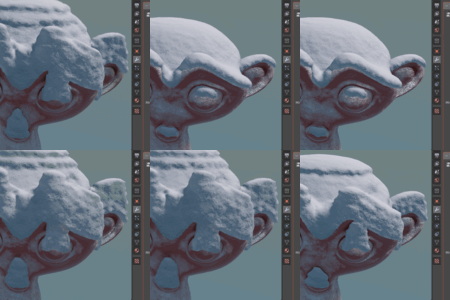
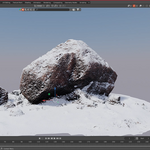
❄️ Ultimate Winter FX Bundle
Everything you need to create stunning snow & ice environments in Blender
This bundle combines four powerful procedural tools designed to transform your scenes into cinematic winter environments — instantly.
From realistic snow accumulation to dynamic snowfall, detailed ice formations, and frozen surface shaders, everything works together seamlessly in a fully procedural, non-destructive workflow.
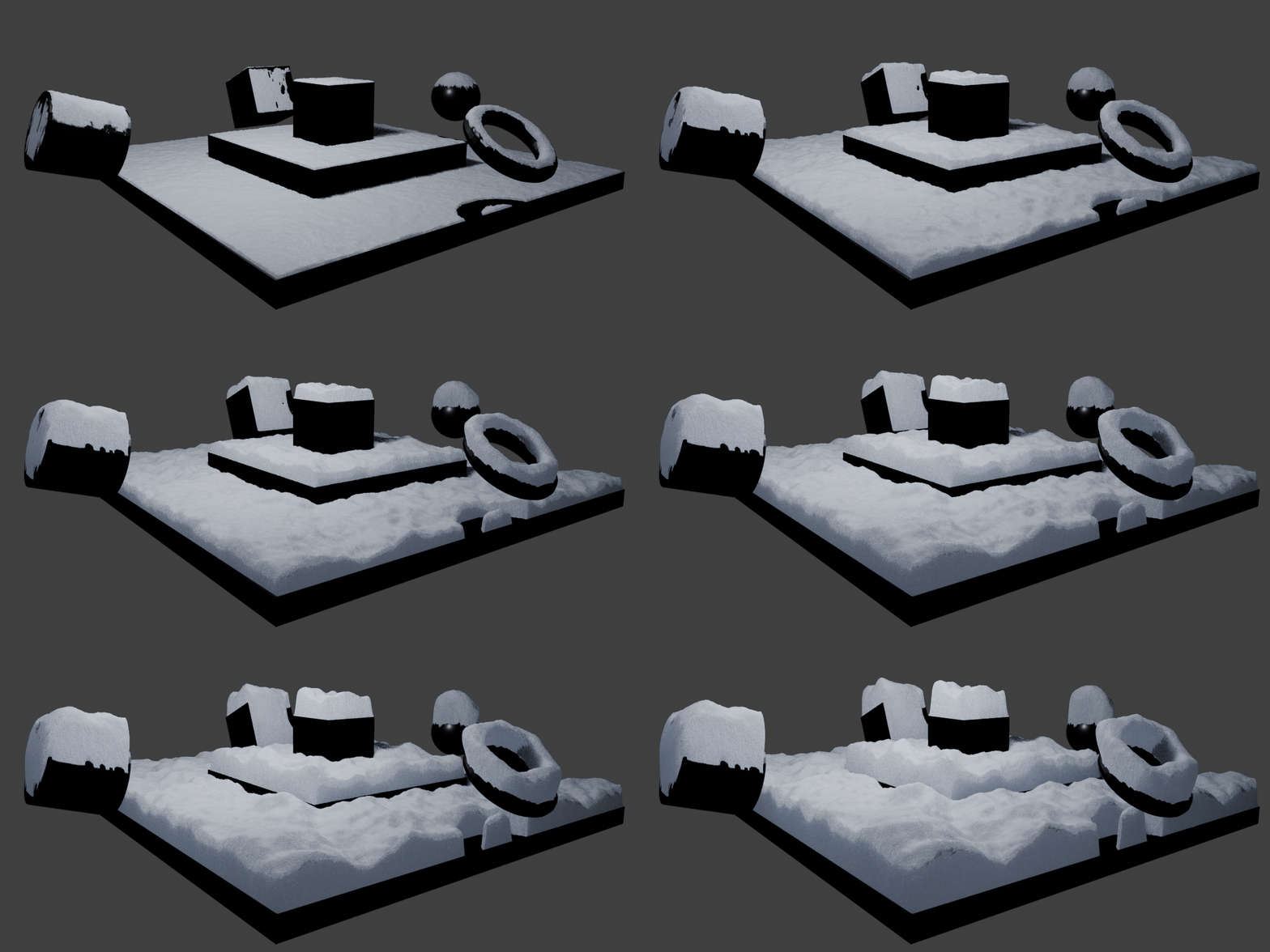
🌨️ Snow Cover Generator
Instantly generate a natural snow layer that adapts to any surface. Control buildup, thickness, and accumulation with physically believable results.
🧊 IceFX Generator
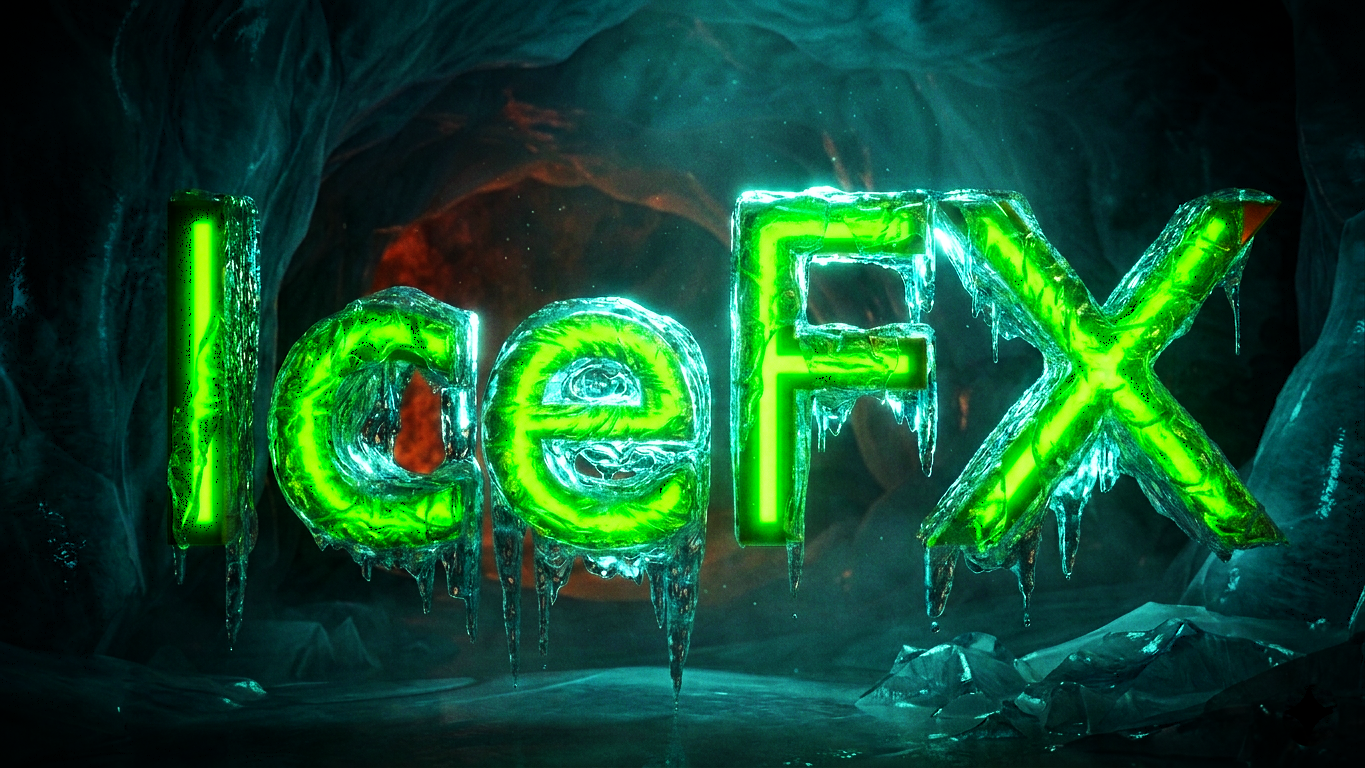
Create stylized or realistic ice formations in seconds. Generate spikes, frost, and layered ice structures on any mesh.
- Procedural ice growth
- Spike & crystal controls
- Advanced noise breakup
- Physically-inspired shader
❄️ SnowFX Environment System
Instantly transform your entire scene with falling snow, fog, and atmosphere. Perfect for cinematic shots and immersive environments.

🧪 Frozen Surface Shader
A flexible shader system to create frozen materials on any surface. Mix it with existing materials to simulate ice buildup, frost, and translucency.
- Fully procedural shader
- Mix with any material
- Control roughness, bump, translucency
- Supports masking for art direction
🚀 Why This Bundle?
- Complete winter toolkit — no gaps
- All tools are fully procedural
- Designed to work together seamlessly
- Massively speeds up environment creation
- Perfect for both realism and stylized work
⚙️ Installation & Usage
All tools in this bundle are ready-to-use Blender assets, designed for a fast and seamless workflow.
- Move the provided .blend files into your Blender Asset Library folder.
- Open Blender and ensure your Asset Library is enabled.
- Open the Asset Browser.
- Locate the desired asset (Snow, IceFX, SnowFX, or Shader).
- Simply drag and drop the asset onto any 3D mesh in your scene.
That’s it — the effect is applied instantly and remains fully procedural and editable.