Unfold - Spiral Any Curve in GeoNodes
 codesignprojects
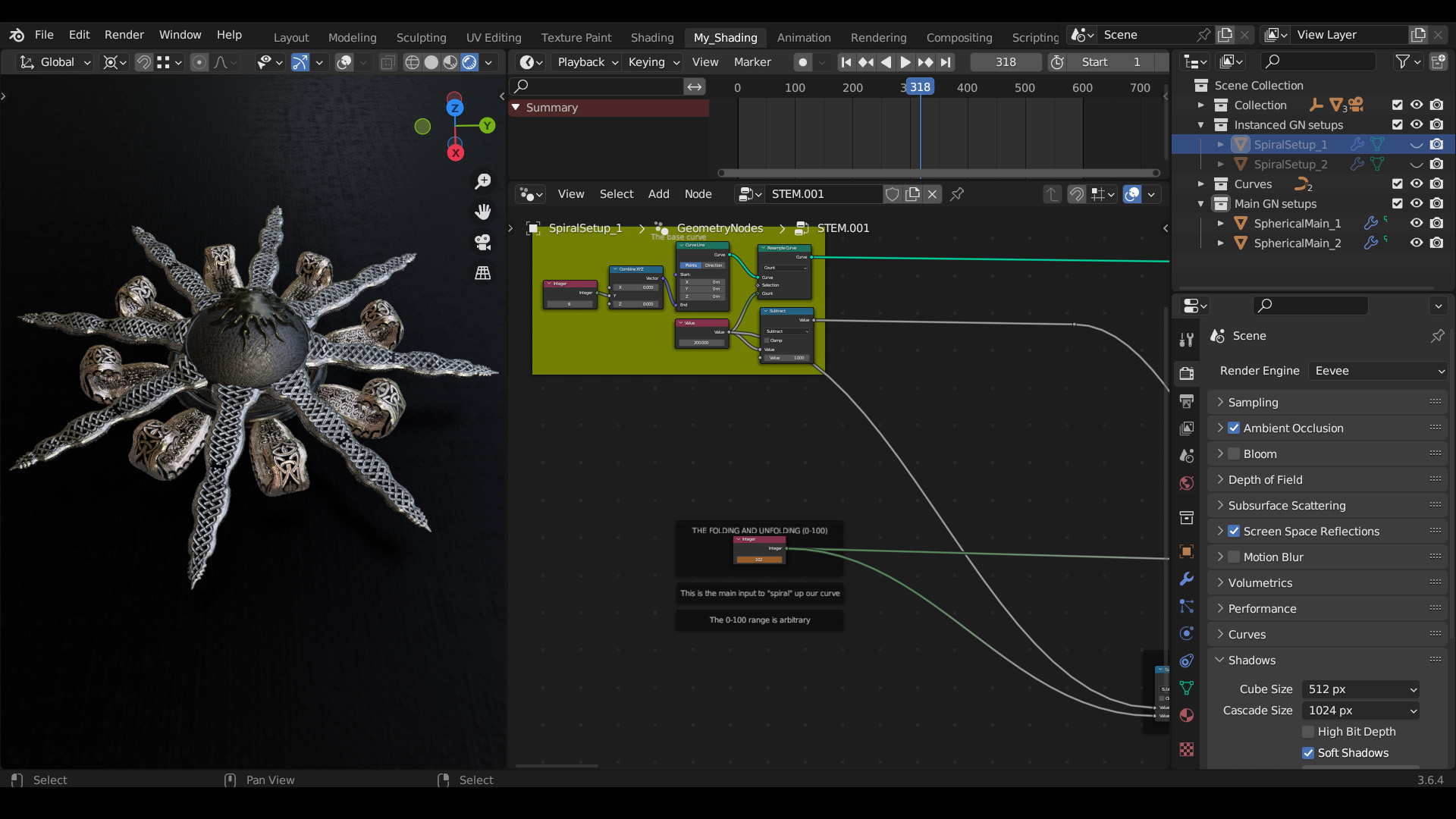
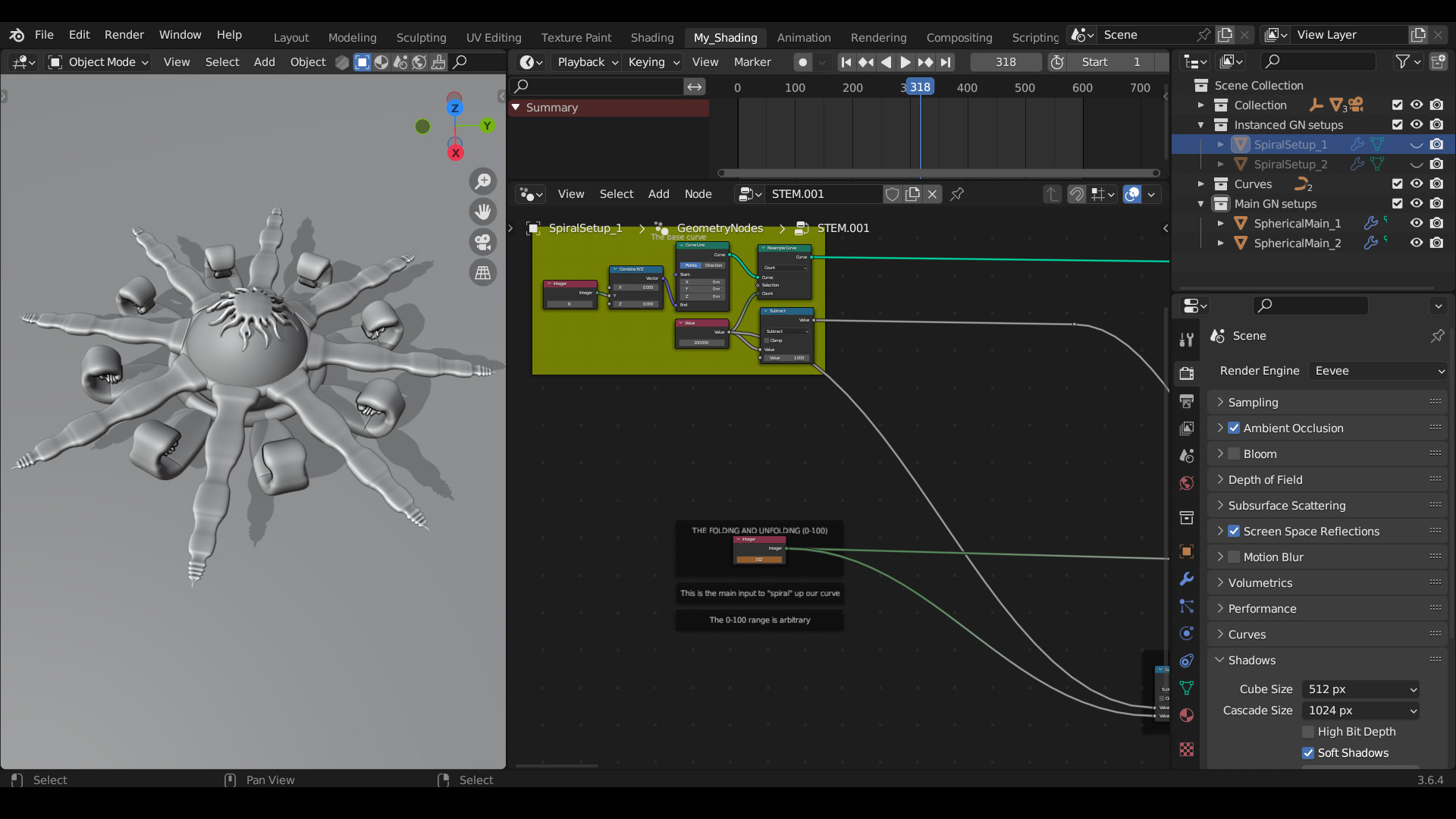
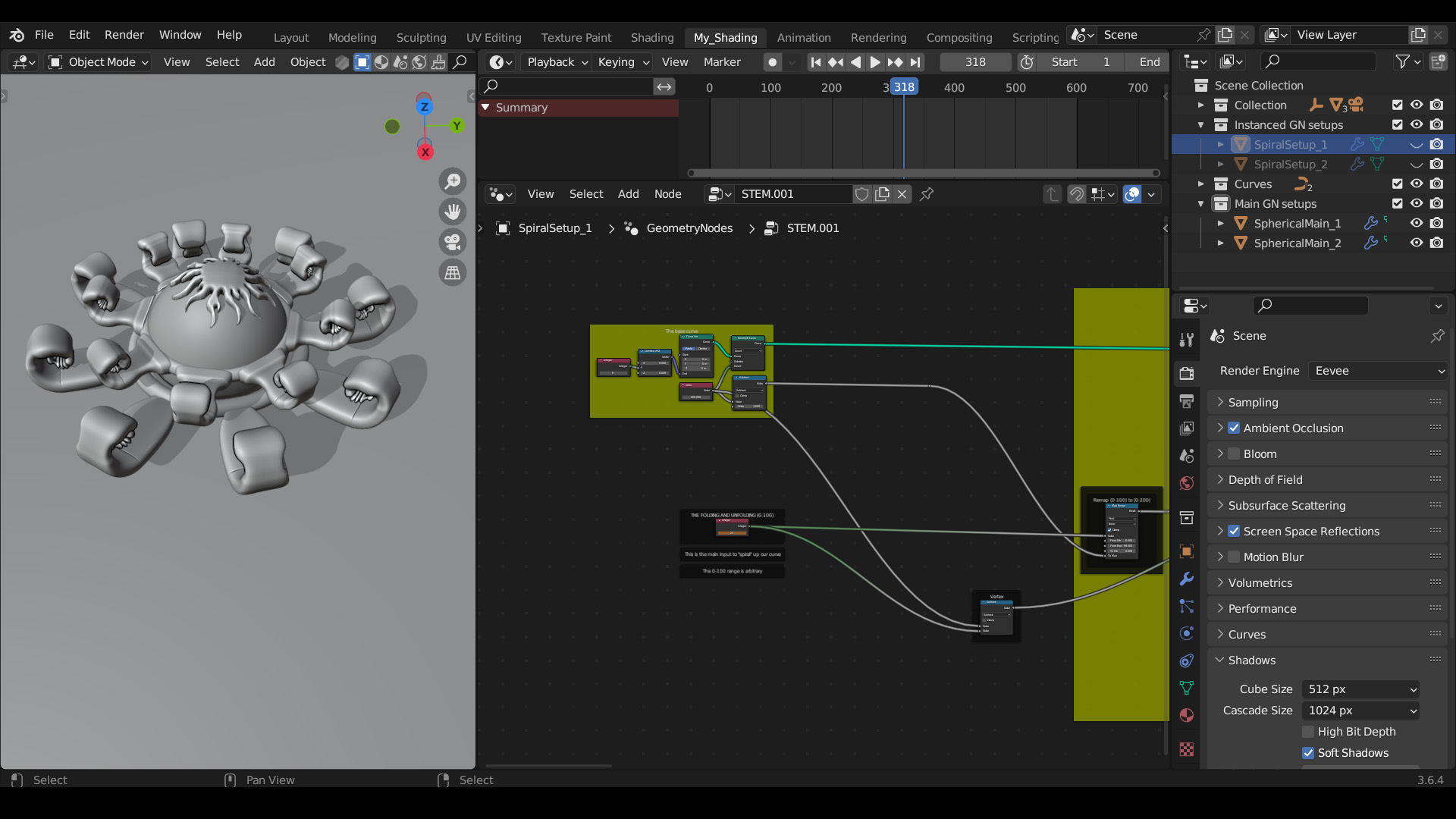
How do I animate the folding and rolling effect?
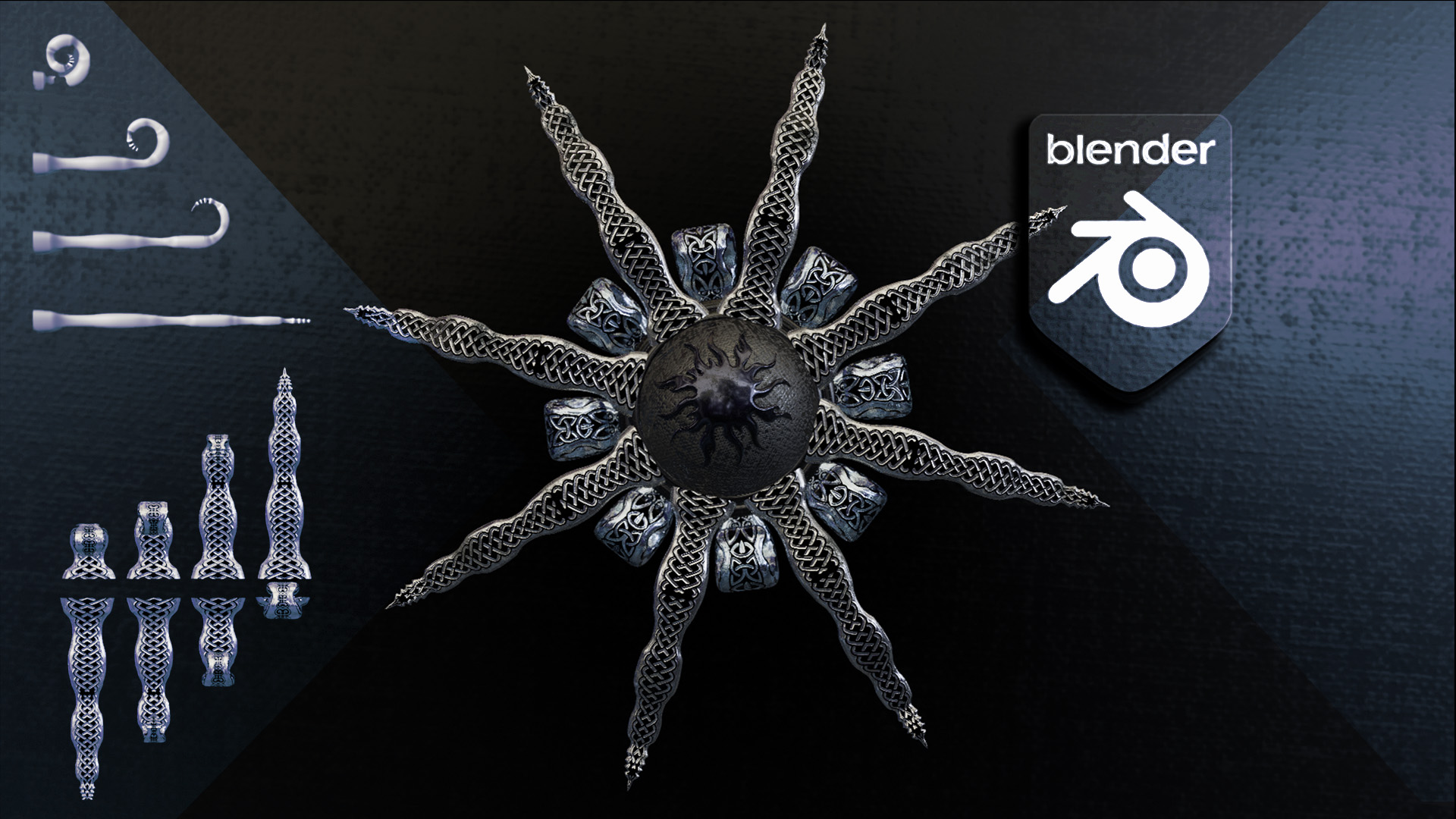
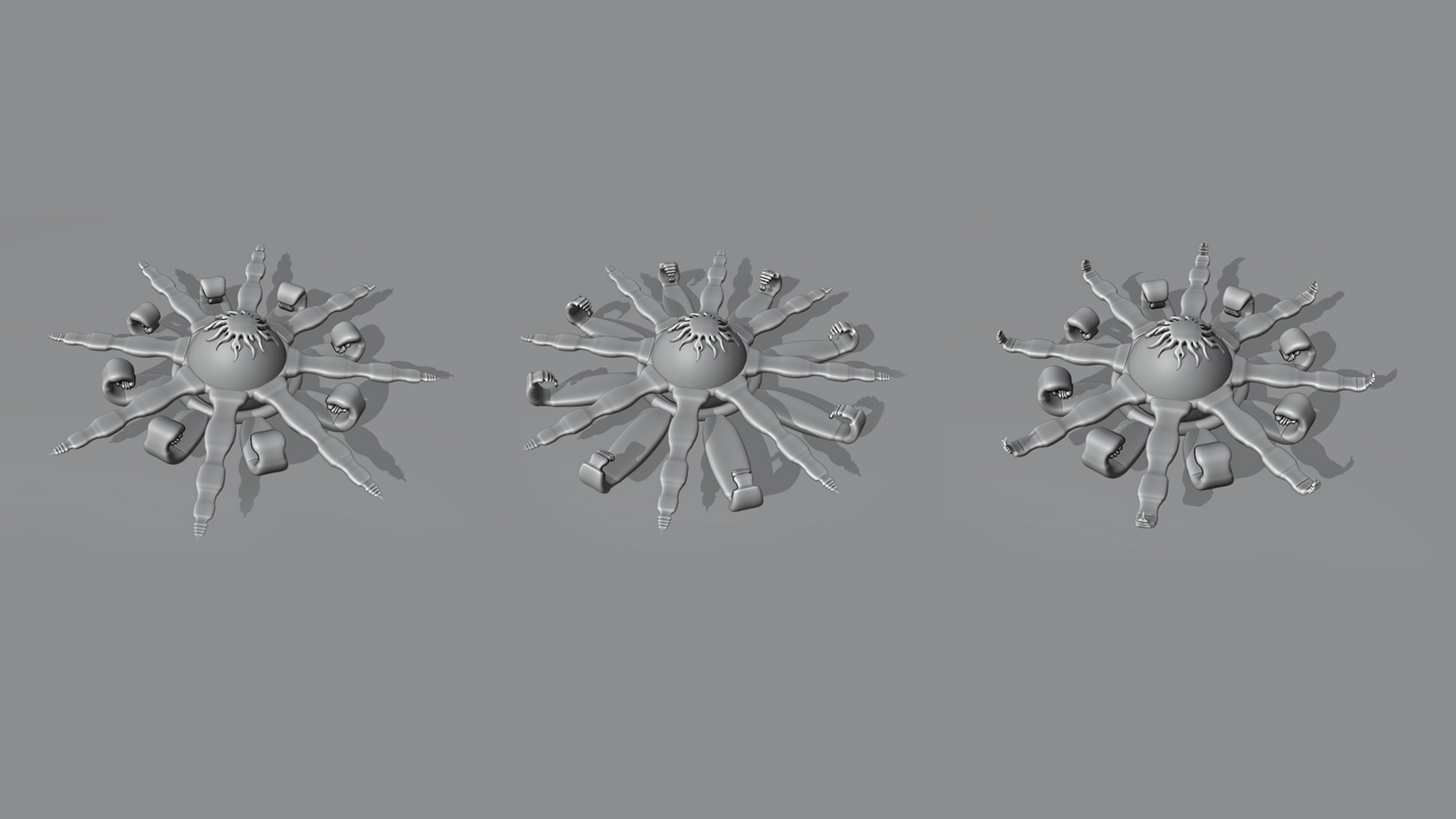
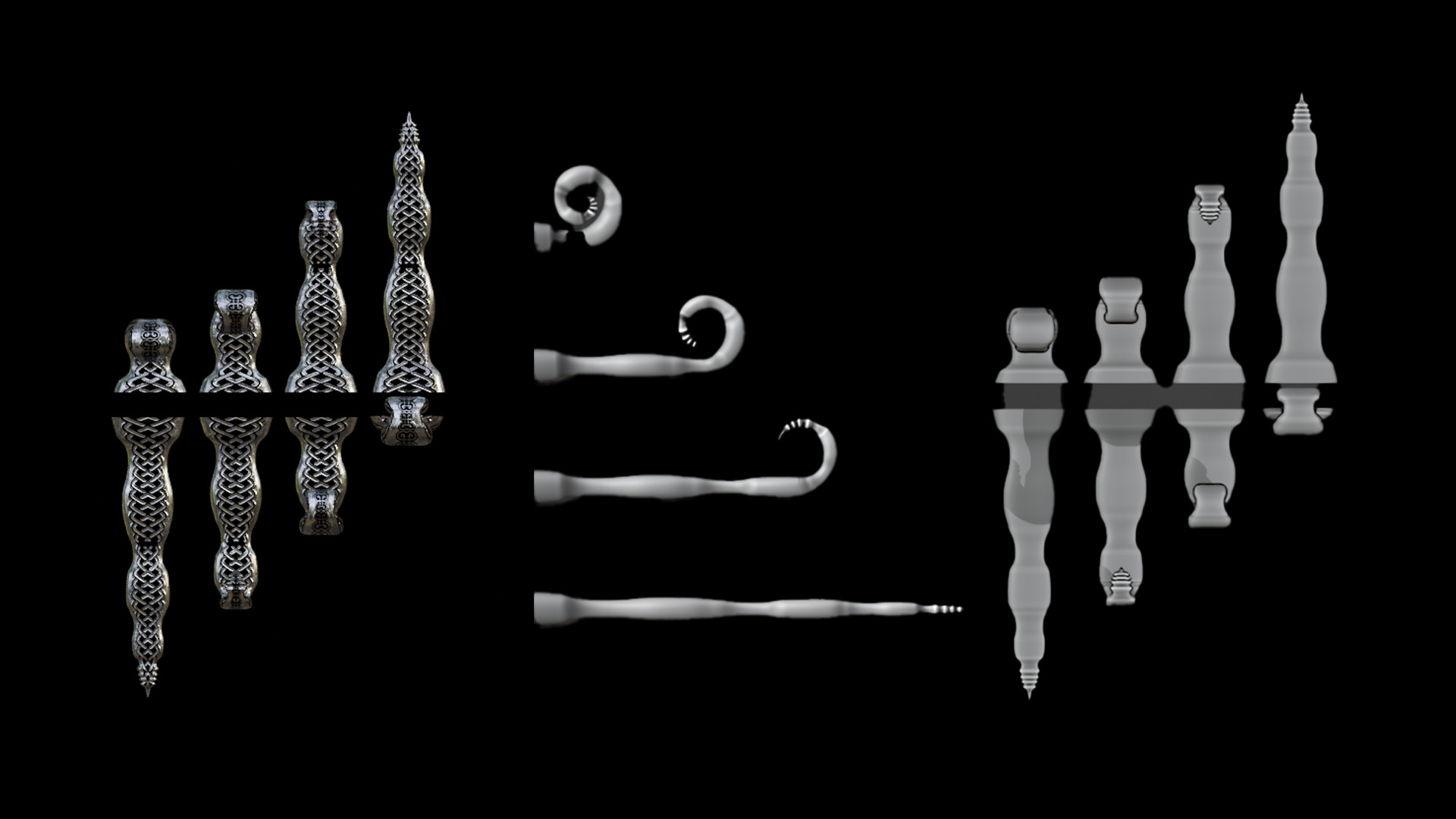
The entire unfolding process is driven by a single integer value node labeled "THE FOLDING AND UNFOLDING". By animating this value from 0 to 100, the geometry smoothly transitions from a flat, straight line into a fully coiled spiral.
Can I customize the thickness and elevation of the curve?
Yes. The setup features dedicated "Set Curve Radius" and "Set Vertical Displacement" sections. By adjusting the Float Curve graphs inside these sections, you can visually draw exactly how thick or elevated the curve gets from its starting point to its end tip.
How do I change the 3D cross-section of the wire?
The setup includes a specific object info node to fetch a "Bevel shape object". You can input a custom profile curve here to change the cross-section from a basic tube to any custom geometric profile. The node tree also automatically saves the Curve UV coordinates so your materials will map perfectly along this new custom shape.
Have questions about this product?
Login to message
| Sales | 10+ |
| Published | almost 3 years ago |
| Blender Version | 4.2 - 5.3 |
| Render Engine Used | Cycles, Eevee |
| License | Creative Commons |
Discover more products like this
uv map geometry nodes geometrynodes photorealistic curve to spiral procedural procedural spiral spiral geometry nodes generated uv maps fold up unfolding cool fold