 Blender Easy

Uniform Subdivide is a powerfull tool for generating clean and evenly distributed topology across any mesh, optimized for performance and production use.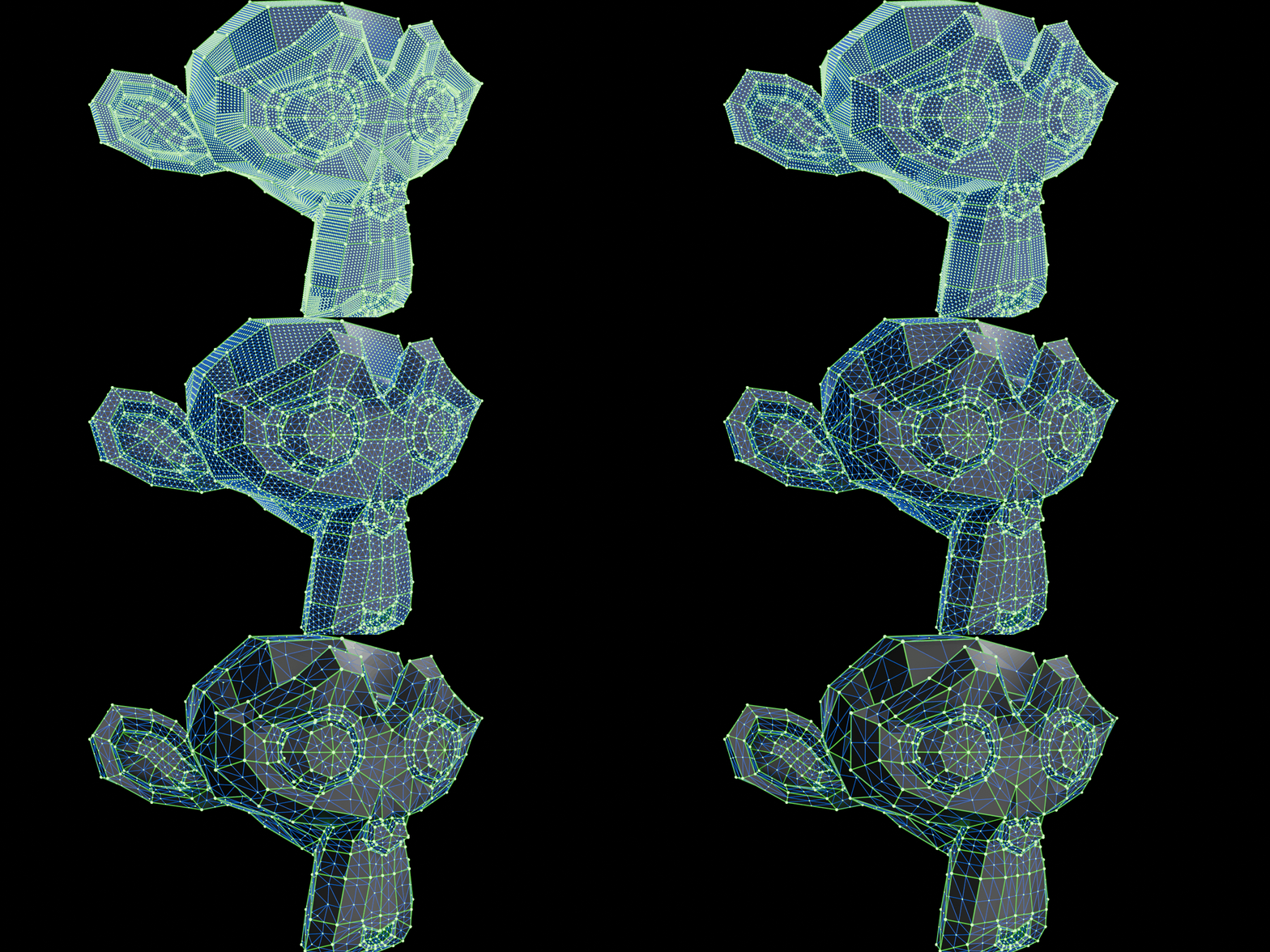
It preserves the original UVs, making it ideal for simulations, stylized rendering, and any workflow where consistent surface detail matters.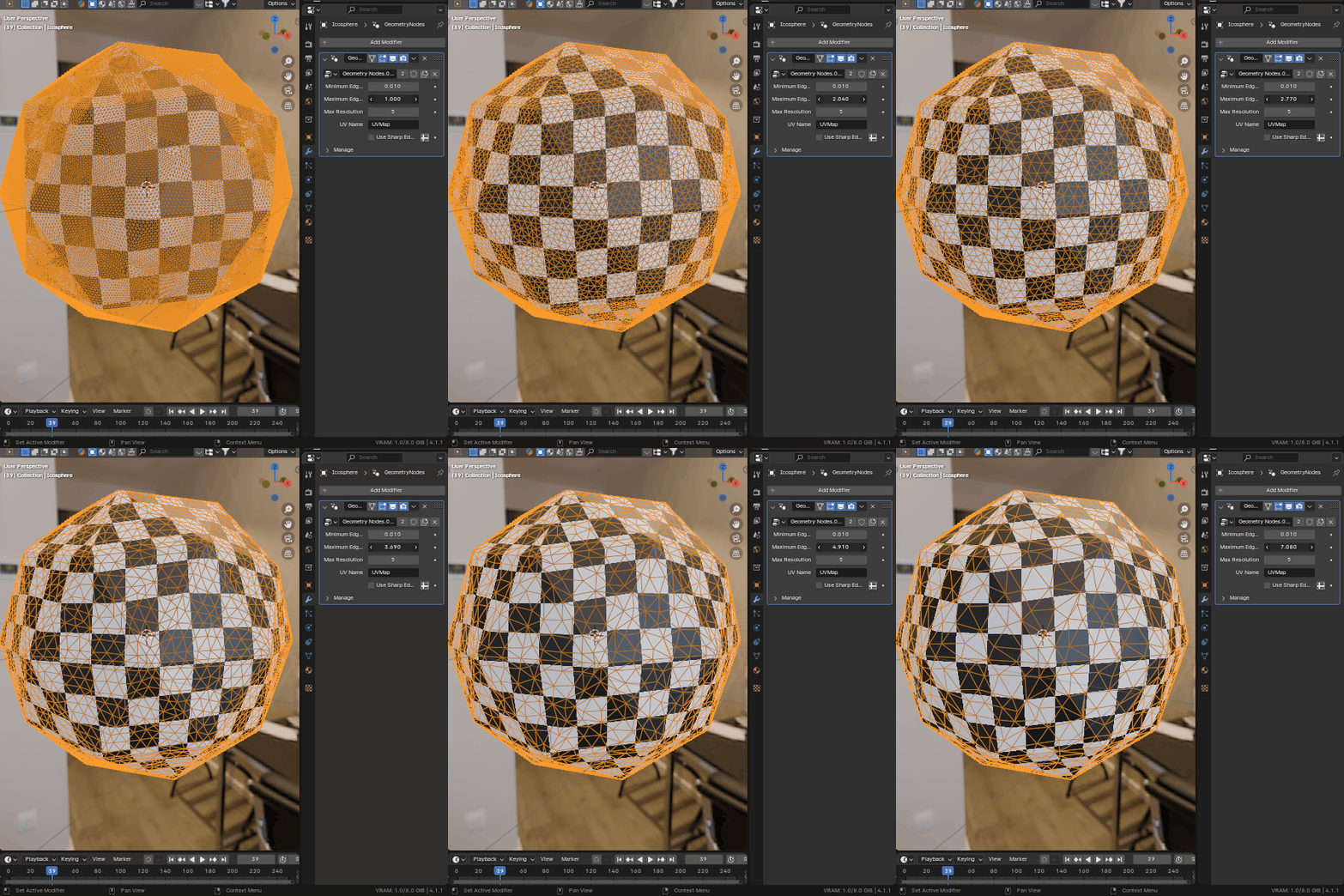
The resolution is fully customizable, and you can define the balance between quads and triangles to suit your needs. For even more control, sharp edges in the mesh can be used to influence the subdivision flow, allowing you to maintain important structure while achieving uniform distribution elsewhere.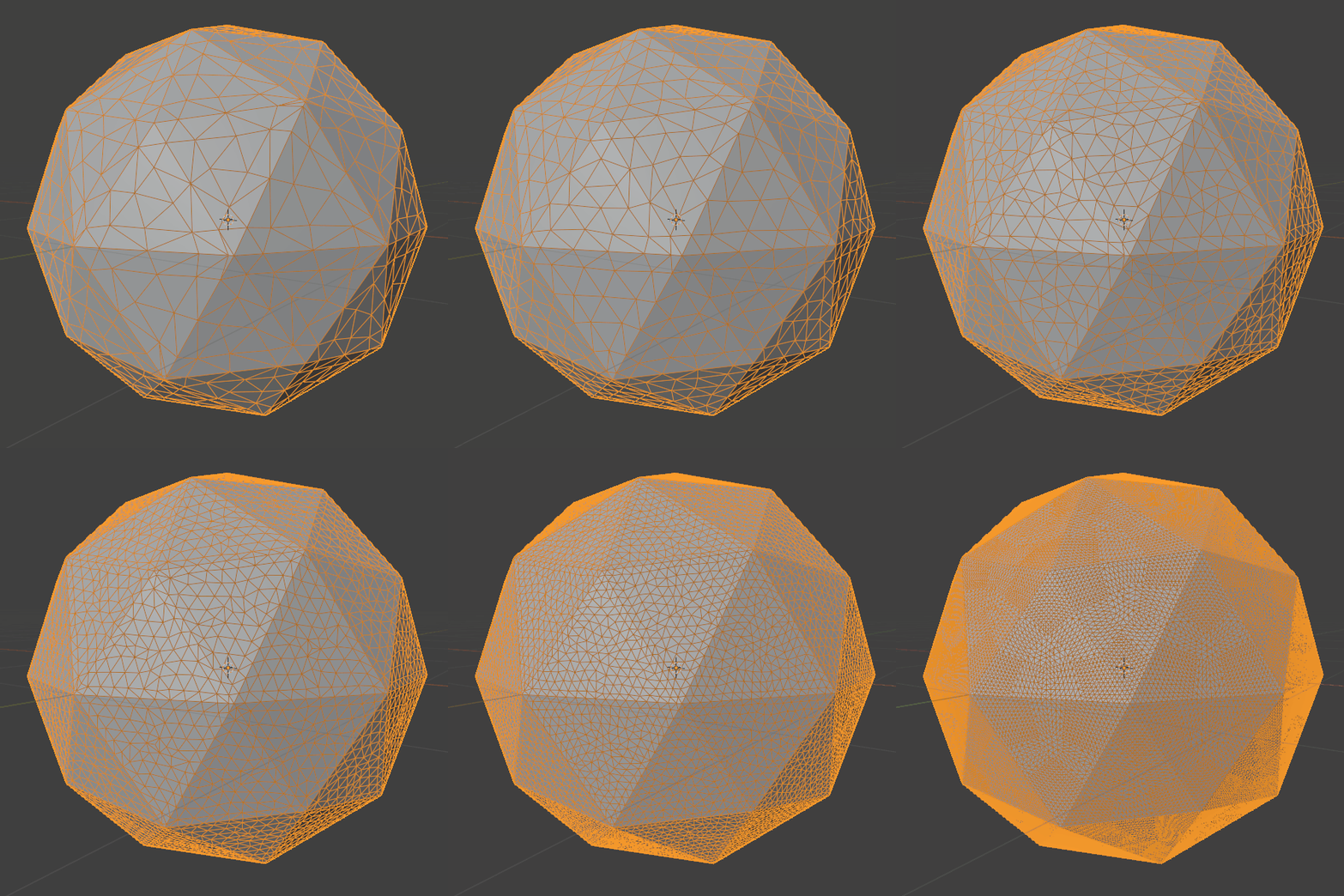
Whether you're preparing assets for physics simulations, baking, or just need reliable, distortion-free geometry, Uniform Subdivide helps you achieve clean results while respecting the original shape and UV layout.
To install this, all you have to do is save the .blend file into your assets library folder. After that the Uniform Subdivide will be available on the Asets Browser, so you can drag it on the top of any mesh.
You can watch the video bellow to learn more about it!
