 ZEG
Installation
In Blender open Edit, Preferences, Get Extensions, then use Install from Disk and pick the zip.
Usage
- Open the Gift Box tab in the 3D viewport sidebar (N), or use Add (Shift+A), Gift Boxes.
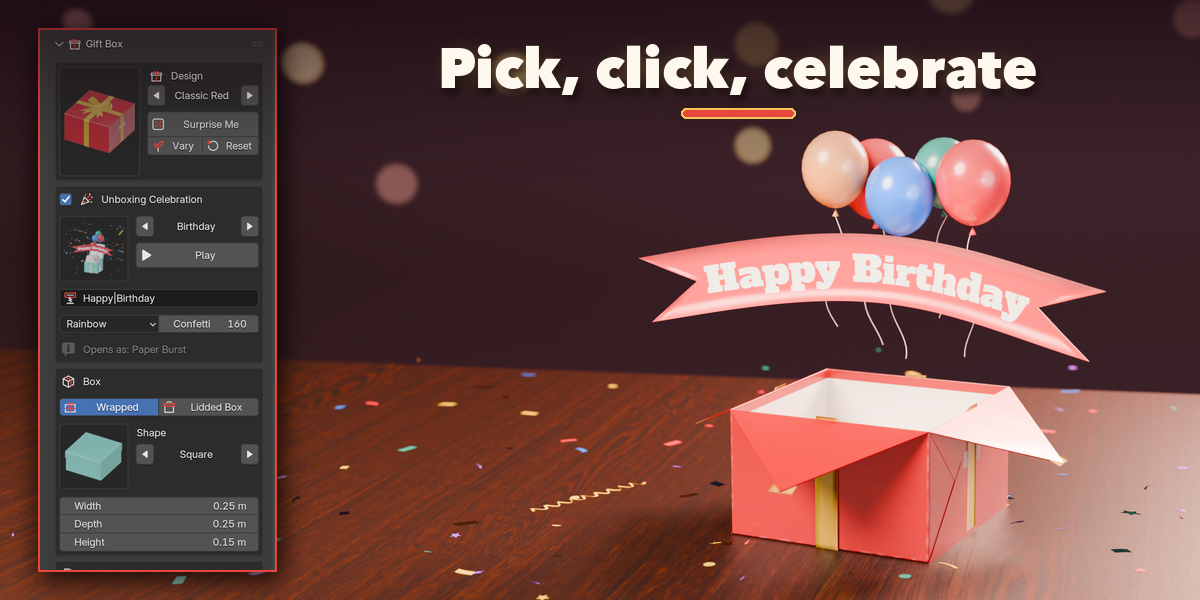
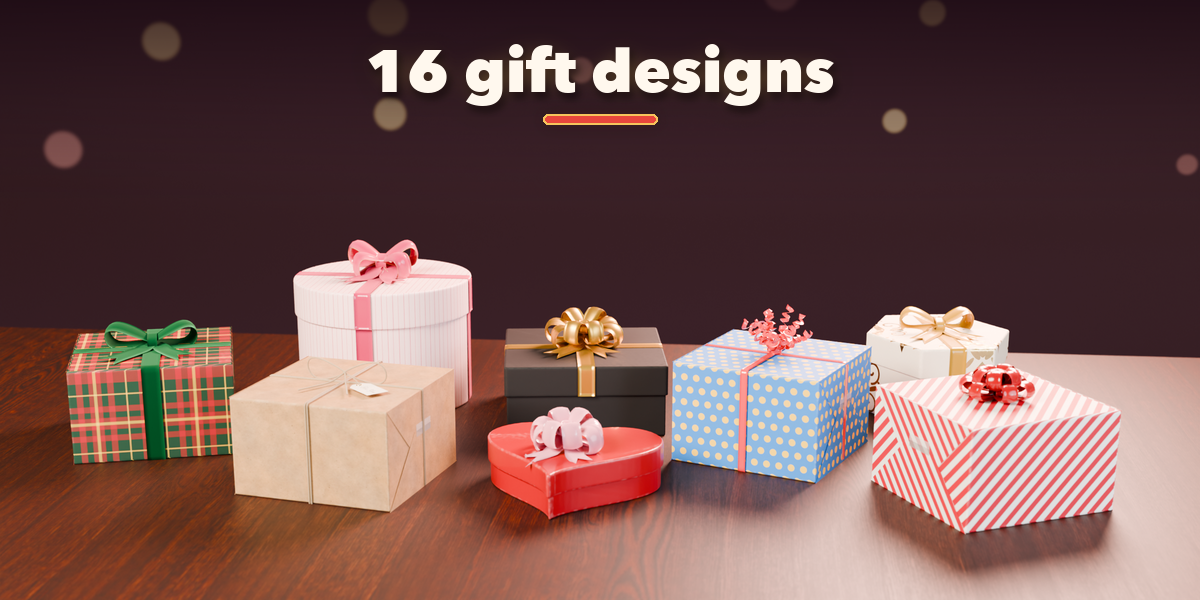
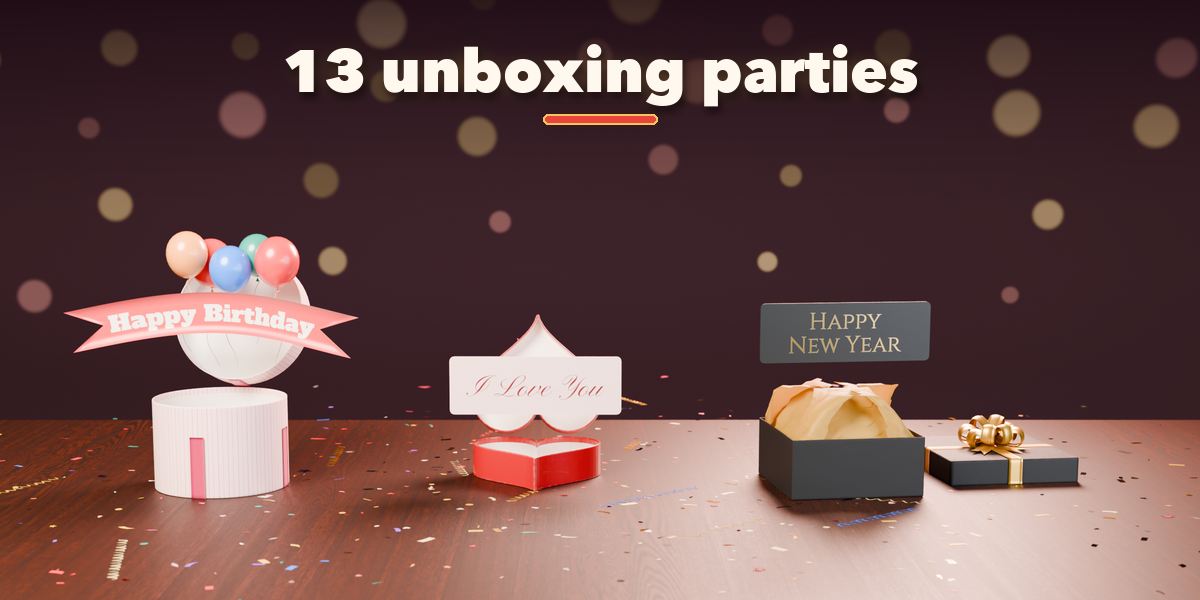
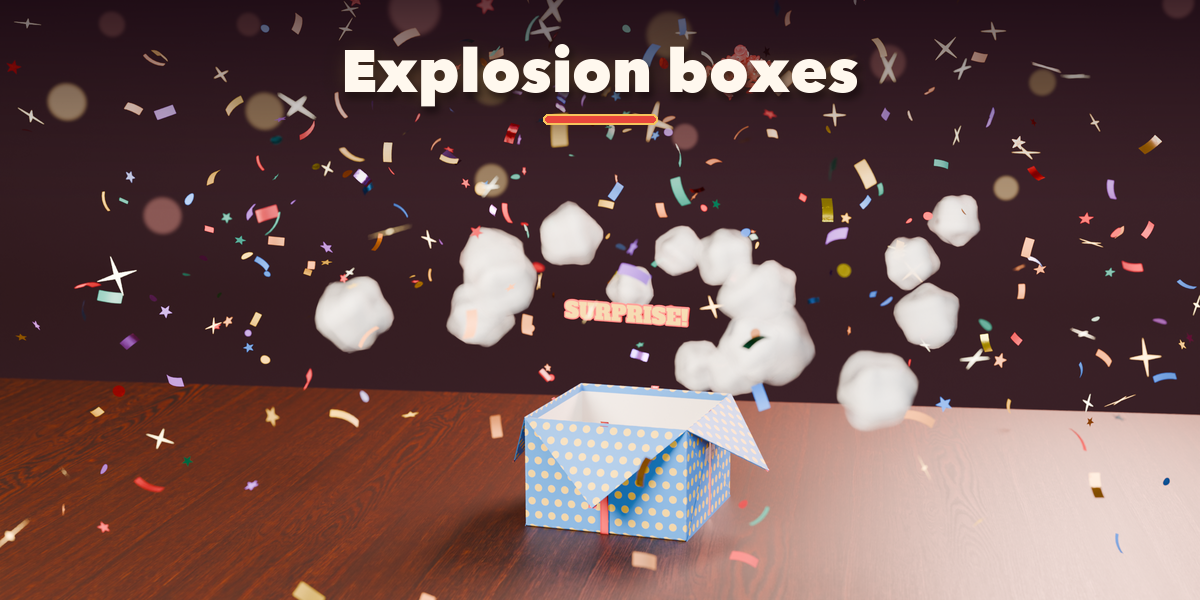
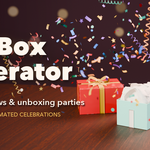
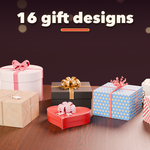
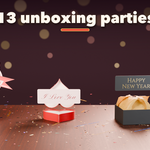
- Click a design picture and pick an unboxing celebration (or Still Gift), then press Add Gift. It appears at the 3D cursor.
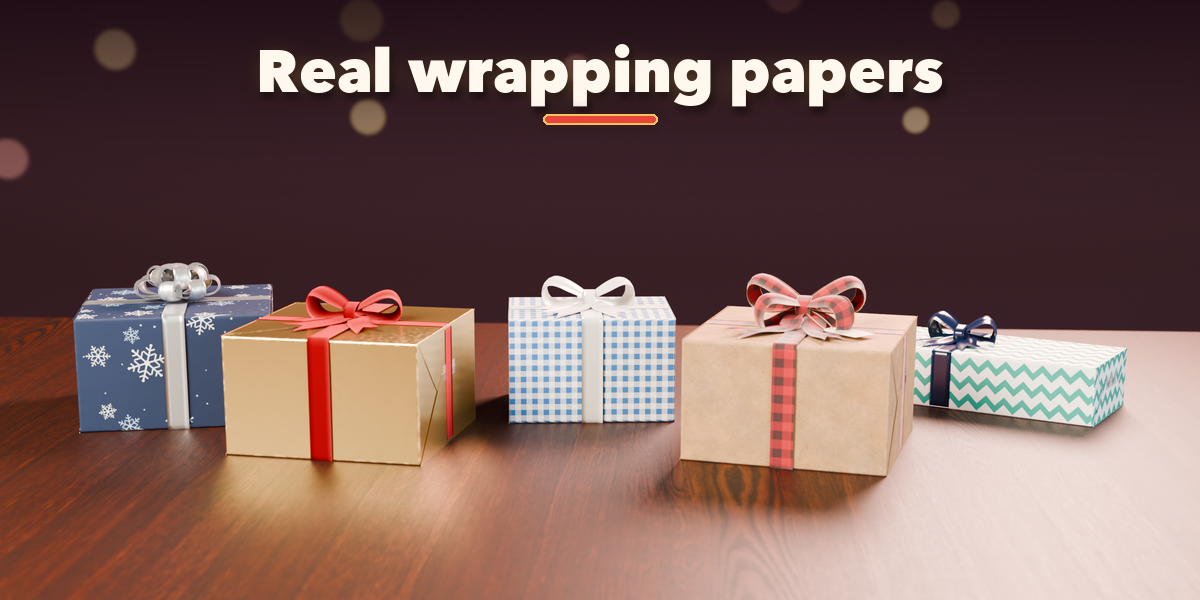
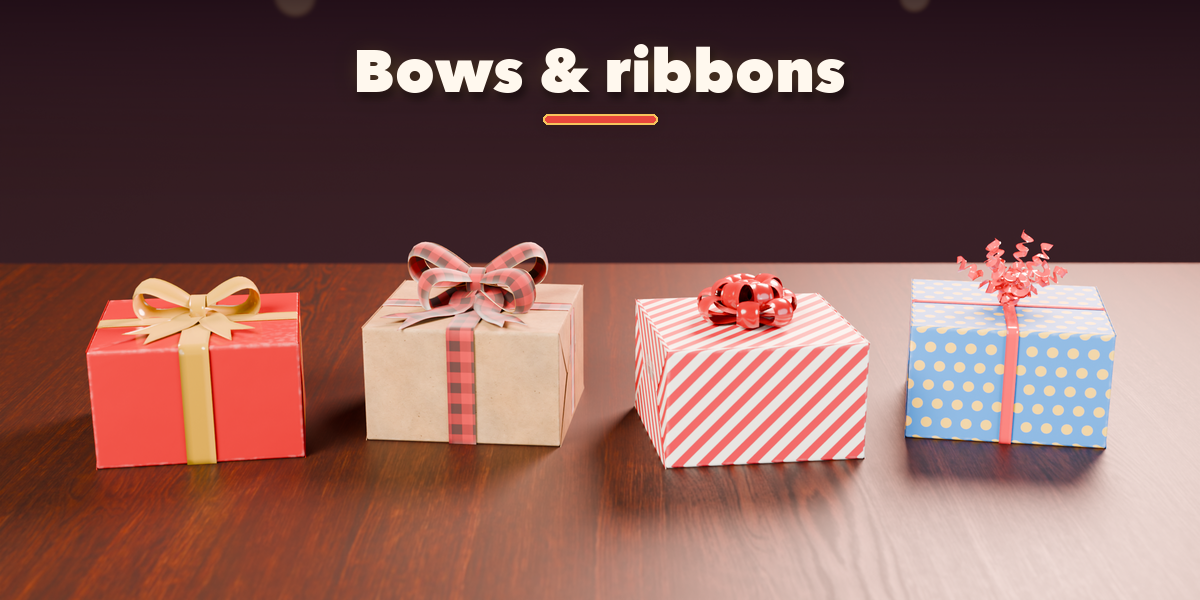
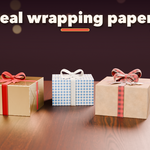
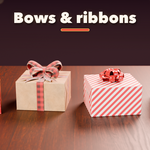
- With the gift selected, change it in the sidebar: box style, shape and size, wrapping paper, ribbon and bow, gift tag. The gift rebuilds live.
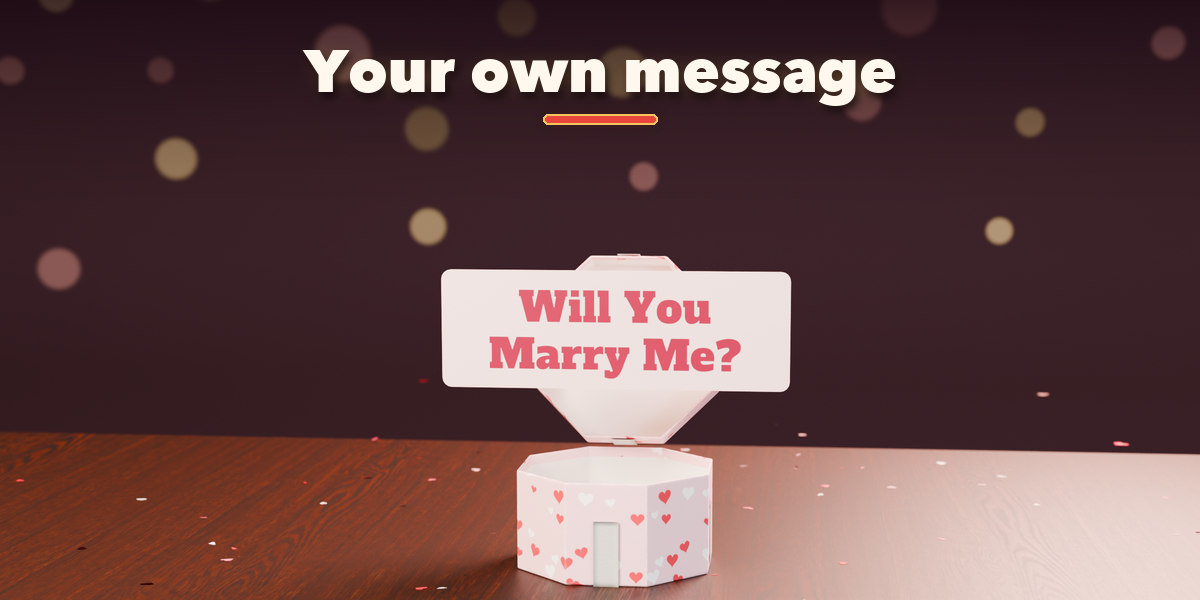
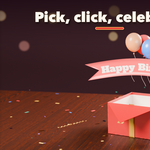
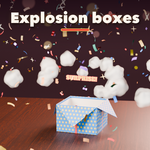
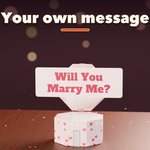
- In the Unboxing Celebration box type your message, pick the confetti colors and press Play to watch the unboxing. Opening & Timing sets when and how fast it opens.
- Surprise Me gives a random gift (Shift+click: a random celebration too); Vary changes only the small random details; Reset goes back to the picked design.
- Make Plain Mesh (Mesh section) keeps the gift as a normal mesh with its animation.
Have questions about this product?
Login to message
| Blender Extension Compatible | Yes |
| Published | 2 days ago |
| Blender Version | 4.2 - 5.2 |
| Extension Type | Add-on |
| Render Engine Used | Cycles, Eevee |
| License | GPL |
