Urban Skyline Generator
 3dskybuild
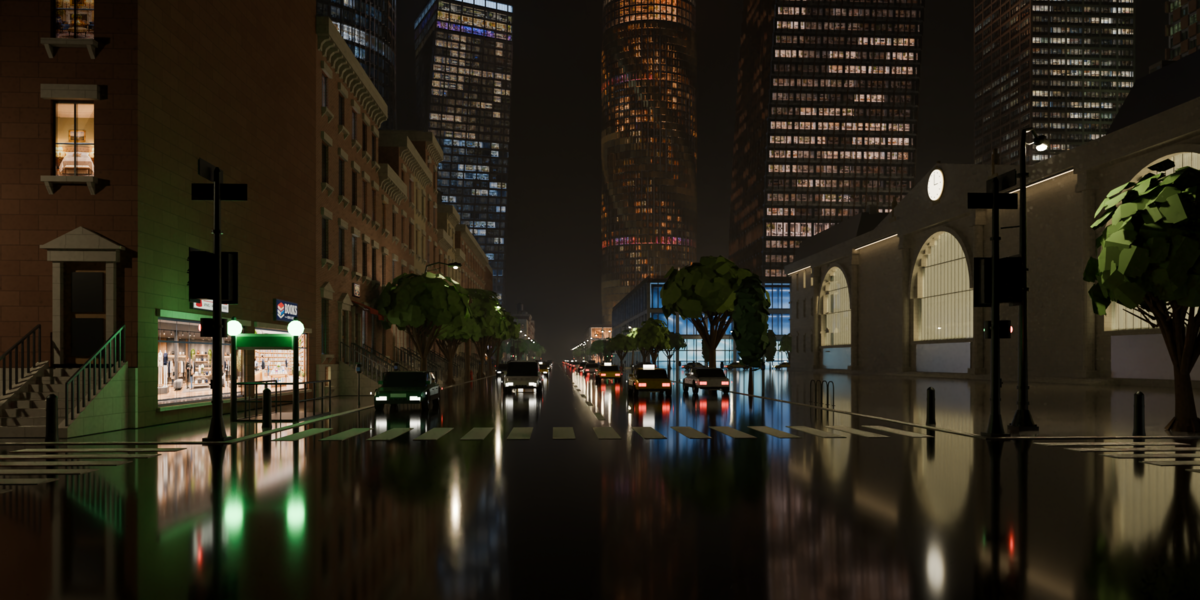
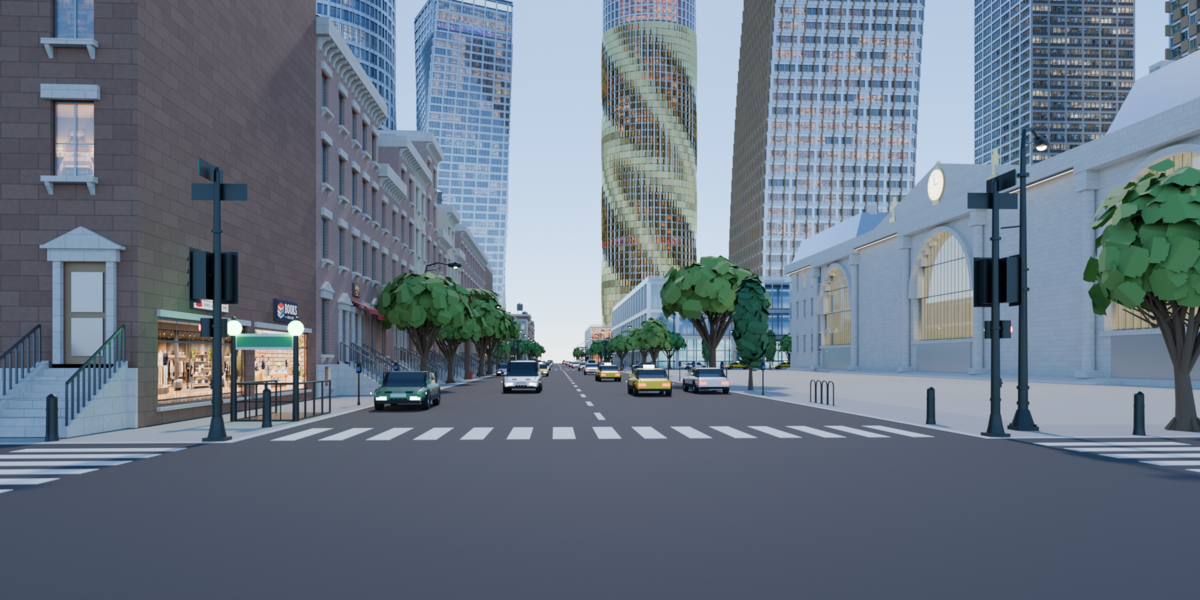
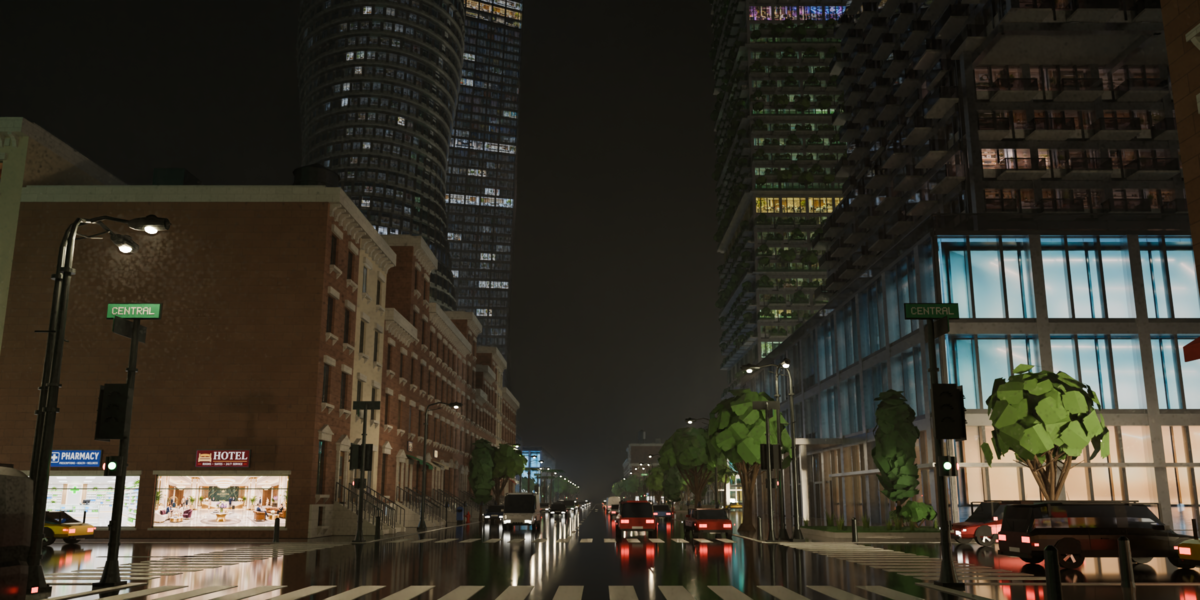
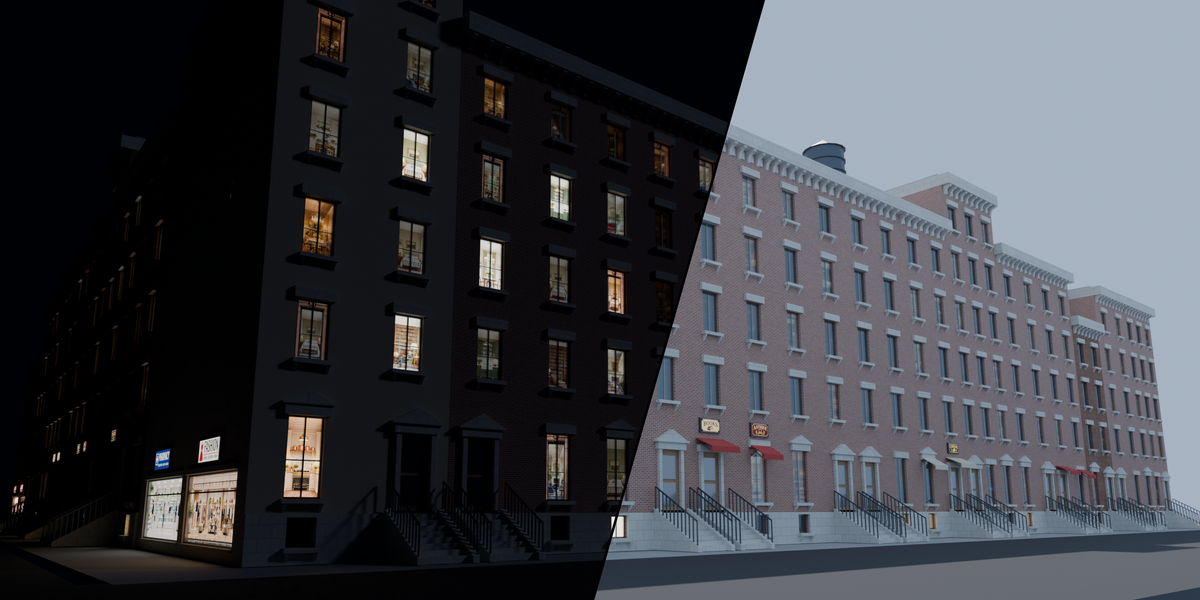
What is it?
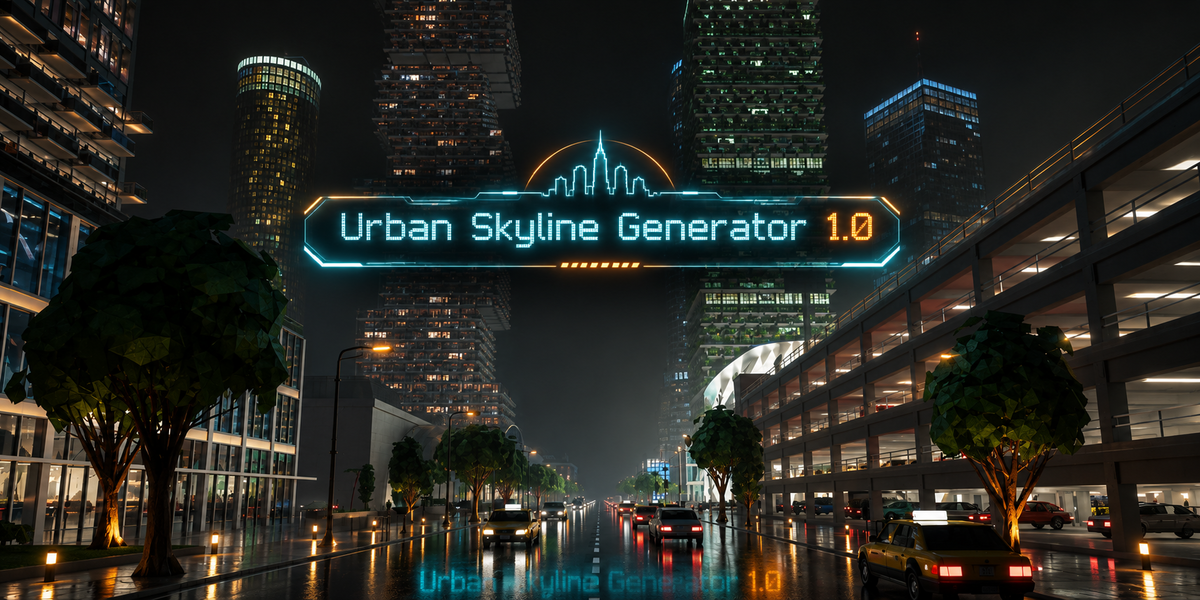
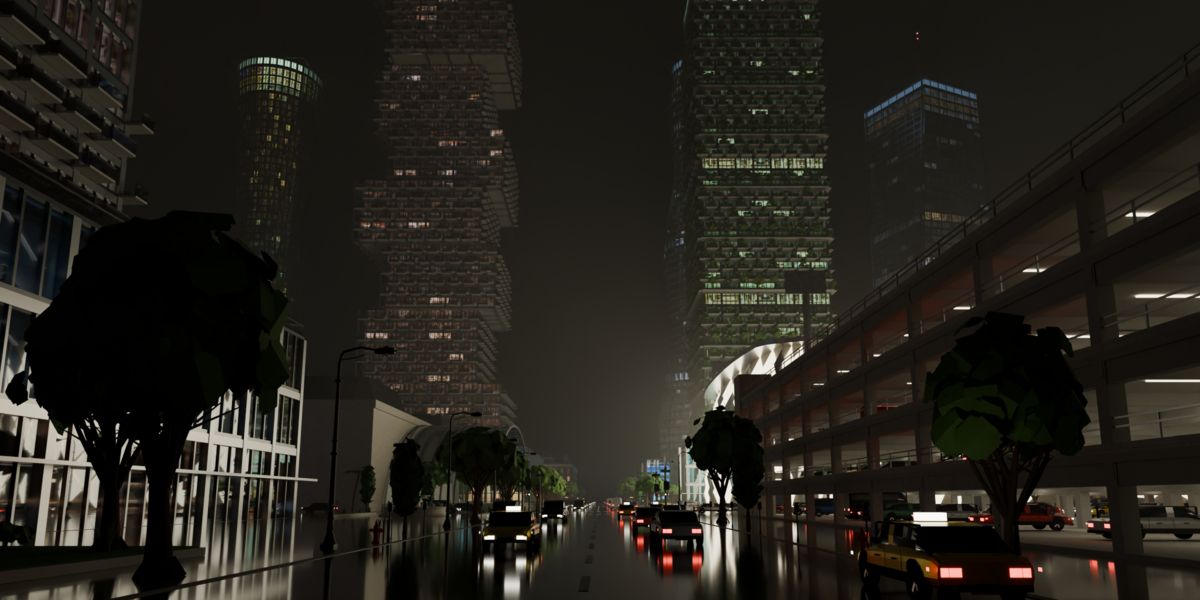
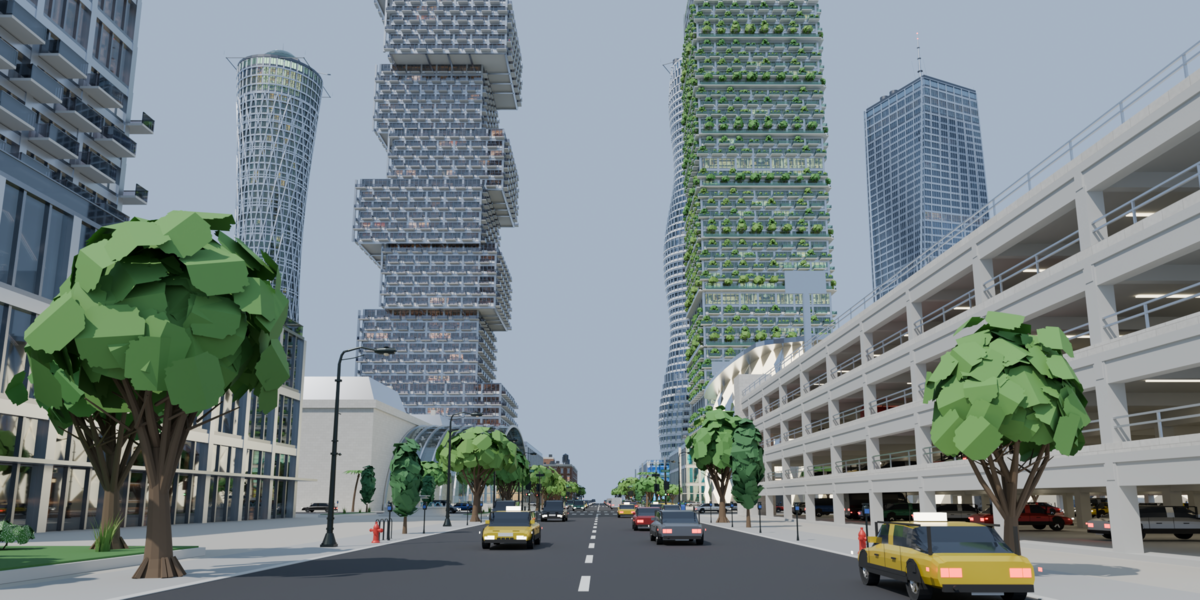
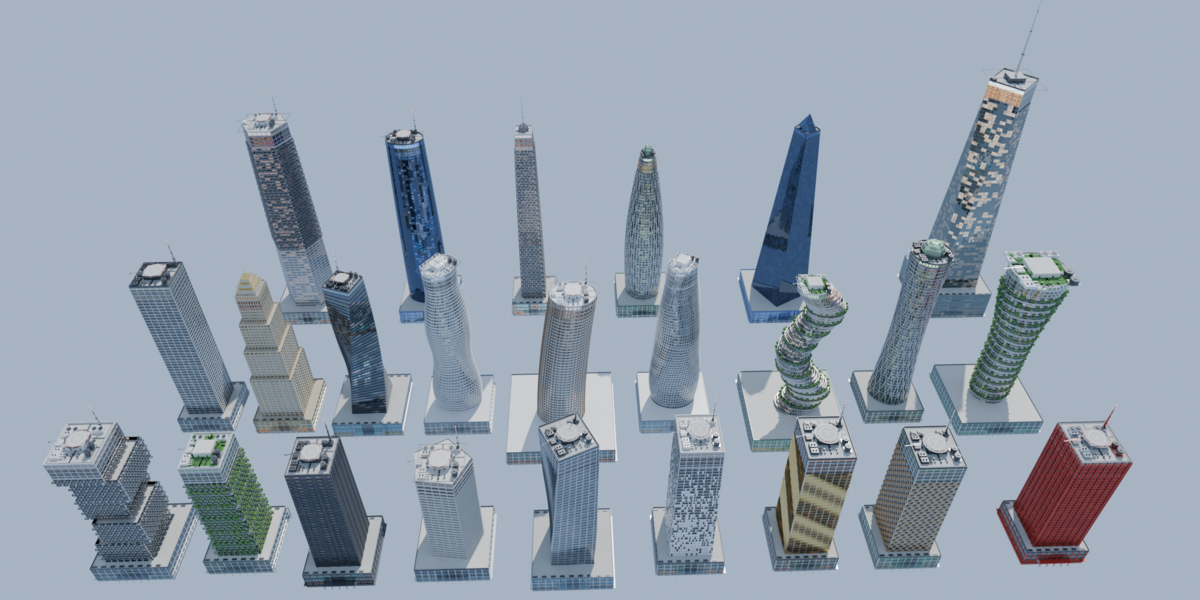
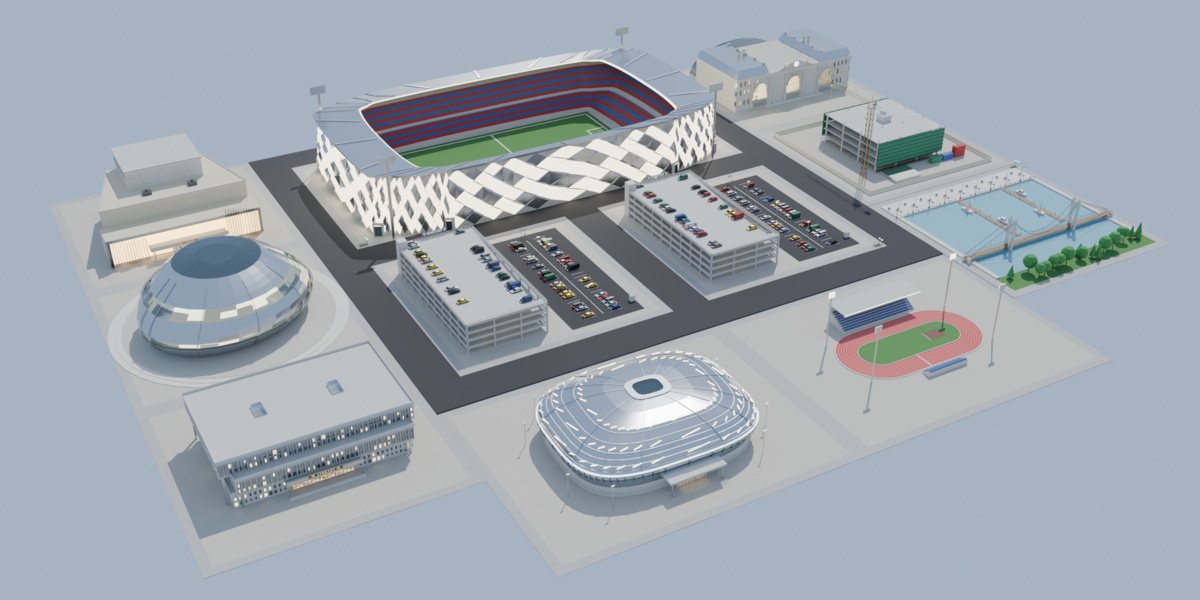
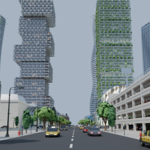
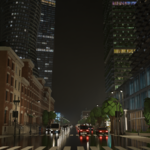
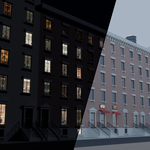
Urban Skyline Generator is a Blender add-on that creates whole cities from a single panel. Choose a skyscraper type, a number of lots and a seed, press Generate, and get a complete block: towers with podiums, brownstone row houses, stadiums, museums, parks, streets with traffic lights, parked cars, trees, lamps and signs.
Who is it for?
Environment artists, architectural visualizers, motion designers and game artists who need believable city backgrounds quickly, without modelling every building by hand.
What problems does it solve?
- Filling a skyline with varied, believable towers takes days by hand. Here it takes seconds, and you can re-roll with a new seed.
- Windows that look like dark glass break the illusion at close range. Every window here shows a photographic room behind the glass, lit or unlit, day or night.
- Typical generators are slow or heavy. Floors are built as linked duplicates so scenes stay light.
Key features
Skyscrapers
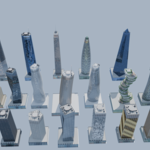
- 24 archetypes: classic offices, all-glass curtain wall, exposed steel, concrete modernist, slender residential, staggered blocks, vertical forest, Art Deco with setbacks, diagrid, twisting, crystal spire, wavy, leaning, parametric fins / pixel / louvres / checkerboard, blobitecture, organic, hourglass, tree-shaped, high-tech and more.
- Podium with shops, awnings, signs, canopy, atrium colonnade and entrance; special floors (restaurant, lounge bar, disco...) and a technical top floor.
- Any plan: rectangle, polygon (3-12 sides), ellipse or your own outline drawn in Blender.
- Taper, twist, lean, waviness, staggered blocks, diagrid, piers, bracing, balconies, green terraces.
- Roof equipment: helipad, machine room, cooling towers, AHU, tanks, photovoltaic, spire, BMU, wind turbines.
City blocks
- Grid of lots with streets, sidewalks, curbs, crosswalks, traffic lights, street signs, manholes, subway entrances, steam vents.
- Districts: tall centre, residential outskirts.
- Brownstone row houses with shops, signs and matching shop interiors.
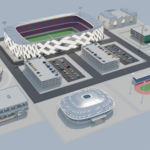
- 13 civic building types: museum, theatre, library, auditorium, stadium with car park on a double block, arena, athletics track, park, station, church, construction site, waterfront and multi-storey car park.
- Trees, gardens, benches, lamps, fountains, bins, hydrants, mailboxes, bike racks, bus shelters, cars on the street and parked.
Interiors and look
- Photographic interiors behind every window (apartments, offices, shops, restaurants, gyms, hotel lobbies, lounge bars, discos), day or night, lit or unlit rooms.
- One material per image atlas: works in EEVEE (Material Preview and Rendered) and Cycles.
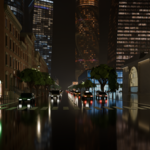
- Light and weather presets: clear day, sunset, night, overcast, rain with wet streets, fog, snow.
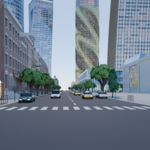
- Camera presets: isometric, bird's eye, street level, frontal low.
- Quality presets (light / normal / high) for huge scenes or close-ups.
Requirements
- Blender 5.0 or later.
- No internet connection needed. No other add-ons needed.
- The
texturesfolder must stay inside the add-on folder (about 40 MB of interior photos and sign sheets).
What you get
- The add-on (extension zip, drag and drop install).
- All interior photo atlases and sign sheets.
- Free updates for [your policy].
Installation and update
- Download the zip. Do NOT unzip it.
- Drag the zip onto the Blender window (or Edit > Preferences > Get Extensions > Install from Disk).
- The add-on is installed and enabled automatically.
- To update, drag the new zip over Blender the same way. No restart needed.
First steps
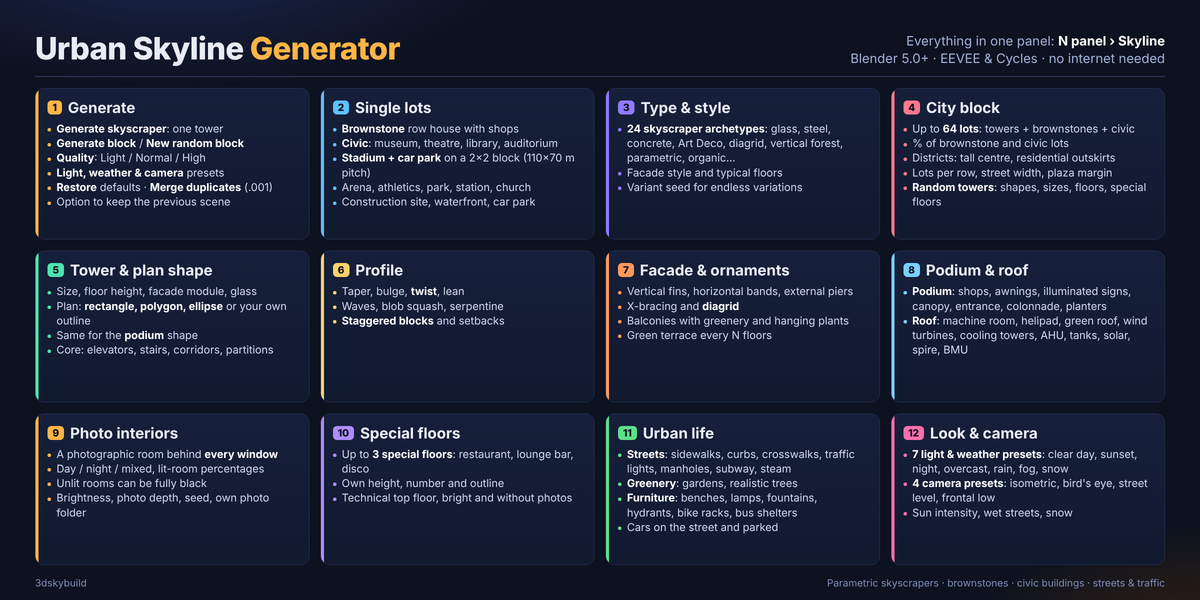
- In the 3D Viewport press N and open the Skyline tab.
- Generate skyscraper creates one tower with the current parameters.
- For a city, enable Block in the panel, choose the number of lots, the percentage of brownstone and civic lots, and press Generate.
- Light, weather and camera: pick a preset (Clear day, Sunset, Night, Overcast, Rain, Fog, Snow) and a camera (Isometric, Bird's eye, Street level, Frontal low).
- New random block re-rolls with a different seed. Restore file values returns every parameter to its default.
- Quality: Light for huge scenes, Normal, High for close-ups.
Panel sections
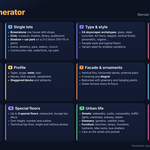
- General - which parts to generate (podium, tower, upper floors, roof), camera and sun, clean the scene before generating.
- Type and style - skyscraper archetype, facade style, number of typical floors, variant seed.
- Block - lots / Block - random towers - number of lots, brownstone and civic percentages, districts, street width, plaza margin; random shapes, sizes, floors and special floors with min / max ranges.
- Urban - streets, curbs, crosswalks, traffic lights, manholes, subway entrances, steam vents, gardens, trees, furniture, cars and traffic density.
- Tower, Tower shape, Podium shape, Profile - dimensions, core, plan shape (rectangle, polygon, ellipse, custom outline), taper, twist, lean, waves, staggered blocks.
- Facade and ornaments - fins, bands, piers, bracing, diagrid, balconies, greenery, terraces.
- Core / Podium / Roof - elevators and stairs, shops, entrance, canopy, roof equipment.
- Interiors - photos on/off, photo time of day (Mixed / Day / Night), proportion of lit rooms, brightness, photo depth, seed, photo folder.
- Special floors - up to 3 special floors (number, use, height, optional outline object).
- Outlines (draw the plan) - creates an editable outline object so you can draw your own tower or podium plan.
Interior photos
- Residential and office windows use atlases of room photos. The podium shows one image on all four sides. Special floors show one image per side (four on round towers).
- The top floor of every tower is a bright technical floor without photos.
- Missing atlases are skipped; the system console lists them.
- To use your own photos, put them in a folder and set Interiors > Photo folder. [Add the atlas grid sizes here if you want to document custom atlases.]
Tips and edge cases
- If the tower is larger than the podium, the podium is enlarged automatically (an
[AUTO]line appears in the console). - For very large blocks switch Quality to Light and reduce tree foliage.
- Stadium lots take a 2x2 block (stadium plus car park). If there is no room, the stadium takes 2 lots.
- Everything is generated as closed solids, so Cycles shows no black faces.
- Pedestrians are not included.
Have questions about this product?
Login to message
| Blender Extension Compatible | Yes |
| Published | 1 day ago |
| Blender Version | 5.0 |
| Extension Type | Add-on |
| Render Engine Used | Cycles, Eevee |
| License | Mit |

Discover more products like this
street stadium Generator facade building procedural urban skyscraper city architecture brownstone cityscape