Urbanify - City Generator for Blender (Procedural, Geometry Nodes)
 3DAssetsKit
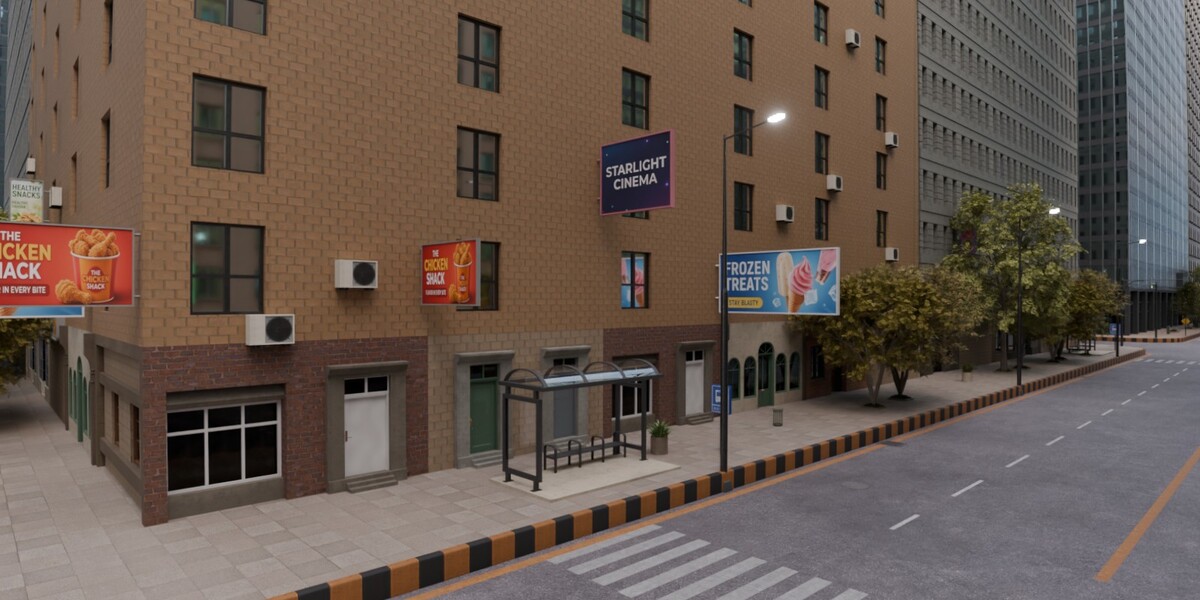
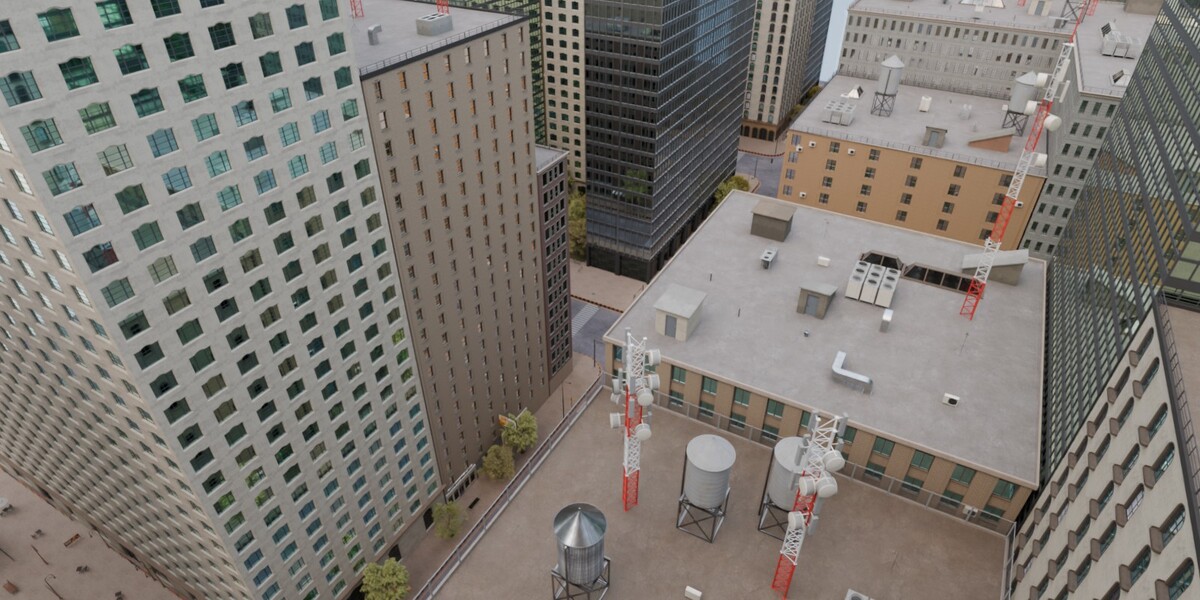
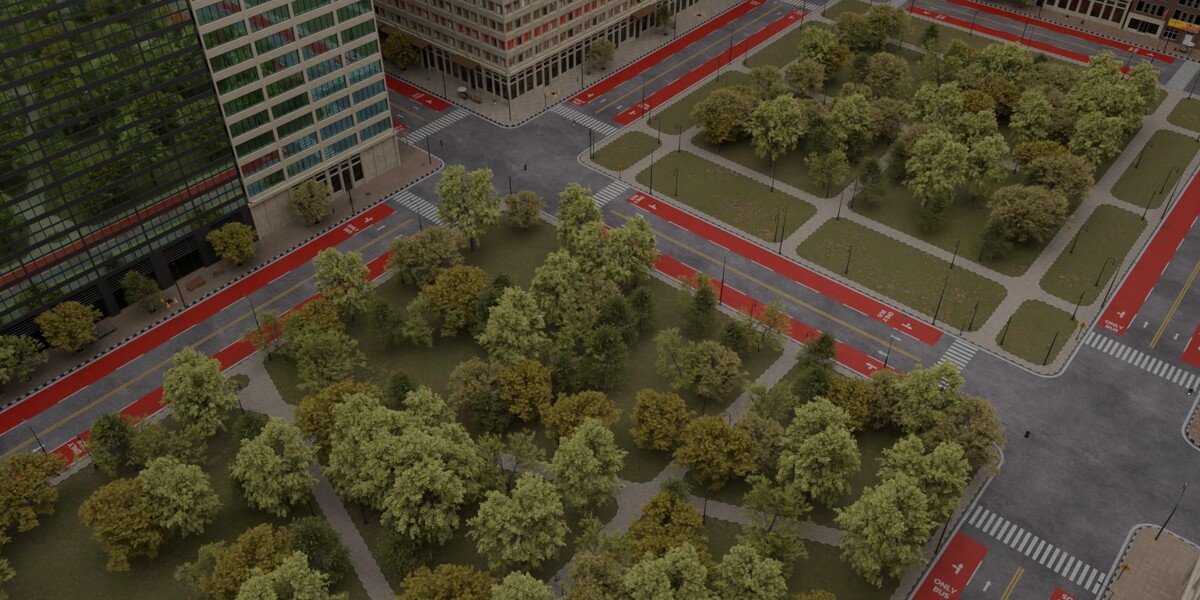
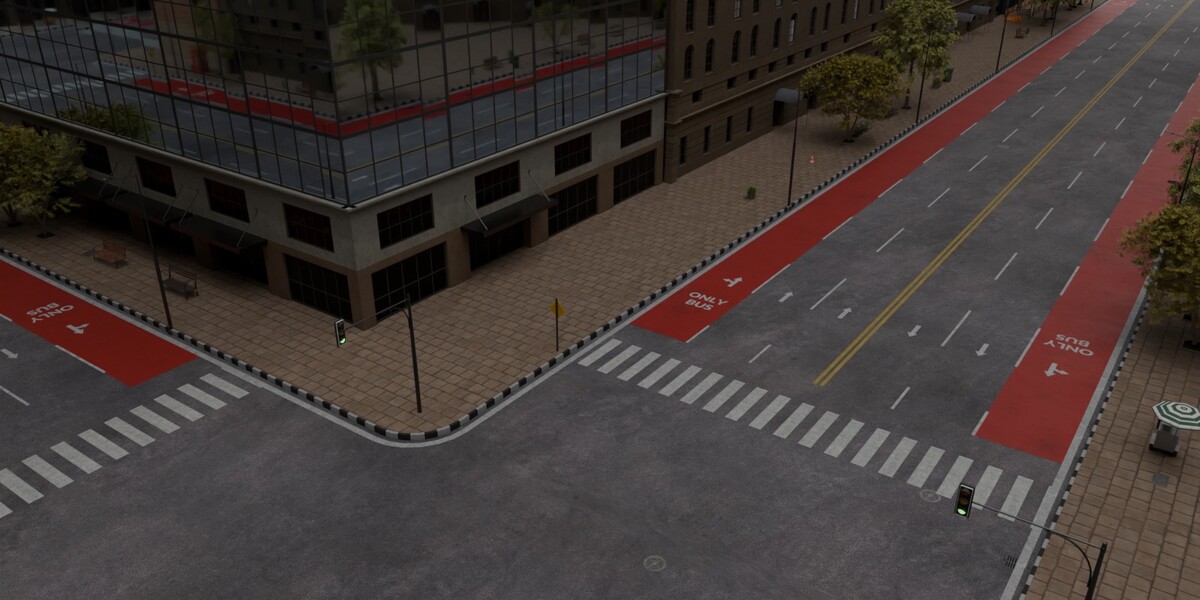
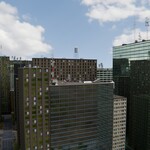
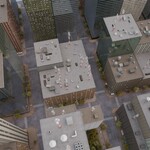
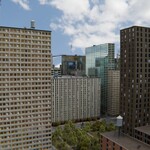
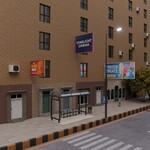
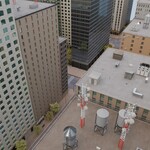
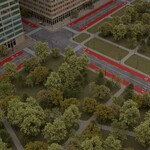
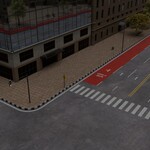
Which Blender versions does it support?
Blender 5.2 or newer. It was built and tested on 5.2.
Do I need to know Geometry Nodes?
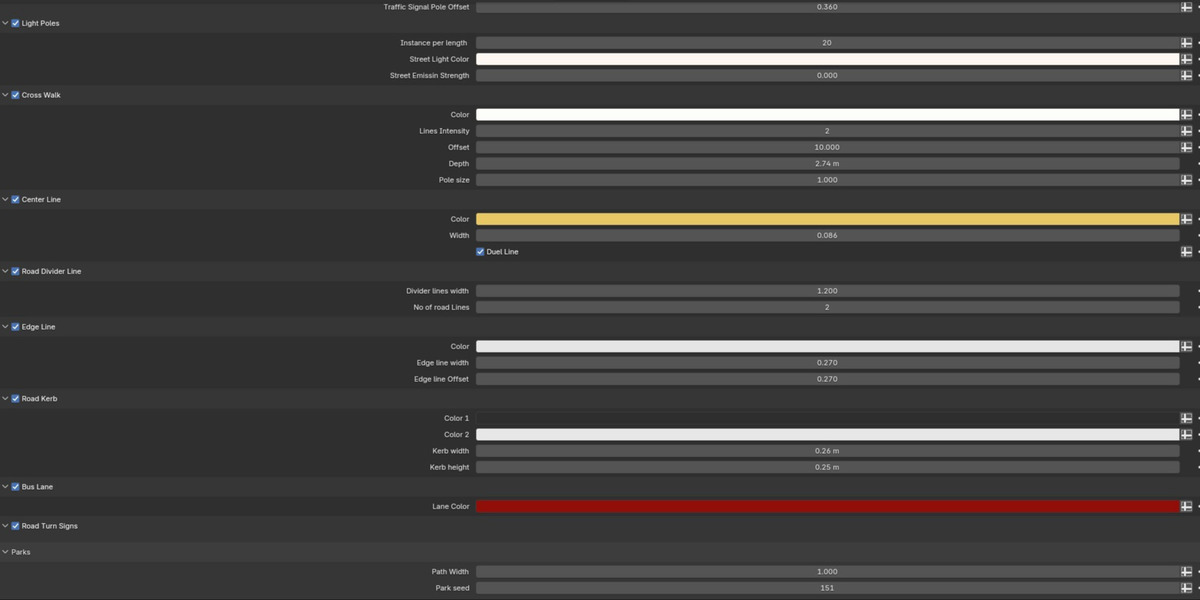
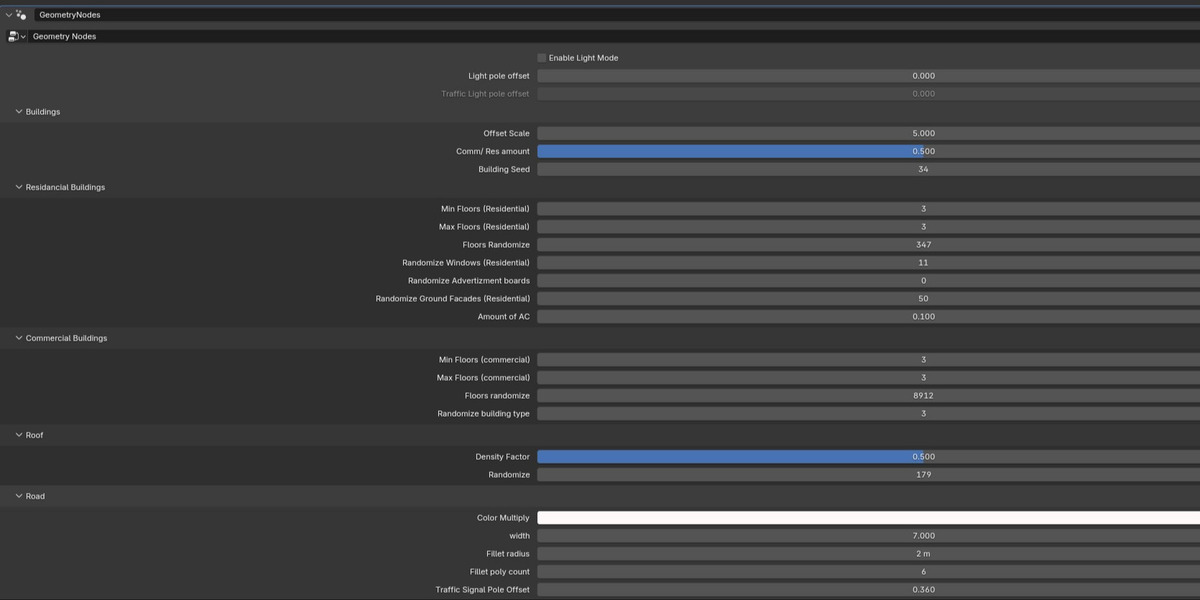
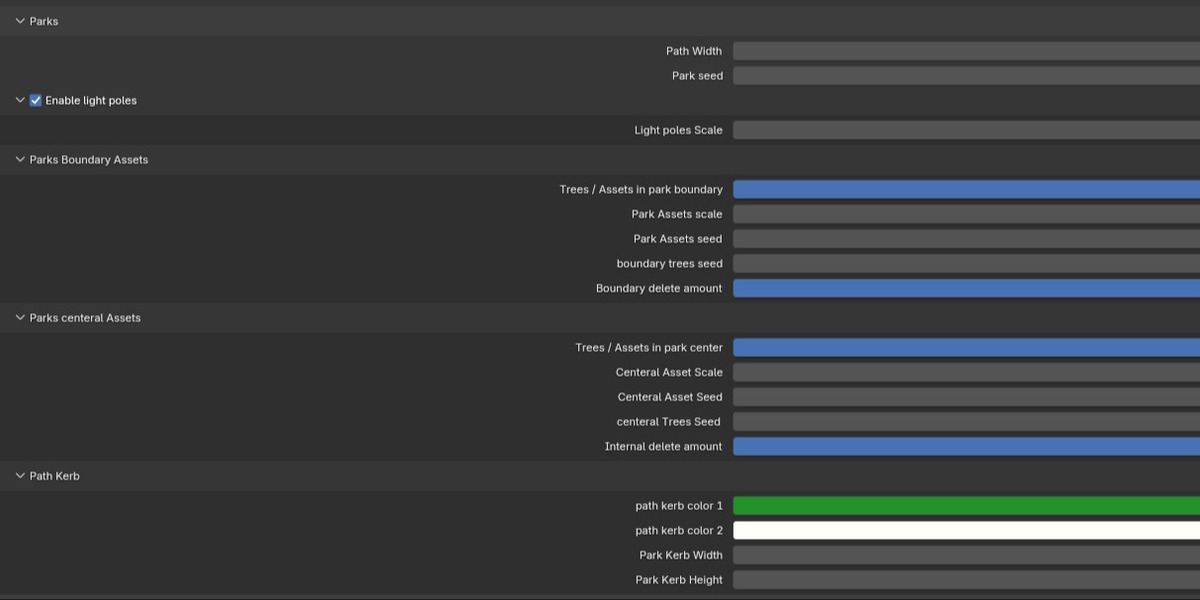
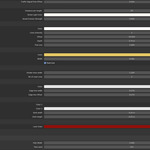
No. Everything is controlled from one modifier panel with sliders, checkboxes and seeds. If you can extrude in Blender, you can build a city.
How do I create my own layout?
Select the city object, go into Edit Mode, and extrude edges and vertices to shape the plane. Use Loop Cut or the Knife tool to split large areas into more blocks. Each face becomes one city block.
Does it include traffic or a day/night switch?
Not yet. Both are planned for a future update. Traffic lights and street lights are included now, and you can light the scene with any HDRI, sun or scene lights.
Performance and rendering
It was designed for low-end hardware. The whole city uses roughly 33 materials and low-poly meshed with texture atlas, which keeps memory use low, and Draft Mode keeps editing smooth. It was developed on a 2016 Intel Xeon E5-1650 v4 with an NVIDIA Quadro P4000. Very large cities need more RAM and a stronger GPU.
How big a city can I make?
There's no fixed limit. The size depends on your hardware. Build big layouts in Draft Mode first, then check the detailed city in smaller parts.
Can I use it in commercial projects?
You can use renders and animated videos made with Urbanify in commercial projects. You may not resell or redistribute the .blend file or textures.
How do I get help or report a bug?
Message me through the Superhive product page. Please include your Blender version and a screenshot of the issue that you are facing.
 Included
Includes 12 months of
- Support from 3DAssetsKit
- Product updates
Extend this product’s Support Period +12 months: 50% of product price
Have questions before purchasing?
Login to message
| Published | about 21 hours ago |
| Blender Version | 5.2 - 5.3 |
| Render Engine Used | Cycles, Eevee |
| License | Royalty Free |
Discover more products like this
#CityGenerator city generator procedural-city citybuilder roads Blender Building Generator urban cityscape building generator city builder procedural_generator building