 Bookyakuno
Semi-automatically and manually add your own translated text to Blender.
Make the menu screen familiar by making the English text of the external add-on the language of your own country.
Add your own translation dictionary
If you put the .csv file you created in the user_files folder of the add-on, it will be read as a translation dictionary file.
.csv file
If you write it in the following format, it will be interpreted as a dictionary.
The csv file can also be edited with spreadsheet software such as Excel.
"Translated text", "English"
"ほげ", "hoge"
"〇〇", "〇〇"
……
important point
- If you enter "\n", it will be a line break.
- " ← Cannot be registered normally as it is, so please use → \".
Automatic file update function
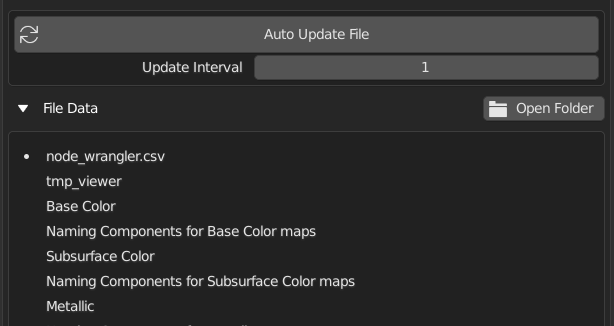
Reloads the translation dictionary every second so that you can see the translation immediately.
You can see and work on the translation results on the Blender screen while editing with a text editor.
Semi-automatic creation of translation files
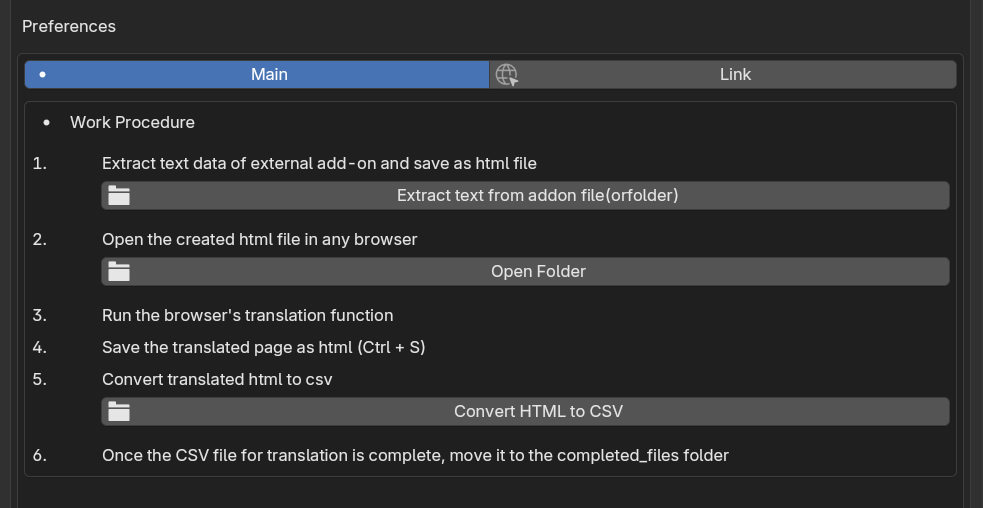
By following the steps to extract text from an external add-on as HTML, translate it in a Edge browser, and convert it to CSV, you can semi-automatically create a translation file.
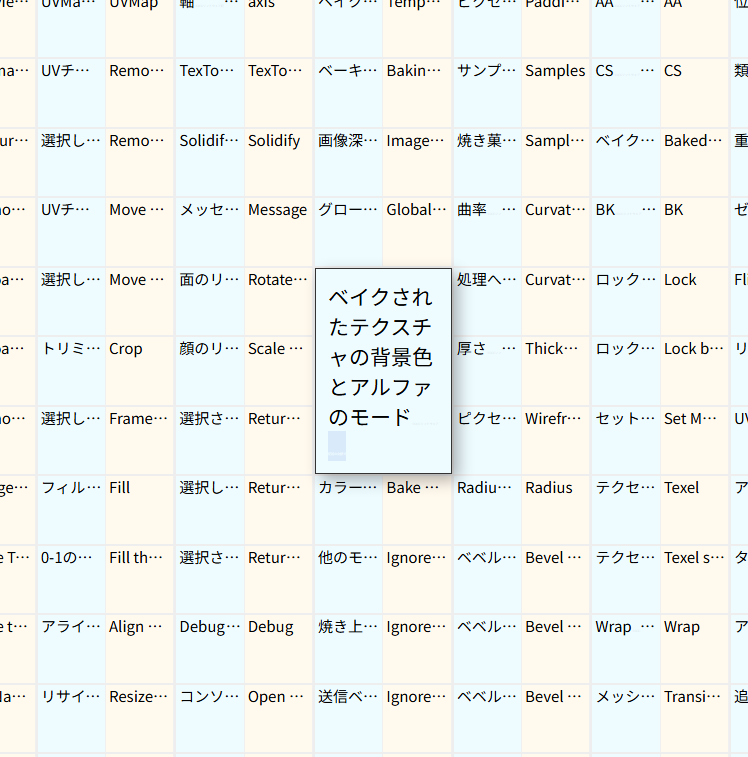
The translation process involves: outputting text data from the external add-on as HTML → opening it in a Edge browser and translating it → saving the page with a name → converting it to a translation file (CSV) using the add-on.
*Depending on the structure of the target add-on, it may not be possible to extract all text information.