 AFX LAB


Introducing UV Flex
Overview
UV Flex is a focused UV Editor toolkit for Blender designed around one idea: manipulate UVs directly, without friction.
Instead of jumping between operators and menus, UV Flex gives you interactive tools for splitting, merging, reshaping, and spline-deforming UV islands so you can iterate faster and stay in flow.
Active Tools
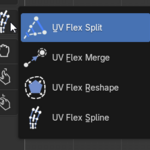
SPLIT Tool
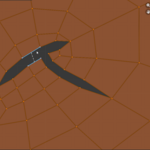
Drag across connected UVs to separate island boundaries instantly. Supports falloff for controlled, natural separation.

MERGE Tool
Click and drag to weld UV vertices or edges with precision. Clean up seams and overlaps without breaking your workflow.

RESHAPE Tool
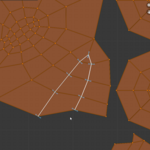
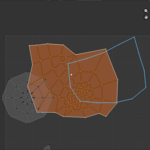
Draw a new boundary to reform UV islands dynamically.

SPLINE Tool
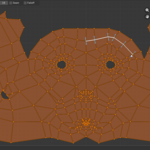
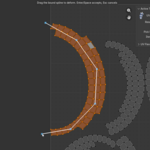
Draw and bind a spline over a selected UV island, then drag it to deform the island with falloff or 2D IK behavior.

Key Features
Interactive Editing
Work directly in the UV Editor with viewport-driven tools.
Precision Controls
Adjustable pick radius and falloff for fine-tuned behavior.
Seam Integration
Optional seam marking during split operations.
Dedicated Tool Icons
Clean, consistent UI built into Blender's toolbar.
Workflow Consistency
No context switching, no modal clutter.
Spline Deformation
Falloff and 2D IK modes for direct UV island deformation.
Built For
- Fast UV cleanup after unwraps
- Hard-surface and prop workflows
- Artists who prefer direct manipulation over menus
Update Log
v0.3
- Added the Spline tool
- Added Spline deformation modes: Falloff for smooth local spline dragging and 2D IK for length-preserving spline-chain behavior with IK iterations.
- Fixed Reshape selection binding with the same selection priority to avoid affecting unselected UVs.
- Updated documentation to include the Spline tool.