 Polary Studios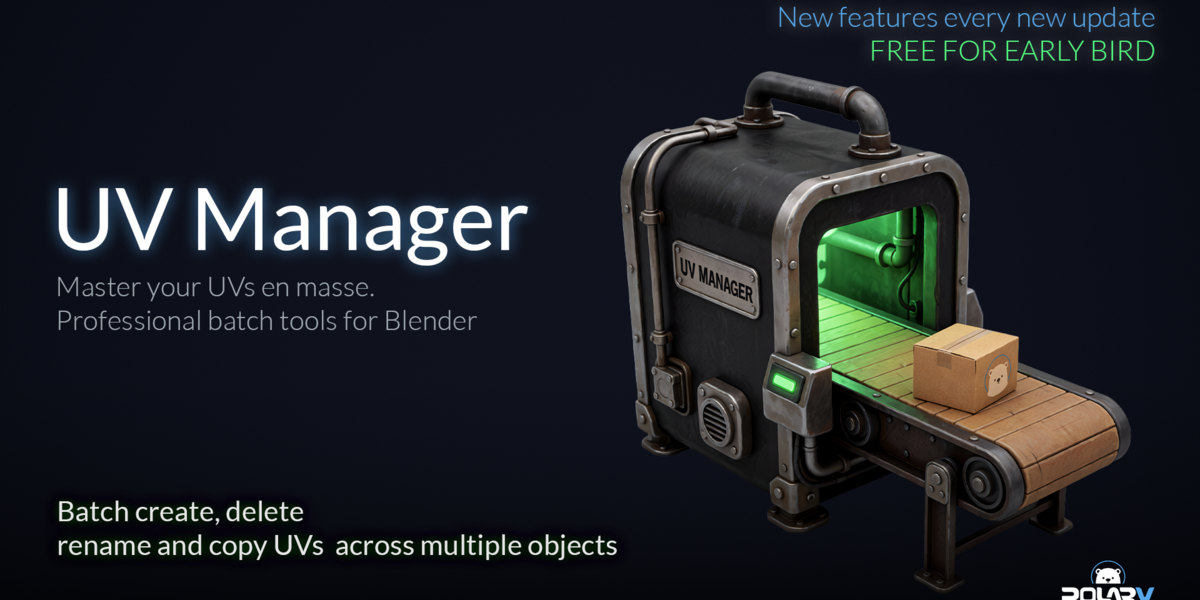
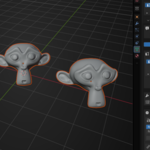
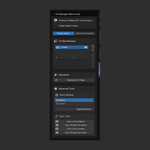

Ever tried to manipulate UV Maps across multiple objects in Blender and suddenly realize how painful it is? 🥲
I know the feeling, we have all been there. So we decided to create an addon to specifically solve this issue! 😎
Introducing UV Manager (Batch tools)! A new way to handle UVs! ✅
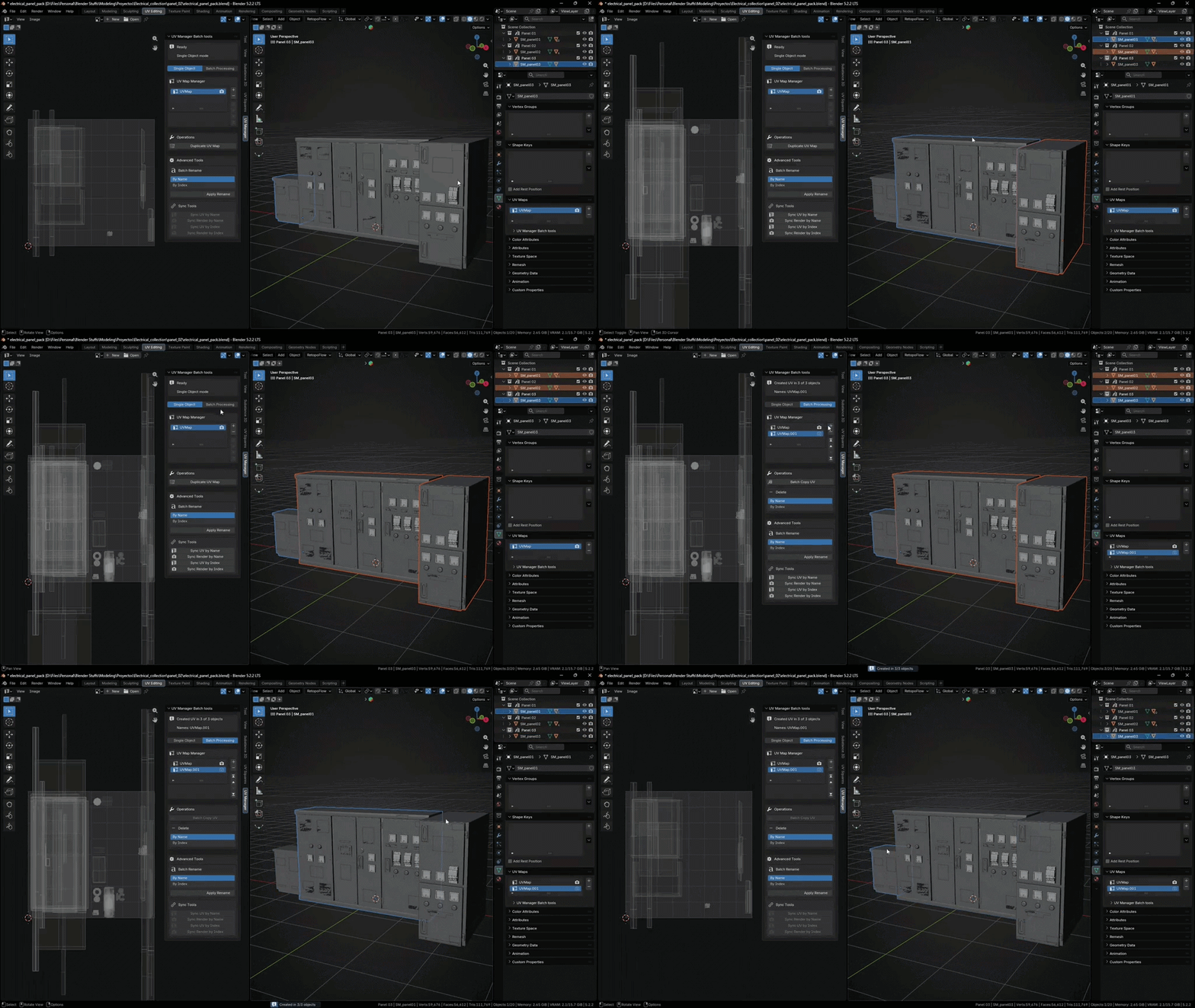
Create UV Map Across all selected objects with 1 click
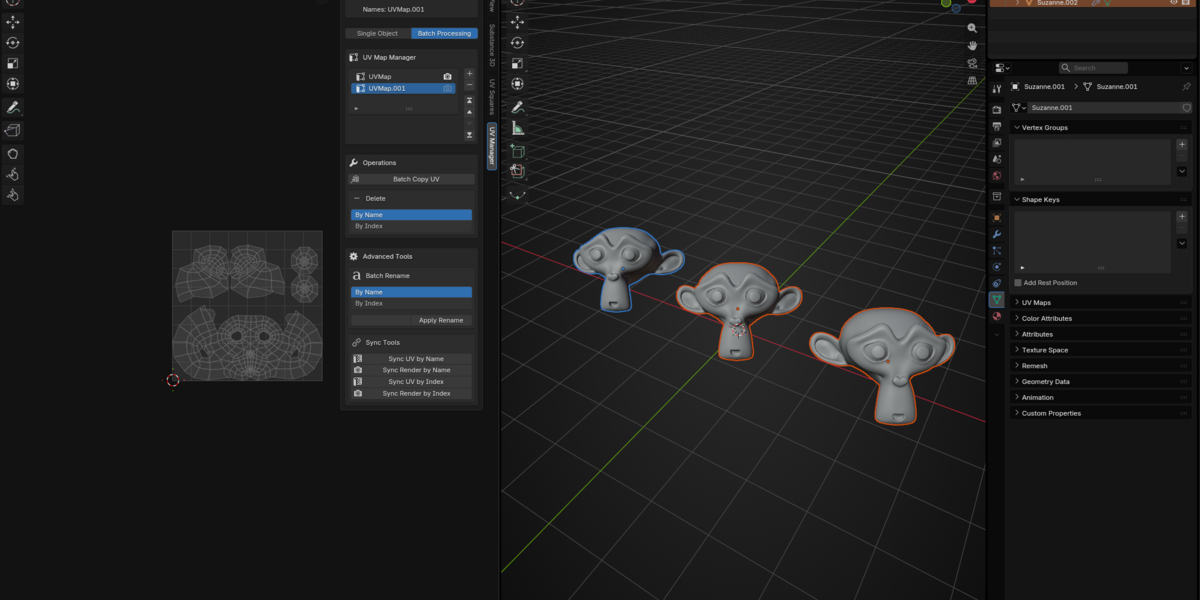
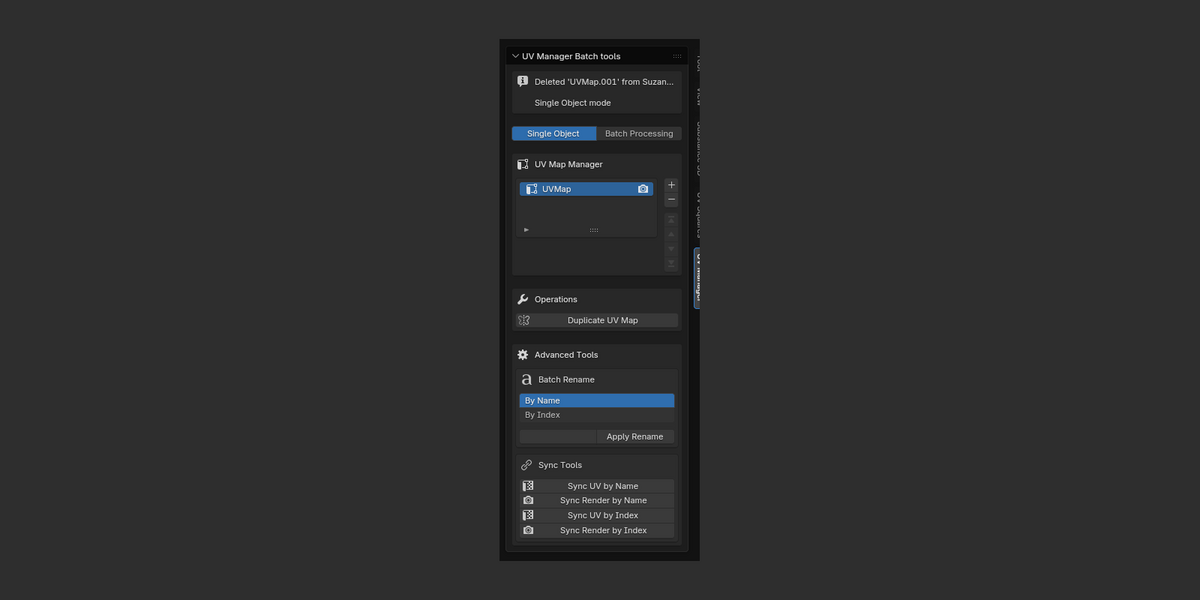
Select all the objects you want to add a new UV map, then activate the "Batch processing" toggle and click on the "+" icon. Voilá! You've created a UV map across all selected objects in one single action! 😁
Sync UVs selection and render active UV map
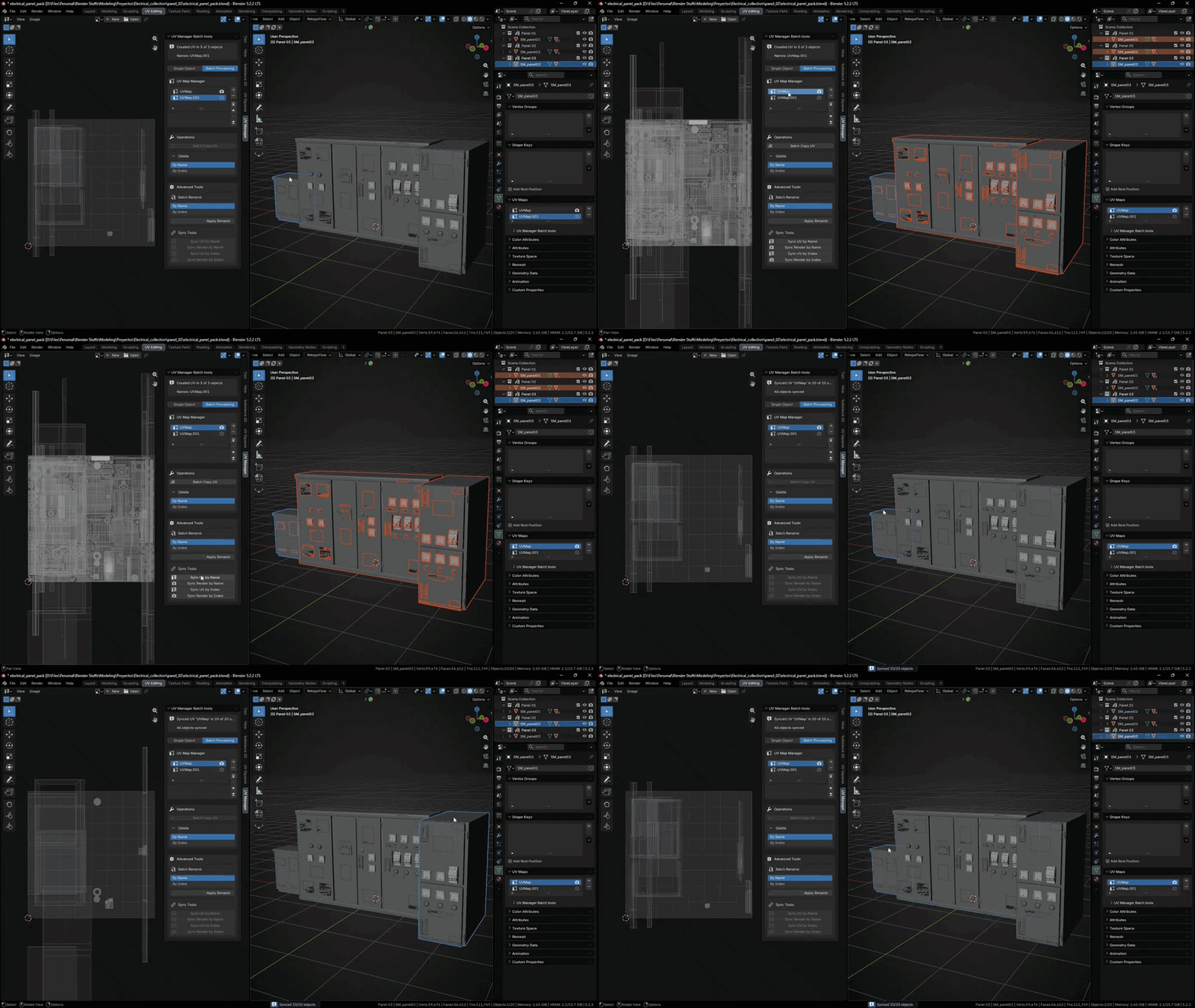
After creating or simply if you want to make sure the UVs you need are selected and active correctly across all selected objects for multi object editing manipulation, we have the solution!
Just click the sync UV by name or index and that's it!
And much more!
What UV manager does for you, both on the active and/or selected objects in the scene:
- Create UV maps (both on single or multiple objects)
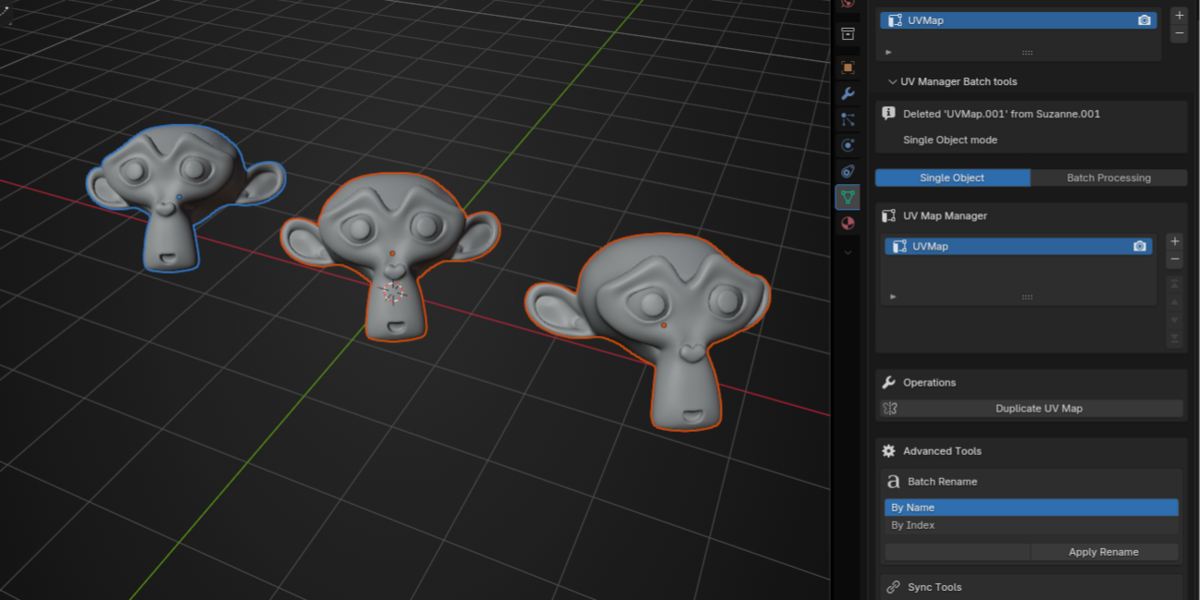
- Delete UV maps (both on single or multiple objects, by using name or index position of the UV map)
- Rename UV maps (both on single or multiple objects, both using name or index position of the UV map)
- Reorder UV maps (move up, move down, move to the top and move to the bottom operations)
- Duplicate and batch copy operations for all selected objects, allowing you to copy an UV from one object to the others.
Watch a quick tutorial on how to use it below!
Your investment matters! 💵
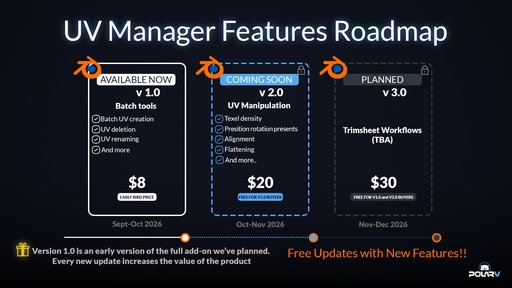
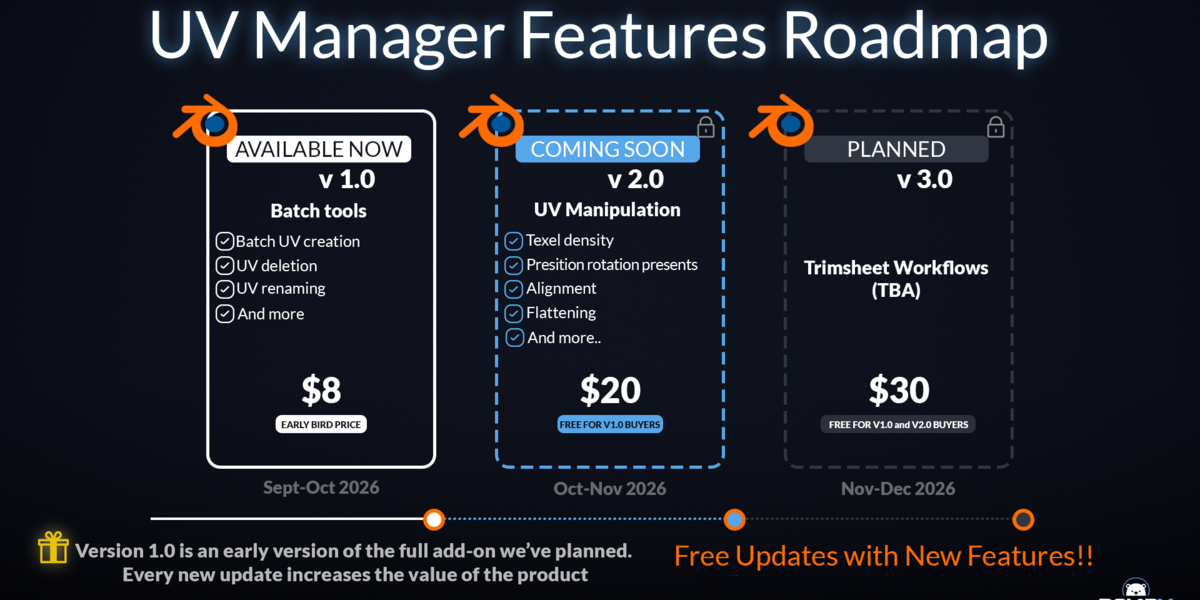
When you buy UV Manager (batch tools), you're investing in the future! Every new update will be included for free for all buyers of version 1.0 and future versions. Each time a new version is released, price will be adjusted according to the full set of present features of the addon.
In other words, you will be saving $22, not only that, every few weeks you will be getting feature updates, more UI optimizations/updates and much more!
Price reflected on the image below are references and might chance before release.