 Procgrain
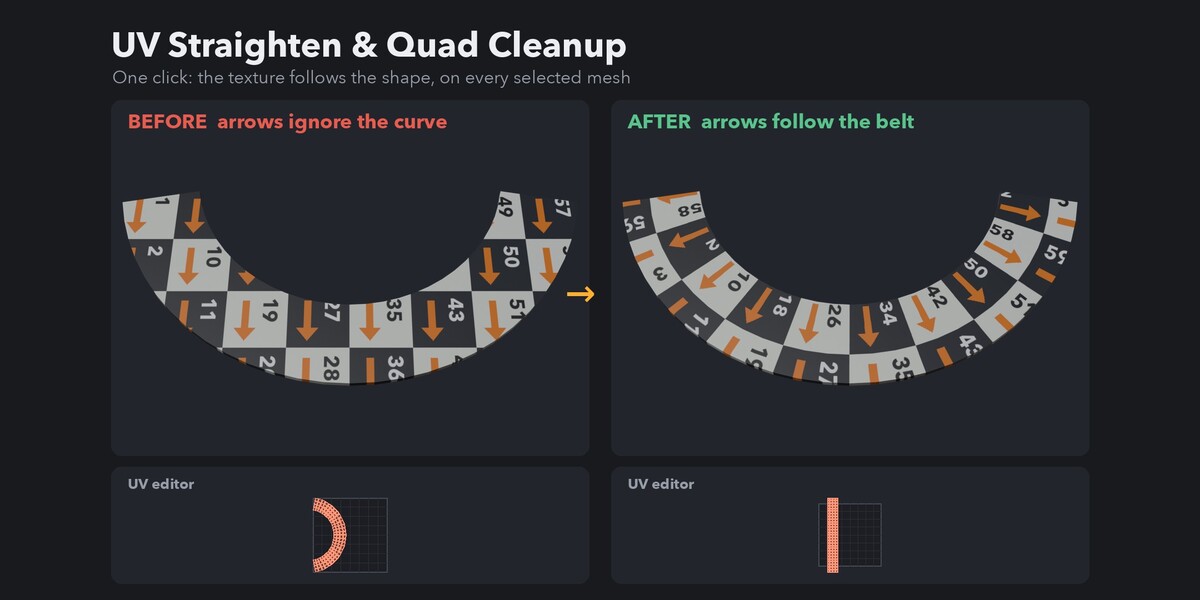
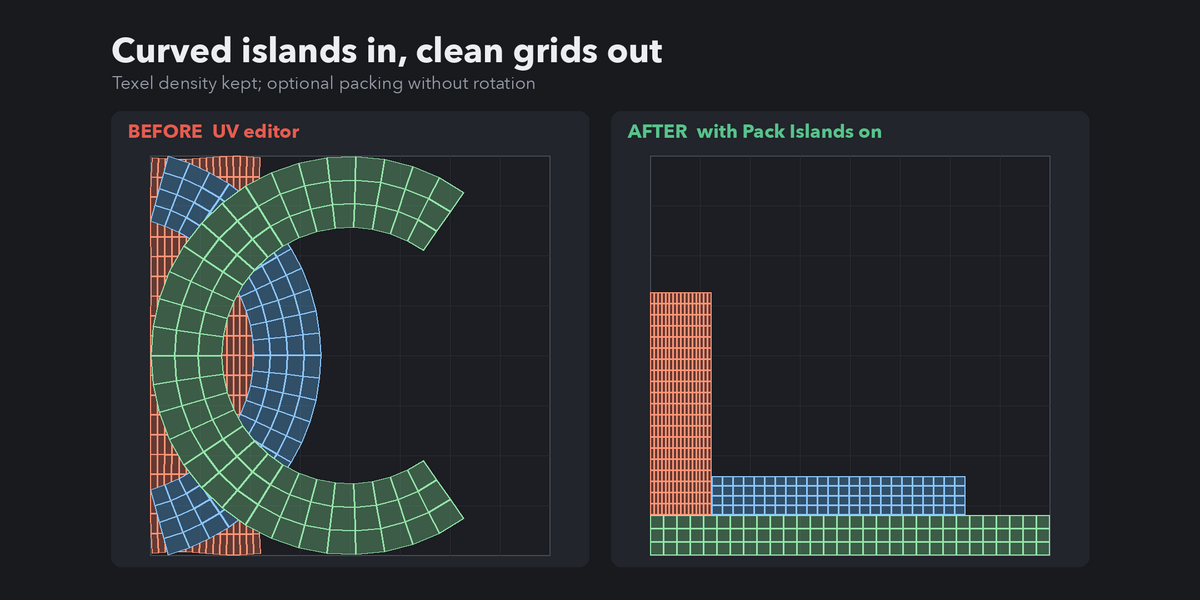
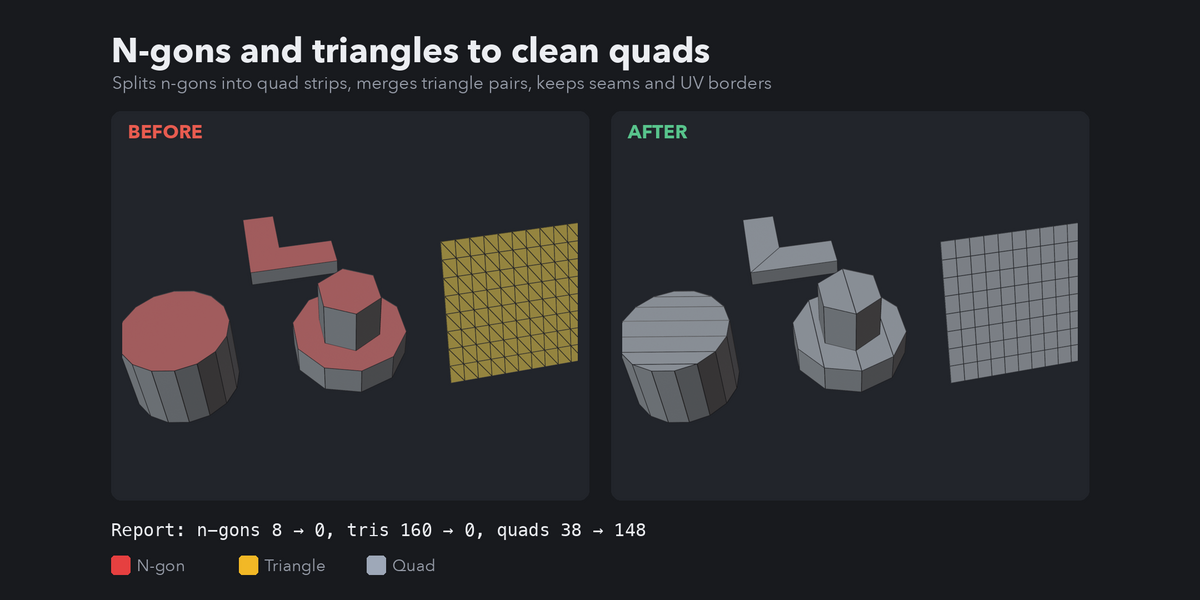
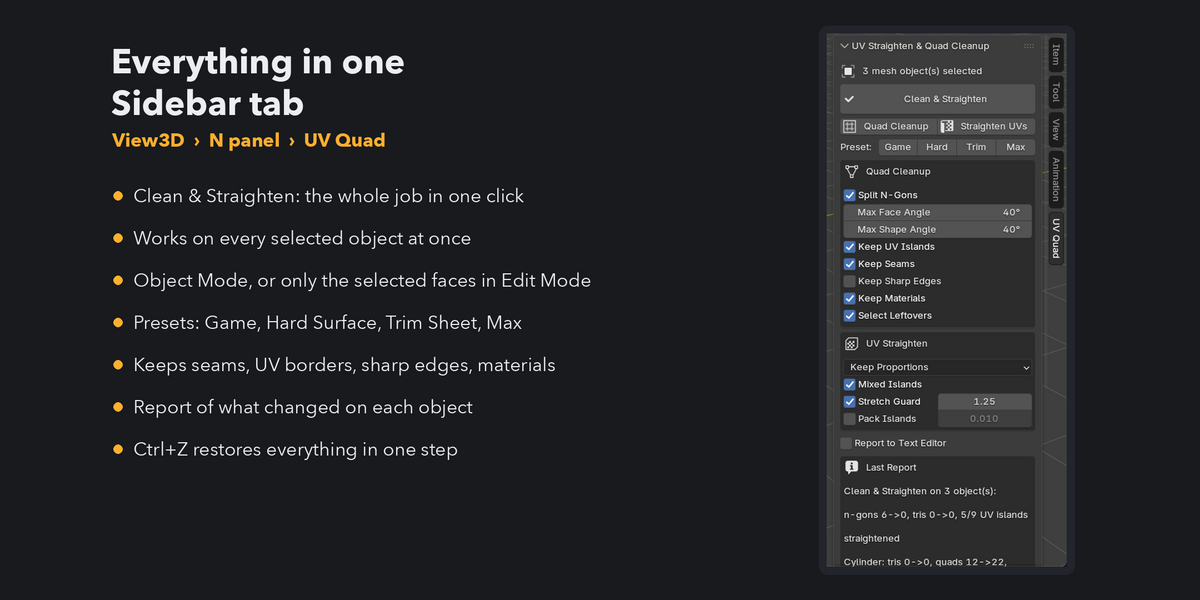
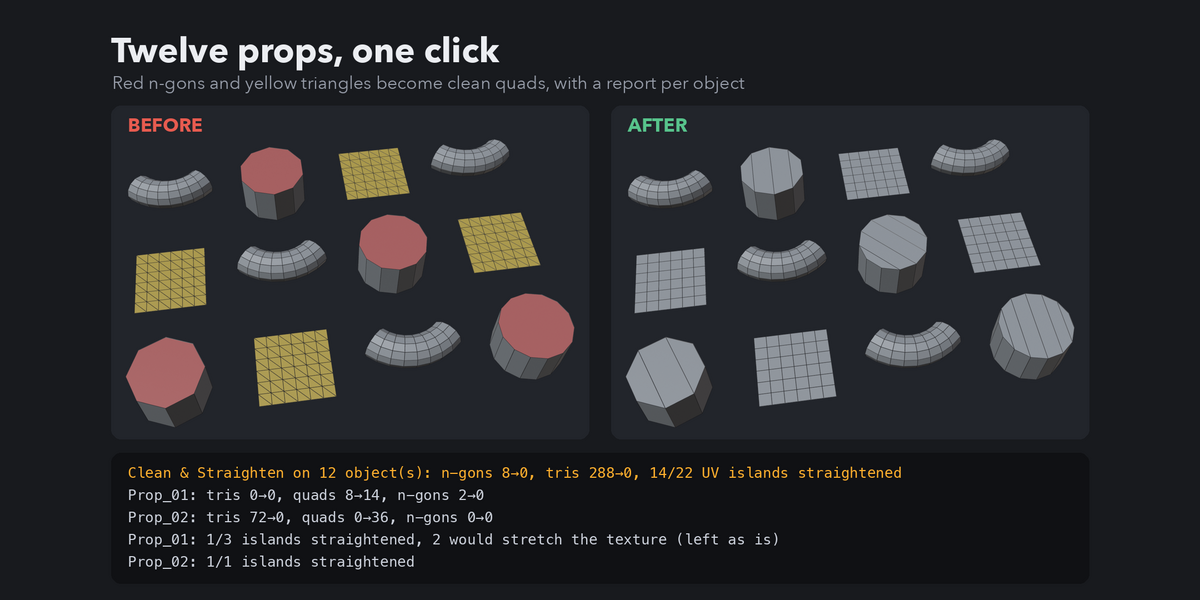

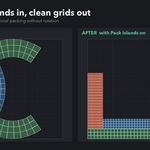
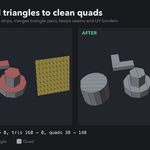
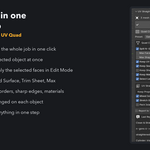
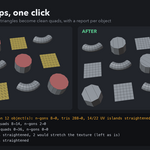
What you get
- uv_straighten_quad_cleanup-1.0.0.zip (Blender 4.2 and newer, Extension format)
- uv_straighten_quad_cleanup-1.0.0-legacy.zip (same tool, classic add-on format)
Compatibility
- Tested on Blender 4.2 LTS and 5.2 LTS.
- Pure Python, no external libraries, no internet access, no data collection.
- Windows, macOS and Linux (no compiled code).
Installation
- In Blender, open Edit > Preferences > Get Extensions (Add-ons in older menus).
- Click the arrow menu at the top right and choose Install from Disk.
- Select uv_straighten_quad_cleanup-1.0.0.zip. The add-on is enabled right away.
- Press N in the 3D Viewport and open the UV Quad tab.
Legacy route: Preferences > Add-ons > Install from Disk with the legacy zip, then tick the checkbox.
How to use
- Select one or more meshes (they need a UV map for straightening; press U > Unwrap first if they have none).
- Open the UV Quad tab in the sidebar.
- Click Clean & Straighten. Read the report under the buttons.
License
GPL-3.0-or-later (the license text is included in the download). You may use it in personal and commercial projects.
Support
Questions and bug reports through the Superhive messages on this product page. Replies within 72 hours. Updates for new Blender LTS releases are included.
Have questions about this product?
Login to message
| Blender Extension Compatible | Yes |
| Published | 44 minutes ago |
| Blender Version | 4.2 - 5.2 |
| Extension Type | Add-on |
| Render Engine Used | Cycles |
| License | GPL |

Discover more products like this
retopology topology Workflow ngon quads modeling uv editing game ready straighten uv hard surface uv