 Procgrain
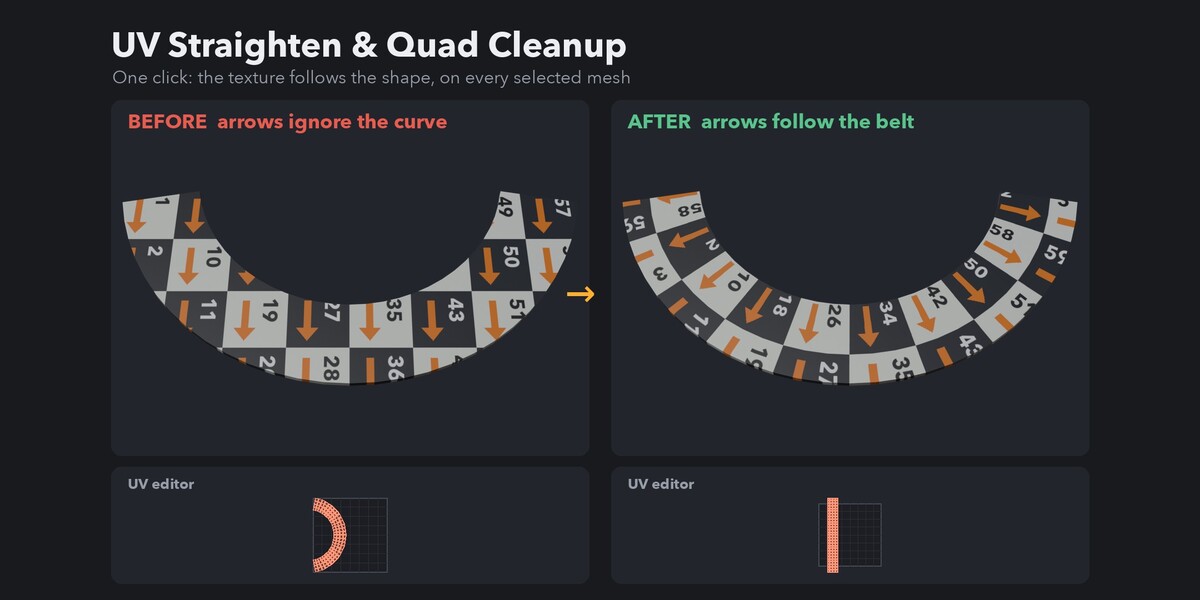
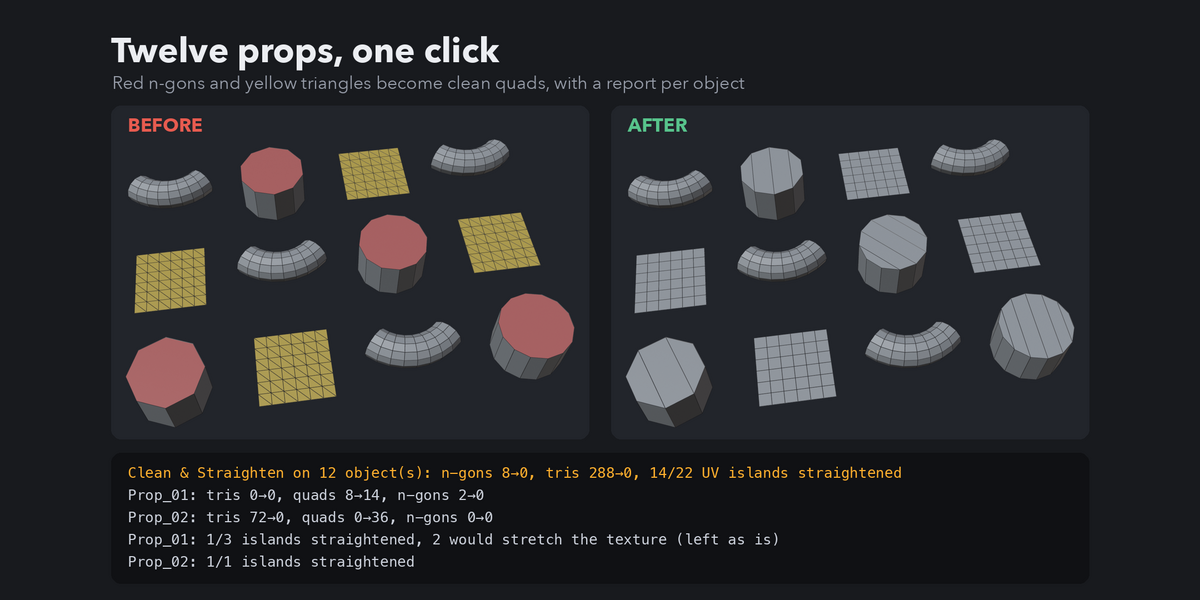
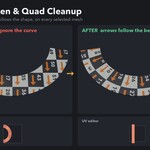
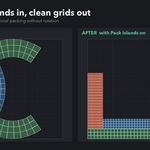
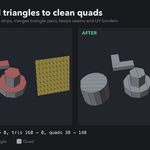
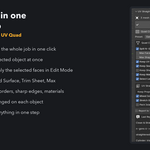
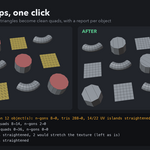
Curved UV strips, skewed islands and leftover n-gons slow down every texturing pass. UV Straighten & Quad Cleanup fixes both in a single click, on every mesh you have selected.
Clean & Straighten (one click)
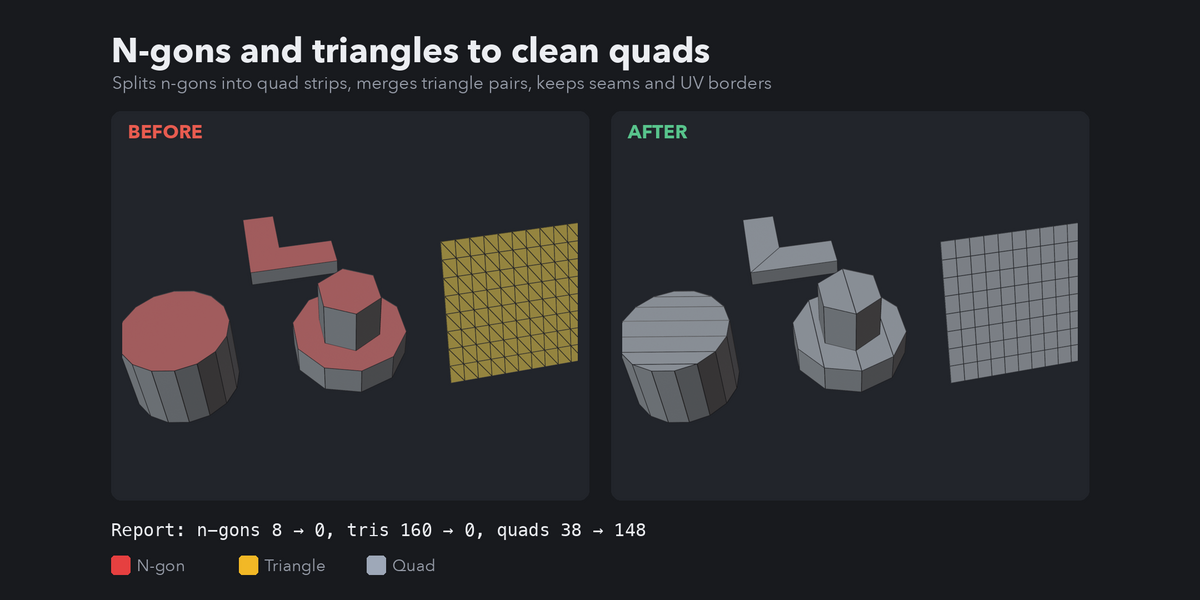
- Splits n-gons into tidy strips of quads, choosing the squarest split for each face.
- Merges triangle pairs back into quads, without crossing seams, UV island borders, sharp edges or material borders (each one is a switch).
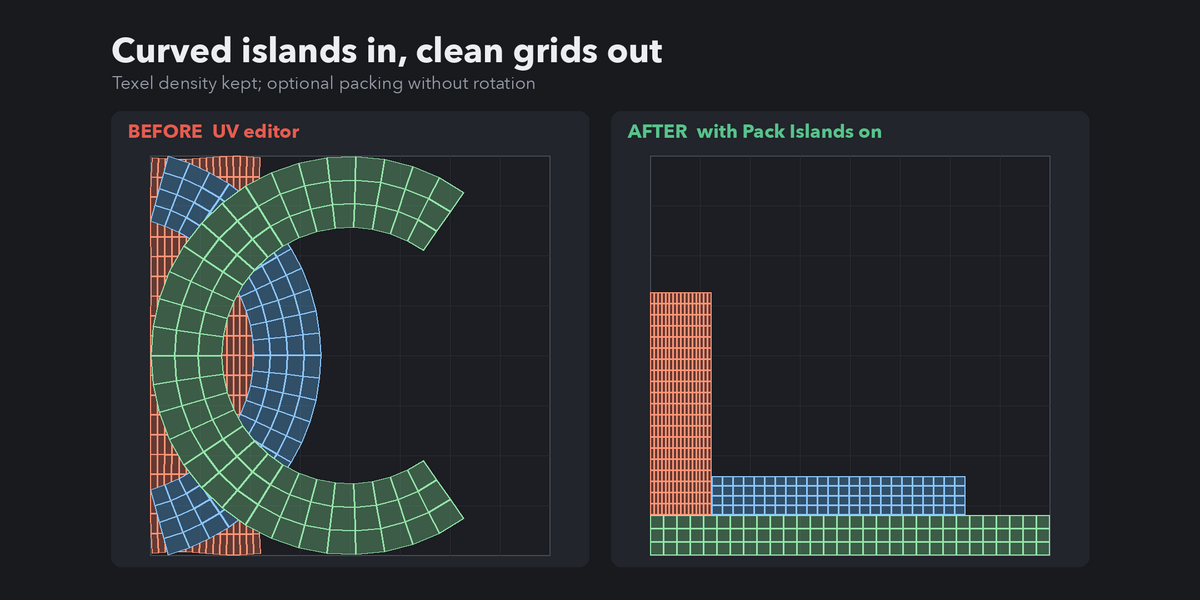
- Straightens every UV island made of quads into a perfect grid aligned to U and V.
- Keeps each island's texel density and position, so your layout stays where it was.
Built to be safe
- Islands that cannot become a clean grid (poles, closed tubes, round caps) are left exactly as they were, and the report tells you which ones and why.
- Stretch Guard: an island is only changed if the grid will not stretch your texture beyond the limit you set.
- Faces that are still not quads after cleanup are selected, so you can fix the last few by hand.
- One Ctrl+Z restores everything, and the redo panel lets you tweak settings after the click.
Batch and workflow
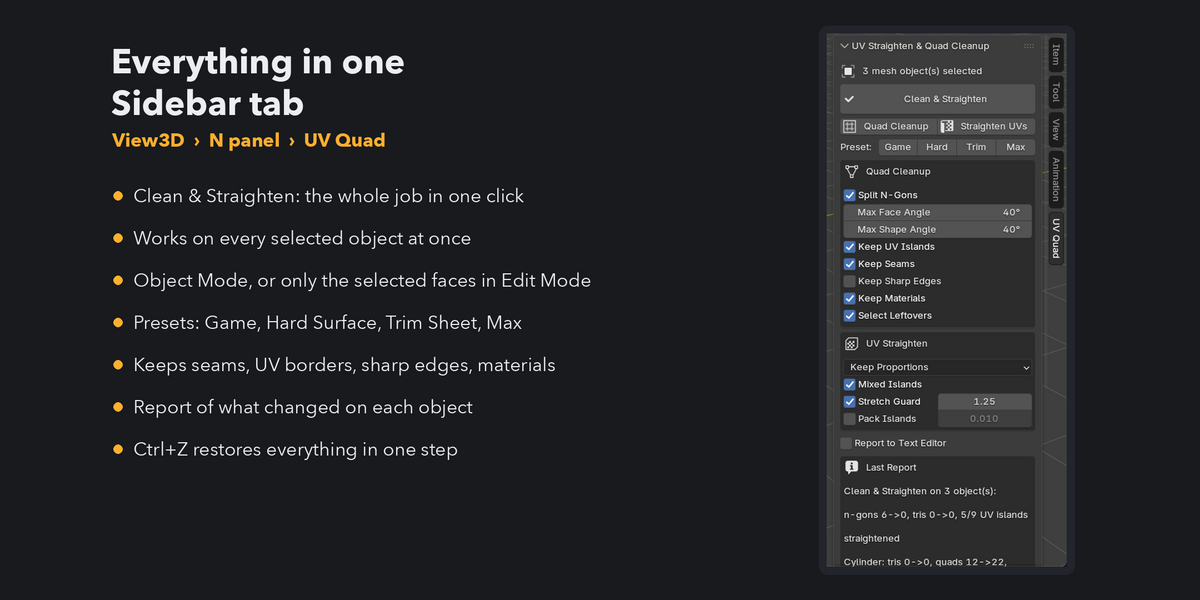
- Works on all selected objects at once, in Object Mode, or only on the selected faces in Edit Mode (multi-object editing supported).
- Linked duplicates are processed once.
- Separate buttons for Quad Cleanup and Straighten UVs when you only need one.
- Presets: Game Asset, Hard Surface, Trim Sheet (even grid cells), Aggressive.
- Optional Pack Islands without rotation, so straightened islands never overlap.
- Per-object report in the panel, optionally written to the Text Editor.
- Also available in the 3D View menus: UV > Straighten UVs and Mesh > Clean Up > Quad Cleanup.
Great for pipes, cables, roads, trims, belts, straps, planks, hard-surface panels and game-ready props exported with triangles.
What you get
- uv_straighten_quad_cleanup-1.0.0.zip (Blender 4.2 and newer, Extension format)
- uv_straighten_quad_cleanup-1.0.0-legacy.zip (same tool, classic add-on format)
Compatibility
- Tested on Blender 4.2 LTS and 5.2 LTS.
- Pure Python, no external libraries, no internet access, no data collection.
- Windows, macOS and Linux (no compiled code).
Installation
- In Blender, open Edit > Preferences > Get Extensions (Add-ons in older menus).
- Click the arrow menu at the top right and choose Install from Disk.
- Select uv_straighten_quad_cleanup-1.0.0.zip. The add-on is enabled right away.
- Press N in the 3D Viewport and open the UV Quad tab.
Legacy route: Preferences > Add-ons > Install from Disk with the legacy zip, then tick the checkbox.
How to use
- Select one or more meshes (they need a UV map for straightening; press U > Unwrap first if they have none).
- Open the UV Quad tab in the sidebar.
- Click Clean & Straighten. Read the report under the buttons.
FAQ
Does it unwrap my mesh?
No. It straightens the UV islands you already have. Mark seams so long parts (pipes, belts) open into strips, unwrap, then click the button.
Why was an island left untouched?
Only islands whose quads can form a grid are changed. Islands with poles, closed loops without a seam, or round caps would fold or stretch, so they are kept as they were and listed in the report as "not grid-like" or "would stretch the texture".
Will it change my texel density?
No. Each island keeps its UV area and its center. With Pack Islands on, Blender's packer rescales the whole layout uniformly to fit the tile.
Does it rotate islands?
Each island is snapped to the nearest U or V direction, never to odd angles. Packing is done without rotation.
What happens to triangles inside an island?
With Mixed Islands on, the quads are straightened and the triangles follow with a best-fit transform. Turn it off to skip those islands completely.
Can I undo it?
Yes, one Ctrl+Z undoes the whole operation, in Object Mode and in Edit Mode.
Does it work on several objects with different UV maps?
Yes. Each object uses its active UV map. Objects without a UV map are skipped and named in the report.
License
GPL-3.0-or-later (the license text is included in the download). You may use it in personal and commercial projects.
Support
Questions and bug reports through the Superhive messages on this product page. Replies within 72 hours. Updates for new Blender LTS releases are included.
