 Myndari
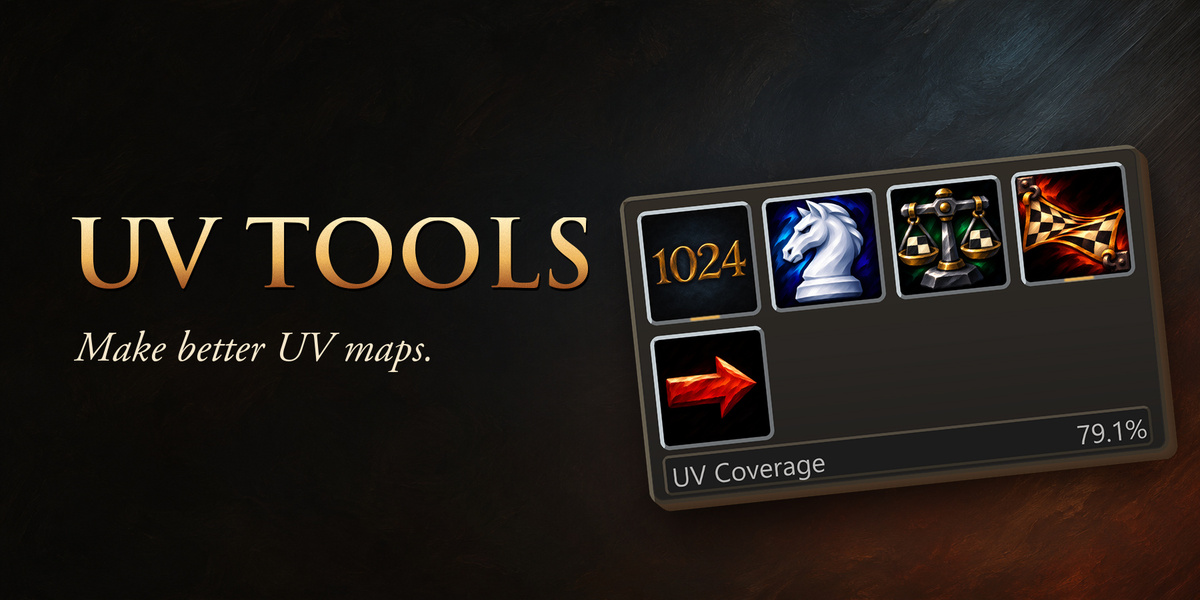

Install and open the palette by dropping the zip file into the blender viewport, or
1. In Blender 5.3, open Edit → Preferences → Get Extensions.
2. Open the menu in the upper-right corner, choose Install from Disk, and select myndari_uv_tools-0.6.6.zip.
3. Open the UV Editing workspace and click the yellow Myndari icon in the UV Editor header. Press Esc, right-click, or click outside the palette to close it. Enabled overlays continue to draw after the palette closes.
Check visible meshes
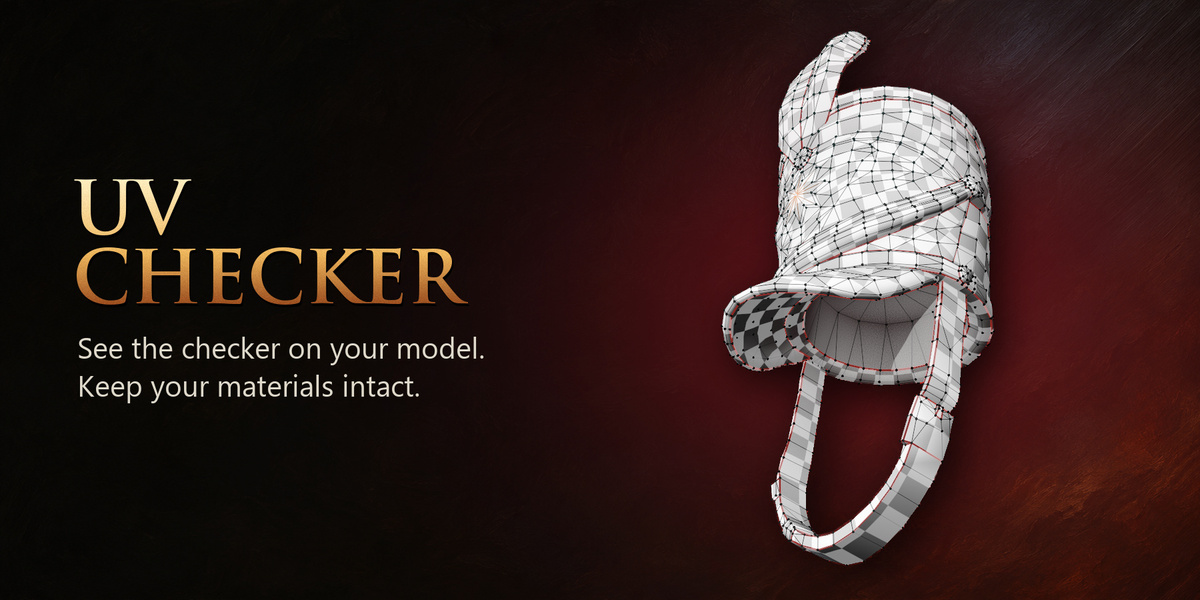
Click the white knight to toggle UV Checker. Keep viewport overlays enabled. The checker uses all visible meshes with active UV maps, including unselected meshes. Object Mode uses evaluated geometry. Edit Mode uses the editable cage, so modifiers that move the visible surface away from the cage can obscure the overlay. Wireframe, Solid X-Ray, and viewport clipping suspend drawing. Loading a file resets the checker to off.
Inspect stretch
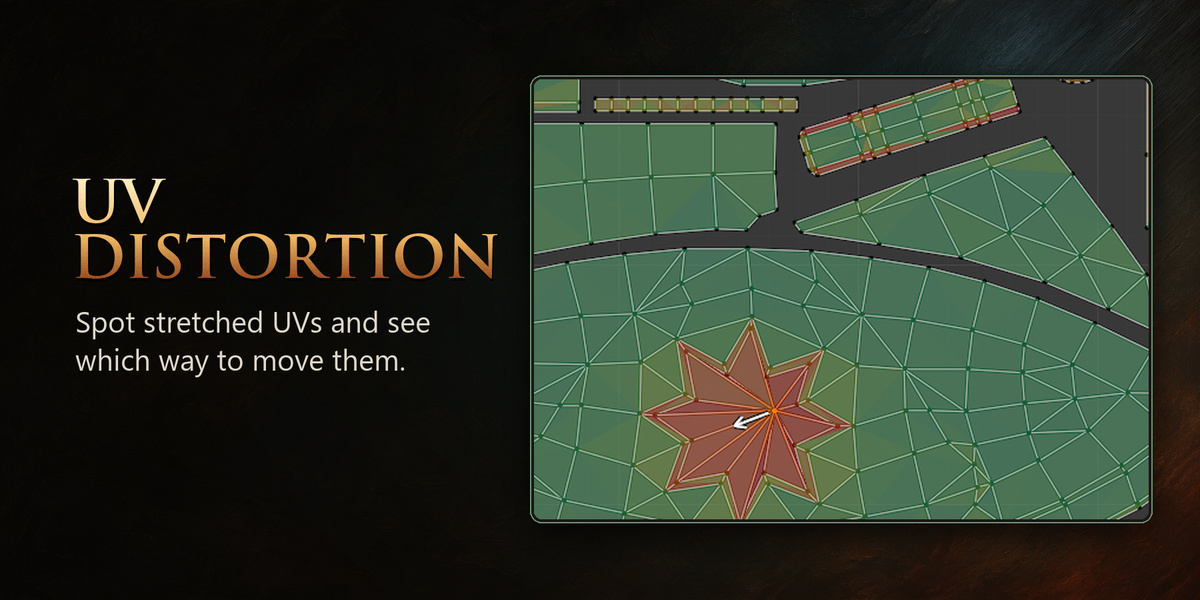
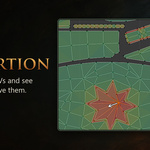
In mesh Edit Mode, click the stretched checker-cloth icon. Green indicates low stretch, orange indicates moderate stretch, red indicates high stretch, and magenta marks collapsed UVs. Select a UV vertex or a group of UVs. When a small move can reduce stretch while preserving face winding, a white arrow gives the direction. Move the selection a short distance along that arrow and check the result.
Match texel density
In Edit Mode, select the complete target islands. Finish by Shift-clicking the reference island in Island Select mode, or hover it and press L. Open the palette and click the balance scales. The targets resize around their centers to match the reference, which keeps its original scale. Use a common texture resolution for the islands, and check spacing after scaling. Blender’s Undo and Redo are supported.
Check margins and coverage
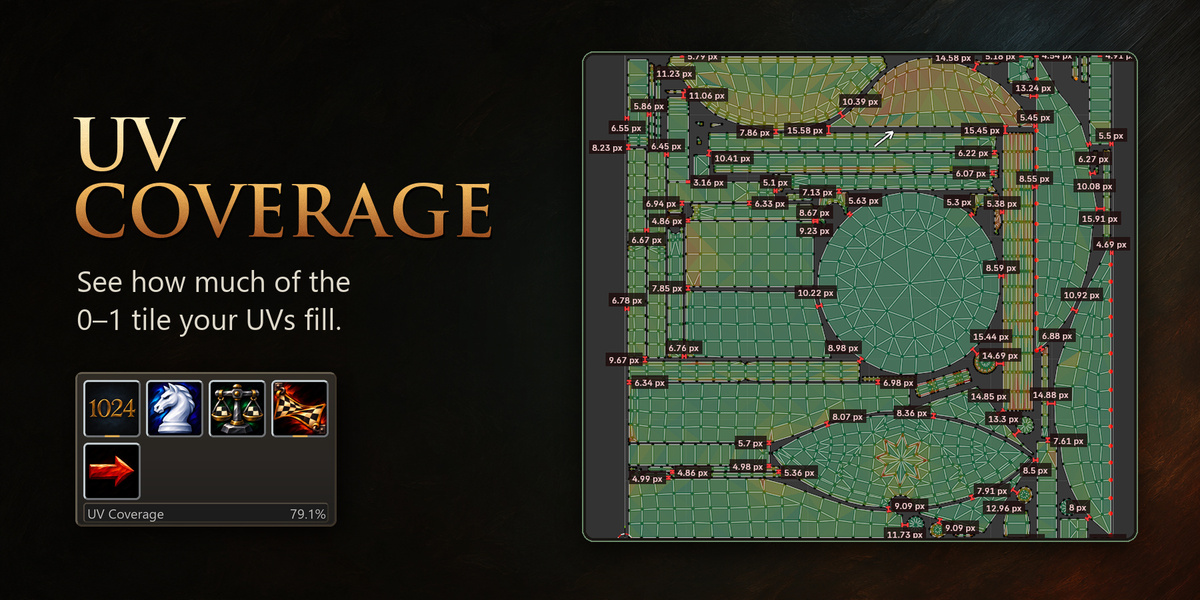
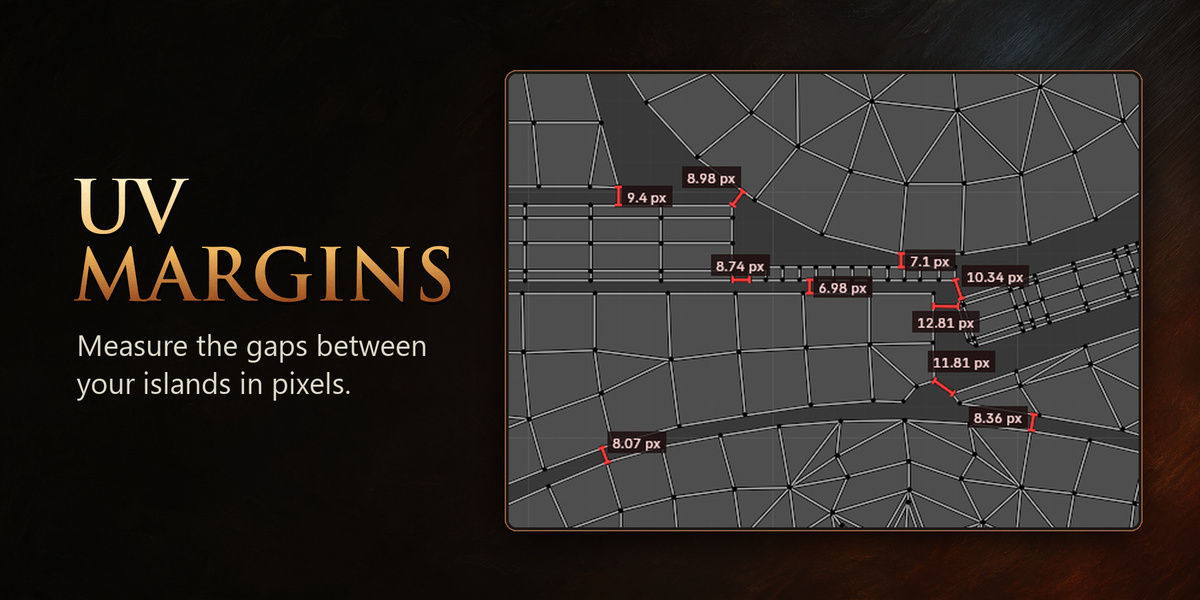
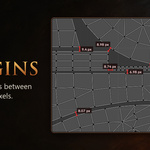
In mesh Edit Mode, click the resolution button to cycle 128, 256, 512, 1024, 2048, 4096, and X (off). The default is 512. Red rulers mark gaps below the recommended clearance between visible islands or to the tile border. An editor image is optional. At 1024 px, the guideline is 8 px from an island to the tile border and 16 px between islands. Adjust actual padding to suit the asset’s filtering and mip levels.
See UV Coverage in the palette footer. It counts the union of the active UV maps inside the 0–1 tile, including hidden and deselected faces. It measures the meshes being edited together or the selected meshes in Object Mode. Reopen the palette to refresh the percentage after edits.
Offset a UV selection
Select the UV islands to move and click the red right arrow. It moves the UV selection one tile in +U. Select complete islands for a whole-island offset. Use Undo to reverse the move.
Compatibility
This build was verified with Blender 5.3.0 on Windows using Vulkan on an NVIDIA RTX 4090. The checker is a geometry overlay. Its appearance does not account for shader alpha cutouts or renderer-only displacement.
 Included
Includes 12 months of
- Support from Myndari
- Product updates
Extend this product’s Support Period +12 months: 50% of product price
Have questions before purchasing?
Login to message
| Blender Extension Compatible | Yes |
| Published | about 23 hours ago |
| Blender Version | 5.3 |
| Extension Type | Add-on |
| Render Engine Used | Cycles |
| License | GPL |
Discover more products like this
uv mapping uv islands uv margins uv texel density UV Checker UV Distortion uv-tools UV padding