 Michael Jared


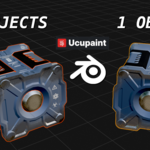
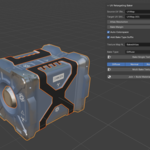
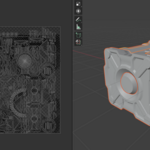
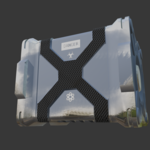
I am a big evangelizer of Ucupaint. It is an incredible Blender add-on enabling multi-layered texture painting. It comes with lots of tools out of the box. I also heavily use my Brush Pack pretty much every time I use Ucupaint.
One problem it has, though, is that it currently cannot bake multiple objects, with different materials, to one texture set. This is an important workflow when you are designing separate parts and want to merge them:
How to Use This Addon
It's an N-panel addon, so installed it as normal.
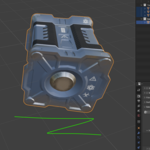
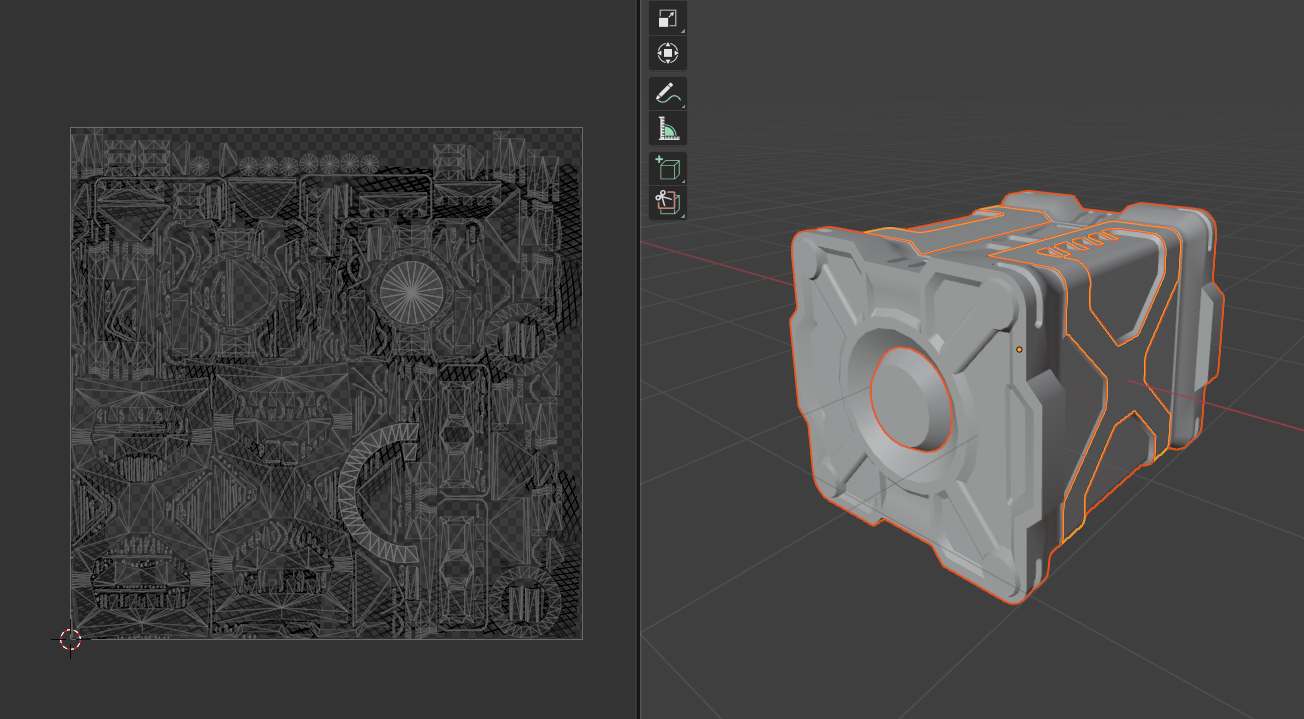
1. Add a second non-overlapping UV set to all of your objects
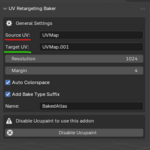
2. Setup the Source UV and Target UV in the addon
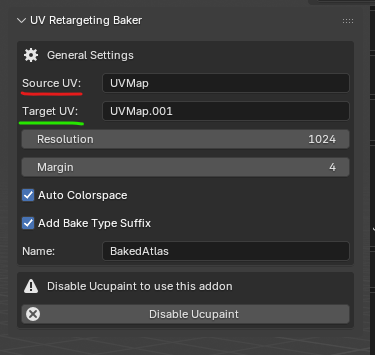
3. Ucupaint must be disabled to run this addon
This is because Ucupaint auto-selects images inside its shader node, which really can mess up baking.
(Disable button is shown above)
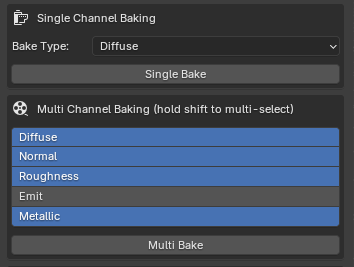
4. Select your objects and bake a single or multi-channel
Note: this addon is not very optimized and baking is very resource intensive. It may seem like it's hanging but wait for the bake button to turn from blue to gray. Then you know it's done.
Recommended settings:
- Resolution, power of 2 (1024, 2048 etc.) Baking 4k will probably be very slow
- Add Bake Type Suffix. This will auto-name your baked images, e.g. Name: BakedAtlas, if you bake Diffuse, the final image name is BakedAtlas_Diffuse
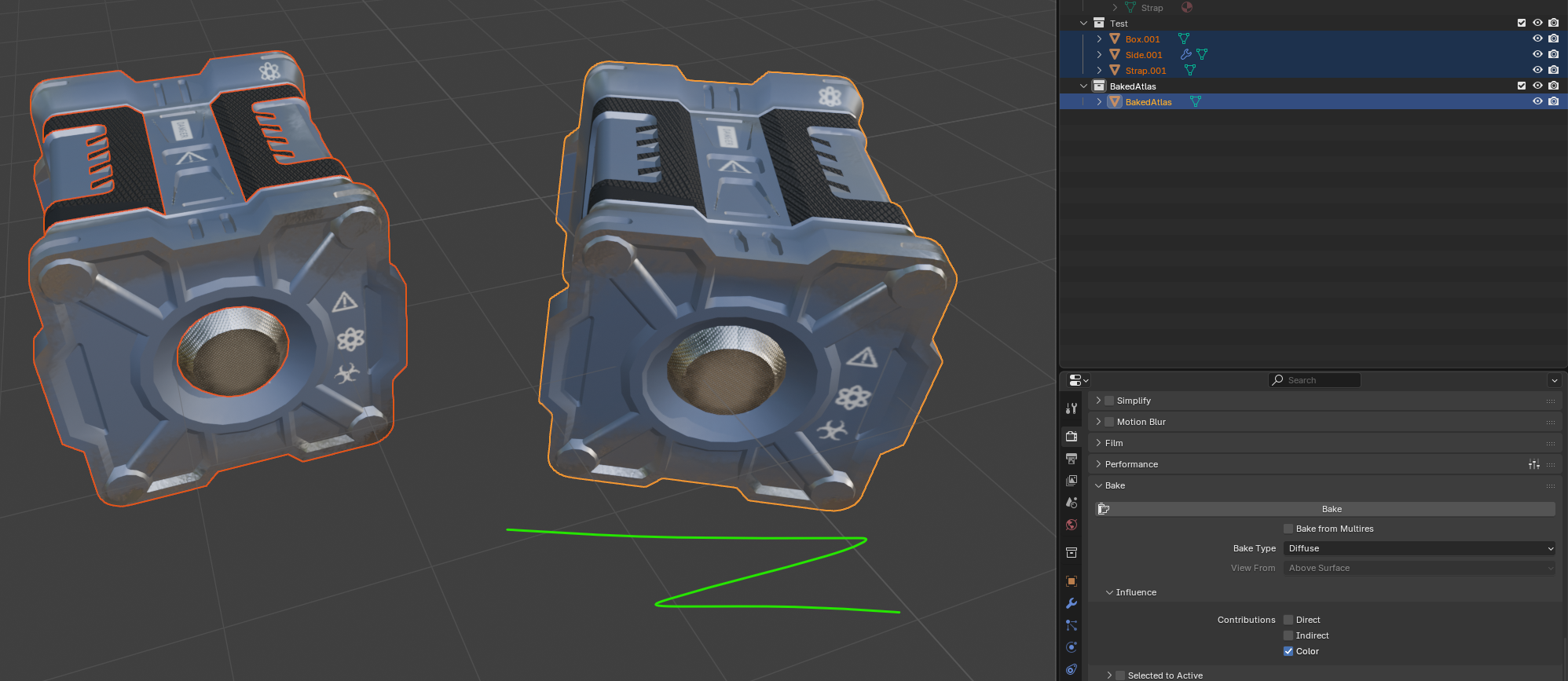
5. Build PBR Material
Recommended settings:
- Duplicate Objects: keep this on. It will duplicate your objects and add to a new collection
Right now the Build PBR Material operator also auto-joins the objects.
Change Log
- v1.2.1 Remove the "auto UV map" fixing feature when generating the PBR material and duplicating objects. This creates some bugs with auto-generated UV maps in Blender, so it's better just to deal with the UV maps manually yourself.
- v1.2 Fix bug with "Selected to Active" setting in Bake settings
- v1.1 Release
Attribution
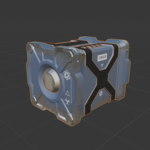
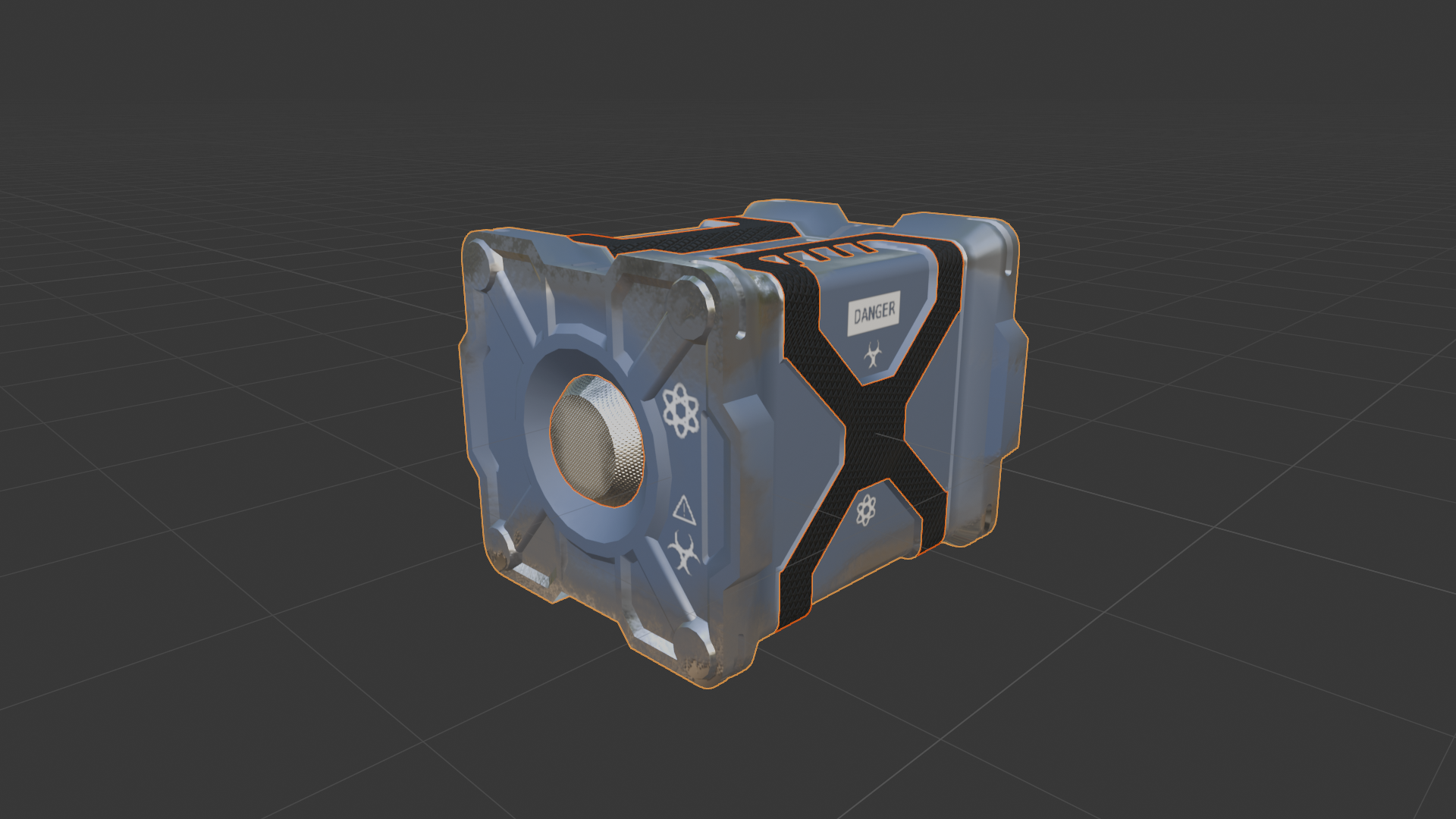
Credit for the sample model:
https://sketchfab.com/3d-models/hard-surface-container-7a15413e47ca44c4a5df63319...
Icons from SVGRepo for the stenciling:
