 EdenWeby 3D
Uz
Uzima UI
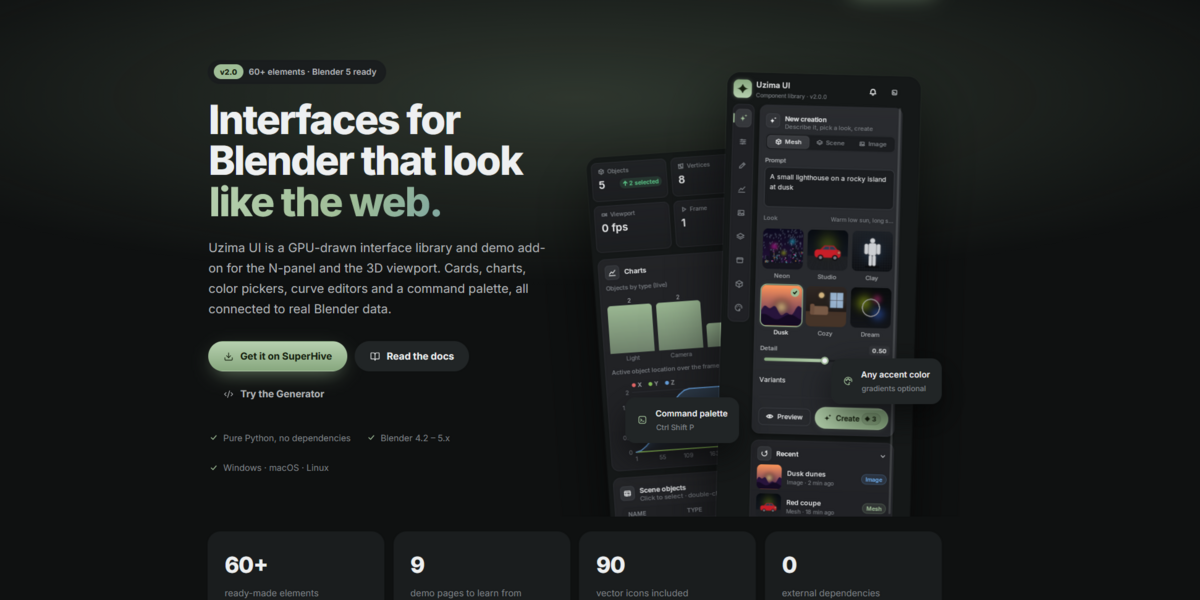
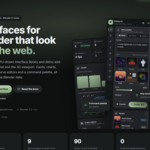
v2.0 Interfaces for Blender that look like the web.
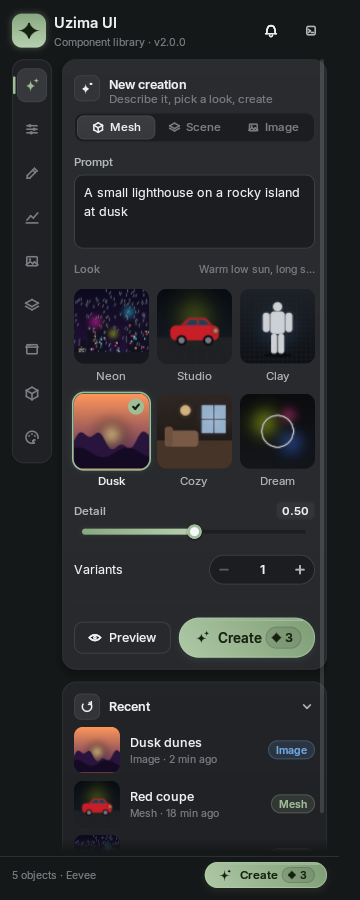
A custom GPU-drawn UI library and demo add-on for the N-panel and the 3D viewport. Cards, charts, color pickers, curve editors, a command palette and more, all connected to real Blender data.
Blender 5Works from 4.2Pure PythonOptional gradients
Not just pretty. Actually useful.
Blender's own panels are limited to a fixed set of widgets. Uzima draws every pixel itself, then connects it back to Blender so panels you build do real work.
Binds to real properties
Point any slider, switch, dropdown, vector or color at a Blender property with one string. Edits write back with undo.
Actions, hotkeys and operators
Buttons run operators or your own actions. Actions become real operators with keymap entries users can rebind.
Command palette and pie menu
A searchable launcher for your actions and every Blender operator, plus a radial pie menu at the cursor.
Curve and ramp editors
Edit real Float Curve and Color Ramp nodes, with presets, in a smooth custom editor.
Overlays in the 3D view
Draggable windows, dialogs, drawers and toasts, plus object labels, a ruler and a stats HUD drawn in the viewport.
Your colors, your style
Pick any accent and the shades follow. Presets, JSON themes, and switches to turn gradients and shadows off globally or per element.
See it in action
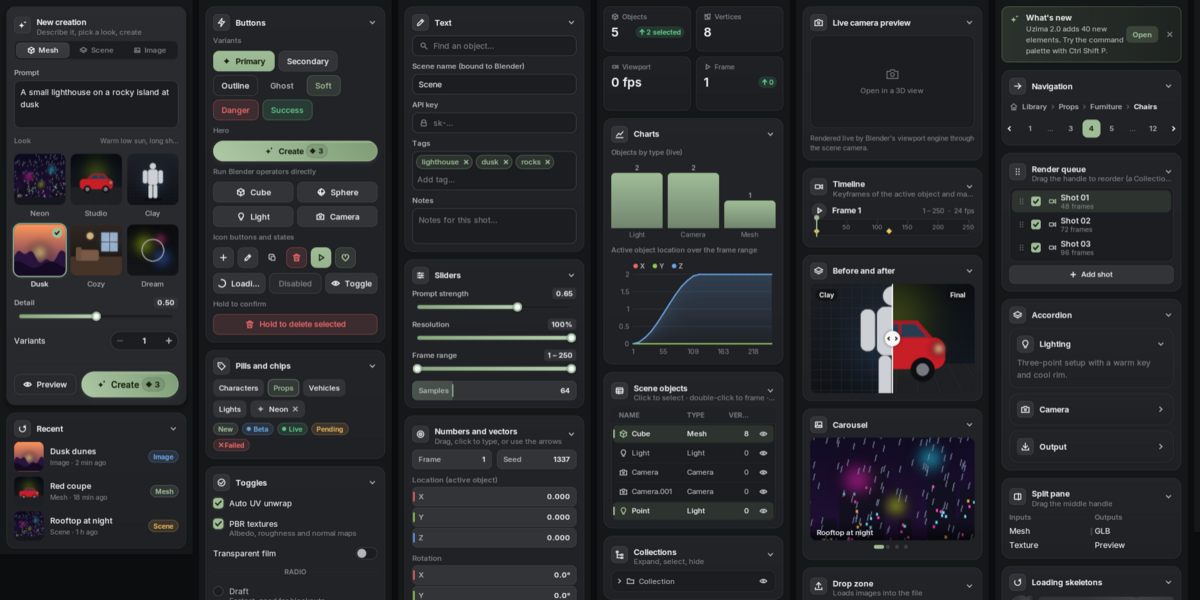
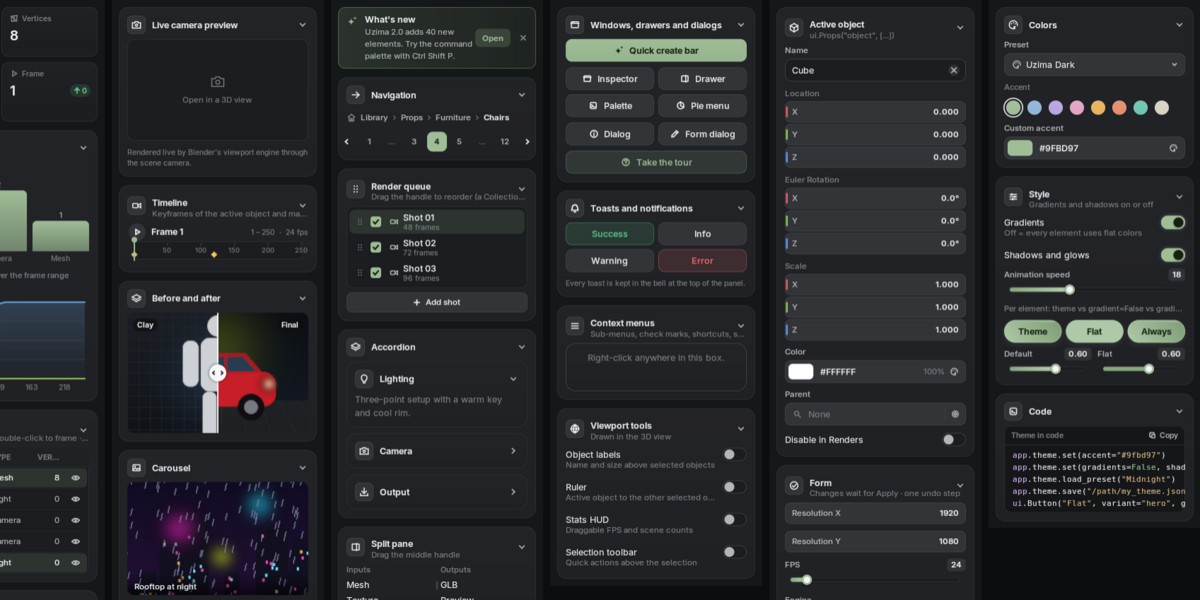
The demo add-on has nine pages. Every control you see is live.
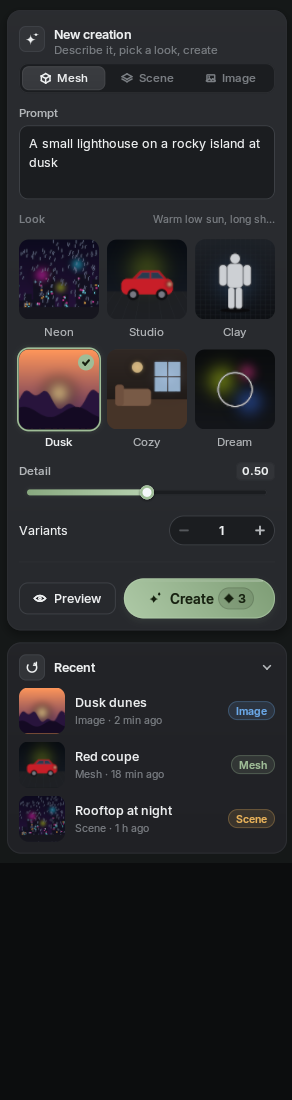
Create
Preview enums, composer card, hero button
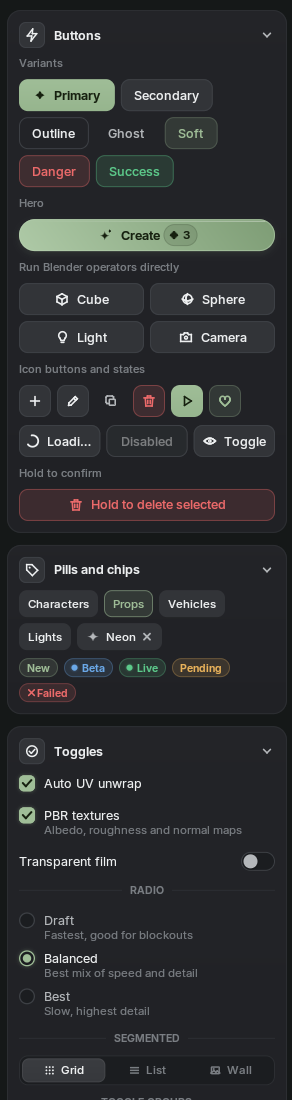
Controls
Button variants, toggles, chips, sliders
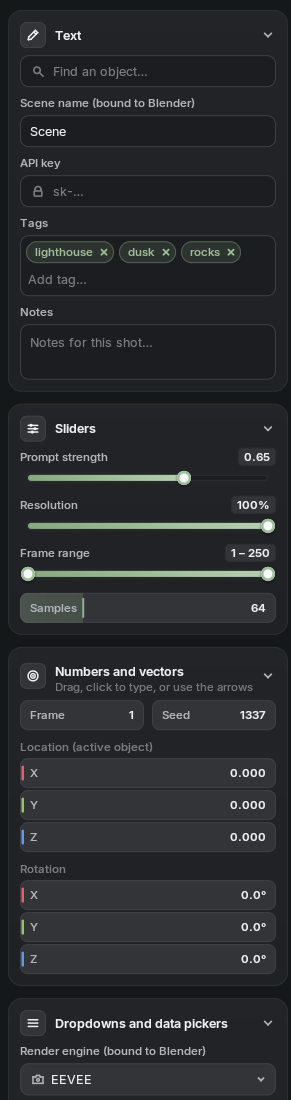
Inputs
Text, tags, vectors, pickers, hotkeys
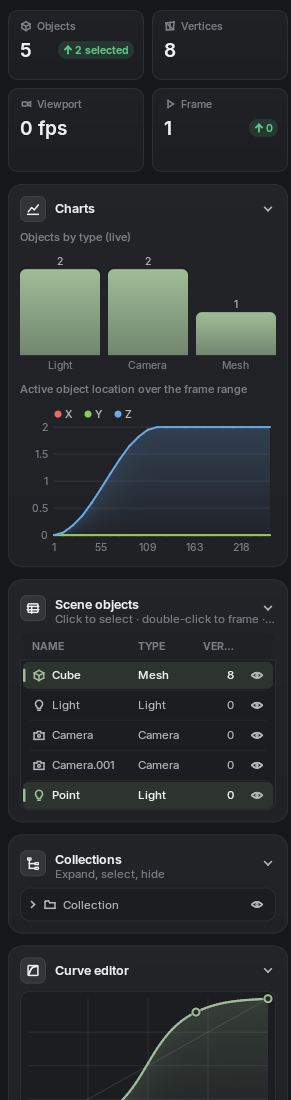
Data
Charts, live tables, timeline, curves
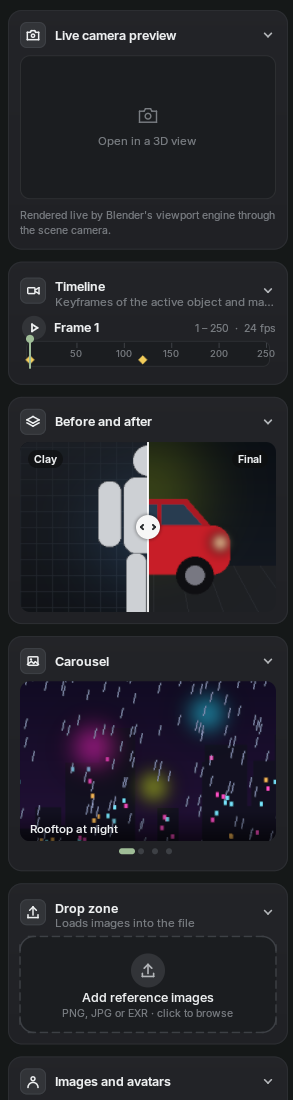
Media
Camera preview, before and after, carousel
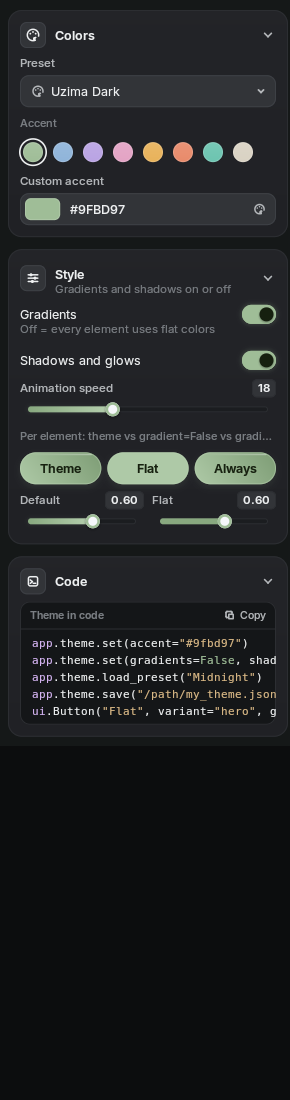
Theme
Live accent, presets, gradients on or off
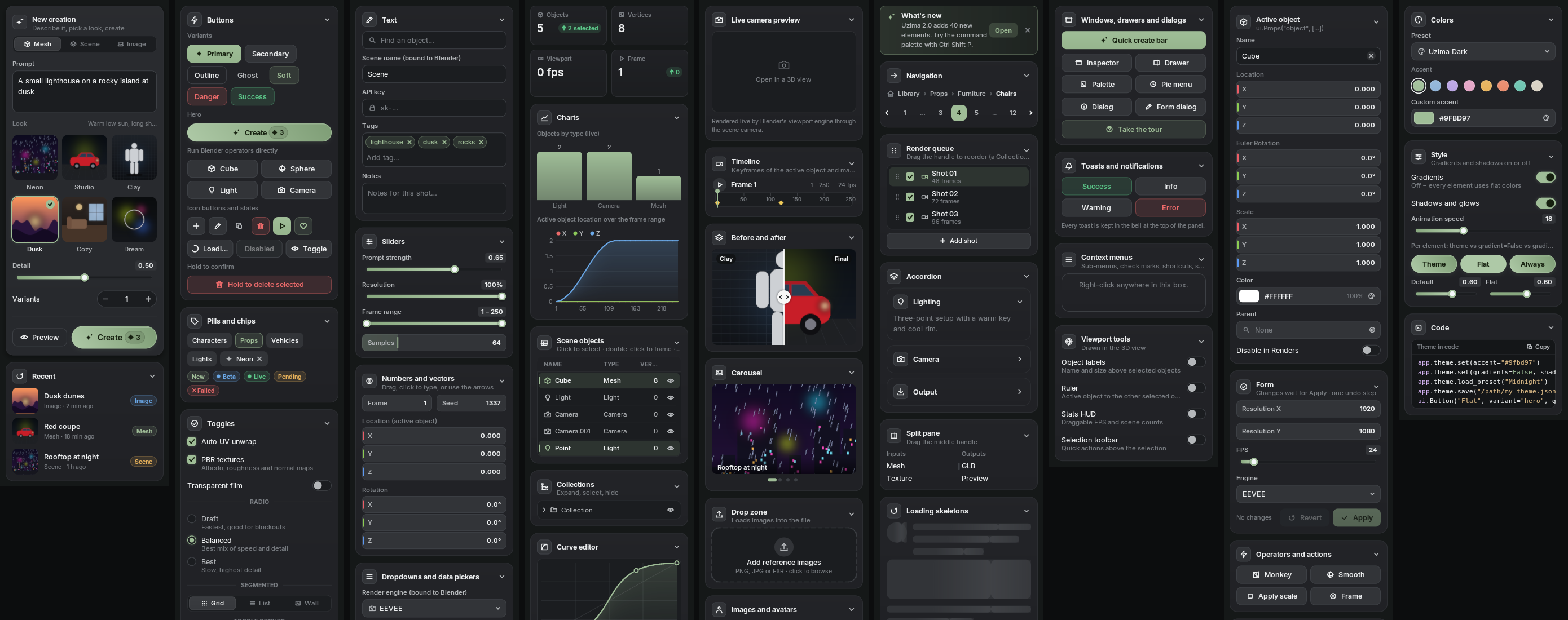
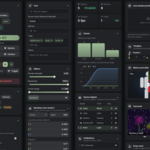
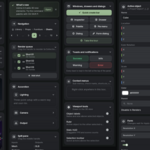
All nine demo pages side by side
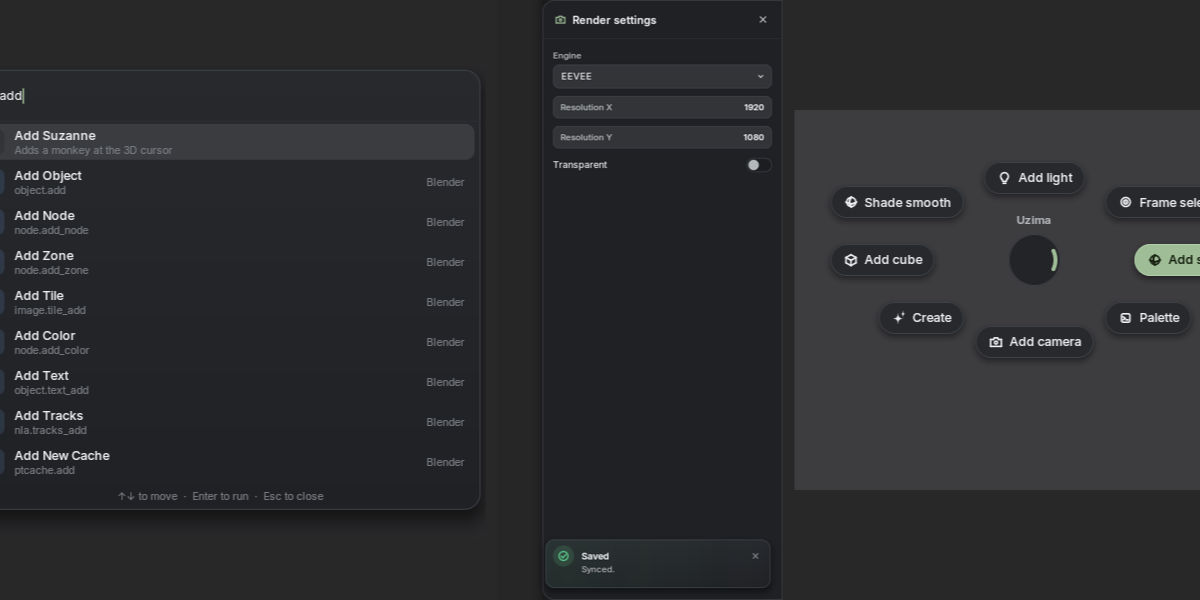
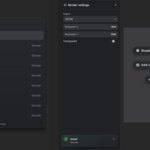
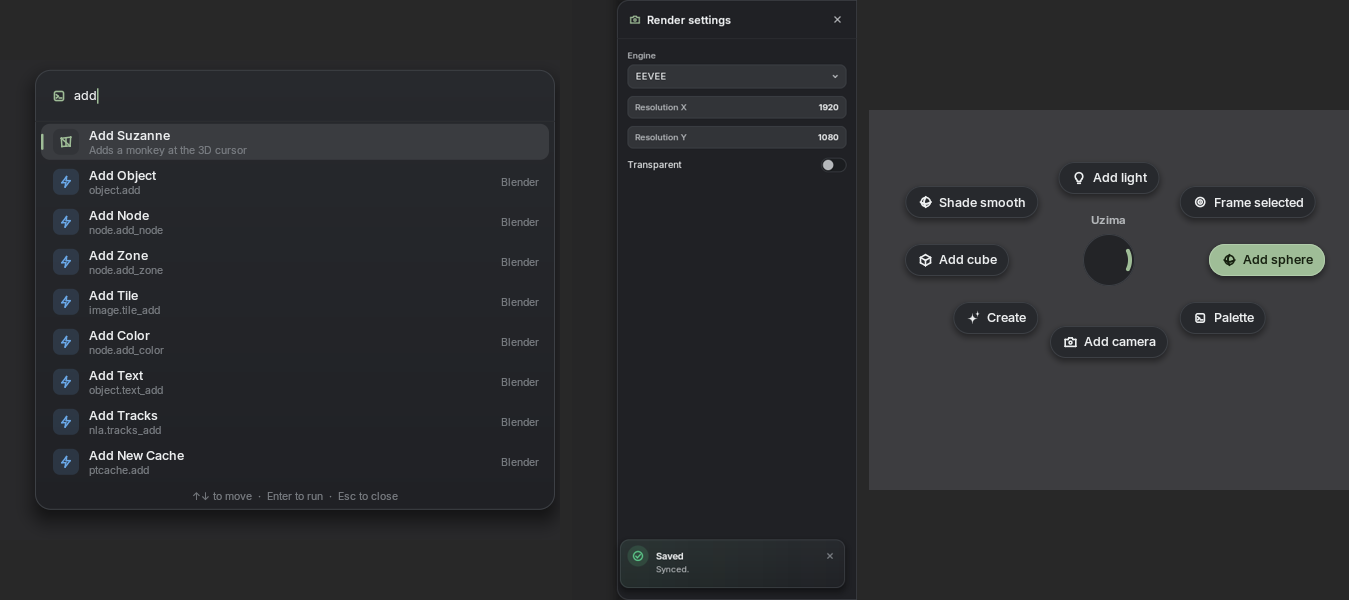
Command palette, windows, pie menu
Drawn above the 3D view. Search every Blender operator, drag a floating window, or flick through a radial menu.
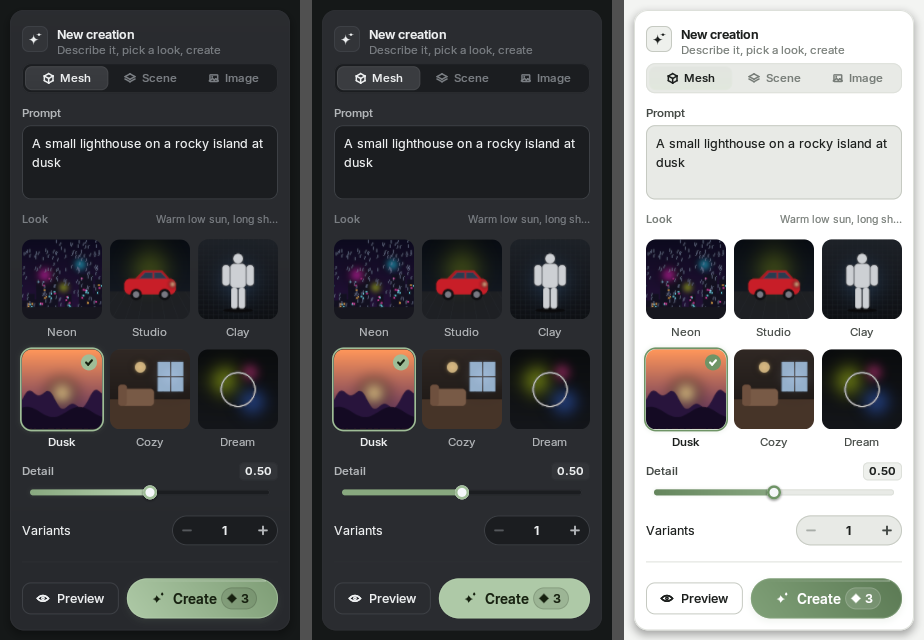
Gradients optional. Themes included.
Default look, flat look and the Light preset. One switch or one argument changes it.
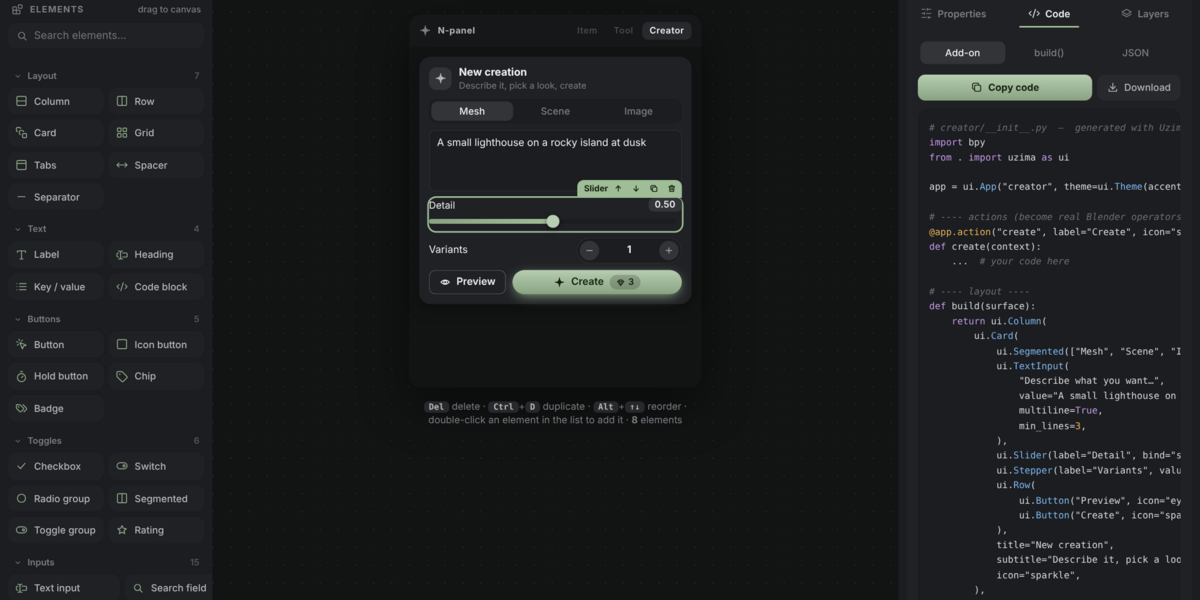
Design it visually with the Generator
Drag elements onto a live N-panel preview, tweak their properties, and copy clean Python. No guessing arguments.
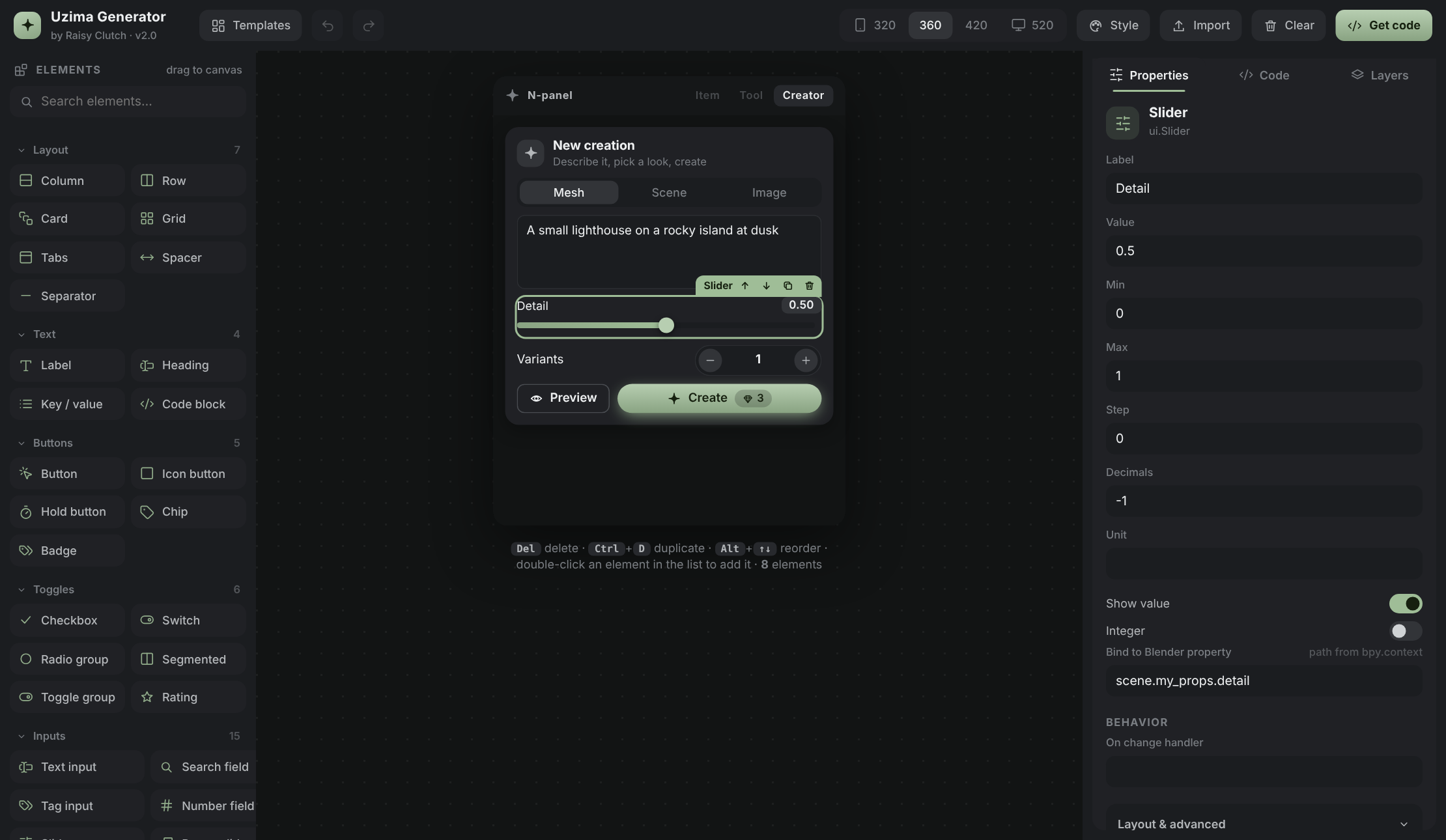
Drag and drop
Drop onto cards, rows, grids and tabs. Reorder by dragging, with undo and redo.
Property editor
Text, icons, variants, ranges, Blender bindings, actions, operators and visibility rules.
Code out
Get a full add-on file, only the build function, or a JSON layout you can re-import.
A few lines to a real panel
import bpyfrom . import uzima as uiapp = ui.App("my_addon") # unique id: keeps your panel / operator / keymap names separate@app.action("add_lamp", label="Add lamp", icon="light", hotkey="ctrl+shift+L")def add_lamp(context):bpy.ops.object.light_add(type="POINT")def build(surface):return ui.Column(ui.Prop("object.location"), # the right widget for any propertyui.Prop("scene.render.engine"),ui.Slider(bind="scene.my_props.strength"),ui.Button("Add lamp", action="add_lamp"),ui.Button("Cube", operator="mesh.primitive_cube_add", props={"size": 2}),)app.sidebar("My Tool", build=build) # an N-panel tabapp.viewport() # windows / dialogs / palette / viewport tools over the 3D viewdef register():# register your PropertyGroups first, then:app.register()def unregister():app.unregister()
60+ elements
Everything you need to build a modern tool panel.
Layout
Column, Row, Grid, Flow, Card, Tabs, Side navigation, Accordion, Split pane, Scaffold
Buttons
Hero, primary, outline, ghost, soft, danger; icon buttons, hold-to-confirm, chips, badges
Inputs
Text, search, tags, number, slider, range, knob, stepper, vector, dropdown, color picker, data picker, file path, hotkey
Data
Line and bar charts, sparklines, stat tiles, tables, tree view, steps, progress rings, histogram, curve editor, color ramp
Media
Image box, asset cards, avatars, live camera preview, before and after, carousel, frame scrubber, drop zone
Overlays
Floating windows, dialogs, drawers, toasts, notification bell, context menus, command palette, pie menu, guided tour
Viewport
Object labels, ruler, HUD, selection toolbar drawn in the 3D view
Get started in three steps
1
Install
Drop the zip into Blender (Edit, Preferences, Get Extensions, Install from Disk).
2
Explore
Press N in the 3D viewport and open the Uzima tab. Nine pages show every element, wired to your scene.
3
Build
Copy the uzima folder into your own add-on, or design visually in the Generator and paste the code.
What is in the package
- Demo add-on with nine pages showing every element
- The uzima library, ready to copy into your own add-ons
- Documentation site with API reference and recipes
- Visual Generator that writes the Python for you
- Bundled Inter font and 90 vector icons
- Four theme presets and sample images
Compatibility and notes
Requirements
Blender 5.0 or newer (works from 4.2). Windows, macOS and Linux. No extra Python packages.
Good to know
Files cannot be dragged into panels from outside Blender, so the drop zone opens the file browser. Text fields do not support IME composition.
License
GPL-3.0-or-later. The bundled Inter font is under the SIL Open Font License.
Learn it, then build with it
The full documentation and the drag-and-drop Generator are free
?
Designer and developer of Uzima UI. Questions and ideas are welcome in the comments.
