Value Blend Nodes
 Nodes and noodles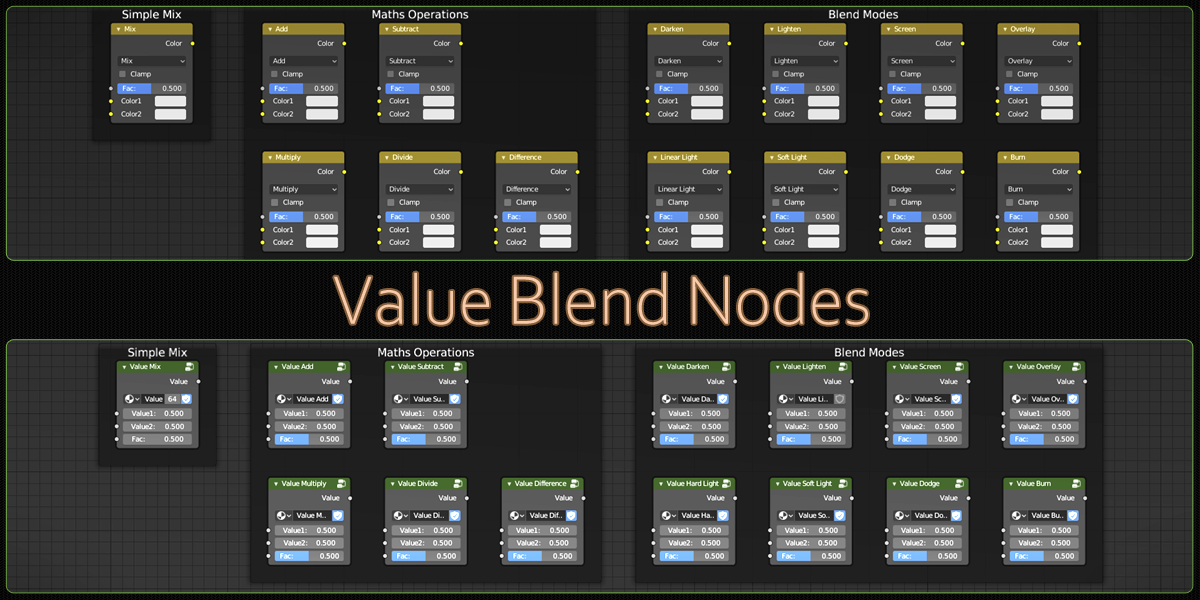

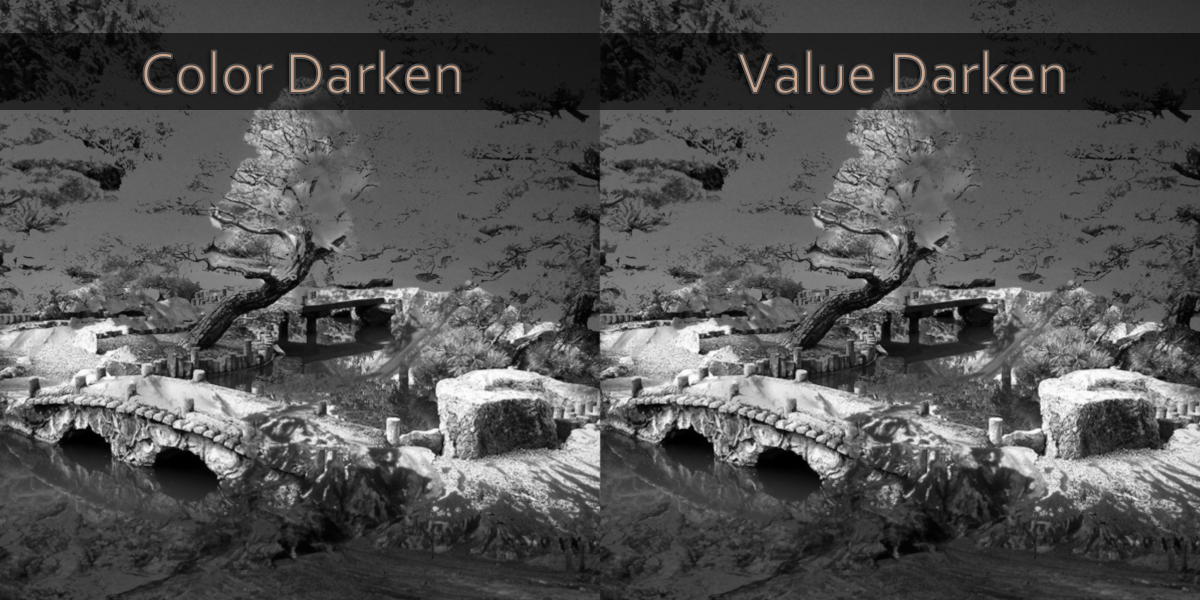
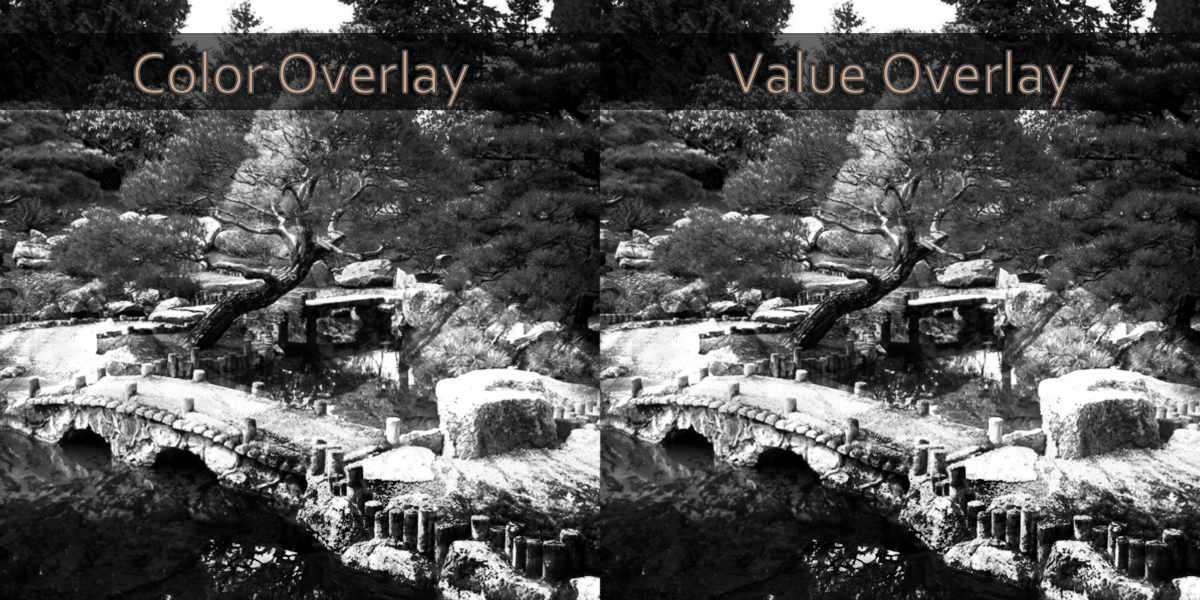


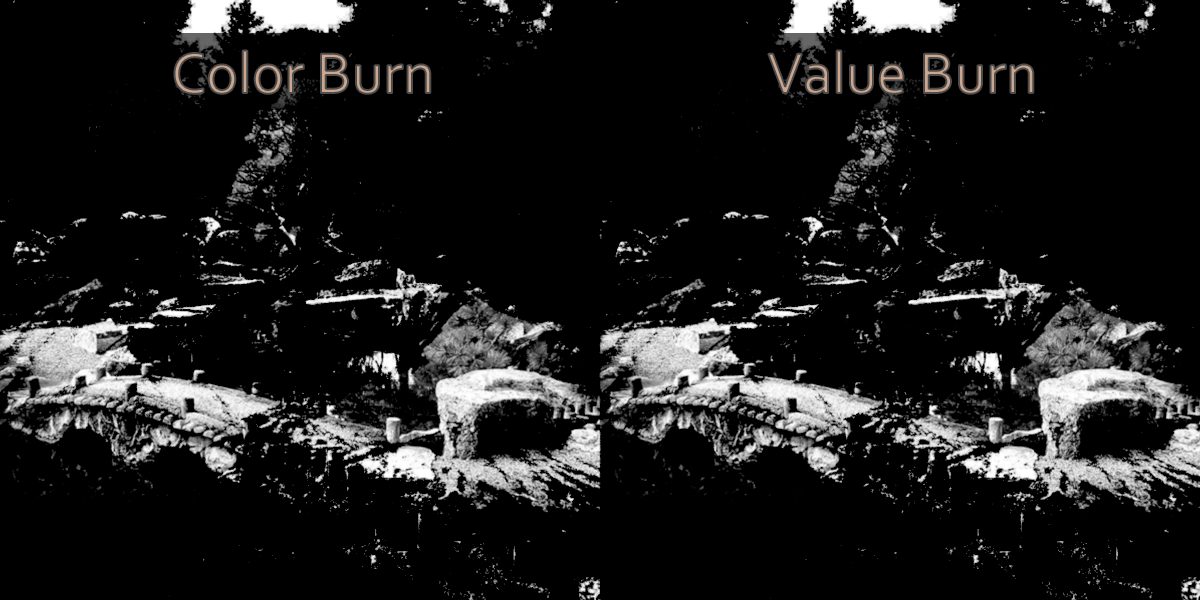
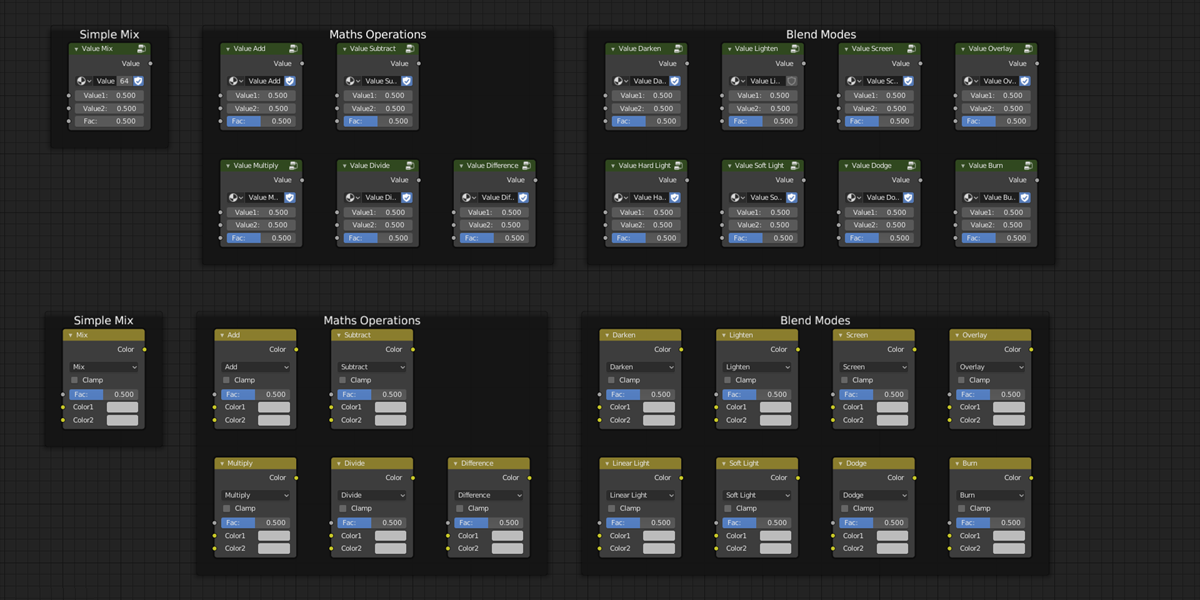
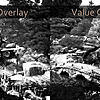
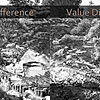
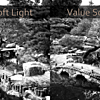
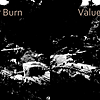
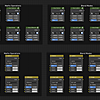
Add the Nodes to your Blender project
- Open your existing project or start a new one in Blender
- Click File -> Append then browse to your downloaded file and click on it once
- Click on NodeTree, then select the Value nodes, click Append from Library
- The nodes will be available from the Add -> Group menu in the Shader Editor
$6
Have questions about this product?
Login to message
| Sales | 50+ |
| Rating | 1 ratings |
| Dev Fund Contributor | |
| Published | about 7 years ago |
| Blender Version | 4.2, 4.1, 4.0, 3.6, 3.5, 3.4, 3.3, 3.2, 3.1, 3.0, 2.93, 2.92, 2.91, 2.9, 2.83, 2.82, 2.81, 2.8, 2.7x, 2.79 |
| License | Royalty Free |
Discover more products like this
value custom node Shader bfcm21 color mix mix node group blend mode optimized Node performance bfcm19 shader editor